KeyHelp CyberPanel both provide a free admin interface, but they rely on different web servers and approaches. I clearly show how KeyHelp with Nginx aims for order and email quality, while CyberPanel with (Open)LiteSpeed focuses on speed and load balancing.
Key points
The following key sentences help me to make the right choice quickly.
- Web server: Nginx at KeyHelp vs. LiteSpeed at CyberPanel
- PerformanceLiteSpeed often results in shorter response times [2][4][12]
- E-mail: KeyHelp impresses with delivery and administration
- CachingCyberPanel uses LiteSpeed Cache and QUIC.cloud
- LicenseBoth free of charge, LiteSpeed Enterprise for a fee
What is the real difference between KeyHelp and CyberPanel?
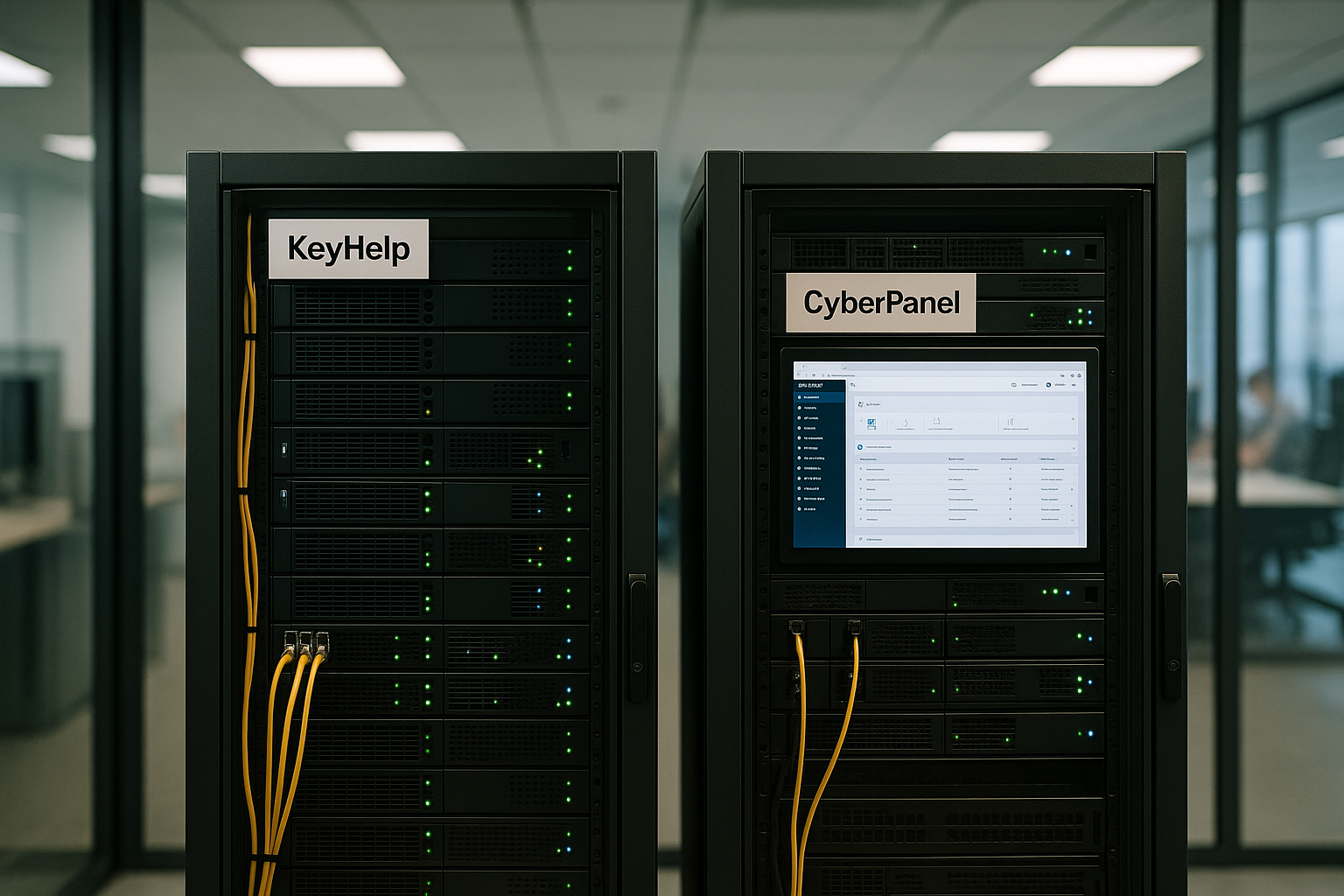
I see two clear concepts: KeyHelp focuses on order, security and reliable email, while CyberPanel consistently aims for performance with (Open)LiteSpeed. Both solutions cover DNS, SSL, databases, FTP and backups, but the substructure has a noticeable impact on everyday life. Nginx scores with its low resource requirements, LiteSpeed shines with PHP load and a large number of simultaneous requests. KeyHelp provides a steady hand on the server for agency projects with several customers. If a store is growing rapidly or there are peaks, I use CyberPanel to exploit the advantages of LiteSpeed and the integrated cache.
User interface and workflow
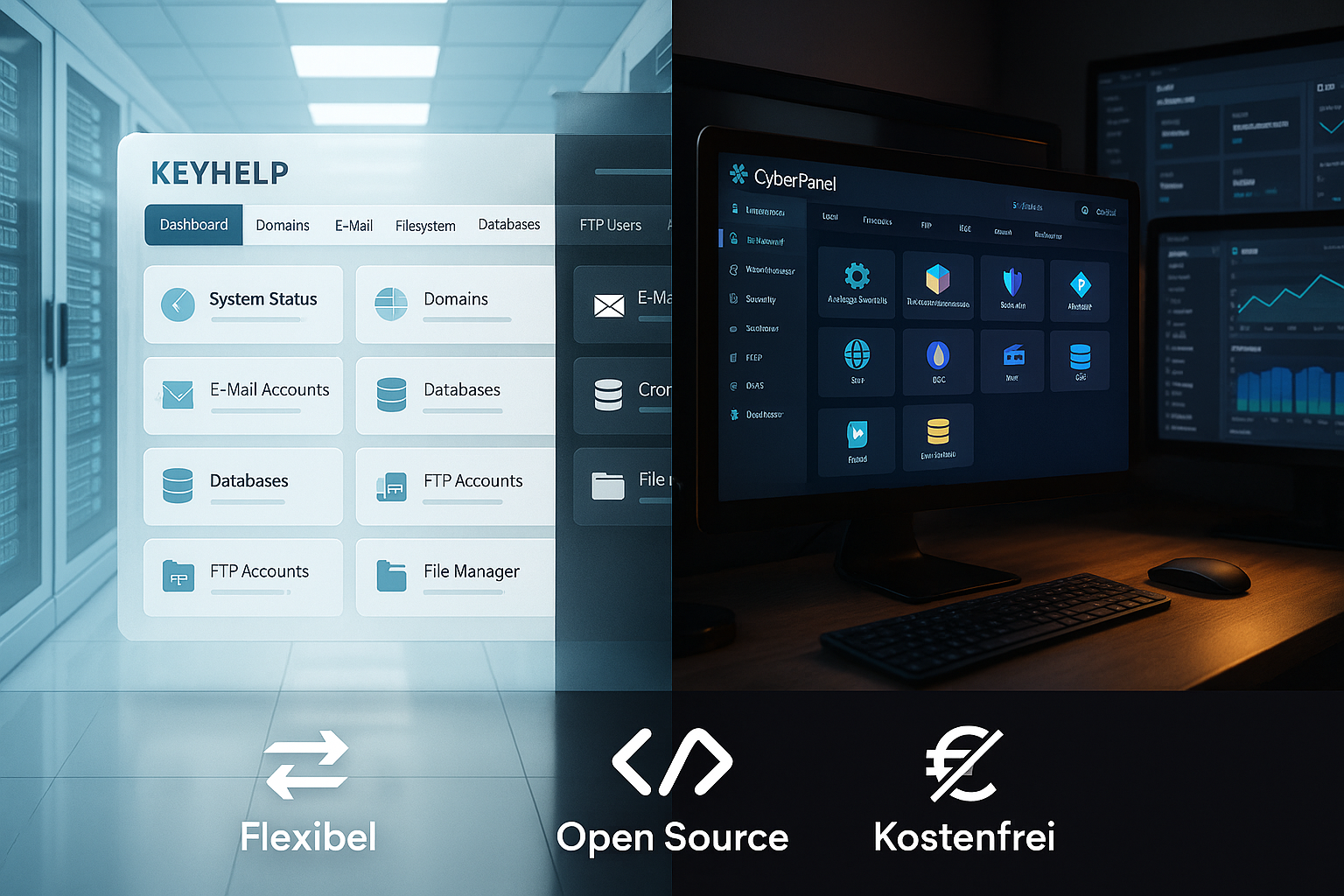
I appreciate KeyHelp the clear structure, sensible defaults and the seamless assignment of rights for admins, customers and sub-accounts. The interface quickly takes me to email inboxes, certificates or backups without me having to make unnecessary clicks. The REST API connects external tools for monitoring and automation, which makes reporting and alerts easier. If you want to delve deeper, the compact KeyHelp Guide many practical tips. CyberPanel looks more modern, relies on fast actions for domains, databases and certificates and integrates LiteSpeed Cache directly, which speeds up deployments.

Performance: nginx vs. LiteSpeed in practice
When it comes to performance, numbers provide orientation, and this is where LiteSpeed clear exclamation marks. In benchmarks, OpenLiteSpeed with an average response time of around 279 ms is ahead of Nginx with around 604 ms, particularly noticeable with high parallelism [2][4][12]. For WordPress, WooCommerce and other dynamic applications, this is noticeable through shorter time-to-first-byte and higher throughput [2][4][10]. Nginx remains lean and widely used, but LiteSpeed uses its integrated PHP handling and asynchronous design for more reserves under load. Those who love metrics will recognize that LiteSpeed often keeps latency lower and throughput higher during sudden peaks [2][4][12].
Caching, PHP and tuning for WordPress and stores
CyberPanel binds LiteSpeed Cache at application level and enables full-page caching, ESI, image optimization and QUIC.cloud connection without detours. This allows me to reduce server load, increase the cache hit rate and minimize TTFB during peak loads. I configure PHP versions and workers directly in the interface or via CLI, which allows targeted optimizations. An introduction to the technology is provided by the OpenLiteSpeed advantages in a compact format. KeyHelp also offers clean PHP management and solid caching options via Nginx, but LiteSpeed's deeply integrated features remain CyberPanel's ace in the hole.
E-mail handling, DNS and data security
For mail setups KeyHelp strong values: DKIM, SPF, quotas and clear mailbox management ensure good delivery and control. I set up mailboxes, aliases and forwarding quickly, set clean password rules and keep spam under control. Backups can be automated, restored and separated by project, which saves me time on a day-to-day basis. DNS management and SSL handling are easy to integrate, including Let's Encrypt. CyberPanel can also do this, but I find KeyHelp to be very reliable in continuous use for mail projects.
Rights, clients and automation
Agencies and teams benefit from Rollers, quotas and clean client separation in KeyHelp. Projects with multiple clients remain clearly organized, while the REST API connects external backups, monitoring and ticketing. I can evaluate logs and alarms centrally and forward them to systems that I already use. CyberPanel also comes with reseller features and rights management, but focuses more on fast deployments and performance tuning. If you need the admin center for recurring customer work, KeyHelp provides a calm, well-organized environment.

Costs and licenses clearly explained
Both panels are available in the basic version free of charge, which allows me to start without ongoing fees. KeyHelp remains completely license-free, which saves budgets and facilitates growth. CyberPanel is also free, but a license is required for LiteSpeed Enterprise; OpenLiteSpeed already covers many scenarios. If you want pure performance for highly frequented stores, you can calculate the Enterprise version against savings in hardware and operation. In some comparisons, webhoster.de ranks as the test winner and combines price, support and range of functions in a balanced way [7][5].
Comparison table: functions in a direct check
The following overview summarizes the most important features so that I can plan the application quickly.
| Aspect | KeyHelp | CyberPanel |
|---|---|---|
| Web server | Nginx | (Open)LiteSpeed |
| Caching | Nginx cache, external tools | LiteSpeed Cache, QUIC.cloud |
| Strong setup with DKIM/SPF, good delivery | Solid mailbox management, focus more on web performance | |
| Clients/Resellers | Fine rolls, clear separation | Reseller functions, fast for deployments |
| Automation | REST API, logs, external connection | GUI + CLI, tuning directly in the panel |
| Updates | Auto-updates, good defaults | Zero-downtime updates, mod_security |
| License | Completely free of charge | Free of charge (OpenLiteSpeed), Enterprise for a fee |
| Strengths | E-mail, order, agency workflows | Performance, caching, peak load |

Which panel is right for whom? Practical scenarios
Agencies, freelancers and admins with many customer instances access KeyHelp, because client separation, backups and everyday email are conveniently solved there. Those who run WordPress or store projects with peak loads often achieve shorter response times with CyberPanel and LiteSpeed. For hosting environments with a focus on email, I like to stick with KeyHelp; for traffic fireworks, I switch to CyberPanel. A complementary look at KeyHelp vs aaPanel also shows why KeyHelp scores points for e-mail and organization. In the end, it all comes down to the intended use: communication and structure on the one hand, high performance and caching on the other.
Setup, updates and everyday operation
I reach my destination quickly with both solutions, but the Workflow is different. KeyHelp guides me through domains, mailboxes and SSL in clear steps, which simplifies project work. CyberPanel turbo-charges deployments and integrates LiteSpeed options at key points. Zero-downtime updates save maintenance windows, while mod_security rules increase security. For recurring tasks, I write automations via API or CLI to keep day-to-day business lean.
Operating systems, requirements and installation
Practice begins with the basis: OS support and resources. KeyHelp feels at home on common Debian/Ubuntu setups and relies on a slim profile - ideal for smaller VPS or dedicated servers with many customer instances. CyberPanel supports common enterprise distributions such as Ubuntu and AlmaLinux and comes with OpenLiteSpeed. For production, I plan at least 2 CPU cores and 4 GB RAM, and more for stores or a high proportion of PHP. SSDs are mandatory, HTTP/3/QUIC benefits from modern stacks and clean TLS parameters. Both installers guide me through the basic configuration; if you like reproducible setups, create shell scripts and document the defaults for each project.
Security and compliance
Both panels deliver today 2FA, role-based rights and clean TLS automation. In practice, I add: hardening via SSH policies, firewall (e.g. with UFW/Firewalld), fail2ban rules and a WAF setup. CyberPanel seamlessly integrates mod_security in combination with LiteSpeed; in KeyHelp I rely on Nginx + ModSecurity-Connector or external protection layers. For mails are DMARC, SPF, DKIM Mandatory - and above all the PTR/rDNS entry with the provider. I monitor the mail queue, set quotas, greylisting as required and regularly check blacklists. For compliance (e.g. GDPR), I document backup plans, deletion concepts and access paths. Important: Certificate rotation with Let's Encrypt also for staging domains via DNS challenges so that wildcards and internal namespaces are properly covered.
Migration and relocation scenarios
In everyday life, I often move projects between panels and hosts. My blueprintComplete file backup, database dumps, export of mailboxes with imapsync, then lower DNS TTL and switch over step by step. CyberPanel scores with WordPress thanks to the LSCache ecosystem; here I explicitly migrate cache strategies and test TTFB under load. With KeyHelp, I pay attention to Nginx rewrite rules that previously lived in .htaccess - some plugins expect Apache compatibility. I stick to a Readiness checkPHP version, max_execution_time, memory limits, upload sizes, cronjobs, scheduler and SMTP/queue. After the cutover, I run shadow logs and leave the old server in read-only standby for another 24-48 hours to secure return paths.
Monitoring, logs and observability
Stable setups live from Visibility. KeyHelp and CyberPanel already provide structured web server, PHP and mail logs; I bundle them into central systems. For apps, I use health checks, query logs (database), rate limits and alerts for error frequency instead of individual events. Practical: On LiteSpeed, I often see load peaks as a cache-hit relation, while with Nginx I keep a close eye on worker utilization and upstream PHP-FPM. For SLAs, I define metrics such as 95th/99th percentile of response time, error rates and queue length for mails. This allows me to recognize early on whether caching is taking effect or whether I need to invest in PHP or database tuning.
DevOps, staging and deployment
Whether WordPress, store or headless backend: A staging-first-approach saves nerves. In CyberPanel, I link Git deployments and activate LSCache rules per environment, including separate object caches. KeyHelp makes the Client separation for staging/prod easily and lets you control cronjobs cleanly per project. I use WP-CLI, Composer and Node builds via SSH, automate database migrations and keep .env/config separate per instance. Important is the Cache coherenceAfter deployments, I specifically invalidate pages, assets and OPcache. Both panels support multiple PHP versions, which facilitates Blue/Green changes at URL or vHost level.
Resource profile and cost analysis
Nginx is extremely frugal when idle and delivers static content extremely efficiently. LiteSpeed shows its strengths under high parallelism and dynamic PHP load - often with noticeably better throughput [2][4][12]. I therefore take the following into account when planning my budget: LSCache significantly reduces CPU minutes for PHP; this reduces the required hardware performance or increases reserves for peaks. KeyHelp/Nginx feels at home on small VPSs with many mail accounts and a moderate web share. For campaigns, sales events or global reach, OpenLiteSpeed often pays off, and enterprise licenses can amortize against hardware scaling. I plan reserves of 30-50 % for peaks so that auto-updates or backups don't slow things down at peak times.
Common stumbling blocks and best practices
Experience shows that teams stumble over Rewrite rulesOLS understands .htaccess (Apache-compatible), Nginx requires translated directives. I consistently check this before going live on staging. Second point: Email reputation. Without rDNS, DMARC and clean bounce policies, delivery is quickly watered down - KeyHelp makes it easy, but I still check provider settings separately. Thirdly: Cache miss traps. I have to configure ESI/Bypasses correctly for logged-in users or individual prices, otherwise inconsistencies will occur. Fourthly: Test backups. Restore samples are mandatory, not just rotating jobs. And finally: Updates plan - zero downtime works if I have maintenance windows, health checks and rollbacks ready.
Decision-making aid: quick checklist
- Mail focus, clients, clear processes? I choose KeyHelp.
- Peak load, dynamic pages, WordPress/shop speed? CyberPanel with (Open)LiteSpeed.
- Small VPS, many mailboxes, limited resources? Nginx/KeyHelp shows its efficiency.
- Large campaigns, TTFB critical, caching-first strategy? LiteSpeed/LSCache.
- Strict roles, API connection, agency workflows? KeyHelp with clean separation.
- CI/CD, frequent deployments, tuning in the panel? CyberPanel scores points for speed.
My assessment in a nutshell
Let me summarize: KeyHelp delivers order, good defaults and strong e-mail functions, which makes agency setups and customer-oriented projects pleasant. CyberPanel with (Open)LiteSpeed addresses high load, short response times and modern caching, which makes performance targets much easier to achieve [2][4][12]. Both panels can be used free of charge, which means you can get started quickly; the LiteSpeed Enterprise license is a business option for very demanding scenarios. For email and clear structures, I use KeyHelp; for speed, peaks and WordPress tuning, I use CyberPanel. This way, I focus on where it will bring the most benefit to my project.