Skip to content
Whether your website loses data due to a hacker attack, a system error or an operating error - only if you have your Back up MySQL database you can secure permanent access to content and customer data. In this article, I will show you all the important methods, tools and recommendations for permanently preventing data loss and reliably securing your database.
Key points
- Regular backups protect you from incalculable risks such as loss due to server downtime.
- With Tools like mysqldump or phpMyAdmin, each backup can be performed manually or automatically.
- Automated systems save time and significantly reduce sources of error.
- Offsite backups increase reliability, especially in the event of hosting problems.
- Test-Restores ensure real crisis security and functioning recoveries.
However, there is much more to these five points. A backup concept requires some planning and discipline. It's not just about backing up the data, but about the entire process from preparation to recovery. You should take into account how often your data changes and how much downtime is allowed before real damage occurs. Depending on the project, website or online store, you will have different requirements. It is therefore crucial to choose the right backup level and follow it consistently.

Why a fuse is essential
A complete backup of your database is not an optional extra, but an existential layer of security. A technical defect, an accidentally deleted data record or data manipulated by malware is enough to jeopardize the operation of your website. If you regularly check your Secure MySQL databaseyou reduce this risk considerably.
What's more, many websites are constantly growing. New posts, customer information or store orders constantly generate changes in the database. Without a backup, not only will all this information be lost, but it can hardly be reconstructed. If you don't have a functioning backup, you not only risk financial losses, but also a loss of trust among users.
In addition, backup is an essential element for compliance with legal requirements. Depending on the industry, national or international data protection regulations may apply, which clearly define how personal data is to be stored and restored in the event of an emergency. A patchy backup concept can quickly lead to warnings or fines. So always bear in mind your responsibility towards users and customers as the amount of data increases.
Especially with data-intensive applications, such as large online stores, sensitive customer data, order information or payment transactions flow into your MySQL tables on a daily basis. A failure of this database would have a direct impact on your revenue and reputation. Therefore, the more important the data, the more frequent and reliable the backup frequency should be. This way, you can still track changes that occur within a few hours in the event of an emergency.
Methods at a glance: How to secure your database properly
There are several ways you can back up your MySQL database - from simple tools to a sophisticated backup strategy. Your choice depends heavily on how much automation and security you need.
| Method | Advantages | Recommended for |
|---|---|---|
| mysqldump | Flexible, detailed control | Admins, developers |
| phpMyAdmin | Easy to handle | Beginners and small websites |
| Cron + AutoMySQLBackup | Automation, versioning | Medium to large projects |
| Web hosting backup | Comfortable, no furnishings | Online stores, agencies |
| Backup software | Encryption, storage locations freely selectable | Companies with GDPR requirements |
In addition to these methods, there are also advanced options such as continuous database replication or "point-in-time recovery", which are used particularly in larger enterprise environments. Here, for example, every change to the database is recorded in so-called binary logs, so that you can theoretically reconstruct every transaction up to a certain point. However, these advanced solutions are usually more complex to set up and maintain and are particularly worthwhile for very data-intensive projects with high availability requirements.
It is important that you not only store your backups somewhere, but that you are aware of the storage location and access rights. A common mistake is to store the backup file on the same server as the database. If there is a total failure of the server - for example due to a hardware defect - both the live database and the backup are lost at the same time. A better solution is to use an additional external drive, a cloud service or other physical data carriers.
Manual backup with mysqldump
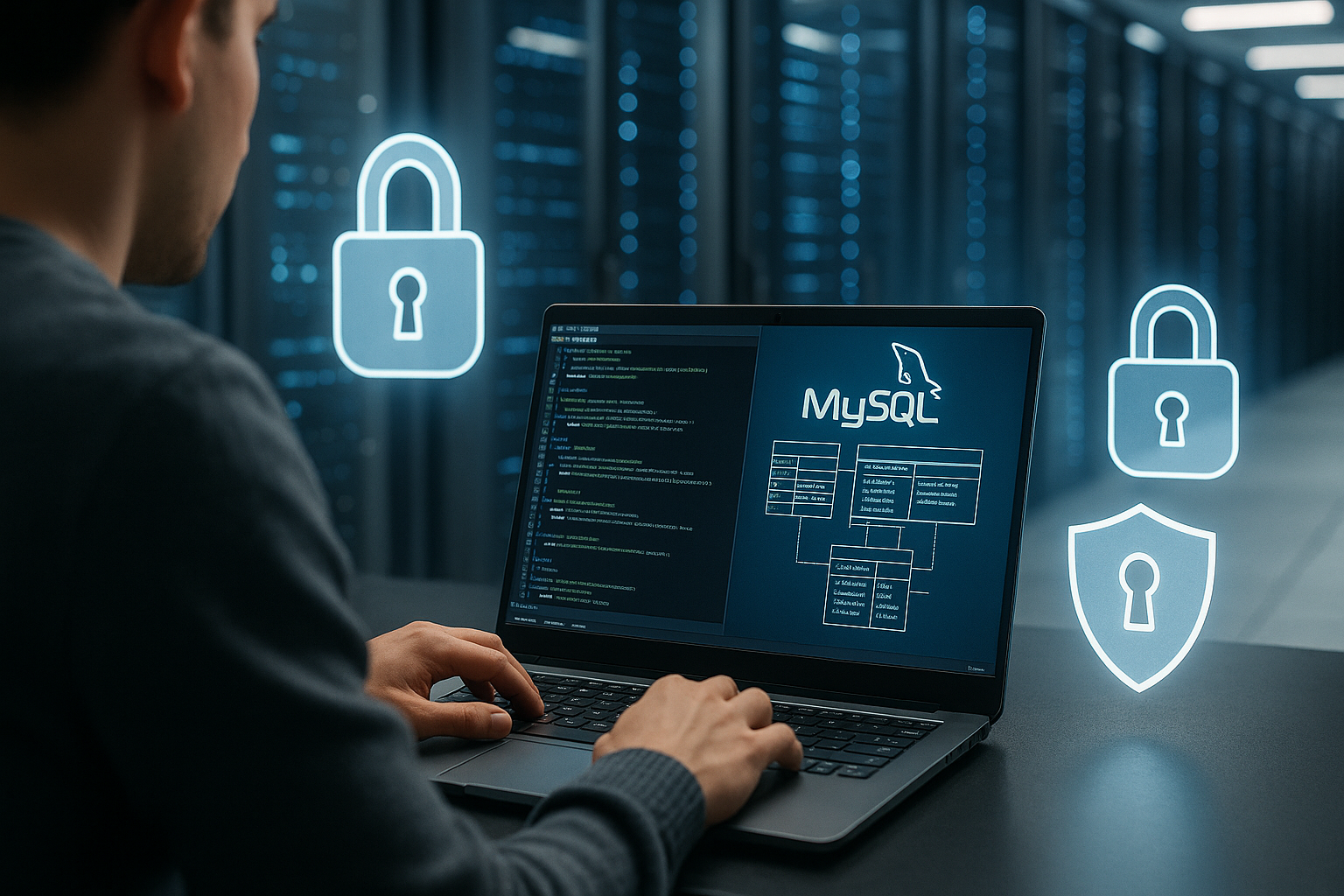
Via mysqldump you export your database structure and content to a single .sql file. To do this, however, you need access to your server's console. The command looks like this, for example:
mysqldump --no-tablespaces --host=HOSTNAME --user=USERNAME --password=PASSWORD DATABASENAME > backup.sqlAfter generation, you can download the file via FTP. Then store it outside the web serverto prevent manipulation by third parties.
One advantage of mysqldump is its great flexibility. For example, you can back up only certain tables by listing them in the command, or you can export the database structure without the contents to create an empty database with all tables. Backups can also be compressed by sending the output directly to gzip or bzip2, which saves disk space. Remember, however, that a compressed backup must be unpacked before the restore.
You can also use scripts to run several mysqldump calls in succession and automatically provide the resulting files with a timestamp. This creates a small versioning that gives you a certain amount of flexibility when restoring. However, you should make sure that your script is robust enough to intercept any error messages. A defective dump script that fails unnoticed for weeks is worth at least as little as no backup at all.
Backup via phpMyAdmin
Are you not a command line expert? Then use the export function in phpMyAdmin. You can find it in the menu of your database interface. After selecting the structure and content, simply click on "Export" and download the SQL file.
This method is particularly suitable for smaller blogs or websites where changes are not made every minute. For permanently secure projects, I recommend combining it with an automated solution such as AutoMySQLBackup.
A trick for phpMyAdmin: Make sure that you select the correct database format (e.g. SQL) when exporting and do not inadvertently create only a partial backup. You can also set whether you only want to back up certain tables from your database, which is useful, for example, if only a single table is heavily used and you are pursuing a targeted sub-backup strategy. However, keep in mind that a complete data backup still offers the most secure protection against unexpected total failures.
Automated backup with AutoMySQLBackup
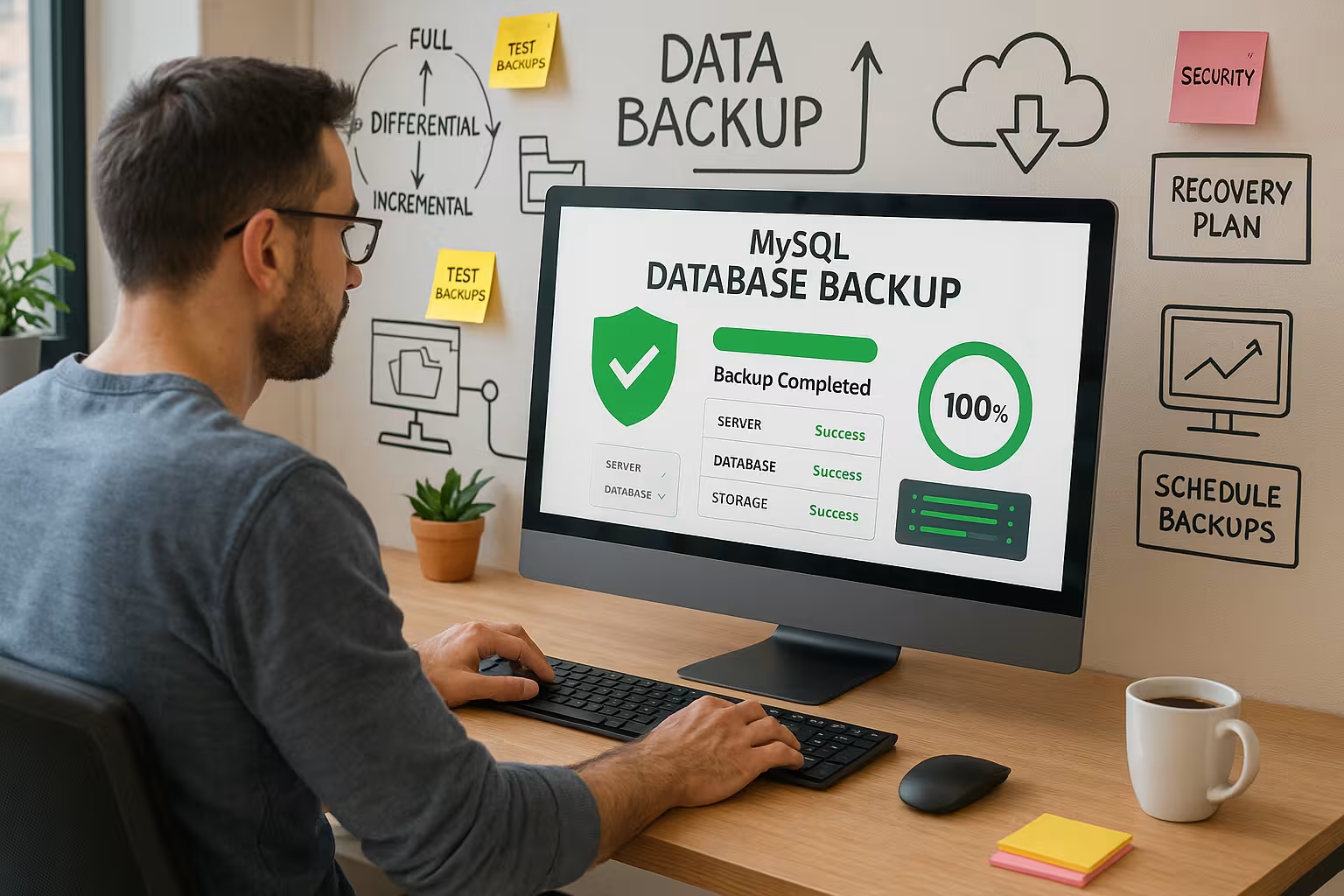
AutoMySQLBackup is a lean tool for Linux systems that performs regular backups via Cronjobs is scheduled. You install it directly via the package manager of your distribution, configure your database access and set schedules.
You can find out more in my tutorial on Automated backup solutions. Important: Check the tool's logs at regular intervals. This is the only way to detect errors at an early stage and intervene.
When configuring via cronjobs, you should ask yourself at what intervals backups are really necessary. For a small, rarely updated site or blog, a weekly backup may be sufficient. If you run a frequently visited online store, daily, several times a day or even hourly backups make sense in order to minimize sales losses in the event of a failure. The storage strategy is also crucial here: it is advisable not to delete older backups immediately, but to keep them for a certain period of time. This way, you can revert to an older, functioning version of your database in the event of major problems.
Don't forget that an automatic solution such as AutoMySQLBackup is only reliable if you regularly check whether it has actually been executed. Automated email notifications or log entries can help you here. It is also best to set up automated checks that inform you as soon as a backup fails or is incomplete.
Backup via your hosting provider
Many hosting packages already offer Integrated backup functions. You can activate daily or weekly backup schedules via the customer panel. Highly recommended: Check whether the provider also provides a simple restore function via a restore button.
Service providers such as webhoster.de offer particularly reliable automation with defined storage cycles and excellent infrastructure - no prior technical knowledge required.
Another aspect for providers is often the choice of how long backups are kept. For example, some providers offer you "7-day backups", where you have a backup window for every single day. However, check carefully whether these intervals suit your backup strategy. If you have particularly large databases, such standard solutions can quickly reach their limits. It is also advisable to find out where exactly the data is stored and whether there is separate offsite storage. This is because hardware problems can also occur with the hosting provider, albeit rarely.
Backup handling with WordPress
Especially with WordPress websites, the databases grow quickly due to the constant addition of plugins, comments or pages. A backup is particularly important here vital. You should save both the database and the file structure regularly.
Detailed instructions on how to WordPress backup strategy helps you to reliably back up both sub-areas and restore them independently in an emergency. This involves not only saving, but also testing the recovery process.
There are also numerous plugin solutions for WordPress that can automatically back up your database. Some even offer the option of uploading the backed-up data to common cloud services such as Dropbox, Google Drive or Amazon S3. Such an automated solution saves time, especially if you have a lot of traffic and high data volumes. Nevertheless, the same applies here: Don't rely solely on plugins, but make sure manually or via your host that a functioning backup is available in the event of a crisis. In the long term, it is worth using a combination of plugin backups, server-side backups and regular testing.
Best practices for maximum security
A backup alone is no substitute for a security strategy. Only by combining different practices can you really protect yourself effectively against data loss. I recommend the following procedure:
- Multiple storage locations: local, external, cloud
- Encryption before storage, especially for personal data
- Versioning: Maintain several backup generations
- Regular restore tests, to check the recovery
- Compliance with the DSGVO pay attention - especially storage location and access protection
In addition to these basic best practices, there are many detailed questions that you should clarify depending on the size of the project. Consider whether you also need incremental backups, in which only the changes to the previous version are saved. This reduces storage requirements and speeds up the backup - however, restoring is somewhat more complex because it requires all incremental backups since the last full backup.
It can also be useful to add checksums such as MD5 or SHA256 to your backup files to check their integrity. This allows you to recognize at an early stage whether your backup is damaged or may have been tampered with. If you work in highly regulated industries (e.g. the healthcare sector), you should also keep detailed logs of every backup action. These provide transparency in the event of audits or legal issues regarding data transparency or availability.
Restore your database
In the event of a malfunction, it's not just backups that are crucial - it's also how quickly you can get back up and running. online are. A .sql backup can be restored at any time with the MySQL client as follows:
mysql --host=HOSTNAME --user=USERNAME --password=PASSWORD DATABASENAME < backup.sqlIf you do not use a console, you can simply import the same file again via phpMyAdmin. Important: Test the process regularly - in a secure environment, e.g. a local development instance.
In an emergency, time is often short. If you are able to recover from a major outage, this is often your top priority. This makes it all the more important that your backup file is correctly named and well structured. A clear naming scheme with date and time ensures quick access to the required backup version. You can also consider choosing a separate storage location for each database to avoid confusion or overwriting.
Sometimes you need a partial restore, where only individual tables or data records need to be restored. To do this, you can create smaller .sql files that only contain relevant tables, for example. This prevents a complete restore from overwriting a currently running database. Such partial restores can be a real lifesaver, especially in stores or complex web applications, if individual areas are corrupted while the rest is still working.
Special case: Forgotten password or lost access?
Sometimes you can no longer access your database, for example because users or passwords have been lost. For MariaDB or MySQL, there are procedures for resetting the root access password. Read my specific instructions on how to Resetting the MariaDB password - In a few minutes you will be able to act again.
However, this case also shows how important it is to manage passwords securely. If several people are working on the project, it can be helpful to use a central password management system. Also make sure that you clearly regulate emergency access or other administrative rights. Nothing is more annoying than no longer being able to access your database in an emergency. Of course, resetting the password should never become the standard procedure, but should really only be the last option if all else fails.

What you should take with you
Whether it's a small blog or a larger web application - anyone running a website today must regularly check the Back up MySQL database. The methods range from simple manual measures to comprehensive automation. The decisive factor is not only the backup itself, but also its verification, secure storage and, in an emergency, rapid restoration.
In my projects, I work with a combined strategy of automatic backups, control mechanisms and offsite storage. Hosting solutions such as webhoster.de make this much easier with integrated backup functions, good performance and an intuitive interface. With the right routine, backup becomes an integral part of your web strategy - without any stress or nasty surprises.
Do not underestimate the importance of regular tests and mitigation exercises. Try out how to restore from your current backups in a test environment. This will help you uncover configuration errors or necessary adjustments before a real crisis occurs. A backup is only ever effective if you can restore it successfully. In addition, you should always adjust and re-evaluate the intervals and storage locations of your backups: If your site grows, the volume of data increases and your quality requirements for RTO (Recovery Time Objective) and RPO (Recovery Point Objective) increase, you need to scale up your backup procedure accordingly.
You should also make sure that several people know where the backups are located and how they can be restored. Especially in larger teams or agencies, the overview is quickly lost as soon as only one person knows all the processes. Sensible documentation of the backup process, including restoration and access to passwords or access data, is therefore worth its weight in gold. This is the only way to ensure that the entire project remains functional, even if individual team members are unavailable.
Ultimately, a consistent backup strategy saves you money, time and nerves. And even for small, privately operated sites, this leads to a noticeably calmer feeling because you don't have to set everything up again in an emergency. If you integrate the methods, tools and tips presented here into your everyday life, you will take your project to a professional level. Your online business or blog will be much better prepared for unexpected problems. You'll be on the safe side in the long term and offer your users and customers a reliable platform that they can trust.