Skip to content
Before you choose Nextcloud Hosting you should know exactly which functions you can expect, which providers are convincing and which technical differences are particularly important. After all, not every cloud solution gives you full control over your data, the integration of important apps or the required data protection compliance in Europe.
It is often overlooked that choosing the right hosting partner is not just a one-off decision, but has a long-term impact on your digital ecosystem. In addition to storage size and availability, many other factors play a role in practice: How quickly can you react in the event of support? Which extensions are already included in the package? And how flexibly do the tariffs scale with larger teams or increasing data volumes? To save costs and increase efficiency in the long term, it is therefore crucial to choose the right infrastructure from the outset.
Key points
- Data protectionHosting on German or EU servers guarantees GDPR compliance
- Scalability: Storage space and number of users flexibly customizable
- Functional enhancements: Add-ons such as Office, calendar and chat immediately available
- Self or managed hosting: Take technical responsibility yourself or outsource it
- SupportProvider selection according to backup frequency, response to problems and update service
You should also ask yourself which encryption methods are offered and whether the selected Nextcloud package is tailored to your own workflows. This can be an important criterion, especially for larger organizations that want seamless integration into existing systems such as Active Directory or LDAP. The option of integrating external storage sources such as Amazon S3 or other cloud systems is also becoming increasingly relevant. Last but not least, it is important to find a balance between cost efficiency, functional scope and data protection requirements.

How Nextcloud hosting works in practice
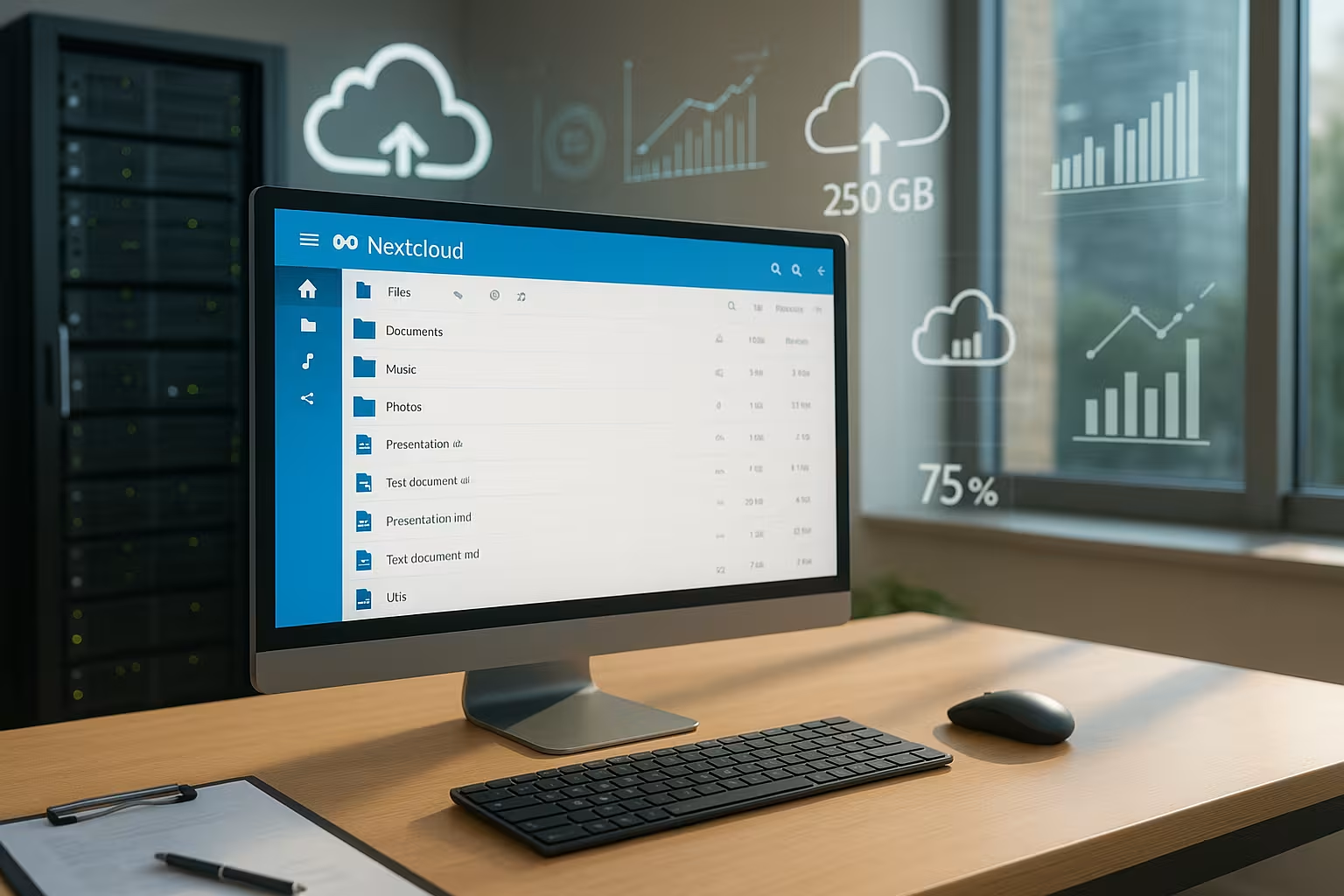
Nextcloud hosting means that you work on a server that has already been configured for Nextcloud. After booking, you can log in immediately without having to deal with installations. The administration interface is intuitive and you can get started without any IT knowledge. You'll have your own private cloud within minutes, which you can access via app or browser.
With managed offers, the provider takes over all technical tasks. This includes updates, security patches, backup routines and system maintenance. All you have to do is concentrate on the application - such as sharing files or managing calendars. Freelancers and companies without their own IT in particular benefit enormously from this.
Another advantage is that you can conveniently manage user administration for your team or customers in the Nextcloud backend. With just a few clicks, you can create new accounts or assign access rights, for example for specific folders or calendars. This granular assignment of rights is an important aspect of maintaining the security of your data. For example, folders can be set up so that only certain groups or individuals can access them. At the same time, transparency is required here: a good hosting overview shows you how much of your resources are already in use and which users are using how much storage space.
To optimize performance, some hosters use special caching mechanisms such as Redis or APCu. This can speed up the reading and writing of files. The database also plays an important role: MySQL/MariaDB or PostgreSQL is usually used for Nextcloud installations. Especially when several people upload files, edit documents or are active in chats at the same time, a high-performance configured database is clearly noticeable. This is another point where managed hosting can make all the difference - because this is where your provider takes over the fine-tuning.
Which providers will be worthwhile in 2025
The hosting market offers various providers with widely varying services. Pay attention to transparent pricing, data protection level and expansion options. The following comparison shows five currently particularly strong providers for Nextcloud hosting:
| Place | Provider | Memory | Price from | Special features |
|---|---|---|---|---|
| 1 | webhoster.de | 50 GB - several TB | from 1 € | GDPR, top support, flexible |
| 2 | Hosting.com | 1 GB - 10 TB | from 0 € | Daily backups, scalable |
| 3 | Manitou | 50 GB - 500 GB | from 1 € | Climate-neutral, 1-click installer |
| 4 | cloudfire.com | 10 GB - 1 TB | from 0 € | VPS performance, strong support |
| 5 | Ionos | 50 GB - 1 TB | from 5 € | Solid performance, data protection |
Both webhoster.de and Hosting.de are known for their flexibility. If you need high bandwidth with simultaneous cost control, you should keep an eye on scalability, even in the entry-level tariffs. Cloud packages with a starting volume of just 1 GB may be temptingly cheap, but they quickly reach their limits in practice. Therefore, always make sure that you can easily upgrade if necessary. When sharing folders or collaborating in real time, the data volume usually increases quickly. It is also a clear plus point if the hoster regularly optimizes performance and, if in doubt, works with you to determine the best tariff.
Managed or self-hosted - which is better?
You have a choice: would you rather take everything into your own hands or invest in a managed service? With the Self-hosting you install Nextcloud on your server yourself, manage all settings manually and are responsible for updates and security. This option is suitable for admins or developers with experience.
At Managed Nextcloud Hosting this effort is taken off your hands. You get an operating environment with a ready-made cloud, automatic backups, monitoring and support. Especially if downtimes are critical, you should opt for managed offers with 99.9 % uptime. I recommend this option for organizations and SMEs without their own admin resources.
Especially with self-hosting solutions, you need to keep in mind that regular security updates are essential. Nextcloud itself is constantly developing new functions, fixing security vulnerabilities and improving performance. If you are not up to date, you risk possible compatibility problems or data loss in critical areas. On the other hand, self-hosting allows you to customize your environment to the maximum and integrate your own scripts, themes or special apps, for example, without having to adhere to the hoster's specifications.
Another aspect is monitoring: Managed providers usually rely on professional tools that check the server load, memory usage and response times around the clock. As soon as a problem arises, the provider team takes care of it. In the case of self-hosting, you have to set up such monitoring and alerting systems yourself - and of course be available around the clock if critical alerts are received. You should realistically assess in advance whether your capacities and expertise are sufficient for this.
Extensions make the difference
Nextcloud thrives on expandability. By default, you get functions such as file storage, calendar and contacts. In addition, numerous Apps integrate: From writing and spreadsheet programs to chat systems, video conferencing, to-do lists and mail clients.
You can even connect office suites such as Collabora Online or OnlyOffice to work together on documents in real time. The App overview in the admin area enables additional functions to be activated quickly. Here too, a provider with active update maintenance and plugin support pays off.
Nextcloud can also be expanded to include project management tools such as Deck (similar to Trello). At the same time, the integration of Talk enables a secure chat and video conferencing tool directly in your Nextcloud instance. This makes the cloud the central communication platform. This is particularly beneficial for teams that need to make quick, brief arrangements. This eliminates the need for separate solutions for chat or video calls outside your own data environment, which offers many advantages not only in terms of data protection but also organizationally.
Using external storage, Nextcloud can be easily interconnected with familiar cloud services such as AWS S3 or SMB/CIFS shares in the company network. In particular, companies that have data at several locations or with different providers can thus offer a central interface and manage access more efficiently. In addition, the risk of losing track of several distributed storage services is reduced. It is important to distribute user rights uniformly so that no security gaps arise. Good hosting providers will be happy to advise you on this or take care of the technical implementation for you if you opt for a managed model.
Security: encryption, backups and server location
Data protection is often the main argument for Nextcloud hosting. Companies and public institutions in particular have high requirements. That's why you should only choose providers whose servers are located in Germany or at least in the EU. This is the only way to GDPR-compliant data processing possible at all.
Regular backups are also important, ideally daily. Many providers also offer two-factor authentication and end-to-end encryption. These are indispensable functions for sensitive sectors such as law, health and administration.
End-to-end encryption (E2EE) in particular ensures that even the provider cannot view your data, provided this is configured correctly. Pay attention to key management here too: for example, you should be able to specify whether you host the key yourself or have it managed by the provider. Some organizations use hardware security modules (HSMs) to store the keys even more securely. However, this option is usually only available in the enterprise sector, where security requirements are particularly high.
Firewalls and intrusion detection systems (IDS) also play a role. Reputable hosters check suspicious activities at network level and block potential attacks at an early stage. Thanks to such mechanisms, so-called brute force attacks or exploits on outdated system components often remain completely in the background. Anyone opting for self-hosting should ensure the configuration of such protective measures themselves. Good log analysis and regular penetration tests can help to identify vulnerabilities in good time.
WordPress & Nextcloud: a powerful combination
More and more agencies and bloggers are running their own website with WordPress in parallel and relying on Nextcloud hosting for file management and media storage. Some providers offer Combination packages with integrated 1-click installer.
The simultaneous availability of web space for WordPress and cloud storage not only saves costs, but also reduces integration effort. If you plan content, manage media assets or want to share file access with customers, this combination is particularly useful.
If you run a news portal or magazine, Nextcloud provides you with an excellent platform for storing extensive image or video archives in a structured way. At the same time, you benefit from a faster loading time on your WordPress site by being able to manage or provide special media directly in Nextcloud. It is also practical for agencies that work with several clients if the media files do not run the risk of mixing with the WordPress core functions. You just need to ensure sufficient performance and security, as media is often very memory-intensive. Smooth access is essential for user-friendliness.

For whom Nextcloud is particularly worthwhile
Nextcloud Hosting is not only suitable for large companies. I especially recommend it for:
- Private individualswho wish to retain full control over personal data
- Freelancerwho exchange files with customers on a project basis
- Associations and educational institutionswho organize materials, appointments and documents together
- Teamswho want to work together securely from any location
Many organizations only discover during operation how versatile Nextcloud can be used for joint work organization. Whether for project-based collaboration, time-critical editorial processes or interactive online training: Thanks to the integrated functions such as Talk or Collabora Online, Nextcloud becomes a real communication interface. Teams can keep track of the version history of documents at all times, which significantly simplifies the workflow, especially for multiple editors.
Anyone running a training platform, for example, can grant their participants specific access rights for course materials, while internal planning documents remain strictly protected. Similarly, freelancers working in design or photography can easily share large image data with customers and precisely control whether downloads are permitted or not. This creates trust and increases professionalism in customer contact.
Important decision-making aids before switching
If you have been using Google Drive or Dropbox, calculate what your current solution costs per month - including the data protection risk. Nextcloud hosting often offers better Price-performance and can be expanded as required. Look out for functions such as your own domain, SSL certificates and mail functions in the package.
Start with a low-cost starter plan and upgrade to a business package later on as your team grows. I pay particular attention to support response times and whether add-on packages such as Office or Mail are already included.
Before making the final switch, it is worth carrying out a small test migration. This allows you to check the functionality and performance of your new Nextcloud hoster. Upload some representative files, test the sharing of folders and try out the integrated Office, if available. Also check how easy it is to set up mobile clients and whether synchronization is stable. Some hosters grant you a test phase or a money-back offer, during which you can safely try out whether the complete package suits your workflow.
When it comes to mail integration, some Nextcloud providers already offer pre-installed mail apps with an intuitive user interface. It is important that you can integrate your own mail server or an existing email system if your day-to-day work relies heavily on email correspondence. If everything is managed in one system, you have fewer logistical hurdles and can switch more quickly between email, calendars and shared documents. This increases productivity and avoids frictional losses.
Summary for your decision
Nextcloud hosting gives you the freedom to design your digital environment independently and in compliance with data protection regulations. You can add functions, increase storage and manage users at any time - without any technical stress if you opt for a managed offer. I am particularly impressed by providers such as webhoster.dethat combine flexibility, data protection and fair prices under one roof.
Decide in advance: Who should have access to your cloud? What data do you want to store from third-party providers? And which additional services - such as Mail or Office - do you really need? Then it's clear: with Nextcloud Hosting, you get the protection of your data in your own hands - and at a fair price.
It is also worth taking another look at Nextcloud's roadmap: new functions are constantly being developed to provide even more convenience and security in the future. These include automated classification processes for files, intelligent search functions and improved AI-supported filters. Anyone dealing with large amounts of data in particular will benefit enormously from the improved sorting and scaling options that Nextcloud already offers today.
Ultimately, it's about putting your digital work on a solid, data protection-compliant and flexible foundation. With Nextcloud and the right hosting partner, you minimize the risk of data loss, reduce maintenance costs and promote your teamwork. Transparent cost structures, a growing community and the modular structure make Nextcloud a serious competitor to proprietary cloud solutions such as Google or Microsoft. If you take a long-term view, this investment in control and security will pay off for you, your team and your customers.