Skip to content
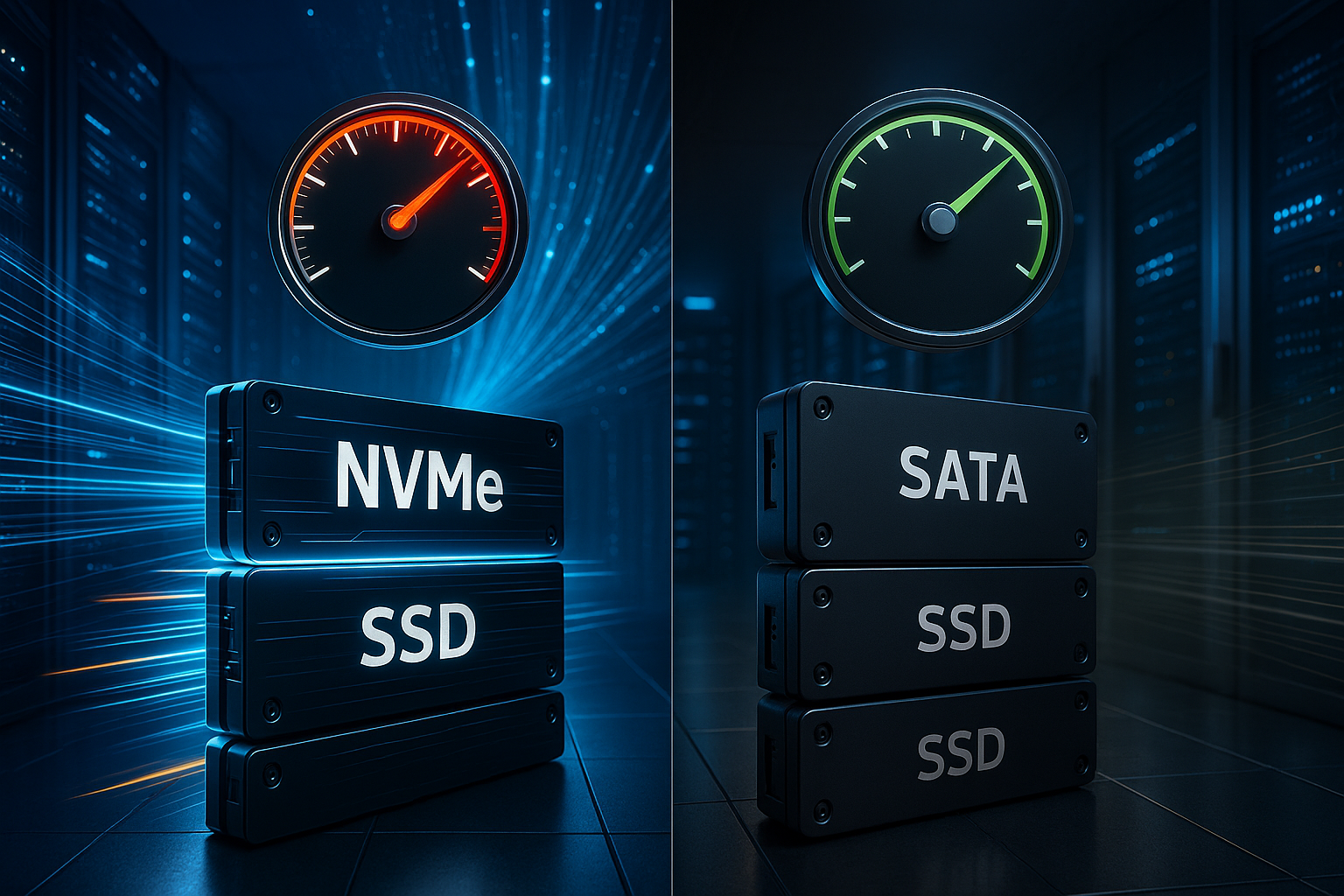
NVMe hosting makes a noticeable difference early on with dynamic websites and delivers shorter response times for databases, caches, and APIs. In a direct comparison with SATA hosting, there are clear differences in Latency, IOPS, and parallelism.
Key points
I focus on real-world performance in live operation rather than lab values. The decisive factors are queue depth, response times, and how quickly a server processes many small requests. NVMe uses PCIe and processes commands in parallel, while SATA is tied to the AHCI protocol and a flat queue. Anyone who runs WordPress, a shop, or a portal will notice the difference in search queries, sessions, and checkout flows. What matters to me is how the technology makes itself felt in sessions, API calls, and cron jobs, not just in Benchmarks.
- Parallelism increases Throughput
- Low latency minimizes waiting times
- High IOPS for small requests
- Scaling during traffic peaks
- Future-proof thanks to PCIe

NVMe and SATA: Architecture in plain language
With SATA SSDs, AHCI manages the command queue, which leads to low parallelism and slows down I/O loads. NVMe relies on PCIe and can process up to 64,000 queues with 64,000 commands each in parallel, which simultaneously serves requests from web servers, PHP-FPM, and databases [2][3][4]. This architecture reduces overhead and ensures much lower Response time per request. In practice, this feels like a server that never slows down, even when crawlers, users, and backups are running simultaneously. I see this as the most important difference, because parallel I/O paths are worth their weight in gold as soon as a project grows.
Technical key figures in comparison
The following values show why NVMe is becoming the norm in dynamic projects and why the choice of storage is so noticeable with the same CPU and RAM. I am basing my assessment on typical hosting setups with PCIe 4.0 and SATA 6 Gbit/s. Note the high IOPS for 4K accesses, because it is precisely these small blocks that dominate database workloads and sessions. Latency determines whether a shop feels like it responds immediately or shows microscopic delays. This performance data provides a clear direction for the election.
| Criterion | SATA SSD | NVMe SSD |
|---|---|---|
| Max. Data transfer | ~550 MB/s | up to 7,500 MB/s |
| Latency | 50-100 µs | 10-20 µs |
| IOPS (4K random) | approx. 100,000 | 500,000–1,000,000 |
These differences have a direct impact on TTFB, time-to-interactive, and server response times [1][3][4]. With identical code and cache strategy, NVMe shows noticeably shorter waiting times, especially when multiple users are shopping, commenting, or uploading files at the same time. In projects, I often see page load times that are 40–60% faster and backends that are up to 70% faster when migrating from SATA to NVMe [1][3][4]. For editors, this means faster list views, faster searches, and faster save dialogs. These advantages pay off directly. Usability in.

Measurable benefits for CMS, shops, and databases
WordPress, WooCommerce, Shopware, and forums benefit because they involve many small read and write operations. NVMe reduces the wait time between queries and responses, making admin areas feel faster and filling caches more quickly [1][3][4]. API-driven websites and headless setups also respond more quickly because parallel requests cause fewer blockages. If you want to compare the technical underpinnings in more detail, you will find a compact overview at SSD vs. NVMe Further details. For data-intensive projects, I consistently rely on NVMe to smoothly cushion peaks during campaign periods and to Conversion to protect.
When is SATA hosting sufficient, and when is an upgrade necessary?
SATA may be sufficient for simple business card pages, small blogs, or landing pages with little traffic. However, as soon as sessions, shopping carts, search functions, or extensive catalogs come into play, the equation changes. From this point on, the SATA queue becomes a limiting factor, and increasing I/O load causes brief stuttering that users can feel [2][4][7]. If you have growth targets or expect peaks, NVMe is the safe choice and you won't waste time with workarounds. I am therefore planning an upgrade early on in order to Scaling without requiring any modifications.
Costs, efficiency, and sustainability
NVMe SSDs reduce the load on the CPU and RAM because processes wait less and finish faster [1]. This allows a server to handle more simultaneous requests, which lowers the cost per visit. Less waiting time also means less energy per transaction, which has a real impact when there is a lot of traffic. Especially in shops with many variants, small savings add up to noticeable amounts of money per month. I therefore use NVMe not because it is fashionable, but because of the clear Efficiency.
Brief comparison of NVMe providers in 2025
I look at bandwidth, uptime, support quality, and locations in the EU. It is crucial that genuine NVMe SSDs with PCIe 4.0 or better are used and that there is no mixed operation without clear separation. Also, pay attention to backup strategies, SLAs, and monitoring, because fast hardware is of little use without a clean operating model. The following table summarizes an editorial selection [4]. It serves as a Orientation for the start.
| Place | Provider | Max. Data transfer | Special features |
|---|---|---|---|
| 1 | webhoster.de | up to 7,500 MB/s | Test winner, 24/7 support, NVMe technology, GDPR compliant |
| 2 | Prompt web hosting | up to 7,500 MB/s | LiteSpeed, 99.951% uptime |
| 3 | Retzor | up to 7,000 MB/s | Enterprise infrastructure, EU locations |

Practical tips for choosing a tariff
First, I check: Pure NVMe storage option or hybrid tiering with SSD/HDD for large archives. A tiered concept can be useful for logs, archives, and staging, while hot data belongs strictly on NVMe. It's best to read about the advantages of hybrid storage if your project holds a lot of cold data. Also pay attention to RAID levels, hot spares, and regular integrity checks so that performance and data security go hand in hand. I choose tariffs with clear Monitoring, to identify bottlenecks early on.
System tuning: Configuring the I/O path correctly
The best NVMe is of little use if the kernel, file system, and services are not coordinated. In the Linux environment, I rely on the multi-queue block layer (blk-mq) with appropriate schedulers. For latency-critical workloads, the following work well: none or mq-deadline reliable, while kyber scores highly with mixed loads. Mounting options such as noatime and discard=async reduce overhead and keep TRIM in the background. With ext4 and XFS, I make sure to use 1 MiB alignment and 4K block sizes so that the NVMe works optimally internally. On database hosts, I set innodb_flush_method=O_DIRECT one and fit innodb_io_capacity to the actual IOPS performance so that flushers and checkpointers do not lag behind [1][3].
At the web level, I distribute the load across PHP-FPM workers (pm.max_children) and web server threads to take advantage of the massive parallelism of NVMe. Important: Choose a queue depth that is high enough, but don't overdo it. I use P95 latencies under real load as a guide and increase gradually until the waiting times no longer decrease. This allows me to increase the parallel I/O paths without causing new lock or context switching problems [2][4].
Databases in real-world operation: Latency saves locks
With MySQL/MariaDB, NVMe reduces the tail latency of log flushes and random reads. This results in fewer lock conflicts, faster transactions, and a more stable P95-P99 response time [1][3]. I place redo/WAL logs on particularly fast NVMe partitions, separate data and log paths, and check the effect of sync_binlog and innodb_flush_log_at_trx_commit in terms of consistency and latency. PostgreSQL benefits in a similar way: lower latency during WAL flushes significantly reduces replication and checkpoints. I see Redis and Memcached as latency amplifiers: the faster they persist or reload, the less often the stack falls back on database accesses.
In migrations, I observe that subjective backend speed is primarily influenced by Constance increases: Instead of sporadic peaks of 300–800 ms, with NVMe I often end up with a clean bell curve of around 50–120 ms for typical admin requests – even under simultaneous load from cron jobs and crawlers [1][3][4].
Virtualization and containers: NVMe in the stack
In KVM/QEMU setups, I use virtual NVMe controllers or virtio-blk/virtio-scsi with Multi-Queue so that the guest VM sees the parallelism. In the container environment (Docker/Kubernetes), I plan to Node-local NVMe volumes for hot data, while cold data runs via network storage. For stateful workloads, I define StorageClasses with clear QoS limits so that no „noisy neighbor“ ruins the P99 latency of the other pods. In shared hosting environments, I check I/O rate limits and isolation to ensure that the strength of NVMe is not negated by overcommitment [2][4].
RAID, ZFS, and reliability
For NVMe backends, I rely on the following depending on the profile RAID10 for low latency and high IOPS. RAID5/6 can work with SSDs, but comes at the cost of reconstruction times and write amplification. For me, ZFS is a strong option when data integrity (checksums, scrubs) and snapshots are a priority. A dedicated, very fast SLOG (NVMe with PLP) stabilizes synchronous write accesses, while L2ARC catches the read hotset. Important factors are TRIM, regular scrubs, and monitoring of wear level and DWPD/TBW, so that capacity planning and service life match [1][4].

Thermal, power outages, and firmware
NVMe SSDs can throttle thermally under continuous load. I therefore plan for airflow, heatsinks, and clean cooling concepts for M.2 form factors. In the server environment, I prefer U.2/U.3 drives with hot-swap and better cooling. For databases, I pay attention to Power Loss Protection (PLP), so that flushes are secure even in the event of a power loss. I don't put off firmware updates: manufacturers improve garbage collection, thermal management, and error correction—the effects on latency and stability are measurable in everyday use [2][6].
Monitoring and load testing: What I really measure
I don't just measure average values, but P95/P99 latencies across real access profiles. At the system level, I observe iostat (await, svctm, util), blkdiscard/TRIMcycles, temperature, and SMART/NVMe health. At the application level, I track TTFB, Apdex, slow queries, and lock times. I only use synthetic benchmarks (e.g., 4K random read/write) for classification purposes, not as the sole basis for decision-making. More important are A/B comparisons: the same code, the same traffic, first SATA, then NVMe – and the metrics in an identical measurement window. This clearly shows the effects on time-to-interactive, checkout latencies, and API response times [1][3][4].
Migration in practice: Checklist
- Test backups and restores, including point-in-time recovery.
- Mirror staging environment on NVMe, import real load profiles.
- Select file system, set mount options (noatime, discard=async), check 1 MiB alignment.
- Adjust DB parameters (innodb_io_capacity, log flush) and PHP-FPM/web server workers.
- Schedule TRIM/scrub intervals, enable monitoring for P95/P99 and wear level.
- Rollout in time windows with observability: dashboards, alarms, rollback plan.
After migration, I specifically test sessions, search, media uploads, and checkout flows under simultaneous load. These paths in particular show how much NVMe's lower latency increases perceived speed and how stable the server remains under peak conditions [2][4][7].
Economic efficiency and capacity planning
I convert latency gains into capacity and revenue. If an API saves 30 ms per request thanks to NVMe and there are 2,000 parallel requests waiting, that's 60 seconds of „free“ server time in each load wave. On a monthly basis, this results in more headroom, fewer autoscaling events, and less CPU time per transaction. In addition, there is a reduction in abortions in sensitive flows (checkout, login), which has a direct impact on conversion and support costs. All in all, NVMe almost always justifies the additional hosting costs as soon as dynamic content sets the tone [1][3].
Common misunderstandings
- „More bandwidth is enough“: For web stacks, latency and IOPS are more important than sequential MB/s.
- „Caching makes storage irrelevant“: Caches reduce but do not eliminate I/O—especially for writes, cold starts, and cache misses.
- „CPU is the only bottleneck“: I/O wait times drive CPU idle and context switching; less latency increases effective throughput.
- „RAID5 is always cheaper“: Write load, rebuild times, and latency spikes can be more expensive than RAID10 on NVMe.
- „Benchmarks are sufficient“: Without measuring P95/P99 under real load, the noticeable advantages remain unclear [2][4].
Future and prospects: PCIe 5.0 and NVMe-oF
PCIe 5.0 doubles bandwidth once again, paving the way for data-intensive workloads, AI inference, and big data analytics [6][4]. NVMe over Fabrics (NVMe-oF) brings low latency across the network, enabling cluster setups with very fast shared volumes. Those who rely on NVMe today reduce future migration hurdles and keep their options open for new services. For hosting, this means more parallelism, shorter response times, and less locking in shared environments. That's why I'm planning for the long term with PCIe-Roadmaps.
Hardware stack: CPU, RAM, and network
The fastest storage is of little use if the CPU, RAM, or network are limiting factors. Look for modern CPUs with multiple cores, sufficient RAM for database and PHP caches, and 10G networks in the backend. Optimizing the overall package significantly increases the effect of NVMe and avoids new bottlenecks. The article on High-performance web hosting. I always take a holistic approach to capacity planning, so that Balance remains.

Briefly summarized
NVMe delivers dramatically lower latencies, more IOPS, and true parallelism, which directly accelerates dynamic websites [1][2][3][4]. SATA remains a solid choice for small projects, but reaches its limits with sessions, search queries, and shopping carts [2][4][7]. If you are planning for growth, campaigns, or seasonal peaks, go with NVMe and save waiting time, server resources, and ultimately money [1]. In tests and migrations, I regularly see significantly faster backends, shorter load times, and more stable response patterns under load. For my projects, this means a clear priority for NVMe.