 Skip to content
NVMe, SSD, and HDD clearly differ in terms of transfer rates, latencies, and IOPS—and thus in terms of loading times, costs, and scaling in hosting. I will show you when nvme hosting the right choice is when SSD is sufficient and where HDD remains useful.
Key points
I will summarize the most important points concisely.
- PerformanceNVMe delivers the highest IOPS and lowest latencies, SSD is solidly fast, HDD slows things down.
- CostsHDD costs the least per GB, while NVMe pays off in terms of speed and efficiency.
- UseNVMe for databases, shops, SaaS; SSD for CMS and blogs; HDD for backups.
- EfficiencyFlash memory saves power, reduces heat, and increases availability.
- ScalingNVMe PCIe paths and queues handle peak loads significantly better.
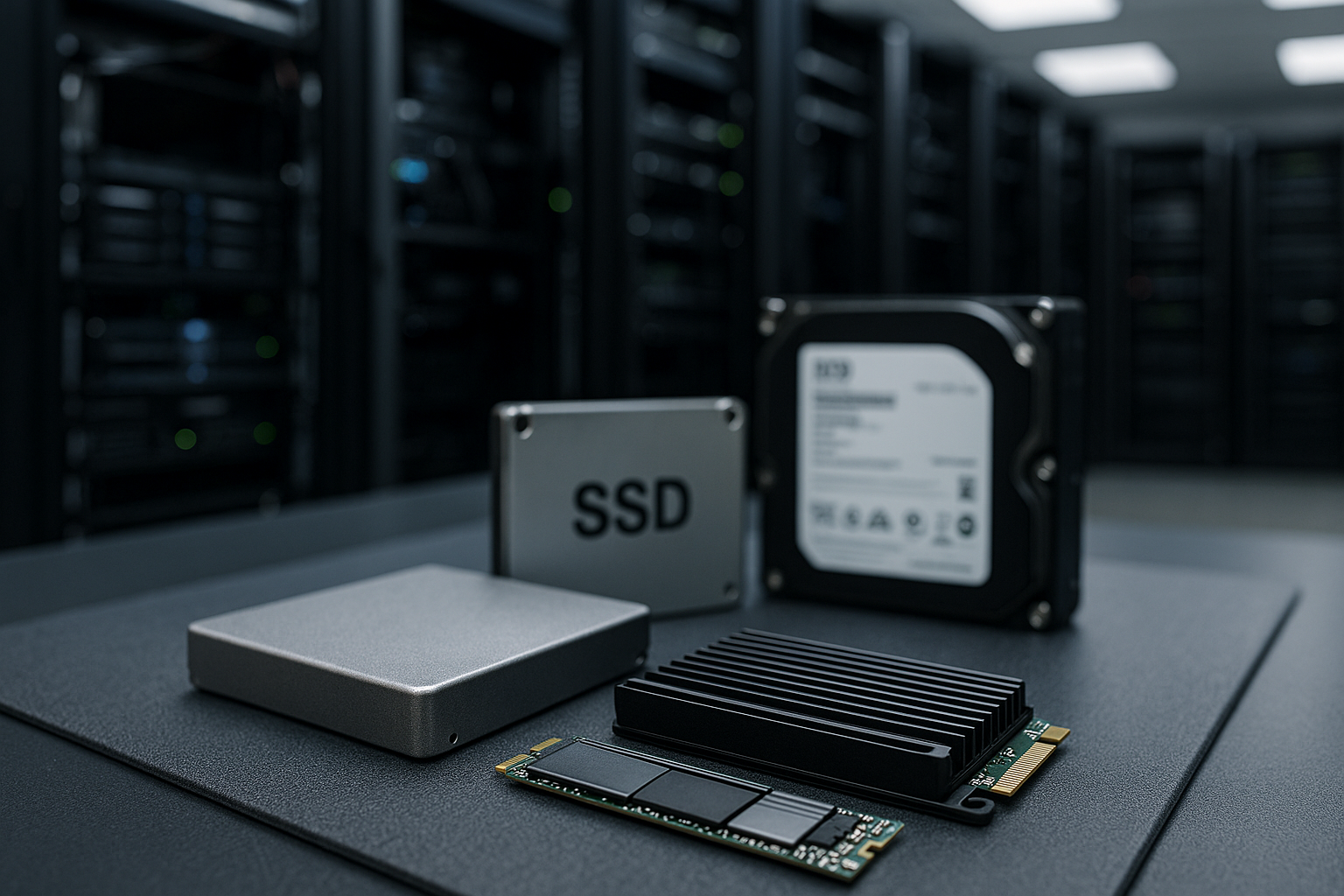
NVMe, SSD, and HDD: A brief explanation
I separate the three memory types according to their function and purpose so that you have a clear Overview HDD works mechanically with disks and heads, offers a lot of capacity at a low price, but responds slowly to access requests. SSD with SATA connection uses flash, does not have any moving parts, and delivers significantly shorter response times. NVMe relies on PCIe and parallelizes commands across many queues, enabling extreme IOPS and very low latency. For mass data, I choose HDD; for reliable everyday performance, SSD; and for maximum speed and scalability, NVMe. NVMe.
Performance in numbers: What really counts
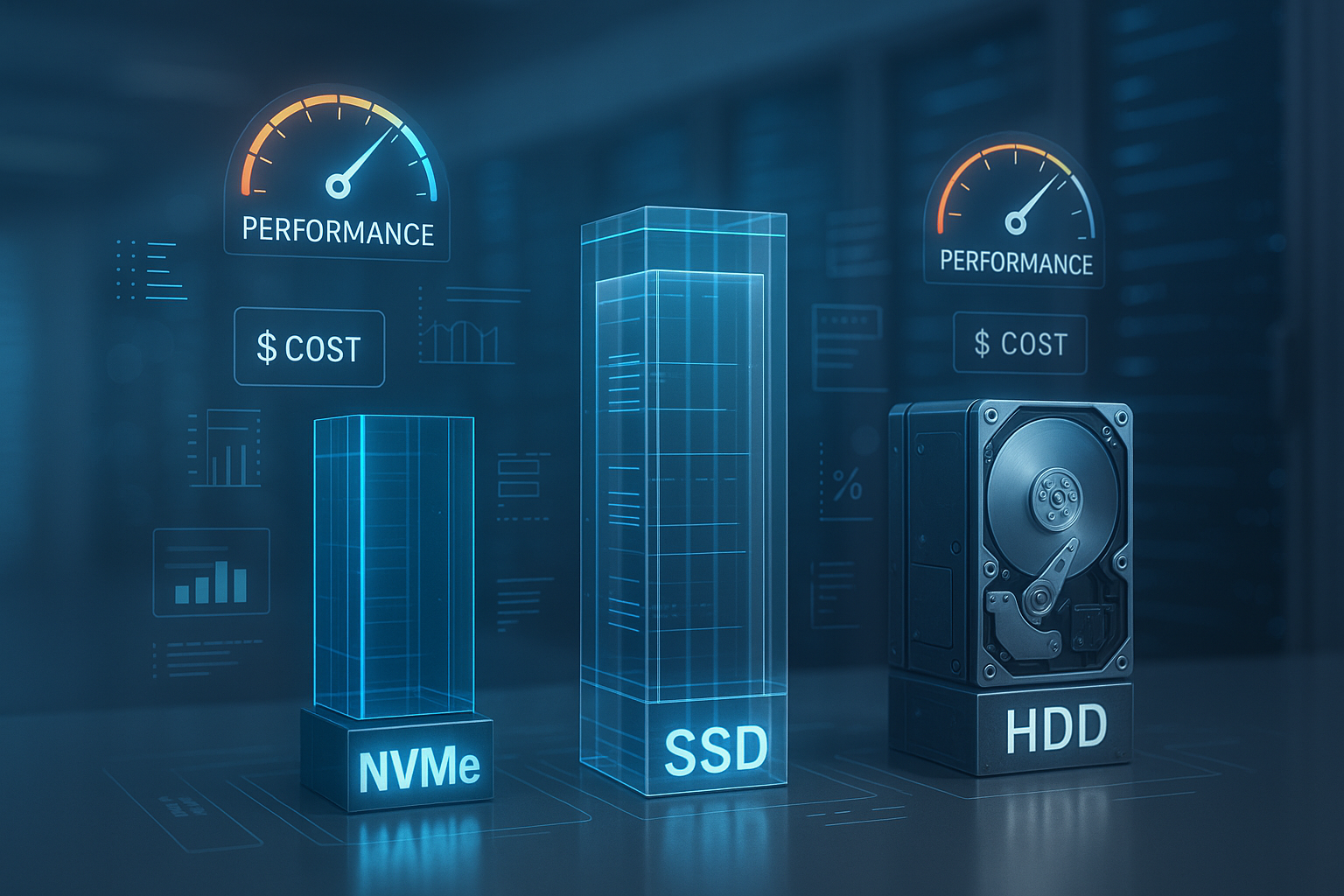
I compare practice-relevant key figures, because they visibly determine the Loading time your website. HDD typically achieves 80–160 MB/s and millisecond latencies, which quickly becomes bottlenecked with many simultaneous requests. SATA SSD delivers around 500–600 MB/s and responds in the double-digit microsecond range – ideal for CMS, smaller shops, and APIs. Depending on the PCIe generation, NVMe SSDs achieve 2,000–7,500 MB/s (PCIe 4.0) and above, with latencies of 10–20 µs and very high IOPS. If you want to delve deeper into the details, you will find everything you need in the compact SSD vs. NVMe comparison Further arguments for an upgrade.
| Memory | Max. Reading | Latency | IOPS (4K random) |
|---|---|---|---|
| HDD | 80–160 MB/s | 2–7 ms | ~100 |
| SSD (SATA) | 500-600 MB/s | 50-100 µs | 70,000–100,000 |
| SSD (NVMe) | 2,000–7,500+ MB/s | 10-20 µs | 500,000–1,000,000+ |

Practical benefits: Which storage option is right for my project?
I classify projects according to access patterns and budget so that the choice accurate succeeds. HDD is sufficient for pure file storage, archives, or offsite backups, because capacity is the main priority here. Blogs, portfolios, and typical CMS benefit noticeably from SATA SSD, as page loading and backend respond smoothly. E-commerce, high-traffic portals, analytics backends, and database-heavy SaaS run much more smoothly with NVMe, especially during peak loads. If you are planning for growth, you are better off with NVMe the basis for short response times and high parallelism.
Costs vs. benefits: TCO calculation for 2025
I calculate total cost of ownership over the entire term, not just per Gigabyte. HDD costs the least per GB, but CPU wait times, timeouts, and conversion losses drive up opportunity costs. An NVMe instance that reduces page load times from 800 ms to 200 ms can quickly recoup four-figure euro amounts per year in a shop with 50,000 visits per month. Even if NVMe costs €10–20 more per month, this often pays for itself in a matter of weeks thanks to measurably better conversion rates. NVMe is often worthwhile for medium traffic, but for peak loads I consider it future-proof.
Energy requirements, service life, and operational safety
I also evaluate storage systems based on efficiency and reliability, because that has a noticeable impact on operations. relieved. Flash memory requires less power and produces less waste heat than HDD, which reduces the strain on cooling and components. SSDs and NVMe drives offer high mean time between failures and predictable wear leveling in server scenarios. HDDs are more susceptible to vibrations and mechanical defects, which can increase maintenance and replacement cycles. For continuous availability, I therefore prefer to rely on NVMe or SSD with monitoring and SMART alerts.
Caching, databases, and IOPS in everyday life
I optimize response times by combining storage technology with database and cache strategies. couple. NVMe provides IOPS reserves that translate directly into faster queries and shorter lock times for 4K random workloads. Redis and OPCache further reduce disk accesses, but in the event of a cache miss, raw memory latency is the deciding factor. SSD is sufficient for smaller relations, while NVMe excels with large indexes, write-heavy workloads, and many simultaneous transactions. If you want clean indexes, lean queries, and a strong Storage combined, gets the most out of PHP, Node, or Python.

Making effective use of hybrid storage and tiering
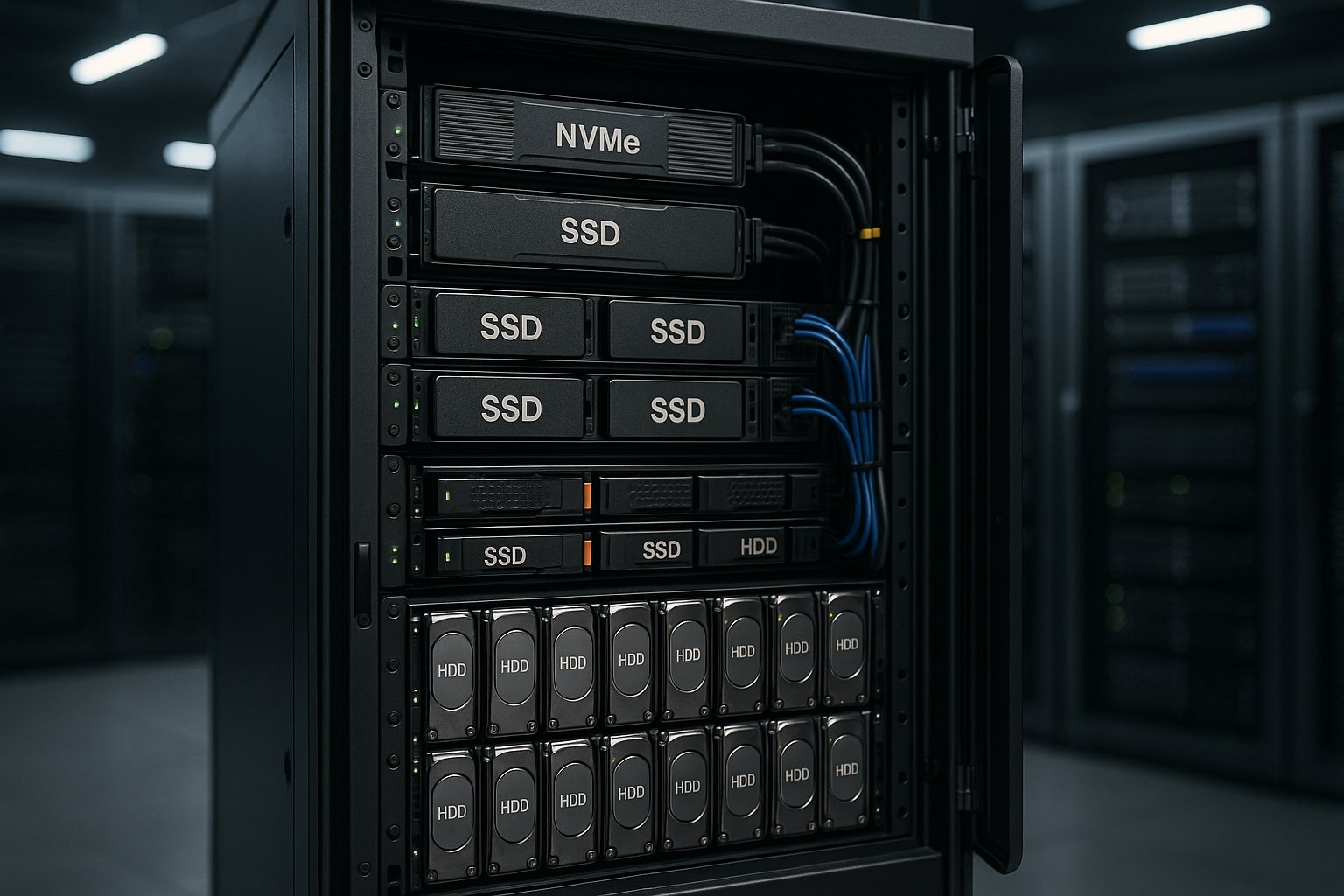
I rely on mixed concepts when workloads are clearly divided between hot and cold. separate. Hot databases and caches are stored on NVMe, static assets and backups on SSD or HDD – this allows me to reduce costs while maintaining good response times. Automatic tiering moves rarely used blocks to cheaper tiers and keeps hot sets on NVMe. If you want to structure this, you will find everything you need to know about NVMe storage in this compact introduction. Hybrid storage and tiering Useful food for thought. NVMe remains the performance anchor for growing projects, while cold data can be stored cost-effectively on HDD rest.
Choosing a provider: Evaluating infrastructure and support correctly
I check hosting offers for NVMe generation, PCIe lanes, RAID setup, network, and support before I change. A modern provider with NVMe backends, short paths, and good 24/7 support beats a cheap disk in the long run. Comparisons show that top providers with NVMe deliver the best loading times and consistent performance under load. webhoster.de impresses with its modern NVMe infrastructure, fast speeds, and helpful service—which directly contributes to user experience and revenue. For ambitious projects, I prefer NVMe with a provider offering clear SLAs and monitoring.
| Place | Provider | Memory | Max. speed | Price-performance | Features |
|---|---|---|---|---|---|
| 1 | webhoster.de | NVMe / SSD | up to 7,500 MB/s | Very good | Up-to-date hardware, strong support |
| 2 | Provider B | SSD | up to 600 MB/s | Good | SATA technology for everyday workloads |
| 3 | Provider C | HDD | up to 150 MB/s | Inexpensive | Lots of memory per dollar |

Upgrade paths: From SATA SSD to NVMe
I plan upgrades step by step so that migrations are controlled and low-risk First, I measure bottlenecks: CPU wait, disk queue, query times. If SATA SSD constantly reaches IOPS limits or shows latency peaks, I consider NVMe. A change often brings 3–10x more IOPS and significantly shorter response times for competing requests. This guide to switching from SATA to NVMe provides practical tips. SATA to NVMe, which I use as a checklist.
Best practices for fast websites
I combine storage tuning with clean Code, so that every millisecond counts. GZIP/Brotli, HTTP/2 or HTTP/3, image compression, and caching reduce transfer times, but only fast I/O eliminates internal server waiting times. Databases benefit from suitable indexes, connection pools, and short transactions; NVMe cushions peak loads. CDN and edge caching take static traffic away from the source, while NVMe accelerates dynamic logic. Those who take monitoring seriously and eliminate bottlenecks in a targeted manner get the most out of their systems. NVMe measurable benefits.
Enterprise NVMe vs. consumer SSDs: What matters in servers
I make a clear distinction between consumer and enterprise drives because durability and consistency are essential in the data center. Enterprise NVMe drives offer reliable latencies under continuous load, power loss protection (PLP) against power failures, and higher write endurance (DWPD). Consumer SSDs may appear fast in bursts, but they throttle thermally and lose speed once the SLC cache is emptied. In productive database and log workloads, enterprise hardware pays off with stable p95/p99 latencies.
- Endurance: I use DWPD/TBW as a guide. For write-heavy services, I choose 1–3 DWPD; for read-heavy workloads, 0.3–1 DWPD is often sufficient.
- Flash type: TLC is my standard, I only use QLC for cold, large data – and then with generous overprovisioning.
- Form factors: U.2/U.3 and E1.S are hot-swappable and easier to cool than M.2. I only use M.2 in servers with clean airflow and heatsinks.
- Overprovisioning: I keep 10–20 % reserve free to reduce write amplification and latency spikes.
- PLP and firmware: I pay attention to PLP and mature firmware so that
fsync()and journaling are truly secure.
RAID, file systems, and tuning: the silent levers
I choose the RAID based on workload. RAID10 delivers the best latency and IOPS scaling for random access. RAID1 is simple and robust for smaller setups. RAID5/6 saves capacity, but costs write performance (parity penalty) and prolongs rebuilds – with large drives, this increases the risk. With NVMe, I often use software RAID (mdadm or ZFS) because modern CPUs have enough reserves and I retain full transparency.
- File systems: ext4 is solid and proven; XFS scores highly in terms of parallelism and large directories. I use ZFS when I want checksums, snapshots, replication, and integrated compression (lz4).
- TRIM/Discard: I activate periodic
fstriminstead of permanentdiscard, to avoid peak loads. - Mount options:
noatime/nodiratimeReduce write load. For XFS, I adjust log parameters when there are many small writes. - I/O scheduler: For NVMe, I set the scheduler to
noneand useio_uring, to reduce latency. - Block sizes: I pay attention to 4K alignment and choose the appropriate one for the workload.
bsValues (e.g., 4K random, 1M sequential).
Important: Only operate hardware RAID with write-back cache with BBU/flash backup. Without protection, there is a risk of data loss in the event of a power failure – PLP on the SSDs is still mandatory.
Virtualization, storage architectures, and QoS
I decide between local NVMe and network storage based on latency requirements and high availability. Local NVMe offers minimal latency and maximum IOPS per host—ideal for databases and caches. Shared or distributed systems (NVMe-oF, iSCSI, Ceph) provide flexible capacity and failover through replication, but add network latency and jitter. For critical paths, I combine local (hotset) with replicated backend (persistence).
- QoS: I prefer providers with guaranteed IOPS/MB/s per volume to avoid „noisy neighbors.“.
- Kubernetes: Separate StatefulSets with StorageClasses for NVMe (hot) and SSD/HDD (warm/cold) – Node-local disks stabilize latencies.
- Ceph/Replica factors: 3× replication increases data security but costs capacity. Erasure coding saves space but increases CPU and latency.
- Snapshots/clones: I check copy-on-write overheads and plan maintenance windows when tiering or defragmentation are active.
Security, encryption and compliance
I always encrypt „at rest“ without compromising performance. Modern CPUs feature AES-NI, which means LUKS2 generates only minimal overhead. Enterprise NVMe with PLP secures journal flushes so that transactions remain consistent even in the event of a power loss. I plan deletion concepts and secure key management for GDPR and contractual obligations.
- Encryption: LUKS2 with strong cipher settings; optional SED/TCG Opal if processes are geared towards this.
- Wipe/Decommission: I use
nvme sanitizeSecure erase or cryptographic shredding before drives leave the facility. - Backups: Versioned, encrypted offsite backups with clear RPO/RTO targets—testing is mandatory.
- Access models: Principle of least privilege down to storage level, audit logs, and regular restore samples.
Benchmarking and monitoring in everyday life
I measure realistically instead of just comparing data sheets. Synthetic benchmarks such as fio help with profiling, but I correlate them with application metrics (e.g., query times, PHP-FPM/Node latencies). I document p50/p95/p99 and observe the variance—consistently low latencies beat peak throughput.
- fio examples: 4K random read/write with
iodepth32–64 (--rw=randrw --bs=4k --iodepth=64 --rwmixread=70) and 1M sequential (--rw=read --bs=1M). - System tools:
iostat -x 1,vmstat 1,pidstat,iotop,nvme smart log– This is how I recognize queue depth, wait, and thermal throttle. - Databases:
pg_stat_statementsor slow query logs show whether I/O or queries are limiting performance. - SLOs: I define target values (e.g., API p95 < 200 ms) and check whether storage changes are making a measurable difference.
Important: Always run benchmarks outside the cache (direct/sync), choose realistic test sizes, and schedule background jobs during measurement.
Workload profiles: Specific recommendations
I map typical projects to storage classes to speed up decision-making. WordPress/WooCommerce and typical shop stacks (PHP, MariaDB, Redis) usually benefit significantly from NVMe, especially when it comes to searching, filtering, and checkout. Magento, headless frameworks, and large catalogs scale noticeably better with NVMe. Analytics/ClickHouse, timeseries (TimescaleDB/Influx), and event streams require high IOPS and bandwidth; here, NVMe wins with a lot of parallelism.
- Streaming/VOD: Mostly sequential reads – origin can be on SSD/HDD, CDN buffers. Metadata/indexes on NVMe.
- CI/CD & Builds: Many small files, high parallelism – NVMe shortens pipelines and reduces waiting times.
- Search/Indexes: Elasticsearch/OpenSearch offer low latency with faster queries and rebalancing.
- AI/ML & Data Science: NVMe as scratch/cache for datasets; training benefits from throughput, preprocessing from IOPS.
- Archives/logs: Warm on SSD, cold on HDD – lifecycle policies keep costs stable.
Avoiding price traps: How I compare offers fairly
I look beyond the bare GB price and check what limits apply and what features are included. Two offers with „NVMe“ can differ drastically: PCIe generation, lane count, QoS, endurance, and PLP determine real performance. Service quality and recovery times also need to be considered in the TCO analysis.
- Guarantees: Fixed IOPS/MB/s per volume? How high is the oversubscription in shared storage?
- Generation: PCIe 3 vs. 4 vs. 5 and connection per drive/backplane influence peak performance.
- RAID/redundancy: Is RAID10 included? What rebuild times and URE risks are addressed?
- Features: Snapshots, replication, encryption, monitoring—included or extra charge?
- Support & SLA: Response times, replacement in case of failure, proactive monitoring, and clear escalation paths.
I always factor in an NVMe option for growth projects—anyone who chooses „only“ SSD today should have the upgrade path secured both technically and contractually.
Summary 2025: My decision-making aid
I prioritize storage speed when response time directly affects sales or user satisfaction. influenced. I use HDD for archives and backups, SSD for solid websites with moderate traffic. For shops, databases, APIs, and heavily used apps, I rely on NVMe because latency and IOPS shape the user experience. If you're considering costs, you should factor in the impact on conversion rates, SEO, and support expenses. My advice: start with SSD, plan to switch to NVMe Early on – and keep cold data separate so that the budget fits.


