Skip to content
Many low-cost NVMe plans sound like turbo speed, but the promised performance often falls short of the technology. I explain why providers with NVMe advertise, but real performance fails due to limitations, hardware, and throttling.
Key points
I have summarized the following points for a quick overview.
- Shared hosting slows down despite NVMe due to too many projects per server.
- Consumer SSDs lose under load, enterprise models hold up.
- Throttling NVMe advantages outweigh those of CPU, RAM, and I/O.
- Transparent specs IOPS, latency, and PCIe version are often missing.
- software stack Caching and web servers play a measurable role in this decision.

NVMe does not necessarily mean performance
NVMe SSDs deliver extremely low latencies and high IOPS via the PCIe bus, but that does not guarantee storage Performance for websites. The decisive factors remain the limits set by the tariff, how many projects are running on the host, and how the provider distributes resources. Therefore, I don't just look at the label „NVMe,“ but also check how the CPU, RAM, and I/O work together. Without sufficient parallelism and fair quotas, the advantage of fast NVMe-Media. Relevant results only become apparent under load, when many simultaneous requests generate dynamic content.
Shared hosting slows down NVMe
Many low-cost packages are located on overcrowded hosts, which means that all customers share I/O, CPU, and RAM; this reduces the Performance at peak times. Even a few neighbors with intensive cron jobs or imports are enough to noticeably increase your response times. I regularly see WordPress or shops in shared environments responding more slowly than on small dedicated instances. Therefore, pay attention to clear information about maximum inodes, simultaneous processes, and I/O limits. More transparency regarding density and fair use helps to identify oversubscription; details on Overselling in hosting I always evaluate before closing the deal.

Hardware class: Consumer vs. Enterprise
Low-cost models often use consumer NVMe SSDs, which throttle earlier under continuous load and have lower TBW values; this reduces performance under stress. IOPS. Enterprise models have greater endurance, better controllers, power loss protection, and deliver more consistent latencies. For databases or caches, this consistency counts for more than just the peak rate in marketing graphics. I therefore check TBW, DWPD, controllers, NAND type, and whether RAID with write cache is configured securely. Anyone who documents these points clearly understands the difference between Enterprise vs. Consumer and keeps performance stable.
Throttling and limits in low-cost packages
Many entry-level tariffs limit the I/O rate, CPU time, and simultaneous processes, thereby reducing the effect of the NVMeHardware. A fast medium is of little use if the provider barely allows the queue to fill up. That's why I test not only sequential reading, but primarily random access with small block sizes and realistic concurrency levels. If there is not enough RAM for object cache or query cache, too many read operations end up back on the storage. If you value consistent response times, pay attention to clear limits and choose tariffs with fair reserves.
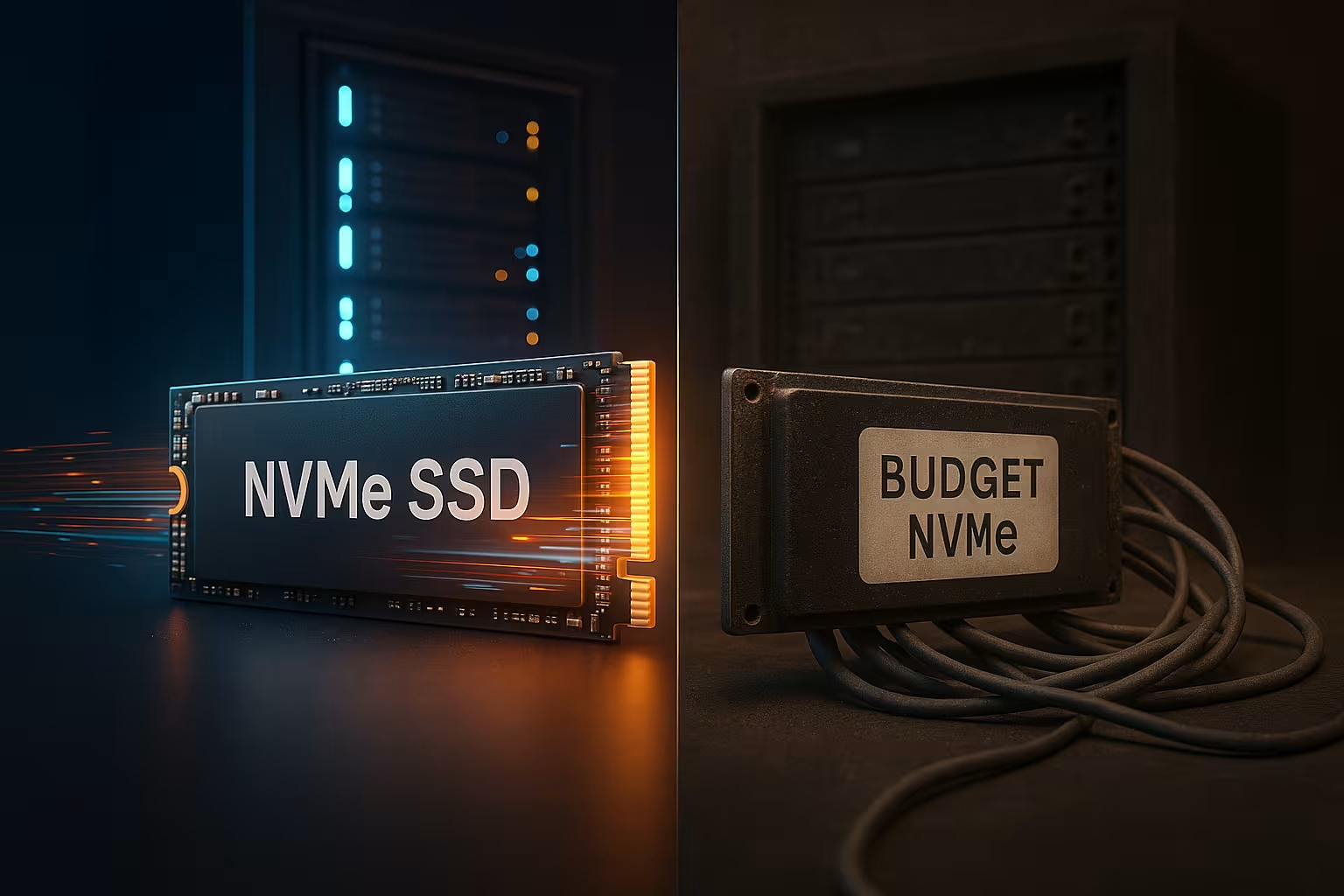
Which key figures really matter?
I rely on hard metrics: latency, IOPS, throughput, PCIe generation, and consistency under sustained load; they show real storage Performance. Useful benchmarks include read/write rates of 3,000 MB/s or higher, IOPS in excess of 200,000, and latency in the low microsecond range. Other factors include queue depth, number of NVMe namespaces, RAID layout, and write cache strategy. Disclosing these values signals technical maturity and demonstrates that reserves have been planned for. The SSD vs. NVMe comparison, which I use as a starting point for questions to the provider.
| Criterion | Affordable NVMe rates | Premium NVMe rates |
|---|---|---|
| IOPS (random read) | 10,000–50,000 | >200,000 |
| Latency (µs) | 50–100 | <10 |
| PCIe version | 3.0, partly 4.0 | 4.0 or 5.0 |
| Shared resources | High | Low / Dedicated |
| Web server stack | Apache without cache | LiteSpeed/Nginx + Cache |
| Price/month | from 1 € | from $2–5 |
Software stack: Web server and caching
Even fast NVMe drives sound sluggish if the web server stack is poorly configured; software has a measurable impact on the Latency. I prefer LiteSpeed or Nginx, activate HTTP/2 or HTTP/3, Brotli/Gzip, and use server-side caching. Redis as an object cache and a cleanly tuned MariaDB/MySQL reduce I/O, allowing NVMe to play to its strengths. PHP handlers (OPcache, JIT) and keep-alive settings also have a noticeable impact on TTFB and throughput. When comparing tariffs, it is therefore important to check not only the type of SSD, but also the entire software path of a request.

Practical benefits: WordPress, Shopware, and others.
In dynamic systems, every millisecond counts, as databases, PHP, and cache trigger chain reactions; this is where NVMe take advantage of this. In shop setups, the click path is noticeably shorter, updates run faster, and imports block the page less. WordPress benefits from plugin scans, image optimizations, and many simultaneous requests. Those who already use strong on-page optimization see the greatest effects under load, such as during sales campaigns or SEO peaks. Measurements show that better latencies support Core Web Vitals and reduce bounce rates.
When is SSD sufficient, and when is NVMe worthwhile?
For small blogs with little dynamic content, a solid SATA or SSD environment is sufficient, as long as the Latency remains stable. If traffic increases, the number of plugins grows, or shops are added, the calculation tips in favor of NVMe. With many simultaneous users, personalized content, and database load, the advantages per request increase significantly. I roughly use thresholds such as 10,000 visits per day, numerous cron jobs, or frequent deployments as a guide. If you are planning for growth, you will save time and hassle if the tariff already includes NVMe with reserves.

How I test real NVMe performance
I start with synthetic tests (fio, ioping) for latency and IOPS, followed by a load test with real Requests using tools such as k6 or Loader; this allows me to identify bottlenecks. At the same time, I measure TTFB, time-to-first-byte, and response time with increasing concurrency. I also run PageSpeed and Lighthouse, log LCP/INP, and compare the values before and after cache adjustments. A quick database benchmark (sysbench) reveals differences in random IO that marketing figures often obscure. After 24–48 hours of continuous load, I can see whether throttling is taking effect or whether performance remains constant.
Critically examine marketing promises
„NVMe from $0.99“ sounds attractive, but small storage quotas and strict limits quickly constrain projects; the Performance drops during peak times. I therefore check the minimum runtime, limits for I/O, processes, PHP workers, and backup rules. Reputable providers specify the PCIe generation, IOPS ranges, and whether enterprise SSDs with PLP are installed. Transparently communicated locations and uplinks help to realistically estimate latencies. Checking these points helps to separate marketing from measurable practice.
Purchase criteria that I prioritize
I place greater emphasis on stable latency than pure peak MB/s, because visitors notice real response times; this strengthens the User Experience. Next, I look for fair resources, clear throttling rules, and an efficient web server stack. Only then do I evaluate extras such as staging, SSH, backups, and restore speed. For shops and highly dynamic sites, enterprise SSDs, PCIe 4.0/5.0, NVMe RAID, and caching are at the top of the list. Those planning for the long term should also pay attention to upgrades that do not require migration.
Virtualization and hypervisor influence
Many low-cost NVMe tariffs run on virtualized hosts. I therefore check which virtualization setup is used and how the I/O paths are configured. With VirtIO-drivers and paravirtualized controllers significantly reduce latency compared to emulated devices. I pay attention to CPU steal times, NUMA affinity, and whether providers specifically use cgroups/blkio or io.cost to Noisy Neighbors A clean hypervisor configuration (KVM/Xen/VMware) with a suitable I/O scheduler („none“ for NVMe) prevents additional software queues. Clear communication regarding the density per host and the oversubscription factor is also important. Without this information, any statement about „NVMe“ is only half the truth, because the virtualization layer Performance significantly influences.
File system, RAID, and cache strategies
The fastest NVMe is of little use if the storage level above it slows things down. I check whether the RAID level, controller cache, and file system are compatible. Write-back caches only make sense with reliable power failure protection (PLP, BBU); otherwise, I prefer write-through. With ZFS, ARC size, SLOG quality, and clean record size are important for databases so that Latency and IOPS remain stable. Under Linux, I avoid unnecessary overheads such as atime updates (noatime) and schedule TRIM/Discard in a controlled manner so that garbage collection does not interfere with operation. A well-tuned RAID10 on Enterprise NVMe usually delivers more consistent responses than an overcrowded software array with consumer SSDs.

Network and distributed storage architectures
Some NVMe offerings rely on distributed storage (e.g., Ceph, NFS, NVMe-oF). This can provide redundancy, but it comes at a cost. Latency. I ask about internal bandwidth (25/40/100 GbE), MTU settings, and whether the storage path is dedicated. Especially with dynamic websites, consistent response times are more important than theoretical peaks; additional network hops quickly eat up the advantages of local NVMe. For web workloads, I prefer local NVMe storage for hot data and only move cold assets to network storage. Peering and uplink capacity also influence TTFB—not every delay is a storage issue, but poor transit masks real bottlenecks.
Monitoring, P95/P99, and capacity planning
I don't just evaluate average values. P95/P99 latencies, error rates, and I/O wait percentages are meaningful. A tariff convinces me if it SLIs makes things transparent and reveals reserves. I log IOPS development, queue depth, context switching, and CPU steal under load. If P99 rises sharply, backups, neighbors, or throttling often indicate problems. I use trend lines for capacity planning: How do latencies behave when concurrency is doubled? Do cache hit rates scale accordingly? Only with these curves can I tell whether „NVMe“ is just a label or offers real stability.
Backups, snapshots, and maintenance windows
Backups are a common but underestimated bottleneck. I check whether snapshots run incrementally, how long the backup windows last, and whether they have dedicated I/O budgets. Crash-consistent snapshots without application-side flushes can slow down databases because additional fsyncs are required. Good setups use quiesced snapshots, schedule off-peak windows, and throttle backup I/O so that NVMe does not interfere with day-to-day business. Equally important: restore tests and measured RTO/RPO. A fast restore is more valuable than an „endless“ backup history that noticeably slows down productivity.
Properly configuring databases and PHP-FPM for NVMe
Scales with MySQL/MariaDB NVMe Then, when InnoDB is prepared for it: sufficient buffer pool, appropriate redo log, reasonable io_capacity, and page cleaner threads. I test under real load whether the flushing strategy (e.g., flush_log_at_trx_commit) and double-write handling are suitable for durability and I/O characteristics. Blindly disabling security features results in false performance. On the PHP side, I dimension FPM workers so that RAM budgets are not exceeded; too many workers do not reduce latency, they only increase the queues at the storage. Generous OPcache, persistent object cache, and clear TTLs – this way, fewer requests end up on the data carrier.
Thermal management, throttling, and service life
Consumer NVMe throttles when hot. I ask about airflow, heatsinks, and temperature monitoring. Enterprise models maintain their IOPS More consistent, because controllers and firmware are designed for continuous load. Important key figures are DWPD and spare areas (overprovisioning). A low fill level and regular background maintenance (TRIM) stabilize write amplification and thus latency. Those who work with 90%+ occupancy lose noticeable consistency—regardless of the advertised peak throughput.
Short checklist for comparing rates
- PCIe generation, NVMe controller, and whether enterprise SSDs with PLP are installed.
- Specific limits: I/O rate, processes, minimum CPU, RAM, and fair use rules.
- Virtualization: Hypervisor, VirtIO, density per host, protection against noisy neighbors.
- RAID/FS design: RAID level, cache strategy, ZFS/EXT4/Btrfs, and TRIM handling.
- Network path: local vs. distributed storage, internal bandwidth, and uplinks.
- Backups: Snapshot type, throttling, restore time, and maintenance window.
- Software stack: Web server, caching, PHP-FPM, database tuning, HTTP/2/3.
- Monitoring: P95/P99, I/O wait, steal, transparency of metrics, and sizing options.
Briefly summarized
Low-cost NVMe plans often deliver less than the name promises because limits, shared environments, and consumer hardware Advantages reduce. I therefore check key figures such as latency, IOPS, and PCIe version, as well as consistency under load. A strong software stack with caching, appropriate web server configuration, and sufficient RAM really brings out the best in the technology. Those who are critical of business rely on Enterprise NVMe, clear resources, and comprehensible benchmarks. This results in noticeable speed in everyday use, rather than just an NVMe label on the price list.