Skip to content
1Panel and OpenPanel are joining as new open source panels in order to server administration on Linux systems faster, more secure and more practical. I compare both tools in terms of operation, features, security and usage scenarios - including AI functions, app store, monitoring and branding options.
Key points
The following points briefly show what I pay particular attention to when making a comparison.
- 1PanelAI helper, app store, 1-click backups
- OpenPanel: Granular rights, deep DNS, smart alarms
- WordPressTurbo deployment in 1Panel, manual deployment in OpenPanel
- SecurityContainer, firewall, audit logs
- Branding: Extensive in OpenPanel, reduced in 1Panel
What modern control panels can do
A contemporary panel provides a central Web interface for domains, databases, containers, services and backups so that I can complete server tasks quickly. I save myself lengthy shell sessions because many steps can be completed in the browser in seconds. Good panels bundle logs, metrics and alarms so that I can detect errors early and minimize risks. A clear structure remains important to me: settings should be grouped logically, search fields and filters must immediately show the right elements. When I start new projects, a quick onboarding process with an installer, sensible defaults and a secure start status is important to me so that I can become productive without any detours.
Installation and requirements
Before I use Panels productively, I check the system basis and installation paths. Both solutions run on current Linux distributions; I plan at least 2 vCPU, 4-8 GB RAM and fast SSDs so that containers, databases and backups work smoothly. Important are open ports for panel access (HTTPS), SSH and services such as HTTP/HTTPS for websites as well as optional DNS and mail ports if I run these roles on the same host. I make sure that the time via NTP is correct, IPv6 works properly and that SELinux/AppArmor and firewall rules do not get in the way. The initial installation is quick with 1Panel thanks to the script; OpenPanel takes a little more time depending on the depth of the desired roles and policies. The following applies to both: create a snapshot in advance, enforce TLS after setup, change default logins and only issue API keys with minimal rights.
1Panel in detail: Strengths for admins and teams
1Panel convinces me with a tidy structure that noticeably shortens routine tasks and does not overwhelm beginners, while professionals still retain deep control. The integrated App store installs common open source tools including updates, which facilitates maintenance and standardization. For websites, 1Panel shines with fast WordPress provisioning, SSL activation and clean domain binding in very little time. I start backups to various cloud destinations with a click and restore entire installations quickly if required. I find the AI assistant for diagnostics and configuration practical, as it provides information that I would otherwise have to painstakingly gather; anyone looking at alternatives can see my assessment in this comparison to aaPanel vs 1Panel supplement.
Webstack and services in everyday life
In operation, clean defaults for the web stack are important to me: HTTP/2 and TLS are standard, HTTP/3/QUIC I use successively if the clients allow it. In 1Panel, I set up PHP-FPM with suitable pools for each project, activate OPcache and - where appropriate - Redis as an object cache. For static assets, I activate Brotli/Gzip and aggressive cache headers. OpenPanel allows me to control these details very granularly, such as my own Nginx snippets, rate limits or mTLS for internal admin interfaces. I obtain Let's Encrypt certificates via HTTP-01; for wildcards, I schedule DNS-01 challenges, whereby OpenPanel harmonizes particularly well here thanks to its deep DNS management. I integrate node services behind a reverse proxy and keep process managers and health checks available at all times.

OpenPanel in detail: control and customization
OpenPanel scores points with me when I need very fine-grained rights, in-depth DNS management and detailed monitoring. The interface allows standardized Branding-customizations with logo, colors and fonts, which hosters and agencies appreciate. In the DNS editor, I can edit all relevant record types cleanly and quickly see where entries could be stuck. Monitoring shows CPU, RAM, I/O and network in real time, supplemented by historical trends, so that I can make a valid assessment of loads. Alarms react to anomalies such as high load or unavailable services; if you want to compare neighboring solutions, you will also find insights into KeyHelp and OpenPanel.
E-mail, deliverability and DNS cleanliness
Both panels can be operated with mail roles, but I check carefully whether I really want mail on the same host. For productive setups, I often use dedicated mail servers or services so that web load and mail delivery do not affect each other. Regardless of the route, SPF, DKIM and DMARC should be set correctly, PTR records should be coordinated with the provider and TLS certificates should be set up for submission/IMAP. OpenPanel's DNS depth makes this easier for me; in 1Panel I integrate the corresponding records pragmatically. RBL checks and bounce evaluation help to protect reputation at an early stage. For teams, simple forwarding plus an external mailbox is often sufficient; this keeps the web servers lean and secure.
Direct comparison: 1Panel vs OpenPanel
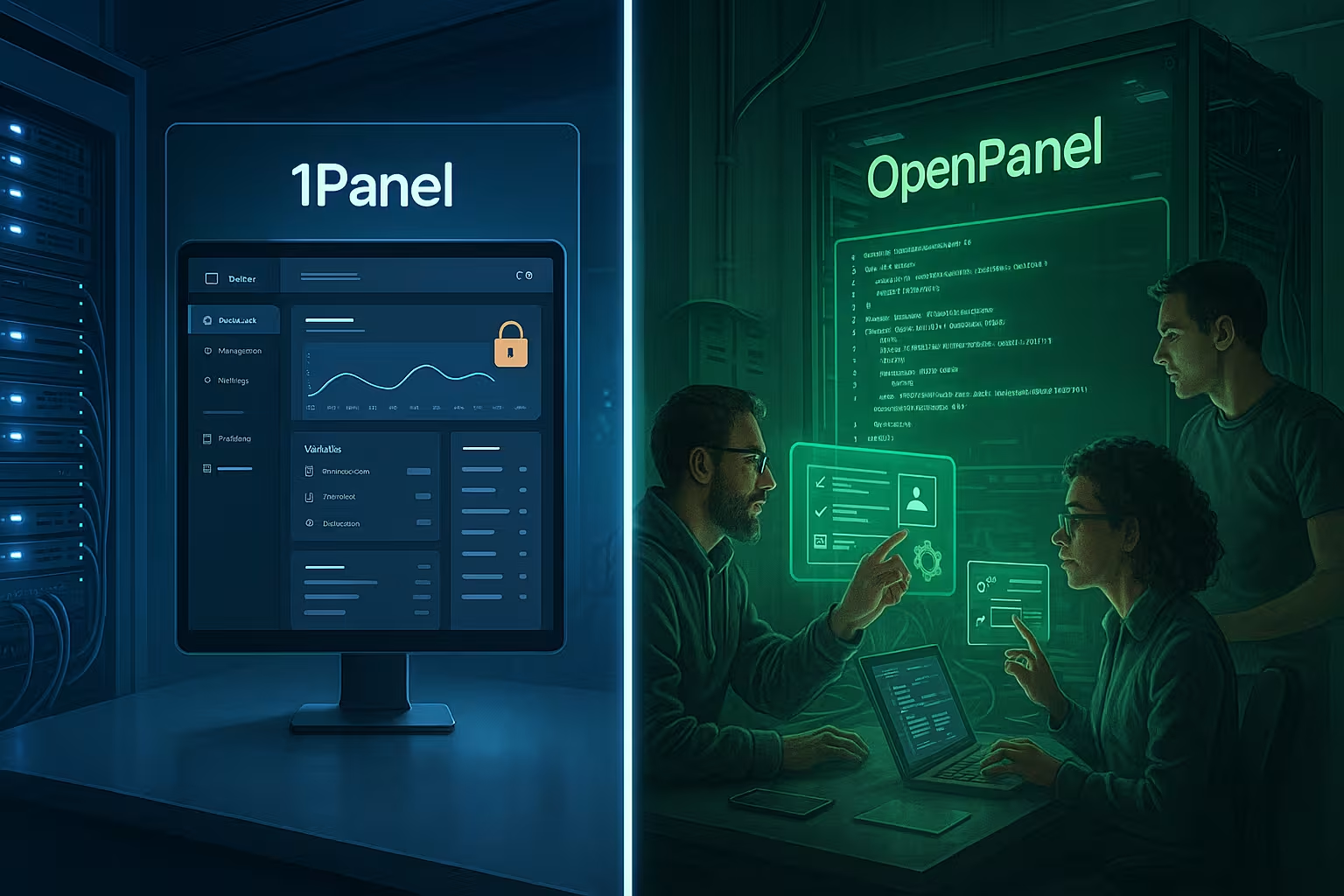
In a direct duel, I notice that 1Panel is ahead in terms of convenience functions, while OpenPanel offers maximum freedom. Who wants one-click workflows, Backups and app installations will get there faster with 1Panel. On the other hand, those who prefer very fine-grained DNS rules, user-specific rights or an individual appearance will feel at home with OpenPanel. Both solutions support containers and provide a modern, responsive interface. In the end, what counts for me are the project characteristics: team size, degree of automation, proportion of WordPress, depth of monitoring and desired corporate identity determine the choice.
| Feature | 1Panel | OpenPanel |
|---|---|---|
| Web interface | Intuitive, clear | Modern, customizable |
| App Store | Yes | No |
| WordPress Deployment | 1-click integration | Manual possible |
| AI/AI support | Yes | No |
| Container management | Yes | Yes |
| DNS Editor | Simple, basic | Professional, many options |
| Backup & Restore | Integrated, 1-click | Manual |
| Security | Firewall, Container | Firewall, SSH Control |
| Notifications | Basic | Smart real-time messages |
| Branding | No | Yes |
| Responsive design | Yes | Yes |
Multi-server, roles and clients
Many setups start small and grow. I therefore plan early on whether I want a single server with clear separation or several hosts for web, database, cache and mail. Both panels are primarily intended for individual servers, but with automation (scripts, IaC) a fleet can be operated well. OpenPanel shows its strengths with roles and clients if teams and customers are to work separately. 1Panel keeps things simpler, which speeds up small crews. For access, I use SSH keys instead of passwords, audits log changes to configs, and I version critical templates so that I can roll back changes.
Security, updates and backups in practice
I always check panels on a security basis first: firewall control, sensible Default values, container isolation and log audits are mandatory. 1Panel has a lot to offer here, including a clear overview of services and rapid package updates. OpenPanel lets me define rules very granularly and restart services centrally, which helps with hardening and troubleshooting. Backups are at the top of the list in 1Panel and can be transferred to cloud storage with just a few clicks; in OpenPanel, I usually rely on external scripts or integrated system jobs. In the end, what counts for me is that restores run smoothly and that the documentation is in the team so that emergencies don't cause long downtimes.
Backups and disaster recovery in depth
I differentiate between full, incremental and file system snapshots. Rotations (GFS scheme), encryption at-rest and offsite copies are important. Restore tests are mandatory: I restore random samples at least quarterly - databases, file stores and complete WordPress instances. I define RPO/RTO per project; 1Panel makes it easier for me to play through with one-click restores, while I use structured playbooks in OpenPanel. For large amounts of data, I plan bandwidth windows and deduplicating backup solutions to keep costs in check.
Monitoring, DNS and automation
Strong monitoring is worth its weight in gold for operations teams because it reports deviations early and makes trends visible. OpenPanel offers comprehensive Metrics including history, while 1Panel displays the most important system values clearly. OpenPanel is significantly deeper when it comes to DNS, which scores points with multi-domain setups and special records. Both succeed in automation: Scripts, cronjobs and APIs shorten recurring tasks, with OpenPanel also providing numerous management commands with OpenCLI. I weigh up here how much automation I need built in and where I would prefer to use external toolchains, for example for CI/CD.

Observability and alerting at depth
In addition to metrics, I need logs and - where appropriate - traces. I forward system and web server logs centrally, provide them with context (project, environment) and define alerts that not only recognize threshold values but also anomalies. Notifications should be flush: escalation chains, idle times and duplicate suppression prevent alert fatigue. Health checks for external endpoints and certificate expiry warnings are small features with a big impact. I set up change logs for DNS changes so that I can roll back more quickly in the event of an error.
Migrations and life cycle
I take a structured approach when changing existing environments: Inventory, test environment, trial migration, cutover. I migrate websites with database dumps, file sync and domain switching; with WordPress, this includes a clean search replace to new domains/URLs. I move email inboxes with IMAP sync and lower DNS TTL before the deadline. I keep downtime to a minimum by briefly freezing write services, performing a final synchronization and then switching DNS or reverse proxy. Both panels support me, but it's the quality of the plan that counts - not the tool alone.
Performance and resource requirements
I pay attention to panel overhead and reserve resources for applications. Containerized stacks bring clarity, but cost memory; RAM budgets that are too tight lead to swap peaks and latency. Web server tuning (worker, keep-alive, buffer), PHP FPM pool sizes, database parameters (innodb_buffer_pool_size) and cache strategies ultimately decide more than the selected panel. 1Panel speeds me up when setting up these basics, OpenPanel gives me levers for special cases. For traffic peaks, I plan horizontal equalization: separate databases, external caches, CDN and image optimization.
Security best practices and compliance
Hardening is not a one-off project. I activate 2-factor login, set strong password policies and limit panel access to admin networks. API keys are given a minimal rights matrix and expiration dates. Fail2ban/Bruteforce protection, restrictive SSH configuration (keys only, port binding), regular kernel and package updates and rapid CVE responses are part of the operating calendar. For compliance, I keep audit logs with retention periods, document changes and separate data for each client. I encrypt backups with team-wide known but securely managed key material.
Integration into everyday working life: workflows and roles
A panel has to fit in with existing habits, otherwise it will stay put. I pay attention to clear Rollers with appropriate authorizations so that teams work cleanly separated and securely. Good search functions and favorites save time when many projects are running in parallel. Ticket processes and on-call services benefit from reliable alarms and clean logs that I can link directly to incidents. It is also important to me that I can quickly create users, assign keys and revoke access without having to click through hidden dialogs.
Roadmap, community and operational security
With open source panels, I look at the release cycle, response time for issues and the quality of the documentation. An active community, comprehensible changelogs and predictable major releases give me confidence. I test updates in staging first, have a rollback ready and plan maintenance windows. The following applies to both panels: the better the community resources and examples, the faster teams make progress - especially with less everyday requirements such as complex DNS setups, special reverse proxies or multi-level backups.
Which solution suits which project?
I choose 1Panel when I need fast one-click deployments, integrated Backups and AI support, especially for WordPress-heavy projects. For teams with high monitoring requirements, fine DNS setup and their own brand presence, OpenPanel works better. Mixed environments sometimes benefit from using both tools depending on the role, such as 1Panel for app rollouts and OpenPanel for hosting accounts. Before making a decision, I also look at alternatives to avoid blind spots; a good starting point is this comparison to KeyHelp vs aaPanel. In the end, what counts for me is that the panel supports my project goals without slowing me down in terms of maintenance and safety.

Hosting tip: Think infrastructure and panels together
Good hardware, clean networks and reliable Support only realize the full potential of a panel. I see webhoster.de as being ahead in terms of performance, security and support, especially in combination with 1Panel or OpenPanel. For tests and rollouts, I value short deployment times and clear upgrade paths. Measurable key figures such as I/O throughput, latency and availability provide the basis for reliable statements. The following overview shows how I rate the providers at a high level and why I prefer webhoster.de for productive setups.
| Provider | Performance | Security | Support | Price-performance |
|---|---|---|---|---|
| webhoster.de | ★★★★★ | ★★★★★ | ★★★★★ | ★★★★★ |
| Other providers | ★★★★☆ | ★★★★☆ | ★★★★☆ | ★★★★☆ |
Costs, licenses and operation
Both panels come without license fees, which noticeably eases the burden on budgets and gives me more leeway for Infrastructure can. I like to invest the money saved in monitoring stacks, additional backups or better storage options. Operating costs then depend primarily on server size, traffic and storage requirements; for small projects, inexpensive instances are often sufficient, while stores need more RAM and I/O. It's important for me to plan the running costs realistically: updates, security patches, alarms and tests are all on the agenda. If I add all this up, I often end up cheaper than with proprietary licenses, without sacrificing convenience.
Brief summary: What I advise users
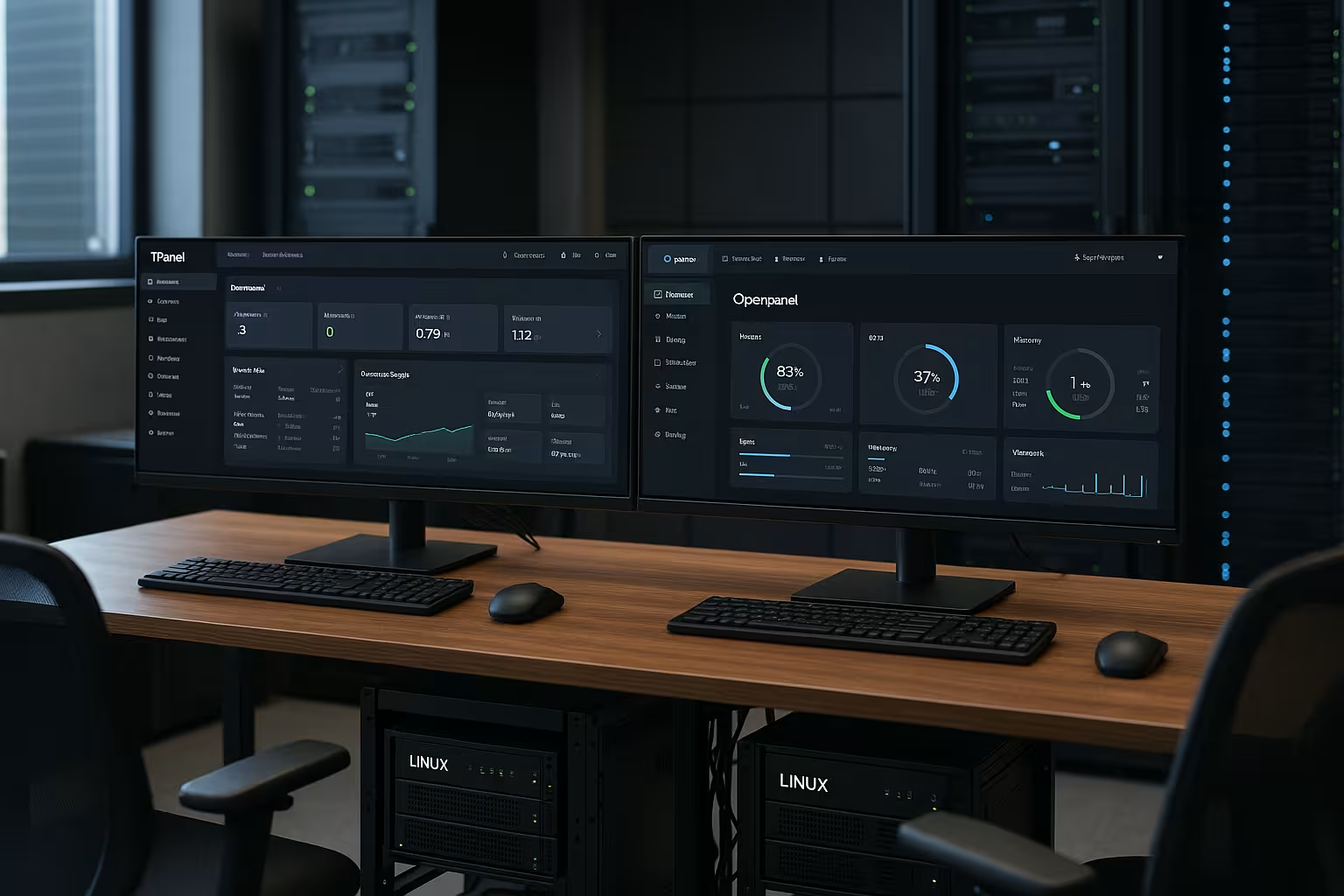
I rank 1Panel as a strong choice for fast website deployments, integrated Backups and AI assistance. I recommend OpenPanel if deep DNS control, smart alerts and brand-compliant appearance are important. Both panels provide me with a modern, secure and very productive working environment. The decisive factor remains which projects you are running, how much automation you want and whether corporate design plays a role in the panel. If you prioritize clearly and run realistic tests, 1Panel or OpenPanel is a good decision for the coming years.