Skip to content
OpenPanel in check: I show how the OpenPanel as a free control panel cleans up web hosting management on Linux and noticeably simplifies common admin tasks. In doing so, I combine a clear interface with strong automation and ensure Transparency in everyday life and operation.
Key points
The following key points briefly summarize the most important findings and provide a quick overview. Orientation for beginners and professionals.
- Open Source and free of charge, ideal for agencies, teams and ambitious admins.
- GUI and CLI (OpenCLI) for fast, clean administration on Linux.
- DNS granular, web server options with Nginx and modern caching.
- Security with 2FA, Let's Encrypt (incl. wildcard via DNS-01), IP blocking.
- Automation, API approaches and DevOps workflows for efficient processes.

What is OpenPanel? Functions at a glance
I see OpenPanel as a versatile, open-source control panel that runs on Linux hosts with clear Structure and is suitable for small projects through to larger setups. The platform covers user and account management, hosting packages, quotas and resource control without forcing me into rigid license models. I benefit from modules for domains, databases, FTP, email services and installation wizards for WordPress, Joomla or Drupal. The modular concept allows me to expand functions step by step and keep my environment manageable. At the same time, the interface remains easy to understand so that I can focus on Content and availability.
User interface and operation
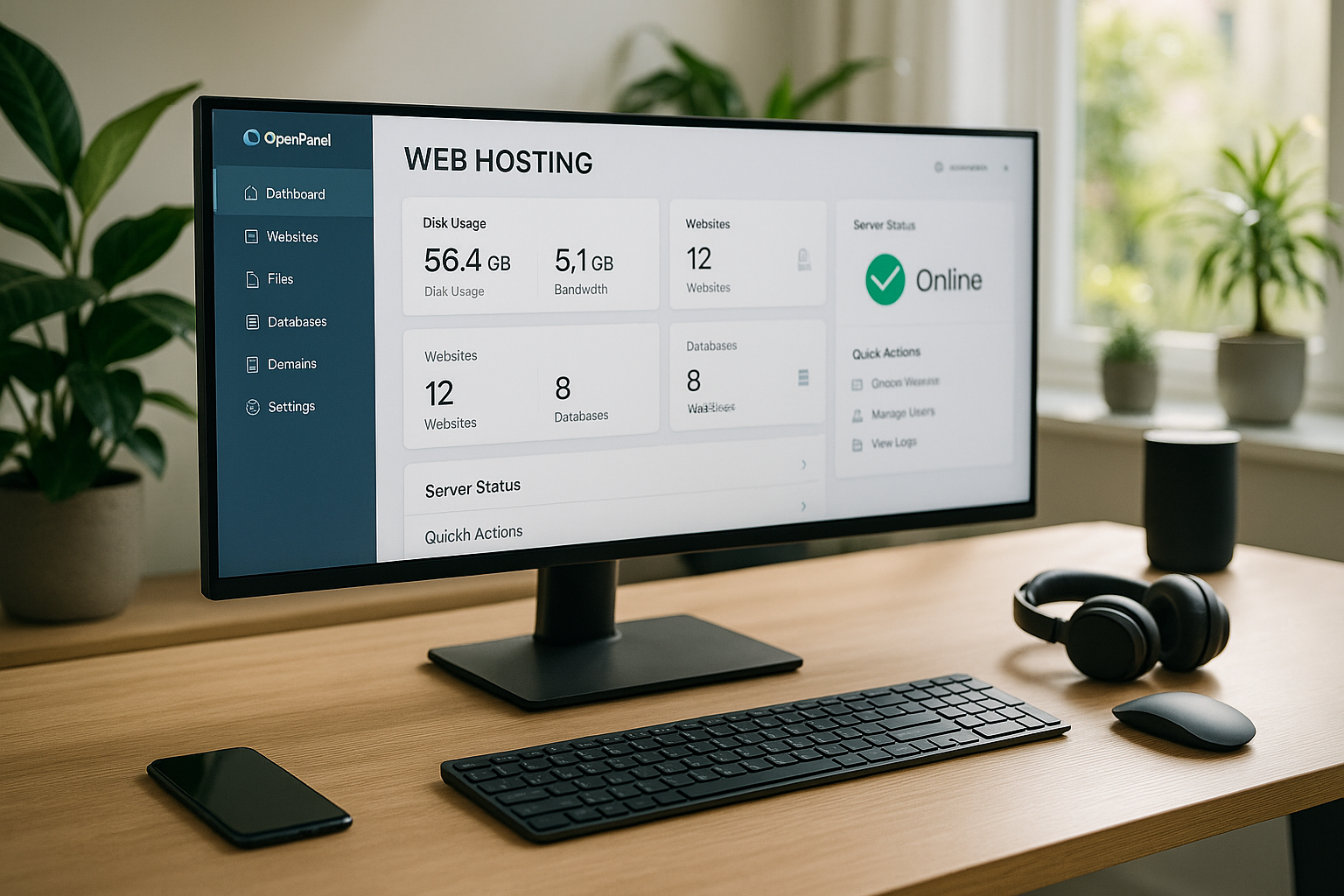
The web GUI responds quickly, can be used on the move and saves me click paths thanks to clear Navigation and well-placed actions. If I want to script, I use OpenCLI and access the same functions via the terminal, which saves me a lot of time, especially for recurring tasks. I adapt the branding to the logo, colors and font and present customers with a coherent white-label experience. This allows me to retain control over the external presentation without having to build separate tools. What counts for me is that I can reach my goal quickly, both graphically and via the shell, and that processes are really standardize.

DNS and domain management
When it comes to DNS management, I attach great importance to fine Control and quick changes, and that's exactly what OpenPanel delivers with A, AAAA, CNAME, MX, TXT, SRV, NS and wildcards. I implement redirects, subdomains and failover rules in a targeted manner and keep changes clean with clear masks and validated entries. For multi-site setups, I maintain an overview thanks to clear zone views without having to open separate DNS tools. This helps me to avoid downtime because I can identify sources of error more quickly. All in all, this DNS implementation saves me a lot of work and strengthens the Reliability.
Email management and deliverability
In the mail area, clean Standards and clear responsibilities. I set up mailboxes, aliases and forwarding so that teams can work in a structured way without losing sight of distribution lists and out-of-office notes. I configure SPF, DKIM and DMARC in the DNS directly in the panel and verify delivery paths via clear status displays. Throttling for outgoing emails, size limits and quotas prevent abuse and keep the reputation stable. I set granular blacklists and whitelists for each domain, while spam filter rules remain traceable. Together with meaningful logs and bounce analyses, I achieve a reliable Mail delivery without having to jump to external interfaces.
Web server, performance and caching
I choose Nginx per project, activate HTTP/2 and HTTP/3/QUIC and connect PHP-FPM with OPCache to reduce latencies and Throughput to increase. I set caching strategies precisely for each site so that dynamic content remains fast and static files are delivered optimally. I adapt Nginx blocks for individual virtual hosts and set redirects, HSTS and rate limits. This allows me to get more performance out of existing hardware and cope better with peak loads. This freedom is important to me because I can manage projects with different Claims supervise.
Databases, PHP versions and developer tools
For data-driven projects, I think Databases and PHP stacks and select the right combination for each site. I manage typical SQL engines, connection data and user rights centrally, set quotas and protect sensitive parameters against misconfiguration. I automate database backups promptly and keep dumps separated by environment. With PHP, I use several versions in parallel where the installation allows and assign each web app to the appropriate runtime. This prevents version conflicts and makes upgrades easier. I integrate Composer, cronjobs and CLI accesses in such a way that deployments reproducible run. This keeps development, staging and live environments consistent - and I can isolate problems more quickly.
Security, encryption and access
I rely on Let's Encrypt with wildcard certificates via DNS-01 and hold certificates with just a few clicks current. For admin access, I use 2FA, manage SSH keys and block IP addresses that frequently fail. Brute force protection and mTLS for internal admin access additionally tighten the protection of sensitive areas. I evaluate logs centrally and recognize suspicious patterns more quickly. This is how I strengthen the Hardening instances without having to maintain separate security suites.
Automation and DevOps integration
I automate recurring tasks with bash scripts, cronjobs and API hooks and convert manual click paths into transparent ones. Pipelines. Deployments, certificate renewals, backups and user provisioning can be planned, which reduces sources of error. For teams, I integrate OpenPanel into existing CI/CD processes and document changes via structured logs. If you want to weigh things up, you will find good arguments in the comparison 1Panel vs OpenPanel, especially with regard to scripting and admin ergonomics. I work noticeably with this toolbox more efficient, because routine jobs hardly take up any time.

Staging, Git deployments and rollbacks
I consider changes low-risk, by using staging instances, cloning databases and checking changes in advance. I import builds via Git pull or CI/CD job and separate configuration from source code so that secret variables do not end up in the repo. Symlink strategies, maintenance pages and atomic releases prevent half-finished states. If something does go wrong, I switch to the previous revision or implement a defined rollback plan. In this way, deployments remain traceable, reproducible and affect users as little as possible.
Monitoring and transparency
I keep an eye on the CPU, RAM, I/O and network and recognize trends before users have the Performance find them tough. I clearly define critical threshold values so that alarms go to the right place and measures don't fall flat. Health checks show me whether services are running properly and logical groupings help with large structures. This allows me to make fact-based decisions on whether to increase resources, adjust caching or move quotas. Instead of acting reactively, I stay proactive and save costs.
Backups, snapshots and emergency plans
Freedom from failure begins with clean Backups. I separate file, database and configuration backups, use multiple retention levels and verify restores regularly. For critical systems, I schedule off-site backups and test restore scenarios in isolated environments. Object storage or block-based snapshots supplement classic dumps so that I have the right depth depending on the damage. I record schedules, encryption and integrity checks centrally. This way, I know which RPO/RTO targets are realistic - and in an emergency I can capable of acting remain.
Compliance, logging and GDPR
Transparency does not end with technology: I document Accesses, changes and administrative actions can be tracked. I restrict who can read, export or delete logs based on roles. I set clear retention periods for personal data and pseudonymize where possible. TLS specifications, strong cipher suites and separate keys prevent leaks, while I enforce guidelines for passwords and 2FA. I respond to requests for information or deletion in a structured manner because data flows are clearly described. This allows me to meet internal and regulatory requirements without disrupting the operational flow.
Practice: Installation and operation
I start on a fresh Linux server using an installation script or use Docker if I want to streamline deployments. steer would like. I then create users, packages and quotas, import domains and import the first websites. Using the setup wizard, I set up WordPress in minutes, including the database and HTTPS. If you are considering alternatives, you can aaPanel in comparison and mirror your own use case. In productive setups, I use backups, test environments and clear role concepts so that releases are secure. expire.

Branding and clients: White label in everyday life
I set the branding in such a way that customers get a coherent Panel that fits seamlessly into the corporate identity and customer approach. Custom colors, logo and typography increase recognition and create trust. I map reseller scenarios via roles, rights and packages without having to maintain additional tools. This is worthwhile for agencies because support and billing remain clearly separated. This is how I present a professional approach and maintain processes for everyone involved clear.
Roles, rights and auditing
With established teams, a fine Delimitation of responsibilities. I work with roles that I assign to each client and project and restrict sensitive actions to a small number of people. I log actions in an audit-proof manner so that I can later trace who changed what and when. I create temporary access with an expiry date for external partners and restrict their rights to the bare minimum. This keeps environments clean, onboarding and offboarding is faster - and I don't lose track of authorizations.
Migrations and import/export
I reduce switching costs by Migrations in a predictable way: I export databases consistently, synchronize files with checksums, coordinate DNS changes with a low TTL. I transfer email inboxes in an orderly fashion so that no messages are lost and test the new stack with subdomain previews. For large moves, I set stages: first static content, then databases in read-only, and finally the final switchover point. Documented playbooks help to avoid errors and speed up repetitions.
Updates, releases and maintenance
I keep systems current, without sacrificing stability. I prioritize security updates and roll out functional updates in maintenance windows. I check dependencies before every major step: PHP versions, database engines, extensions and caching layers. A changelog for each environment and automatic checks after the update show me whether everything is running smoothly. In this way, I reduce surprises, plan capacities realistically and ensure continuous maintenance that doesn't get out of hand on a day-to-day basis.
Comparison: OpenPanel vs alternatives
I compare the range of functions, effort and costs in order to find a suitable Solution that is sustainable in the long term. OpenPanel scores with granular rights management, strong DNS, CLI convenience and fair costs. Those who focus on GUI convenience should also look at KeyHelp or Virtualmin; those who prefer tinkering should check out aaPanel or 1Panel. A deeper look at the differences in administration and operation is provided by KeyHelp vs OpenPanel. The following table summarizes key aspects and provides me with a quick Overview.
| Aspect | OpenPanel | KeyHelp | Virtualmin | aaPanel |
|---|---|---|---|---|
| License costs | Open Source, €0 | Free/pro options | Open Source | Free/pro options |
| GUI + CLI | GUI + OpenCLI | Powerful GUI | GUI + CLI | GUI-focused |
| DNS functions | Very granular | Solid | Extensive | Solid |
| Branding/white label | Far-reaching | Good | Limited | Limited |
| Web server options | Nginx, HTTP/2/3 | Apache/Nginx | Apache/Nginx | Nginx/Apache |
| Automation | API/Scripting | Partial | Wide | Basic |

My brief summary
OpenPanel makes web hosting management easier for me because I can perform everyday tasks without any detours. do and can still intervene deeply. The mixture of GUI, OpenCLI, DNS depth, security features and automation is a good fit for projects with growth. I save on license costs, keep processes transparent and rely on an active community. If you want to operate servers in a German data center, a provider like webhoster.de is a solid choice, especially in combination with managed or dedicated servers. For me, OpenPanel remains a viable option for the future. Choice, that convincingly combines productivity and control.