Skip to content
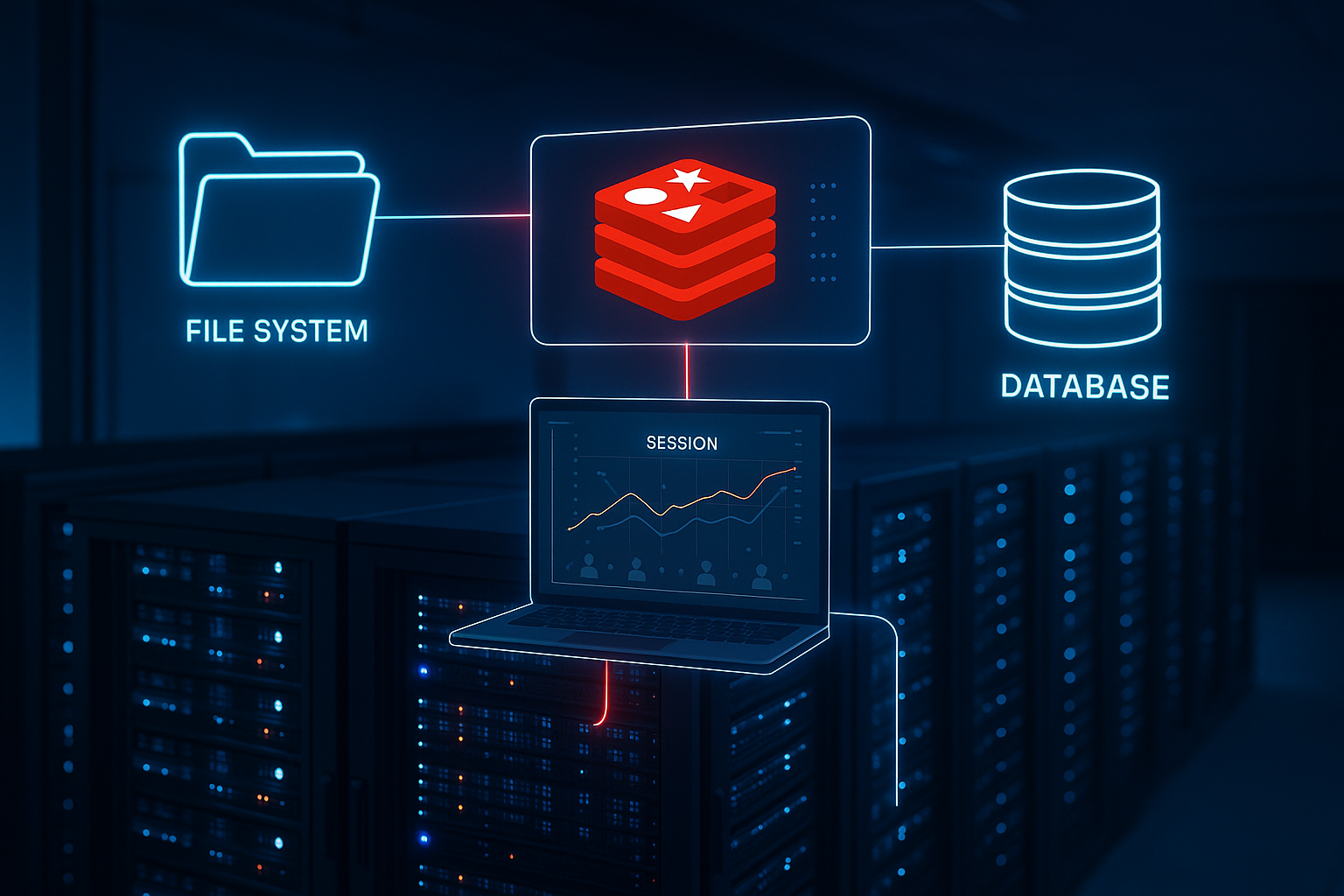
In hosting, session handling determines whether logins, shopping carts, and dashboards respond quickly or stall under load. I'll show you which storage strategy – file system, Redis or Database – is suitable for your application and how you can configure it for practical use.
Key points
- Redis delivers the fastest sessions and scales cleanly in clusters.
- file system is simple, but becomes an I/O bottleneck when parallelism is high.
- Database offers convenience, but often causes additional bottlenecks.
- session locks and meaningful TTLs determine the perceived performance.
- PHP-FPM and caching determine whether the backend can reach its full potential.
Why session handling in hosting determines success
Every request with a session accesses status data and generates read or write load. With PHP, the default handler locks the session until the request ends, causing parallel tabs from the same user to run sequentially. In audits, I repeatedly see how a slow memory path slows down the TTFB With a growing number of users, session locks increase waiting times, especially during checkouts and payment callbacks. By correctly configuring the memory selection, locking strategy, and lifetime, you can reduce blockages and keep response times consistently low.
Session storage comparison: Key figures
Before I give specific recommendations, I will summarize the most important characteristics of the three storage methods. The table will help you understand the effects on Latency and scaling. I focus on typical hosting realities with PHP-FPM, caches, and multiple app servers. With these facts in mind, you can plan rollouts without running into migration stress later on. This allows you to make a decision that suits your load profile fits.
| Backend | Performance | Scaling | Suitability |
|---|---|---|---|
| Redis | Very fast (RAM, low latency) | Ideal for multiple app servers and clusters | Shops, portals, APIs with high parallelism |
| file system | Medium, I/O-dependent | Difficult with multi-server without shared storage | Small sites, tests, single server |
| Database | Slower than Redis, overhead per request | Cluster-capable, but DB as a hot spot | Legacy, transitional solution, moderate load |

File system sessions: Simple, but limited
PHP stores session files in the session.save_path It locks them during processing and then releases them afterwards. This seems straightforward until there are many simultaneous requests and the disk becomes the limiting factor. I often observe high I/O wait times and noticeable delays when tabs are open in parallel. In multi-server setups, you need shared storage, which adds additional latency and makes troubleshooting more difficult. If you want to know more about how file systems behave, take a look at this File system comparison, because the driver significantly influences the I/O characteristics.
Database sessions: Convenient, but often sluggish
Storage in MySQL or PostgreSQL Centralizes sessions and facilitates backups, but every request impacts the database. This causes the session table to grow rapidly, indexes to fragment, and places additional strain on the already busy database server. I often see latency spikes here as soon as write accesses increase or replication lags behind. As a transition, it can work if you dimension the DB generously and plan maintenance. For low response times, it's also worth database pooling, because connection setup times and lock collisions are less noticeable with it.

Redis sessions: RAM power for high loads
Redis stores session data in the Working memory and thus delivers extremely short access times. The database remains free for technical content, while sessions are available very quickly via TCP. In distributed setups, multiple app servers share the same Redis cluster, which facilitates horizontal scaling. In practice, I set TTLs on sessions so that memory is automatically cleared. If you lose performance, you should switch to Redis misconfigurations Check for issues such as buffers that are too small, inappropriate persistence, or complex serialization.
Session locking: Understanding and mitigating
The default mechanism blocks a Session, until the request ends, causing parallel requests from the same user to run sequentially. This prevents data corruption but blocks front-end actions if a page takes longer to calculate. I reduce the load on the session by only storing necessary data there and transporting other information in cache or stateless. After the last write access, I close the session early so that subsequent requests start faster. I move longer tasks to workers, while the front end queries the status separately.
Choose TTL and garbage collection wisely
The service life determines how long a Session remains active and when memory is freed up. TTLs that are too short frustrate users with unnecessary logouts, while values that are too long inflate garbage collection. I define realistic time spans, such as 30–120 minutes for logins and shorter for anonymous shopping carts. In PHP, you control this with session.gc_maxlifetime, and in Redis additionally via a TTL per key. For admin areas, I deliberately set shorter times to keep risks low.
Properly coordinating PHP-FPM and workers
Even the fastest backend is of little use if PHP-FPM provides too few workers or creates storage pressure. I calibrate pm.max_children suitable for the hardware and peak load, so that requests do not end up in queues. With pm.max_requests I limit memory fragmentation and create predictable recycling cycles. A sensible memory_limit per site prevents a project from tying up all resources. These fundamentals ensure that session accesses run more evenly and that the TTFB does not collapse during peak loads.
Caching and hot path optimization
Sessions are not general-purpose memory, That's why I store recurring, non-personalized data in page or object caches. This reduces PHP calls, and the session handler only works where it's really needed. I identify hot paths, remove unnecessary remote calls, and reduce costly serializations. Often, a small cache before DB queries is enough to free sessions from ballast. When the critical paths remain lean, the entire application feels much more responsive.
Designing architecture for scaling
When using multiple app servers, I avoid Sticky Sessions, because they cost flexibility and exacerbate failures. Centralized stores such as Redis facilitate true horizontal scaling and keep deployments predictable. For certain data, I choose stateless methods, while security-relevant information remains in the session. It is important to clearly distinguish between what really needs to be stored and what can only be cached for a short time. With this approach, migration paths remain open and rollouts run more smoothly.

Practical guide: The right strategy
First, I'll clarify that load profile: concurrent users, session intensity, and server topology. A single server with little state works well with file system sessions as long as the pages do not cause long requests. If Redis is missing, the database can be a temporary solution, provided that monitoring and maintenance are available. For high loads and clusters, I use Redis as a session store because its latency and throughput are impressive. I then adjust TTL, GC parameters, and PHP-FPM values and close sessions early so that locks remain short.

Configuration: Examples for PHP and Frameworks
For Redis as session handler I typically set in PHP session.save_handler = redis and session.save_path = "tcp://host:6379". In Symfony or Shopware, I often use connection strings such as redis://host:port. Appropriate timeouts are important to prevent hanging connections from triggering chain reactions. I pay attention to serialization format and compression to keep CPU load from getting out of hand. Structured defaults enable a quick rollout without any nasty surprises.
Error patterns and monitoring
I recognize typical symptoms by Waiting times with parallel tabs, sporadic logouts, or overcrowded session directories. I search logs for locking indicators, long I/O times, and retries. Metrics such as latency, throughput, error rates, and Redis memory help narrow down the problem. I set alarms for outliers, such as extended response times or growing queue lengths. With targeted monitoring, the cause can usually be narrowed down and resolved within a short time.

Redis operation: Cleanly configure persistence, replication, and eviction
Even though sessions are transient, I deliberately plan Redis operations: maxmemory must be dimensioned so that peaks are absorbed. With volatile-ttl or volatile-lru Only keys with TTL (i.e., sessions) remain in competition for memory, while no eviction is risky because requests will then fail. For failures, I rely on replication with Sentinel or Cluster so that a master failover can be performed without downtime. I choose lean persistence (RDB/AOF): sessions may be lost, but short recovery times and constant throughput are more important. only yes with everysec is often a good compromise if you need AOF. For latency spikes, I check TCP keepalive, timeout and pipelining; overly aggressive persistence or rewrite settings can cost milliseconds, which are already noticeable at checkout.
Security: Cookies, session fixation, and rotation
Performance without security is worthless. I activate Strict Mode and secure cookie flags so that sessions are not taken over. After login or a change of rights, I rotate the ID to prevent fixation. For cross-site protection, I use SameSite Conscious: Lax is often sufficient, but I test specifically for SSO or payment flows because external redirects do not send cookies otherwise.
Proven defaults in php.ini or FPM pools:
session.use_strict_mode = 1 session.use_only_cookies = 1 session.cookie_secure = 1 session.cookie_httponly = 1 session.cookie_samesite = Lax session.sid_length = 48
session.sid_bits_per_character = 6 session.lazy_write = 1 session.cache_limiter = nocache
In the code, I rotate IDs something like this: session_regenerate_id(true); – ideally immediately after successful login. I also save no sensitive personal data in sessions, but only tokens or references. This keeps objects small and reduces risks such as data leakage and CPU load due to serialization.
Load balancers, containers, and shared storage
In container environments (Kubernetes, Nomad), local file systems are volatile, so I avoid file sessions. A central Redis cluster allows pods to be moved freely. I don't use sticky sessions in the load balancer—they bind traffic to individual nodes and make rolling updates difficult. Instead, requests authenticate against the same central session store. Shared storage via NFS for file sessions is possible, but locking and latency vary greatly, often making troubleshooting a thankless task. My experience: If you really want to scale, there's no getting around an in-memory store.
GC strategies: Cleaning up without side effects
For file system sessions, I control garbage collection via session.gc_probability and session.gc_divisorfor instance 1/1000 during heavy traffic. Alternatively, a cron job clears the session directory. outside the request paths. With Redis, the TTL takes care of cleanup; then I set session.gc_probability = 0, so that PHP is not called upon unnecessarily. It is important that gc_maxlifetime fits your product: too short leads to increased re-authentications, too long bloats memory and increases the attack window. For anonymous carts, 15–30 minutes is often sufficient, while logged-in areas tend to be more like 60–120 minutes.
Fine-tune locking: Shorten the write window
Besides session_write_close() The lock configuration in the phpredis handler helps to mitigate collisions. In php.ini For example, I set:
redis.session.locking_enabled = 1 redis.session.lock_retries = 10 redis.session.lock_wait_time = 20000 ; microseconds redis.session.prefix = "sess:"
This prevents aggressive busy waits and keeps queues short. I only write when content has changed (lazy write) and avoid keeping sessions open during long uploads or reports. For parallel API calls, minimize state and only use sessions for truly critical steps.
Practical framework tips
At Symfony I define the handler in the framework config and use lock-free Reading areas, where possible. Laravel Comes with a Redis driver; here, Horizon/Queue scales separately from the session store. Shopware and Magento benefit significantly from Redis sessions, but only if serialization (e.g., igbinary) and compression are deliberately chosen—otherwise, the load shifts from I/O to CPU. With WordPress I use sessions sparingly; many plugins misuse them as a universal key-value store. I keep objects small, encapsulate them, and make pages stateless as much as possible so that reverse proxies can cache more.
Migration without downtime: From file/DB to Redis
I proceed in steps: First, I activate Redis in staging with realistic dumps and load tests. Then I roll out an app server with Redis while the rest still use the old procedure. Since old sessions remain valid, there is no hard cut; new logins already end up in Redis. Then I migrate all nodes and let the old sessions expire naturally or clear them with a separate cleanup. Important: Restart PHP-FPM after the changeover so that no old handlers remain in memory. A step-by-step rollout significantly reduces the risk.
Deepen observability and load testing
I don't just measure average values, but rather the P95/P99 latencies, because users notice these outliers. For PHP-FPM, I monitor queue lengths, busy workers, slow logs, and memory. In Redis, I am interested in connected_clients, mem_fragmentation_ratio, blocked_clients, evicted_keys and the latency-Histograms. For the file system, I record IOPS, flush times, and cache hits. I perform load tests based on scenarios (login, shopping cart, checkout, admin export) and check whether locks get stuck on hot paths. A small test run with an increasing RPS curve reveals bottlenecks early on.
Edge cases: Payment, webhooks, and uploads
Payment providers and webhooks often do not require cookies. I do not rely on sessions here, but work with signed tokens and idempotent endpoints. When uploading files, some frameworks lock the session to track progress; I separate the upload status from the main session or close it early. For cron jobs and worker processes, the rule is: don't open sessions in the first place – state belongs in the queue/DB or in a dedicated cache, not in the user session.
Subtleties of serialization and compression
Serialization affects latency and memory requirements. The standard format is compatible, but not always efficient. igbinary can reduce session size and save CPU time—provided your toolchain supports it throughout. Compression reduces network bytes but costs CPU; I only enable it for large objects and measure before and after. Basic rule: keep sessions small, decouple large payloads, and only store references.
Quick summary: The most important information at a glance
For low Latencies For clean scaling, I rely on Redis as a session store, thereby reducing the load on the file and database levels. The file system remains a simple choice for small projects, but quickly becomes a bottleneck when it comes to parallelism. The database can help in the short term, but often only shifts the bottleneck. The setup is rounded off with appropriate TTLs, early session closure, sensible PHP-FPM tuning, and a clear cache concept. This makes checkout feel smooth, logins remain reliable, and your hosting can withstand even peak loads.