Skip to content
The Best WordPress Page Builders 2025 show significant progress in operation, loading speed and SEO performance. In our comprehensive test, we compare Elementor, SeedProd, Thrive Architect and other tools and show which tool is really worthwhile for which use case.
Key points
- Elementor continues to score with design freedom and a huge range of widgets.
- SeedProd offers excellent performance and is highly suitable for conversion-oriented sites.
- Thrive Architect impresses with its focus on marketing elements and high conversion values.
- Performance and loading speed are more important than ever for good rankings in 2025.
- SEO-focused Features are increasing significantly for almost all builders.
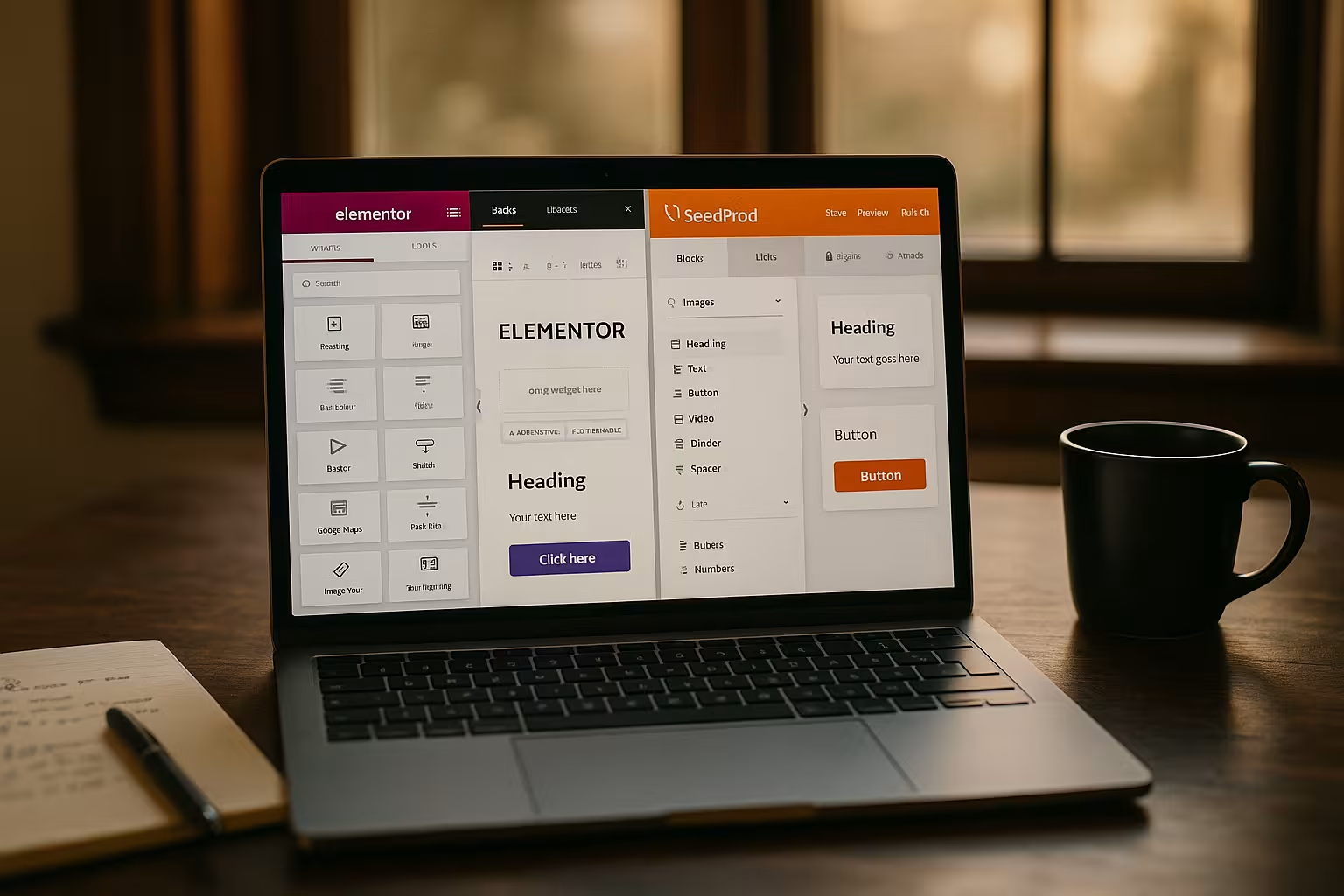
Elementor - The all-rounder with a large community
Elementor remains the best-known and most-used page builder in 2025. With a visually intuitive drag-and-drop editor, over 90 widgets and a variety of integrated templates, the tool is suitable for both Beginners as well as advanced users. Especially for designers with a focus on layout control, Elementor offers more than others. The Pro version offers deeper integration of marketing tools, popup builder and theme builder functions.
In my tests, Elementor remains relatively performant despite its wealth of functions - thanks to its optimized output structure and lazy load. However, complicated layouts can have a noticeable impact on the loading time, which is a disadvantage for SEO projects. In combination with a high-quality theme - as in this Overview of fast WordPress themes - can be used to create very well optimized pages.
SeedProd - Specialist for landing pages and conversion
SeedProd was originally known as the Coming Soon plugin and has evolved into a fully-fledged builder for Marketing pages developed. The focus is clearly on loading speed and lead generation. I particularly like the strongly conversion-oriented blocks such as countdown timers, forms, deals and CTA components.
SeedProd takes a more minimalist approach than Elementor, which is advantageous for simple landing pages with a clear objective. The connection to large email marketing services works smoothly. Technically, SeedProd remains one of the fastest solutions - ideal for projects where every loading time counts.

Thrive Architect - The marketing machine among page builders
Who specifically Conversion goals is in good hands with Thrive Architect. The builder comes with integrated A/B testing functionalities, smart landing page templates and targeted content blocks. Its clear focus on entrepreneurs, affiliate marketers and coaches makes the difference to more universal solutions noticeable.
I find the close integration with other Thrive tools such as Leads, Quiz Builder and Theme Builder particularly useful. However, Thrive is not at the top of the league when it comes to performance; frequent use of dynamic content slows down page rendering somewhat. Users with a focus on reactive design and a strong focus on conversion will still benefit in the long term.
Performance and loading speed in comparison
A fast page load ensures rankings and user satisfaction. I tested the Google PageSpeed Score of three typical landing pages for each builder - with the following results:
| Page Builder | Desktop score | Mobile score |
|---|---|---|
| Elementor Pro | 89 | 72 |
| SeedProd | 98 | 92 |
| Thrive Architect | 83 | 68 |
SeedProd visibly outperforms the other tools in terms of Loading time. Elementor can follow suit with an optimized structure, Thrive must be partially supported with caching plugins. So if you need the best loading speed, SeedProd is a much better choice.
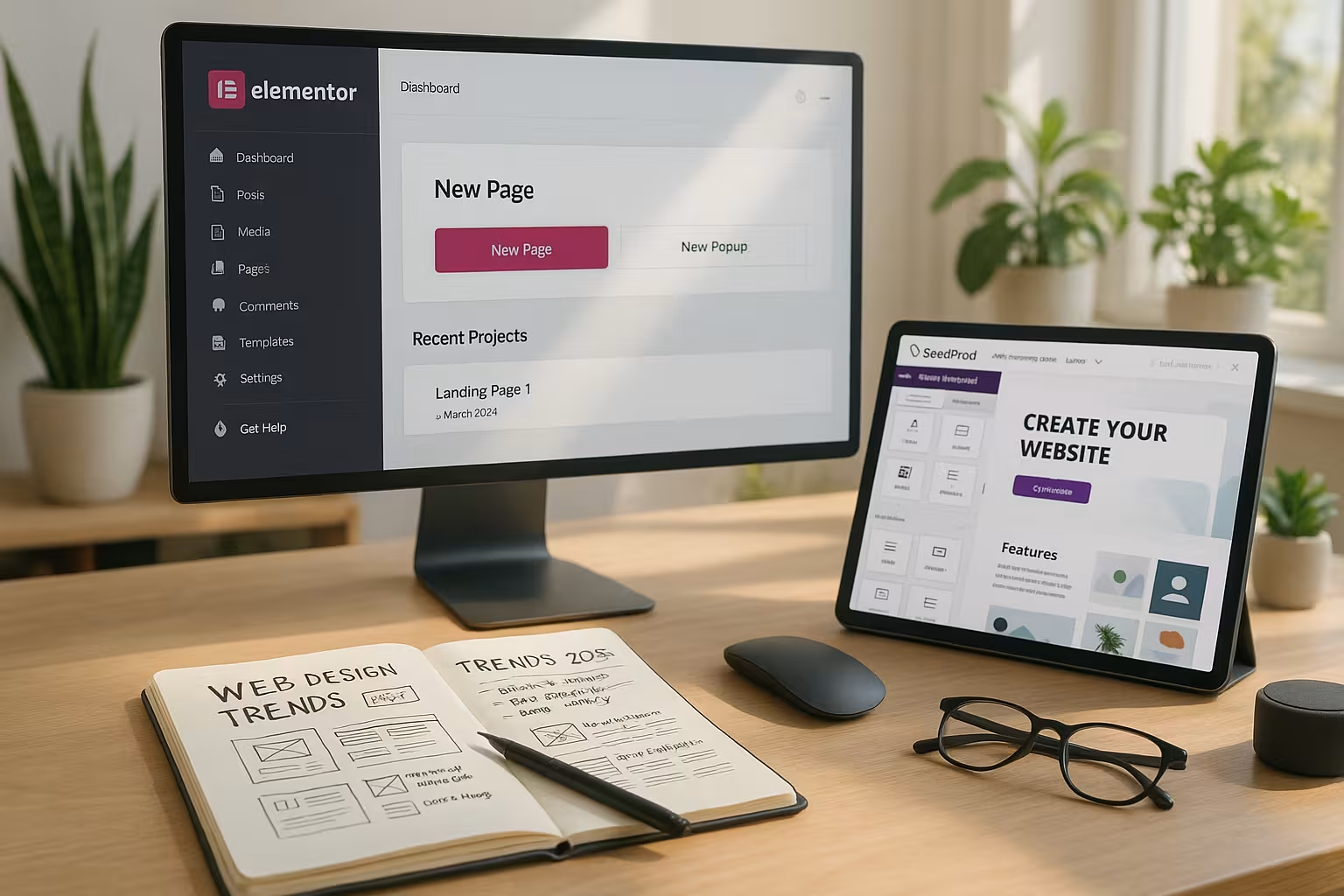
Practical tips for performance optimization: To get the most out of every page builder, it is worth using caching plugins and avoiding too many external scripts in addition to the builder's own optimization. Optimized images and a code base that is as lean as possible are also essential. Anyone working with Elementor, for example, should regularly maintain the source code and deactivate unused widgets in order to keep the PageSpeed value high. For complex projects, a CDN (Content Delivery Network) can also reduce the time to first byte (TTFB).
Other interesting builders in the 2025 test
In addition to the top dogs, it is also worth taking a look at New market entries and specialized tools. Brizy, for example, scores with real-time editing and a very intuitive interface. WPBakery hardly plays a role in new projects anymore, but is still present due to its high theme compatibility. Oxygen is aimed at more technically experienced users with a focus on performance and in-depth CSS control. Beaver Builder also remains established in agency circles.
Depending on the project, criteria such as compatibility with existing themes, required features, hosting performance and editorial maintenance options should be taken into account. If you are starting from scratch, this Step-by-step guide to website creation helpful orientation.
Gutenberg and full-site editing - competition or complement?
With the continuous development of the Gutenberg editor, many WordPress users are wondering whether classic page builders are still necessary in the long term. While Gutenberg now provides a solid block system for posts and pages, established page builders still offer more flexibility when it comes to fine-tuning layouts, especially when it comes to more complex designs with numerous interactive elements. Nevertheless, both worlds are converging: Many page builders now enable deep integration into the Gutenberg workflow, allowing users to switch between block editor and page builder without any major detours. Full-site editing (FSE) makes it possible to edit entire themes, but the level of detail and variety of widgets and templates is often higher with specialized builders. Those who want to implement simple blog or magazine pages are often well served with Gutenberg. For elaborate landing pages or complete sales funnels, however, it is still worth taking a look at tools such as Elementor or SeedProd.
Accessibility and user-friendliness
More and more website operators are paying attention to Accessibility (accessibility). Google is also rating accessible websites increasingly positively. Some page builders still have some catching up to do here, as they sometimes create an excessive number of nested containers. However, modern page builders such as SeedProd or Elementor already offer options to easily maintain alt texts, aria labels and correct heading hierarchies. When choosing a builder, it is advisable to focus on accessible themes and to check the creation process for screen reader compatibility. This prevents negative effects on SEO and ensures a good user experience - especially for users with visual or motor impairments.
Support and community
In addition to the pure feature list, the Support plays a major role in choosing the right page builder. Elementor is particularly well positioned due to its popularity: In addition to official support, there are countless Facebook groups, forums and YouTube channels where beginners and advanced users alike can quickly find answers. SeedProd has a focused target group, which is why the community is smaller but very committed - especially in the areas of marketing and conversion. Thrive Architect, on the other hand, scores points with its extensive documentation area and forums, which often deal with in-depth funnels and automation. If you need help quickly and don't want to spend a long time looking for answers, you should choose a builder with a well-established community.
SEO functions: What counts in 2025
SEO functions play a central role when deciding on a page builder. Many builders generate too much overhead - this slows down the page and dilutes the semantic code. Elementor, for example, offers structured data blocks, headline hierarchies and alt text maintenance per element. Thrive impresses with conversion tracking integration for external SEO tools.
SeedProd focuses on clean output - minimal HTML, no unnecessary div nesting and a good Core Web Vitals value. If you are serious about optimization, you should combine your builder with performance plugins. You can find detailed instructions for optimization here: Optimize WordPress Builder.
Advanced SEO strategies with page builders: With the help of schema markup, which some page builders support directly, search engines can be explicitly informed about the structure of content. This can quickly result in rich snippets, especially for reviews, recipes or event pages. If you configure your page builder properly and connect it to tools such as Google Analytics 4 or Matomo, you will gain insights into user behaviour and can optimize conversion measures accordingly. It remains important that shortcodes or dynamic modules do not generate errors that irritate crawlers.
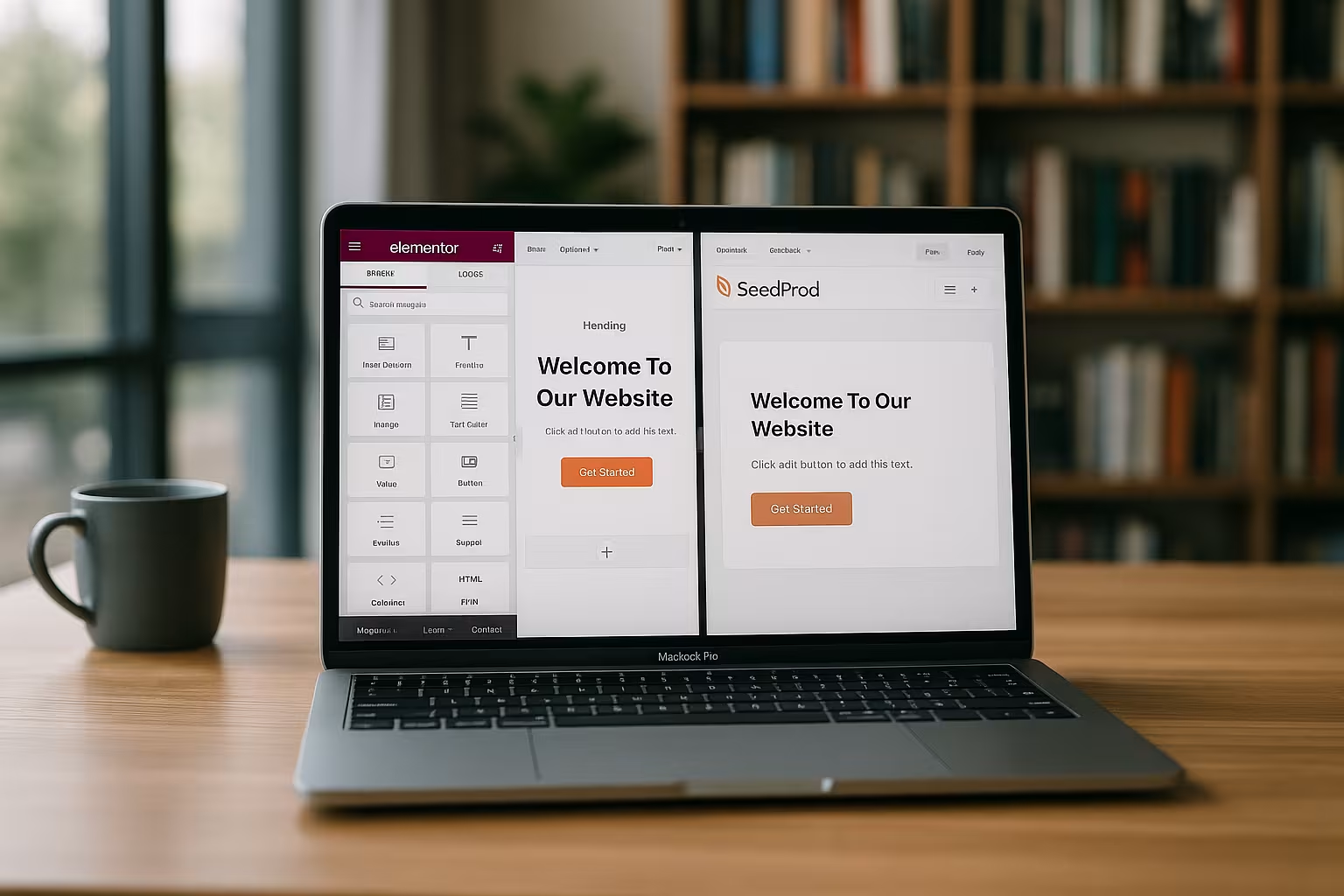
Comparison of costs and license models
The pricing models of the builders differed significantly. While Elementor charges between €59 (single license) and €399 (per 1000 websites), Thrive Architect is priced at €99 per year for one site. SeedProd starts at €79.50/year with full functionality for one website.
The following overview shows the most important tariffs:
| Page Builder | Single license | Multisite | Lifetime model |
|---|---|---|---|
| Elementor Pro | 59 €/year | 199-399 €/year | No |
| SeedProd | 79.50 €/year | 239.60 €/year (unlimited) | No |
| Thrive Architect | 99 €/year | 299 €/year (incl. Thrive Suite) | No |

When making your choice, it is worth considering the future scaling of the project. Those who manage several customer projects benefit from agency licenses with larger quotas. Lone wolves or freelancers, on the other hand, have to weigh up whether a higher initial price is worthwhile or whether they can get by reliably with a single site license. In most cases, the price differences only have an effect if several websites are managed and frequently updated.
Tips for choosing the right builder
The choice of the right builder depends on the individual application. Elementor is still the first choice for websites with a strong design and many visual elements. SeedProd is more suitable for fast-loading conversion pages. Thrive, on the other hand, specifically addresses Funnel projects with Smart Content components.
The quantity of widgets is less decisive - the technical cleanliness of the output is more important. In my experience, you should also plan for long-term maintainability and update security in the early project phases. Some builders regularly change their API or feature structure - this can lead to problems with more complex setups.

Practical best practices:
- Minimize modules: Only install and activate the widgets and add-ons that you actually need.
- Regular updates: Always keep your page builder and all themes/plugins up to date to avoid security vulnerabilities.
- Layout strategy: Create a rough wireframe or mockup in advance so that the page builder can be used efficiently.
- Global Styles: Use global colors and typography to maintain consistency and facilitate quick changes.
- Test optimization: Check the PageSpeed after every major page update and make corrections if necessary.
If you integrate a lot of dynamic content, you should also make sure that the builder can handle this without slowing down performance. This includes, for example, an innovative lazy load function for images or videos, but also the unloading of unused scripts if individual elements do not appear on a page.
Long-term trends in WordPress page builders
The market for page builders is growing, but there are Clear trends for the coming years, which will remain relevant in 2025. Artificial intelligence (AI) is increasingly being used in design processes to generate automated layout suggestions or fill in missing content. Some builders are already experimenting with AI-supported image optimization or text modules. In addition, the requirements for Data protection and security. EU GDPR-compliant forms, cookie gateways and encrypted connections are gaining in importance. Builders that natively support these aspects not only improve legal certainty, but also user trust.
Another major focus is on Mobile user experience. Although responsive layouts have long been standard, in the age of instant apps and progressive web apps (PWA), short loading times and seamless usability on smartphones are what count most. That's why pioneers such as SeedProd are already focusing on minimalist scripts for their native components, so that no unnecessary data volume is loaded even with static pages. Elementor, on the other hand, scores with a wide range of advanced customizations for the mobile appearance, albeit at the expense of performance. If you want to be successful in the future, you cannot make any compromises when it comes to mobile optimization.
Last check: Which builder suits whom in 2025?
After more than 50 hours of practical testing, a clear picture can be drawn. Elementor provides maximum freedom, even for larger customer projects. SeedProd impresses with its performance and focus. Thrive is the conversion community's favorite. Oxygen remains an insider tip for advanced developers, while Brizy delivers rapid success for beginners.
Whether you run a single page, work as a marketer or create recurring customer projects: the builder should fit your workflows. But one thing is clear: drag-and-drop is no longer enough today. Fast delivery, clean code and SEO functions will make the difference when comparing builders in 2025.