 Skip to content
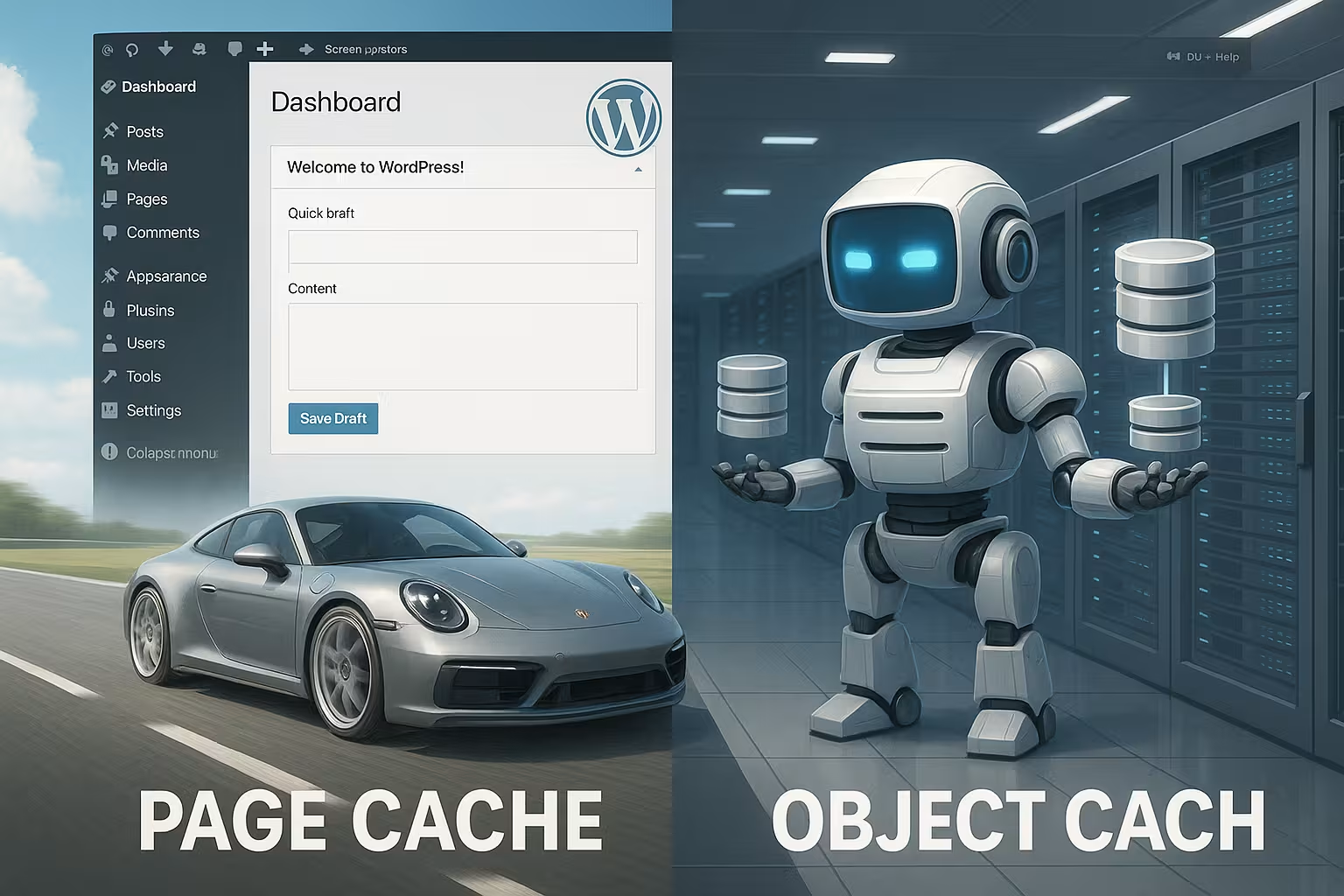
I'll show you why Page Cache and Object Cache perform completely different tasks and how you can use them to keep WordPress running fast under load. Combining both caches correctly reduces server workload, lowers TTFB, and significantly speeds up dynamic shops, member areas, and portals.
Key points
- Page Cache: Ready-made HTML output, ideal for anonymous calls.
- Object Cache: Database results in RAM, ideal for dynamic logic.
- synergyBoth levels resolve different bottlenecks.
- exceptionsDo not cache checkout, account, or shopping cart pages.
- Control systemClear TTL and invalidation rules prevent errors.

What caching really does in WordPress
WordPress regenerates each page every time it is accessed, which is not possible without Caching PHP, databases, and plugins are constantly busy. This takes time, creates load, and slows things down, especially when traffic increases. A cache stores intermediate results and immediately delivers data from memory when requests are repeated. At the page level, you avoid complete regeneration, and at the object level, you save on expensive queries. This reduces server workload, decreases response time, and makes the user experience feel more direct.
Page cache: ready-made HTML pages for anonymous requests
With page caching, I store the complete HTML output of a URL, which means that the server does not have to generate the page again for subsequent hits. Page Cache delivers directly. This bypasses WordPress Bootstrap, PHP, and almost all queries, which noticeably reduces TTFB and LCP. This works particularly well for blog articles, landing pages, categories, and static content pages. Caution is advised with personalized sections such as shopping carts, checkout, or accounts, which I specifically exclude from caching. Frequent content updates also require reliable invalidation so that visitors see fresh content.

Object cache: the turbocharger for databases and logic
The object cache stores individual results of queries or calculations in RAM so that the same request does not burden the database again, thereby reducing the Performance decreases. By default, the internal WP_Object_Cache only applies per request, which is why I use a persistent cache for real effect. This is where in-memory stores such as Redis or Memcached come into their own, because they return frequently used data records in milliseconds. For shops, membership portals, or multisite setups, this reduces query times and protects against bottlenecks. If you want to delve deeper into the technology and selection, check out Redis vs Memcached for WordPress.
Page cache vs. object cache – the crucial difference
Both caches solve different bottlenecks: The page cache bypasses the expensive generation of the complete output, while a data object cache accelerates the query layer and thus the Differences This means you combine front-end speed with database relief. The result is a coherent architecture that efficiently serves both anonymous calls and logged-in sessions. It is important to have clear rules about which content may be cached and for how long.
| Feature | Page Cache | Object Cache |
|---|---|---|
| Level | Complete HTML output | Individual data objects/query results |
| Goal | Deliver pages quickly | Relieve the burden on the database and PHP logic |
| Typical use | Blog, magazine, landing pages, product lists | WooCommerce, memberships, complex queries, API data |
| Visibility | Directly measurable charging time savings | Indirectly, especially during peak loads |
| Risk | Incorrect caching of dynamic pages | TTL that is too long leads to outdated data |
Specific application scenarios that make a difference
For blogs and company websites, I use page caching as the main lever, while object caching optionally shortens queries on start and archive pages, thus improving the Performance In WooCommerce shops, I cache product and category pages, but strictly exclude checkout, shopping cart, and account pages, letting Redis or Memcached shoulder the data load. On membership or e-learning platforms, page cache only delivers benefits for public content, while a persistent object cache speeds up personalized logic. News portals benefit from aggressive page caching, supplemented by edge caching on the CDN and an object level for filters, searches, and personalized parts. Each of these scenarios shows how both caches complement each other well and do not compete.
How the caches work together
A robust setup combines multiple layers so that each request is served in the fastest way possible and the synergy Server-side page cache (e.g., Nginx/Apache) delivers static HTML files at lightning speed. The object cache intercepts recurring, expensive queries, especially where page caching is not possible. Browser cache reduces repeated transfers for assets, and OPcache keeps precompiled bytecode in RAM. A look at Caching hierarchies for web technology and hosting.
Best practices for sustainable speed
First, I define clear rules for each page type: page cache for public content, no page cache for personal flows, strong object cache for recurring data, and a suitable Strategy for TTL/invalidation. When publishing or updating, you empty specific affected pages and dependent lists. For shops, product changes invalidate matching product and category pages so that prices and stock levels are correct. Monitoring helps to assess and readjust hit rates, RAM utilization, and TTL values. For maximum efficiency, I prefer to use Server-side caching and only use plugins for rules and front-end optimization.

Set monitoring, TTL, and invalidation wisely
Without monitoring, every cache runs into a dead end, which is why I measure hit rate, miss rate, and latencies to identify bottlenecks and optimize the TTL choose correctly. For frequently changed content, I use shorter lifetimes or event-driven invalidation. For unchanged pages, the values can be more generous, as long as they remain up to date. I structure keys in a way that is easy to understand so that I can delete specific items instead of the entire memory. This order prevents wrong decisions and ensures predictable results.
Avoiding mistakes: common pitfalls
A common mistake is accidentally caching personalized views, which is why I always exclude the shopping cart, checkout, and account, thereby Security Increase. Equally problematic: TTLs that are too long, which deliver outdated data and undermine trust. Sometimes query strings or cookies prevent a page cache hit, even though it would make sense, so I check the rules carefully. Failure to activate OPcache wastes CPU potential and extends PHP runtimes. And anyone who operates the object cache without monitoring risks memory bottlenecks or ineffective hit rates.

Caching for logged-in users and personalized content
Not every page can be cached in its entirety—areas that require users to log in need flexible strategies. I split the interface into static and dynamic fragments: The frame (header, footer, navigation) can be cached as a page or edge fragment, while personalized areas (mini shopping cart, „Hello, Max,“ notifications) are dynamically reloaded via Ajax or ESI. This keeps most of the site fast without compromising data protection or accuracy. Clear exclusion rules are important: nonces, CSRF tokens, one-time links, personalized prices, points/credits, or user-specific recommendations must not end up in the page cache. For problematic views, I set hard DONOTCACHEPAGE or mark individual blocks as non-cacheable. The more granular I fragment, the larger the portion of the page that can be safely cached.
Cache keys, variations, and compatibility
A good cache stands or falls with clean keys. I define variations where they are technically necessary: language, currency, location, device type, user role, or relevant query parameters. I avoid a blanket „Vary: Cookie“ because otherwise every user generates their own cache entry. Instead, I use narrow, predictable keys (e.g.,. lang=en, currency=USD, role=subscriber) and group data in the object cache so that it can be selectively deleted. For search and filter pages, I set short TTLs and limit the parameters that are included in the key. This prevents fragmentation and keeps the hit rate high. In multisite environments, I separate sites using site prefixes to avoid accidental overlaps.
Caching WooCommerce and other commerce plugins correctly
Shops benefit greatly from caching—as long as sensitive flows are left out. I cache product, category, and CMS pages with moderate TTLs and invalidate affected URLs when prices, stock levels, or attributes change. Checkout, shopping cart, account, „order-pay,“ and all wc-ajaxEndpoints are off-limits for the page cache. GET parameters such as add to cart or voucher parameters must not pull a static page. For multiple currencies, geolocation, or customer-specific prices, I extend the cache keys by currency/country and set short TTLs. I invalidate stock changes on an event-based basis to prevent overselling. If the theme/plugin uses „cart fragments,“ I make sure Ajax responses are efficient and prevent these requests from invalidating the page cache. The object cache also buffers expensive product queries (variations, meta fields, price calculations), which reduces the load on the database during traffic peaks.
REST API, blocks, and headless setups
The WordPress REST API can also be accelerated using caching. I assign a defined TTL to frequently accessed endpoints (e.g., lists, popular posts, product feeds) and clear them selectively when changes are made. In headless or block themes, I preload recurring API widgets via the object cache and minimize round trips by compiling results on the server side. Important: Do not cache personalized API responses globally, but vary them according to user or role context or omit them entirely. For public endpoints, edge TTLs on the CDN also work very well – as long as the response remains free of cookies and private headers.
CDN integration and edge strategies
A CDN moves the page cache closer to the visitor and relieves the origin. I ensure that public pages do not require session cookies, set consistent cache control headers, and allow „stale-while-revalidate“ and „stale-if-error“ so that the edge is not blocked during updates. Purges trigger the backend event-driven (e.g., when publishing, planning, updating), ideally with tag- or path-based deletions instead of full purge. I keep rules for query strings, cookies, and device variants to a minimum—every additional variation dilutes the hit rate. For personalized parts, I use ESI/Ajax fragments so that the edge continues to cache the shell.

Microcaching and protection against cache stampedes
For highly frequented but dynamic pages, I use microcaching: a few seconds of TTL at the edge or server level smooth out load peaks enormously without noticeably affecting the timeliness. To prevent cache stampedes (simultaneous recompiling), I use locking/mutex mechanisms or „request collapsing“ so that only one request regenerates the page and all others wait briefly or receive „stale“ content. At the object cache level, „dogpile prevention“ strategies help: before expiration, a key is renewed in the background while readers still receive the old but valid version. This keeps TTFB and error rates stable even during flash traffic.
Pre-warming and planned emptying
After purges or deployments, I preheat critical pages so that real users don't encounter „cold“ responses. This is based on sitemap URLs, top sellers, entry pages, and campaign pages. I control the call rate so as not to generate peak loads myself, checking the cache hit headers until the most important routes are warm. When emptying, I avoid full purges and work with dependencies: a product invalidates its page, variants, affected categories, and possibly home page teasers—nothing more. This keeps the cache largely intact, while changed content appears correctly immediately.
Debugging in everyday life: headers and checks
I can see whether a cache is working by looking at response headers such as Cache control, Age, X-cache/X-cache status or plugin-specific notes. I compare TTFB between initial call and reload, taking cookies, query strings, and login status into account. For object caching, I monitor hit/miss rates and runtimes of the top queries. I clearly mark A/B tests and personalization using variation cookies or route them specifically to the origin so that the page cache does not become fragmented. As soon as measured values change (e.g., increasing miss rate with stable visitors), I adjust TTLs, invalidation, or key strategy.
Multisite, multilingualism, and multi-currency
In multisite setups, I separate caches cleanly per site via prefix or separate namespace. This keeps invalidations targeted and statistics meaningful. Multilingual sites receive their own page cache variants per language; at the object level, I keep translated menus, options, and translation maps separate. For multi-currency, I extend keys by currency and, if necessary, country. Important: Geolocation should take effect early and deterministically so that the same URL does not break down into many variants in an uncontrolled manner. For searches, feeds, and archives, I set conservative TTLs and keep the parameter whitelist small.
Hosting factors that make caching powerful
Performance also depends on the server, so I make sure I have the latest PHP version with active OPcache, enough RAM for Redis, and fast NVMe SSDs, which means that the Surroundings Fits. A platform with server-side page cache and CDN integration saves many plugin layers. Good network connectivity reduces latency and helps TTFB. On managed WordPress offerings, I check whether page and object caching are integrated and properly coordinated. This allows you to achieve measurable time savings without having to adjust every detail manually.
Briefly summarized
The most important key messagePage cache speeds up complete page output, while object cache shortens the path to recurring data. Together, they cover the relevant bottlenecks and deliver speed for anonymous and logged-in users. With clear rules for exceptions, TTL, and invalidation, content remains accurate and fresh. Additional layers such as browser cache, edge cache, and OPcache round out the setup. This allows you to achieve better metrics, lower load, and a noticeably faster WordPress—even with high traffic and dynamic content.


