Skip to content
If your WordPress website loads too slowly, not only the user experience suffers, but also your visibility in search engines. PageSpeed Insights WordPress is the Google tool with which you can identify and eliminate bottlenecks - for better rankings, shorter loading times and more conversion.
Key points
- Google PageSpeed Insights analyzes the loading speed of WordPress pages on mobile devices and desktops.
- Core Web Vitals such as LCP, FID and CLS are key metrics for user experience and SEO.
- Plugins such as WP Rocket, Autoptimize or ShortPixel support optimization without programming knowledge.
- Optimized images and fonts noticeably reduce the loading time of every page.
- Hosting quality often determines the success of any optimization in WordPress.

How does PageSpeed Insights for WordPress work?
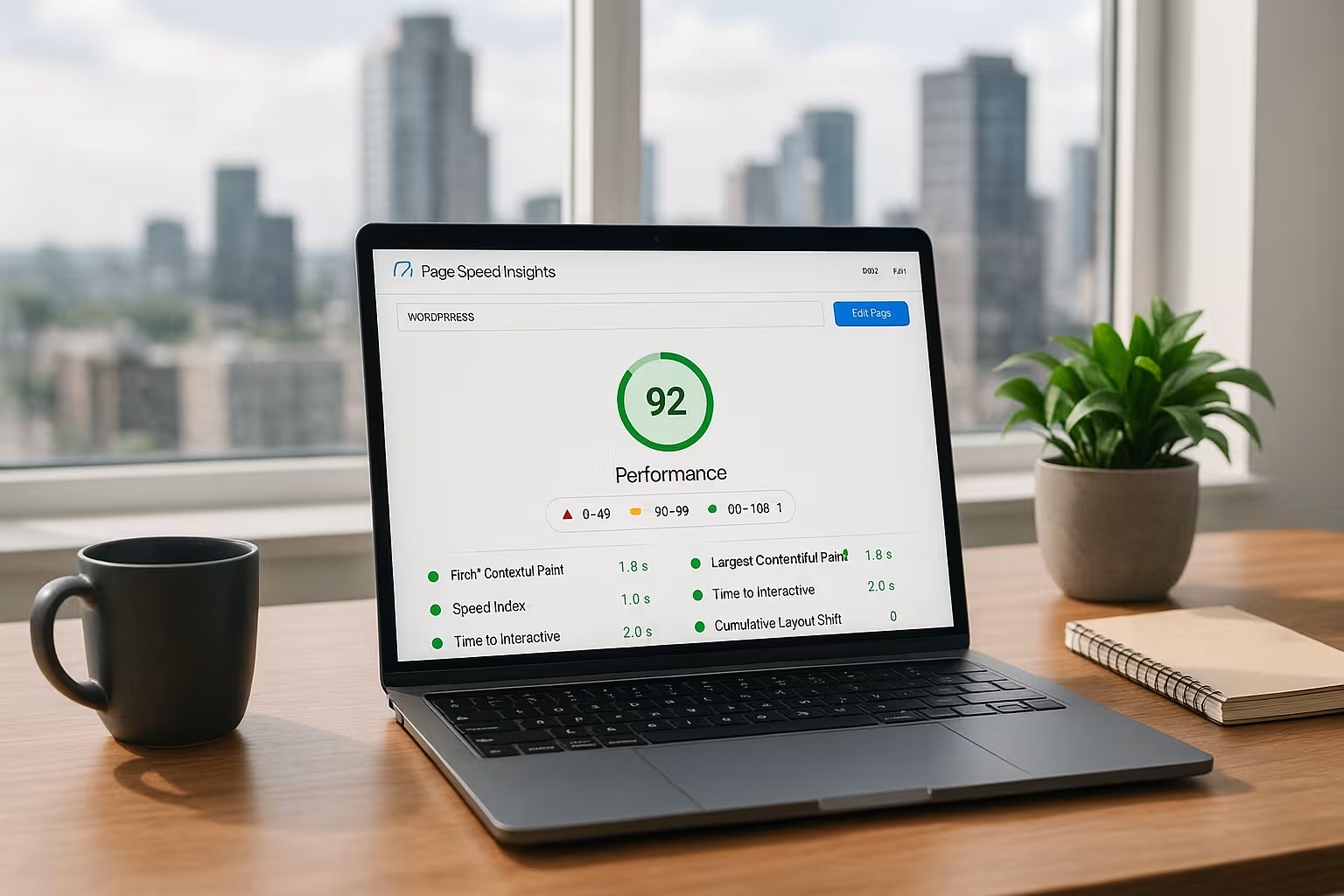
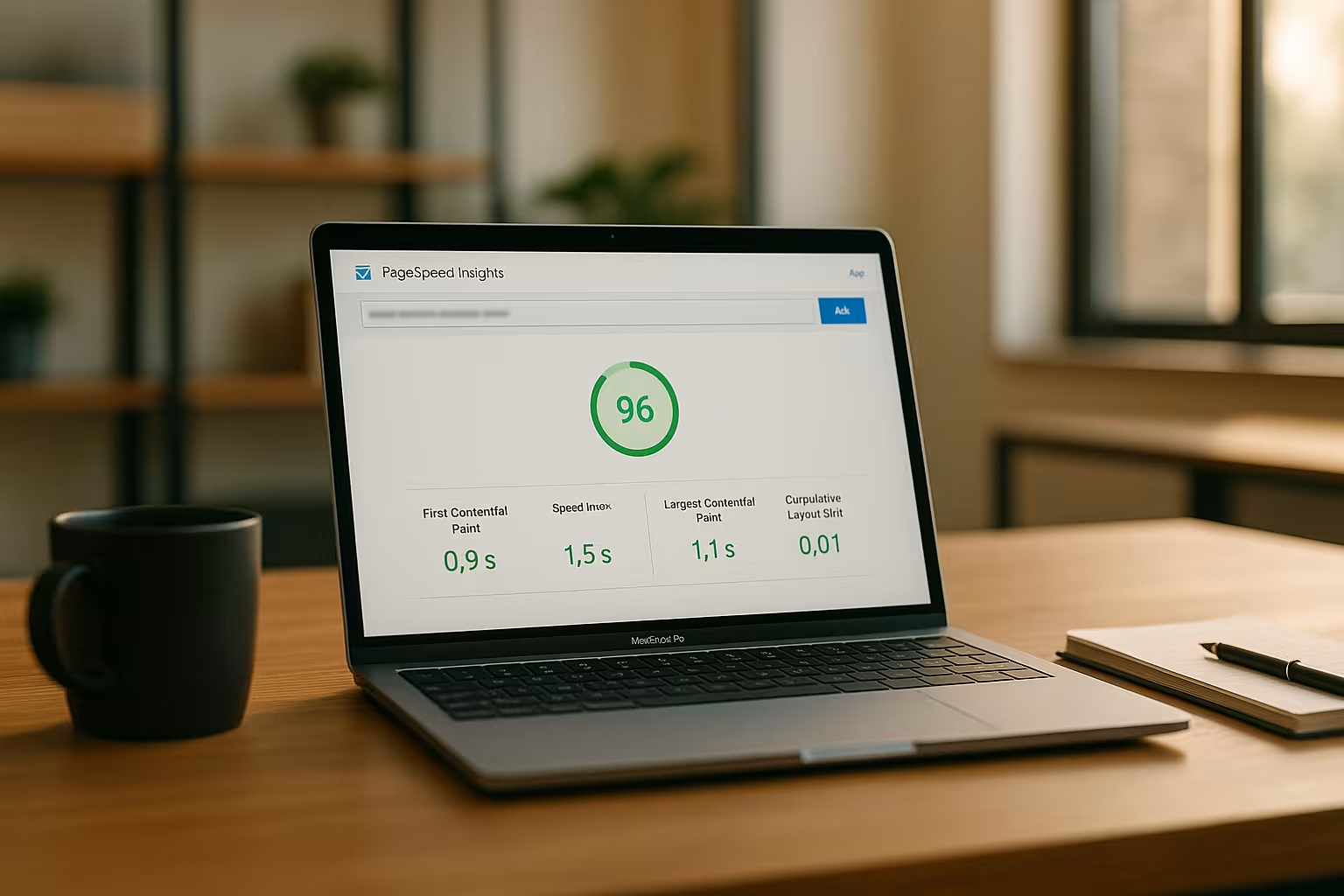
With PageSpeed Insights, you simply enter the URL of your WordPress website. Within a few seconds, you will receive the performance score for mobile and desktop. The score is based on real user data from the Chrome Experience Database and lab data for technical root cause analysis.
You will receive specific tips on the causes of slow loading - for example, insufficient caching, uncompressed files or slow server responses. Particularly helpful: The recommendations take into account typical WordPress weaknesses such as overloaded themes or outdated plugins. Thanks to the visual representation I can immediately see which changes will really help me.
With the help of this evaluation, you can initiate targeted optimizations - often directly with a suitable plugin or a few settings on the theme.
Typical bottlenecks and quick solutions with WordPress
The same performance problems regularly occur with WordPress in particular. These can be noticeably improved with little effort and the right tools.
You should prioritize these factors:
| Problem | Solution | Plugin recommendation |
|---|---|---|
| Uncompressed images | Reduce the size of images before or during upload | ShortPixel, WP Smush |
| CSS/JS blocks rendering | Combine files and load them with a delay | Autoptimize, WP Rocket |
| Missing caching | Enable browser and server-side caching | WP Rocket, W3 Total Cache |
| Slow font loading times | font-display: swap use | In theme files or via plugin |
| Outdated plugins/themes | Update and tidy up regularly | – |

How do Core Web Vitals influence the loading speed?
Google's Core Web Vitals are essential performance metrics for any website. With WordPress, they not only influence the Google score, but also your bounce rate and dwell time.
The three key figures at a glance:
- LCP (Largest Contentful Paint) shows when the main content becomes visible. Target value: less than 2.5 seconds.
- FID (First Input Delay) measures how quickly interactions are possible. Target: less than 100 milliseconds.
- CLS (Cumulative Layout Shift) stands for visual stability, e.g. no layout shifts when loading. Target value: below 0.1.
You can view these metrics directly in the PageSpeed Insights tool. They provide you with information on whether your theme, plugins or server need to be specifically optimized.
An intelligent caching setup improves LCP and FID in particular. A helpful starting point is this guide to Correctly delete and optimize WordPress cache.
Recommended PageSpeed Insights WordPress workflow
In order to achieve consistently fast loading times, I work with a fixed process for every new WordPress website:
- Test the homepage and important subpages with PageSpeed Insights.
- Document score - pay particular attention to the mobile area.
- Reduce obvious brakes such as images or sliders.
- Use suitable plugins for caching, compression and lazy loading.
- Check score again - improve step by step.
For detailed process optimizations, it is worth reading the article on 100 points with Google PageSpeed. It also contains technical details for advanced users.
Choose WordPress plugins for quick success
With the right plugins, you can automate many optimization steps. The rule is: less is often more. Too many plugins slow down your website unnecessarily.
I regularly combine these three plugins for excellent page load times:
- WP RocketAll-in-one plugin for caching, compression, lazy load
- Autoptimize: Combine CSS/JS, load asynchronously, optimize Google Fonts
- ShortPixelCompress images without visible loss of quality
If you want to delve deep into performance technology, this special article on Optimize WordPress performance continue.
What good hosting has to do with pagespeed
Even the best optimization is of little use if your hosting provider slows you down. Fast sites require a high-performance server, a good connection and short response times.
I regularly test different providers and have found that Providers such as webhoster.de enable loading times of less than one second - with the same website and identical plugins.
If you are planning professional SEO or e-commerce with large numbers of visitors, then your hosting is crucial. Pay attention to SSD storage, HTTP/3, server location EU and automatic backups.

Tips for consistently good pagespeed values in WordPress
Your work is not finished after the first optimization. WordPress is dynamic: new plugins, content or theme updates can worsen the loading time again.
With these measures, I ensure consistently good values even with growing content:
- Update or replace plugins regularly
- Compress images before uploading
- Do a PageSpeed test every month
- Keep themes and code lean - remove unnecessary features
- Check Core Web Vitals every six months with real-time data (Google Search Console)
More than just a tool: Using Google PageSpeed Insights correctly
PageSpeed Insights is not just an analysis tool - it is your constant companion when optimizing your WordPress pages. I use it regularly after every update, for new landing pages and when changing plugins.
Even after technical implementation, you can quickly see whether measures are working. Animations, sliders, external fonts and large galleries are particularly susceptible. If you eliminate them or replace them with better solutions, you will see a clearly measurable improvement in the tool.
Consistency is important: a single test is not enough. Use the tool as an indicator and safety net for your user experience. Start with the basics - then create automatisms to upload optimized content directly.
Looking ahead: how to stay performant
You've brought your WordPress site up to scratch with PageSpeed Insights - now it's time for long-term maintenance. Automatic optimizations save time, but you remain the decisive factor. Every new addition to your website should be checked with a control run in the tool.
As soon as you notice that values such as LCP or FID deteriorate, analyze critically: Has a new plugin been installed recently? Has an update changed your theme? I check this regularly after plugin updates or content jumps.
This not only protects your Google ranking, but also the satisfaction of your visitors - and ultimately your conversion rate.
Further strategies for a stable and fast WordPress site
Once you have implemented the most important basics such as caching, image optimization and lean themes, it is worth using further strategies. Many websites gain enormously in speed if you also address those factors that are often only briefly touched on in standard tutorials. This mainly involves fine-tuning in the background and continuous monitoring of the technical parameters. I would like to introduce you to some additional ways in which you can sustainably speed up your WordPress site.
Firstly, it is worth keeping your database clean. The more posts, comments and revisions you accumulate over time, the greater the load for each query. Especially for large websites with a lot of content or stores with an extensive product range, the mass of database entries can quickly become noticeable. With the help of plugins such as WP-Optimize (not a new link, just mentioned as a name) or simple scripts, revisions, spam comments and cache remnants can be cleaned up automatically. However, always make sure to create a backup before major cleanups to protect yourself against data loss.
Another adjustment screw is the handling of external scripts and services. Every integrated service such as tracking tools, social media plugins or newsletter forms can influence the loading time. These scripts often allow them to load asynchronously or with a delay. This means that the page is first displayed while individual external fonts or scripts are loaded in the background. This shortens the perceived loading time for the visitor. Tools such as Autoptimize or WP Rocket make it easier for you to adjust the settings so that your content is available as early as possible.
The influence of a content delivery network (CDN) should not be underestimated, especially if you have many international visitors or offer large files such as images, videos or PDF documents. A CDN ensures that static content is delivered from a geographically closer server. This reduces loading times worldwide - especially if some of your visitors do not come from your direct server region. Although you will need a small additional setup, many hosting packages or common performance plugins offer you an easy-to-understand selection of common CDNs.
Professional websites or high-traffic online stores in particular benefit from running load and performance tests not just occasionally, but on an ongoing basis. In addition to Pagespeed Insights, tools such as GTmetrix, Pingdom or WebPageTest can provide you with information on how quickly individual page elements actually load and which resources take up the most time. I then compare the results of the different tools and see a pattern: if certain times suddenly drop, I analyze database load, plugin conflicts or server problems. To keep a complete overview here, you can set up automatic reports that are sent to you on a monthly or weekly basis.
Especially with growing companies and established online stores, many site owners find that they have to redefine their performance budgets at regular intervals. Performance budgets set a limit for file sizes, number of scripts or loading times, similar to a kind of guideline that you use as a guide for every new content or plugin extension. If you want to add a new feature, for example, you check in advance whether you will exceed your set budget. If so, another plugin may need to be replaced or optimized. This will help you avoid the creeping overloading of your website in the long term.
Many WordPress users also underestimate how high security standards can have a positive impact on performance. Although security is primarily about protection against attacks, damaged installations, malware or hacked themes can slow down your site massively. A regular security check with scanners such as Wordfence (only as an example, without link) should therefore be an integral part of your WordPress maintenance. This will prevent malicious scripts from loading in the background and increasing response times.
For your optimizations to have a lasting effect, you also need a suitable development workflow. If you try out a new plugin in a test or staging environment, you can eliminate potential problems in advance before they become visible on your live site. This approach is not only more professional, but also saves you from nasty surprises, for example with major WordPress updates. A controlled and documented process (e.g. via project management tools or internally managed change logs) ensures that you can see exactly where an error or performance issue has crept in.
Especially for highly frequented websites with thousands of visitors per day, it can be useful to adjust server-side configurations. Many hosters offer you settings for OPcache, PHP memory limits or special modules that speed up your database access. Take the time to read the hoster's own documentation or ask customer support. Sometimes you can make requests cached better or PHP work more efficiently with just a few ticks in the administration backend. My tip: Even if you are not deeply familiar with the subject matter, it is worth having a brief consultation with the support team. Most providers are happy to help their customers with performance issues.
In addition, it can be useful to carry out regular code reviews if you use individual functions or custom themes. Outdated code snippets, unused script libraries or faulty loops can slow down your website considerably. If you don't have your own development team, occasionally hire a freelancer or agency for a quick check. Site operators often experience real aha moments when they discover which bottlenecks have crept in over time. If you keep your theme and code clean, you often benefit not only from better loading times but also from fewer conflicts during updates.
Finally, user behavior should not be ignored. A fast site motivates visitors to stay longer and consume more content. Conversely, a slow site often leads to high bounce rates, even with strong content. Therefore, continuously analyze the most important metrics in Google Analytics or comparable tools to understand how loading times affect the behavior of your target group. This will give you qualitative and quantitative feedback on whether your optimization measures are actually working.
If you take all these advanced strategies into account while keeping your website lean and up-to-date, you will benefit from fast loading times in the long term. The result is a positive user experience that is not only noticeable in the form of lower bounce rates, but also in better SEO performance. And that's ultimately what it's all about: your visitors should reach your content quickly and Google will reward you with higher visibility.