Skip to content
Hosting customers must consistently implement technical password security measures to protect hosting access from attacks such as brute force attacks and credential stuffing. This article shows how to implement, enforce and monitor cravity-proof policies on the server side - including best practices for practical application. Especially in the context of hosting servers, weak passwords can be a gateway for attackers to compromise entire websites or steal sensitive data. I have often seen simple passwords being cracked in a short space of time because important guidelines were not adhered to or implemented. The effort required for solid password guidelines and best practices in everyday life is manageable once they have been clearly defined and technically integrated.
Key points
- Password policies Define and enforce directly in the admin interface
- Multi-factor authentication Active protection for critical access points
- Password hashing protects stored data with bcrypt or Argon2
- Automated checks against compromised access data
- GDPR compliance through documented password guidelines
Consistently implement sensible password guidelines
Securing sensitive hosting areas begins with the definition and implementation of effective password rules. A well thought-out technical implementation ensures that weak combinations are excluded as soon as the account is created. Minimum length, complexity and blocking functions in the event of failed attempts must be active on the system side. I recommend guidelines with at least 14 characters length and forced use of special characters and capital letters. In addition, the system should automatically reject old and common passwords. In order to make such guidelines user-friendly, password hints can be displayed directly when entering them. In this way, hosting customers can see immediately whether their choice meets the requirements - for example, through colored indicators (red, yellow, green). I have noticed that many hosters mention password rules but do not always implement them clearly. Consistent integration into the customer or admin interface, on the other hand, leads to significantly fewer errors when assigning passwords. Regular review of policies also plays a role. Threat scenarios often change or new attack vectors are added. It is worth updating the password strength and minimum length requirements from time to time. This keeps the security level up to date without necessarily compromising existing hosting accounts.How the technical implementation of secure password policies works
In hosting environments, password security can be implemented most efficiently via server-side policies. These include modular modules for password validation when entering or changing passwords. The systems used should be designed to check passwords for plain text length, character types and matches with known password leaks when they are entered. Here it is worth using secure hashing methods such as Argon2 or bcrypt ideally even with a hardware security module for additional security. I also recommend strictly logging failed attempts and activating temporary account blocks in the event of anomalies. This allows potential brute force attacks to be detected in good time before an attacker successfully gains access. A glance at the logs can provide information as to whether certain IP addresses or user accounts are causing conspicuously frequent access attempts. Another key component is integration into existing management systems such as cPanel, Plesk or proprietary hosting interfaces. If password policies and validation mechanisms are only activated at application level, it is often too late and users have already assigned their password. For this reason, policies should be implemented and enforced on the server side - for example with special plug-ins or integrated modules that can be seamlessly integrated into the hosting control panel.Screen lock alone is not enough - MFA is mandatory
The sole use of classic passwords is no longer sufficient for hosting access. I make sure that hosting customers additionally protect their accounts with Multi-factor authentication can be secured. The best two-factor solution combines a static login with a dynamically generated code - for example, via an app or physical security token. Once MFA is set up correctly, it prevents access even if a password has been compromised. In my experience, the combination with app-based solutions such as Google Authenticator or Authy is particularly popular. For particularly sensitive environments, however, I recommend hardware tokens (e.g. YubiKey) as, unlike a smartphone app, these can provide additional protection against tampering on the mobile device. It is important to plan the recovery process. If the token is lost or damaged, there must be a secure procedure for restoring access without attackers being able to abuse this procedure. In addition to logging into the hosting panel, you should also try to enforce MFA for other services, such as databases or email administration. Two-factor authentication is still used far too rarely in the email sector in particular, even though emails often contain management or customer communications that must not fall into the wrong hands.
Recommended minimum requirements for passwords
The following overview makes it easy to gain an overview of basic standards and integrate them into hosting platforms:| Category | Requirement |
|---|---|
| Minimum length | At least 12 characters, preferably 14 or more |
| Complexity | Combination of upper/lower case letters, numbers, special characters |
| Duration of use | Renew every 90 days (can be automated) |
| Avoidance | No default passwords or password elements (123, admin) |
| Storage | Encrypted with bcrypt or Argon2 |
Password rotation and access control tools
Specialized software gives hosting administrators the option of having privileged account accesses changed automatically. Tools such as Password Manager Pro or similar platforms are particularly helpful. These programs rotate service account passwords regularly, document changes, prevent duplication and report security breaches promptly. I also recommend keeping auditable logs and protocols - this helps both operationally and when audited by third parties. In larger hosting environments or for major customers, a central identity and access management system (IAM) can be used. This is used to define role concepts and enforce different password and MFA requirements based on these roles. For example, a higher security level applies for administrators than for simple users. During implementation, it is essential to ensure that all interfaces are connected correctly. Offboarding is also often underestimated: when employees leave the company, their access must be deactivated or reassigned immediately. In addition to password-based access, the management of SSH keys in hosting environments is also important. Although many advise passwordless authentication for SSH access, the keys must also be securely stored and rotated if there is any suspicion that they may have been compromised. In the worst-case scenario, a stolen SSH key can lead to undetected access, which is far more difficult to detect than using a cracked password.Recognizing and eliminating the pitfalls of incorrect password management
Despite clear guidelines, I repeatedly observe the same weaknesses in practice. These include storing passwords in emails, unencrypted notes or free text files. Some users use identical passwords for several services or pass on their access data via insecure channels. To counteract this behaviour, I strongly advocate centralized Management and hedging measures from. It becomes particularly tricky when administrators misuse their own private passwords for business access or vice versa. A compromised private account can quickly become a gateway to company resources. It is important to me that hosting providers inform their customers of these dangers at regular intervals. Training materials, webinars or short explanatory videos in the customer area can work wonders here. I also follow standards such as NIST SP 800-63B, which provide clear guidelines for password frequency, complexity and change intervals. Especially companies that host the most sensitive data should at least follow these guidelines in order to close obvious points of attack.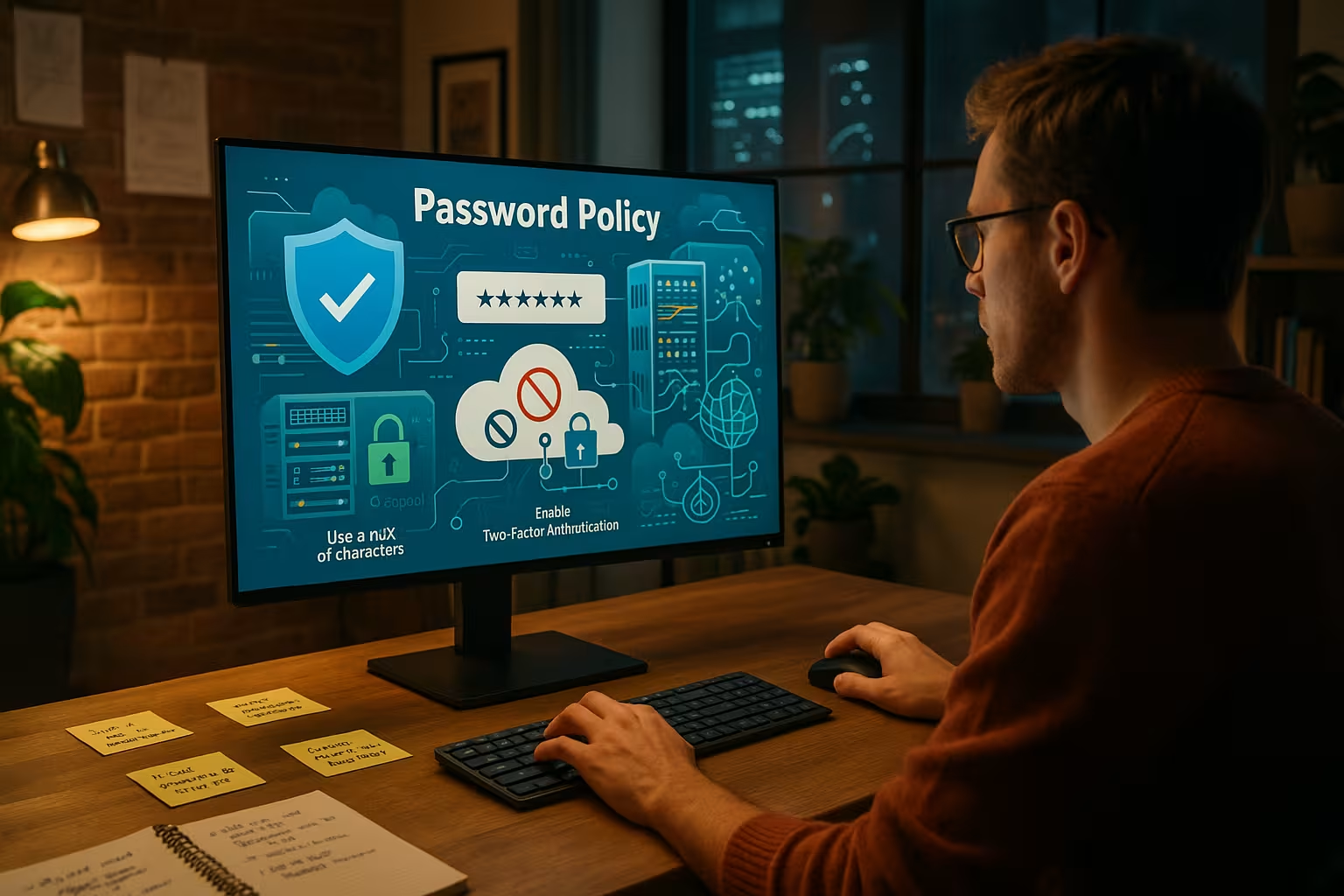
Practical example: Password requirements for hosting providers
I have noticed that more and more hosters such as webhoster.de are relying on predefined password rules. Customers are not free to choose their own passwords, but receive secure combinations generated directly by the server. This completely eliminates setups that are susceptible to manipulation. In addition, authentication using at least two factors is required for every login. These providers already support automated checks during account creation or password changes. The disadvantage of some automated generation is that users find it difficult to remember these passwords. For this reason, a convenient password manager is often offered in the customer center. This means that customers do not have to type in long strings of characters every time they log in, but can instead log in conveniently using a secure system. It is important that such services are both intuitive and secure and that no passwords are sent as plain text in emails. However, there are still providers who only implement very rudimentary protection. Sometimes there is no obligation to use MFA, sometimes there is no limit to the number of failed attempts when entering a password. As a customer, you should take a close look here and, if necessary, opt for a different service that complies with current security standards.GDPR compliance through technical measures
The EU GDPR stipulates that systems relevant to data protection must be secured by suitable technical measures. Anyone who operates or uses hosting services can submit a documented password policy as proof. Automated password rotations and audit logs are also among the TOMs. A well-implemented password control therefore not only supports security, but also provides regulatory evidence in the event of an audit. In a GDPR audit, a missing or insufficient password concept can lead to costly warnings or fines. I therefore recommend incorporating this into the security architecture at an early stage and reviewing it regularly. The importance of precise documentation is often underestimated. You should clearly record how complicated passwords need to be, in which cycles an update takes place and how many failed attempts are permitted until the account is locked. This information can be a decisive advantage in the event of an audit or a security incident. Password protection is also relevant when it comes to data processing by order (DPO). The provider should contractually guarantee that it will take appropriate precautions. Otherwise, customers can quickly find themselves in a gray area if passwords are compromised.
Organizational recommendations for hosting customers
Technical security also includes the organizational part. I advise hosting customers to regularly train all users - especially with regard to phishing, social engineering and password reuse. They should also choose platforms that have documented and enforced password policies. This includes, for example, the option of MFA activation or server-side password specification. If you want to be on the safe side, use central password managers and rely on recurring checks of individual rules. Especially in companies with many employees, password guidelines should be supplemented by clear internal processes. These can include guidelines for assigning new accounts, dealing with guest access or protecting management logins. I also recommend the dual control principle when assigning particularly critical access, for example to databases or customer data. This reduces the risk of insider threats and eliminates the possibility of human error. It can be useful to create an internal FAQ or a wiki on password use. There, users can find help on how to recover their password or set up MFA. This self-help offer not only relieves the support team, but also promotes an independent and responsible security culture among employees.Password protection and WordPress: a special case of CMS access
In practice, many web projects rely on WordPress or similar CMS platforms. It is here in particular that I often observe attempted attacks, for example against the backend using brute force. It is therefore not enough to secure the hosting infrastructure - application access also needs protection. A good option is to protect the Securing your WordPress login with simple means. These include IP blocks, rate limits and logging in using the two-factor procedure. From my own experience, I know that many WordPress installations are barely secured because the focus is often on themes and plugins. It would make sense to install security-relevant plugins that block suspicious login attempts and send admin emails in the event of attacks. If you also change the default login URL and use an IP whitelist, you significantly reduce the attack surface. I always encourage hosting customers to take these additional steps to make their WordPress site more secure. As WordPress and other CMSs are often highly modular, it is also worth taking a look at the respective plugin interfaces. Some security plugins already offer integrated password check functions that detect weak passwords or test against known leak databases. The more security layers are combined, the more difficult it is for potential attackers.
Passwords as part of a multi-layered security model
Traditional passwords will not disappear completely in the future - but they will be supplemented. I see more and more providers integrating biometric elements or passwordless login procedures such as FIDO2. However, even with these methods, the secure handling of backup access, admin accounts and API access via strong passwords indispensable. It is therefore not an alternative, but a supplement. I make sure that these techniques are consciously combined and technically secured. For a layered security concept, passwords, MFA, firewalls, regular audits and penetrative tests should go hand in hand. No one element completely replaces the other. For example, passwords can be protected by IP filtering mechanisms, while MFA significantly increases the effective access barrier. At the same time, a comprehensive logging and monitoring concept must be in place to detect and block suspicious access or failed attempts in real time. In some cases, biometric procedures (fingerprint, facial recognition) can also be a supplement. However, acceptance in the hosting environment is often lower because the administration and the corresponding devices are not always seamlessly available. Ultimately, it is advisable to evaluate step by step which methods are best suited to the operational environment and where the practical advantages outweigh the disadvantages.Properly securing web applications too
I recommend all hosting customers, Consistently securing web applications - not only at hosting level, but also at application level. Many attacks do not occur directly on the hosting platform, but via poorly protected web backends. Multi-layered security is the key here: password, two-factor, IP filters and security logs all belong together. Providers who actively support this enable users to have stable and trustworthy hosting. Gaps in authentication are often apparent, especially with custom-developed web applications. A secure password reset process should definitely be established here. Users who reset their password should be sufficiently verified before a link or code is automatically sent. A well-configured web application firewall (WAF) can also block SQL injections or cross-site scripting attacks, which otherwise easily lurk in insecure scripts. Regardless of the CMS or framework in question, regular updates of all components and plugins are a must. Outdated software versions are a breeding ground for security vulnerabilities that even strong passwords cannot compensate for. I recommend a fixed update cycle that is accompanied by a staging system. This allows updates to be tested before they go live. In this way, the application remains up-to-date and stable without risking the live system with every patch.