 Skip to content
The php execution time wordpress decides how long PHP scripts are allowed to run before the server stops them and thus blocks requests. I specifically show why script runtimes trigger timeouts, how I set sensible limits and which server and WordPress settings noticeably reduce the loading time.
Key points
The following points briefly summarize the most important adjustments and set priorities that I can implement immediately.
- Limits correctly: 60-300 seconds depending on the task.
- Causes find: Slow plugins, large queries, I/O bottlenecks.
- Methods know: php.ini, wp-config.php, .htaccess.
- Hosting optimize: PHP version, memory, caching, PHP-FPM.
- Monitoring insert: Measure, compare, adjust again.
I note Context and workload instead of increasing values across the board. This way I avoid follow-up problems, keep the site fast and keep the Stability at a glance.
What lies behind timeouts
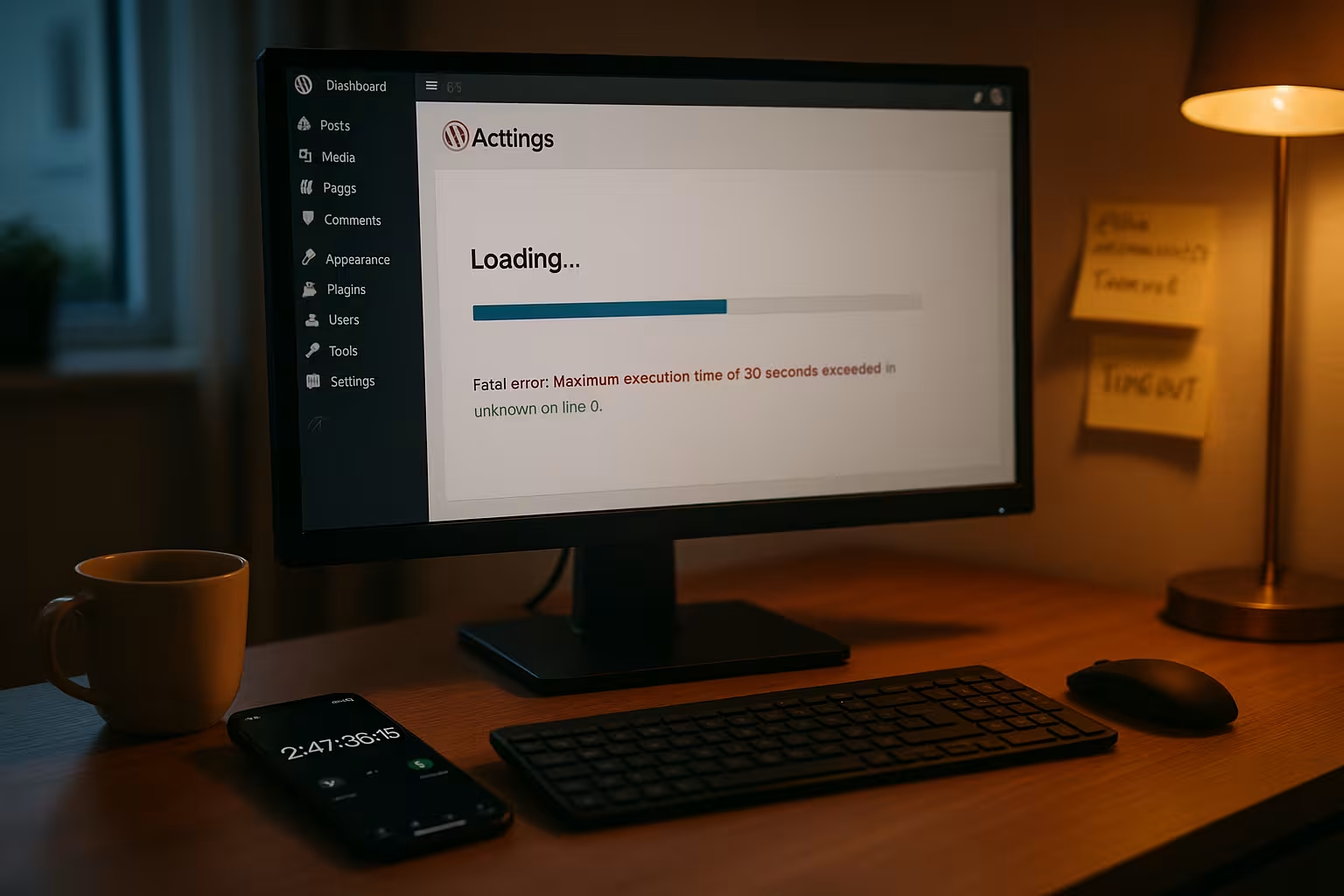
Each request starts PHP scripts that retrieve data, load plugins and output HTML; if this runs too long, the server kills the process and I see a Timeout. On many hosts, the limit is 30 seconds, which is sufficient for simple pages, but quickly becomes too short for backups, imports or large store queries. This results in „Maximum Execution Time Exceeded“ or white pages, which discourages users and lowers rankings. I first check whether the actual cause is inefficient code, I/O delays or external API wait times before I just raise the slider. If you want to delve deeper, you can find background information on limits and page effects in this compact guide to Execution limits, which shows me the correlation between script runtime and server load.
Typical triggers in WordPress
I often see timeouts with poorly cached start pages, complex query loops and page builders that have many Assets together. Import plugins struggle with large CSV files, cron jobs block when databases are weak, and image optimizers wait for slow I/O. WooCommerce adds complexity through variants, filters and price calculations under load. APIs for shipping, ERP or payment providers can also delay responses, causing effective scripting time to skyrocket. All of this adds up, which is why I isolate and eliminate triggers step by step instead of just the Limit to increase.

When I should increase the time
I raise the Execution time, when predictable, infrequent tasks need to run longer: large imports, backups, complex migrations, store synchronizations. For blogs or lean sites, 60-120 seconds is often enough, for stores and site builds I set 180-300 seconds. If a process works with external services, I plan buffers so that temporary waiting times don't cause aborts. Nevertheless, I am cautious: an extremely high value conceals performance weaknesses and increases the risk of a faulty plugin causing the process to crash. Server is blocked. I strive for the smallest working value and optimize the actual work that the script performs in parallel.
Change execution time: Three ways
I adjust the limit at the point that my hosting allows and document each change with date and value for clean Tracing. The direct way is via php.ini; without access I use set_time_limit in wp-config.php; on Apache .htaccess can be used. After each change, I test reproducibly with the same task so that I can compare effects validly. And I check the server log if the hoster blocks functions, because not every command is active everywhere. The following table summarizes methods, examples and suitability so that I can quickly find the right Option find.
| Method | File/Location | Example | Advantages | Disadvantages | Suitable for |
|---|---|---|---|---|---|
| php.ini | Server/Panel | max_execution_time = 300 | Central, applies globally | Restart necessary, partly no access | VPS/Managed Panel |
| wp-config.php | WordPress root | set_time_limit(300); | Quickly, close to WP | Can be blocked by hoster | Shared hosting, tests |
| .htaccess | Apache root | php_value max_execution_time 300 | Simply pro Site | Apache only, unreliable | Single setup, transition |
Hosting tuning that really helps
I start with PHP 8.x, lift memory_limit to 256-512 MB and activate server caching so that expensive PHP work occurs less frequently. An up-to-date PHP version reduces CPU time per request, which significantly reduces the chance of timeouts. Database caching, object cache and a CDN reduce the load on I/O and the network and give PHP more breathing space. On highly frequented sites, I make sure there are enough PHP workers so that requests run in parallel and no queues form; background information can be found in this practical article on PHP workers. In addition, I clean up plugins, swap heavy themes and minimize scripts and images so that the Server time for real work instead of administration.
More than one value: memory, DB and I/O
The Runtime increases when the database responds slowly, the disk is sluggish or RAM is running low and swap comes into play. Large, unindexed tables slow down even fast CPUs, which is why I check indexes and rework long queries. Media libraries without offload increase I/O, which can stretch image optimizers and backups. External APIs also count: If a service dawdles, my script waits - the timeout keeps ticking. I therefore optimize across the chain and not just in isolation at the Limit.

Set security and limits wisely
Too high Timeout conceals errors, extends lock times and increases the risk with shared hosting. I define upper limits for each use case: 60-120 seconds for content, 180-300 seconds for store or admin work with a lot of processing. For very heavy tasks, I set jobs to CLI or offload backups instead of increasing the web runtime indefinitely. I also limit potentially risky plugins and check their logs for repeaters. This is how I maintain stability, performance and Security in balance.
Monitoring: Measuring instead of guessing
I measure query duration, hook runtimes and external wait times before making decisions, and compare results after each query. Amendment. Tools like Query Monitor show me the worst queries, while server logs make outliers and 504/508 peaks visible. I test repeatedly: same data set, identical time, same warm-up phase. If values reach the limit, I reduce the actual workload through caching or smaller batches. Only when this is not enough do I carefully increase the Limit.
PHP-FPM, workers and parallelism
With PHP-FPM control max_children, pm and request_terminate_timeout, how many processes run in parallel and when PHP terminates them. Too few workers create queues, too many workers create RAM pressure and swap - both have the effect of artificially extending the runtime. I always think of execution time together with process count, I/O and cache hit rate. If you want to dig deeper, you can find helpful tips on PHP-FPM-Children and how incorrect limits block requests. This is how I increase throughput without Timeouts senselessly inflated.
Practice plan: step-by-step
I start with a status check: current PHP version, memory_limit, active caching and existing Logs. I then reproduce the error using the same process to record the time and resources required. I optimize the cause: shorten queries, compress images, reduce plugin chains, select smaller batch sizes. Only then do I moderately increase the timeout to 180-300 seconds and test again under load. Finally, I document the change, set up monitoring and plan a follow-up test so that the Stability remains permanent.
Server and proxy timeouts beyond PHP
I differentiate between PHP-internal limits and Upstream timeouts at web server or proxy level. Even if max_execution_time is high enough, the request can be terminated beforehand by Nginx/Apache, a load balancer or CDN. I therefore check additionally:
- Nginx:
fastcgi_read_timeout(for PHP-FPM),proxy_read_timeout(for upstreams),client_body_timeoutfor large uploads. - Apache:
Timeout,ProxyTimeoutand, if applicable,.FcgidIOTimeout/ProxyFCGI-parameters. - Reverse proxies/CDNs: hard upper limits for response time and upload time (e.g. for uploads and long REST calls).
I align myself with the shortest chain: The smallest limit wins. If the values do not match, I experience 504/502 errors despite sufficient PHP time. For long uploads (media, import files) I also check max_input_time and post_max_size, because reading in large bodies also keeps the server clock running.
Making sensible use of CLI and background jobs
Instead of artificially stretching web requests, I shift heavy work to the CLI or in asynchronous queues. PHP's CLI-SAPI often does not have a strict 30s limit and is suitable for imports, migration routines and reindexing.
- WP-CLI: I execute due cron events (
wp cron event run --due-now), start importers or test mass operations repeatedly. This is how I avoid browser disconnects and proxy timeouts. - System cron: Instead of WP-Cron per page call, I set a real cronjob that
wp cron event runat the desired interval. This relieves front-end users and stabilizes runtimes. - Screen/Process Control: Long CLI jobs run in
screenortmux, so that they do not abort during SSH disconnects.
I combine this with small batches (e.g. 100-500 data records per run) and process via offsets. This keeps memory consumption and lock times low and reduces the risk of a single outlier blocking the entire job.
WordPress: Cron, Action Scheduler and Batching
For recurring or bulk work, the right Queue strategy decisive. I use:
- WP-Cron for light, frequent tasks and ensure a clean interval via system cron.
- Action Scheduler (used in stores, among others) for distributed, resilient processing; I monitor the queue length and configure concurrency moderately so as not to overrun the DB.
- Batch patternI load data in manageable chunks, keep transactions short, confirm partial results and continue with retry and backoff in the event of errors.
For REST or admin routes that are temporarily hard to work with, I encapsulate the logic: short request, which only has one job bumps, and actual processing in the background. This prevents frontend timeouts, even when there is a lot to do.
WordPress HTTP API: Timeouts for external services
Many timeouts occur because a script reacts to slow APIs waits. I set clear limits for connections and response horizons instead of inflating the entire PHP runtime. I use filters to make targeted adjustments:
add_filter('http_request_args', function ($args, $url) {
    // Connect shorter, but leave a realistic response buffer
    $args['timeout'] = 20; // Total time for the request
    $args['redirection'] = 3; // fewer redirects
    if (function_exists('curl_version')) {
        $args['connect_timeout'] = 10; // fail quickly if target cannot be reached
    }
    return $args;
}, 10, 2);
I also limit retries and protect critical areas with Circuit breakersAfter repeated failures, I set a short block, cache error responses minimally and thus relieve the entire site. For webhooks, I plan asynchronously: I accept requests quickly, log the payload and process it downstream - instead of making the remote station wait minutes for an answer.
Database and option tuning in concrete terms
Long PHP times often camouflage DB brakes. I take a structured approach:
- Slow Query Log and analyze the top delayers via EXPLAIN.
- Indices check: For metadata queries, matching keys are set to
post_idandmeta_keyWorth its weight in gold. I avoid full text on huge text fields and prefer to use filters. - wp_options declutter: Keep autoloaded options under 1-2 MB. Remove old transients, delete unnecessary entries.
- Batch updates instead of mass queries in a transaction; lock times remain short, the server breathes.
I use object cache (e.g. Redis/Memcached) to keep hot keys in memory and make sure that cache invalidation targeted instead of emptying the table with every change. This lowers PHP CPU time per request and reduces the need to increase execution limits.
Concrete server settings per web server
Depending on the environment, I set timeouts where they are effective and keep the values consistent:
- Apache + PHP-FPM:
ProxyTimeoutandSetHandler "proxy:unix:/run/php/php-fpm.sock|fcgi://localhost"correctly; for mod_fcgidFcgidIOTimeoutcheck. - Nginx:
fastcgi_read_timeout,proxy_read_timeout,client_body_timeoutandsend_timeoutto the use case. - LiteSpeed/LSAPIPHP-External-App Limits (Memory/IO/Timeout) and
Max Connectionsaccording to the RAM capacity.
I keep the combination of PHP timeout, web server timeout and proxy timeout so that none of the upstream limits is smaller than the expected job duration. I plan for buffers, but prevent faulty loops from blocking workers for several minutes.
OPcache and bytecode: Save CPU time
A large part of the runtime is generated when parsing and compiling PHP files. With clean OPcache I save CPU time and shorten requests:
opcache.enable=1
opcache.memory_consumption=128
opcache.interned_strings_buffer=16
opcache.max_accelerated_files=20000
opcache.validate_timestamps=1
opcache.revalidate_freq=2
I choose enough cache memory to hold the code base without constantly evicting. This reduces the CPU load per request and lowers the likelihood of jobs running against the execution time. JIT can help in individual cases, but is rarely the game changer in typical WordPress workloads - I measure instead of blindly activating.
Troubleshooting checklist and capacity planning
When timeouts occur, I work through a short list:
- Disconnect symptomIdentify PHP timeout vs. 504/502 from proxy.
- Logs check: PHP error log, FPM slow log, web server and database logs.
- Hot trails measure: Query Monitor, profiling for the affected route.
- Caching check: Object cache active? Cache hit rate sufficient?
- Batch size reduce: Halve, test again, find target value iteratively.
- External waiting times limit: Set HTTP timeouts, throttle retries.
- Server parameters harmonize: Align PHP, FPM and proxy timeouts.
For the Capacity I plan to be concise, but realistic: If an admin job runs for 20 seconds and I have 8 PHP workers, it blocks 1/8 of the parallelism for that long. If traffic runs simultaneously at 200 ms average, I achieve ~5 RPS per worker. I push heavy jobs outside of peak times, temporarily increase the number of workers if necessary (within the RAM framework) and ensure that the queue is processed without slowing down the front end.
Summary
The right php execution time wordpress is important, but it rarely solves the basic problem on its own. I set sensible values, clear brakes out of the way and harmonize workers, memory, caching and database. With clear measurements, small batches and moderate limits, admin jobs remain stable and page views remain fast. This prevents timeouts, keeps operation smooth and protects the server from unnecessary load. If you take a structured approach, you gain speed, Reliability and quiet operation - without flying blind.


