PHP Handler Security determines how strongly websites are separated from each other in shared environments and which attack surfaces a web server exposes; in a direct FPM vs CGI comparison, process isolation, user rights and hard limits are the most important factors. I show why FPM with dedicated pools reduces the risk, while classic CGI provides strict isolation but generates latency and CPU load due to high overhead.
Key points
- Insulation determines the attack surface and cross-account risks.
- FPM pools separate users, set limits and protect resources.
- CGI isolates strongly, but costs CPU and time per request.
- OPcache needs separate storage segments for each account.
- shared hosting benefits from dedicated FPM instances.

How PHP handlers shape security
Each handler connects the web server and PHP interpreter, but the Execution mod_php loads PHP directly into the web server process; this provides speed, but shares the same user context and increases the hosting risk. CGI starts a new process per request under the target user, which keeps rights cleanly separated, but with noticeable overhead. FastCGI keeps processes alive and reduces startup costs, but only FPM provides the fine control that modern multi-user setups demand. I prefer FPM because it allows separate pools, separate UIDs and strict limits per account without losing efficiency.
FPM vs CGI: safety demarcation in everyday life
In a direct comparison, CGI separates strictly, but FPM continues the separation. permanent and keeps latency low. FPM pools run under the respective account user, isolate paths and encapsulate resources; an exploit in site A thus prevents access to site B. I also limit the effect of faulty scripts with memory_limit, max_execution_time and request_terminate_timeout. Although CGI terminates every process after the request, it wastes CPU time by constantly starting and loading extensions. In shared environments, FPM therefore predominates, ideally as a dedicated pool per domain or project.

Isolation in shared hosting: risks and remedies
In shared environments, the largest hosting risk, when accounts share resources or rights unintentionally. Attackers target weak file permissions, faulty temp directories or unshared caches. With dedicated FPM pools per account, I encapsulate processes, file paths, logs and OPcache segments. I also separate upload paths and prevent symlink attacks with restrictive mount options and clean owner models. Multi-level Process isolation with chroot, CageFS or jails significantly reduces the impact of an intrusion because the attacker cannot reach the host system.
Resource management: pools, limits and timeouts
FPM scores points because I can target resources allocate and thus curb misuse. I use pm.max_children to limit concurrent PHP processes, while pm.max_requests restarts long-lived workers after X requests to prevent memory leaks. request_terminate_timeout ends hang-ups that would otherwise tie up RAM and protects against braking attacks. For uploads, I set post_max_size and upload_max_filesize so that normal workflows run, but gigantic files are not accepted. In combination with system-wide cgroups for CPU and RAM, the host remains responsive even during peak loads.
Performance and security in a comparison of figures
A direct comparison of the handlers reveals the practical differences tangible. I use the following overview to make decisions and calibrate expectations. The values describe typical tendencies in real setups and show why FPM is the first choice in shared hosting scenarios. CGI prioritizes hardness through restart, FPM balances isolation and speed, LSAPI shines with LiteSpeed stacks. It remains important: Isolation without limits is of little help, as are limits without isolation.
| handler | Performance | Security | RAM consumption | Insulation | Ideal for |
|---|---|---|---|---|---|
| mod_php | High | Low | Low | Low | Small, simple sites |
| CGI | Low | High | High | High | Tests, strict separation |
| FastCGI | Medium | Medium | Medium | Medium | Transition phase |
| PHP-FPM | Very high | High | Low | High | Shared hosting, CMS |
| suPHP | Low | Very high | High | Very high | Maximum file security |
| LSAPI | Very high | Medium | Very low | Medium | High traffic with LiteSpeed |
From this comparison I draw a clear ConsequenceFor multi-user hosting, FPM provides the best overall security per performance unit. CGI remains an option for special cases with maximum separation and few requests. I avoid mod_php in environments with several customers. LSAPI deserves consideration when LiteSpeed is used and RAM is extremely scarce. In most scenarios, however, the advantages of separate FPM pools with clear limits outweigh the disadvantages.
Configuration traps: secure defaults for FPM stacks
Many break-ins are caused by Misconfiguration, not through exotic exploits. Two switches are mandatory for me: I set cgi.fix_pathinfo=0, to avoid PATH_INFO traversals, and limit with security.limit_extensions the executable endings (e.g. .php,.php8,.phtml). In Nginx setups I check that SCRIPT_FILENAME is set correctly and no requests slip through to arbitrary paths. I also deactivate rarely used functions such as exec, shell_exec, proc_open and popen via disable_functions. This is not a panacea, but it significantly reduces the effect of simple webshells. open_basedir I use it very selectively: it can help, but easily leads to side effects with CLI jobs, image manipulation libraries or Composer. Consistent path separation per account and clean owner rights are better.
Properly isolate sessions, uploads and temporary directories
Common Temp paths are a classic for Privilege Escalation. For each FPM pool I define session.save_path and upload_tmp_dir in an account-specific directory below the home, with restrictive rights and sticky bit only where necessary. noexec, nodev and nosuid on the mounts reduce the attack surface of further levels. For session GC I set session.gc_probability/gc_divisor so that files within of the account can be aged and deleted; I reject global session buckets across users. Anyone using Redis for sessions strictly separates namespaces and assigns separate credentials and limits for each account. This prevents faulty code from affecting sessions in other projects.
Socket design, authorizations and systemd hardening
FPM pools communicate via sockets. I prefer UNIX sockets for local communication and place them in an account-specific directory with 0660 and suitable group. Global 0666-sockets are taboo. Alternatively, I only use TCP with Bind on 127.0.0.1 or on an internal interface and firewalls. At the service level systemd reliably: NoNewPrivileges=true, ProtectSystem=strict, ProtectHome=true, PrivateTmp=true, CapabilityBoundingSet= (empty), limits for MemoryMax, CPUQuota, TasksMax and LimitNOFILE. This eliminates many escalation paths, even if a web app vulnerability is hit. I also place pools in their own slices to muffle noisy neighbors and enforce budgets.
CLI, cron and queue worker: the same isolation as on the web
A frequent Blindspot: PHP command line interface does not run through FPM. I therefore start cronjobs, indexers and queue workers explicitly as the associated account user and use a separate php.ini per project (or php_value-overrides), the limits, extensions and open_basedir-equivalents. Queue workers (e.g. from common CMS and frameworks) receive the same RAM/CPU budgets as web processes, including a restart strategy in the event of leaks. For recurring jobs, I set backoff and rate limits so that a defective feed importer does not block the host. Parity is important: what is forbidden in the web pool should not suddenly be allowed on the CLI.
Logging, slowlogs and backpressure
Visibility determines how quickly I recognize an attack or a misconfiguration. For each pool, I write my own Error logs and activate request_slowlog_timeout velvet slowlog, to obtain stack traces for hangs. log_limit prevents individual requests from flooding logs. With pm.status_path and a ping endpoint, I monitor processes, waiting times and utilization. At web server level, I set Rate limits, request-body limits and timeouts (header and body read) to prevent backends from becoming overloaded in the first place. A WAF rule base can also intercept trivial attack vectors; however, it remains crucial that FPM keeps the attack surface per account small and limits reliably take effect.
Cleanly separate multi-PHP versions and extensions
Especially in shared hosting, several PHP versions in parallel. I keep my own FPM binaries, extensions and configurations ready for each version and bind them per account to. The sockets end up in separate directories so that no requests are accidentally routed to the wrong pool. OPcache remains separate for each version and each account; revalidate_freq and validate_timestamps depending on the release strategy. I exercise caution with JIT: It rarely accelerates typical CMS workloads and increases complexity - deactivating it is often the safer and more stable choice. I load extensions minimally; everything that is not absolutely necessary (e.g. pdo_mysql vs. unused drivers), remains outside.
Threat model: typical attack vectors and handler influence
In practice, I always see the same patterns: file uploads with executable extensions, insecure deserialization, unclean PATH_INFO-forwarding, local file inclusion and symlink tricks. FPM does not solve this automatically, but it limits the rangeA compromised pool only sees its own namespace. With security.limit_extensions and correct web server configuration, I prevent image uploads from being interpreted as PHP. Separate temp and session paths prevent cross-account sessions and tempfile races. Together with restrictive file permissions, umask and noexec-mounts, the success rate of simple exploits drops noticeably.
File rights, Umask and ownership concepts
File systems remain a frequent Vulnerability, if permissions are set incorrectly. I use umask to regulate default rights so that uploads do not end up globally writable. suPHP or FPM with the correct UID/GID assignment ensure that the script owner matches the file owner. This prevents a third-party process from changing files or reading logs. I also lock sensitive paths, set noexec on /tmp mounts and reduce the attack surface by consistently separating read and write paths.
Using OPcache safely
Caching brings speed, but without clean separation creates shared memory Side effects. For FPM pools, I keep OPcache separate for each account so that keys and code do not overlap. I activate validate_timestamps in development mode and only lower it in production for stable deployments so that code changes take effect correctly. In addition, I only check file_cache within the account's home directory, not globally. If you use shared memory, you should use the Shared memory risks and strictly limit visibility.

Web server combinations: Apache, Nginx, LiteSpeed
The choice of front end influences latency, TLS handshakes and request handling noticeable. Apache with mpm_event harmonizes well with FPM if keep-alive and proxy buffer are correct. Nginx before FPM convinces with static assets and can push away load, while PHP only receives dynamic paths. LiteSpeed with LSAPI delivers very low overheads, but remains tied to a different ecosystem. The following applies in every stack: separate FPM pools cleanly, define limits, monitor logs and consciously configure cache layers.
Hardening: chroot, CageFS and Jails
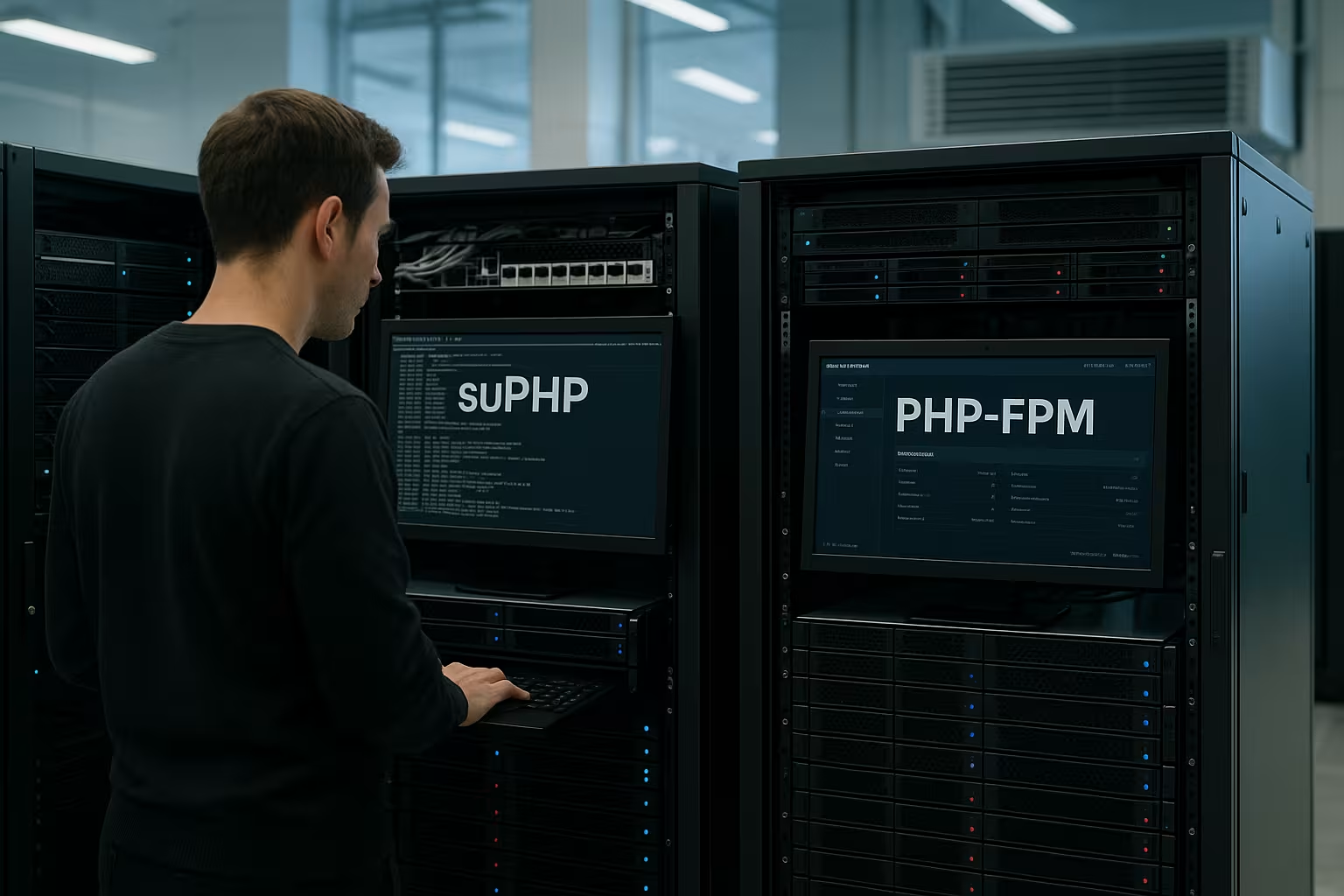
In addition to handlers, the operating system isolation determines the Effect of an intrusion. With chroot, CageFS or Jails, I lock the account in its own file system universe. This means that an attacker loses access to host binaries and sensitive device paths. Combined with FPM per account, this creates a multi-layered defense that is also effective against plugin weaknesses in CMS systems. If you want to compare options, you can find PHP handler comparison valuable orientation for classifying the stacks.
Containers, SELinux/AppArmor and realistic expectations
containers and MAC frameworks such as SELinux or AppArmor complement FPM effectively. Containerization helps to bind dependencies per project and limit root file system access. I keep images to a minimum, remove unnecessary capabilities and only mount the directories that are really needed. SELinux/AppArmor profiles restrict system calls and prevent a process from acting outside its context. It remains important: Containers are no substitute for FPM isolation and clean file permissions - they form an additional layer that catches errors, not replaces the base.
Practical checklist for hosts and teams
In projects, I start with a clear SequenceFirst I separate accounts technically, then I roll out FPM pools per domain. I then set realistic limits, measure load peaks and adjust pm.max_children and pm.max_requests. I then check file permissions, secure upload directories and remove unnecessary write permissions. I configure OPcache per pool so that code, sessions and caches remain isolated. Finally, I test failover: I simulate hangs, DoS patterns and out-of-memory situations until the protection mechanisms work reliably.
Briefly summarized
One thing is certain for me: FPM offers the best Balance of security and performance, especially when comparing fpm vs cgi. CGI remains useful when absolute separation takes precedence over speed, but FPM achieves similar security goals with significantly less overhead. Dedicated pools, hard limits and separate caches significantly reduce hosting risk in shared environments. Supplemented by process isolation, clean file permissions and controlled OPcache usage, a host sets the decisive guard rails. Consistently combining these components effectively protects projects while keeping response times low.