Skip to content
In this guide, I will show you how Plesk Extensions speed up my day-to-day work as a developer, enable secure deployments and automate recurring tasks. I give clear recommendations on selection and setup - including setup steps, sensible defaults and typical pitfalls.
Key points
- Setup and sensible defaults for security, backups, performance
- Workflow with Git, staging, CI hooks and container stacks
- Security through Imunify360, Let's Encrypt and smart hardening concept
- Speed via Cloudflare CDN, caching and monitoring
- Scaling with Docker, automation and clear roles
Why Plesk speeds up my work as a developer
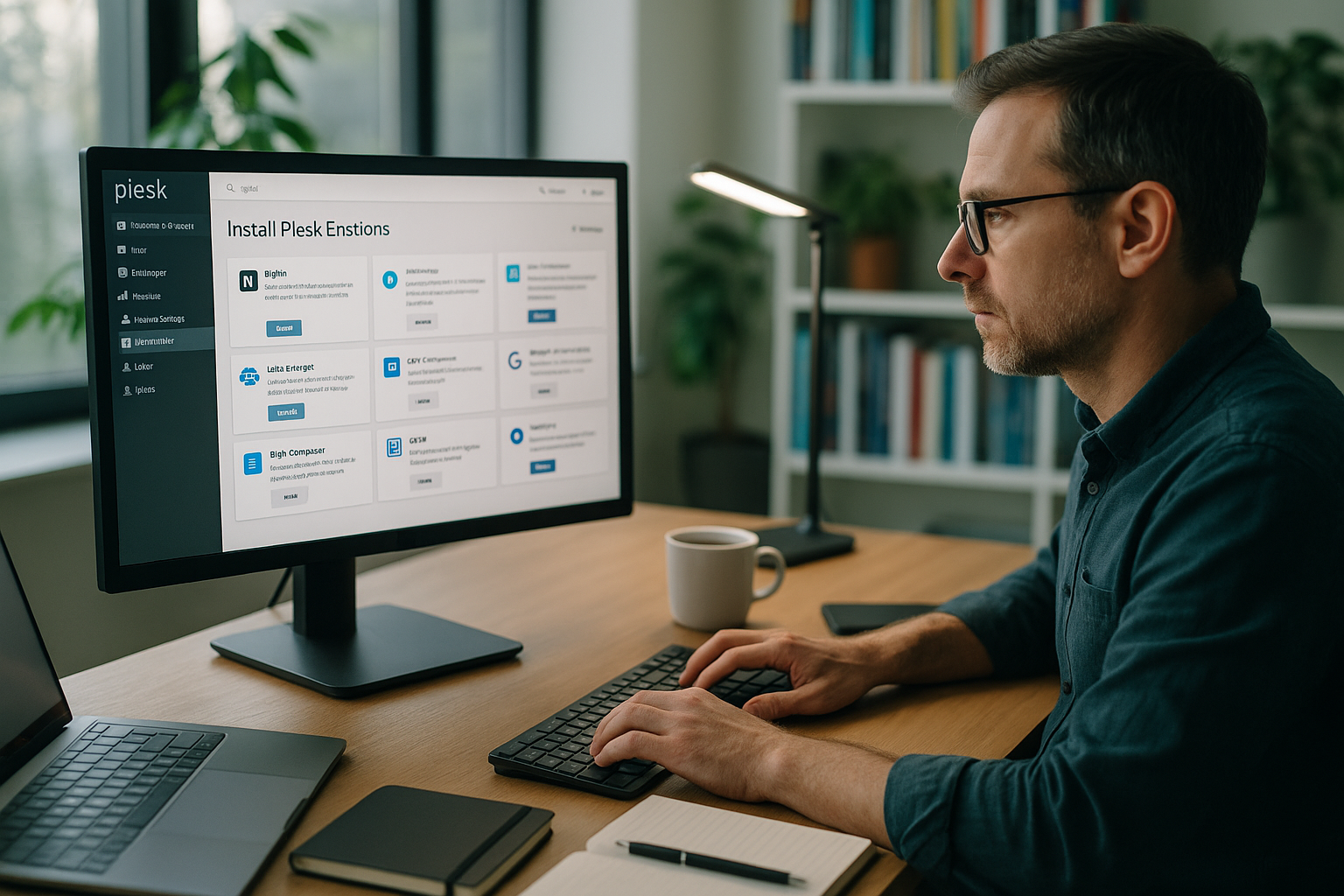
I bundle projects, domains and servers centrally and thus save money every day. Time. The extensions cover development, security, performance and automation and fit together perfectly. I control updates and migration steps directly in the panel, without detours via shell scripts for standard tasks. Thanks to drag & drop, I can sort the most important tools to the place I need them most often and stay in the flow. If you are looking for an overview first, start with the Top Plesk extensions and then prioritizes according to project type and team size.
Top Plesk extensions at a glance
For modern workflows, I rely on a clear core of WordPress Toolkit, Git, Docker, Cloudflare, Imunify360, Let's Encrypt and Acronis Backup. This selection covers deployments, hardening, SSL, CDN and data backup. I usually start with WordPress Toolkit and Git, then add Docker for services such as Redis or Node and then switch to Cloudflare. SSL and security run in parallel, whereby I immediately activate automatic renewal for new instances. The following table summarizes the benefits and use.
| Extension | Most important benefit | Suitable for | OS | Setup in Plesk |
|---|---|---|---|---|
| WordPress toolkit | Staging, cloning, updates | WP sites, agencies | Linux/Windows | Install, scan instance, create staging, set auto-updates |
| Git integration | Version control, Deploy | All webapps | Linux/Windows | Connect repo, select branch, activate webhook/auto-deploy |
| Docker | Container stacks | Microservices, Tools | Linux/Windows | Select image, set environment variables, release ports |
| Cloudflare | CDN & DDoS | Traffic peaks | Linux/Windows | Connect zone, activate proxy, select caching level |
| Imunify360 | Malware protection | Security focus | Linux/Windows | Create scan policy, check quarantine, set firewall rules |
| Let's Encrypt | SSL automation | All projects | Linux/Windows | Request certificate, Auto-Renew on, HSTS optional |
| Acronis Backup | Cloud backup | Business-critical | Linux/Windows | Create plan, select time window, test restore |
I make decisions based on project goals, not on habit, and keep the stack slim. Every extension costs resources, so I only go for more when there is a clear advantage. For teams, I recommend recording the shortlist in the documentation and defining binding defaults. This keeps setups consistent and helps new colleagues find their way around more quickly. Transparency in the selection reduces subsequent maintenance work.

WordPress Toolkit: Setup and useful defaults
I start with a scan so that Plesk automatically scans all instances. recognizes. I then create a staging for each productive site, activate the synchronization of files and select database tables if required. I set auto-updates for core to secure, for plugins to manual or staggered per maintenance window. For every change, I first test in staging, check security checks and then go live. If you want to look deeper, you can find useful background information in the WordPress Toolkit Details.
I use the cloning function for blue/green approaches and keep a rollback plan ready. This allows me to reduce downtimes during major updates. For multi-sites, I deactivate unnecessary plugins on staging instances to make tests faster. Security scans run daily and I check quarantine briefly in the dashboard. In this way, I keep risks low and deployments predictable.
Git integration: Clean deployments without detours
In Plesk, I connect a Git repo, select the relevant branch and activate Auto-Deploy on Push. Optionally, I set webhooks for CI, which execute builds and tests before the live deploy. For PHP projects I create a build step for the Composer installation, for Node projects I add npm ci and a Minify task. I set the deploy map so that only required directories run on the webroot, while build artifacts are created outside. I keep access keys and authorizations lean and rotate them regularly.
Before going live, I carry out a health check via a maintenance URL and verify important information. Header. The pipeline stops the rollout automatically in the event of errors. In this way, I avoid half-finished deploys that are more difficult to catch later. For teams, I document branch conventions and use pull requests as mandatory. This keeps collaboration predictable and traceability high.
Docker in Plesk: Using containers productively
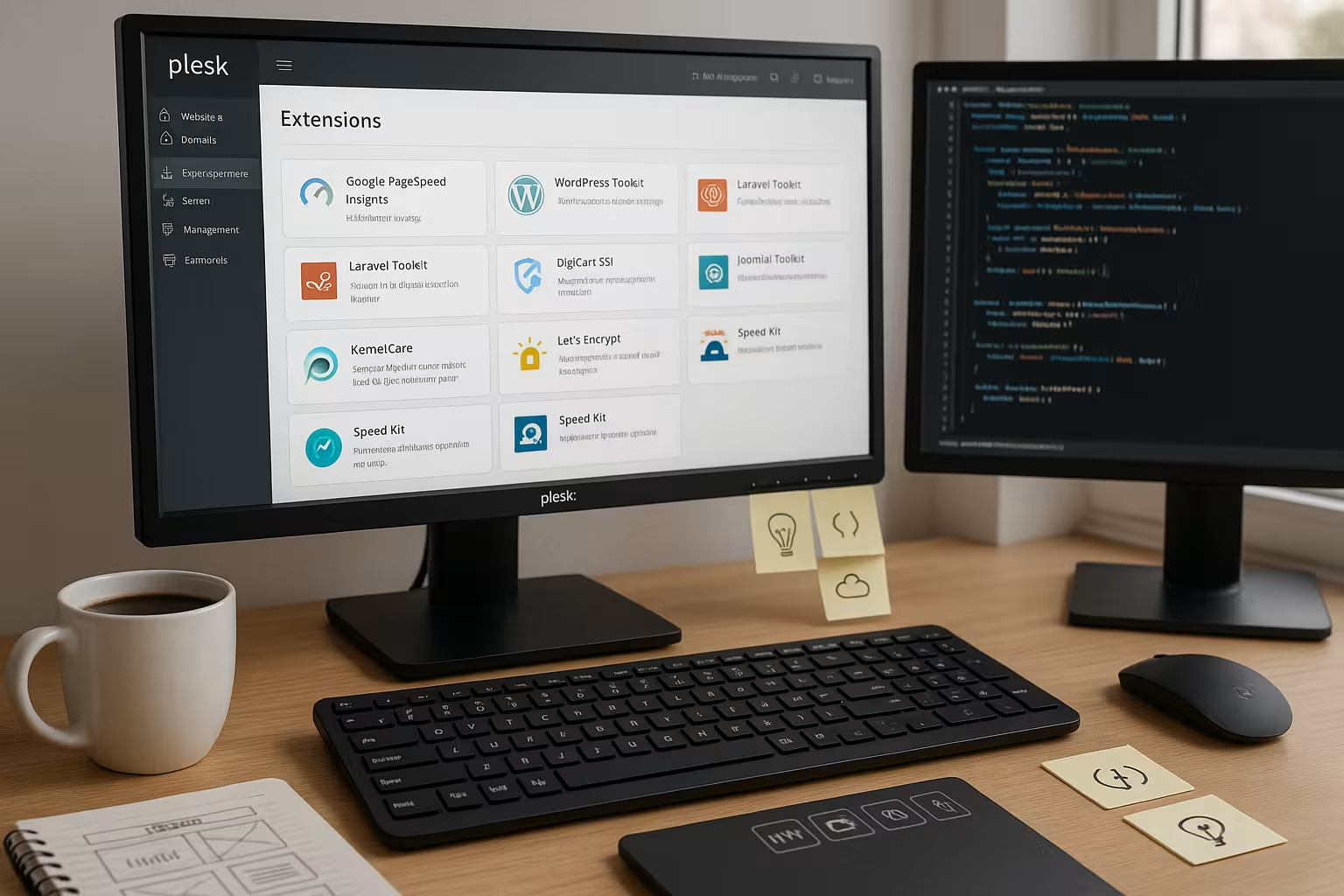
For services such as Redis, Elasticsearch, Meilisearch or temporary preview apps, I start containers directly in the Panel. I select images from the hub, set environment variables, map ports and bind persistent volumes. I check health checks with simple endpoints so that Plesk reports false starts. For multi-container scenarios, I work with clear naming conventions and document dependencies. If you need a good introduction, use the compact guide to Docker integration in Plesk.
As projects grow, I scale services horizontally and encapsulate stateful components so that backups remain consistent. I place logs in separate directories and rotate them regularly. I first test updates in a separate container version before switching over. I only add DNS entries after reliable health checks. This keeps deployments controllable and reproducible.
Security first: set up Imunify360 and Let's Encrypt correctly
I activate automatic Scans in Imunify360 and define clear actions for detections, such as quarantine with notification. I keep the firewall rules strict and only allow what is really necessary. I set Let's Encrypt to auto-renew for all domains and add HSTS if the site runs consistently via HTTPS. I also check security headers such as CSP, X-Frame-Options and Referrer-Policy. Regular reports show where I need to tighten up.
I use two-factor authentication for admin logins and restrict access to specific IPs. SSH access is via keys, I deactivate passwords where possible. I encrypt backups and test the restore process on a regular basis. I keep a list of critical plugins and check their change logs before updates. Security remains a daily task, not a one-off Configuration.

Speed via CDN: clever configuration of Cloudflare
I connect the zone, activate the proxy and select a caching level that enables dynamic content. respected. For APIs I enable cache by header, for assets I set long TTLs with versioning. I use page rules to exclude admin areas from caching and to strictly protect sensitive paths. HTTP/2, Brotli and Early Hints increase the loading speed without code changes. During traffic peaks, rate limits curb abuse attempts.
Challenge and bot rules reduce unnecessary load on backend systems. I monitor HIT/MISS rates and adjust rules until the desired cache quota is reached. For international projects, I work with geo-steering and map regional variants. I document DNS changes in the change log so that rollbacks can be carried out quickly. This keeps performance measurable and plannable.
Backups, restores and restarts with Acronis
I create daily incremental backups and back up weekly full to the cloud. I keep retention in such a way that I can access at least 14 days of history. After every major release, I test a restore in an isolated environment. I measure recovery times regularly so that I have realistic expectations in an emergency. I back up databases in a transaction-consistent manner to avoid corruption.
I keep a separate offsite backup for critical sites. Restore playbooks describe the steps including DNS switching and caching clearing. I store passwords and keys in encrypted form and rotate them on a quarterly basis. I consider backups without a test restore to be incomplete. Only what has been practiced will work safely in an emergency.
Automation and monitoring: simplifying daily routines
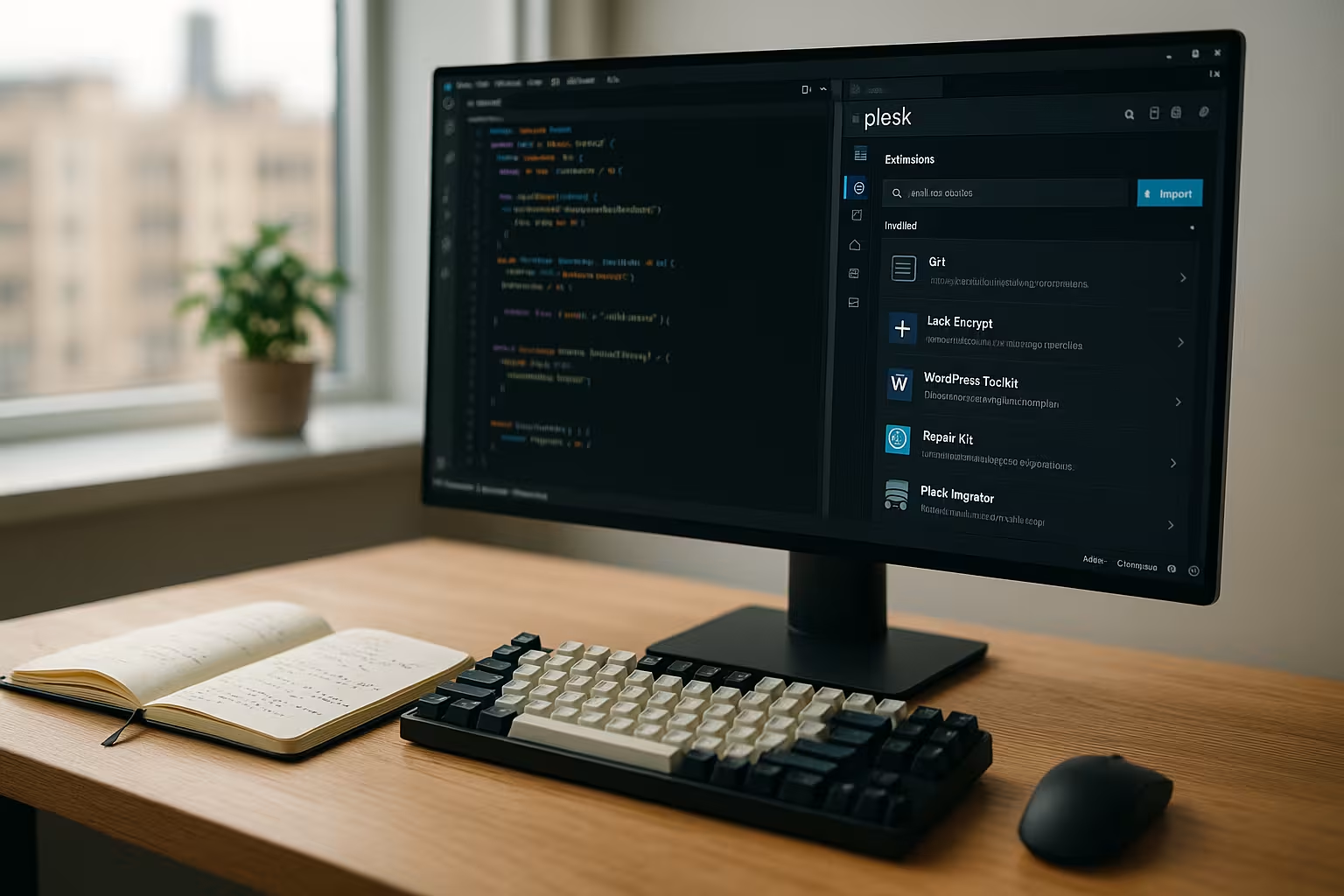
I automate recurring Tasks with cron jobs, hook scripts and git actions. Logs run in central directories, the rotation keeps the memory clean. I use Webalizer for simple traffic analyses and check for anomalies when 4xx and 5xx codes increase. I set alerts so that they remain relevant for action and do not create alert fatigue. I document clear start and end times for maintenance windows.
I tag deployments and link them to measured values such as time to first byte and error rate. If these are exceeded, I automatically resort to a rollback. I save versions of configurations to keep changes traceable. Performance tests run automatically after major updates and give me fast results. Feedback. This way I avoid surprises in live operation.
Build your own extensions: When standards are not enough
I rely on my own Plesk extensions when a team has clear Special-requirements. This can be an internal authorization concept, a special deploy flow or an integration bridge to third-party systems. Before building, I check whether an existing solution with minor adjustments is sufficient. If not, I define API endpoints, roles and security limits briefly and clearly. Only then do I write the module and test it against typical everyday scenarios.
A clean uninstall and update strategy is important so that the system remains maintainable. I also document functions and limits so that colleagues can use the tool safely. If necessary, I collect feedback and plan small iterations instead of big leaps. This keeps the expansion manageable and Reliable. In-house modules are worthwhile if they shorten processes in a meaningful way.
Roles, subscriptions and service plans: order creates speed
Before I create projects, I structure Plesk with Subscriptionsservice plans and roles. This allows me to allocate limits (CPU, RAM, inodes, mail quotas) and rights (SSH, Git, Cron) in a plannable way. For agency teams, I create separate subscriptions for each customer so that authorizations and backups remain cleanly isolated. Standard plans contain sensible defaults: PHP-FPM active, opcache on, daily backups, auto-SSL, restrictive file permissions. For riskier tests, I use a separate lab subscription with strictly limited resources - this protects the rest of the system from outliers.
I keep roles granular: Admins with full access, devs with Git/SSH and logs, editors with file manager/WordPress only. I document which role performs which tasks and avoid a proliferation of individual user rights. This way, new projects start consistently and are easier to migrate or scale later on.
PHP-FPM, NGINX and caching: Performance from the panel
Performance I get out first Runtime settingsPHP-FPM with pm=ondemand, clean max-children per site, opcache with enough memory and revalidate_freq matching the deploy interval. I let NGINX deliver static assets directly and set specific caching headers without jeopardizing dynamic areas. For WordPress, I activate micro-caching for anonymous users only, if possible, and exclude cookies that mark sessions. I switch on Brotli/Gzip server-wide, but test the compression levels against CPU load.
I keep dedicated PHP versions ready for each site in order to separate dependencies cleanly. I add critical path optimizations (HTTP/2 push no longer necessary, early hints instead, clean preload/prefetch headers) if the measured values justify it. The rule: measure first, then turn - benchmarks after every major change prevent flying blind.
Email and DNS: setting up deliverability and certificates properly
When Plesk sends mails, I set SPF, DKIM and DMARC per domain, check rDNS and keep bounce addresses consistent. I separate newsletters from transactional emails to protect my reputation. I make a conscious decision for DNS: either Plesk as master or external zone (e.g. via CDN). Important: With an active proxy, I plan Let's Encrypt challenges in such a way that renewals pass through reliably - for example with a temporary de-proxy or DNS challenge for wildcards. I document the chosen strategy for each customer so that support cases can be resolved quickly.
Webhooks from CI/CD capture fixed target IPs, and I only allow what is needed in the firewall. This keeps both mail and build paths stable.
Databases and storage: stability under load
For larger projects, I outsource databases to dedicated servers or containers. Backups run transaction-consistent, binlog-based for point-in-time recovery. I use read replicas for reporting or search functions so that the primary DB remains unburdened. In Plesk, I pay attention to clear DB names per subscription and set the minimum necessary rights.
I keep storage under control using quotas and log rotation. I version media uploads where possible and avoid unnecessary duplicates in staging environments. I set 640/750 defaults for file permissions and regularly check that deployments do not leave any permissive outliers. This keeps restores and migrations calculable.
Zero-downtime deployments: blue/green and symlink releases
In addition to staging, I use Blue/Green or Symlink-releases. Builds end up in versioned release folders outside the webroot. After successful tests, I switch over via symlink, execute database migrations in controlled steps and have a revert ready. I clearly define shared directories (uploads, cache, session) so that switches do not lose any data. For WordPress and PHP apps, I temporarily prevent write access during critical migration windows to avoid inconsistencies.
Healthchecks monitor the new version before the flip. I automatically check headers, important routes and DB connections. Only when all the checks are green do I switch over. This routine has saved me many overnight deploys.
Cost control and resources: limits, alerts, cleanup
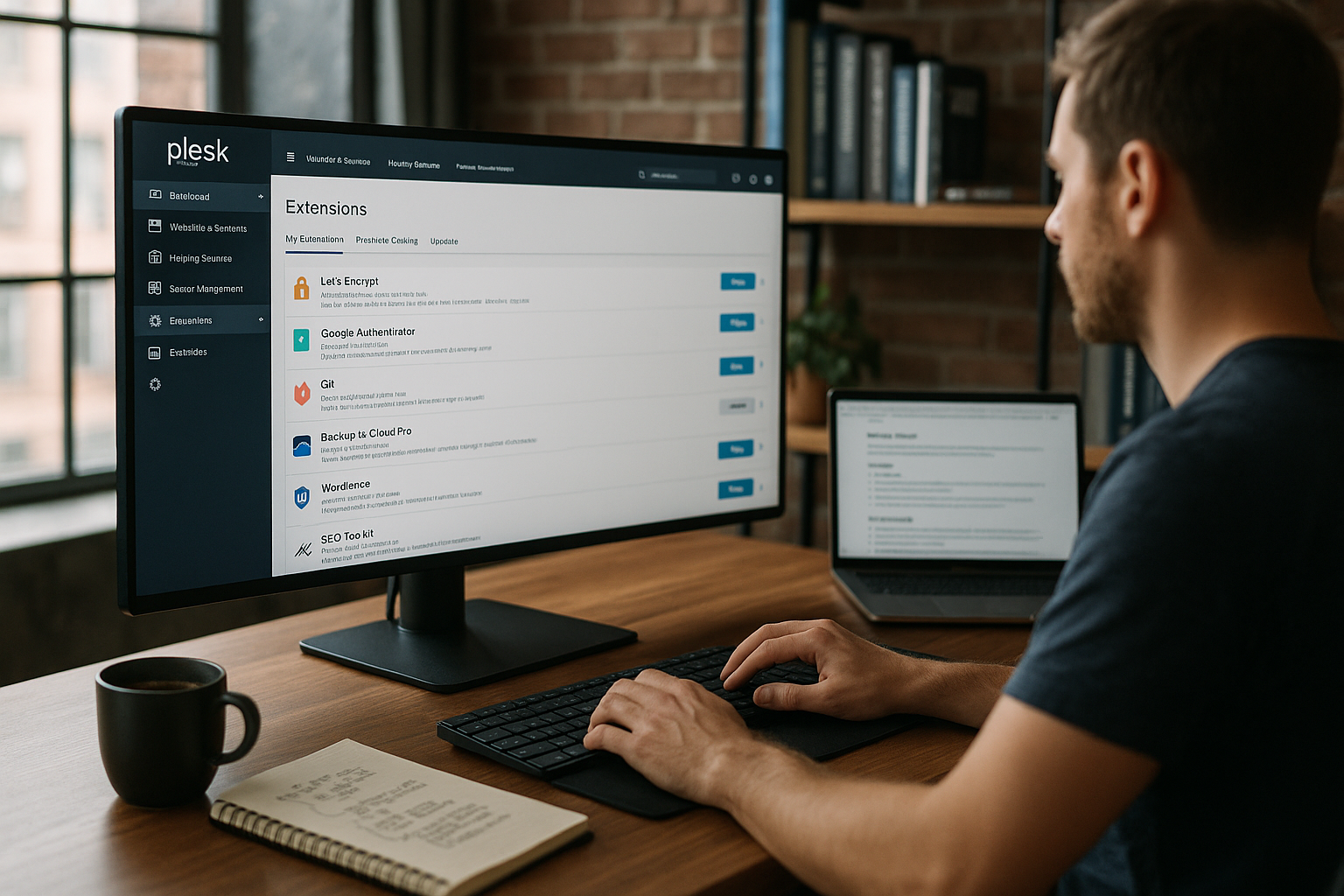
I set Limits per subscription: CPU time, RAM, number of processes, inodes. Cron jobs and queues are given clear time windows so that load peaks remain calculable. I automatically clean up old releases and logs and keep backups lean and documented. I monitor Docker containers for sprawling volumes and rotate caches regularly. This keeps operating costs and performance predictable - without surprises at the end of the month.
Alerts are only helpful if they enable action to be taken. I differentiate between warnings (trend tilting) and alerts (immediate intervention required) and link both to runbooks. Anyone who is woken up at night must be able to restore stability in three steps.
Typical pitfalls and how to avoid them
Auto-updates without staging rarely break, but then usually unfavorably - so always test first. Cloudflare can cache admin areas aggressively if rules are too broad; I consistently exclude login, /wp-admin, API and previews. I don't let Docker services like Redis listen publicly and secure them via internal networks. Let's Encrypt renewals fail if the proxy blocks challenges; DNS challenge or temporary bypass helps here. Git deploys that execute node/composer builds in the webroot like to cause rights chaos - therefore create builds outside and only deploy artifacts.
A second classic: Disk full due to forgotten debug logs or coredumps. I set limits, rotate logs strictly and check for unusual growth after releases. And I always have manual break-glass access ready (SSH key, documented path) in case the panel is not accessible.
Best practices compact
I keep Plesk and all extensions current and test updates before the rollout. Backups run according to plan and I practise restores regularly in a test environment. I organize the panel using drag & drop so that central tools are immediately visible. I use automation, but only with clear exit strategies and rollbacks. All team members know the most important steps and work according to the same standards.
Short summary
With a well thought-out selection of Extensions I focus on speed, security and reliable deployments. WordPress Toolkit and Git form the backbone, while Docker and Cloudflare deliver flexibility and performance. Imunify360 and Let's Encrypt secure operations, Acronis protects data and shortens recovery times. Clear defaults, tests and lean automation keep day-to-day operations clear. This means the development environment remains adaptable - and projects achieve their goals in a stable manner.