 Skip to content
I secure access to Plesk by plesk user rights and clearly define roles. This allows me to control tasks, minimize areas of attack and keep all changes traceable.
Key points
- Rollers Separate cleanly
- Minimum rights strictly implement
- Protocols Check continuously
- Databases Secure separately
- Firewall and use MFA
Why rights management in Plesk matters
Correctly set rights prevent incorrect operation and keep Attacks at a distance. Every unnecessary authorization opens up possible paths into the system, so I need clear limits per task. Plesk allows very fine control, so I can define exactly what an account is allowed to do and what remains strictly off-limits. This separation reduces risks, protects sensitive data and increases the responsibility of each role [2][1][3]. This allows me to act with confidence, maintain an overview and react quickly in the event of an emergency. Conspicuous features.
Clearly separate roles in Plesk
I assign responsibility clearly: the owner manages everything, the administrator has broad rights, and users are only given functions for their specific tasks. So the strategy lies with the owner, the day-to-day work with the admin and the implementation with the user accounts. Editors, for example, need access to files and CMS, but no access to DNS or hosting settings. A pure database account works separately from web and mail functions and thus remains strictly limited [3]. This clear organization creates Transparency and avoids Access errors.
Fine-tune rights: What each role is allowed to do
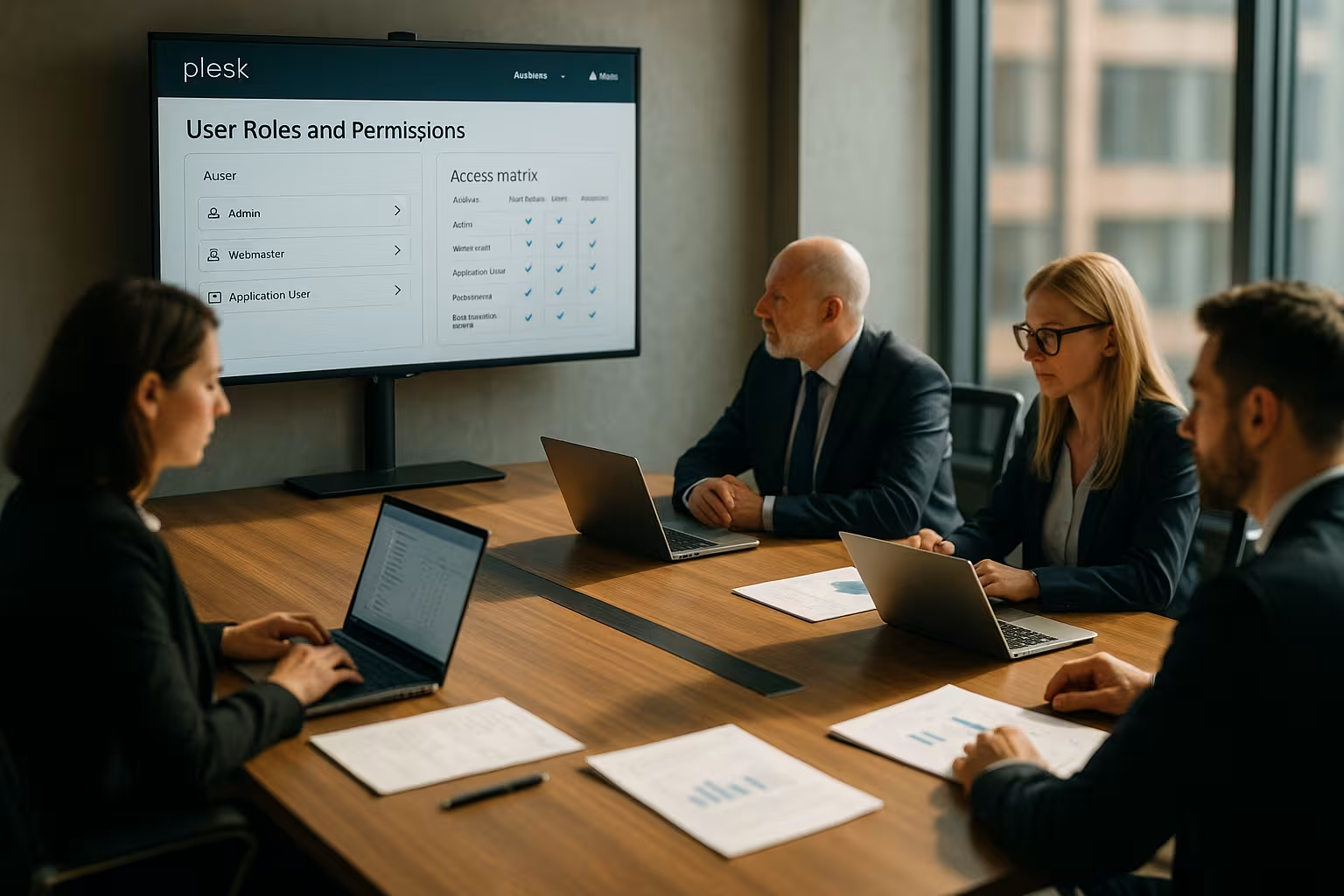
I deliberately set permissions sparingly so that each role gets exactly what it needs. This includes creating websites, managing domains, email functions, log rotation, spam filters and databases. In Plesk, I allow or block each authorization individually - this applies to standard functions as well as sensitive settings. This creates a clear framework for teamwork without mutual interference. The following overview helps me to Assessment more typical Approvals:
| Function | Holder | Administrator | User | DB account |
|---|---|---|---|---|
| Manage subscriptions | Yes | Yes | No | No |
| Edit domains/subdomains | Yes | Yes | Restricted | No |
| Web files/FTP | Yes | Yes | Restricted | No |
| Manage e-mail accounts | Yes | Yes | Restricted | No |
| Protocol rotation | Yes | Yes | No | No |
| Customize spam filter | Yes | Yes | Restricted | No |
| Manage databases | Yes | Yes | Restricted | Yes (DB only) |
Step by step: Creating and assigning roles
I open Plesk, go to Users and create a new role under "User roles". I then assign rights individually, check borderline cases and only save the role when every setting is clearly justified [1][4][5]. I then assign the role to the desired user account and test access with a separate login. In this way, I immediately recognize if the rights are too broad and tighten up the settings. For additional hardening, I use the overview in Plesk Obsidian Security and add missing protective measures without Detours or Gaps.
Keeping user accounts clean
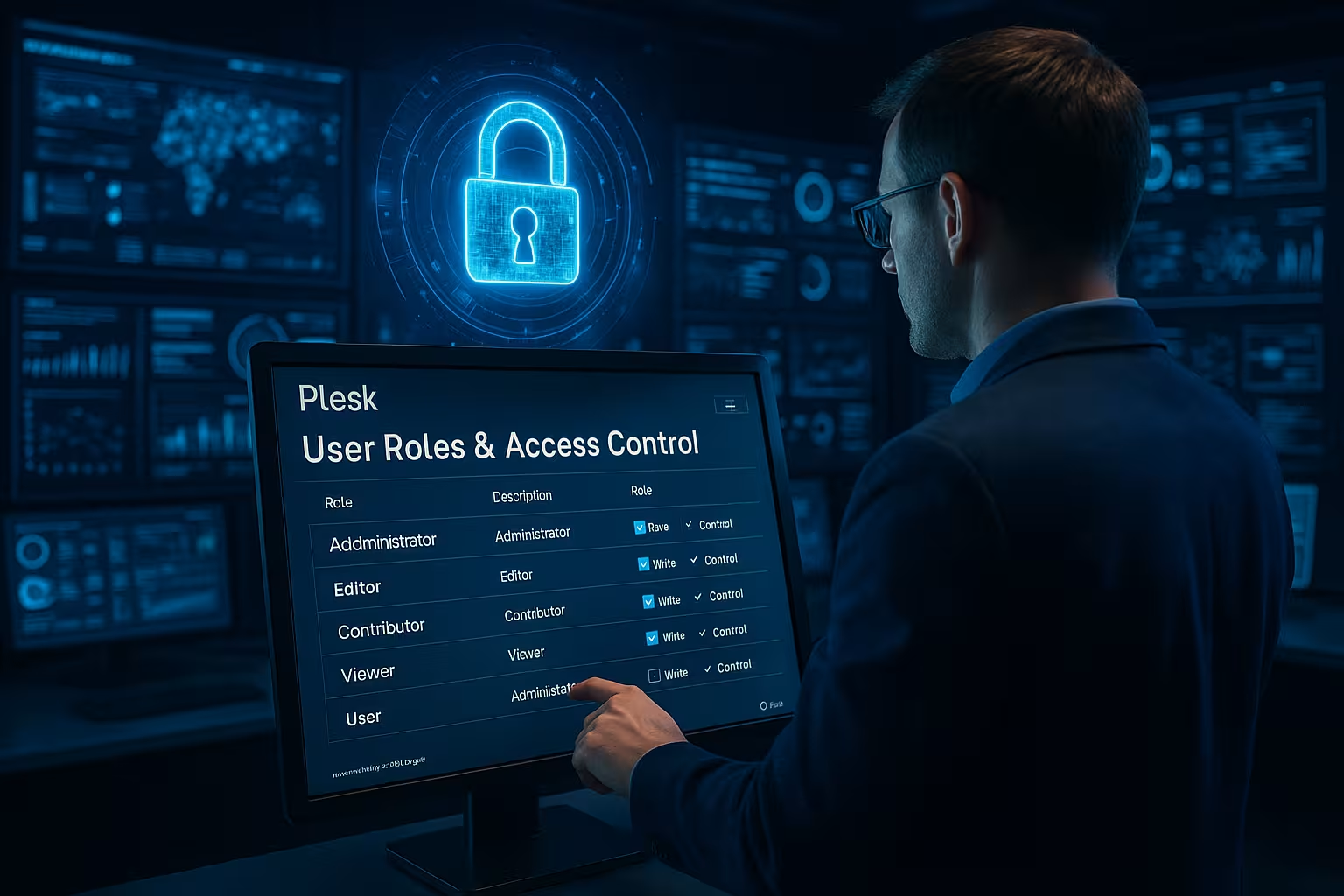
Each account gets a role that corresponds to the actual tasks, and I avoid duplicate roles. An editor gets access to files and CMS, but no access to DNS, backups or hosting settings. A support account is allowed to reset passwords, but not to create new subscriptions. I consistently delete old or unused accounts, because dormant accounts are a risk. This keeps the user administration lean, the overview high and the Access consistent limited [3][4].
Secure database access
I set separate DB accounts with clear authorizations for databases: Read and write, read only or write only. With MySQL, I assign finer rights on request, for example at table level, so that an account really only fulfills its task. For backups, I use my own DB users who have no modification rights and keep passwords short-lived. I use IP shares for DB access sparingly and check logins regularly. This discipline protects databases, reduces consequential damage and strengthens the Compliance through Separation [6].

Secure access: MFA, IP shares, firewall
I enable multi-factor authentication, set strong password policies and limit logins via IP filters where appropriate. I only allow admin logins from defined networks and track failed attempts in the logs. A clean firewall policy blocks unnecessary ports and visibly reduces the scope for attacks. For the setup I use the Plesk Firewall Guideso that I keep the rules consistent. This is how I secure the outer perimeter and support the Rights with technical Control.
Use protocols and monitoring
I regularly check the access logs, compare times, IPs and actions and react immediately to anomalies. I temporarily block suspicious accounts, revoke rights and check the causes with clear checklists. Plesk provides logs and statistics so that I can recognize usage patterns and plan capacities better [2]. This evaluation makes abuse visible and shows the side effects of overly broad rights. Good habits in the evaluation increase the Early detection and shorten the Response time.

Best practices that stand the test of time
I check roles on a quarterly basis and remove superfluous rights without hesitation. The minimum principle remains my guideline: as few rights as possible, as many as necessary. I use standard roles first and only add to them where specific tasks require it. For critical areas, I set dual control approvals and document changes in a comprehensible manner. In the case of suspicious patterns, I am guided by information from Security vulnerabilities in Plesk and close the gaps quickly so that I can Protection permanent high hold.
Brief comparison of providers
Hosting performance has a significant impact on security and administration because logs, backups and scans take up resources. In practice, fast I/O, up-to-date components and reliable support help with maintenance and error analysis. The following matrix gives me a quick assessment and makes new setups or relocations easier. I look at security, performance and support before selecting packages. This is how I set the Basis for stable Processes ready.
| Provider | Plesk security | Performance | Support | Recommendation |
|---|---|---|---|---|
| webhoster.de | Very high | Very high | Top | 1st place |
| Provider B | high | high | Good | 2nd place |
| Provider C | medium | medium | Satisfactory | 3rd place |
Model service plans and subscriptions precisely
I design service plans so restrictively that only the functions that are absolutely necessary are included. I use separate plans for each customer group or project and avoid exceptions at subscription level. Where adjustments are necessary, I document them directly on the subscription and check whether they should flow back into the plan. I deliberately limit resources such as memory, processes and PHP options so that misconfigurations do not affect the entire platform. I test changes to plans on a single subscription first before rolling them out widely. This keeps capabilities and limits consistent and prevents rights sprawl across many subscriptions.
Secure SSH/SFTP and file permissions hard
I deactivate unencrypted FTP and use SFTP or FTPS by default. I only allow chrooted SSH access and only for accounts that really need it. I choose shell types conservatively (no interactive full shell for web users), and I manage SSH keys separately from passwords. At file system level, I pay attention to correct ownership and restrictive umasks so that new files are not unnecessarily widely readable. Deployments run via dedicated technical users with minimal rights; they do not have access to panel functions. I also restrict access to sensitive directories (e.g. configuration, backups, logs) so that editors only have access to the places they really need.
Think automation safely: API, CLI and scripts
For automation, I use separate technical accounts and API tokens with a very limited scope. Tokens are never stored in the source code, but in secure variables or vaults and are rotated regularly. I execute scripts with clearly defined paths and minimal environment variables, logs end up in dedicated log files with suitable rotation rules. For Plesk CLI commands, I only release the parameters that a job absolutely needs and separate read and write processes. Each automatic run is given a unique identifier so that I can immediately assign it in logs. This allows me to scale repeatable tasks without losing control over authorizations.
Limit WordPress and app management in a targeted manner
If editors work with CMS, I only allow them to manage the respective instance - but not global hosting options. I bind plugin and theme installations to approvals, and I control automatic updates centrally and log them. I separate staging instances cleanly from production so that tests do not touch any live data. I only use import and cloning functions if the storage space is suitable and the rights of the target environment are clear. This means that convenience functions can still be used without inadvertently breaching security limits.
Separate backups, restores and staging
I separate backup creation, download and restoration into different responsibilities. Whoever is allowed to pull backups is not allowed to restore them automatically - and vice versa. I encrypt backups, set retention periods and regularly check whether restores work properly in a staging environment. I keep access data for external targets (e.g. storage) separate and use my own, minimally authorized accounts for them. Because backups contain sensitive data, I log downloads and provide alerts in the event of unusual access. In this way, data backup becomes a security measure - and not a risk.
Keep scheduled tasks (cron) under control
I define clear roles for cronjobs: Who can create, who can change, who can execute. I set fixed paths, minimalist PATH variables and limit runtimes so that processes don't get out of hand. Output ends up in log files, which I rotate and monitor; I avoid sending mails to root so that nothing gets lost. I limit external calls (wget/curl) and document what they are used for. In this way, automations remain traceable and can be stopped quickly in case of doubt.
Cleanly isolate reseller and client operations
In multi-tenant environments, I ensure that resellers can only act in their client space. I customize standard roles for customers so that they cannot create cross-connections to other subscriptions. I avoid shared users across multiple subscriptions - instead, I set clear accounts and roles for each project. This disciplined demarcation prevents sideways movements in the system and makes billing and reporting much easier.
Offboarding and role life cycle
When people leave the team, I work through a fixed offboarding checklist: Lock account, rotate passwords and tokens, remove SSH keys, check redirects and track access in logs. I then delete accounts completely or archive them with minimal rights. I adjust roles when tasks are removed so that no "empty" privileges are left behind. This hygiene secures the inventory and prevents old authorizations from continuing to work unnoticed.
Emergency and restart plan
If I suspect a compromise, I act in defined steps: Immediately block affected accounts, reset passwords globally, secure logs, isolate backups and check systems for critical updates. I inform those involved with clear instructions, document measures and only gradually restore rights after the analysis. I then improve rules, MFA quotas and monitoring thresholds. This turns the incident into a binding learning experience that strengthens the overall system.
Enhanced database security in everyday life
In addition to separate DB accounts, I use encrypted connections wherever possible and specifically enable application-specific rights. I only allow access from external networks temporarily and only from known IPs. Passwords have short life cycles; service accounts are given individual credentials so that I can track access cleanly. I carry out complex migrations via dedicated accounts, which are revoked again once they have been completed. In this way, data remains effectively protected even with extensive teamwork.
Harden rollers against typical misconfigurations
I avoid composite roles that allow everything "for security reasons". Rights for PHP settings, DNS, web server configuration, mail relay and file managers with overlapping paths are particularly critical. I only release such options if the task absolutely requires it - and always with an expiration date. I document temporary elevations and set reminders so that they do not remain permanently. This focus prevents the most frequent slips and keeps the system manageable.
Start checklist for secure Plesk user rights
- Define roles and think in terms of needs (minimum principle).
- Set up service plans restrictively, document exceptions.
- Activate MFA for all panel logins, sharpen password guidelines.
- SSH chrooted, only where necessary; disable FTP unencrypted.
- Databases via separate accounts, minimal rights, short password cycles.
- Encrypt backups, separate restore rights, test staging regularly.
- Keep firewall rules consistent; keep IP permissions narrow.
- Check logs and alarms, handle anomalies immediately.
- Establish offboarding and emergency processes as fixed routines.
- Carry out a quarterly role review and remove temporary releases.
Summary
I control Plesk via clearly separated roles and sparing rights so that each account only sees what is necessary. Account hygiene, MFA, IP filters and a clear firewall policy minimize risks and prevent consequential damage. Logs, alarms and regular reviews protect me from blind spots and speed up reactions. I set my own accounts with limited authorizations for databases and keep passwords short-lived. This keeps access protected, operations efficient and the Security at every point comprehensible.


