 Skip to content
In this comparison I show where Plesk Enhance today and the strengths and limitations of both panels in cloud hosting. I go into detail about architecture, performance, security and prices so that you can quickly choose the right control center for your web projects.
Key points
- Architecture: Classic single-server panel vs. distributed multi-server cluster
- Cloud focus: Broad integrations vs. native multi-cloud and container strategy
- Operation: Proven UI with many extensions vs. modern, fast interface
- Security: Mature rights and SSL management vs. compliance-oriented approach
- PricesEditions models per server vs. billing per web space

Architecture: Monolith vs. distributed multi-server environment
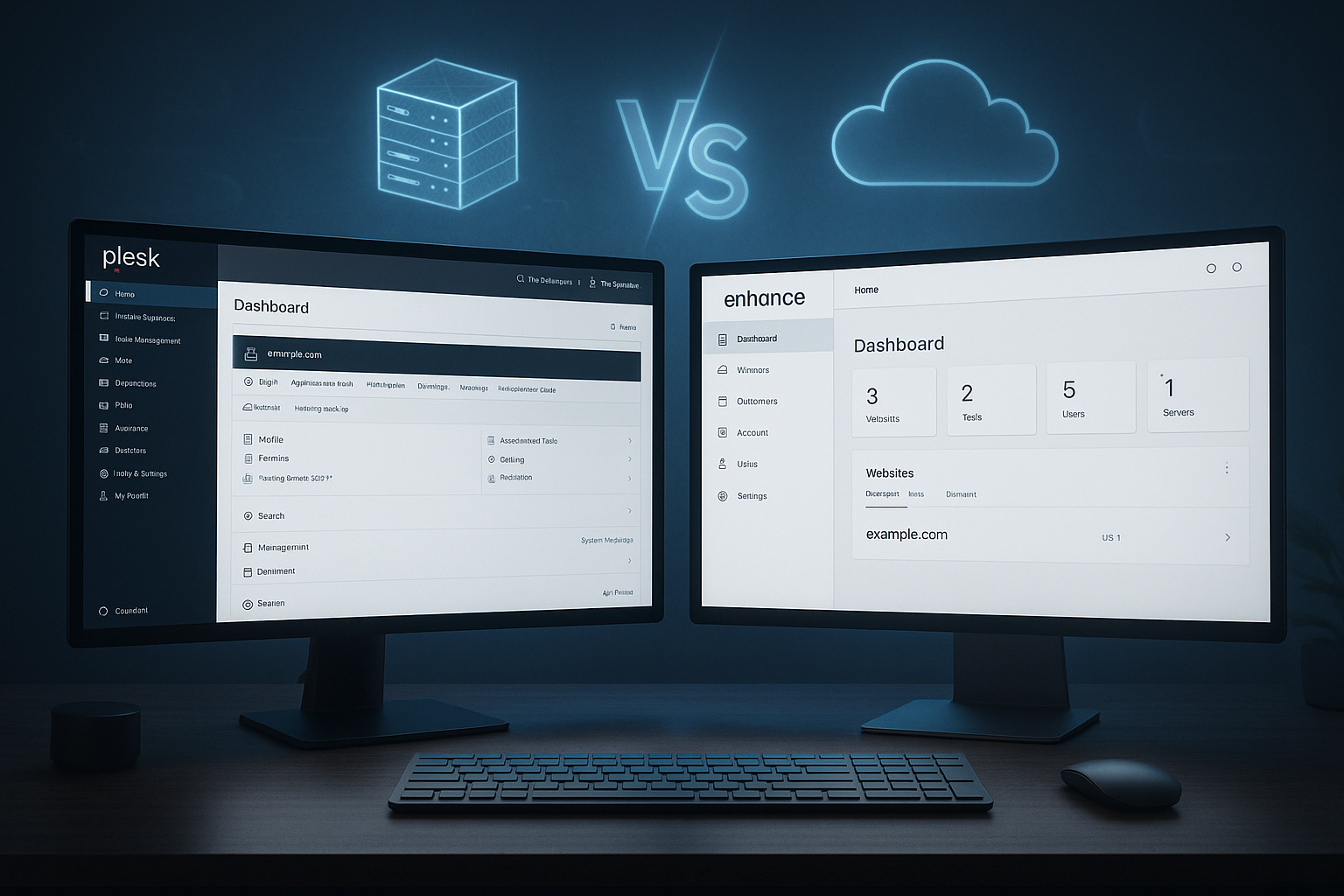
I categorize Plesk as established panel with a clear single-server mindset that covers many scenarios via extensions and remote options. At its core, Enhance relies on distributed setups and bundles multiple hosts, VMs or containers in a central dashboard. This structure makes horizontal scaling very direct, as services such as web, databases or email can migrate to multiple nodes. Plesk, on the other hand, scores with broad platform support including Windows and a large extension landscape. If you operate many heterogeneous server environments, you will find solid tools in Plesk; if you want to quickly add nodes and separate services, Enhance is usually more efficient. I see the choice of architecture as a lever for later migrations, failover strategies and maintenance windows.
Cloud hosting and scaling in day-to-day business
In cloud environments, Plesk delivers strong Integrations to popular providers and a familiar operating concept. I can set up instances, automate DNS and SSL and maintain workloads cleanly. Enhance goes further and thinks scaling natively: I move roles between servers, distribute load and work closely with container technologies. This ensures short deployments, clear isolation and high efficiency for growing projects. In multi-tenant setups with many sites, I use Enhance to fine-tune resource distribution, while Plesk impresses with its maturity for mixed stacks. For peak loads and growth sprints, flexible multi-server logic remains a tangible advantage.

Everyday functions: Admins, agencies and resellers
In everyday life, I appreciate Plesk's Overview for domains, email, SSL, backups and the broad support of PHP, Node.js, Python and Ruby. This is ideal for agencies and resellers with many projects who expect consistent workflows. Enhance is clearly aimed at admins who work with multiple hosts and want to orchestrate deployments, updates and resources via a cluster. The interface looks lean, responds quickly and bundles tasks that recur in growing teams. Especially for projects with many stages (dev, staging, prod), I feel very nimble with Enhance. Plesk remains a safe bet when I need a wide range of functions, Windows compatibility and a large selection of extensions.
Security and compliance: protection according to plan
For me, safety is one of the Core requirements of a panel. Plesk has been providing reliable patches, two-factor login, granular roles and solid SSL management for years. This allows me to secure customer-oriented workflows and delegate rights cleanly. Enhance relies on a modern security profile that is convincing in regulated fields such as medicine and finance and offers clear advantages for multi-server separation. I benefit from strict segmentation, rapid updates and automation that reduces risks. Those with strict compliance guidelines appreciate the clear separation of services and clients.
Price structure and cost control: figures to the point
I compare prices along clear Key figures, because the choice of panel strongly influences running costs. Plesk offers edition licenses: Web Admin (up to 10 sites) from €15.49 per month, Web Pro (up to 30 sites) from €26.99 per month, Web Host (unlimited) from €49.99 per month. This structure is suitable if I operate fixed servers with a defined page range. Enhance calculates per web space/website and starts at around € 0.14 per page and month (converted from 0.15 $). This pays off especially in large setups where I manage many small sites very efficiently. For forecasts, I recommend simulating the real growth of the projects and comparing both models over 12 to 24 months.
| Panel | License logic | Typical costs/month | Suitable for |
|---|---|---|---|
| Plesk | Editions per server | 15,49 € - 49,99 € | Agencies, resellers, Windows workloads |
| Enhance | Per webspace/website | from 0,14 € per page | Cluster, multi-server, rapid growth |
Performance and resources: making speed tangible
I evaluate performance with a view to Latency, CPU/memory requirements and the response time of the panel. Plesk runs solidly on a wide range of hardware and offers many options via extensions and caching. Enhance stands out with a very fast interface and efficient resource utilization, especially with multiple servers and clear separation of services. The distribution of database, web server and mail to separate nodes often acts as a booster for overall workloads. I like to measure real response times in peak phases in order to uncover disadvantages in the UI or in routine jobs. In projects with many clients, the separation in Enhance often ensures a smoother resource flow.

Extensions, APIs and integrations
I see Plesk strongly at Extensions, for CMS, stores, security and automation, for example. Many modules save time, some cost extra, which I take into account in the budget. Enhance delivers modules that grow in short cycles; here I benefit from a clear line towards clusters, containers and microservices. For teams with a DevOps focus, this feels very contemporary because I bring deployments, updates and monitoring closer together. If you want to keep an eye on alternatives, you can get an overview of panels and ecosystems here: Plesk, cPanel, DirectAdmin. I always allow sufficient testing time for integrations, as dependencies can come as a surprise during updates.
Support and update cycles: speed vs. maturity
What I appreciate about Plesk's support Network and documentation that have matured over the years. This ensures reliable answers and predictable maintenance. Enhance scores with agile releases and noticeable product progress, which I like in modern deployments. This dynamic brings fresh functions into everyday life more quickly, but requires attention in change windows. I plan updates in maintenance windows, have rollback options ready and document changes clearly. This is how I secure operations and use new features without any nasty surprises.
Which panel is suitable for whom?
I recommend Plesk if Windows workloads, many Extensions and agency-related workflows are in the foreground. Operation is familiar, rights and SSL management are clean, and mixed stacks feel good. Enhance addresses clusters, multi-server operation and ambitious growth with clear separation of services. If interface speed, flexible scaling and compliance are important, Enhance delivers tangible benefits. Anyone weighing up alternatives will find a good starting point here: Plesk or ISPConfig. In the end, I always evaluate project size, team competencies and the required integrations.
Alternatives and decision-making framework
For decision support, I am creating a Criteria catalog on: Architecture, cloud strategy, security goals, license model, integrations and TCO. I then map the requirements to Plesk and Enhance and examine two scenarios: conservative growth and rapid scaling. This comparison often clearly shows which pricing model is more favorable in the long term. If you need additional comparisons, you can take a deeper look here: cPanel and Enhance in comparison. I keep the evaluation period short, test close to the product and document results for a robust decision.
Migration and operation: planning entry and exit
I evaluate migrations separately according to data volume, downtime window and complexity of dependencies. Plesk shines with import wizards, clean email migration and tools that migrate DNS, SSL and databases in predictable steps. This is helpful for heterogeneous legacy servers because I can move workloads step by step. Enhance comes into its own when several servers are already in play: I can switch roles, replicate databases in advance and perform the final switchover in the maintenance window. This reduces downtime, but requires careful sequencing of DNS, certificates and user rights.
For the exit strategy, I am planning export formats that remain readable independently of the panel: Database dumps, file-based backups, maildir archives and documented user rights. The clearer the artifacts, the easier it is to switch - in both directions. I test at least one complete dry run including restore so that I can realistically assess the RPO and RTO.
WordPress and CMS workflows
What counts for me in everyday CMS work is how quickly I can handle staging, clones and updates. Plesk scores with sophisticated tools for WordPress installations, mass updates, security hardening and search & replace in the database. Multisite setups, different PHP versions per subscription and fine-grained limits (memory, workers) are practical solutions. Enhance feels particularly coherent when several stages are distributed across different servers: I separate web and database services, isolate test environments and keep the pipeline lean. For headless setups (e.g. node-based frontend, PHP backend), I benefit from clear roles and short deployments.
For caching, I regularly rely on Redis as an object cache and use full-page caches via NGINX or Varnish. Plesk offers suitable extensions and setting options, while I can assign the cache role to a dedicated node in Enhance. It is important to automate cache validations in the deployments so that releases go live without surprises.
E-mail, DNS and deliverability
Email remains a sensitive part of hosting. Plesk provides solid mail stacks and facilitates DKIM, SPF and DMARC. Rate limits, greylisting and spam filters can be integrated cleanly. In Enhance, I appreciate the option of operating mail servers separately and clearly isolating clients. This helps to protect reputation and to be able to react quickly in the event of incidents. For sensitive customers, I strictly separate productive mailboxes and store monitoring for queue length, bounces and auth errors.
I automate DNS via provider APIs and consistently use DNSSEC when available. Short-lived TTLs facilitate migrations, after which I increase them again for stability. Both panels support automated certificates, wildcards and renewals; it is crucial to test ACME flows reliably - especially in multi-server scenarios.
Automation, API and CI/CD
Today, I also see panels as platforms for Automation. Plesk provides CLI, event hooks and API endpoints that I use to trigger deployments, user management and backups. Enhance relies on a clear API and role-based access control; I work with API keys per team or pipeline and log changes. For CI/CD, I connect Git repos, use build jobs and distribute releases via webhooks. I use IaC tools such as Terraform/Ansible to document server roles and standard configurations so that new nodes can be brought up in a reproducible way.
One important point is Idempotence and rollbacks: playbooks should be repeatable, releases should be reversible per day. I maintain a „golden path“ for each project that clearly separates build, test and deploy steps and securely manages secrets.
Backup, restore and disaster recovery
I plan backups in several stages: daily incremental backups, weekly full backups and offsite copies to a separate data center or object storage. Plesk comes with convenient schedules, retention and storage targets; I supplement them with provider-side snapshots when I need kernel-related restores. Enhance benefits from role-specific backups in clusters: databases separate from web data, mails separate and configurations versioned. This keeps RPO low and allows me to run partial restores faster.
I test restore scenarios at least quarterly: complete server loss, selective file restore, individual mailbox. Without a practiced restore, every backup remains theory. For critical setups, I keep a „warm standby“ that I can activate with DNS or load balancer switching.
Monitoring, logging and observability
For operational stability, I measure panel latencies, error rates and resource utilization separately by role. Plesk provides clear statistics and logs that I can collect centrally. In Enhance, I assign metrics per node and service and recognize hotspots earlier. Important key figures: 95th and 99th percentile of response times, queue lengths (mail/jobs), incorrect certificate renews, backup success rate.
In logging, I rely on structured logs with clear correlations between web, app and DB. I define alerts concisely and effectively: few but relevant alerts with escalation. Runbooks with clear initial measures save time and nerves at night.
Web server and database stacks
Performance depends heavily on the stack. Plesk can run Apache with NGINX as reverse proxy, NGINX-only, PHP-FPM, HTTP/2 and TLS 1.3 - paired with Brotli/Gzip compression. Enhance benefits from dedicated web and DB nodes in distributed environments; this is how I decouple CPU-heavy PHP workloads from IO-heavy databases. I pay attention to short paths: cross-node latencies add up, especially with chatty apps such as WordPress or Magento. A local Redis minimizes DB load noticeably.
For databases, I choose between MySQL/MariaDB and PostgreSQL depending on the use case. I test replication before going live, especially failover logic and TTLs on DNS/connectors. I dimension parameters such as innodb_buffer_pool_size, max_connections and query cache strategies (or their replacement) empirically.
Clients, resellers and billing
Multi-client capability, white labeling and billing are important for agencies and hosters. Plesk provides proven roles, plans and quotas that can be finely controlled. I create reseller tiers, set limits (traffic, storage, mailboxes) and consciously document overbooking. Enhance addresses multi-server resellers, where clients receive clearly separated resources. In growing environments, I like the option of moving customers to higher-performance nodes without disrupting the overall setup.
For billing, I rely on automatic recording of consumption data, clear product packages and unambiguous SLAs. It is crucial that the license logic of the panel matches your own pricing strategy - whether per server (Plesk) or per web space/site (Enhance). Both models can be economical if they match the customer segment and growth path.
Networks, protocols and performance tuning
I consistently activate IPv6 and use HTTP/3/QUIC if the CDN and browser base match - this often brings noticeable latency benefits. I keep TLS parameters modern without losing compatibility. At OS level, I tune file descriptor limits, TCP buffers and swappiness, but always measure the effect in an A/B comparison. For static assets, I rely on CDN offload; dynamic content benefits from keep-alive, clean caching and short code paths.
At panel level, it is worth not underestimating the UI: Sluggish interfaces cost time every day. In my measurements, Enhance reacts very quickly, while Plesk remains stable thanks to years of optimization. Both feel much better with SSD/NVMe storage - especially for backup and package management.
Practical benchmarks and test methodology
To make reliable decisions, I run standardized tests: synthetic benchmarks (web/DB), realistic load profiles (burst, continuous load) and routine tasks (mass updates, backups, restores). I differentiate between panel latency (UI/API) and application performance and separate single-node from multi-node scenarios. I keep standardized metrics: median, 95th/99th percentile, error rate, resource consumption.
It is important to build tests close to the product: same plugins/extensions, real data volumes, typical cronjobs. I document the setup, versions and tuning parameters so that results remain reproducible. Surprises during operation are significantly reduced if tests and reality are as congruent as possible.
Common stumbling blocks and best practices
- DNS propagation underestimated: adapt TTLs at an early stage, plan return paths.
- Forget SSL renewals: Monitor ACME logs, test failover routes.
- Backups unchecked: Schedule restore drills, verify offsite.
- Roll mixing: Separate services cleanly, pull through least privilege.
- Over-optimized caches: automate invalidation, clearly define cache hierarchies.
- Unclean quotas: Make customer limits transparent, maintain a resource buffer.
- Change management: read change logs, use staging, have rollback ready.
Final thoughts for your decision
I see Plesk as reliable Administration center with broad compatibility, a wide range of functions and clear licenses. This pays off when teams need well-established workflows and Windows support. Enhance delivers modern architecture, rapid further development and high efficiency in distributed setups. Those who orchestrate multiple servers, demand compliance and plan for growth often benefit noticeably. In the end, the panel that best reflects your goals, your team's expertise and your budget wins - and really saves you time on a day-to-day basis.


