Skip to content
The right Postfix settings determine the security and functionality of your mail server. In this article, I will show you all the key parameters, explain recommended configuration methods and provide you with practical examples for productive use.
Key points
- main.cf and master.cf are the control centers of the Postfix configuration.
- A Smarthost enables secure mail dispatch via external providers.
- STARTTLS ensures encrypted transmissions - useful and easy to configure.
- Maildir as a format increases reliability and compatibility with IMAP clients.
- Correct Sender addresses and SPF/DKIM increase delivery rates.
Important configuration files and tools
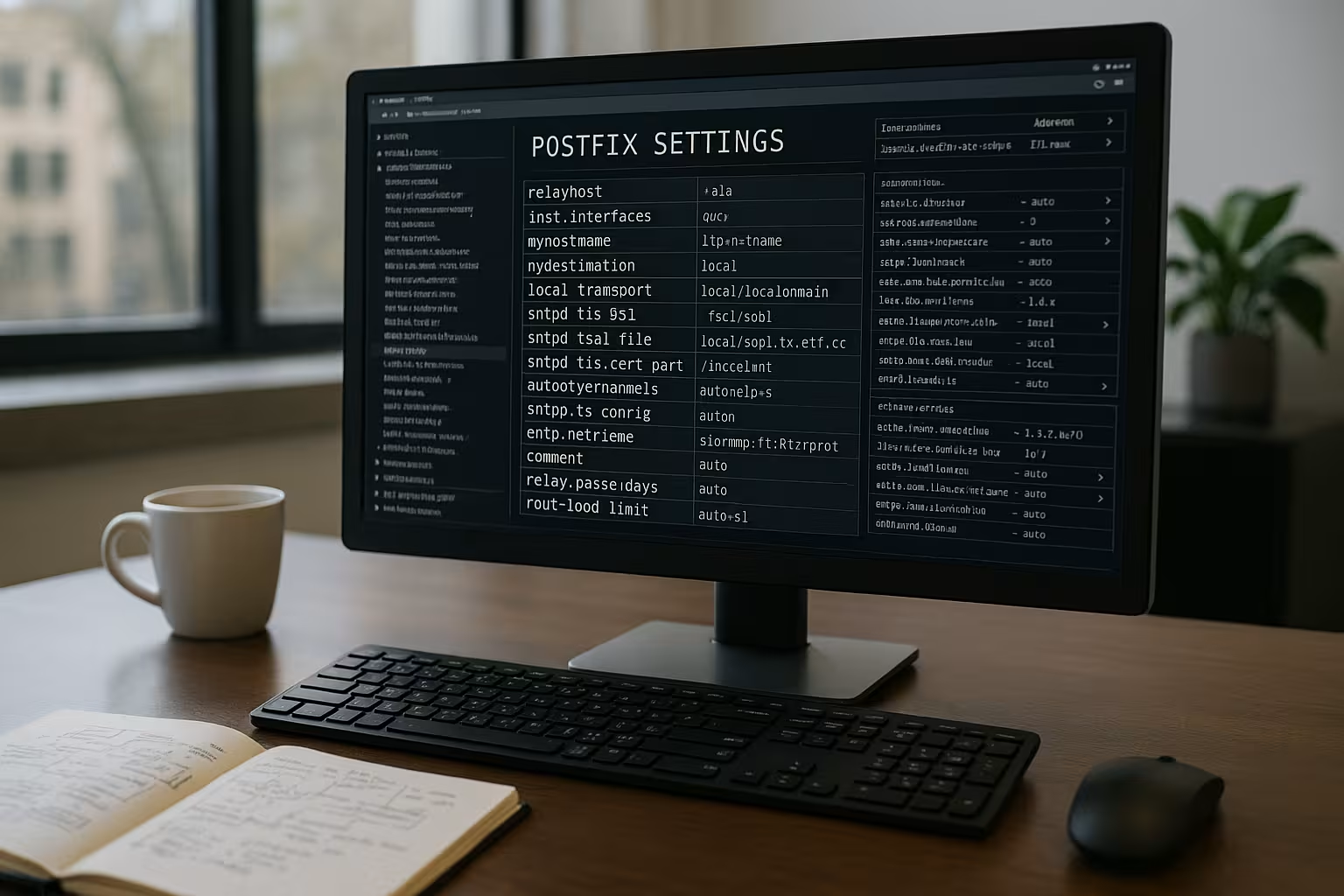
The file /etc/postfix/main.cf determines almost all core functions of Postfix. In addition, the master.cf the operation of individual services such as smtpd or pickup. For more flexible customizations, the command line tool postconf - perfect for last-minute changes without an editor.
If you would like to delve deeper, you will find this setup guide for Postfix Server a practical step-by-step guide. The combination of main.cf and postconf offers structure and flexibility in a single solution.
For larger mail servers, it is also worth using a version management system for configuration files. Systems such as Git allow you to track changes quickly and undo them if necessary. This not only saves time, but also offers you security when it comes to updates or new features. Please note that sensitive data such as passwords are not stored in plain text in Git.
Understanding the basics - essential parameters
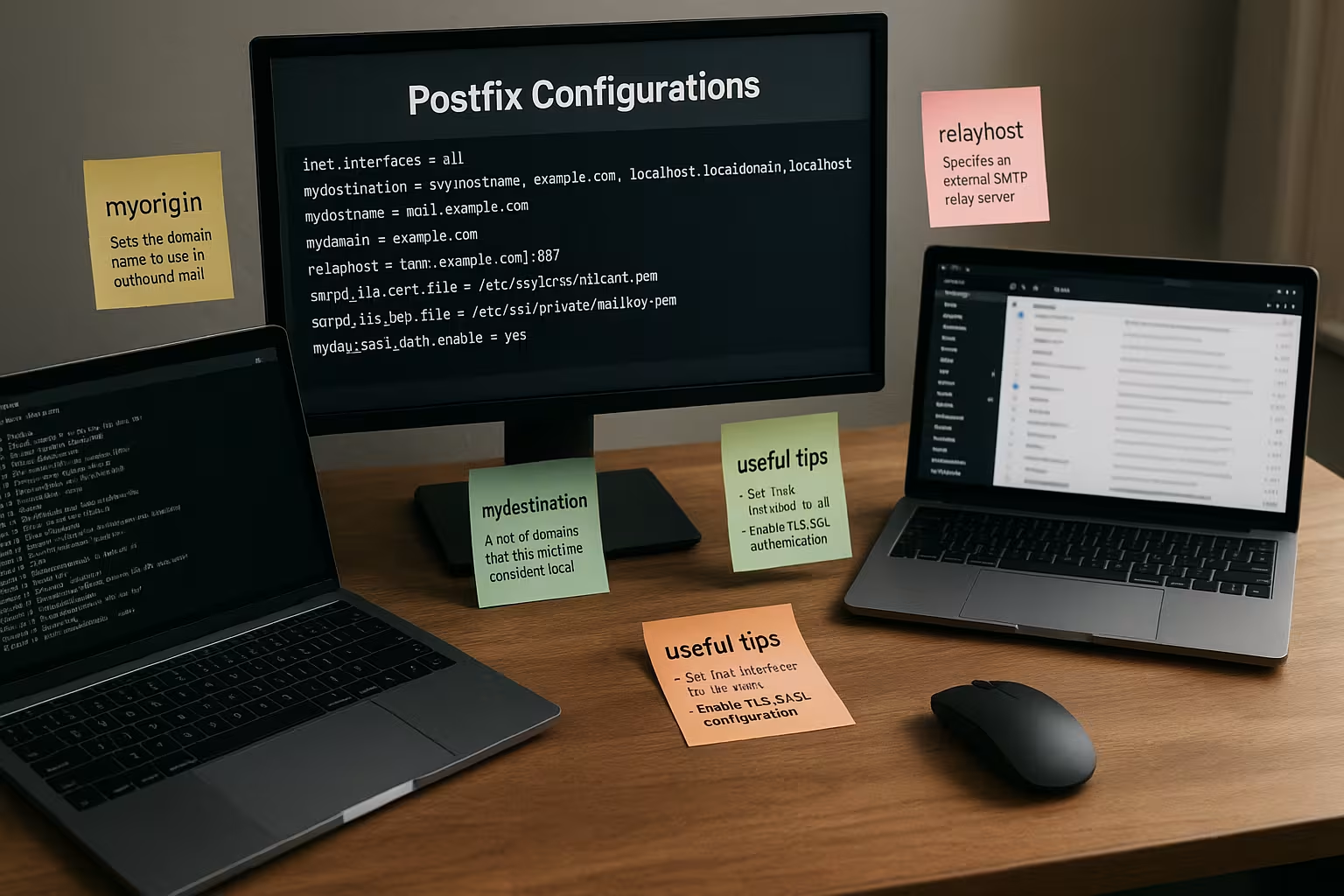
A functioning mail server requires a correct basic structure. As a minimum, you should set the following options correctly:
myhostnamee.g. mail.yourserver.commyorigin: mostly identical with$mydomaininet_interfaces = allAccepts connections from all interfaceshome_mailbox = Maildir/sorts e-mails into the secure Maildir format
These settings determine how your server sends, receives and saves emails locally. It is often forgotten that mynetworks must be set appropriately so that only intended IP addresses have relay rights. Especially in larger environments or with multiple IPv4 and IPv6 addresses, the precise definition of trusted networks can be extremely important.
For multi-domain-capable setups, it is also important to virtual_alias_domains and virtual_alias_maps to configure. This allows multiple domains to be operated on the same server without you needing a separate instance for each domain. The main configuration remains the same; you only define which domains are resolved to which local system users or external addresses.

Configure Postfix as a smart host
If you only want your server to send emails, you can use a send-only mode via a smart host. For this you need:
- Entry
relayhost = [smtp.provider.de]:587in the main.cf - Username and password via
/etc/postfix/sasl_passwd - Securing the file with
chmod 600and hash generation withpostmap
Remember: You need TLS and authentication with smtp_sasl_auth_enable = yes. This protects your server from misuse. It is also very helpful, smtp_sasl_security_options = noanonymous so that the SMTP connection is not open for anonymous authentication attempts.
If you are monitoring the sending of large volumes of emails, it can be advantageous to extend the logging accordingly and use tools such as plogsumm to use. This will provide you with daily reports on the sending volume, errors and potential spam attempts that run via your smart host.
Secure sender addresses with sender_canonical_maps
Mail providers such as Gmail reject emails without a valid sender address. About sender_canonical_maps you convert local system names such as "ubuntu" into real sender addresses. This is done via a mapping file, for example like this:
webuser [email protected]After each change always postmap and reload Postfix. Otherwise the new settings will not take effect. In environments with several projects or subdomains, it can be useful to structure these canonical maps very finely. For example, "webuser1" can be automatically mapped to "[email protected]", while "webuser2" appears as "[email protected]". This keeps the internal structure of your system clean and avoids rejections from large providers.

Activate SSL and TLS encryption
Data protection and trustworthiness are closely linked to transport encryption. In the simplest variant, you activate TLS with :
smtp_tls_security_level = mayFor mandatory encryption, use encrypt. You define the associated certificates in smtpd_tls_cert_file and smtpd_tls_key_file. You can find out more about hedging in the article Configure Postfix with Perfect Forward Secrecy.
Make sure that your certificate is trustworthy and not expired or self-signed. While self-signed certificates are sufficient for testing, they are often classified as insecure by providers or recipient mail servers. With Let's Encrypt you receive free and automatically renewable certificates, which saves you a lot of manual effort and provides a solid basis for encrypted connections.
You can also customize the cipher suites to avoid weak encryption methods. Even if this creates compatibility problems with older mail servers in some cases, it is usually worth only allowing modern protocols such as TLS 1.2 and higher.
Postfix and Maildir for reliable mail delivery
The Maildir-format saves each mail as an individual file. This prevents data loss and facilitates IMAP access via clients such as Thunderbird or Roundcube. Specify for this:
home_mailbox = Maildir/You must also create the directory ~/Maildir initially. Apache, Dovecot and Postfix have been working together with Maildir for years without any problems.
If you would also like to introduce quota rules per mail directory, it is worth taking a look at the configuration of your IMAP server, such as Dovecot. There, you can define storage restrictions for individual mailboxes so that you can keep server resources under control. Thanks to the close integration of Maildir and Dovecot, you can define warnings for users if they are about to reach the limit.
Queues, error analysis and log files
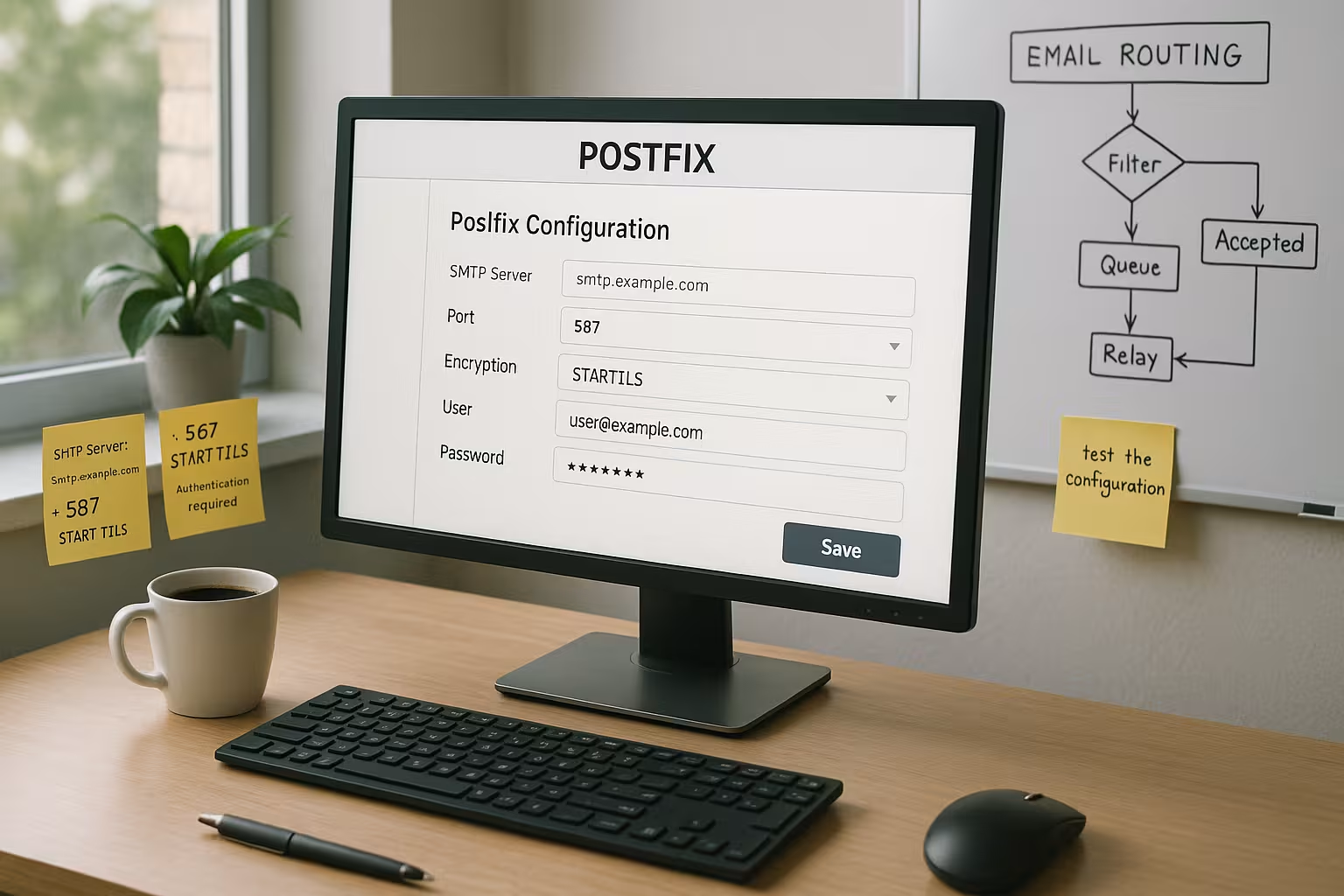
After each change, you should confirm your configuration with sudo postfix check check. You can recognize errors in the file /var/log/mail.log or /var/log/maillog. The tool displays open messages mailq on.
Log entries are the best tool for detecting problems such as incorrect DNS entries or disconnections. If you repeatedly see "certificate verification failed" messages, this article will help you: Troubleshooting TLS errors with Gmail.
Especially in scenarios with a high volume of mail, it can be useful to keep an eye on bounce messages. With postsuper you can delete individual messages from the queue or redeliver them if there were errors. postcat allows you to view the content of a mail that is still in the queue. This allows you to quickly determine whether incorrect headers or missing sender addresses are jeopardizing success and delivery rates.
Implement safety precautions
A well-configured mail server needs security mechanisms on several levels. Note the following points:
- Set mynetworks to trusted IP ranges (e.g. 127.0.0.1, ::1)
- Use secure SMTP access data
- Activate TLS with valid certificates
- Set up SPF, DKIM and optional greylisting
This will increase your delivery rate and protect you from abuse. Remember that SPF and DKIM only work if the DNS entries are set correctly. For DKIM, it is a good idea to create a separate key for each domain and rotate it automatically. This prevents a compromised key from being used in the long term.
Further protection against spam is provided by the integration of RBL (real-time blackhole lists) or DNSBL (DNS-based blackhole list) services. With corresponding entries in main.cf you can block incoming connections from known spam networks before they even reach your mail server.

Extended setting options and features
Postfix offers many options for mapping complex scenarios. With header_checks and body_checks you can, for example, filter emails that contain certain character strings in the header or body. This can help to filter out spam or dangerous attachments before they reach your system. For companies that need to protect sensitive data, it can be useful to simply block certain file types such as .exe files or scripts.
Other interesting features include:
- Postfix Policy ServicesHere you can use so-called policy daemons to decide in real time whether an email should be accepted, rejected or sent in a greylisting loop.
- Limitation of simultaneous connectionsUnder high load peaks, it can make sense to only allow a certain number of simultaneous SMTP connections per IP in order to prevent DDOS-like attacks.
- Address rewriting: In addition to the sender canonical maps, there are also options for recipient rewrites (recipient_canonical_maps) to hide the internal naming scheme from external senders.
Especially in large networks or with hosters that offer shared web hosting, it often happens that many different applications send emails. Strict separation of sender addresses and a clearly structured mapping engine are essential here to ensure that each application uses the correct sender domain. Misconfigurations in this area often lead to DMARC errors or denied deliveries.
Extend Postfix with Dovecot, ClamAV & Co.
For incoming mails, you also need an IMAP/POP3 server such as Dovecot. Antivirus and spam filters such as Amavis, SpamAssassin or ClamAV complete the setup. Together they form a complete mail server that you can also manage via webmail access. Roundcube offers a simple interface in the browser.
These components expand your Postfix server into a complete mail center with all-round access control - ideal for companies and the self-employed. With Amavis, for example, in combination with SpamAssassin and ClamAV, you can determine the spam level of an email as well as reject virus-infected messages. A web interface is recommended for quarantine processing so that administrators can quickly release incorrectly sorted emails ("false positives"). This also makes it much easier to monitor logs and spam statistics.
Direct comparison of hosting providers for Postfix
Don't want to run your own server? Some providers offer full root access with optimized Postfix integration. The comparison:
| Provider | Performance | Price | Security | Recommendation |
|---|---|---|---|---|
| webhoster.de | Very good | Inexpensive | High | 1 (test winner) |
| Provider B | Good | Medium | High | 2 |
| Provider C | Satisfactory | Inexpensive | Medium | 3 |
Depending on how many emails you expect to receive per day and which functions you want to administer yourself, the choice of suitable hoster will vary. Some providers enable automatic DDoS defense systems, which is particularly useful in the face of a flood of spam attempts. Support also plays a major role: in the event of an error, you should be able to get help quickly to minimize downtime.
Summary - My final assessment
With the right Postfix settings you can achieve a setup that is both secure and powerful. All you need to do is structure the configuration files clearly, pay attention to smart host shipping and use encryption correctly. Getting started is quick - provided you stick to the recommended parameters and proceed step by step.
Tools such as mailq, postmap and Postfix logs allow you to keep track of problems at all times. Make sensible use of existing extensions to ensure that your e-mail dispatch is not a weak point but a stable basis for your communication. With a little experience and consistent maintenance, you will notice how robust your setup is and how well your own mail server can be integrated into a professional IT infrastructure. If you also use modules such as Dovecot, SpamAssassin and ClamAV, you can even meet demanding requirements in a business environment and ultimately gain full control over your company's mail flow.