Skip to content
If you want to work productively in 2025, you need the right Productivity apps. Whether for task management, team communication or time recording - modern tools help to get through the working day in a more efficient and structured way.
Key points
- ClickUp remains the most versatile app for team projects and task distribution.
- Evernote and Any.do retain their role as central note and to-do solutions.
- Automations with Zapier and IFTTT reduce manual work.
- Focus tools such as Forest or Headspace increase concentration.
- Cloud services such as Box and Google Drive ensure document availability.
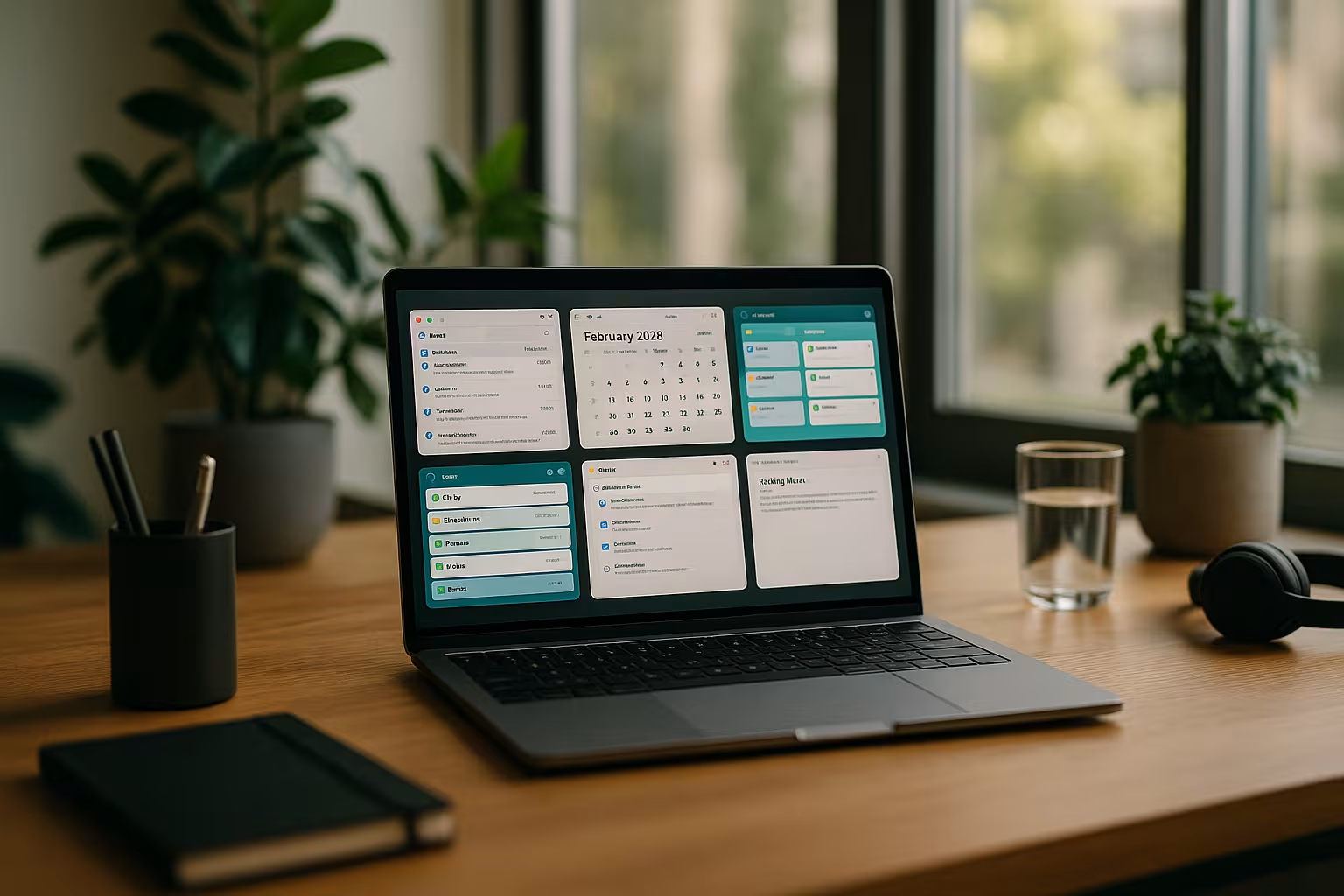
ClickUp: The all-in-one solution for project work
ClickUp is a top choice for structured task management in 2025. The app covers everything - from tasks and checklists to goal tracking, time measurement and collaboration. Teams benefit from customizable dashboards, automations and versatile visualizations such as Gantt charts and mind maps. Tools such as Slack, Google Drive and Zoom can also be integrated directly. These features make ClickUp particularly popular with agencies, start-ups and multidisciplinary teams.
If you want to know more about project solutions, you will find a suitable overview here: Project management software for Teams 2025.
Evernote & Any.do: manage tasks and notes efficiently
Evernote will continue to score points in 2025 with sophisticated synchronization on all devices. In addition to classic notes, documents can be scanned, images saved and website content archived. The comprehensive search function in particular saves time - ideal for users who have to deal with a lot of information every day.
Any.do focuses on ease of use. The daily planner "Moment" is displayed directly in the morning and helps to set the focus. Practical: tasks can be added by voice input. The app synchronizes with Google Calendar and is therefore perfect for users who want to bundle their daily schedule digitally.
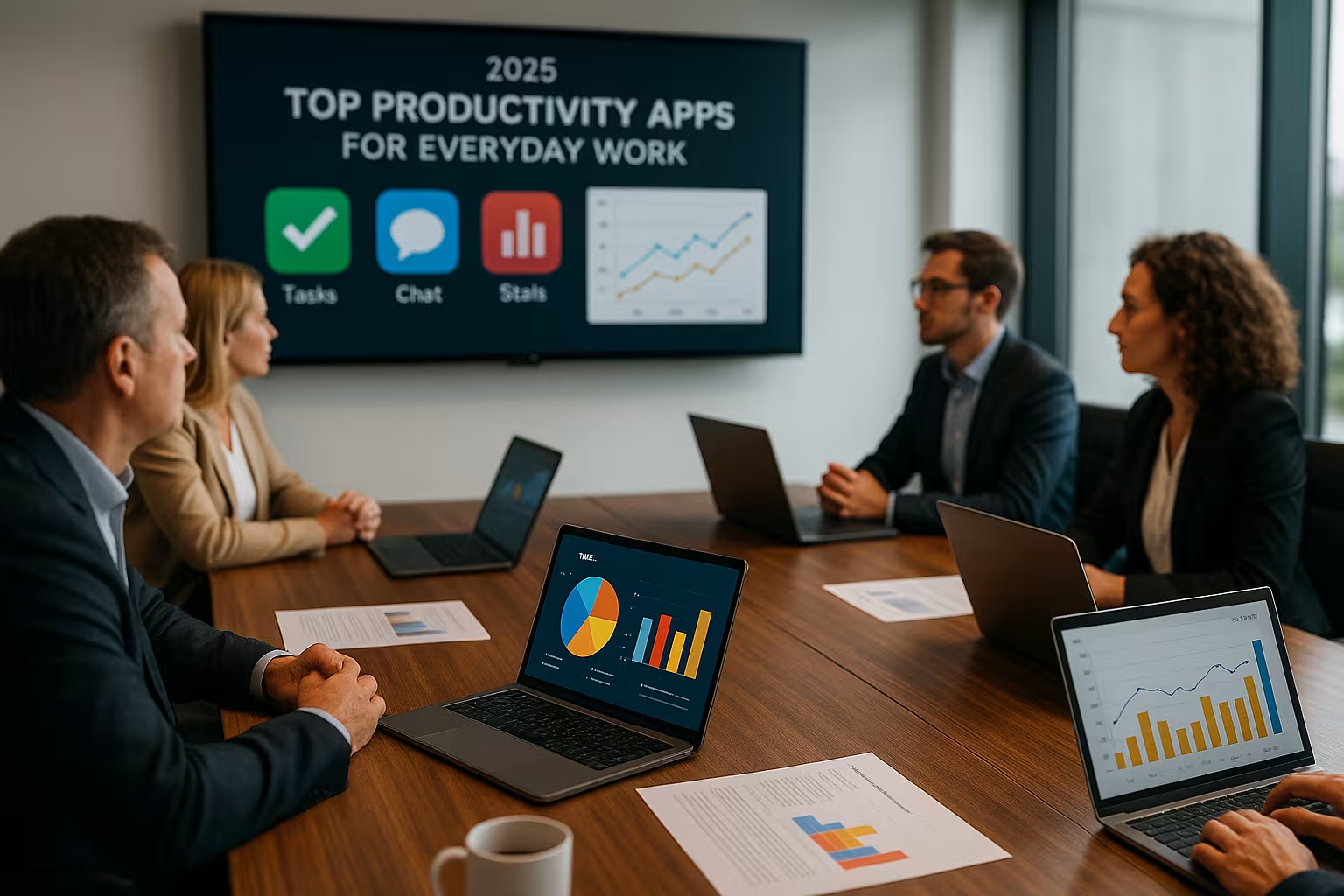
Calendar and time recording: keeping an overview
Google Calendar is still a standard for digital scheduling. New features include AI-supported appointment suggestions and automatic conversion of emails into calendar events. If you work in a team, you can bundle availabilities and schedule video meetings at the same time.
Calendar.com offers a tidy interface with color coding, group calendars and time zone recognition. Automated daily planning saves time, especially in dynamic working environments. A highlight: the integrated meeting planner automatically sends suggestions based on the free time slots of all participants.
Toggl Track is particularly recommended for freelancers and project managers. The app measures to the second how much time is spent on which task - even automatically with intelligent session recognition. This increases transparency and helps with Performance evaluation.
Automate instead of click: Zapier & IFTTT
In 2025 I will save with Zapier daily work steps. Workflows can be created using so-called "Zaps" - e.g. automatically saving email attachments in the cloud or synchronizing Google Calendar and Trello. The user interface has been redesigned and is now much more intuitive.
IFTTT (If This Then That) is perfect for smaller automations. Scenarios such as "When I arrive at the office, mute my smartphone" are particularly popular. This app shows that Productivity It is not always necessary to think big - efficiency often lies in the small things.

Increase concentration with digital helpers
Forest uses a playful approach: I plant a virtual tree for every period of time spent concentrating. If the smartphone is used before the time is up, the tree dies - a simple but effective method for minimizing distraction.
Headspace offers guided meditations specifically for work situations. Some sessions help with the transition into focus phases, others with switching off after work. The combination of breathing techniques and visualization helps me to better Stress management.
Brain.fm is music-based. The app generates neuronal sound waves that are scientifically programmed for concentration. Whether deep work or short breaks - I choose the right audio mode depending on the task.
Cloud solutions for efficient collaboration
Google Drive is perfectly integrated into common applications such as Docs, Sheets and Slides. This simplifies collaboration, especially when teams are working on texts or presentations at the same time.
Box is aimed specifically at companies with increased security requirements. The Allocation of rights at user level, versioning and compliance filters make the platform a good choice for data-sensitive organizations. IT administration is centralized - ideal for medium-sized to large companies.
Anyone who wants to look around independently of subscription price models will find a good alternative to classic cloud collaboration here: Productive work without a subscription model.

App comparison: Which productivity apps suit whom?
A direct comparison shows that no tool can do everything for everyone. The following table helps with the assessment:
| Place | App | Category | Platforms | Strengths |
|---|---|---|---|---|
| 1 | ClickUp | Project management | Web, desktop, mobile | Workflows, integration, teams |
| 2 | Evernote | Notes | Web, desktop, mobile | Multisync, Web Clipper |
| 3 | Calendar | Calendar | Web, Mobile | Scheduling, team focus |
| 4 | Toggl Track | Time recording | Web, desktop, mobile | Evaluations, automation |
| 5 | Slack | Communication | All platforms | Direct messages, tool connection |
Which app suits your working style?
I recommend to Compatibility with existing systems and to test tools together as a team. Individuals usually use combined solutions such as Any.do or Evernote, while teams benefit most from ClickUp or Microsoft Teams.
The question of mobile use is also important. If you travel a lot, you should rely on apps that enable smooth synchronization and work offline.
Self-employed people and start-ups will find a specific selection of particularly lean tools here: Top 10 productivity apps for entrepreneurs in 2025.

More efficiency through techniques and focus
Productivity doesn't just come from technology - processes also count. I rely on blocks of time in which communication is suspended and tasks are prioritized. I rigorously curb notifications and automate small steps.
The whole thing becomes really effective when I set fixed time slots for applications. Check my calendar in the morning, read emails at lunchtime. What sounds like a routine prevents interruptions and strengthens Constance.
Regular reflection also helps: Which tasks produce the greatest output? Which apps do I use too often or inefficiently?
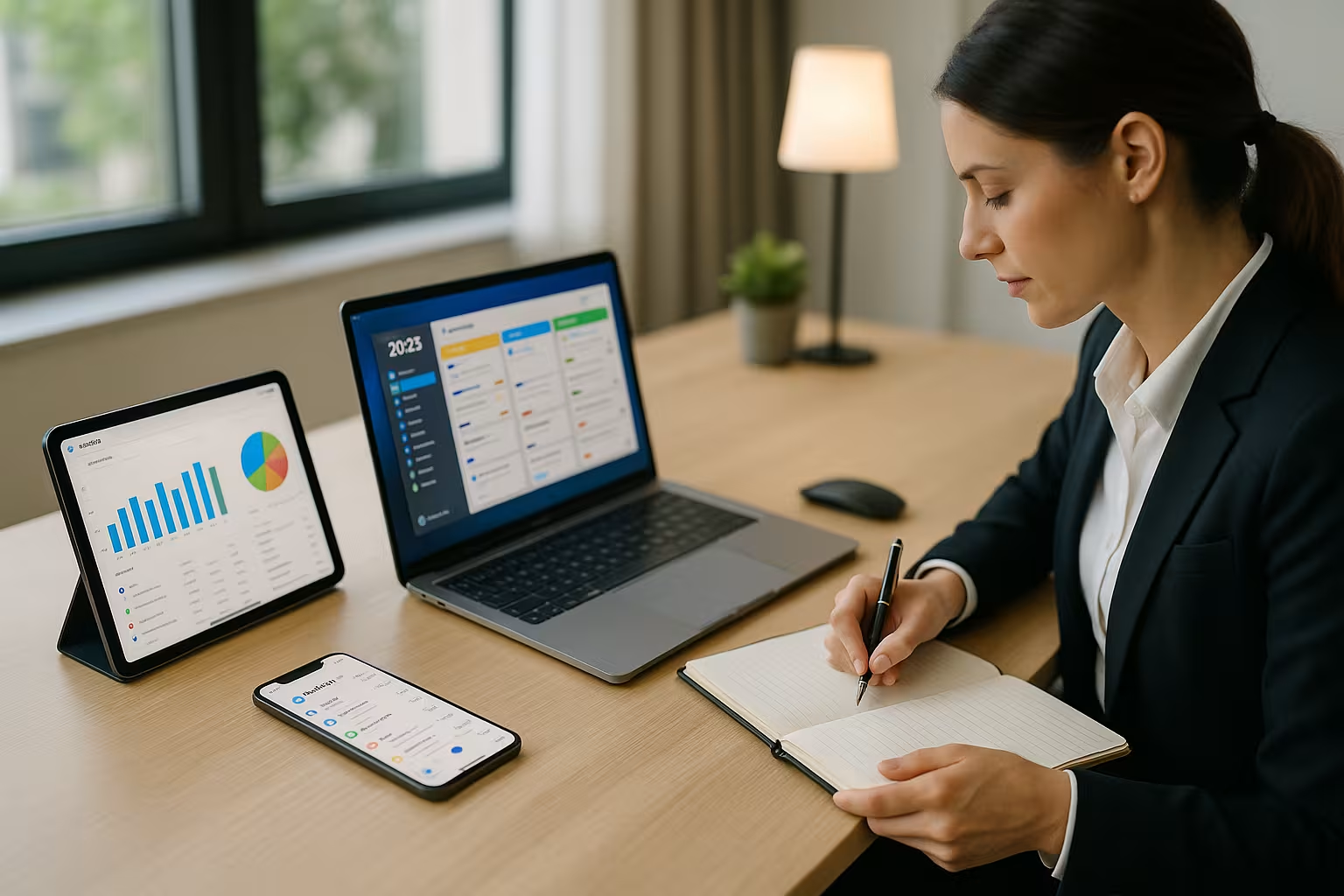
New approaches for flexible teamwork
More and more companies will be relying on remote and hybrid models in 2025, which places special demands on Productivity apps is a challenge. Smooth communication is essential, which is why tools such as Slack or Microsoft Teams are standard equipment in many cases. However, lean solutions also help smaller teams that only work together temporarily. Here, for example, an integrated approach is ideal: combine a Slack channel for quick agreements with Evernote or ClickUp for joint project plans.
It is particularly important to ensure that all members have access to the same information. Versioning documents and clear folder structures in tools such as Box make it easier to work together. Such structures prevent important content from disappearing into personal email inboxes. My experience has shown that a team-agreed folder and file naming system creates a great deal of transparency and saves on queries.
Data protection and compliance: what you should look out for
Particularly in times of increasing digitalization and global collaboration, it is important to Data security should not be neglected. When selecting your productivity apps, look for encrypted transmission, reliable backups and clear guidelines on data usage. Box, for example, takes a comprehensive approach with configurable access rights and audit logs. This allows me to precisely control who can open or edit which documents.
If you are particularly security-conscious, you should look into private server or on-premise solutions. Although large cloud providers offer extensive security measures, having your own servers puts you on the safe side if you have high data protection requirements - provided the company or team has the technical resources.
AI-supported features and automations
In 2025, the Artificial intelligence (AI) has long since found its way into many productivity tools. Calendar apps that make automatic suggestions for meeting dates are just the beginning. AI assistants can be integrated into some note-taking apps such as Evernote or project management tools such as ClickUp in order to prioritize tasks or create summaries of project progress.
I see potential here above all in the automatic processing of large amounts of data. For example, an AI-supported system can check which project milestones are overdue and make suggestions as to how tasks could be reallocated. The automatic recording of meetings, thanks to speech recognition and transcription functions, will also significantly speed up the workflow of many teams. Anyone who is regularly involved in online conferences will therefore benefit from AI that creates notes and summarizes the key topics.
Integration of further tools into your workflow
A common stumbling block when it comes to productivity is the large number of individual applications. Each app has its own focus, but at some point you lose the overview. Here come Zapier and IFTTT They not only ensure that two services are linked, but also set up complex workflows, for example in combination with email, calendar and cloud storage. This saves time and nerves.
However, in addition to these automations, it makes sense to regularly ask yourself whether a particular integration is really necessary. My rule of thumb: anything that needs to be done manually several times a week may be worth automating. It is also important not to lose track of the "zaps" or "applets" you have created. Once a month, I take a look at my automations to eliminate unnecessary processes and thus keep the system lean.
Offline functions and mobile working
Even if an internet connection seems to be available almost everywhere in 2025, there are situations in which you have to work offline - be it on a plane or in more remote regions. This shows how well an app adapts to everyday life. Tools such as Evernote or Any.do offer offline synchronization so that notes and tasks are automatically uploaded later. In project management, ClickUp often comes with limited offline use, which at least allows existing tasks to be viewed.
I also make sure that the tools work consistently across all devices. Whether I'm working on my smartphone, tablet or laptop shouldn't make any difference. A cross-platform solution guarantees that I can spontaneously add tasks, upload files and move appointments. If you are frequently on the move, you should test the relevant apps in advance to avoid surprises in your day-to-day work.
Mental health and productive time out
As important as it is to work efficiently, regeneration is also crucial. Apps like Headspace or Forest ensure that you consciously plan in periods of rest. Experience shows that targeted time-outs significantly increase the ability to concentrate in the long term. A regular change of perspective - such as a short stretch or a walk - can work wonders.
For some teams, it is also advisable to block out fixed meeting-free zones in the calendar. This leaves time for deep work phases in which undisturbed work is possible. The integration of healthy routines is also part of productivity: short screen breaks every 90 minutes and occasional face-to-face exchanges (or via video conference) promote team spirit. Technical solutions such as Slack help to coordinate quickly, but nothing replaces personal exchange for more complex topics.
Long-term productivity strategies
If you want to remain productive in the long term, you should constantly rethink your tools and methods. Just because an app has been introduced once doesn't mean it will last forever. Teams grow, projects change and software is developed further. In a regular feedback process - once a quarter, for example - you can reflect on how well the current apps still fit your goals and needs. It helps to define clear criteria such as usability, stability and integration with other services.
New team members can also be trained more quickly if you maintain a uniform structure and documentation. This saves time that would otherwise be wasted on repetitive explanations. A shared wiki or notebook (e.g. in Evernote) can store processes, project plans and important tool settings in a central location.
In conclusion: Your optimal app combination counts
Productivity apps will only be effective if they fit your way of working. Tools such as ClickUp, Evernote, Slack and Forest offer strong foundations. However, the decisive factor is how you combine and use them.
Take your time to test them. Almost all of the apps presented offer free entry-level options. Start with two or three tools and only expand when you really need to. Your concentration, clarity and efficiency in your day-to-day work will thank you.