Skip to content
This article compares self-hosted email and managed email hosting based on technical, organizational, and legal criteria and provides a clear decision-making framework for businesses. The practical email hosting comparison highlights differences in security, deliverability, costs, GDPR compliance, and operational depth—including specific recommendations for action and tables for quick reference. Overview.
Key points
- Data sovereignty vs. Comfort: Full control in-house, less effort for the provider
- Security & Compliance: Internal responsibility versus SLA-based standards
- Deliverability & Protocols: Set up SPF/DKIM/DMARC correctly or receive it ex works
- Scaling & Availability: manual removal or automated growth
- Total costs & ROI: CapEx for in-house operation, OpEx for service model

Self-Hosted Email: Technology and Practice
As a sole proprietor, I manage the entire email infrastructure myself: MTA such as Postfix, IMAP/POP3 with Dovecot, webmail, monitoring, updates, and Backups. This control allows for finely tuned policies, such as individual filters, custom retention, and integrations with internal apps. At the same time, I bear full responsibility: I maintain TLS certificates, configure SPF/DKIM/DMARC correctly, and respond quickly to new threats. Without an experienced team, the effort involved increases significantly, especially when it comes to high availability and spam defense. If you want an informed assessment, delve deeper into the topic. own mail server and assesses effort, risks, and Benefit realistic.
Managed Email Hosting: Convenience and Services
With the service model, my company outsources operations, security, updates, and scaling to a provider that offers clear SLAs and 24/7 support. This reduces the internal IT workload, minimizes disruptions, and speeds up rollouts of new features such as two-factor login or threat scanning. I benefit from professional uptime architecture, geo-redundancy, and up-to-date security rules without daily maintenance. Customizations remain somewhat limited, for example, in the case of special filters or deep integrations into niche workflows. If you want to compare market trends and platforms, start by taking a look at Email hosting 2025 and focuses on data protection, range of functions, and SLA.

Technical comparison: Infrastructure and operation
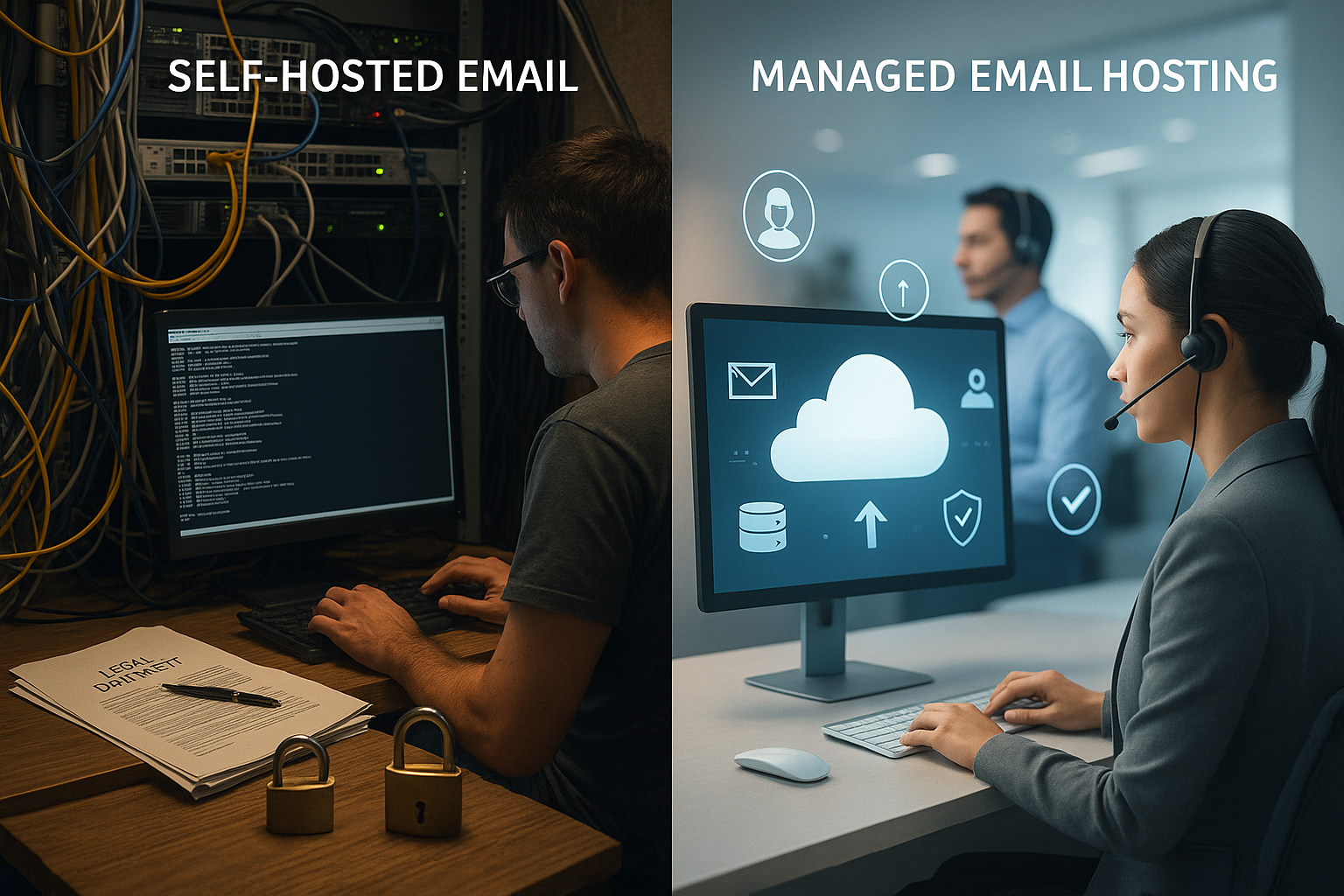
To make a clear decision, I compare the operational depth of both models and evaluate control, effort, security, and scalability. What matters here is how quickly I can change rules, how much expertise I have in-house, and how reliably systems respond to peak loads. Equally important is how smoothly I can create users, allocate storage, and update policies. In everyday life, such details determine support times, downtime, and productivity. The following table summarizes the most important factors. Aspects as fast Reference:
| Criterion | Self-hosted email | Managed Email Hosting |
|---|---|---|
| data control | Completely internal | In the provider's data center (exception: dedicated) |
| Customizability | Very high, custom functions possible | Limited to platform options |
| Maintenance effort | Own IT department required | Provider takes over operations |
| security responsibility | Complete personal responsibility | Current standards by provider |
| Availability | Dependent on own architecture | 99.91% TP3T+ with standard SLA |
| Scalability | Manual, often time-consuming | Fast, often automated |
| Initial costs | High (server, setup, personnel) | Low (monthly fees) |
| Ongoing costs | Lower than subscription with stable size | Regular subscription costs |
| Operation | Technically challenging | User-friendly interfaces |
Hybrid models and mixed forms of operation
Between purely in-house operation and fully managed platforms, I often use hybrid approaches. Split domain routing is typical: some of the mailboxes are located internally, others with the provider, while MX, SPF, and routing are coordinated so that emails are reliably delivered across domains. For sensitive departments, I use dedicated, isolated instances (on-premises or private cloud), while standard mailboxes migrate to a multi-tenant platform. Dual delivery enables parallel delivery to archive or SIEM systems. These hybrid forms reduce the risk of migrations, allow for gradual growth, and keep special requirements under control—but they require clean directory synchronization, consistent policies, and careful testing of transport rules.
Migration: Procedure, cutover, and rollback
I plan email migrations like a project with clear milestones: inventorying mailboxes, determining size, aliases, and permissions, followed by a pilot with selected teams. Depending on the environment, I use IMAP sync, journaling exports, or API-supported tools for the switch. It is important to have a defined cutover: lower MX-TTL in good time, final delta synchronization, freeze window, and communicated fallbacks. A rollback plan includes DNS steps, resynchronization, and support slots. After go-live, I check delivery paths, autodiscover/autoconfig, mobile profiles, and forwarding. Only when logins, sending/receiving, calendar sharing, and archive access are stable do I shut down the old system.
Security in practice: authentication, encryption, monitoring
I secure emails at the transport level with TLS, set SPF correctly, sign outgoing messages with DKIM, and monitor DMARC reports for reliable delivery. Without these building blocks, I risk spam flags, fake senders, and data leakage. When operating my own systems, I also set up malware filters, RBLs, rate limits, and log analyses, and keep systems up to date. Managed platforms usually provide these layers of protection in advance, including heuristic filters and multi-level Authentication. A clean role concept with strong password management remains crucial so that only authorized persons can access mailboxes and Archives access.
Availability and scaling: Uptime without surprises
When operating in-house, I plan for redundancies, test failovers, keep spare hardware on hand, and practice restarting after failures. Load peaks caused by campaigns or the onboarding of many users place a visible strain on storage, I/O, and queue management. A provider usually scales resources automatically or at the touch of a button, distributes load, and monitors bottlenecks centrally. This architecture increases the likelihood of stable uptime, which benefits sales, support, and Back office Noticeably relieved. Those who grow internally rely on clear capacity planning and reserve budget for short-term Extensions.
Costs and cost-effectiveness: CapEx meets OpEx
Self-hosted requires an initial budget for servers, licenses, backup storage, and administration, quickly reaching the mid-four-digit range in Euro. I continuously pay for electricity, maintenance, and time for operation, which I would otherwise invest in projects. Managed hosting appears to be more predictable: from approximately $3–12 per user per month, depending on storage, archiving, and security modules. Calculated over three years, I compare the total cost of ownership, including migration costs, downtime costs, and support times. This comparison shows the number of users and functional density at which a service model becomes financially viable. predominates.
Monitoring, metrics and SLOs
I define service level objectives for delivery latency, uptime, spam misclassifications, and ticket response. Operationally, I monitor queue lengths, bounce rates (4xx/5xx), RBL status, TLS handshake errors, CPU/IOPS of mail servers, and DMARC alignment rates. In managed environments, I use provider telemetry combined with my own dashboarding to identify trends: increasing auth errors indicate client problems, while increased soft bounces indicate reputation or rate limits. Warning thresholds and playbooks ensure that I can respond quickly to outliers – from IP rotation plans to temporary throttling of outgoing campaigns.
Legal obligations and order processing (GDPR)
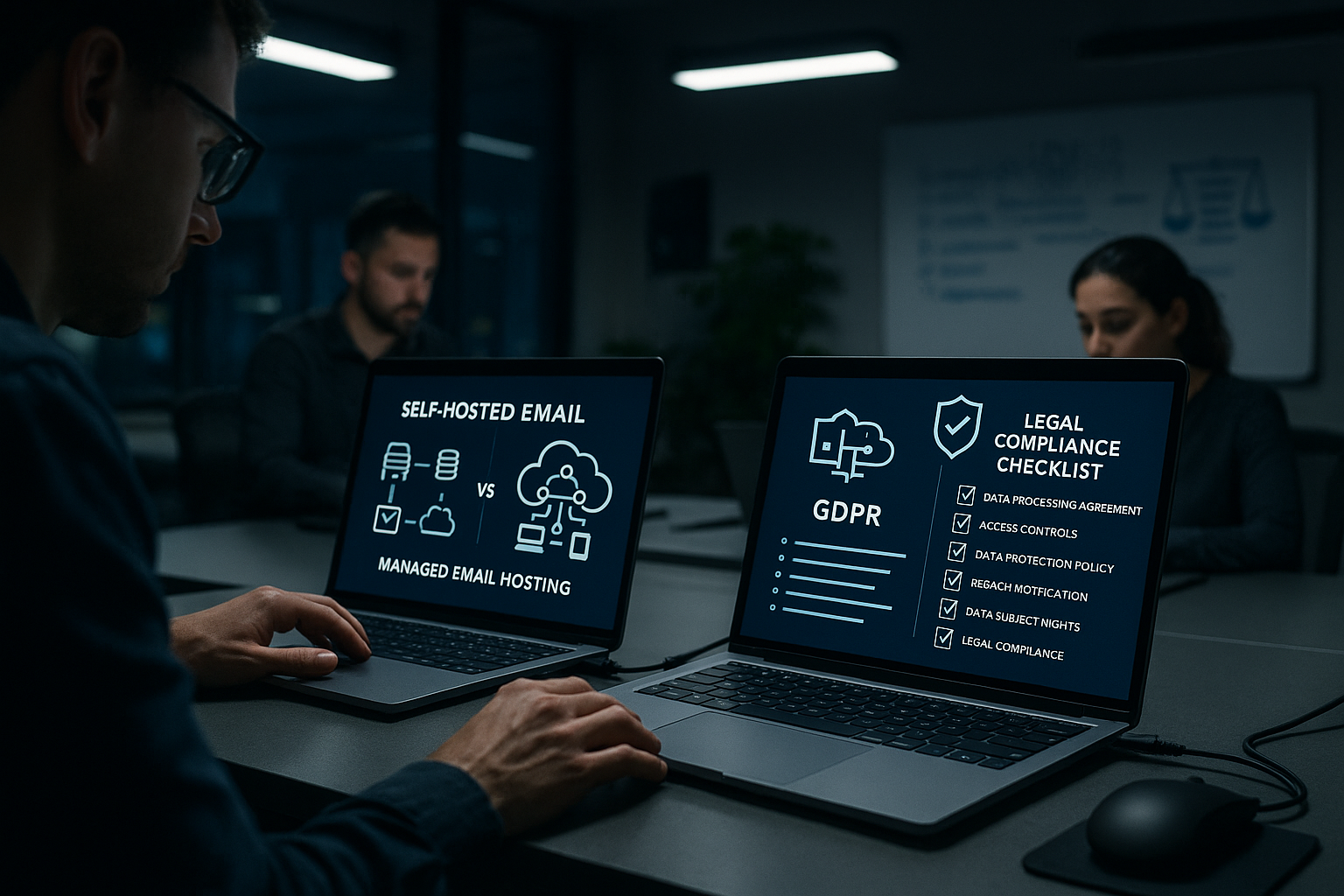
For both models, I check the legality of the processing, ensure technical and organizational measures are in place, and document processes. The service model includes a data processing agreement, including information on subcontractors and storage locations. If data is located in the EU/EEA, this simplifies the assessment; for third-country transfers, I need additional guarantees and transparency. In-house, I maintain clean access and access controls and log administrative actions. Without this care, I jeopardize Compliance and place the trust of customers and Partners at stake.
Email archiving and retention requirements
I archive business-related messages in an unalterable, complete, and audit-proof manner—including metadata, search function, and export. A solution must meet legal requirements, map deadlines, and set blocks against deletion. When operating in-house, I choose suitable software; when using a provider, I look for integrative archive add-ons and clear performance features. Audit logs, roles, export formats, and a comprehensible recovery process are important. If you want to read details about requirements and practice, start with legal email archiving and maintains the requirements internally binding fixed.
Identity, roles, and offboarding
Email is identity infrastructure. I link mailboxes to a central directory (e.g., via SCIM/LDAP), set up role-based access, and ensure that shared mailboxes, functional mailboxes, and proxies are clearly documented. Automatic revocation chains are crucial for offboarding: blocking device access, invalidating tokens, setting temporary forwarding rules, and observing archiving and legal hold requirements. In the managed model, I benefit from SSO integrations; in my own operation, I replicate the same rigor through policies and scripts. Transparent roles minimize the risk of abuse and facilitate auditing.
Choosing a provider: Criteria and comparison table
When making my selection, I evaluate data protection standards, support channels, migration assistance, uptime history, admin interface, and additional features. A good offering includes strong spam filters, modern encryption, 2FA, journaling, and archiving. It is important to have a clear exit plan with clean data export in case I want to switch later. I prioritize understandable SLAs, German-speaking support, and transparent pricing tiers. The following table helps as a Starting point for a speedy Rating:
| Ranking | Provider | Special features | Support | Price-performance |
|---|---|---|---|---|
| 1 | webhoster.de | GDPR-compliant, flexible | 24/7, German | Top class |
| 2 | Host Europe | Many extras | Good, German | Good |
| 3 | Ionos | Large infrastructure | Good | Average |
Deliverability: Ensuring measurable delivery
I actively monitor delivery rates and use DMARC aggregate reports to quickly identify misconfigurations. Consistent reverse DNS, valid TLS setups, and correct SPF mechanics strengthen reputation and reach. In-house, I monitor rate limiting and queue health to avoid backpressure. Providers often supply telemetry that shows outliers early on and facilitates adjustments. The key is that I view delivery as an ongoing Measured variable treat, not as a one-time Furnishings.
Improving deliverability: reputation, IP strategy, and feedback loops
I consciously decide between dedicated and shared IPs. Dedicated sender IPs offer maximum control over reputation, but require warm-up strategies and consistent bounce handling. Shared IPs benefit from bundled reputation, but carry the risk of third-party entries on blocklists. I monitor unsubscribe rates and spam complaints and implement feedback loops from major providers to mitigate negative signals early on. Recurring topics include mailing consistency (volume, time window), list hygiene (removing hard bounces, reactivating or delisting dormant users), and the correct handling of reply-to/sender fields in system emails.

Collaboration and client compatibility
Email rarely stands alone: I check calendar, contact, and task functions, approvals, resource bookings, and delegations. Protocols such as CalDAV/CardDAV, ActiveSync, and MAPI/Graph APIs determine seamless use on desktop, mobile, and in the browser. In-house, I ensure compatibility through tested clients and a clear support matrix; managed platforms usually provide broad client support but limited in-depth customization. Also important: shared mailboxes, distribution lists, group policies, and the integration of apps (CRM, ticketing) via SMTP relay or event hooks.
Business continuity, backup, and recovery
I define RPO/RTO targets and select appropriate backup methods: snapshots, journaling, mailbox-level exports, or object-based archiving. Test restores are mandatory—at least quarterly. For in-house operations, I plan offsite backups and encryption of backups with separate key management. With managed providers, I check retention periods, granularity of recovery (individual emails, entire mailboxes), and whether I can use self-service recoveries. Business continuity exercises—including communication, escalation, and replacement channels—make all the difference when a failure actually occurs.

TCO scenarios and thresholds
I calculate profitability realistically: Example A (50 users, moderate attachments, standard archiving) – managed offerings score points here thanks to low fixed costs and fast provisioning. Example B (350 users, strict compliance, dedicated integrations, own compliance server) – here, self-hosted can be cheaper in the long term, provided the team has experience and utilization justifies the higher fixed costs. I also take into account migration (one-time), training time, tooling, automation, and the opportunity costs of tied-up admin capacity. Above a certain team size, a mixed calculation is worthwhile: critical workloads internally, standard mailboxes as a service.
Decision matrix and practical checklist
I structure the decision using a weighted matrix. Criteria include: data protection requirements, internal expertise, integration needs, growth rate, availability targets, budget flexibility, and exit plan. I assign weights (e.g., 1–5) to each criterion and evaluate self-hosted and managed separately. This creates transparency as to why one model prevails.
| Criterion | Weight | Self-hosted score | Managed Score | Comment |
|---|---|---|---|---|
| Privacy Policy/Location | 5 | 4–5 | 3-5 | Dedicated instance vs. EU location with AVV |
| Internal expertise | 4 | 3-5 | 4–5 | Team size and 24/7 availability |
| Integrations/Customizations | 3 | 5 | 2-4 | Deep API/filters, legacy compatibility |
| Scaling/Peaks | 4 | 2-4 | 4–5 | Automatic resource adjustment |
| Cost flexibility | 3 | 2-4 | 4–5 | CapEx vs. OpEx, contract terms |
- Check-in: Are SPF, DKIM, DMARC, rDNS, and TLS consistent everywhere?
- Are RPO/RTO, backup plan, and restore tests documented?
- Is there an exit plan with verified data export and schedule?
- Are offboarding processes, roles, and audits defined?
- Is deliverability permanently monitored (KPIs, alerts)?
Brief summary for decision-makers
Self-hosted gives me maximum Control, However, it requires expertise, time, and investment in operational security, deliverability, and legal compliance. Managed hosting significantly reduces effort, provides SLAs, security features, and scalability at the touch of a button, but offers less flexibility for special requirements. Those who have high data protection requirements, need internal integrations, and have experienced administrators are well served by in-house operation. Growing teams with limited IT resources usually benefit from service platforms that make costs predictable and keep availability high. In any case, I make my decision based on the available data, risk appetite, and total cost of ownership—and, if necessary, start with a pilot before going full-scale. change.