Skip to content
The choice between self-hosted and managed cms decides on expenditure in 2025, Costssecurity and speed in digital operations. I clearly show when control on your own server works and when a managed approach delivers better time and money savings.
Key points
I summarize the key aspects briefly so that decisions can be made quickly.
- Control vs. Comfort: full freedom self-hosted, less technical load managed
- TCO at a glance: Licenses, personnel, outages versus service packages
- Security Active management vs. integrated protective layers
- Scaling Manual planning vs. automatic resources
- Compliance Verify yourself vs. use provider standards
The list shows the tension between Flexibility and relief. I prioritize measurable effects in projects. Rapid provision beats rarely used degrees of freedom. Budget limits shift the line towards the service package. Those who need special integrations benefit from our own Sovereignty.
Self-hosted vs. managed: a comparison of the basics
With Selfhosted, I control the server, database and backend configuration down to the last detail. Setting. I determine the location, hardening and caching myself and take care of updates, backups and monitoring. Managed variants shift this technical burden to professionals who look after the operating system, security, performance and backups on a permanent basis. This allows me to shift time from maintenance to Contents and features. If you use WordPress, you should know the differences between hosted platforms and free installations; a compact comparison provides WordPress.com vs. WordPress.org.

Costs and total cost of ownership (TCO)
Self-hosted often starts cheaply with around 2,40 € per month, but quickly grows to over €40 with RAM, storage, CDN and security add-ons. In addition, there are personnel costs for admins to ensure patches, monitoring and recovery. Managed offers seem more expensive, typically €24-80 per month, but cover round-the-clock support, security updates, monitoring and backups. Dedicated environments are more expensive, but provide service at Enterprise-level. I always compare the sum of infrastructure, personnel, risks and time lost due to disruptions.
| Criterion | Self-hosted | Managed CMS |
|---|---|---|
| Monthly infrastructure costs | from approx. 2.40 € to 40 €+ | approx. 24-80 € (VPS), higher with Dedicated |
| Personnel costs | Admin/Ops team required | Included in the package |
| Updates & Patches | manual, time-consuming | Automated |
| Default and risk premiums | to secure yourself | SLAs and contingency plans |
| TCO after 12-24 months | often higher than expected | consistency through service |
Price lists seem clear, but TCO decides the Long-term. I always calculate maintenance, downtime and opportunity costs. An hour of developer time that goes into performance tuning is missing from features. If projects need to go live faster, I favor managed. If I need special stack control, I include budget for self-hosted and plan reserve time.
Technology and expertise: what teams really need to master
Self-hosted requires Server administrationpatch management, hardening, firewall rules, DDoS defense, malware scanning and logging. Caching, database tuning and scaling plans for peaks are also included. Backups, restore exercises and disaster recovery documentation are an integral part of everyday life. Those who love this routine are given deep control. Those who want to remain autonomous can use unmanaged hosting and realistically assess the effort involved.

Security and compliance in day-to-day business
Self-hosted transfers me full Responsibility for TLS, certificates, rights, firewall, Fail2ban, WAF, malware checks and log analyses. I keep patches up to date, check user rights and document processes for audits. With Managed, the provider takes care of automatic updates, real-time monitoring and DDoS defense. Many providers include templates for GDPR, industry-specific rules and recurring audits. I choose the variant that best balances risk, audit pressure and internal capacity; security requires consistent Routine.
Getting flexibility and control right
Self-hosted delivers maximum Freedomcustom modules, special services, special cache chains or experimental database setups are possible. I decide on kernel parameters, PHP versions, NGINX/Apache profiles and Redis layouts. This freedom is worthwhile if processes differ technically or integrations have peculiarities. Managed works within tried and tested guard rails, which increases stability and maintainability. These guard rails are completely sufficient for standard processes and save a lot of time and money. Time.
Performance and scaling without friction
Managed platforms integrate CDN, caching and automated Scalingrecognize bottlenecks and adjust resources. With self-hosted, I optimize queries, page cache, object cache, image optimization and queueing myself. Peak loads require capacity planning, benchmarks and health checks. Managed noticeably reduces the administrative effort here, especially for campaigns and seasonal peaks. I only invest in self-hosted when performance is a differentiating factor. Advantage and the team is experienced.
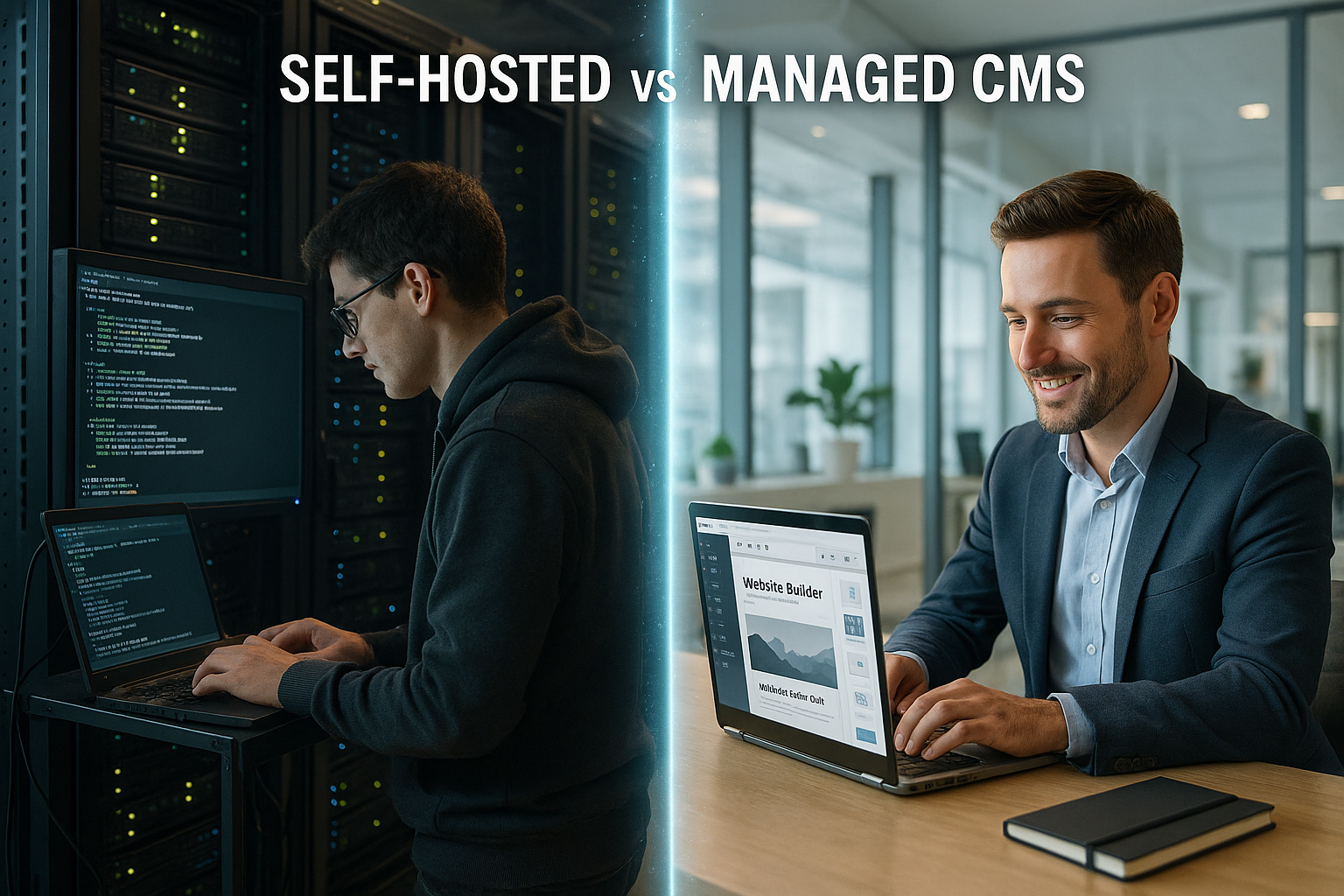
Comparison of maintenance and support
Self-hosted means: I plan Maintenance windowtest updates, roll out patches and resolve conflicts. Monitoring, alarms, log shipping and incident runbooks safeguard operations. With Managed, support teams respond around the clock and keep staging, backups and versioning ready. This reduces downtime and I lose less revenue in the event of disruptions. In critical phases, I rely on SLAs and a short line to the Support.
Decision criteria for companies
I start with a budget, staffing levels and Speed into the project. If the CMS has to go live very quickly, Managed is the clear winner. If there are strict requirements regarding the data location or special certificates, I check self-hosted against provider options. If traffic is growing by leaps and bounds, platforms with on-demand resources score points. Those who maintain special integrations calculate self-hosted including on-call service and Know-how-Binding.

Hybrid approaches with a sense of proportion
Combining hybrid models Control and service: sensitive parts run self-hosted, traffic-heavy front ends on managed. Containers and orchestration make switching and rollbacks easier. This is how I distribute risks and resources in line with specialist requirements. I document clear boundaries, responsibilities and metrics for both worlds. If you want to remain flexible, you benefit from portable images and standardized Deployments.
Practical examples and typical profiles
A start-up with scarce Resources needs speed and no admin operation: Managed sets the right priorities. A medium-sized company with a marketing focus values support, backups and predictable performance. Technology-driven teams with special integrations use self-hosted to freely control interfaces. For regulated industries, I decide depending on the audit trail and verification requirements: sometimes self-hosted with documentation, sometimes managed with provider certificates. It remains important to soberly weigh up the costs and risks per Phase.
Make a pragmatic choice of tool and provider
I'll start with the function list, Integrationand expected traffic peaks. Then I compare platform features and SLAs, not just raw performance. For WordPress projects Managed WordPress hosting a quick start with updates, security and caching. Teams with self-hosted ambitions check roadmaps, health checks and recovery tests. In the end, what counts is a clear migration path so that changes can be made without downtime or data loss. succeed.
Vendor lock-in, exit strategy and portability
I plan the exit on the first day: Which formats does the CMS export? How quickly do I get complete data including media library, user rights and histories? Self-hosted gives me portability via open standards, container images and infrastructure as code. With Managed, I check export tools, data formats, API limits and deadlines for Exit and data deletion. I deliberately reduce proprietary extensions to keep switching costs low. SSO via SAML/OIDC, webhooks and standardized interfaces strengthen independence.
I secure regular, testable full and incremental exports. This includes database dumps, file snapshots and versioning. A defined process for key rotation, cleaning up test data and a deletion certificate at the end of the project prevents surprises. This means that sovereignty over content and identities is retained - even at the end of the contract.
Migration and go-live without downtime
Smooth relocations succeed with clear Cutover strategyBlue-green deployments, short DNS TTLs, content freezes and differential migrations. I practise the process in staging environments, measure times for dump, import, asset sync and cache warmup. A clean rollback path with snapshots prevents long downtimes. With managed I use staging and one-click backups, with self-hosted I orchestrate the steps with pipelines, checks and releases.
Before the change, I drive load and Smoke testsmonitor error rates and time-to-first-byte and compare them with baselines. A communication plan informs stakeholders about maintenance windows, and an on-call plan ensures responsiveness in the hot phase. Only when monitoring is green do I redirect traffic step by step.
Headless, Decoupled and Jamstack
Many teams think 2025 decoupledHeadless CMSs control content, frontends render with Next/Nuxt or deliver static builds. Managed platforms score points here with CDN, edge functions and API scaling. Self-hosted allows deep customization of rendering pipelines, cache validation and image services. Preview workflows, authorizations and clean caching are important so that editorial teams can work quickly and end users receive fast pages.
I pay attention to API quotas, webhook reliability and clean separation of read/write accesses. Build times, incremental static regeneration and edge caching determine the time-to-content. Anyone planning complex personalization or multichannel playout should factor in additional services for search, asset optimization and queues - self-hosted with full control or managed with a curated stack.

Content governance, workflows and multilingualism
Everyday editorial work determines acceptance. I define roles, approvals and Workflows for draft, review, release and publication. Multilingualism requires clear rules for master/locale relationships, fallbacks and terminology. Managed offerings often provide plug-and-play workflows, while self-hosted enables customized governance with finely granular rights, audit trails and automation.
Preview links, time-controlled publication, blocking during simultaneous editing and quality checks (broken link scanner, media sizes, reading level) are important. I set up metrics for editorial speed and error rates and optimize processes where friction arises. In this way, technical decisions have a direct impact on content output.
Observability, SLAs and key operating figures (SLO, RPO, RTO)
I define target values before the first article goes live: SLOs for availability and response times, RPO for maximum data loss and RTO for recovery times. Managed covers monitoring, alarms and round-the-clock response; self-hosted requires its own stack observability with logs, traces and metrics.
Transparency is key: Dashboards for error rates, core web vitals and publish times show bottlenecks. Incident runbooks, post-mortems and Error budgets control changes during operation. I agree clear escalation paths with providers and test restores regularly - only practiced backups are good backups.
SEO, accessibility and editorial performance
Technology must support ranking and usability. I plan Core Web Vitals with image optimization (WebP/AVIF), lazy loading, HTTP/2/3 and edge caching. Clean sitemaps, structured data, canonical URLs and consistent metadata are an integral part of the setup. Managed stacks often provide integrated optimizations, self-hosted gives me the finest control, including server tuning and build optimization.
I anchor accessibility (WCAG) in the theme design: contrasts, focus, ARIA, keyboard operation and media alternatives. Editors benefit from a fast interface, live preview, media management and reusable content modules. Fewer clicks in the backend mean more content - a measurable advantage that flows into the TCO.
Law, data protection and data residency
GDPR is standard, but details take time. I check Data residency, order processing contracts, deletion concepts and access controls. Encryption at rest and in transit, hardening of admin access and logging of sensitive actions are mandatory. Managed providers often provide audit reports and certifications, while self-hosted providers require their own evidence and documented processes.
I define retention periods, roles for privileged access, approval processes and regular rights reviews. I use data masking for tests so that no personal data ends up in staging and development. This keeps compliance sustainable - without slowing down the editorial team.
Energy efficiency and sustainability in operations
2025 plays Efficiency in cost and climate balances. Managed platforms often use energy-efficient data centers, autoscaling and edge caching, which saves resources. Self-hosted can reduce consumption with sleep cycles for staging, aggressive caching and lean images. I measure load, eliminate unnecessary background jobs and schedule build windows intelligently.
A lean stack not only reduces emissions, but also susceptibility to errors. Fewer components mean less attack surface and less maintenance. I make architectural decisions with performance per watt in mind - a noticeable advantage with high traffic volumes and long project runtimes.
Budget and capacity planning: scenarios
I calculate practically rather than abstractly: a campaign microsite with a clear duration benefits from Managed - quick to set up, predictable costs, low operating costs. A growing content portal with personalized areas requires clean caching and API scaling; here, managed with enterprise options or self-hosted with an experienced ops team pays off. Highly regulated environments may prefer self-hosted on dedicated hardware, as long as the team supports the processes.
The cost curve is rarely linear. Peaks, international target groups and media load drive resources. I take add-ons (WAF, CDN, image services), support levels and availability into account. An honest reserve for outages, performance optimization and editorial training prevents budget surprises - and makes the TCO predictable.

Checklist for a quick decision
- Time-to-market: Does the project have to go live in weeks? Managed prioritize.
- Team capacity: Is there admin and ops know-how with on-call service? If no, Managed.
- IntegrationsDo you need special services, protocols or deep system interventions? Consider self-hosted.
- ComplianceAre provider certificates sufficient or is your own evidence mandatory? Align according to this.
- ScalingUnclear peaks and campaigns? Prefer managed with auto-scaling.
- Budget/TCOInfrastructure plus personnel, risks and opportunity costs calculated together.
- Exit planCheck export paths, data formats and deadlines - ensure portability.
- Editorial officeTest workflows, multilingualism, preview and quality assurance at an early stage.
- ObservabilityDefine SLO/RPO/RTO, practice recovery in real life.
- Sustainabilityefficiency, caching and resource utilization.
Summary for 2025
Those who want fast commissioning, consistent Security and predictability, managed is the most efficient option in 2025. In-house servers are worthwhile for special integrations and experienced technical teams on standby. TCO, risk and time-to-market are more decisive than individual prices. I check realistic costs for updates, monitoring and failures, not just feature lists. With this in mind, I make a clear choice between freedom on my own machine and a reduced workload. Operation.