Skip to content
A correctly set up Shopware e-mail dispatch ensures that order confirmations, dispatch notifications or password resets arrive reliably. Who shopware email consistently creates trust among customers - and at the same time minimizes security risks in online retail.
Key points
- SMTP configuration in Shopware 6 increases the delivery rate and security compared to standard methods
- Automatic e-mail dispatch and templates individually customizable via the backend
- Security measures such as TLS, strong passwords and 2FA protect sent data
- SPF, DKIM and DMARC should be stored in the DNS of the domain to avoid spam and spoofing
- Regular maintenance guarantees smooth e-mail delivery even after system updates
It is also worth defining a strategy for possible outages at the central points. For example, if the main mail server is temporarily unavailable, I recommend setting up a fallback mail server. This can step in on an interim basis and still deliver critical messages - such as order confirmations - to all customers. Such a backup system can prove to be essential, especially in times of high load, for example during discount campaigns or seasonal peaks (e.g. Black Friday).
Set up Shopware Email - Configure SMTP correctly
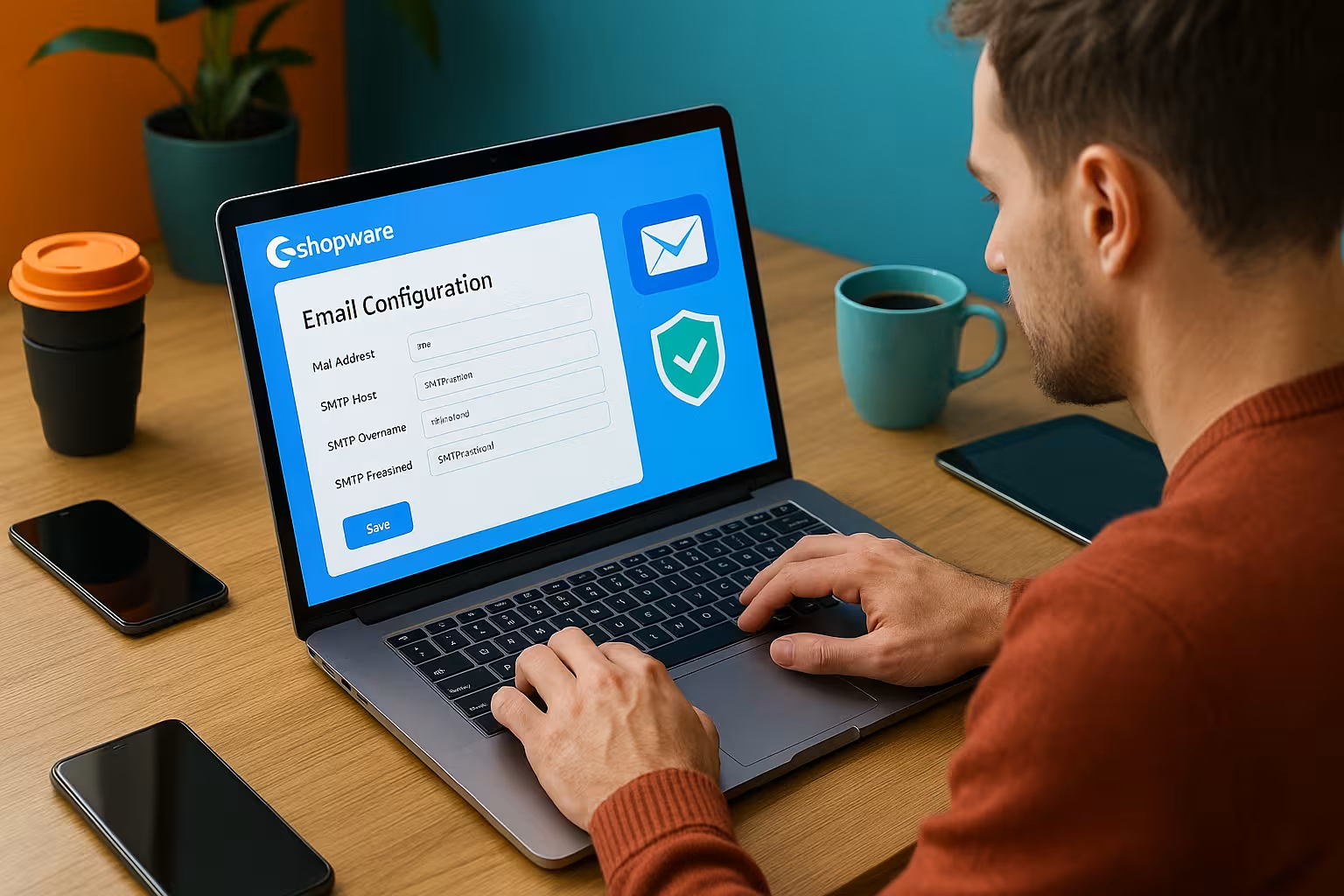
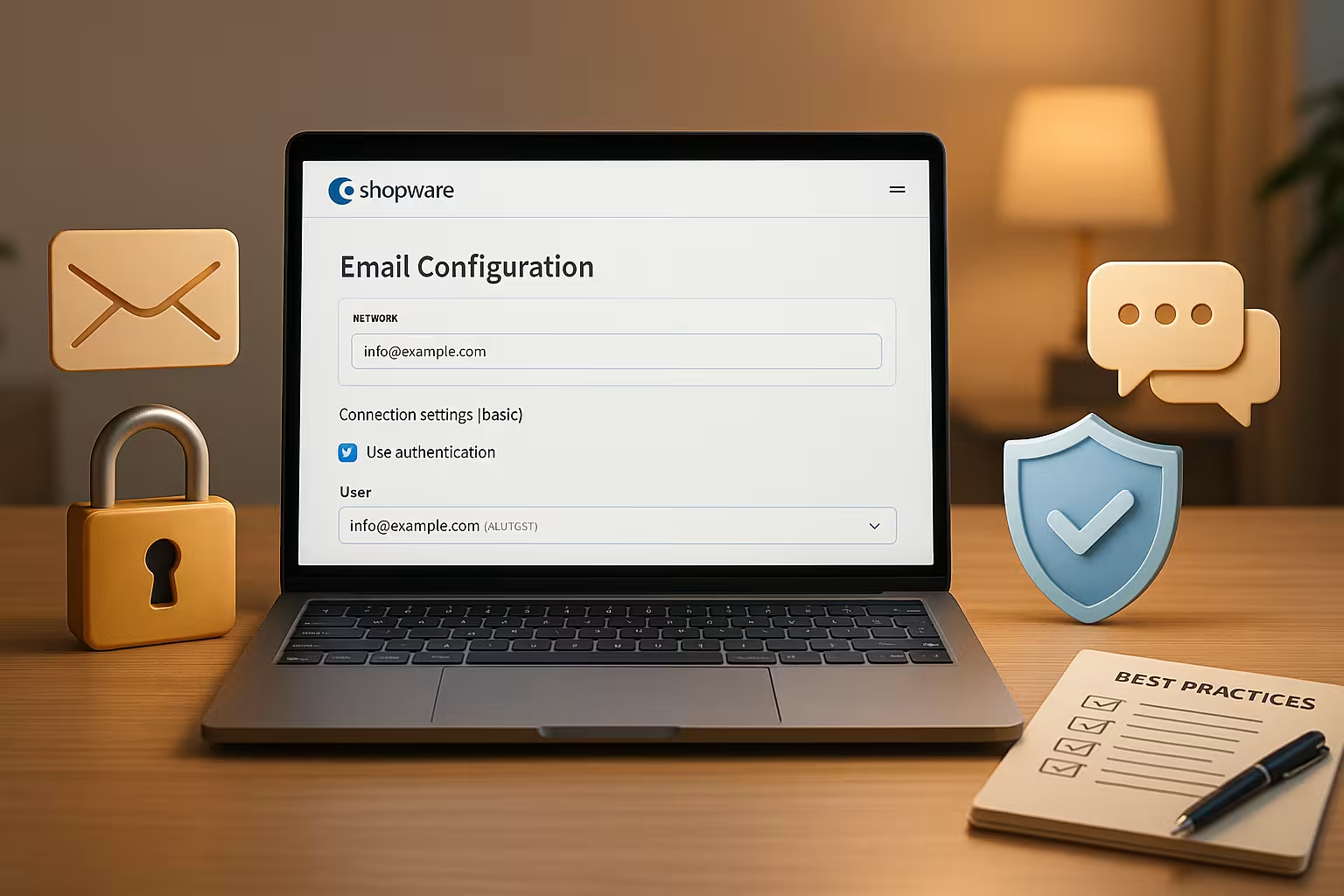
Setting up reliable mail dispatch requires an exact SMTP configuration. In Shopware 6, I navigate directly to Settings > System > Mailer. There I choose the option "SMTP server" as the dispatch type and enter all the necessary values.
I fill in the following fields carefully:
- SMTP host: mostly mail.yourdomain.com
- SMTP port: as a rule 587 (TLS)
- User name: the associated e-mail address or mailbox ID
- Password: Strong access password to the mailbox
- Encryption: TLS for secure data transmission
- Return address: Identical to the e-mail inbox used
After saving, I send a test email to make sure that everything works. If errors occur, I check the port, authentication method or DNS entries.
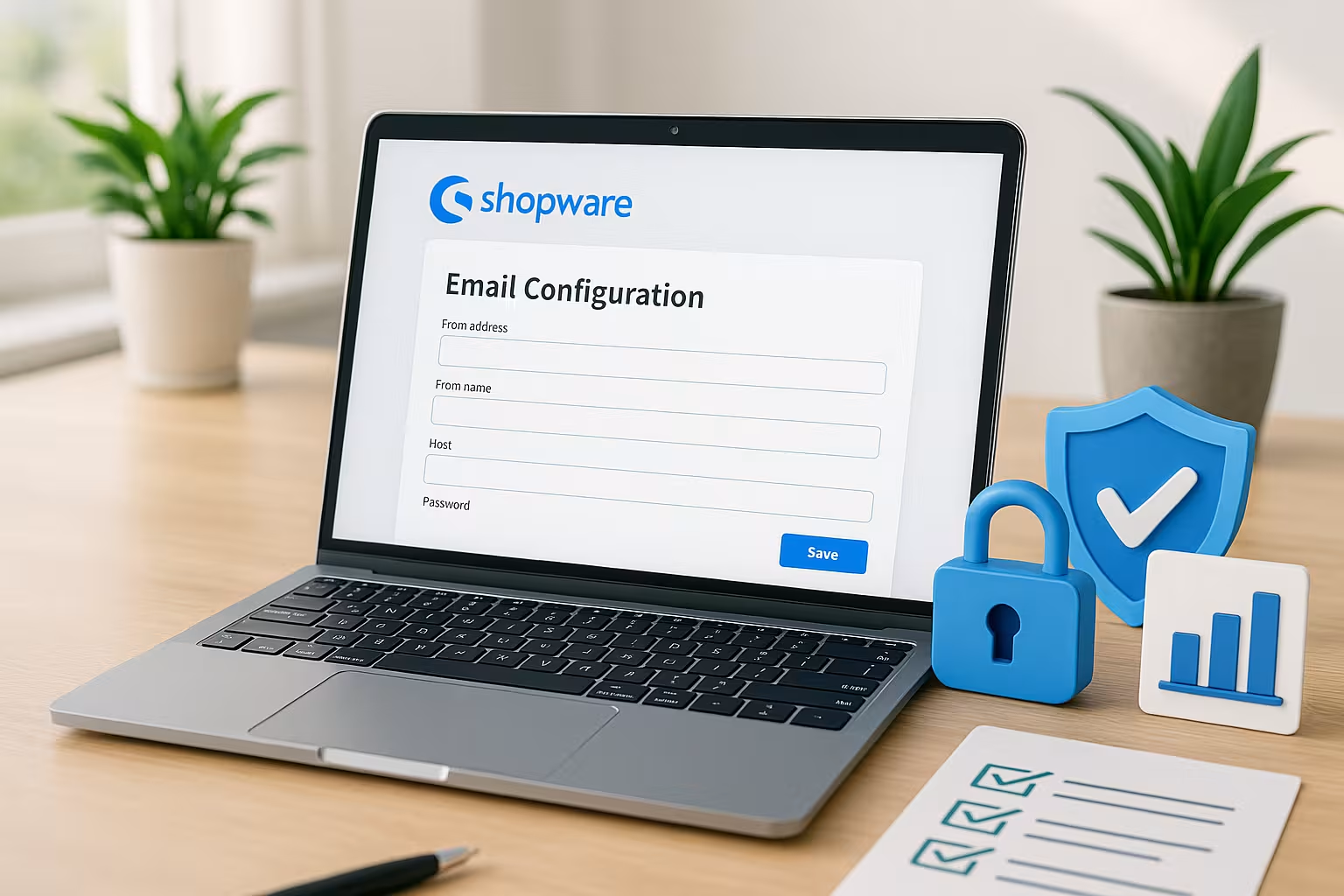
Additional settings can also be made as part of the SMTP configuration, so-called "advanced options". Depending on the email provider, it may be necessary to support different types of authentication or to force the connection via STARTTLS. In some cases, a specific HELO/EHLO name is also required so that the mail server does not reject the connection. I therefore check exactly what specifications my hosting partner or email provider makes to ensure that sending works smoothly.
If you use the Shopware installation for several subshops or language stores, there is often no way around carefully managing different sender addresses. A separate SMTP configuration can be stored for each subshop so that customers in each country receive a locally relevant e-mail sender address. This approach increases trust and signals professionalism.
Shopware's own mail log function can be useful for troubleshooting, if activated. There I can see which messages were sent and when, and whether SMTP or DNS errors occurred. This saves me a lot of time when debugging.
Automate email templates and processes in Shopware
Shopware offers extensive email automation. As soon as a customer completes an order or wants to reset a password, the email is sent automatically. I manage such automated emails conveniently under Settings > Shop > E-mail templates.
I recommend not leaving the content of the templates unedited. In addition to the text, I can integrate attachments, variables and logos. I use so-called flows for more dynamism. I create these in the workflow tool and use them to combine actions such as purchase → email dispatch → status change.
A consistent template design strengthens customer trust. Every message should be reputable, complete (incl. imprint, data protection) and brand-compliant.
For online retailers in particular, it also makes sense to create and clearly name thematically different templates. A well-structured collection of templates - such as "Invoice (DE)", "Shipping Confirmation (EN)" or "Payment Reminder (FR)" - makes it easier to find your way around the backend. In the case of multilingual stores, I avoid typing errors or inconsistent information because each variant can be maintained separately. Other documents such as terms and conditions, withdrawal forms or warranty terms can also be added as PDF attachments.
If you have a high volume of orders, you can use Shopware Flowbuilder to clock the sending times for automatic emails. Instead of sending all emails at once, they can be sent in small steps via a background job to avoid overloading the SMTP server. This method also reduces the risk of important emails being blocked by spam filters because too many messages arrive at the same time.
Improve e-mail deliverability
If emails regularly end up in spam or do not arrive at all, there is a need for action. The basis for this is a professionally configured mailer. It also influences DNS records such as SPF, DKIM and DMARC significantly the delivery rate.
I make sure that all three entries are set correctly in the DNS. This allows the receiving mail server to recognize that my emails are trustworthy. You can find step-by-step instructions here: SPF, DKIM and DMARC Guide.
Other factors for good deliverability:
- Authenticated sender address
- Clean HTML template without spam words
- No redirects or spoofing attempts
It is also important to consistently maintain a "clean" mailing address. This means that in the event of frequent bounces or undeliverability, I remove affected email addresses that obviously do not (or no longer) exist from the mailing list. This reduces my bounce rate - a factor that many mail servers take into account when ranking or in their spam filters.
If I have a high volume of emails, I can think about bounce management tools that analyze Shopware mailings and automatically block undeliverable addresses. This way, my DNS records and my sender reputation remain intact. Because nothing is more annoying than being labeled as a spam sender because of irrelevant mass mailings.

Security when sending e-mails - essential measures
Online retailers usually work with sensitive customer data. That's why, immediately after setting up, I use targeted Security measures around. This includes secure passwords and the activation of two-factor authentication (2FA) for all admin accounts.
I mitigate brute force attacks by changing the default Shopware admin URL. I always run all email traffic via encrypted connections using TLS. I only store access data in a password manager with access protection.
I install every Shopware and plugin update promptly. This prevents known security vulnerabilities. I also deactivate automatic forwarding of emails, as such configurations are easily misused by third parties.

It also makes sense to carry out regular security audits. I check whether passwords still comply with the current guidelines or whether there are unused admin accounts that pose a security risk. If several people work on the store, I ensure that roles and rights are clearly assigned. Each admin account should only have the necessary authorizations.
The danger of phishing attempts should not be underestimated. Attackers use deceptively genuine emails to try and steal access data. Internal teams should be sensitized accordingly not to open suspicious emails or click on fraudulent links. The aforementioned DNS authentication (SPF, DKIM, DMARC) and consistent employee training provide solid protection against such attacks.
Best practices for professional and legally compliant email communication
A legally compliant email template is not optional. Mandatory information such as withdrawal policy, data protection or imprint must not be missing in certain emails. Before going live, I check every template and compare it with legal requirements.
A clear sender address looks professional - for example [email protected]. Large providers and spam filters sometimes devalue generic addresses (such as [email protected]). I do without them completely and use e-mail addresses that relate to the domain name.
I regularly test the deliverability with common tools. If my mail appears there under "suspected spam", I adjust the subject line, content or TXT record in the DNS. I constantly optimize my communication in a similar way. You can find a comprehensive overview in the Guide to e-mail deliverability.
For branding purposes, it is worth setting up a uniform design for all email communications. In addition to colors and logos, the fonts and layout of the email templates should also be consistent. This creates a recognition value that increases trust in the brand. Personalized salutations and dynamic placeholders for order details or customer names can also be integrated so that each email feels as individual as possible. Personalized emails have been shown to achieve a higher interaction rate, particularly in product advertising or newsletter communication.
Another point is the perfect accessibility of emails. Careful design - such as correct HTML structure and proper text alternatives for images - ensures that users with visual impairments or screen readers are also informed without any problems. This is also legally relevant, as accessibility is required in many countries. As Shopware offers customizable templates here, I have a good basis for developing accessible emails.
A comparison of hosting providers - this is how important the technical basis is
Smooth e-mail delivery often fails due to unstable servers or unsuitable hosting settings. I therefore prefer to work with specialized hosting partners. I have listed an example with a concrete comparison here:
| Place | Provider | Special features |
|---|---|---|
| 1 | webhoster.de | Fast servers, Shopware optimization, high data protection |
| 2 | Provider B | Good performance, easy to set up |
| 3 | Provider C | Support with a focus on e-mails |
I prefer webhoster.deas I receive direct support there for SMTP configurations, mail templates and Shopware updates. Also with the Setting up e-mail accounts the service offers a lean user interface.
If you attach great importance to professional support, you should not only pay attention to the price of the hosting provider, but also to their expertise. Ideally, hosting providers guarantee constant availability and are very familiar with the requirements of Shopware. High-performance SSD hard drives, sufficient RAM and a good connection to the data center are just as important to ensure that emails are delivered quickly and securely.
For a growing online store, it may be necessary to invest in managed hosting or cloud solutions. Here, the provider takes over key aspects such as security updates, monitoring and performance optimization. This takes the burden off me as the store operator and reduces the risk of having undiscovered security gaps in the system. If you want to address a global customer base, you should also pay attention to international data center locations in order to enable low latencies and therefore faster email delivery.
Don't forget maintenance and updates
I regularly check all email-relevant system settings. After every major change or update, I send a test email manually. Errors or sending problems can usually be identified quickly in this way.
I keep a log of changes to the mailer system - in particular SMTP configuration, access data, DNS records and templates used. This documentation helps with troubleshooting and is indispensable, especially when working in a team.
Stores should also carry out regular backups - not only of the store system itself, but also of databases and email configurations. If the mailer settings are accidentally overwritten during an update or a plugin conflict occurs, I can quickly revert to a working version. I also check whether new email templates have changed after updates. Sometimes plugins or theme updates overwrite the standard templates, which can lead to incorrect emails.
In addition to Shopware updates, firmware updates on the server are also relevant. SSL certificates must be renewed in good time so that TLS connections do not expire. An expired certificate quickly results in insecure emails or delivery problems because some mail servers block or downgrade unencrypted connections. It is therefore worth monitoring the expiry status of certificates at an early stage and only testing complex email configurations in a staging environment before they go live.
Summary - what counts for the Shopware email setup?
Stable e-mail delivery is essential for Shopware. I therefore pay close attention to a well thought-out SMTP setup, secure email access, checked templates and full authentication in the DNS. Tools such as flows and structured automation also improve the sending process.
Security measures such as TLS, 2FA and password management are consistently applied to protect my customers' data. Hosting partners such as webhoster.de make many things easier with preconfigured environments - especially with frequent Shopware updates. This keeps digital communication smooth and professional.
Targeted monitoring of deliverability and regular maintenance protect me from unpleasant surprises. Only with consistent templates, clearly defined processes and sufficient resources in the background can I ensure that order confirmations, invoices or password resets actually end up in my customers' inboxes - and not in the spam folder. In this way, I lay an important foundation for satisfied customers and long-term success in e-commerce with Shopware.