Skip to content
In 2025, the right CPU strategy will determine whether your hosting shines under load or jams up requests: The web hosting cpu comparison shows when high single-thread clocks deliver faster and when many cores absorb peak loads without waiting times. I explain how single-thread and multi-core performance affect WordPress, stores and APIs - including tangible benchmarks, clear purchasing criteria and practical recommendations.
Key points
The following points will give you a quick guide to choosing the right CPU configuration.
- Single threadMaximum response time per request, strong for PHP logic and TTFB.
- Multi-CoreHigh throughput with parallel load, ideal for stores, forums, APIs.
- DatabasesBenefit from multiple cores and a fast cache.
- vServer loadOvercommitment can slow down good CPUs.
- Benchmark mix: Evaluate single and multi-core values together.
The CPU in web hosting: what really counts
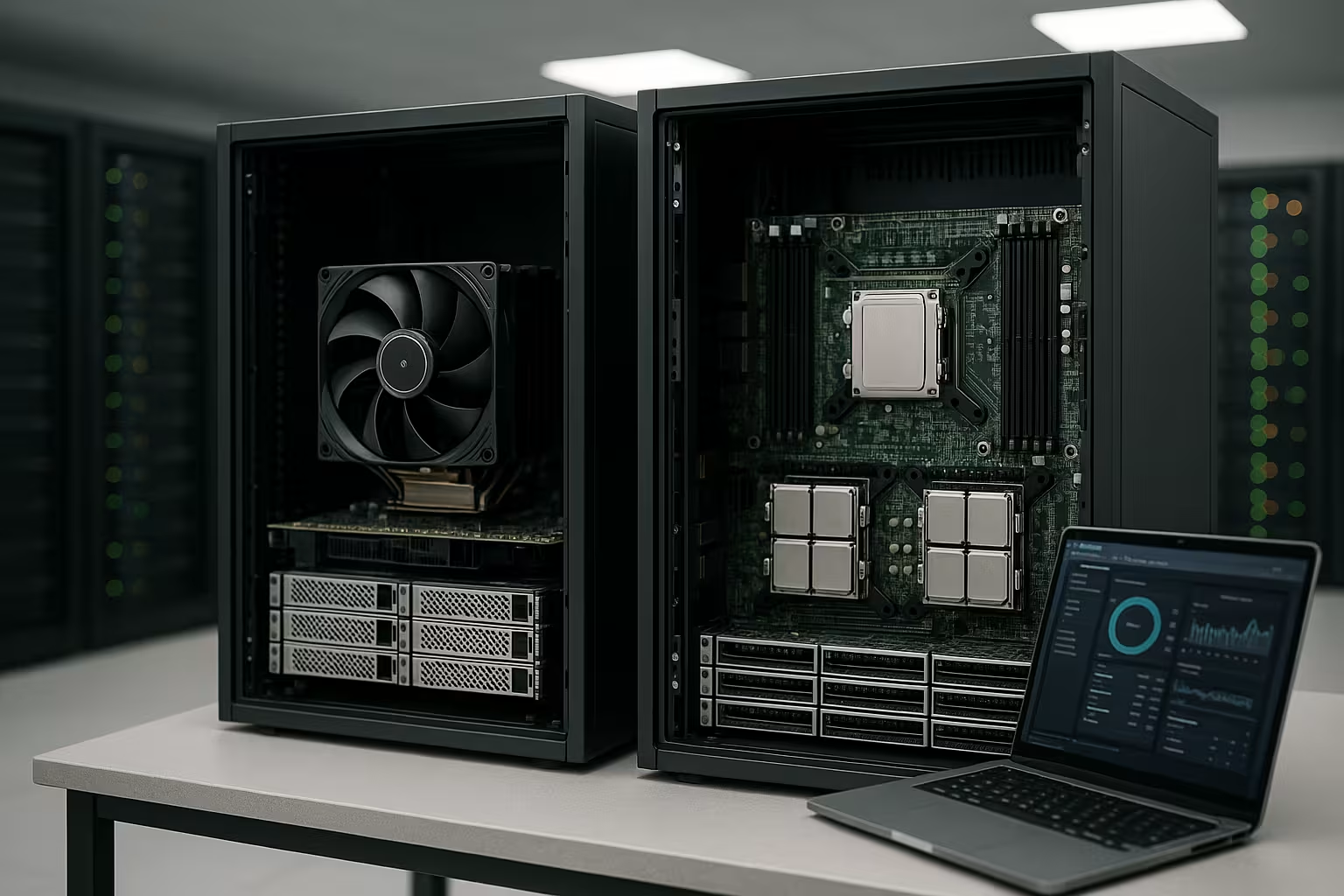
I measure success in hosting Response timethroughput and stability under load, not data sheet peaks. Single-thread clock often determines time-to-first-byte, while core count carries the concurrent request flow. Caches, PHP workers and the database exacerbate the effect: Few cores limit parallel requests, weak single-thread values extend dynamic page load times. A fast single-thread CPU is often sufficient for small websites, but growth, cron jobs and search indexing require more cores. I therefore prioritize a balanced combination of a strong single-core boost and multiple cores.
Single-thread performance: where it makes the difference
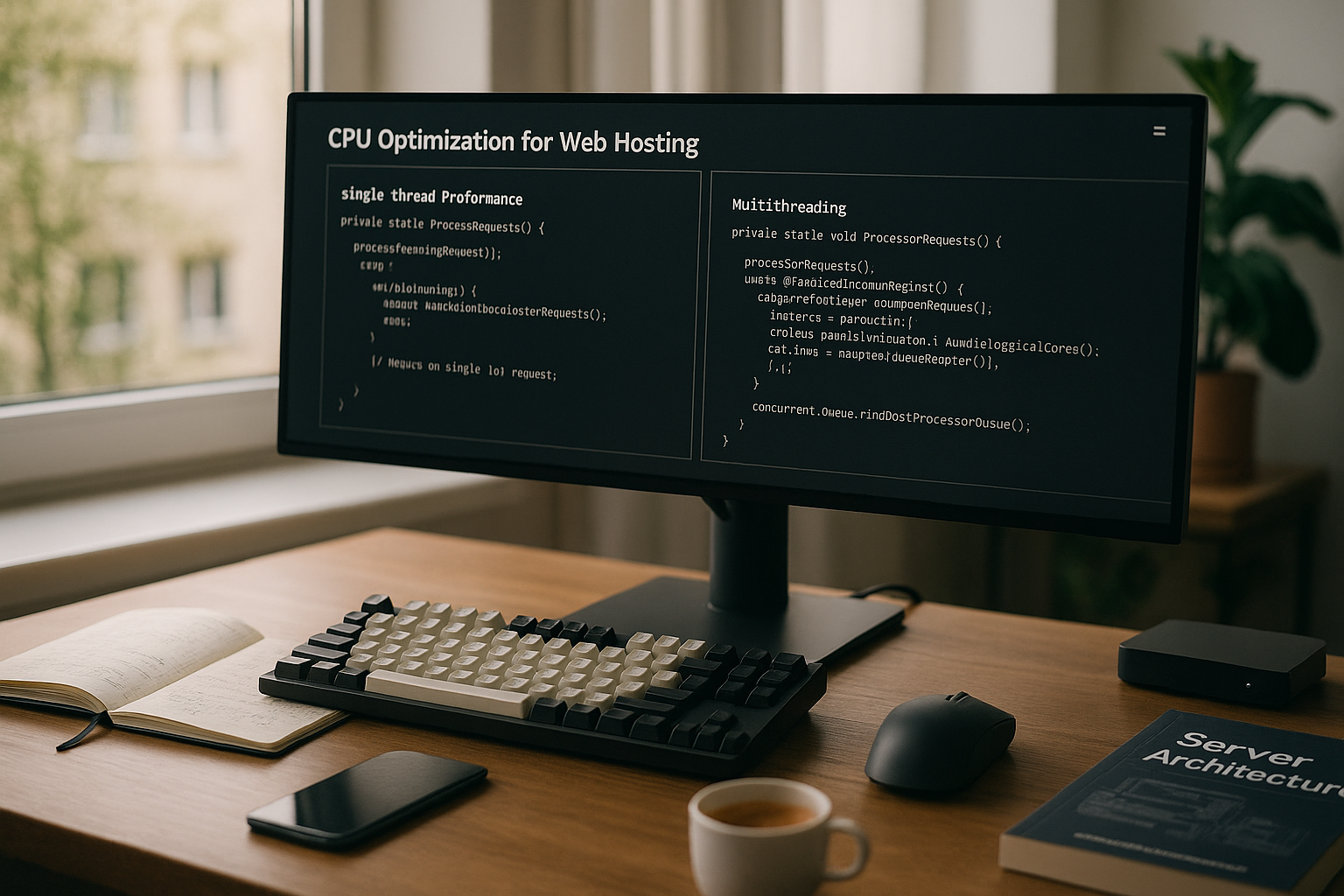
High single-thread performance improves the TTFBreduces PHP and template latencies and speeds up admin actions. WordPress, WooCommerce backend, SEO plugins and many CMS operations are often sequential, which is why a fast core has a noticeable effect. API endpoints with complex logic and uncached pages benefit from a high boost clock. Under peak load, however, the picture quickly changes if too few cores are allowed to work simultaneously. I deliberately use single-thread as a turbo for dynamic peaks, not as the sole strategy.
Multi-core scaling: faster delivery in parallel
More cores increase the CapacityThe ability to handle many requests in parallel - ideal for traffic peaks, store checkouts, forums and headless backends. Databases, PHP FPM workers, caching services and mail servers use threads simultaneously and keep queues short. Build processes, image optimization and search indexes also run much faster on multi-core. The balance remains important: too many workers for too little RAM worsens performance. I always plan cores, RAM and I/O as a complete package.
CPU architecture 2025: clock, IPC, cache and SMT
I evaluate CPUs according to IPC (instructions per clock), stable boost frequency under continuous load and cache topology. A large L3 cache reduces database and PHP cache misses, DDR5 bandwidth helps with high concurrency values and large in-memory sets. SMT/Hyper-Threading often increases throughput by 20-30 percent, but does not improve single-thread latency. Therefore: For latency peaks, I rely on a few, very fast cores; for mass throughput, I scale cores and also benefit from SMT. With heterogeneous core designs (performance and efficiency cores), I pay attention to clean scheduling - mixed cores without pinning can lead to fluctuating TTFB values.
vCPU, SMT and real cores: dimension workers appropriately
A vCPU is usually a logical thread. Two vCPUs can therefore only correspond to one physical core with SMT. So that I don't drown in context switches and ready queues, I keep the PHP-FPM-Worker usually at 1.0-1.5× vCPU, plus reserve for system and DB threads. I separate background jobs (queues, image optimization) into separate pools and deliberately limit them so that frontend requests don't starve. CPU affinity/pinning works well on dedicated servers: web server and PHP on fast cores, batch jobs on the remaining cores. On vServers, I check whether bursting is allowed or hard quotas apply - this directly influences the choice of worker.
Webhosting CPU comparison: Table 2025
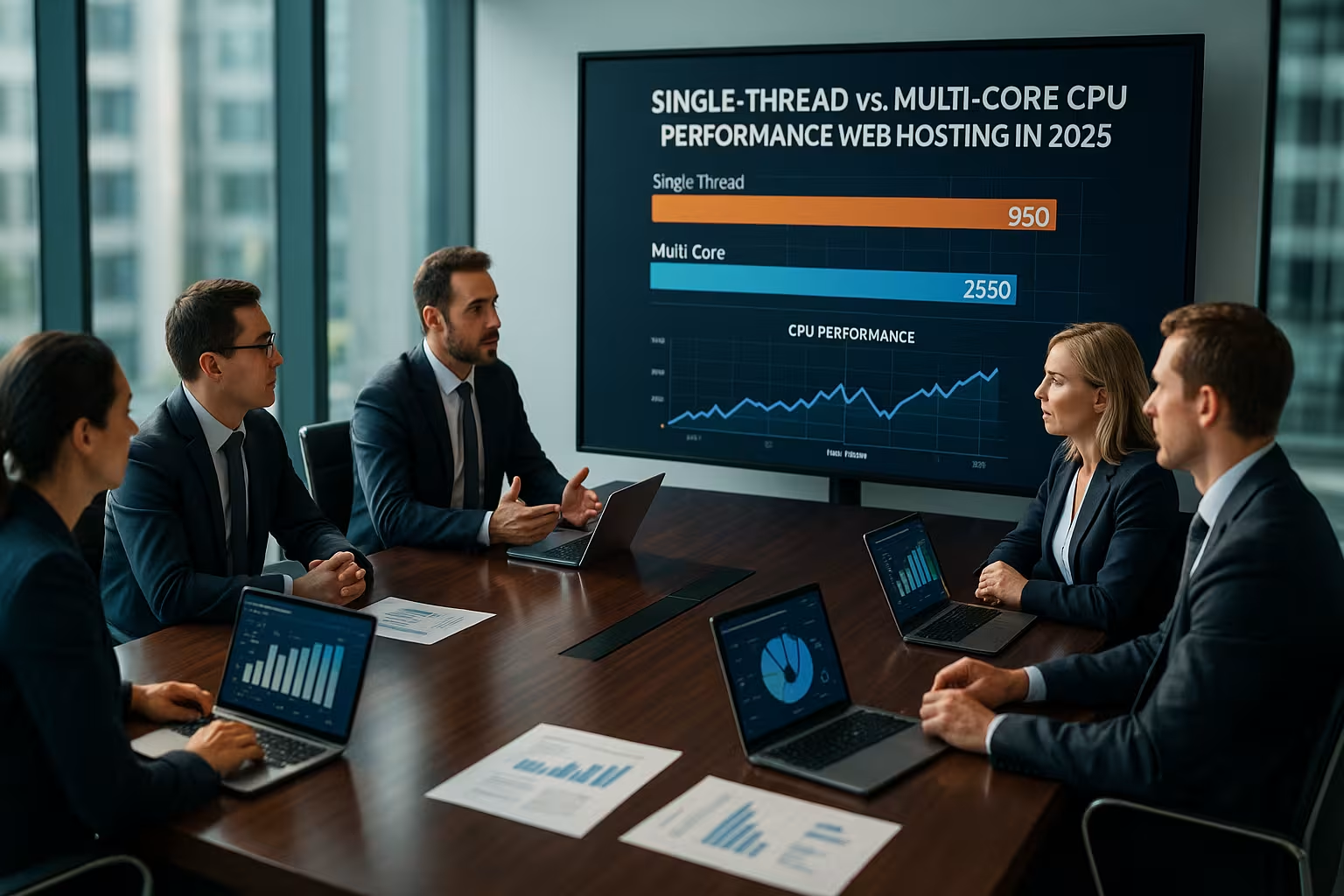
The following comparison summarizes the Differences between single-threaded focus and multi-core focus on the most important criteria. Read the table from left to right and evaluate it in the context of your workloads.
| Criterion | Single-thread focus | Multi-core focus |
|---|---|---|
| Response time per request | Very short for dynamic pages | Good, varies with core quality |
| Throughput for peak traffic | Limited, queues increase | High, distributes load better |
| Databases (e.g. MySQL) | Fast individual tasks | Strong with parallel queries |
| Caches and cues | Fast individual operations | Higher overall performance |
| Scaling | Vertically limited | Better horizontal/vertical |
| Price per vCPU | Often cheaper | Higher, but more efficient |
Practice: WordPress, WooCommerce, Laravel
With WordPress, high single-thread performance increases the TTFBbut several PHP workers need cores in order to push through onslaughts cleanly. WooCommerce generates many requests in parallel: shopping cart, AJAX, checkout - multi-core pays off here. Laravel queues, Horizon workers and image optimization also benefit from parallelism. If you are serious about scaling WordPress, combine a fast boost clock with 4-8 vCPUs, depending on traffic and cache hit rate. For more in-depth tips, take a look at the WordPress hosting with high-frequency CPU.
Benchmark examples: what I realistically compare
I test with a mix of cached and dynamic pages, measure p50/p95/p99 latencies and look at throughput. Example WordPress: With 2 vCPUs and a strong single-thread, dynamic pages often end up at 80-150 ms TTFB with low concurrency; under 20 simultaneous requests, p95 latencies usually remain below 300 ms. If the concurrency rises to 50-100, a 2 vCPU setup is noticeably overturned - waiting times and queueing determine the TTFB. With 4-8 vCPUs, the tipping point shifts significantly to the right: p95 stays below 300-400 ms for longer, checkout flows in WooCommerce keep the response time more stable, and API endpoints with complex logic deliver 2-3× more dynamic requests per second before the p95 latency picks up. These values are workload-specific, but illustrate the core: single-thread accelerates, cores stabilize.
Tuning in practice: web server, PHP, database, cache
- Web serverKeep-Alive useful, but limited; HTTP/2/3 relieves connections. TLS offload with modern instructions is efficient - latency problems usually lie in PHP/DB, not in TLS.
- PHP-FPMpm=dynamic/ondemand to match the load; link start server and max_children to vCPU+RAM. Opcache large enough (avoid memory fragments), increase realpath_cache. Set timeouts so that hangs do not block cores.
- DatabaseInnoDB Buffer Pool 50-70% RAM, appropriate max_connections instead of "infinite". Maintain indexes, slow query log active, check query plan, use connection pools. Thread pool/parallel query only if workload allows it.
- Cache: Page/full page cache first, then object cache. Redis is largely single-threaded - benefits directly from a high single-thread clock; shard instances or pin CPU in case of high parallelism.
- Queues & JobsLimit batch jobs and set them to off-peak. Move image optimization, search index, exports to separate worker queues with CPU/RAM quotas.
Finding the right CPU: Needs analysis instead of gut feeling
I start with hard Measured valuesconcurrent users, caches, CMS, cronjobs, API shares, queue workloads. I then define minimum and peak requirements and plan 20-30 percent reserve. Small blogs do well with 1-2 vCPU and a strong single core. Growing projects fare better with 4-8 vCPU and a fast boost clock. Undecided between virtualized and physical? The comparison VPS vs. dedicated server clarifies boundaries and typical application scenarios.

Reading benchmarks correctly: Single and multi in a double pack
I rate benchmarks as Compassnot as a dogma. Single-core scores show me how quickly dynamic pages start up, multi-core scores reveal the throughput under load. Sysbench and UnixBench cover CPU, memory and I/O, Geekbench provides comparable single/multi values. The host is important: vServers share resources, overcommitment can distort results. For PHP setups, I pay attention to the number of active workers and use tips such as in the guide to PHP workers and bottlenecks.
Resource isolation: vServer, sizing and limits
I check Steal-Time and CPU-ready values to expose external load on the host. It is often not the cores that slow things down, but hard RAM, I/O or network limits. NVMe SSDs, current CPU generations and sufficient RAM have a stronger overall effect than just one aspect alone. For constant performance, I limit workers according to RAM and database buffer. Clean isolation beats pure core count.

I/O, memory bandwidth and cache hierarchies
CPU performance is wasted when I/O slows down. High iowait values extend TTFB even with strong cores. I rely on NVMe with sufficient queue depth and plan read/write patterns: logs and temporary files on separate volumes, DB and cache on fast storage classes. I pay attention to multi-socket or chiplet designs NUMA AwarenessDB instances close to the memory that is assigned to them, do not let PHP processes jump over nodes if possible. Large L3 caches reduce cross-core traffic - noticeable with high concurrency and many "hot" objects in the object cache.
Latency, cache hits and databases
I reduce reaction times first with CachePage cache, object cache and CDN take pressure off the CPU and database. If many dynamic hits remain, the single-thread clock counts again. Databases such as MySQL/MariaDB love RAM for buffer pools and benefit from multiple cores for parallel queries. Indexes, query optimization and appropriate connection limits prevent lock cascades. This is how I use CPU power effectively instead of wasting it with slow queries.
Energy, costs and efficiency
I calculate Euro per request, not euros per core. A CPU with a high IPC and moderate consumption can be more productive than a cheap multi-core processor with weak single-thread performance. For vServers, it is worth taking a sober view: good hosts throttle overcommitment and deliver reproducible performance. In a dedicated environment, efficiency pays off in terms of electricity costs. On a monthly basis, the balanced CPU with reliable performance often wins.
Sizing blueprints: three tried and tested profiles
- Content/blog with caching2 vCPU, 4-8 GB RAM, NVMe. Focus on single thread, p95 dynamically under 300-400 ms with up to 20 simultaneous requests. PHP worker ≈ vCPU, Redis for object cache, throttle cronjobs.
- Shop/Forum Middle class4-8 vCPU, 8-16 GB RAM. Solid single-thread plus enough cores for checkout/AJAX storms. p95 stable under 400-600 ms with 50+ concurrency, queues for mails/orders, decouple image jobs.
- API/Headless8+ vCPU, 16-32 GB RAM. Prioritize parallelism, cushion latency peaks with fast cores. DB separately or as a managed service, strictly limited worker pools, horizontal scaling.
Virtual or dedicated: what I look for in CPUs
At vServers I check generation (modern cores, DDR5), overcommitment policy, steal time and consistency throughout the day. Reserved vCPUs and fair schedulers make more of a difference than mere marketing cores. With dedicated servers In addition to clock/IPC, I primarily evaluate L3 cache size, memory channels and cooling: A boost is only worth something if it lasts under continuous load. Platforms with many cores and high memory bandwidth carry parallel databases and caches more confidently; platforms with a very high boost shine in CMS/REST latencies. I choose according to the dominant load, not according to the maximum data sheet value.
Safety, insulation and availability
I separate critical services Instancesto limit disruptions and run updates risk-free. More cores make rolling updates easier because there is enough room for parallel operation. Single-thread performance helps with short maintenance windows, as migration jobs finish quickly. For high availability, the CPU needs reserves so that failover is not immediately overloaded. Monitoring and alerting secure the lead in practice.
Measurement and rollout plan: how to ensure performance
- BaselineMetrics for TTFB, p95/p99, CPU (user/system/steal), RAM, iowait, DB locks.
- Load testsMix of cached/dynamic paths, increasing concurrency up to the kink point. Vary worker and DB limits, observe p95.
- Tuning stepsOne change per iteration (worker, opcache, buffer pool), then test again.
- Canary rolloutPartial traffic on new CPU/instance, comparison live against baseline.
- Continuous monitoringAlerts for latency, error rates, steal time and ready queues.
Cost accounting: Euro per request in practical terms
I calculate with target latencies. Example: A project requires p95 under 400 ms with 30 simultaneous users. A small 2-vCPU setup with a strong single thread just about manages this, but with little reserve - peaks occasionally push it up. A 4-6 vCPU setup costs more, keeps p95 stable and prevents shopping cart crashes; the Euro per successful request often decreases because outliers and retries are eliminated. I therefore don't plan the cheapest core, but the most stable solution to the target SLO.
60-second decision guide
I imagine five QuestionsHow high is the dynamic share? How many requests are running simultaneously? How well do caches work? Which jobs are running in the background? What reserve do I need for peaks? If dynamics predominate, I choose a high single-thread clock with 2-4 vCPU. If parallelism predominates, I opt for 4-8 vCPU and solid single-core values. If the project grows, I scale cores first, then RAM and finally I/O.
Outlook and summary
I decide today in favor of a Balancepowerful single-thread boost for fast TTFB, enough cores for peak loads and background processes. This keeps WordPress, WooCommerce, forums and APIs stable and fast. I support benchmarks with live metrics from monitoring and log analysis. Caches, clean queries and reasonable worker numbers get the best out of every CPU. If you keep an eye on this mix, you will end up with a CPU choice in 2025 that neatly combines performance and costs.