 Skip to content
Spam filters for email accounts are among the most important protective measures against unwanted messages and malware. With a targeted setting, you can increase your digital security, reduce the load on your mailbox and reliably protect your professional and private communications.
Key points
- Spam filter automatically recognize and block unwanted emails.
- Individual rules help to filter spam in a more targeted way.
- Self-learning systems adapt to user behavior.
- Combined security solutions offer comprehensive protection.
- Spam prevention also begins with user behavior.
How spam filters work
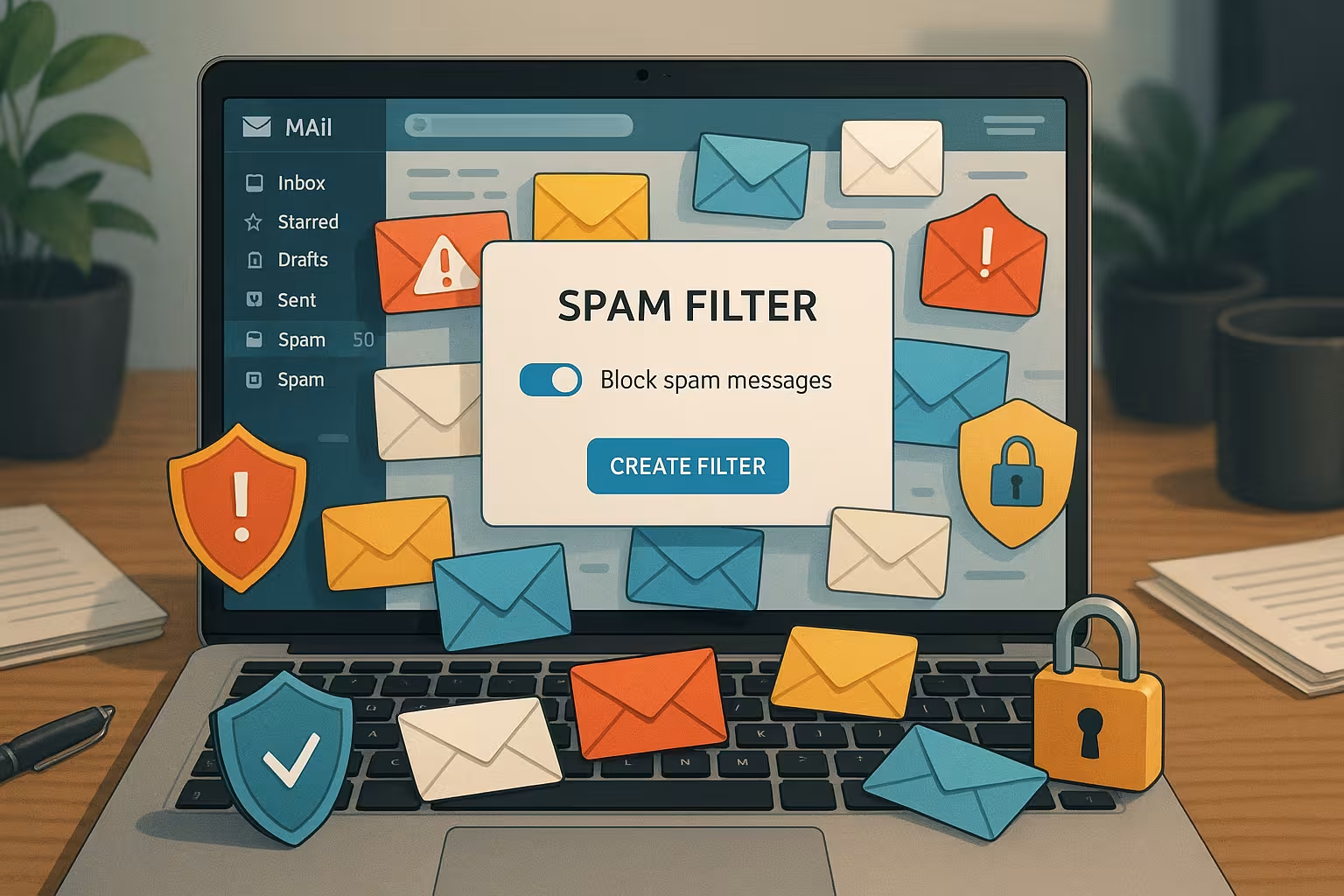
An email spam filter is designed to automatically recognize suspicious messages before they appear in the main mailbox. The filters analyze content based on certain Keywordsorigin data, file attachments or sender domains. Depending on the system, filtering is either server-based or client-based. With high-quality hosters, both variants interlock and complement each other.
The core of many filter technologies is based on statistical methods. A well-known example is the Bayes algorithmwhich uses large amounts of data to learn which content is typically spam and which is not. Words and phrases are specifically evaluated in order to calculate the probability of spam. In addition Real-time blacklists and known spam suspect lists are used. Many systems also check the technical information in the mail header, such as whether the sender's DNS entries are correct or whether forged sender addresses are being used.
Important for efficiency: You must train the filter regularly. Assign it to Wrong decisions by releasing incorrectly filtered emails or manually marking spam. In companies, this can be controlled centrally, while private individuals usually have corresponding functions available directly in their webmail or email client.
Many filters now work with AI-supported learning algorithms. These technologies detect recurring patterns and adapt automatically. There is an application example on this page for AI spam filtering. In addition to keywords, the AI systems also take into account more complex relationships such as the context, sentence structure or attachment of the email. This means that new spam tricks are detected faster than static filter systems could.
Standard activation with e-mail providers
Most providers have long since equipped their webmail systems with powerful spam filters. You can activate these directly in your e-mail account. You will usually find the corresponding options in the Security or Junk mail filter. Important: Determine whether unwanted messages should be deleted directly or moved to a separate folder. The choice depends on whether you want to occasionally review the contents of a junk mail to detect misclassifications.
Outlook and Thunderbird offer extended junk filter functions under "Settings". Make sure that the account is connected via IMAP so that filter servers can take effect. This prevents suspicious emails from reaching the main inbox in the first place. With POP3 accounts, client-side spam filters often only take effect during the retrieval process, which can be less effective. However, a good combination of server-side and client-side filtering increases security immensely.
Many providers also offer the option of marking senders or placing them directly on a blacklist. As a result, the system is constantly improved and learns which senders are definitely unwanted. Conversely, you can put important contacts on a whitelist so that relevant messages never end up in the spam folder.
Set individual filter rules
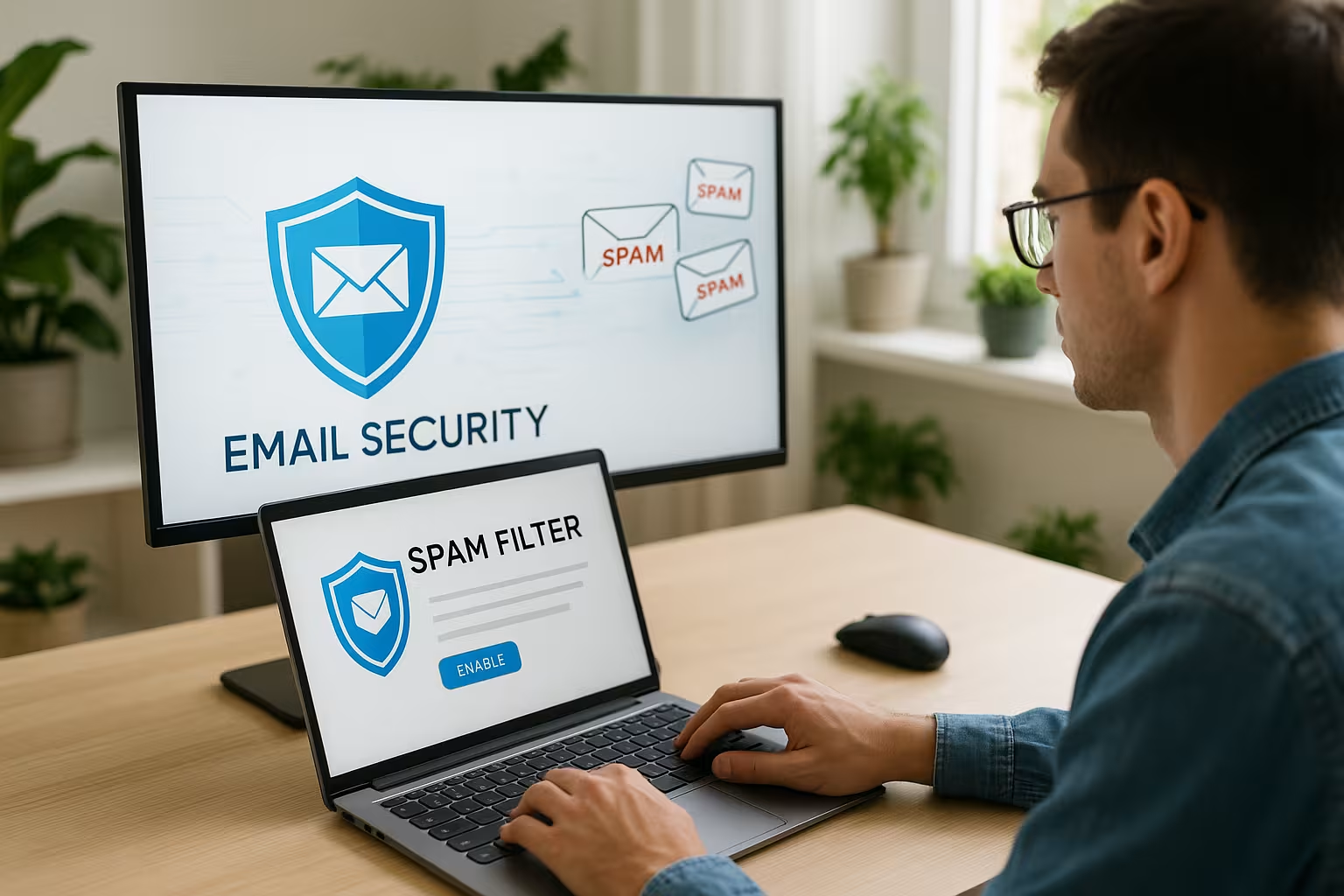
As soon as the basic filter is active, you can fine-tune it. User-defined rules give you more control over the processing of incoming emails. This often works in webmail portals via the "Filter" or "Message settings" item.
You can extend the filter to the following criteria, for example:
- certain Senders or domains block (blacklist)
- Freely definable Keywords in the subject line recognize
- a rule for certain File types set up
- Mails from certain regions filter
Create the rules in such a way that they do not block each other. Organize them according to priority. Some hosting platforms offer rule groups according to weighting for this purpose. For example, you can create a rule that blocks all emails with the word "special offer" in the subject line, but still allows certain senders through via a separate rule. This prevents desired newsletters from accidentally disappearing in the spam folder.
Take the time to check your filter rules regularly. Requirements can change, especially in corporate environments. New business partners, suppliers or newsletters from promising industries should be clearly classified from the outset in order to avoid a cumbersome communication flow.
Intelligently optimize self-learning spam filters
Trainable spam filters work in a similar way to a familiarization system: the more often you mark certain emails as spam or retrieve them from the junk folder, the more Data points has the system for improvement. For example, the filter analyzes the wording, IPs or subject lines of suspicious messages.
Activate the logging function (e.g. in Thunderbird). This allows you to keep track of recognized messages. If you use this mode regularly, you can significantly sharpen your filter within a few weeks. Please note, however, that such logs can sometimes become very large and need to be cleaned up regularly.
I also recommend that advanced users familiarize themselves with services such as Spam House to remove addresses from blocked lists or to check them specifically. This is particularly helpful if you notice that your own domain is unexpectedly rejected by many filters. It may have been wrongly blacklisted or you may have hacked forms on your website that have been used to send spam.
With self-learning systems, you should also check from time to time for Double marking pay attention: For example, if certain emails have been declared as spam by several users, the system often has a higher degree of certainty that it will make the correct decision. Involving several users in training the filter makes sense for companies, as many potential sources of danger can be identified more quickly. At the same time, the relevance of the results increases.
Special features for business accounts
For business email accounts, the need for flexibility and control is greater. Admins in companies can often activate global SPF policies or central spam strategies for all users. Rule packages can be assigned to teams or departments for this purpose.
Use central quarantine management tools so that suspicious emails are automatically collected. Employees receive notifications about blocked messages and can unblock them themselves or report them for a security check. The Quarantine approach prevents emails from being deleted unseen, even though they could potentially contain important information. This fine control ensures reliable email communication even in larger organizations.
Hosting services in particular, such as webhoster.de offer advantages. They enable granular assignment of rights via the customer area. An introduction to effective methods of Combating spam offers additional security for teams. Centralized management of spam filters is an enormous relief, especially for decentrally organized companies or internationally distributed branches. Regular employee training on phishing and spam practices rounds off the concept.
In some sectors (e.g. the legal and healthcare sectors) Compliance requirements must be taken into account. E-mails often have to be archived and stored in an audit-proof manner. A spam filter that inadvertently removes legally relevant emails can have fatal consequences. This is why particularly finely tuned configurations are necessary here, often supplemented by additional manual approval.
Avoidance of typical spam traps
Technology alone is not enough. If you proceed with caution, you will reduce the flood of spam in the long term. Publish your business e-mail address never open on websites. Use protected forms or obfuscated representations (e.g. "mustermann [at] firma.de"). In this way, you make it more difficult for automated address collectors to misuse your e-mail for advertising purposes.
Be careful with online competitions or freely accessible downloads that require you to enter your address. Enter your address there only with genuine providers in. I recommend a separate address for newsletters. For example, if you use a dedicated email for each type of registration, you can quickly find out which platform may have forwarded the address in the event of spam problems.
As a general rule, the more unfamiliar the platform or the more questionable the offer, the more likely you are to use a Disposable address (e.g. from temporary e-mail services). When attending networking and industry events, you should consider how you distribute your business cards. In some cases, it is worth having a separate email for such events to avoid suddenly ending up in mass mailing lists.
Your own click behavior also plays a role. If you open emails from unknown senders and randomly click on links, you are inadvertently sending feedback to spammers. They notice that the address is being actively used and potentially see it as a worthwhile target. So always remain vigilant and never click on dubious-looking links or conspicuous confirmation requests.
Spam filter and virus protection in a double pack
Effective email protection is not just about a spam filter. An integrated virus scanner reduces the risk of infected attachments or links. Many hosting services now offer both in combination. The decisive advantage here is that suspicious emails are not only checked for spam characteristics, but also for malware. Trojans, ransomware and other malware can thus be intercepted in advance.
Filtering then takes place at server level. Malicious emails are thus intercepted before they reach the mailbox. SMEs in particular benefit from this. The systems run automatically and require hardly any maintenance. Nevertheless, it is advisable to set up regular monitoring. This involves checking whether virus detection is up to date and whether relevant security software updates are installed on time.
When choosing a contract, I recommend specifically looking for packages that include virus and spam protection. Otherwise, external programs must be added manually. Especially with regard to Zero-day exploits an up-to-date scanning mechanism is valuable, as new types of attacks are often particularly effective in the first few days. Hosting providers that use regular signature updates and heuristics have a clear advantage here.
Also make sure that you do not receive a large number of files that may contain infected macros or PDF exploits unnoticed. A powerful spam filter in conjunction with a virus scanner can detect such attack scenarios at an early stage. It is also essential that you have the File scanning active if your hosting offers this. Manual deactivation can increase performance, but opens a dangerous gateway.
Comparison of important providers for email protection
Which platform provides the most reliable protection? Not all solutions offer the same filter strength. The decisive factors are integrated security functions, individual setting options and user-friendliness. The scope of support also plays a role - after all, effective anti-spam and anti-virus protection is only as good as its up-to-dateness and ability to adapt to new threats.
| Rank | Provider | Spam filter | Virus protection | Individual filters | Price-performance |
|---|---|---|---|---|---|
| 1 | webhoster.de | Yes | Yes | Yes | Very good |
| 2 | Provider B | Yes | Partial | Yes | Good |
| 3 | Provider C | Yes | No | Restricted | Satisfactory |
Straight webhoster.de scores with its ease of use and particularly strong support. Corporate functions such as delegable rights are also included. This allows individual team members to take over parts of the administration, which is particularly interesting for growing companies. A clear user interface and meaningful statistics facilitate the management of filters and security rules.
When choosing a provider, you should also pay attention to Scalability pay attention. For example, if you need to add new mailboxes quickly, it is helpful if the spam and virus concept is taken over automatically. Smaller providers without dynamic solutions quickly reach their limits here. Also check how often the respective service provider updates its filter engine and whether it offers 24/7 support in order to be able to react immediately to urgent problems.
Extended protection mechanisms and legal aspects
In addition to the classic spam filters and virus scanners, there are now other protection mechanisms that should be added if necessary. DMARC (Domain-based Message Authentication, Reporting & Conformance) ensures that emails do not originate from forged sender addresses. In combination with SPF (Sender Policy Framework) and DKIM (DomainKeys Identified Mail), a multi-layered security architecture is created.
From a legal perspective, it is important to ensure that incoming emails are not completely deleted automatically without users having the opportunity to save legitimate messages. In some countries, for example, legislation prescribes binding retention requirements. Companies operating in highly regulated industries in particular must comply with corresponding archiving rules. A spam filter that sends messages unseen to the digital recycle bin can be problematic in such cases. A multi-stage process is therefore recommended: Detection, quarantine and manual release.
In addition, users should note that a very restrictive filter setting can lead to False positives leads. Mails that are actually wanted are moved to the spam folder. To minimize this, a regular check of the junk folder or a targeted reporting system that reports misclassifications can help.
Practical tips for everyday life
To minimize spam in advance, small changes in behaviour can make a big difference: It is best to use dedicated email addresses for online purchases and newsletters. Make sure that the actual unsubscribe function of a reputable sender is used when unsubscribing from newsletters. Only place sensitive addresses in clearly controlled environments.
If you work in a company, a uniform approach to dealing with spam is immensely important. All employees should be aware of the instructions for marking, deleting or reporting spam. An internal checklist helps to quickly identify and isolate potential dangers.
Companies should also regularly Phishing tests are carried out. Employees are deliberately confronted with mock phishing emails to find out how well trained they are. The results are then fed back into the spam protection system and the team's awareness campaigns.
Final thoughts on secure inboxes
A well-configured spam filter saves time, protects data and ensures smooth communication. However, filters only work efficiently if they are regularly adjusted and trained. Personal responsibility plays a role here - every click on "Spam" or "No spam" moves the system forward.
Use providers with an integrated security solution. Use different email addresses for private and business use. And rely on services that not only provide technology, but also offer sophisticated administration functions.
With the right setup, nothing stands in the way of a clean inbox.


