Skip to content
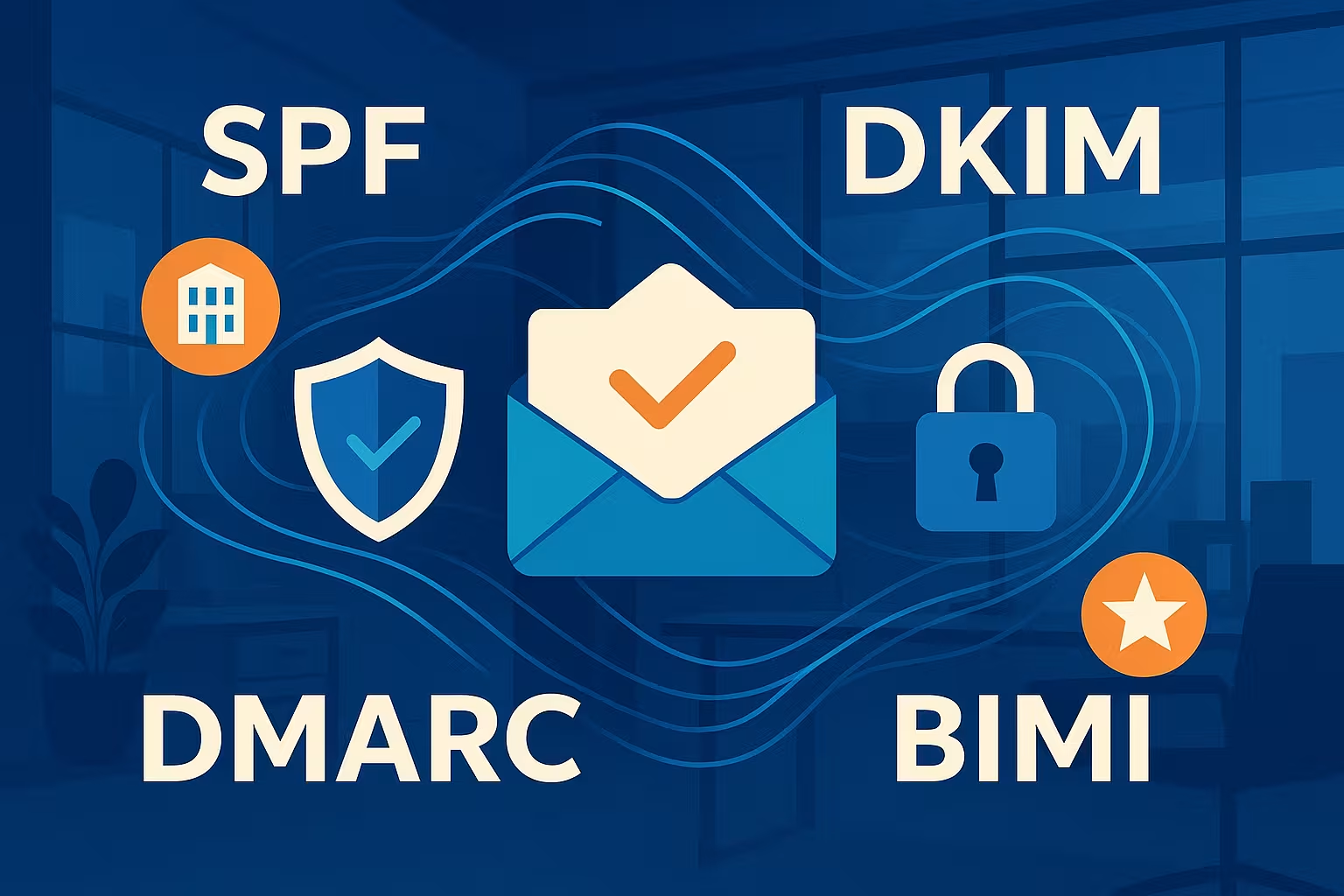
SPF, DKIM, DMARC & BIMI are essential tools for ensuring the authenticity and security of business emails. Those who implement SPF DKIM not only reduce the risk of spoofing and phishing, but also improve the deliverability and perception of their emails.
Key points
- SPF defines which servers are allowed to send emails on behalf of a domain.
- DKIM protects the message text from manipulation and confirms its authenticity.
- DMARC bundles SPF and DKIM with a reporting and enforcement policy.
- BIMI shows your logo in the inbox - only if the protection system is configured correctly.
- Enforcement of the protocols increases trust, visibility and delivery rates in email traffic.

What SPF really does
SPF (Sender Policy Framework) is a DNS-based mechanism for determining which mail servers are allowed to send emails on behalf of a domain. This means that only authorized servers are on this list - all others are considered suspicious. If a message is sent via a non-listed server, it is classified as potentially dangerous or blocked by the receiving system.
The strength of this protocol lies in its simplicity. It reliably protects against so-called spoofing attacks, in which sender addresses are falsified in order to carry out phishing, for example. For companies in particular, this is an indispensable step towards secure email communication.
I take particular care not to use wildcard entries such as "*" in the SPF - they open the door to abuse. Instead, only known mail servers and IP addresses may appear in the SPF record of my domain. Important changes to dispatch servers must always be updated directly in the DNS settings.
It is also advisable to plan the various possible entries in the SPF carefully. A include-For example, an entry for an external newsletter provider should only apply to the service that is actually used. The order of the entries can also be relevant: SPF is blocked if there are too many lookups (default: maximum 10) is problematic. I therefore determine in advance which sender services are really necessary. For larger companies, it is also worth splitting into subdomains if different teams or departments work with different mail servers. This increases the overview and prevents accidental overlaps.
Difficulties often also arise with forwarding, because with a Forward receiving mail servers may lose the original sender IP information. This is why an SPF check will sometimes fail, even though the mail is legitimate. This is where DMARC (in conjunction with DKIM) can help to verify the sender anyway. In this way, correctly configured redirects can be intercepted without moving legitimate emails to the spam folder.
Digital signatures with DKIM
DKIM (DomainKeys Identified Mail) secures emails not only against forgery of the sender, but also against manipulation of the content. Each message sent is provided with an individual signature on the server side, which is derived from the content itself. The public key for this is openly available in the DNS of the domain - so every receiving server can check the authenticity.
This digital signature makes it impossible to change a message en route without this being noticed. Compromised content, manipulated links or exchanged attachments are reliably unmasked. In addition, a successful DKIM check shows the receiving system that the sender is trustworthy - which improves the delivery rate.
Practical implementationI generate the public and private key via my mail server. I then enter the public key as a TXT record in the DNS. From then on, the mail server automatically adds the signature to every outgoing message - recipients check the validity with the published key.

When setting up DKIM, you should also use the so-called Selector keep an eye on. This makes it possible to operate several public keys in parallel. For example, if I rotate a key, I can add a new selector and delete the old one after a transition phase. This guarantees continuous signing and avoids problems when changing keys.
Another recommendation is to regularly replace (rotate) the keys. I replace the key at intervals of 6 to 12 months to minimize potential security risks. If a private key is compromised, I can react quickly and continue to protect the signatures.
DMARC: Guidelines, control and reports
DMARC combines SPF and DKIM into a holistic check decision and determines how the receiving mail server deals with failed checks. As the domain owner, I can decide what to do with unauthenticated messages - ignore them, move them to quarantine or block them.
DMARC reports are an important component: they provide daily feedback on emails sent under my domain - and whether they passed the checks. This makes abuse transparent and allows me to recognize attempted attacks at an early stage.
For productive operation, I clearly recommend the "reject" policy, but only after an observation phase with "none" and later "quarantine". I regularly analyze my reports and optimize protection with a monitoring tool, such as Targeted evaluation of DMARC reports.
One aspect that many companies initially underestimate is the issue of alignment requirements in DMARC. For DMARC to classify an email as authenticated, the sender and DKIM/domain must match (so-called Alignment). This can be done in a "relaxed" or "strict" manner. Strict means that the domain in the "From" header must match the one in the DKIM signature exactly. This prevents an attacker from using a subdomain that is SPF- or DKIM-valid, for example, but still forges the main domain in the visible sender.
Depending on the technical infrastructure, strict alignment can be challenging. CRM systems, newsletter platforms or external services that send emails on behalf of the main domain must be set up correctly. I avoid unnecessary subdomain usage or deliberately set it up so that each subdomain has its own DKIM selector and SPF entry. This allows me to maintain a consistent overview and identify any authentication problems more quickly.
BIMI: Making safety visible
BIMI (Brand Indicators for Message Identification) highlights emails by displaying the official logo in the inbox. However, this visibility function only works if the SPF, DKIM and DMARC checks pass correctly and DMARC is set to "quarantine" or "reject".
I have created my logo in SVG format with SVG Tiny P/S and purchased a suitable VMC certificate. This was followed by setting up a DNS line according to the BIMI specification. The result: my company logo appears in the inbox of compatible email services - which creates trust and strengthens brand loyalty.
Step by step, I show you how to BIMI with logo made visible in the email inbox.
The implementation of BIMI often requires a coordinated approach within the company. Marketing managers want to place the logo, IT managers have to ensure that both the DNS entries and the security protocols are correct, and the legal department pays attention to the certificate data. It is precisely in this interplay of departments that proper coordination is essential. I draw up a clear project plan to ensure that all steps are neither forgotten nor repeated.
Technical comparison of the protocols
In this table, I compare the four protocols to clearly illustrate their functions:
| Protocol | Primary purpose | DNS entry required | Prevents spoofing? | Other advantages |
|---|---|---|---|---|
| SPF | Fixed sender IP addresses | Yes (TXT) | Yes (only with passport check) | Improve delivery rate |
| DKIM | Secure signed content | Yes (TXT with public key) | Yes | Integrity of the message |
| DMARC | Enforcement + Reporting | Yes (TXT) | Yes | Control protocols centrally |
| BIMI | Brand visibility | Yes (TXT + VMC optional) | Only in combination with DMARC | Trusted senders |
SPF plays a fundamental role within these protocols, as it closes the gateways for forged senders right from the start. DKIM additionally guarantees that the message content remains unchanged. DMARC combines both with clear enforcement rules and valuable reports. Finally, BIMI enhances the whole thing visually by making the sender visually recognizable to the recipient. The combination of these protocols therefore goes far beyond a pure anti-spam solution - it improves the overall brand image and strengthens trust in digital communication in the long term.
Implementation in practice
My advice: I implement SPF first and test whether legitimate mail servers are listed correctly. This is followed by DKIM together with the signature key. DMARC comes last as a control instance. As soon as all checks are error-free and abuse is ruled out, I switch to "reject" - and then activate BIMI completely.
If you want to delve deeper into the technical settings, you will find an overview in this article. compact technical guide to email authentication.

From practical experience, I can also report that a thorough test phase is crucial. During this time, I send all emails regularly, monitor the DMARC reports and make sure that all services used are entered correctly. External newsletter, CRM or support tools are often forgotten. Every single source that claims sender rights under my domain should be noted in the SPF and, if possible, also included in DKIM. If mails are rejected somewhere, they can be included in the DMARC reports, which is extremely helpful for debugging and final fine-tuning.
As soon as everything is working smoothly, I can confidently switch my domain to "quarantine" or "reject". The advantage: mails that are not properly authenticated are sorted out immediately, which makes phishing attacks much more difficult. Internally, I also provide training to ensure that other departments do not spontaneously use new tools or mail servers without first adjusting the DNS entries.
Comparison of hosting providers
Many hosting providers support SPF, DKIM and DMARC directly in the customer panel. However, some offer more - such as automated report summaries or simple BIMI integrations. The following overview shows recommended services:
| Place | Hosting provider | Email security support | Special features |
|---|---|---|---|
| 1 | webhoster.de | Yes | Comfortable furnishings, best price-performance ratio |
| 2 | Provider B | Yes | – |
| 3 | Provider C | Yes | – |

In my experience, a good hosting provider now offers more than just an "on/off" button for SPF and DKIM. For example, modern panels suggest corrections if the SPF record is too long or if more than ten DNSlookups are required. Some providers also provide graphical overviews of past DMARC logs, which simplifies quick interpretation. In such panels, I ideally integrate the necessary information to activate BIMI and upload the VMC certificate.
You should pay attention to which provider manages the DNS. If this runs elsewhere than the web hosting, I often have to adjust the settings manually. This is not a problem, but requires discipline so that the hosting provider does not overwrite an automatic SPF setup or vice versa. Regular checks of the DNS entries can prevent unnecessary failures in mail traffic.

Tips for problems & troubleshooting
Sometimes, despite all due care, something goes wrong - mails are rejected or end up in spam folders. In such cases, I take a structured approach:
- Test SPF individually: With online tools or the command line (e.g. using "dig"), I can query the SPF record to see whether all IPs or services are included.
- Check DKIM signature: An external test tool that reads the header of the email and shows whether the signature is valid often helps. I also check the Selector-entries in the DNS.
- Actively evaluate DMARC reporting: The Aggregate Reports show me how many mails have been quarantined or rejected. This allows me to quickly recognize patterns as to which servers are not authenticated.
- View logs of the mail server: Here I can see whether a DNS timeout, incorrect IP addresses or different mail headers are causing problems.
- Consider redirects: Do the emails really come from the originally authorized source? DKIM should remain intact throughout in the case of complex forwarding.
Thanks to these research steps, I usually find the cause quite quickly. It is important to proceed systematically and not to change everything at once in an uncoordinated manner. Many small partial steps work more reliably than a radical complete change, where you lose the overview.
Improved customer communication and brand management
SPF, DKIM and DMARC not only ensure greater security, but also increase the reputation of my domain. Many email providers trust regularly incoming, correctly authenticated emails more, which is reflected in higher delivery rates. Newsletters and marketing campaigns in particular benefit from not being accidentally marked as spam. Customers can therefore be confident that they will always receive original messages without hidden malware or phishing scams.
BIMI reinforces this effect once again. Emails with a recognizable logo immediately suggest professionalism. Visual presence in the inbox means: I make sure that my brand is remembered - an advantage that goes far beyond the mere security effect.
It also makes a difference to customer support if the customer receives an email with an official label. I like to point out in my signatures or on my website that I adhere to these standards in order to avoid inquiries and prevent possible attempts at fraud. This promotes awareness of secure communication on both sides.
My conclusion
SPF, DKIM, DMARC & BIMI work together like a digital doorbell, video surveillance and door sign. These standards have not only drastically reduced the number of spam attempts, but have also strengthened the trust of my customers in the long term. My logo in the inbox signals: This message really comes from me - unchanged and verified.
I recommend every company: Refrain from experimenting and follow the proven activation path. Implemented step by step, these protective measures will strengthen your communication, your brand and your IT security in the long term.