Skip to content
Has your certificate expired or is it about to expire? In this guide I will show you specifically how to Renew SSL certificate manually and automatically - including typical pitfalls, tools and suitable settings.
I'll guide you through hosting, custom servers and WordPress to help you avoid outages, increase security and protect conversions - from CSR to HSTS, from Let's Encrypt to Wildcard.
Key points
- Automatic Extend: Activate hoster option, check status
- Manual Renew: Create CSR, install, test chain
- WordPress secure: Enforce HTTPS, use plugins
- Error avoid: .well-known, chain, redirects
- Precaution meet: Monitoring, Cronjobs, HSTS
Why SSL certificates expire and what this means for you
Each certificate has a fixed term, for public certificates a maximum of 397 days. After expiry, the browser blocks the connection, visitors see warnings and often bounce. This damages trust, conversion and visibility in search engines. I avoid this risk by keeping an eye on the expiration date in good time and planning the renewal. Those who renew on time stay legally compliant and keeps data transmissions protected.
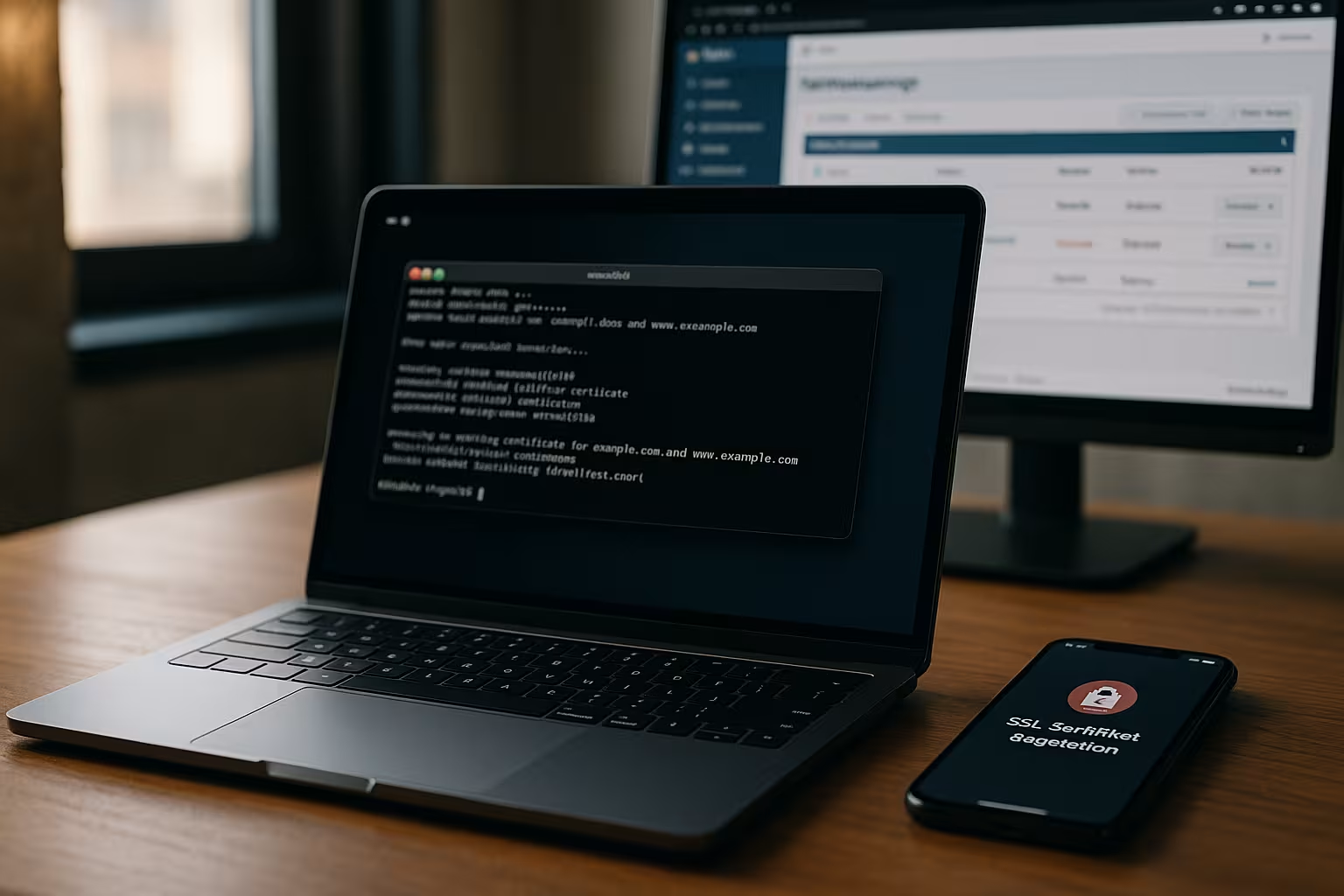
Activate automatic renewal with the hosting provider
Many hosting panels offer one-click activation for Auto-Renew. I activate the option for each domain, check the stored validation (HTTP-01/DNS-01) and then check the validity in the browser lock. With several domains and subdomains, I save a lot of time and avoid gaps between two certificates. For a secure basic start, the compact 5 steps to a secure website. After that, I just keep an eye on the hoster's expiration notices and regularly test the HTTPS accessibility.
I also make sure that the Contact e-mail is up-to-date in the hoster account so that expiration and error messages are received. If Auto-Renew runs via ACME, I take the following into account Rate Limits of the CA and - if available - use a staging environment for tests so that I don't inadvertently block myself. For DNS-01 validation, I schedule TTLs so that entries propagate quickly. Is there CAA Records in the zone, I check whether my certification authority is allowed there - otherwise the renewal will fail despite auto-renewal.
For multi-domain or wildcard setups, I check whether the hoster has the Automatic DNS update supported. Without an API connection, I define clear processes: Who creates the TXT records, who controls the resolution and when are they removed again? This preparatory work ensures that Auto-Renew does not fail due to organizational hurdles.
Manual extension: From the CSR to installation
For special requirements, root servers or certain certification authorities, I renew manually. First, I create a new CSR with a suitable key (RSA 2048+ or ECDSA), including the correct common name/subject alternative names. I start the renewal order in the CA portal, confirm the domain control (e.g. HTTP-01 via .well-known or DNS-01 via TXT) and wait for issuance. I then download the certificate and intermediate certificates and check the chain locally. I store the certificate, key and intermediate in the hosting panel (e.g. Plesk or cPanel) and test the Chain with an SSL check.
I usually use New keys with every renewal in order to keep crypto standards up to date. For ECDSA, for example, I use a curve such as prime256v1; for RSA I choose at least 2048 bits. The CSR always contains all the hostnames that I want to secure - including Base domain and www (e.g. example.tld and www.example.tld). I plan the installation so that the new certificate is ready before the old one expires; many servers allow this Seamless replacement with a reload without downtime.
After installation, I test the delivery both with www and without www, via IPv4 and IPv6and check the complete chain. If the chain is not correct, I import the appropriate intermediate of the CA. I make sure that the server is only reload (reload configuration), do not restart hard so that active connections are not interrupted.
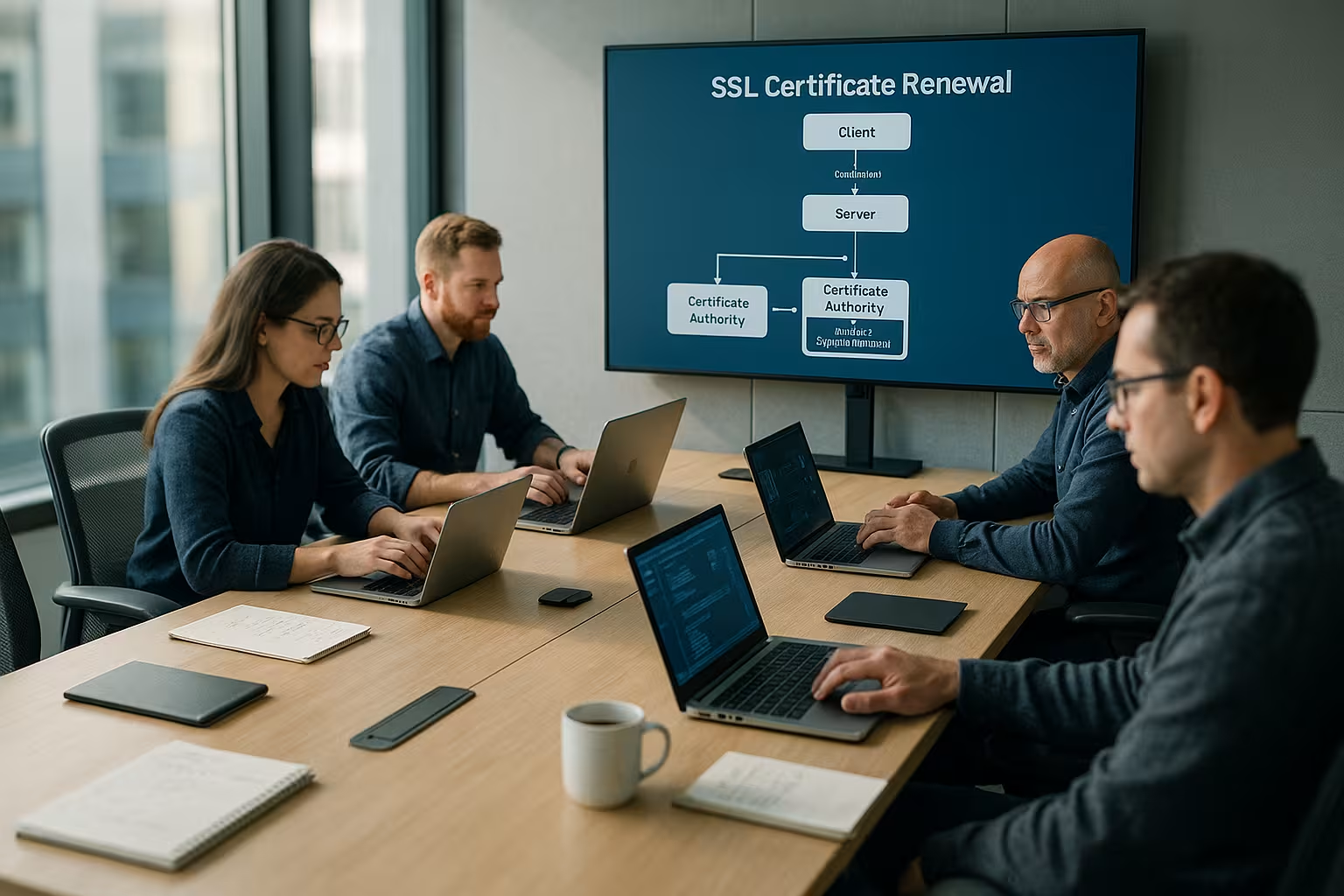
Server practice: Apache, Nginx and IIS at a glance
With Apache I store the paths in the vHost: SSLCertificateFile (server certificate), SSLCertificateKeyFile (private key) and - depending on the version - SSLCertificateChainFile or a bundled full-chain file. After the exchange, I check the configuration and reload it. For Nginx I set ssl_certificate (full chain) and ssl_certificate_key (key). I test the configuration, reload it and then check HTTP/2/HTTP/3 and SNI handling via several server names.
At IIS I import the certificate into the certificate store (computer) and bind it to the site. It is important for each hostname SNI if several certificates are running on the same IP. For automated Windows setups, I schedule an ACME client to handle renewal and binding. In all cases, I document the paths, file permissions (key only for the web server process) and the exact procedure so that the next renewal date runs smoothly.
SSL in WordPress: Set up, enforce, automatically extend
With WordPress I keep it simpleI activate Let's Encrypt in the hosting, enforce HTTPS via plugin (e.g. Really Simple SSL) and check the mixed content widgets. If WordPress runs on its own server, I use Certbot including a cronjob for automatic renewal. In multisite setups, a wildcard certificate is worthwhile to secure subdomains collectively. I use this tutorial for a quick start: Free SSL in WordPress. I then check the lock symbol in the browser and the certificate validity period in the WordPress tools.
After the changeover I replace hard http links in the database so that images, scripts and styles load cleanly via HTTPS. I also check caching plugins and CDN integrations to ensure that they handle the HTTPS variant correctly. Important: When forcing HTTPS, I pay attention to clean redirects (a 301 chain) so that SEO signals are not diluted and no endless loops are created.
On my own servers I plan to use the Certbot-Renewal as Cronjob and store post hooks that reload Nginx/Apache after successful renewal. In managed WordPress environments, I use the hoster's auto-renew functions and regularly check whether the .well-known challenges are accessible - especially when security plugins or WAF rules are strictly enforced.
Avoid typical errors: Validation, chain, redirects
Often the Validationif the HTTP-01 file under /.well-known/pki-validation/ is not accessible. For the renewal, I briefly deactivate aggressive redirects (e.g. from non-www to www) or rules that block access. If intermediate certificates are missing, browsers reject the certificate; I import the complete chain. If there are several certificates on one IP, SNI must be active, otherwise the server will deliver the wrong certificate. After each change, I delete caches so that I can see the real, current status.
Other typical stumbling blocks: A AAAA record (IPv6) points to a different server than A (IPv4), the challenge fails. Or the WAF blocks access to .well-known. With DNS-01, high TTLs cause delays; I temporarily set them lower. Exist CAA Records without approval for the CA used, I cancel the renewal until the entry is corrected. In container or chroot environments, I pay attention to correct mounts and rights so that the web server or ACME client can really deliver the challenge files.

Hosting comparison: Who renews most reliably?
I pay attention to a Intuitive interface, automatic renewal for all domains and fast support. This saves me maintenance time and noticeably reduces downtime. For providers with Let's Encrypt integration, I set the auto-renew option once and check accessibility via HTTPS monitoring. There are clear instructions for All-Inkl that make activation very quick: Let's Encrypt at All-Inkl. The following table shows what I attach particular importance to in the comparison.
| Hosting provider | Automatic renewal | Surface | Support | Rating |
|---|---|---|---|---|
| webhoster.de | Yes | Very intuitive | Fast | 1st place |
| All-Inkl | Yes | Simple | Good | 2nd place |
| Host Europe | Partial | Medium | Medium | 3rd place |
| SSD web hosting | Partial | Medium | Medium | 4th place |
I also check whether the provider DNS APIs for DNS-01 (important for wildcards), provides log insights for failed validations and whether certificates can be conveniently exported as a full chain. A good panel shows Expiring certificates The system starts at an early stage, allows granular rights (e.g. only SSL management) and documents every step. This saves time and prevents knowledge from being tied to individual people.
Recognize process and proactively prevent
I can see the status at any time via the Castle-icon in the browser, the certificate details provide information about validity and issuer. I also set notifications in the hosting panel and set up monitoring that warns of expiry. My own servers receive a cron job that runs Certbot regularly and checks logs. In WordPress, I check for notifications from the security plugins and monitor the console for mixed content. This combination prevents downtime and keeps the encryption active without interruption.
For the Technical control I use simple checks: Retrieving the certificate expiration dates, checking the chain and protocol support (TLS 1.2/1.3). In monitoring, I plan warning levels (e.g. 30, 14 and 7 days before expiry) and check whether reload hooks have really fired after successful renewal. This allows me to detect problems at an early stage - before visitors see warning pages.

Safety tuning after the renewal
After the renewal, I get the maximum out of TLS and activate TLS 1.3 (in addition to 1.2), deactivate old protocols and outdated ciphers. HSTS with sufficiently long max-age binds clients to HTTPS and reduces attack surfaces. OCSP stapling reduces latencies and relieves the OCSP responder of the CA. If you use RSA, choose 2048 bit or switch to ECDSA for better performance if necessary. At the end, I validate the setup with an SSL test and take a close look at the protocols and cryptographic settings.
I prefer modern cipher with Forward Secrecy and activate ALPN so that HTTP/2 and HTTP/3 are used efficiently. If available, I set parallel ECDSA and RSA certificates This way, modern clients get the high-performance ECDSA variant, while older clients remain compatible via RSA. I increase HSTS gradually (e.g. first days, then weeks) to avoid permanently cementing misconfigurations. I actively check OCSP stapling after the reload so that clients do not have any additional network latencies.
Practical procedure in brief
I start with a status check, make a note of the Expiration date and decide: leave auto-renew active or renew manually. For auto-renewal, I check the validation path (HTTP-01/DNS-01) and test the accessibility of the challenge. For manual renewal, I create the CSR, request the certificate from the certification authority and install the certificate plus chain. I then enforce HTTPS, delete caches and check mixed content. Finally, I set up monitoring and notifications so that I never miss a deadline again.

Special cases: Wildcard, multi-domain and validation types
If I operate many subdomains, I use a Wildcard-certificate (*.domain.tld) and save myself separate certificates. For several completely different domains, I use SAN/UCC certificates that combine several host names. DV certificates are sufficient for most projects, OV/EV provide additional identity verification - useful for stores or portals with sensitive data. I pay attention to the runtime limits and plan the renewal so that there is no intersection during peak operation. For DNS validation on productive zones, I work with clear naming conventions so that I can quickly find entries again and Change can.
At Wildcard is important: Validation is done exclusively via DNS-01, so I use automated DNS updates or dedicated maintenance windows. In multi-domain environments, I make sure that all variants are in the SAN list (including subdomains that have been added over the course of the year). For load balancer setups, I plan the Distribution of the new certificates to all nodes and then test each VIP/region separately. With changing teams, it helps to have clear documentation on who receives which secrets (keys) and when, and how they are securely stored.
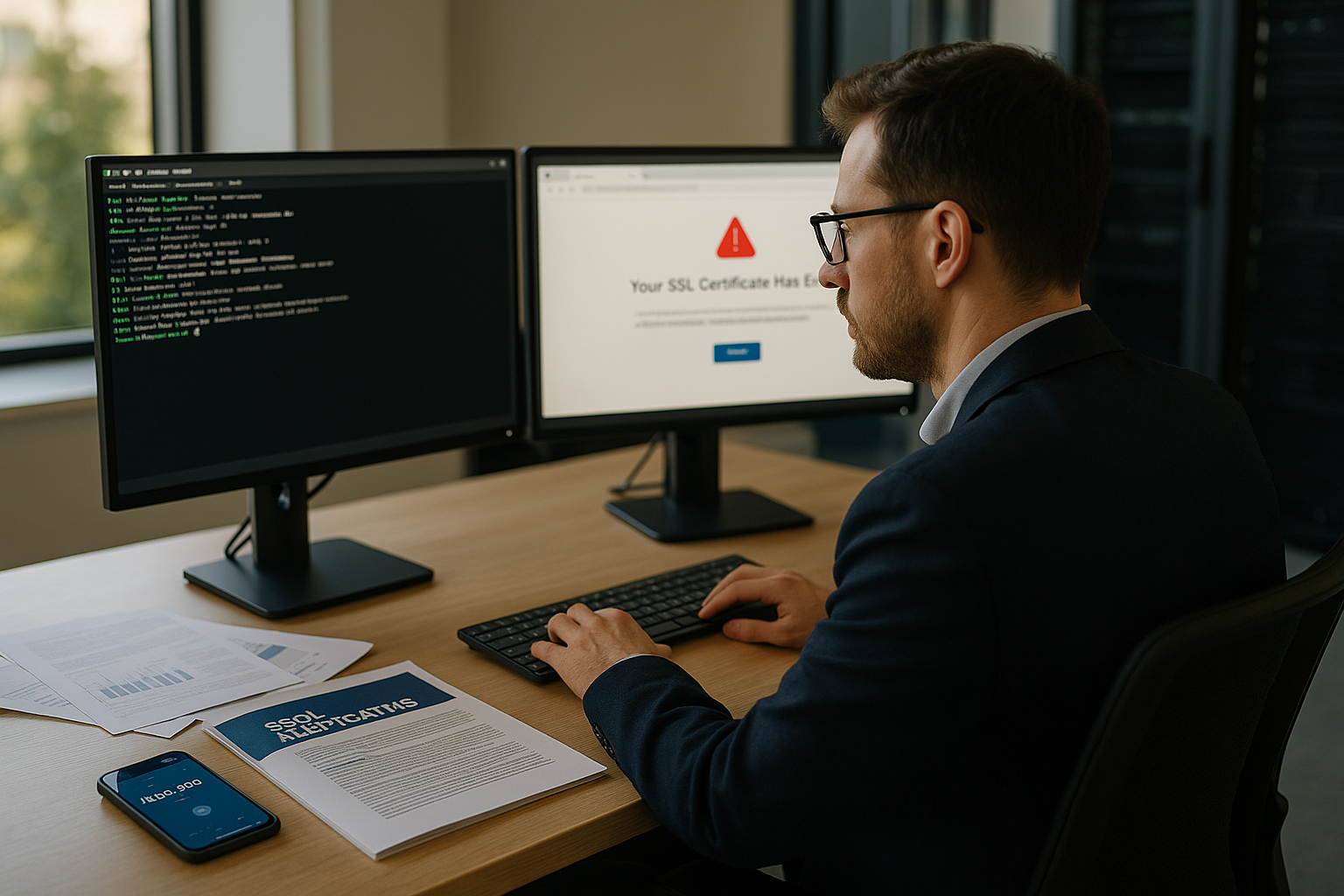
ACME and complex environments: CDN, WAF and reverse proxies
Do I use CDN or a WAF, I make sure that the validation reaches the Origin: Either I have the challenge requests answered at the Edge (if supported) or I perform targeted bypasses for /.well-known/ on. For HTTP-01, there may be a redirect to HTTPS, but the challenge must be accessible without auth headers, rate limits or geo-blocks. For DNS-01, I test whether the TXT record is available worldwide and whether no split horizon configuration is interfering with the evaluation.
Behind Reverse proxies I check the headers further back (X-Forwarded-Proto) so that the application reacts correctly to HTTPS and does not generate any mixed-content errors. For zero-downtime renewals, I roll certificates step by step first one knot, then the others - so I can roll back quickly in case of problems without risking all connections.
Emergency plan: revocation, key loss and quick replacement
If there is a Key-Leak or a compromise, I immediately revoke the certificate and issue a new one with new keys. I keep a Checklist ready: Access to the CA portal, revocation procedure, generation of new keys, fast distribution and reload. I then check OCSP stapling and caches to remove old chains from the caches. I note the cause, time and countermeasures in the documentation - this makes audits easier and prevents recurrences.
Briefly summarized
I renew certificates in good time, check the Auto-Renew-function and keep the validation accessible. Where auto-renew does not work, I renew manually: generate CSR, apply, install chain, test HTTPS. I secure WordPress with forced HTTPS and monitoring, my own servers are controlled by cronjobs and Certbot. I avoid errors by keeping an eye on the .well-known challenge, intermediate certificates, SNI and forwarding rules. With this process, encryption remains active, users trust the site and visibility does not suffer from expiry warnings.