 Skip to content
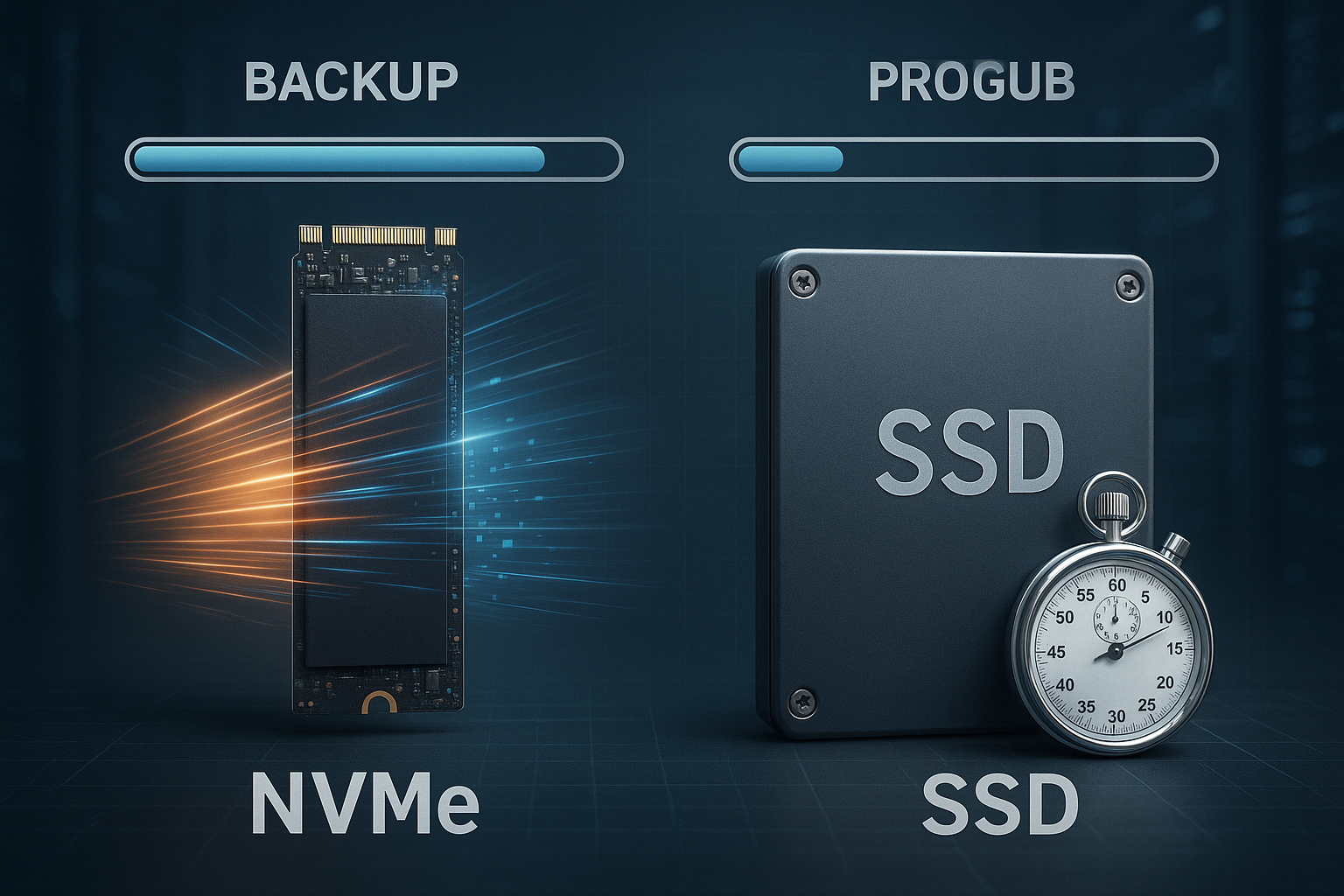
Storage classes Backup determines how quickly I back up and restore data: NVMe often reduces the backup time by several minutes per 100 GB compared to SATA SSD, depending on throughput and latency. This article shows how NVMe and SSD influence backup times, which bottlenecks really count and how I can derive a reliable strategy for hosting backups from this.
Key points
- NVMe advantageHigher throughput, lower latency, significantly shorter backup and restore times
- Backup type: Full, incremental, differential use NVMe to varying degrees
- Cloud classesS3 standard for speed, IA/Archive for cost control
- RAID/FS: Layout and file system influence real transfer rates
- RTO/RPOTests and monitoring ensure reliable restart times

NVMe vs SATA SSD: Why backups benefit so much
NVMe uses PCIe lanes and a lean protocol, which increases Throughput and IOPS and the latency drops significantly compared to SATA SSDs. SATA SSDs are typically 520-550 MB/s, while PCIe 4.0 NVMe achieves up to 7,000 MB/s and PCIe 5.0 NVMe over 10,000 MB/s, which greatly accelerates full backups. For 100 GB this means in simple terms: SATA-SSD takes around 3-5 minutes, PCIe-4.0-NVMe 15-30 seconds, depending on compression, encryption and file mix. Incremental jobs also benefit from the low Latency, because many small random reads/writes run faster. If you want to make a deeper comparison, you can find practical differences in the NVMe/SSD/HDD comparison, which compares performance and costs.
Backup types and their interaction with the storage class
Full backups write large blocks of data sequentially, which is why the backup speed almost linearly with the raw throughput of the storage class. Incremental backups save deltas since the last run; the low NVMe latency and high IOPS performance with many small files are particularly important here. Differential backups are in between and benefit in practice from fast reads when assembling the restore chain. For hosting backups, I minimize RTO and RPO in this way: smaller delta, fast media, clean planning. I combine the methods and run full backups less frequently, while incremental jobs are run on NVMe rotate daily or more often.

Throughput, IOPS and latency in the backup context
For realistic backup times, I look at three key figures: sequential Throughput, random IOPS and the latency per operation. Sequential throughput determines full backup duration, IOPS and latency drive incremental jobs, many small files and metadata. Compression and encryption can limit the raw values if the CPU does not keep up with the data rate. I therefore measure both: storage performance and CPU utilization during the backup. The following table shows typical sizes for 100 GB jobs in optimal conditions without a network bottleneck:
| Storage type | Max. Reading | Max. Write | Usual backup time (100 GB) | Latency |
|---|---|---|---|---|
| SATA SSD | 550 MB/s | 520 MB/s | 3-5 minutes | 80-100 µs |
| PCIe 3.0 NVMe | 3,400 MB/s | 3,000 MB/s | 30-60 seconds | ~25 µs |
| PCIe 4.0 NVMe | 7,000 MB/s | 6,800 MB/s | 15-30 seconds | 10-15 µs |
| PCIe 5.0 NVMe | 12,000 MB/s | 11,000 MB/s | < 15 seconds | 5-10 µs |
In practice, values are often lower because file sizes, checksums, snapshots and CPU load slow down the advantage of NVMe remains clearly visible. NVMe is particularly advantageous for parallel jobs, as several queues are processed per core. For many small files, IOPS and latency count more than the pure MB/s specification. I therefore plan buffers: 20-30% headroom on the expected rate so that backups do not slip out of the time window during bottleneck phases. This reserve pays off during night runs and bottlenecks in the network.
Cloud storage classes in the backup mix
For external copies I use S3-compatible classes, whereby Standard is the best choice for fast recovery. Infrequent access saves running costs, but requires longer retrieval times and possibly retrieval fees. Archive classes are suitable for legal retention, not for time-critical restores. I combine local NVMe snapshots with S3 standard for fresh copies and move older versions to cheaper classes. A good introduction to the concepts is provided by Object storage in hosting, which clearly explains the advantages and disadvantages.
RAID and file systems: speed and protection
RAID layouts influence the effective Backup rate because stripe size and parallelism meet or miss the software's write patterns. RAID 10 delivers high IOPS and solid write performance, RAID 5/6 offers more capacity but weaker random writes. Modern file systems like XFS or ZFS handle parallel streams efficiently and facilitate snapshots, which can shorten backup windows. For Linux hosts, I check specific workloads and then choose the file system. A brief decision-making aid is provided by ext4, XFS, or ZFS with performance notes for common scenarios.
Practical example: 100 GB calculated in figures
Suppose I back up 100 GB uncompressed at a net rate of 2,000 MB/s to NVMe, then the duration is around 50 seconds. On a SATA SSD with 500 MB/s, I need around 3.3 minutes, plus overhead for checksums and metadata. If I use 2:1 compression and the CPU keeps up the speed, the time required is often halved. Things get tight when the CPU or network can't keep up: A 10 GbE link limits at 1,000-1,200 MB/s net, no matter how fast the drive is. That's why I test end-to-end and not in isolation, in order to determine the real Backup time to plan safely.
Network and software: the often overlooked brake
Backup software decides how well I can take advantage of NVMe at all. Single-threaded pipelines hardly saturate fast media, multi-stream and asynchronous I/O significantly increase the rate. Deduplication saves transmission and memory, but costs CPU and random IOPs, which quickly overloads inexpensive SSDs. TLS encryption protects the data but also requires computing power; AES-NI and hardware offload help here. I therefore check in parallel: streams, compression, dedup and encryption - and adapt the pipeline to the target medium instead of blindly adopting default values.

Cost check: Euro per minute saved
I like to calculate backwards: If NVMe saves an average of 2.5 minutes per day compared to SATA SSD at 100 GB, this adds up to around 75 minutes per month and 15.6 hours per year, per Server. At an hourly rate of €50 for operating time or opportunity costs, this amounts to €780 per year; in many setups, the benefits significantly exceed the additional cost of an NVMe solution. Critical systems with small backup windows benefit in particular because delays immediately turn into RTO risks. Anyone storing archives can add cost-effective object storage classes and thus reduce media costs. This view helps to economically underpin decisions beyond bare MB/s figures.
Use security features without losing speed
Unchangeable backups with Object Lock protect against tampering, ransomware and accidental deletion. I create snapshots on NVMe sources, export them dedicated and transfer them with throttling so that production IO is not slowed down. Versioning in S3 enables fine-grained restore points that I age with lifecycle rules. Encryption at-rest and in-transit remains mandatory; however, I measure the CPU costs and select parameters that comply with the backup windows. In this way, security is not a brake, but part of the plannable routine.

Migration strategy without downtime risk
When switching from SATA SSD to NVMe I first back up the status quo, create test runs and measure the end-to-end times. I then migrate workloads on a rolling basis, starting with the largest backup windows, so that the effects are immediately visible. Snapshots and replication reduce switchover times; I plan overlap until new jobs are running stably. Backoff strategies prevent several large jobs from generating peaks at the same time. Documentation and a short rollback path ensure operation if the first few nights deviate.
Configuration that enables speed
I set the queue depth and parallelism so that the IO queues of the NVMe drives are utilized, but not overfilled. Larger block sizes help with full backups, small blocks and more streams accelerate incremental runs. Write-through vs. write-back cache and flush intervals influence latency and consistency; the intended use is what counts here. Monitoring with I/O wait times, CPU steal and network buffers reveals bottlenecks early on. I use these signals to gradually sharpen the pipeline instead of risking big leaps.
Implement application consistency and snapshots correctly
Fast media is of little help if the data is inconsistent. I achieve application-consistent backups by specifically stabilizing databases and services before the snapshot: Pre/post hooks for freeze/thaw, short flush intervals and journal writes avoid dirty pages. Under Linux I use LVM or ZFS snapshots, with XFS if necessary. xfs_freeze, under Windows VSS. For databases: back up write-ahead logs and document the recovery chain. Virtual machines receive quiesced snapshots with guest agents; this keeps the file system and app status consistent. The result: fewer restore surprises and reliable RPOs without unnecessarily extending the backup window.
Verification and restore drills: trust is created on the way back
I systematically check whether backups are readable and complete. This includes end-to-end checksums, catalog/manifest checks and random restores to an isolated target environment. Monthly restore drills for critical services measure true RTOs and detect schema or authorization errors. Regular integrity scans are mandatory for deduplicating repositories; object storage benefits from ETag-comparisons and periodic scrubbing. Results end up in a runbook: Which steps, which goal, which duration. This turns recovery from an exceptional case into a routine - and investments in NVMe show their benefits at the moment of truth.
Hardware details: NAND type, TBW, PLP and thermal effects
Not all NVMe is the same: TLC models hold high write rates longer than QLC, whose SLC cache is exhausted more quickly under continuous load. In backups with long sequential writes, this can halve the net rate as soon as thermal throttling sets in. I pay attention to sufficient cooling, heatsinks and airflow to avoid throttling. Enterprise drives with Power Loss Protection (PLP) protect data in the event of a power failure and deliver more consistent latencies. I set the key figure TBW (Total Bytes Written) in relation to my daily backup volume in order to keep wear and tear calculable. This keeps the pipeline stable - not just in the benchmark, but night after night.

Scaling the backup pipeline
As the number of hosts grows, orchestration becomes crucial. I stagger start times, limit simultaneous full backups and reserve time slots per client. An NVMe-supported Landing Zone-Cache on the backup server buffers high peaks and tiers data asynchronously in object storage. Fair share algorithms and IO rate limits prevent a single job from consuming all resources. I only increase parallel streams as far as the source, target and network can keep up; beyond saturation, latency increases and the net rate falls. The goal is a smooth utilization curve instead of nightly peaks - this is how I maintain SLAs even if a restore unexpectedly intervenes.
Network and OS tuning for high rates
For 10-25 GbE, I optimize MTU (jumbo frames, if end-to-end possible), TCP buffer, receive-side scaling and IRQ affinity. Modern stacks benefit from io_uring or asynchronous I/O; this reduces syscall overhead and increases parallelism. I choose a TCP congestion control method that fits my latency and use multiple streams to utilize high-BDP links. On the CPU side, AES-NI and possibly compression levels that match the core clock help (e.g. medium levels are often the best ratio of throughput and ratio). Important: Do not optimize at one end and create bottlenecks at the other - end-to-end measurement remains the guideline.
Workload-specific notes: Databases, VMs and containers
I back up databases log-based and at the exact time: base backup plus continuous log recording reduces RPO to almost zero and speeds up restores. For VMs, change block tracking and agent-based quiesce methods are worth their weight in gold because they precisely capture incremental volume changes. In container environments, I separate control plane data (e.g. cluster metadata) from persistent volumes; snapshots via CSI drivers on NVMe backends noticeably shorten backup windows. Common denominator: application consistency before raw performance. Only when the semantics are right is it worth exploiting NVMe throughput and IOPS.
Rules and compliance: 3-2-1-1-0 in practice
I establish the 3-2-1-1-0 rule operationally: three copies, two media types, one offsite, one immutable, zero unchecked errors. In concrete terms, this means: local NVMe snapshot copy, secondary copy on separate storage (different RAID/different availability zone) and offsite in S3 with object lock. Lifecycle policies map retention periods, legal hold mandates remain unaffected by deletion runs. Regular checksums and test restores provide the „0“. This makes technical measures compliant and auditable - without exceeding the backup windows.
Benchmarking without measurement errors
Correct measurement means reproducible measurement. I select block sizes and queue depths to suit the target (e.g. 1-4 MB for sequential full backups, 4-64 KB with higher parallelism for increments). I take caches and preconditioning into account in order to make SLC cache effects visible. Warm-ups, uniform test duration and evaluation of P99 latencies show whether spikes are imminent. „dd“ with OS cache provides dummy values; asynchronous I/O patterns that are similar to the backup software are meaningful. In parallel, I log CPU, IO wait and network so that the cause is clear - not just the symptom.
Capacity and cost planning over time
Backups grow gradually: new clients, larger databases, more files. I plan capacity in three dimensions: Throughput (MB/s per window), IOPS/latency (for metadata and small files) and storage requirements (primary, offsite, immutable). On NVMe I dimension 20-30% reserve for peaks, in S3 I consider retrieval costs and potential cross-region replication for disaster cases. An NVMe-supported landing zone allows aggressive dedupe/compression in the follow-up and reduces object storage costs. Important: Check trends monthly and define thresholds that trigger timely hardware or network upgrades.
Which platform suits my goal?
For productive hosting environments, I check whether the provider NVMe RAID, snapshots and S3 connection. Decisive details are PCIe generation, available lanes, network bandwidth and reliable offsite targets. A comparison of current offers quickly shows whether advertised rates are realistically achievable or just peak values. If you want to get your bearings, you can check the key data against practical measurements and evaluate test backups. In this way, I avoid bad investments and prioritize the components that actually reduce the backup time.
Plan to take away
First I measure the actual time per job and record RTO and RPO requirements per service. I then identify the bottleneck: storage, CPU, network or software pipeline. Then I make targeted upgrades: NVMe for primary data and backup cache, 10-25 GbE in the core, multi-stream and compression according to CPU. This is followed by restore tests, which I repeat monthly, and a lifecycle plan for offsite copies. For more contextual information, it's worth taking a look at the compact overview of NVMe/SSD/HDD, which briefly compares performance, costs and fields of application.
Briefly summarized
NVMe shortened Backup times noticeable: more throughput, many more IOPS, significantly less latency. Full backups benefit from sequential speed, incremental runs from fast random access. Cloud classes complement local NVMe snapshots if I want to keep RTO and costs balanced. RAID layout, file system, network and software determine whether the hardware shows its potential. If you measure systematically, eliminate bottlenecks and adapt the pipeline, you can achieve reliable storage class backups with calculable time windows.


