Skip to content
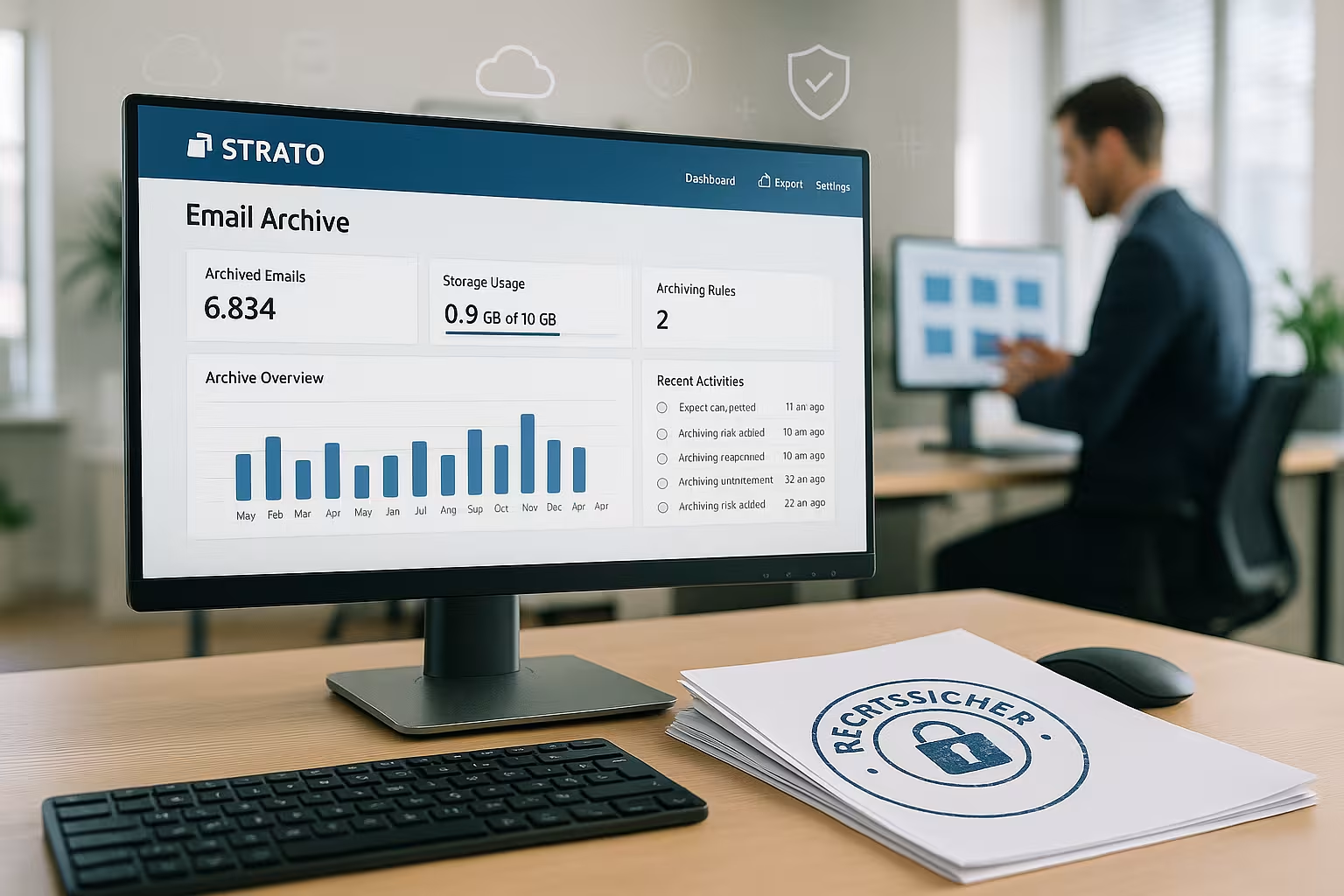
I activate the strato email archiving in the Customer Center in just a few steps and secure all business messages in an audit-proof manner from this point on. This is how I fulfill GoBDHGB, AO and DSGVO, comply with retention periods and restore emails in seconds if necessary.
Key points
- GoBD & GDPR: legally compliant and comprehensible
- Automatic Archiving: incoming and outgoing
- Search & Export: find quickly, .eml/.pst
- Germany Hosting: certified data centers
- Deadlines Set tax-proof
What does legally compliant email archiving mean at STRATO?
For me, legally compliant archiving means that every relevant e-mail is stored unalterably in the Archive and remains traceable, comprehensible and complete. I store electronic business letters for up to ten years and document everything that has been received or sent. I rule out any changes to content, as the storage is tamper-proof. In this way, I comply with legal obligations and reduce my Risk during tax audits. At the same time, I maintain an overview because I use search and export functions directly in the account.

Legal basics compact
I set up the archiving in such a way that it complies with §§ 257 HGB and 147 AO, because these specifications are the Storage of business letters and accounting documents. The GoBD requires immutability, traceability and clear procedural documentation. I handle personal data in compliance with the GDPR, set deletion deadlines and observe the principle of data minimization. For details on obligations and best practices, I refer to the Legal requirements approach. In this way, I prevent sanctions and ensure consistent Compliance over the entire life cycle of the e-mail.
How to activate archiving step by step
I log in to my STRATO customer account and go to the desired package via "Manage e-mails" in order to receive the Function to start. In the administration menu, I select "Mail archiving", accept the terms and conditions and book the paid option. I then define which mailboxes I want to include and which I want to exclude, for example for particularly sensitive mail. Mailboxes. I activate the service with one click and from then on all new emails are automatically stored in the archive. I find practical additional information in the STRATO E-Mail Detailsso that I don't overlook any options.

Management, search and recovery
In the archive I call up an extended Search and filter by sender, recipient, time period, subject or keywords. Attachments can also be found immediately, which significantly simplifies checks and internal controls. A restore function returns emails directly to the original mailbox. For external analyses or additional backups, I export individual emails or entire folders as .eml or .pst files. This allows me to keep workflows lean and stay with Audits able to act quickly.
Safety and technology behind the service
The archives are located exclusively in German, certified data centers, which gives me clear Data sovereignty secures. Redundant storage protects against failures and prevents data loss due to hardware errors. I benefit from strict access controls, logging and a professional operating environment. Encryption in transit and other security measures round off the concept. This means that my e-mail history is reliably preserved and I arm myself against Ransomware-episodes.
Integration and system requirements
I use archiving with common protocols such as IMAP and SMTP without having to install additional local software. The administration is web-based, so I can also adjust settings on the go. All STRATO mailboxes can be included, which makes implementation particularly fast. Existing workflows remain in place because the archive works in the background and does not disrupt any habits. This is how I integrate the solution into my Setup without interrupting projects.
GDPR practice: blocking, deletion concept, deadlines
I define which mailboxes or addresses I exclude from the archive, for example for applications or personnel files, in order to Data protection cleanly. I set clear retention periods for material that is subject to mandatory archiving and document them. I also check the hit lists at intervals and export random samples to check the quality. A deletion concept ensures that I consistently remove data once the deadline has expired. In this way, I maintain a high level of transparency and fulfill the principle of Data minimization.
Best practices in everyday life
I rely on IMAP accounts in Apple Mail and other clients so that the server always has the Stand the folder holds. Regular test restores show me that processes are working and user rights are working correctly. I also export regular backups in .pst format in case I want to check or migrate locally. I proactively monitor storage space and clean up mailboxes without affecting the archive. These routines save time and secure Compliance in day-to-day business.

Comparison of email archiving solutions 2025
I think outside the box and check how alternatives perform in order to Requirements cleanly. Legal certainty, hosting location, usability and integration are crucial. The following overview summarizes the most important points and shows where the strengths lie. Additional background information on Legal archiving 2025 help with the classification. This is how I make an informed choice and keep Risks low.
| Provider | Legal certainty | Hosting in DE | Integration | Recommendation |
|---|---|---|---|---|
| webhoster.de | Very high | Yes | Very simple | 🥇 Test winner |
| STRATO | High | Yes | Simple | |
| IONOS | High | Yes | Simple | |
| TBA-BERLIN | Medium | No | Complex |
Common mistakes and how to avoid them
Some people leave sensitive mailboxes carelessly in the archive, which is against the Need-to-know-principle; I specifically exclude such addresses. Others do not test restorations for years and only realize that rights are missing in an emergency; I check this regularly. Incorrect retention periods are also common, such as retention periods that are too short or too long; I document retention periods properly. Duplicate archiving through forwarding bloats storage; I define clear paths. With clear rules, I keep my Archive slim and resilient.

Troubleshooting and support tips
If there is no archiving, I first check whether the mailbox in the Configuration is included. I then check delivery paths, quotas and any client rules that move mails immediately. A short export test shows whether authorizations match and the formats are running correctly. Logs in the customer center help me to narrow down the points in time and causes. If I don't get any further, I formulate a compact Ticket with sample data and exact time stamps.
Teamwork: roles, responsibilities and training
I define who is allowed to execute searches, pull exports or start restores so that Access remains under control. Training courses on GoBD, GDPR and internal guidelines keep the team on track. Brief procedural documentation explains the purpose, scope, deadlines and responsible parties. Quarterly audits ensure that rules are implemented and new mailboxes are taken into account immediately. This keeps the Transparency high and the solution works in everyday life.

Capture model: What actually ends up in the archive
I make sure that all relevant communication channels are recorded: incoming emails to my domains and outgoing emails from my mailboxes. I check whether aliases, group addresses and forwarding are also taken into account. I handle catch-all addresses carefully to avoid having unwanted bulk emails in the archive. If I use external gateways or security filters, I verify that the entire flow still ends in the archive and that nothing is routed "past" by server rules or client rules. This is how I prevent gaps in the document chain.
Storage classes and deletion concept in detail
I classify emails into retention classes with defined retention periods. For documents relevant to commercial and tax law, I set standard periods of six or ten years, depending on the content (e.g. business letters vs. accounting documents). Operational mails with no legal relevance are given shorter periods, provided there are no other obligations to the contrary. I clearly describe the criteria: subject, sender/recipient, functional mailboxes, attachments and typical workflows. My procedural documentation records how I make the assignment and how I deal with exceptions (e.g. legal dispute → block/legal hold). After the deadline has expired, I delete consistently and in a logged manner in order to meet the GDPR requirements.
Import of historical e-mails (post archiving)
In order to maintain a complete history, I include old files in the archive wherever possible. I do this by providing existing emails from clients or legacy systems as .eml or .pst and - if the function is available - transferring them to the archive. Alternatively, I work with a dedicated IMAP mailbox into which I import old mail so that the service can capture it. I take care to retain original metadata such as date, sender and recipient and to avoid duplication. Spot checks ensure that the number, time periods and folder structures are plausible. In this way, I create a consistent starting point and reduce audit risks.
Encryption, signatures and indexing
I consider emails with end-to-end encryption (S/MIME/PGP). If content remains encrypted, the full-text search can only access metadata; this is acceptable, provided it is legally sufficient. If decryption keys are available centrally, I document the process and the protection of the keys particularly strictly. I randomly check digital signatures to verify integrity and proof of sender. In any case, I record which data fields are searchable and how I respond to requests quickly and in a legally compliant manner.
Protocols, evidence and probative value
I use logs from the archive to track access and changes to authorizations. For audits, I export complete emails including headers so that dispatch routes and delivery information are visible. I document the chain of evidence: from capture to storage to export. This allows me to conclusively demonstrate to auditors that emails are complete and unchanged and that archiving was continuously active. Sampling protocols and monthly control reports increase the evidential value.
Cost planning, storage and scaling
I calculate the budget realistically: there are usually recurring costs per mailbox or package and possibly for storage. I plan for growth through attachments (PDFs, images, CAD files) and set thresholds above which I rebook storage or optimize mailbox policies. For capacity planning, I use key figures such as average emails per user and month, average attachment sizes and expected runtimes. Early planning prevents bottlenecks and avoids ad hoc measures in test phases.
Monitoring and regular tests
I establish a lightweight monitoring system: monthly spot checks, a short restore test for each team, export of a reference mail and checking of log entries. In the event of anomalies (e.g. a sudden lull in certain mailboxes), I investigate the causes in a structured manner. I note who is responsible, escalation paths and response times so that failures do not go unnoticed. I keep these routines concise but consistent so that they do not burden operations and provide security in the event of an emergency.
Change management and onboarding/offboarding
I anchor archiving in onboarding: I set up new mailboxes directly with the correct rules and check aliases for coverage. During offboarding, I ensure that mailboxes remain protected until the relevant deadlines expire and that no aliases are deleted. Deletions take place ahead of time. Role changes in the team are directly reflected in the authorizations so that only authorized persons have access to searches and exports. I document changes briefly and comprehensibly.
Multi-domain, aliases and groups
I often operate several domains or use aliases and group mailboxes for teams. I therefore explicitly test whether group mails and alias addresses appear in the archive and are assigned correctly. I handle catch-all mailboxes restrictively to avoid spam floods. For cross-functional mailboxes, I define responsibilities and visibility so that data protection and need-to-know are maintained.
Business continuity and restart
I plan for disruptions: If a mailbox is blocked or a client is compromised, the archive remains my reliable source. I practise how to get a large number of emails back into mailboxes in a short space of time and document the process (RTO/RPO). In the event of ransomware incidents, I fall back on the archive to selectively restore working capacity without covering my tracks. This is how I secure business operations even under pressure.
Set up practical procedural documentation
I keep my procedural documentation concise and effective: purpose, scope, roles, recording paths, deadlines, deletion concept, monitoring, tests and escalation. An appendix with examples (e.g. typical invoice processes or project communication) makes it easier to understand. I add the date and approval to changes. This means I can present them in audits without any effort and use them internally as a reference.
Briefly summarized
With the strato email archiving I secure business emails in a legally compliant, traceable and efficient manner. Activation, search, export and recovery are interlinked and give me speed in my day-to-day work. I fulfill legal obligations from HGB, AO, GoBD and DSGVO with clear deadlines and a documented procedure. On the technology side, I benefit from German data centers, redundancy and lean web administration. If you want to delve deeper, you can find additional information about STRATO in compact overviews and thus save Time during operation.