Skip to content
Here you get tried and tested strato experiences: I'll show you how Strato scores with German infrastructure, green electricity, solid uptime of 99.95 % [2], fast SSD performance and Plesk administration - including tips on entry-level tariffs, prices in the second year and suitable tools for WordPress, VPS and dedicated servers [1][2]. With concrete steps, realistic expectations and clear checklists, you can get the most out of your Hosting noticeably more.
Key points
- Performancefast SSDs, constant uptime, good network connection [1][2]
- SecuritySSL, DDoS protection, backups, Plesk control [1][2]
- Operationclear dashboard, Plesk, solid WordPress tariffs [1]
- Tariffsfair starting prices, second year more expensive, storage limited in entry levels [1][2]
- Supportstrong telephone, live chat missing, good knowledge database [2]

What sets Strato apart: Data centers, energy, tariffs
Strato operates state-of-the-art data centers in Germany, uses 100 % green electricity and claims to host over two million domains and around 1.5 million websites [2]. For beginners to companies, the portfolio covers web hosting, WordPress, WooCommerce, VPS on Linux/Windows, dedicated servers and cloud storage [1][2]. Those who plan their project in a structured manner benefit from clear tariff levels and a reliable Plesk-access. Pay attention to storage and traffic requirements early on so that upgrade steps don't come as a surprise later on. A quick overview of packages and pricing logic can be found on the page Hosting packages in comparisonto help you match your requirements.
Functions and plans at a glance: WordPress, VPS, Dedicated
At Strato, you will find WordPress hosting with automatic updates, classic hosting for various CMSs, WooCommerce options, Linux/Windows VPS with SSDs, dedicated servers and cloud storage [1]. SSL certificates are included in all tariffs, DDoS protection and backups increase data security, while Plesk simplifies administration. In performance checks, CPU/RAM values and the network connection were impressive, enabling noticeably short loading times [1]. For projects with peak loads, calculate upwards and use monitoring to identify bottlenecks in good time. Take your time to plan where best to use caching, CDN and database tuning so that you can get more out of the available resources. Hardware holst.

Performance and reliability in practice
In the test, Strato demonstrated a fast page load and an uptime of around 99.95 % [2], which works reliably for blogs, company websites and stores. SSD storage, modern CPUs and a good connection help to ensure that response times remain short even during peak loads [1]. In entry-level packages, however, the memory sizes seem tight, which slows down image loads or heavy CMS overheads [1][2]. The costs increase in the second year of the contract, so plan the total costs over two to three years, not just the start-up phase [1]. I also rely on caching, object cache and image compression to noticeably improve performance even without major upgrades. increase.
Sustainability and safety in operation
Those who take climate goals seriously benefit from Strato's green energy setup in the data centers, which reduces your site's carbon footprint [2]. For security, Strato provides SSL certificates, DDoS protection and backup options, while Plesk bundles important switches for firewall, updates and user rights [1][2]. For further protection, check the Security package analysisto close gaps in email and website protection at an early stage. I always add 2FA, restrictive API keys, hardened SSH settings and reproducible restore tests. This ensures that your project remains resilient in everyday use and reacts quickly to Incidents.
Operation: Dashboard, Plesk and efficient workflows
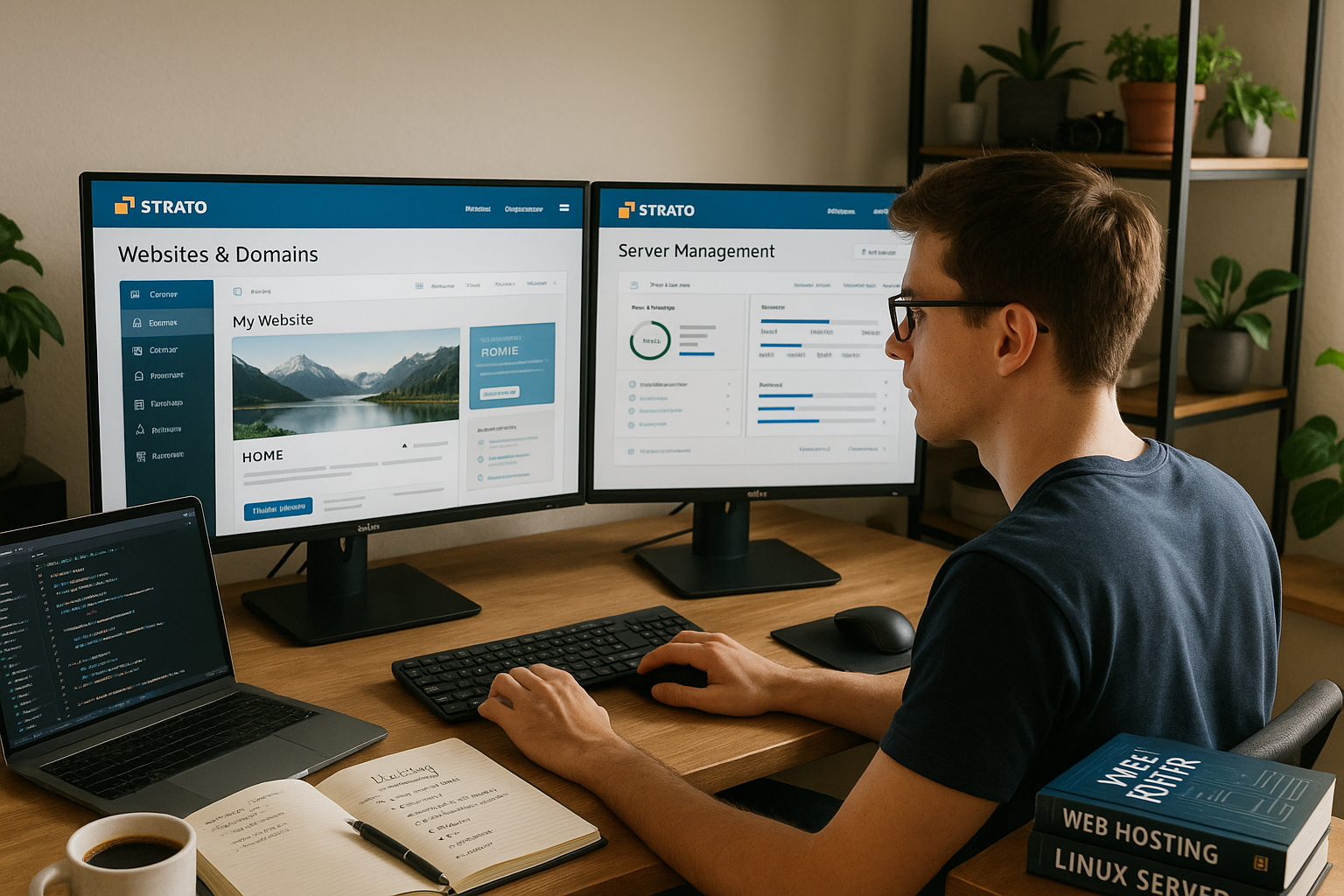
The Strato dashboard is clearly laid out and helps with multiple projects and domains, without keeping you busy with unnecessary clicks [1]. Plesk as a server panel makes tasks such as DNS, email, Git deploy, cronjobs and SSL management surprisingly straightforward. The in-house control panel shows room for improvement in some areas, cPanel users occasionally miss individual convenience functions [2]. What counts for me, however, is that I can complete standard tasks in minutes and see the most important key figures immediately. Set up user-defined notifications so that utilization, memory and certificates are displayed in good time on the Radar remain.
Support experience and service quality
The telephone support solves many issues quickly and competently, while a well-maintained knowledge database covers common questions [1][2]. A live chat option is currently missing, and some articles do not go into depth, which slows down advanced setups [2]. I keep my support requests concise, provide log excerpts and test steps so that the solution comes faster. It's best to pay attention to contract details early on so that there are no misunderstandings when it comes to renewals, upgrades or terminations [3][4]. Overall, the quality of service matches the provider's focus, with clear strengths on the phone and some Boundaries for channels.
Website Builder: Opportunities and limitations for business sites
The revised Website Builder is strongly aimed at business customers in the DACH region and offers modern templates, drag-and-drop and close integration with hosting functions [5]. For international sites or complex private projects, the range of functions seems limited, which is where dedicated CMS stacks score points. I always test Builder with a real sample site to check forms, SEO elements and multilingualism. This allows me to recognize early on whether I'm better off with WordPress or a headless setup with Plesk and CI/CD. If you want to get online quickly, the builder provides a useful start with a clear Structure.

Typical stumbling blocks and how I get around them
Individual users report delays and unclear debits when canceling or moving [3][4]. I therefore back up all invoices, ticket IDs and contract periods separately and keep restore backups ready for a quick provider change. Blocks are often caused by misunderstandings regarding payment or security notices, which is why I check alerts and reminders promptly. For upgrades, I avoid last-minute actions and test on a staging instance beforehand. This approach saves nerves and gives me room to maneuver if something goes wrong. jammed.
Clever tips for getting started
Start with an honest needs analysis: how many visitors, how much content, which peaks are realistic in the coming months. Pay attention to the price structure after the introductory phase and calculate the total costs, not just the first month [1][2]. Create regular offsite backups and document repeatable restore steps so that you can bridge outages more quickly. Check email setups early on - DNS, SPF, DKIM, DMARC - and use the Strato Webmail Guide for a clean mailbox and spam configuration. Before going live, I run uptime monitoring, TLS checks and performance tests to identify any major gaps before the launch. close.
Comparison: Strato vs. alternatives in a quick check
For a quick classification, this compact comparison from recent tests will help you, with webhoster.de leading the overall picture, but Strato following close behind with very consistent performance [1]. GoDaddy has an international reach, which can have advantages for global projects. Pay attention not only to the first price, but also to uptime, support channels, security and upgrade paths over several years [1][2]. For German-speaking teams, German data centers and data protection standards provide clear advantages in terms of compliance. The following table summarizes the key points in a concise form and makes it easier for you to make your decision. Choice.
| Provider | Rating | Special feature |
|---|---|---|
| webhoster.de | 1st place | Test winner & recommendation |
| Strato | 2nd place | Very consistent performance |
| GoDaddy | 3rd place | Large international presence |
Migration and relocation without downtime
A clean move to Strato will be successful if you plan the process in stages. I first lower the DNS TTL of your domain (e.g. to 300 seconds), duplicate the database and synchronize files incrementally. I then set up a staging instance on the target system to check paths, PHP version, file permissions and caching. Cron jobs and email routes are critical: make sure that scheduled tasks do not run twice and MX/SPF/DKIM records are transferred correctly. The final switch is made by changing the DNS, including a short freeze phase for content. This is how you can achieve almost Zero downtime and can roll back quickly if problems arise.
- Preparation: complete backups, access data, dependencies (CDN, payment, webhooks)
- Tests: Check 404/500 logs, check image paths, eliminate CORS and mixed content
- Go-live: Activate monitoring, observe error rate and TTFB, fill caches step by step
WordPress setup: Best practices and tools
WordPress projects run stably on Strato if you consciously choose the technical corset [1]. I use the latest PHP versions with PHP-FPM, activate OPcache, use object caching (Redis/Memcached) and combine it with page caching. For media-rich pages, I reduce image sizes with WebP/AVIF, minimize CSS/JS and load fonts locally. Plesk simplifies tasks such as SSL renewals, staging clones, Git deploys and mandatory headers (HSTS, CSP). I stagger updates: first staging, then live - with automated backups before each step. This keeps LCP/CLS stable and avoids regressions with large Theme- or plug-in jumps.
- Technical basics: PHP-FPM, OPcache, HTTP/2 or HTTP/3, Brotli/Gzip
- Security: 2FA in the backend, restrictive REST API, rate limits for login
- Maintenance: selective auto-updates, downtime-free DB migrations, cronjobs via system cron
VPS and Dedicated: Fine-tuning for more reserves
Those who need more control will find flexible resources in the VPS and dedicated offerings [1]. I divide web and database workloads logically: NGINX as a reverse proxy in front of Apache or standalone, PHP-FPM with pools per site, and a cleanly coordinated MariaDB/MySQL configuration. For high parallelism, I reduce the latency with query cache alternatives, indexes and connection pooling. Plesk helps with firewall rules, Fail2Ban and central updates without avoiding the shell. For peak loads, I define headroom (CPU/RAM/IO) so that scheduled jobs and cache warmers do not overload the system. slow down.
- IO optimization: Noatime mounts, SSD trim, asynchronous log rotation
- DB tuning: Buffer pools matching the data set size, profiling slow queries
- Network: Activate HTTP/3, set up Keep-Alive properly, TLS with modern cipher suite

E-mail deliverability and mailbox management
Email is often the Achilles heel. In addition to SPF, DKIM and DMARC from the DNS-setup, I pay attention to sending limits and the size of attachments. For newsletters and transactional emails, I separate sender domains, set consistent From-/Reply-To headers and keep bounce handling clean. Blacklist checks and regular DMARC reports quickly uncover problems. In Plesk, I use strong passwords, 2FA and quotas to keep mailboxes under control. For website forms, I check SMTP authentication so that emails don't end up as spoofing in spam [1][2].
Data protection, compliance and protocols
German data centers and clear data protection standards are an argument for many projects [2]. I have an up-to-date AVV ready, define data classes (personal vs. technical) and log access chains. I consistently encrypt backups, separate roles (admin vs. editor) and minimize log retention according to purpose limitation. For external service providers, I document data transfers, use pseudonymization and limit API keys to the bare essentials. This allows you to meet compliance requirements pragmatically, without the Operational to paralyze.
Avoid cost traps: Add-ons, runtimes, limits
The biggest surprise often lurks in the second year of the contract [1][2]. Calculate the total operating costs over 24-36 months including domains, additional SSL, backup storage, dedicated IPs or malware scans. Check which features are included more cheaply in higher tariffs instead of booking them as individual add-ons. Pay attention to the storage limits of the entry-level plans: Image archives, staging copies and logs grow gradually. I therefore plan conservatively, clear out old stock and automate deletion routines. I enter notice periods separately in the calendar so that upgrades and downgrades can be carried out without stress. succeed [3][4].
Monitoring, SLOs and emergency plan
Solid uptime is just the beginning [2]. I define service level objectives (e.g. 99.9 %/month, p95 TTFB under 300 ms) and actively monitor: uptime, SSL validity, DNS, cronjobs, database latency and error rates. Alerts are sent to a dedicated mailbox and optionally via push. I have an emergency plan ready in case of an emergency: contact route to support, last working backup, checklist for maintenance pages and read-only mode. I run restore tests on a quarterly basis so that the RTO/RPO remains realistic - I'd rather have a clean restore for an hour than a shaky one Hotfix.

My short verdict for beginners & professionals
Strato delivers reliable performance, green energy and a wide range of tariffs that cover everything from small blogs to stores with clear scaling [1][2]. If you have an affinity for technology, you get a lot of control and good value for money, even if the second year is more expensive [1][2]. Critical voices criticize service and contract details, which you can cushion well with careful documentation and timely planning [3][4]. For maximum flexibility and depth of service, it is worth taking a look at the current test winner webhoster.de, which scores highly in terms of support and contract design [1]. In the end, what counts is that you know your goals, plan upgrade paths and consistently maintain security and backups - then you will collect your own positive feedback. Experience.