Skip to content
With the strato wordpress auto installer, I can set up WordPress in just a few minutes and save myself manual work steps such as FTP upload or database creation. So I start with a reliable basic configuration, choose my maintenance mode and keep updates and security under control right from the start.
Key points
The following key aspects show why I use the Auto-Installer for my WordPress-start:
- Fast Setup without technical ballast
- Security mode with auto-updates
- Flexibility mode for professionals
- Staging from Basic rate
- SSL and domains included

What the Auto-Installer does exactly
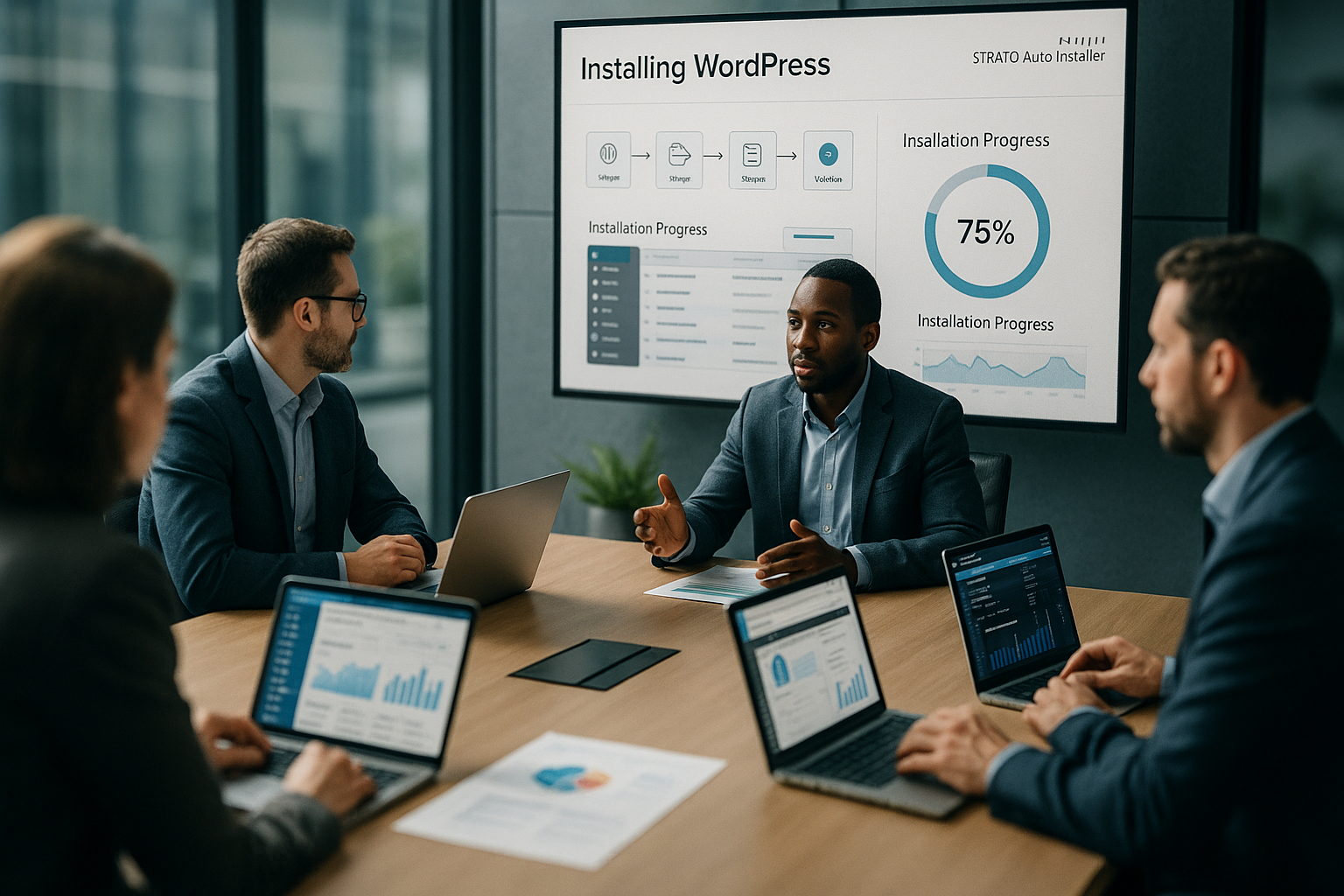
In the Strato customer menu, I take over the complete setup with a click and get a clean WordPress installation including database and domain assignment. Instead of completing many steps individually, the wizard guides me through short dialogs in which I set the domain, admin access and installation mode. Particularly helpful: I can choose between security mode with automatic updates or flexibility mode for manual control. This allows me to adapt maintenance and plugin control to my working style and keep control over changes. For beginners, security mode takes the pressure out of everyday life, while advanced users can experiment quickly in flexibility mode and still have a reliable Keep the basis.
Installation step by step - clear and fast
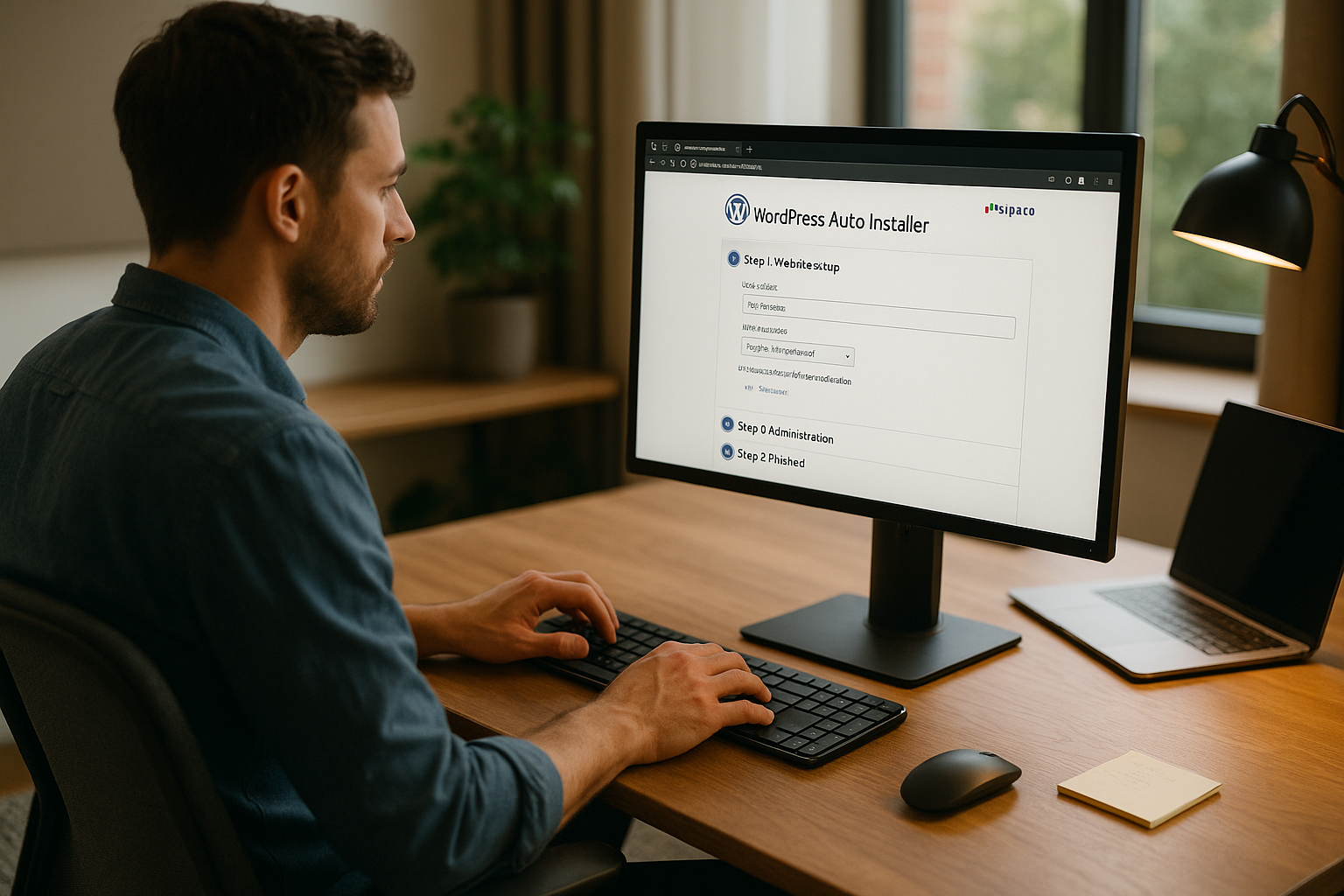
I start in the customer area under 1-Click-Installations and select WordPress, then I assign my domain and enter secure access data with sufficient Password strength. I then define the mode: I use security mode for a worry-free start and flexibility mode for individual setups. After confirmation, the wizard shows me the admin URL, my user data and links to the administration. Immediately afterwards, I log in to the backend, change the admin display name and activate the recommended security functions. The site is ready within a few minutes and I can set up the content, design and structure at my leisure - without Loss of time.
Security ex works: sensible defaults, less risk
The auto-installer activates automatic updates for core, plugins and themes on request, limits login attempts and hides the WordPress version number, which makes attack patterns more difficult and improves the Attack surface reduced. I customize the login URL, use strong passwords and set up a separate editor account so that I only rarely use admin access. Backup options help me to test changes without pressure and roll back quickly if necessary. For projects with a higher risk, I schedule fixed update windows and briefly check the site after each update. For further practical ideas, I use compact Safety tipsso that I can implement the most important levers directly and Page continuously.
Staging and testing: check updates first, then go live
From the Basic plan onwards, I set up a staging environment in which I can install new themes, plugins or major updates without affecting the real website try out. After my tests, I transfer the tested changes live in just a few clicks. In this way, I prevent failures, visual breaks and avoid surprises with payment or contact functions. This saves me stress, especially with stores, portfolios or campaign pages, because I recognize errors early on. I plan tests before major campaigns and check navigation, forms, loading times and mobile display as a minimum - this protects my Reputation and ensures conversions.
Understanding tariffs: Features that really count
When choosing a package, I pay attention to domains, SSL, databases, staging and cronjobs so that my project has sufficient Resources receives. The entry level already provides SSL and domain, while higher tariffs add staging and cronjobs. This allows me to scale functions in line with my requirements without having to go straight to the highest level. The decisive factor for me is that I can upgrade at any time later if traffic, content or integrations grow. For planning purposes, I use comparisons to clearly see features and price, for example when I want to Compare hosting packages and use my budget in a targeted manner. The following table shows a compact Overview:
| Tariff | Domains incl. | SSL certificates | SSD databases | Staging | Cronjobs | Price/month |
|---|---|---|---|---|---|---|
| Starter | 1 | 1 | 2 | no | no | from 4 € |
| Plus | 10 | 10 | 10 | Yes | no | from 10 € |
| Pro | 20 | 20 | 20 | Yes | Yes | from 20 € |
Performance factors: fast loading times without tuning stress
SSD-based storage solutions, the latest PHP versions and a lean theme give me good Loading times right from the start. I keep plugins manageable, use a caching plugin and minimize images before uploading them. I also ensure a clear page structure so that requests remain efficient and users are not kept waiting. I rarely need hard monitoring at the beginning, but I regularly check the most important URLs with a simple speed check. In this way, I remain capable of acting on performance without getting lost in the details and ensure a good User experience.
Classification in the market: Auto-Installer strong, comparison helps
For many projects, the Auto-Installer fits very well because setup, security and updates are convenient. simple function. Those with special requirements also look at the range of functions, support quality and upgrade paths. For a differentiated view, I have benchmarks ready and use competitor offers for comparison. A comparison such as Strato vs IONOS helps me to categorize strengths according to the project objective. For orientation, the table shows a compact ranking, which I keep in mind for larger projects and use as required. weights:
| Provider | Placement |
|---|---|
| webhoster.de | 1 |
| Strato | 2 |
| Competitor 1 | 3 |
Practical recommendations: Setup that makes everyday life easier
I start with the security mode, set up daily automatic updates and check the Function of the most important pages. Before making major changes, I copy the page to staging, test plugins, cache and forms, then transfer the result live. I also schedule backups before update waves so that I can revert quickly in the event of problems. With the theme, I focus on performance and good support, with the page builder on economical modules. In this way, I maintain speed, maintainability and an overview - and keep my options open in case my project needs to be updated. grows.

Avoid common mistakes: small checks, big impact
I don't use weak passwords and never leave the admin login standardso that bots don't stand a chance. I install plugins in moderation and remove superfluous ones to keep the site running smoothly. I don't blindly carry out updates on Friday evening, but plan time windows in which I can intervene if necessary. I configure tracking and cookie notices properly so that the site remains legally compliant and builds trust. I also document accesses, backup routines and my update plan - this makes me independent and keeps the Head free.
Preparations before installation: a clean start
Even before I install, I make a few decisions that will pay off later. I decide whether I want to launch directly under the main domain or initially under a subdomain (e.g. dev.mydomain.com). I like to use a subdomain for soft go-lives and only move to the main domain for the launch. I make sure that SSL is activated after domain mapping and that redirection to HTTPS takes effect. If I need email inboxes, I set them up beforehand so that system emails (e.g. password resets) arrive reliably. I also select the target directory now without cryptic additions - this way I avoid unnecessary forwarding later on.
Onboarding checklist after the first login
After the first login, I work through a compact list so that the basis is right and I don't have any stumbling blocks later on:
- General: Title, subtitle, language, time zone, date/time format
- Permalinks: Activate speaking URLs and keep slugs short
- Read: Define homepage/content page and check search engine visibility
- Discussion: Allow comments only if necessary, activate moderation
- Media: Adapt image sizes to the theme, regenerate thumbnails if required
- Users: Change admin display names, cleanly separate editor/author roles
- Design: Set favicon/site icon, structure navigation menus and widgets
- Data protection/imprint: Create and link pages
- Contents: Remove demo content, create first pages (Start, Contact, About me/us)
Migrate existing content: clean transfer
If I'm coming from an existing WordPress instance, I use the auto-installer for a fresh base and then import content. For simple blogs, the export/import via tools is often sufficient; for complex websites with lots of media, I rely on a tried-and-tested backup or migration plugin. Before the import, I synchronize the PHP versions, select identical permalinks and test the entire process in the staging environment. After the move, I check internal links, run a domain search-and-replace routine and regenerate missing thumbnails. This is how I prevent broken links or missing media.
SEO and visibility: getting the basics right first time
For clean findability, I activate meaningful permalinks, set clear page titles and meta descriptions and keep slugs short. I deliberately leave search engine visibility deactivated in staging environments and only activate it live. I make sure I have a sitemap, a well-maintained robots.txt and avoid duplicate content by configuring redirects properly (e.g. from www to non-www or vice versa). Breadcrumbs, structured data and descriptive headings provide orientation for search engines and users. For image SEO, I use consistent file names and alt texts - this also helps with accessibility.
Legal, e-mail and deliverability: solidly positioned
I plan imprint and data protection from the outset and configure my cookie notice transparently. Contact forms run with opt-in so that inquiries remain traceable. I integrate web fonts and external content as sparingly as possible. I set up the sender domain and authentication (e.g. SPF/DKIM/DMARC) correctly so that system and form emails arrive in the mailbox. In this way, I reduce bounces and keep a reliable eye on notifications.
Cronjobs and automation: reliable in the background
To ensure that scheduled tasks run on time, I use real cronjobs instead of pure WP-Cron, depending on the tariff. I define an interval in which updates are checked, backups are created and caches are refreshed. For larger projects, I also schedule maintenance windows in which automatic tasks are executed with a low load. This keeps the site stable and important background processes can be scheduled to run.
Test backups and restores
Backups are only as good as their restore. I therefore set up a smart retention schedule (e.g. daily incremental backups plus weekly full backups) and regularly test the restore in the staging environment. This allows me to see at an early stage whether all files and the database are complete. I create manual snapshots before major updates or plugin changes. For peace of mind, I document where the backups are located, who has access and what the emergency procedure looks like.
Multisite, multilingualism and subdomains: when does it make sense?
If I want to run several websites with shared plugins/themes, I think about a multisite. This saves on administration, but requires discipline for updates and backups and may require a wildcard SSL depending on the setup. For multilingual projects, I decide between a translation plugin and a multisite depending on the team and structure. A clear URL strategy (e.g. /de, /en) and separate menus for each language are important to me so that users can find their way around intuitively.
Deepening performance: leveraging reserves without over-engineering
Beyond the basics, I make sure I have reserves: I use modern image formats (e.g. WebP), activate lazy loading for images and embeds and keep the homepage lean. I make targeted use of JavaScript and CSS minification without breaking functions. I do without elaborate features in favor of a clear design. If the project grows, I plan to include a CDN or an object cache - but only when I see the benefits in monitoring. Important: Any additional tool is only added to the live site after staging tests.
Expanding safety: from standard to hardening
In addition to the defaults, I add protection mechanisms that cause little effort in everyday life: I activate two-factor authentication, restrict XML-RPC if necessary, deactivate the file editor in the backend and set file permissions restrictively. I add a captcha to login forms and additionally protect sensitive areas using IP filters or separate access. For traceability, I use audit logs so that I can assign changes. I use clear rules for user roles to prevent too many admin rights from being in circulation.
Error analysis and emergency plan: stay calm, act quickly
If something goes wrong, I proceed systematically: I check the health information, activate debug mode in the staging environment and take a look at the error logs. If an error occurs after an update, I deactivate plugins as a test, clear caches and resave the permalinks. For white pages, I check memory limits, timeouts and server-side limits. For maintenance phases, I use a clear message so that visitors know that work is being carried out. My emergency plan includes: last clean backup status, responsibilities, contact channels and the order of recovery.
Cooperation and processes: Order in the company
In the team, I define roles and responsibilities, record changes in a changelog and introduce small acceptance processes. Editors work with clear checklists (spelling, internal links, optimized images) before content goes live. I use a child theme for design adjustments so that updates remain secure. Regular mini-reviews of structure, loading time and security ensure that the site grows without becoming overgrown.
My brief summary
The strato wordpress auto installer takes a lot of technical work off my hands, delivers a clean basic configuration and gives me the choice between convenient maintenance and full control. With staging, SSL and SSD storage, I get off to a professional start without getting lost in the details. I plan updates and backups, keep the system lean and test changes in advance. In this way, I gradually build up a high-performance website that runs smoothly even in phases with more traffic. For growing projects, I keep an eye on tariff options and market comparisons - and use data to decide what is best for my customers. Strategy is most useful.