 Skip to content
I'll show you how I implement Strato WordPress security in practice: the Login consistently protect and Updates without failure. This significantly reduces the risk of attacks and keeps the installation permanently up to date.
Key points
To get started, I summarize the most important safety levers, which I prioritize and implement properly.
- HTTPS force and use SFTP/SSH
- Login hide and activate 2FA
- Updates promptly and securely
- Backups Automate and test
- Rollers Manage tightly and check logins
I implement these points consistently and without detours because they have the greatest effect. I start with a encrypted connection, secure access and set up reliable update routines. I then minimize attack surfaces through clear Rollers and strict password guidelines. I plan regular checks so that configurations do not become obsolete and protection mechanisms remain active. In this way, I create a traceable process that I can adapt to new risks at any time and expand quickly.

Strato hosting security: using SSH, SFTP and SSL correctly
For hosting I rely on SFTP instead of FTP and use SSH for administrative tasks so that no plain text goes over the line. I activate the SSL certificate provided and use 301 redirection to force the HTTPS-variant for all calls. I also check whether HSTS makes sense so that browsers only connect in encrypted form and avoid detours. After the changeover, I check internal links and embedded content so that no mixed content warnings appear. These basics strengthen any further measures and prevent simple gaps from remaining open later on.
I work with separate SFTP accounts for Production and staging and only assign the required directory path. Where possible, I use Key-based authenticationkeep private keys offline and rotate them. For the HTTPS enforcement, I make sure to set the preferred domain (www or without) once and keep it consistent. canonizeso that no duplicate content is created. I only activate HSTS when all subdomains are running properly on HTTPS to avoid exclusions and conversion problems.
I add meaningful Security header (more on this below), keep old TLS versions away from the client and test the implementation with a short test plan: Certificate valid, redirects clean, no mixed-content hints, cookies with secure flag. I repeat this checklist after domain changes or CDN use so that the chain remains stable.
Harden WordPress installation: wp-config, salts and database
During installation, I select strong database access data and secure the wp-config.php against unauthorized access. I use individual security salts to make cookies and sessions much more difficult to attack and keep keys up to date. I also limit the file editor in the backend to prevent direct changes to the code and reduce the attack surface. I check file permissions and specify which folders must be writable and which not. In this way, I prevent malicious code from being easily infiltrated through weak default values and taking root unnoticed.
In addition, I switch on useful Constants in the wp-config: FORCE_SSL_ADMIN forces the admin area to HTTPS, DISALLOW_FILE_EDIT prevents code editors, and - if the deployment process is in place - DISALLOW_FILE_MODS can block install/update functions in live operation. I set file permissions conservatively (directories 755, files 644; wp-config.php narrower, e.g. 440) and protect sensitive paths from direct access via .htaccess.
I prevent the Execution of PHP in upload directories so that uploaded files do not run as malicious code. To do this, I create an .htaccess with a simple deny for PHP in wp-content/uploads. I keep prefixes consistent in the database and don't update them afterwards without a plan - obfuscation is no substitute for real protection measures. More importantly, I clear out unnecessary default tables, demo data and unused users to reduce noise and attack surface.

Secure login: URL, .htaccess and 2FA
I shield the admin access with multiple levels so that bots and attackers can access it directly. Entrance fail. I move the default login URL to a user-defined address and thus prevent mass automated attempts. I also limit incorrect logins and block IPs that repeatedly fail so that brute force tools can't get through. Before the actual WordPress login, I optionally set an additional .htaccess password protection, which creates a second key is required. For compact instructions, please refer to my practical article Secure loginwhich I follow step by step.
I secure 2FA with Backup codes which I store offline. For editors who work on the move, I activate app-based codes instead of SMS. If there are fixed office IP addresses, I also restrict wp-login.php to these networks to minimize open attack surfaces. I deliberately keep error messages at login vague so that no information about existing user names is provided. For integrations with external services, I use Application Passwords or dedicated service accounts, never the admin access data.
Passwords and users: simple rules, big impact
I enforce passwords that are at least 12-16 characters long and rely on a Password managerto use long character strings without stress. I generally exclude short or reused passwords because they quickly appear in leaks. I activate two-factor authentication for admins and editors so that a lost password does not lead to total failure. I keep public display names separate from internal ones User namesto hide targets. I consistently delete accesses that are no longer used and document changes properly.
I plan regular User auditsWho has which role, which logins are inactive, which service accounts exist? I avoid shared accounts because they prevent tracking. I set up temporary access for external partners and make sure that everything is closed again after the end of the project. For password resets, I make sure that confirmations are sent to defined email accounts that are also secured with 2FA.
Minimize content and error notes: less surface to attack
I reduce visible system information so that scanners find fewer starting points and fingerprinting is more difficult. I do not display error messages to end users in detail, but log details in the Backend. I do not list directories so that nobody can guess file structures. I only keep public APIs and XML-RPC active when I really need them and otherwise block them on the server side. This keeps the visible Scope small and attacks hit far fewer starting points.
I block User enumeration (e.g. via ?author=1) and restrict the output of sensitive endpoints. I leave the REST API active for public content, but restrict access to user lists or metadata to authenticated requests. I also set a clear Error strategyWP_DEBUG remains off in live mode, detailed logs end up in files that are not publicly accessible. This allows admins to detect problems without providing visitors with technical information.
Set security headers correctly: Using the browser as a helper
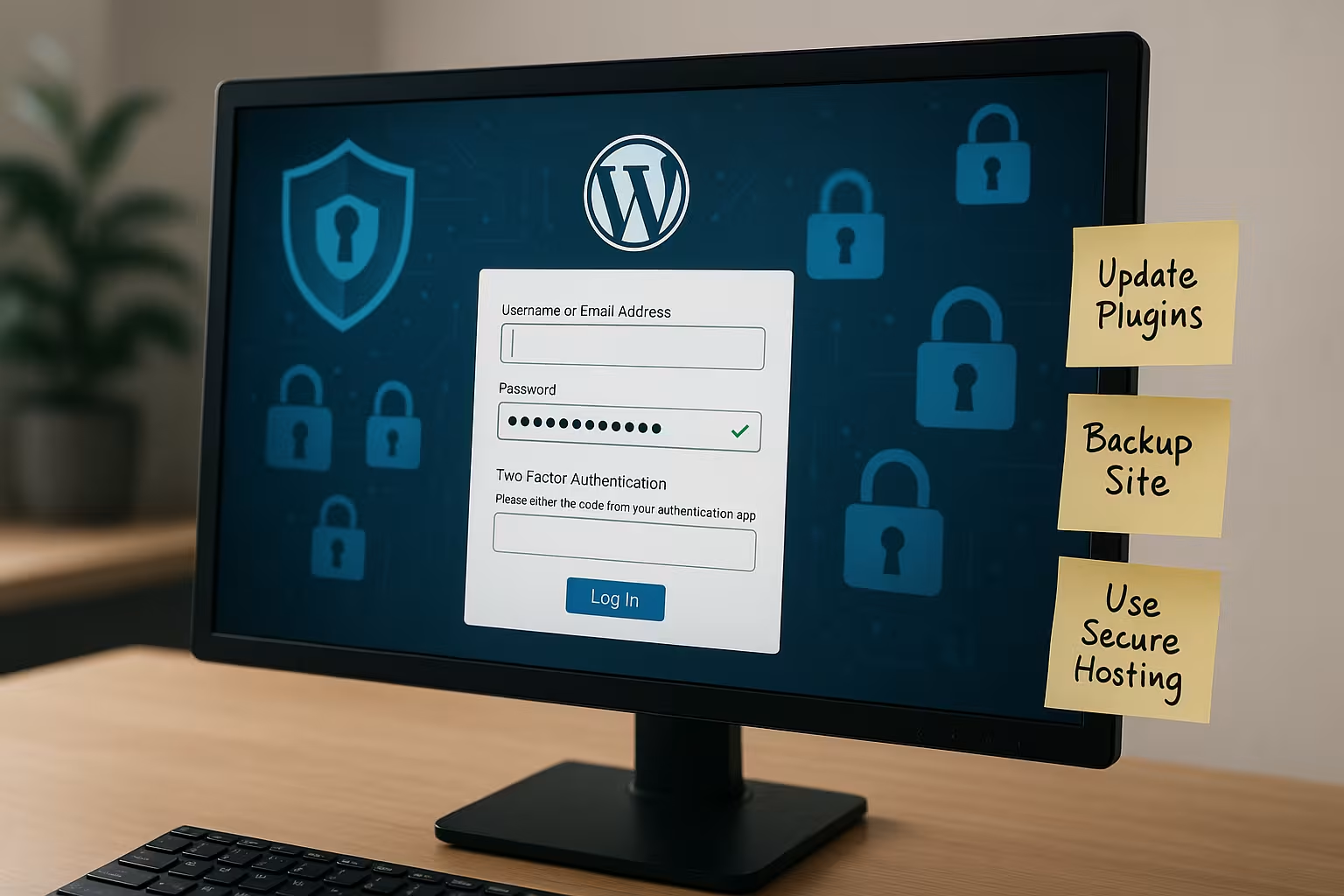
I add important HTTP security headerthat reduce attack surfaces in the browser: Content security policy for scripts and frames, X-frame options/frame instructions against clickjacking, X-content-type options for clean MIME types, referrer policy for sparingly passing on URLs and permissions policy to enable browser functions only when required. I start restrictively, check step by step and only allow what the page really needs. In this way, I prevent embedded third-party content from becoming an unnoticed risk.
Staging and deployment: testing changes without pressure
I maintain a Staging environment on a subdomain or separate directory, protect it with a password and set the indexing to "noindex". I synchronize data selectively: A reduced data set is often sufficient for UI tests; I mask sensitive customer data. I test updates, theme adjustments and new plugins there first, check logs and performance and only transfer changes after Acceptance into production.
For deployments, I consider a clear Procedure on: Activate maintenance mode, create a fresh backup, transfer changes, run clean database migrations, empty caches, exit maintenance mode again. I use WP-CLI via SSH to quickly perform database updates, cache flushes, cron triggers and checksum checks. This keeps downtimes short and reproducible.
Updates without risk: a clean update strategy
I update WordPress, plugins and themes quickly, prioritize security releases and plan fixed Maintenance window. Beforehand, I check changelogs, make a verified backup and test critical changes in a staging environment. After implementation, I check core functions, forms, caches and the front end so that no consequential damage remains in live operation. I remove old or unused extensions because they often open up attack surfaces and cost maintenance. This rhythm reduces downtime and keeps the Attack surface small.
| Update type | Frequency | Procedure with Strato/WordPress |
|---|---|---|
| Critical security updates | Immediately | Create backup, install update, function test, check log |
| Normal core updates | Short term | Test staging, live update in the Maintenance windowEmpty cache |
| Plugin/Theme updates | Weekly | Keep only necessary plugins, remove obsolete ones, check compatibility |
| PHP version | Regularly | Check compatibility, upgrade in hosting, monitor error log |
For a structured overall schedule, I use "Securing WordPress correctly" and adapt the steps to my surroundings. That way I don't lose any Priorities and can clearly delegate or automate recurring tasks. I document the update history concisely so that I can find the trigger more quickly in the event of problems. This documentation also helps when several people are involved and responsibilities change. With this discipline, systems remain plannable and Reliable.
I rate plugins criticalMaintenance status, update frequency, code quality and required rights. I replace function packages that were only installed for a minor issue with lean solutions or my own code. This reduces dependencies and keeps the attack surface small. If updates fail unexpectedly, I have a Rollback planRestore backup, run error analysis, prioritize hotfix.
Cron and automation: reliable instead of random
I replace the WordPress pseudo cron with a real cronjob in hosting so that scheduled tasks run on time and are not dependent on visitor traffic. I schedule security-relevant routines - scans, backups, log rotation - outside of peak times, but in such a way that alerts arrive promptly. After changes to plugins or themes, I trigger specific cron events manually and check the status so that no task gets stuck.
Configure security tools: Firewall, scan and rate limits
I use an established security plugin, activate the web application firewall and define Rate limits for login attempts. The malware scan runs daily and reports anomalies immediately by e-mail so that I can react quickly. I specifically activate protection against XML-RPC abuse and spam registrations so that unnecessary traffic is not generated in the first place. I log admin actions and logins so that I can quickly recognize unusual patterns. Captcha on sensitive forms slows down automated attacks, without blocking legitimate users. block.
I calibrate the WAF with a learning mode, look at the first false alarms and then tighten the rules. I only use country or ASN blockades with caution so as not to exclude legitimate users. I define stricter limits for the login area than for normal page views and set thresholds that significantly slow down 404 scanning. Suspicious path requests (e.g. for known exploit scripts) land directly on a terse 403 response without extensive processing.

Monitoring and alerting: detecting problems early
I set up Uptime monitoring with short intervals and check not only the status code, but also keywords on important pages. A second check monitors loading times so that anomalies are noticed early on. For logins, admin actions and plugin changes, I define alerts that reach me by email or push. This allows me to recognize unusual patterns - lots of 401/403s, sudden peaks, repeated POSTs - and can immediately react.
Backups and restores: back online quickly
I never rely on the hoster alone, but also use Backup plugin to an external memory. My rotation lasts for several generations so that I can also undo delayed damage. A regular test restore to staging shows me whether the backup really works and is complete. Before making major changes, I manually create a fresh image so that I can jump back immediately if necessary. This routine saves time, nerves and often money Moneyif something goes wrong.
Backups lock I save them outside the web root and document which folders are excluded (e.g. caches). I separate file and database backups, check file sizes and hashes and keep the necessary access data bundled for an emergency restore. My goals are clearly defined: What is the maximum data gap (RPO) is acceptable, and how fast (RTO) do I want to be live again? I plan frequency and storage based on this.
Rights and roles: as few as necessary
I only assign the rights that a person really needs and use the existing ones for this purpose Rollers. I keep admin accounts short and avoid shared logins so that I can clearly assign actions. I delete abandoned accounts and reorganize content so that there are no gaps. I set up time-limited access with an expiration date so that forgotten content does not become a risk. This clear structure reduces errors and blocks Abuse effective.
If necessary, I create finer rolls with specific capabilities so that workflows are properly mapped. Service accounts are only given API or upload rights that they really need and never admin access. I separate staging access from production access so that test plugins do not accidentally end up in live operation. When changing roles, I note the reason and date to simplify subsequent checks.

Further attack surfaces: Strato account and webmail
I not only protect WordPress, but also the hosting login and the Webmail-access, because attackers often take the easiest route. For the Strato account, I set long passwords and, if available, an additional confirmation. I store access data in the Manager and never share it unencrypted by email. For specific tips, I use my checklist for the Strato Webmail Login and transfer the steps to other logins. This way, the entire environment remains consistently protected and I close Side doors.
I also secure admin mailboxes: POP3/IMAP exclusively via TLS, strong passwords, no uncontrolled forwarding. I keep notification emails from the system lean and check that they are delivered reliably so that Alarms don't end up in nirvana. I document changes to the hosting (e.g. PHP version, cronjobs) in the same way as WordPress updates - so I can keep an eye on the overall situation.
Protocols and forensics: clean up incidents
I keep server and plugin logs active and rotate them so that there is enough history for analysis. I mark conspicuous IPs, unusual user agents and sudden peaks and compare them with previous logs. Messages. After an incident, I first secure evidence before I clean up so that I can precisely identify vulnerabilities. I then carry out targeted follow-up work, update instructions and adjust my monitoring. This follow-up work prevents recurrences and strengthens the Resilience of the installation.
My Emergency plan is clear: maintenance mode, block access, rotate passwords, back up the current status, then clean up. I check core checksums, compare file differences, check cron jobs and administrator lists, keep an eye out for suspicious mu plugins, drop-ins and must-use scripts and scan uploads. Only when the cause has been found and rectified do I put the system back into full operation and monitor the logs closely.

In a nutshell: this is how I proceed
I secure connections through HTTPS and SFTP, harden the installation and close any obvious gaps. I hide the login, limit attempts, set 2FA and keep passwords long and unique. I install updates quickly, test them in staging beforehand and keep clear documentation. Backups run automatically, are stored externally and are checked regularly to ensure that the restore works. I assign roles sparingly, check logins regularly and evaluate logs. This way, Strato WordPress security is not a one-off project, but a clear, recurring one Processthat keeps pages fast, clean and resilient.


