Skip to content
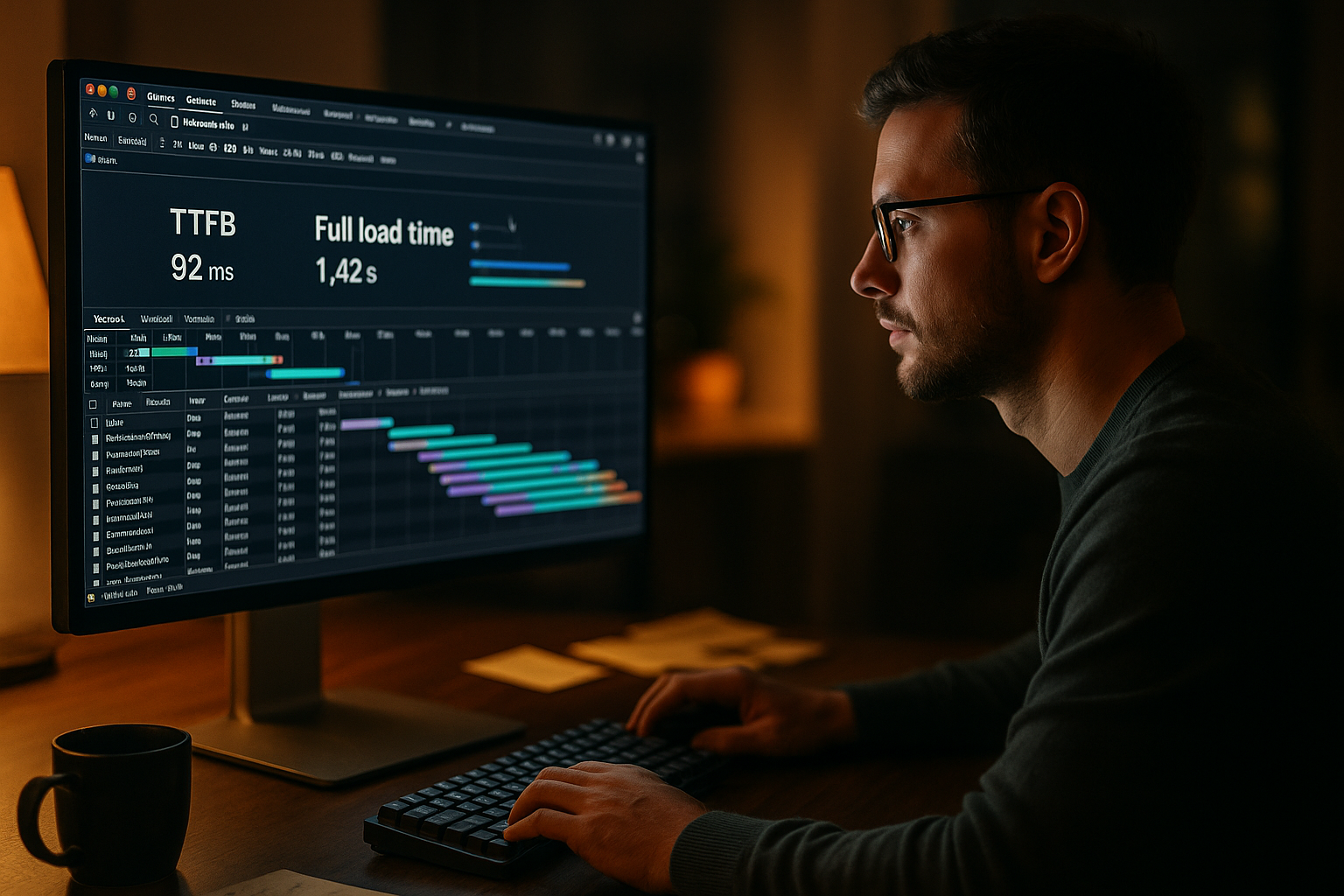
A TTFB analysis only shows me the start of the server response, while real loading time only becomes visible through rendering and resource handling. Those who deliver really fast pages to users measure TTFB in context and evaluate LCP, TTI and blocking scripts together [1][2][4].
Key points
I integrate TTFB into the entire supply chain and avoid short circuits due to isolated values. A well-planned measurement strategy uncovers brakes in the backend, network and frontend and directs the focus to noticeable speed. I pay attention to reproducible measurement points, identical locations and real user paths to ensure comparability [2][4]. The following key topics help me to make decisions that really reduce the perceived loading time. This is how I invest time in the places with the greatest Effect and prioritize Benefit.
- TTFB measures start response, not the visible rendering.
- Caching can make TTFB beautiful without speeding up interactivity.
- LCP and TTI show effect on users better.
- Location and CDN shift measured values significantly.
- Scripts and Database have a massive impact on server time.
I use lists like this sparingly, because what counts in the end is the evaluation of the entire chain from the DNS to the browser thread. Only then does a coherent picture emerge, which I can divide into meaningful Measures and for real Speed use.
What TTFB really measures
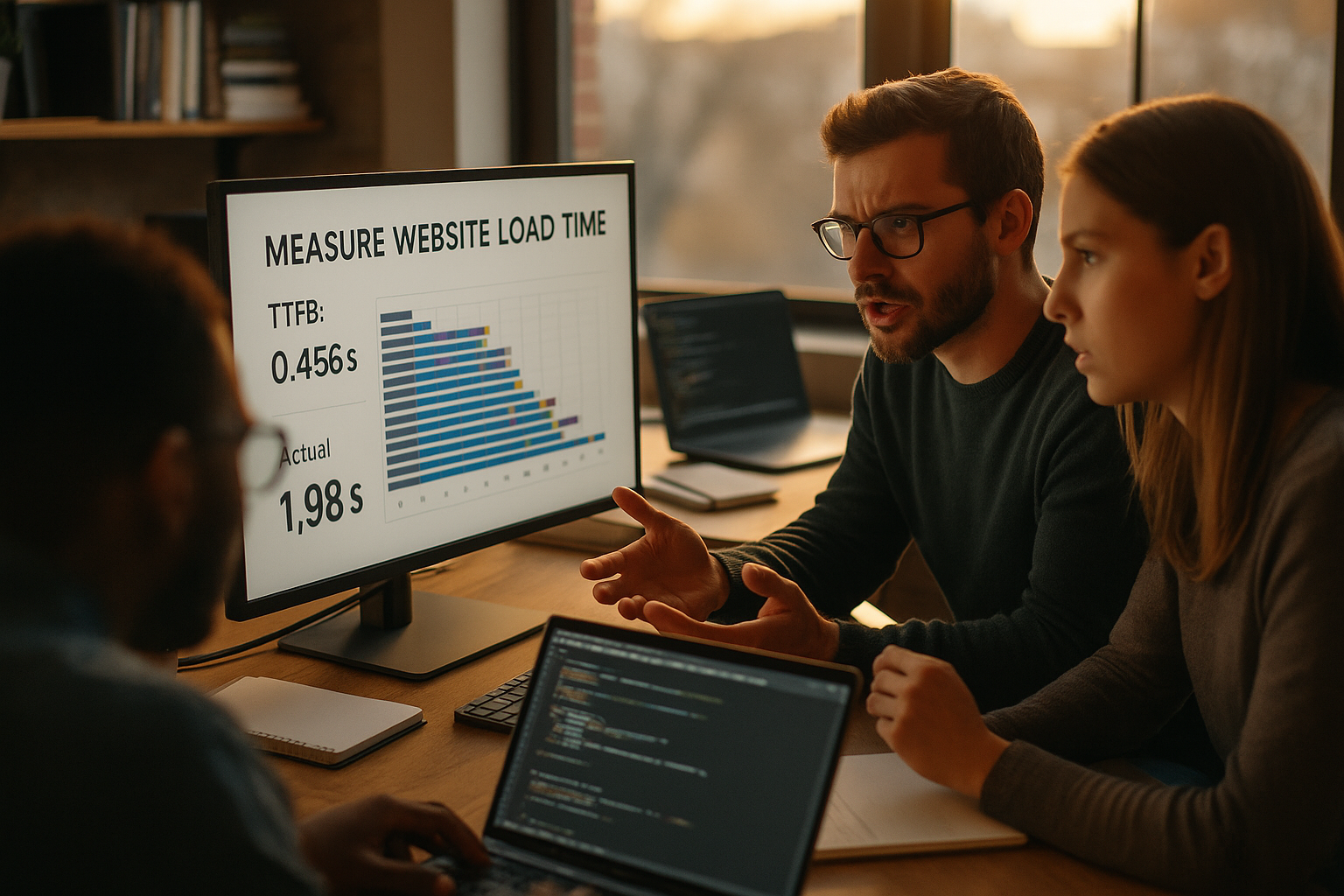
I understand TTFB as the sum of DNS resolution, TCP handshake, TLS, backend processing and sending the first byte to the browser [2][3]. This value therefore reflects the first server response, but says little about the rendering or the time to usability. A short TTFB can indicate strong Infrastructure but it completely ignores front-end slowdowns [1][2]. For me, it is therefore an early indicator, not a final verdict on performance. Only the combination with metrics such as LCP and TTI provides a complete Image [1][2][4].
HTTP/2, HTTP/3 and TLS: Influence on the first response
I consider protocols and handshakes because they form the basis of the TTFB. TLS 1.3 reduces round trips and speeds up the connection setup noticeably, while 0-RTT further shortens repeat connections. With HTTP/2, I use multiplexing and header compression, which makes additional hosts and domain sharding unnecessary and stabilizes the initial response. HTTP/3 via QUIC eliminates head-of-line blocking at transport level, which means that unstable networks (mobile radio, WLAN) show fewer TTFB fluctuations. I keep keep-alive and idle timeouts so that reuse succeeds without wasting resources. I also pay attention to little things: short certificate chains, OCSP stapling, correct ALPN and clean SNI configuration. All in all, this results in less latency during setup, less blocking at the first byte and a resilient basis for the subsequent render phases [2][4].

Why a good TTFB is deceptive
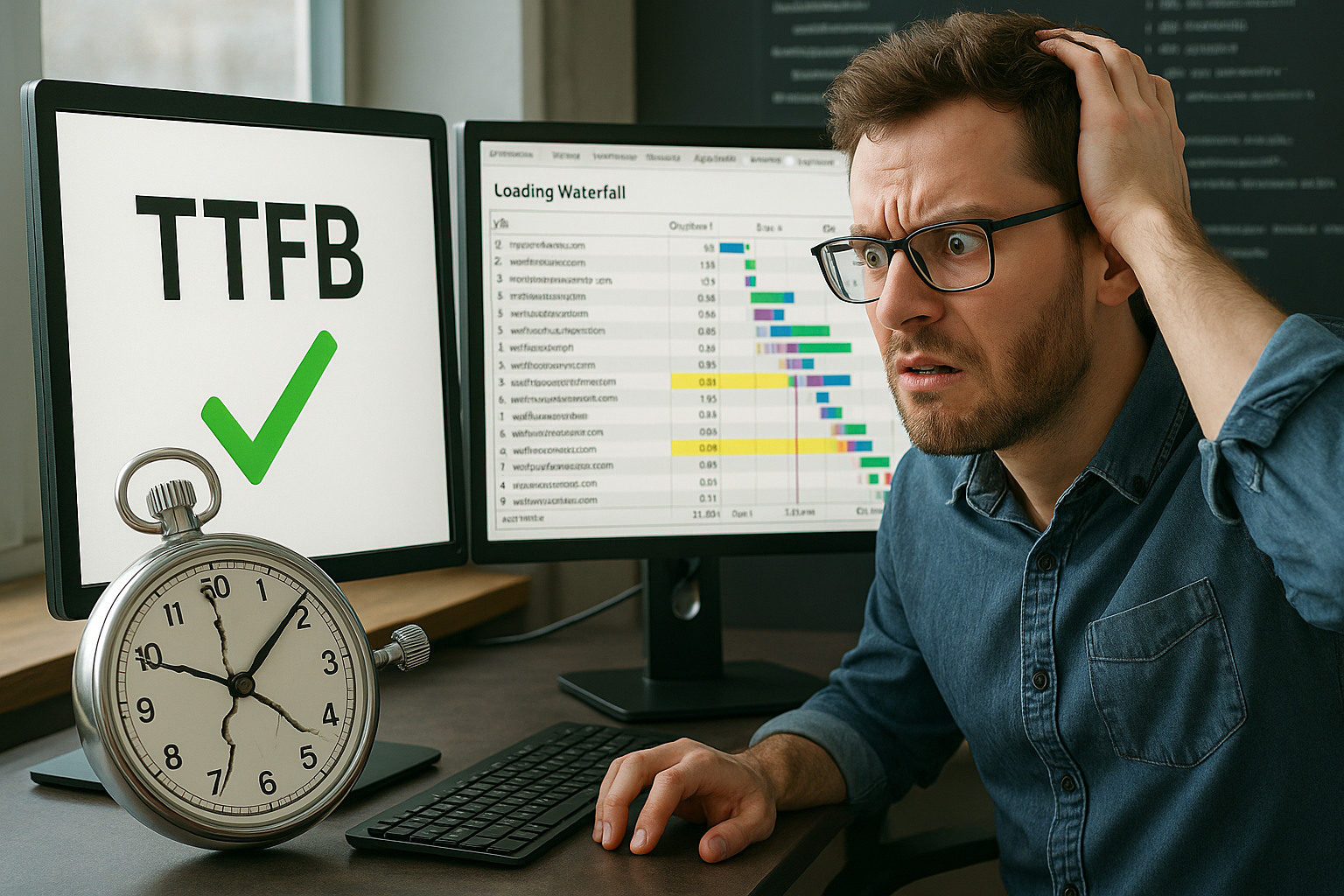
I often see excellent TTFB scores on sites that use aggressive caching but make content visible too late. The browser then continues to wait for large images, blocking JavaScript or fonts and shows the user little useful content for a long time. This is deceptive because TTFB only quantifies the initial reaction and not when the user can actually interact. Modern frontends with frameworks, third-party scripts and client rendering extend these phases significantly [2][4]. That's why I always evaluate TTFB together with user-relevant Events and prioritize their Optimization [1][4].
Streaming and early hints: prioritizing visibility
I prefer noticeable progress: With HTML streaming and early flush, I send critical markup first and create fast FCP/LCP effects, even if the server keeps computing in the background. 103 Early hints help me to signal preloads for CSS, LCP images or fonts before the actual response. Reasonably configured reverse proxies and compression chains are required for chunking and Brotli to work together. In PHP or node stacks, I deliberately delete output buffers, avoid late templating loops and keep the first bytes small. This makes an average TTFB feel faster because users see something promptly and can interact earlier. I keep in mind that streaming can make debugging and caching more difficult - that's why I document paths and test hot and cold cache separately [2][4].
Factors influencing TTFB
I first check the utilization of CPU, RAM and I/O, because a lack of resources noticeably delays the first response. Messy database queries, missing indices or N+1 queries can also significantly increase server time. Long PHP or node processes, bloated plugins and synchronous API calls also increase the waiting time [2][7]. Distance to the server and suboptimal routing further increase latency, especially without CDN proximity. Caching almost always shortens the TTFB, but often does not capture the Reality behind personalized Pages [2][3][4].
WordPress: In-depth testing and typical brakes
I examine WordPress holistically: Autoloaded options in wp_options can put a strain on the TTFB and render path if there are too many, too large values. I measure query times and identify N+1 patterns in metadata or taxonomy queries. Consistent use of object caches (e.g. in memory) reduces the load on the database, while a lean use of transients absorbs burst loads. In PHP-FPM, I pay attention to pool parameters (processes, max_children, request_terminate_timeout) and enough OPCache memory to keep hot paths in RAM. I check plugins and themes for duplication, superfluous hooks and expensive initialization - every disabled extension saves CPU on the critical path. I also look at REST and AJAX endpoints, cron/heartbeat frequencies and image size explosions caused by thumbnails. This provides clarity as to why a nominally fast host still responds noticeably slowly [2][7].

Additional metrics for real loading time
For perceived speed, I pay close attention to LCP because this value addresses the largest visible element. FCP shows me when something appears at all and supplements the view of the early render path. TTI tells me when the page is really usable, which remains crucial for conversions. TBT uncovers long tasks in the main thread and makes blocking scripts visible. Together, these metrics provide a realistic Profile experience that TTFB alone can never achieve [1][2][4].
Resource strategy in the front end
I plan the critical path deliberately: I minimize the render CSS and deliver it early - often inline as critical CSS - while the remaining styles load asynchronously. For fonts I set font-display and subset fonts so that LCP is not blocked by FOIT. I get LCP images with Preload, fetchpriority and correct sizes/srcset-I prioritize all other media lazy and compressed (WebP/AVIF). For scripts I prefer type=“module“ and defer, remove superfluous polyfills and split long tasks. preconnect and dns-prefetch I use it specifically for unavoidable third-party domains. In this way, I ensure that a good TTFB is translated directly into early visible content and rapid interactivity - without the main thread collapsing under the load [2][4].
API and third-party management
I set budgets for external scripts: Only what measurably generates benefits is allowed on the critical path. I regulate tag managers with approval processes, consent gating and timeouts to prevent excessive cascades. Where possible, I host resources myself, minimize DNS lookups and switch to lightweight endpoints. For my own APIs, I bundle requests, limit chat/tracking widgets and define fallbacks if third parties do not respond. In this way, I reduce blockages that would solve neither TTFB nor server power - but would massively worsen the user experience [2][4].

Measurement errors and typical pitfalls
I never measure at just one location, with one tool, or just once, because location-dependent latency and tool idiosyncrasies distort the picture [2][4]. CDNs and caches shift measurement points and can skew values if I don't check the cache hit rate [4]. Different browsers, device performance and background applications also change times noticeably. For reproducible statements, I define fixed scenarios, delete caches specifically and keep the test chain constant. If you want to delve deeper, you will find practical tips on TTFB measurement error, which I take into account in my test plans [2][4].
Reading data correctly: p75, distributions and seasonality
I don't rely on mean values. For decisions, I use percentiles (p75) and segment by device, location, path and user status (logged in/anon). Only distributions show me whether a few outliers make the cut or whether broad groups are affected. I compare first visits with repeat visits because caches influence TTFB and render path differently. I also pay attention to daily and weekly patterns: load peaks, backups or cron jobs create valleys and peaks that I must not confuse with architecture. This gives me robust statements that really justify measures instead of optimizing random fluctuations [2][4].
Putting TTFB into context
I evaluate the entire supply chain: DNS, network, TLS, backend, CDN, cache, rendering and third-party parts [2][8]. The user will only experience real speed if each section works sufficiently fast. I correlate metrics, such as TTFB with LCP or TBT, to localize bottlenecks. I then prioritize measures according to effort and impact instead of getting caught up in isolated tuning loops. This compact guide makes it easier for me to get started Server response time analysis, which I transfer to my test scenarios [2][8].
Tools and working methods
I combine Lighthouse, PageSpeed Insights, WebPageTest and GTmetrix because each tool has strengths in diagnostics and visualization [2][4]. Real user monitoring supplements the lab measurement and shows me real device and site values. Server logs, APM tools and query analyses provide causes instead of symptoms and avoid guessing games. I test repeatedly, vary locations, compare with warm and cold cache and document the test series. This discipline generates a resilient Image and prevents wrong decisions by Outliers [2][4].
Monitoring, SLOs and regression protection
I define performance targets as SLOs and monitor them continuously: p75 for TTFB, LCP, FCP, TTI and TBT - separated by device type and key pages. In development, I set performance budgets and abort builds in the event of clear violations instead of curing poor deliveries retrospectively. Synthetic monitoring from several regions warns me if CDN, routing or Origin are weak, while RUM alerts me if only certain user groups are affected. I run rollouts with feature flags and canaries, measure the impact live and roll back if necessary. In this way, I prevent a single release from worsening the user experience - even if lab measurements were previously green [2][4].
Concrete optimizations for noticeable speed
I rely on servers with strong single-thread performance because many web workloads benefit from this [7]. Modern HTTP stacks such as NGINX or LiteSpeed, current PHP versions with OPCache and Brotli compression significantly reduce response and transfer times. A planned caching concept separates anonymous from personalized responses and uses a CDN close to the user. In the database, I reduce queries, create suitable indices and eliminate N+1 patterns. In the front end, I prioritize critical resources, load media with a delay and reduce unnecessary Scripts, so that the main thread remains free [2][3][7].
WordPress and hosting: performance comparison
I observe clear differences between WordPress stacks with strong hardware and generic shared offerings. Optimized backends and caching strategies deliver better TTFB values and shorter render paths. In the most recent comparison, webhoster.de landed in first place with a very fast server response and high overall performance [2]. The main advantages are the initial server time and the delivery of static resources. This helps me to deliver pages more quickly visible and to make interactivity available earlier reach [2].
| Provider | Server response time (TTFB) | Performance | WordPress optimization |
|---|---|---|---|
| webhoster.de | 1 (test winner) | Very high | Excellent |
| Other providers | 2-5 | Variable | Medium to good |
Network, location and CDN influence
I always take the user location into account, because physical distance increases the RTT and per se prolongs the server response. A CDN close to the visitor reduces this basic latency, relieves the Origin and stabilizes the playout. Routing anomalies, packet loss or peering problems can otherwise ruin good server times. That's why I combine synthetic tests from several regions and real user data to identify patterns. I am happy to summarize practical tips on location selection and latency via this Tips on server location and transfer them to my setups [2][4].
Briefly summarized
I use TTFB as an early warning signal, but only evaluate the real experience through LCP, FCP, TTI and TBT. I keep measurements consistent, repeat them across locations and check caches so that I get meaningful values [2][4]. I apply optimizations along the entire chain: Server performance, HTTP stack, database, CDN, cache and rendering. For WordPress, performance-tuned hosting delivers noticeable benefits in terms of perceived speed and KPIs [2]. Those who proceed in this way achieve measurable Results and gives visitors real Usability [1][2][4][8].