Skip to content
I compare the most important uptime monitoring tools based on intervals, functions and costs so that hosting customers can detect outages more quickly and back up SLA commitments. From my projects, I show which solutions provide reliable alerts in real hosting setups, report cleanly and integrate smoothly into everyday life.
Key points
I summarize the central Findings clearly so that you can immediately see the right direction. For hosting customers, what counts most is how quickly a tool recognizes faults and how accurately it Alarm beats. Just as important are clean reports, status pages and integrations in workflows so that teams can act without detours. Price and interval go hand in hand: shorter queries usually cost more, but offer more Security. It remains practical if a tool understands your hosting setup ex works and does not need to be configured for a long time. Finally, pay attention to data locations, GDPR aspects and the question of whether you prefer control via self-hosting or convenience via a cloud service.
- Intervals and locations: checks from seconds to minutes, distributed globally.
- NotificationsEmail, SMS, Push, Webhooks, Slack/Teams.
- Status pages and reports: transparency for customers and teams.
- IntegrationsAPI, incident tools, ticket systems.
- Data protectionGDPR, EU hosting, self-hosting options.
Why availability counts for hosting customers
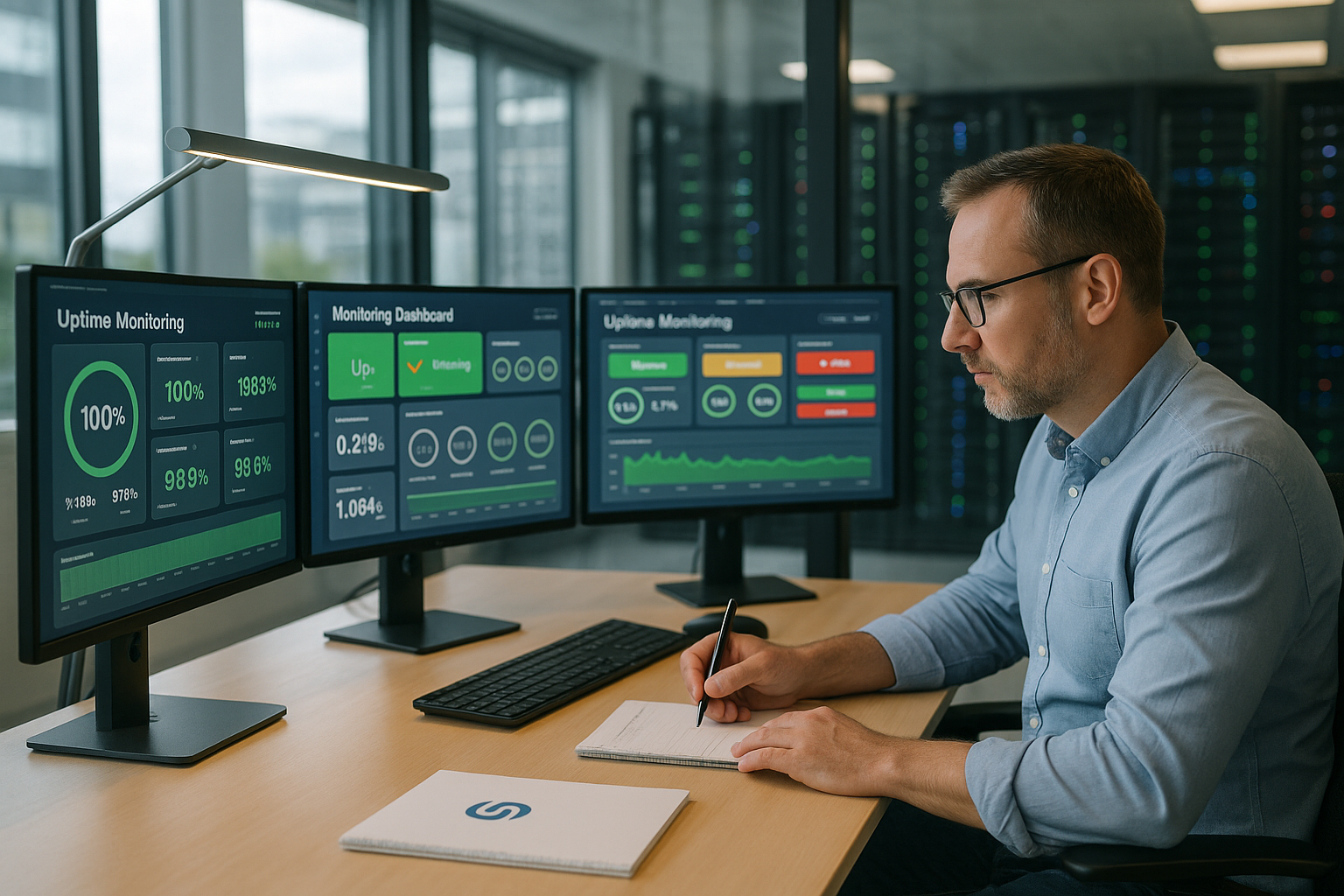
Every minute Downtime can drive users away, cost you sales and hit your brand. With active monitoring, I detect outages before complaints are received or rankings suffer. I document accessibility seamlessly and keep SLAs traceable; this creates Transparency towards stakeholders. Early warnings often show weakening services, SSL problems or DNS errors even before the store is actually offline. If you are considering a change of hoster, you have reliable figures in your hand and can argue objectively.
These functions really help in everyday life
I pay attention to HTTP(S) checks so that websites and APIs react reliably. Keyword checks secure critical content, for example if a store text or a login prompt is unexpectedly missing; this often reveals deeper-lying issues. Error. SSL monitoring warns of expiry and incorrect chains in good time, saving panic on Monday mornings. DNS and port monitoring secures name servers, mail, databases and payment gateways. Flexible intervals, integration in Slack/Teams, clean reports, export options and an optional public status page for clear communication are important.

Comparison 2025: functions and tariffs at a glance
Below you can see the most important Tools and what they make tangible for hosting customers. Intervals show how quickly a service can check; shorter queries provide more detailed information. Data. Plus extras such as transaction checks, RUM, many locations, status pages and integrations. Note the prices in euros: For plans originally priced in US dollars, I roughly convert here (approx. €0.92 per dollar). The table serves as a starting point; the details per plan may vary depending on the provider.
| Place | Tool | Monitoring intervals | Important functions | Price structure |
|---|---|---|---|---|
| 1 | webhoster.de | 1 min. | Hosting integration, dashboard, Support | Included in hosting |
| 2 | UptimeRobot | 1-5 min. (depending on plan) | Web, SSL, Port, Keywords, Status pages | Free / from approx. 7.50 €/month |
| 3 | Uptimia | 30 sec - 1 min. | Real User Monitoring, Transactions | from 9,00 €/month |
| 4 | StatusCake | 30 sec - 5 min. | Page speed, statistics, integrations | Free / from approx. 18.50 €/month |
| 5 | Uptime Kuma | 20 sec (self-hosting) | Broad integrations, Open Source | Free of charge (self-hosting) |
| 6 | Uptrends | 1-60 min. | Many locations, custom reports, Dashboards | from approx. 12,00 €/month |
I use the table as a quick Filter and then look in depth: Which checks do I need? Where is the data located? Which integrations save me work? If you host in Europe or prefer self-hosting, you should check points relevant to data protection and plan costs realistically. Reliable logs, comprehensible exports and status pages are also important for SLA reporting.
Recommendation: webhoster.de for hosting customers
For projects with a focus on comfort, I rely on webhoster.debecause monitoring is already included in the hosting and I control everything centrally. The combination of guaranteed 99.99 % availability, daily backups and German-language support saves me a lot of effort. Practical: I link checks directly to domains, certificates and services in the same account. The solution is suitable if you want to invest little setup time and have clear Reports you need. For more background information, it is worth taking a look at Host with uptime guarantee; this is where I classify promises and practical benefits.
UptimeRobot: a solid start for many projects
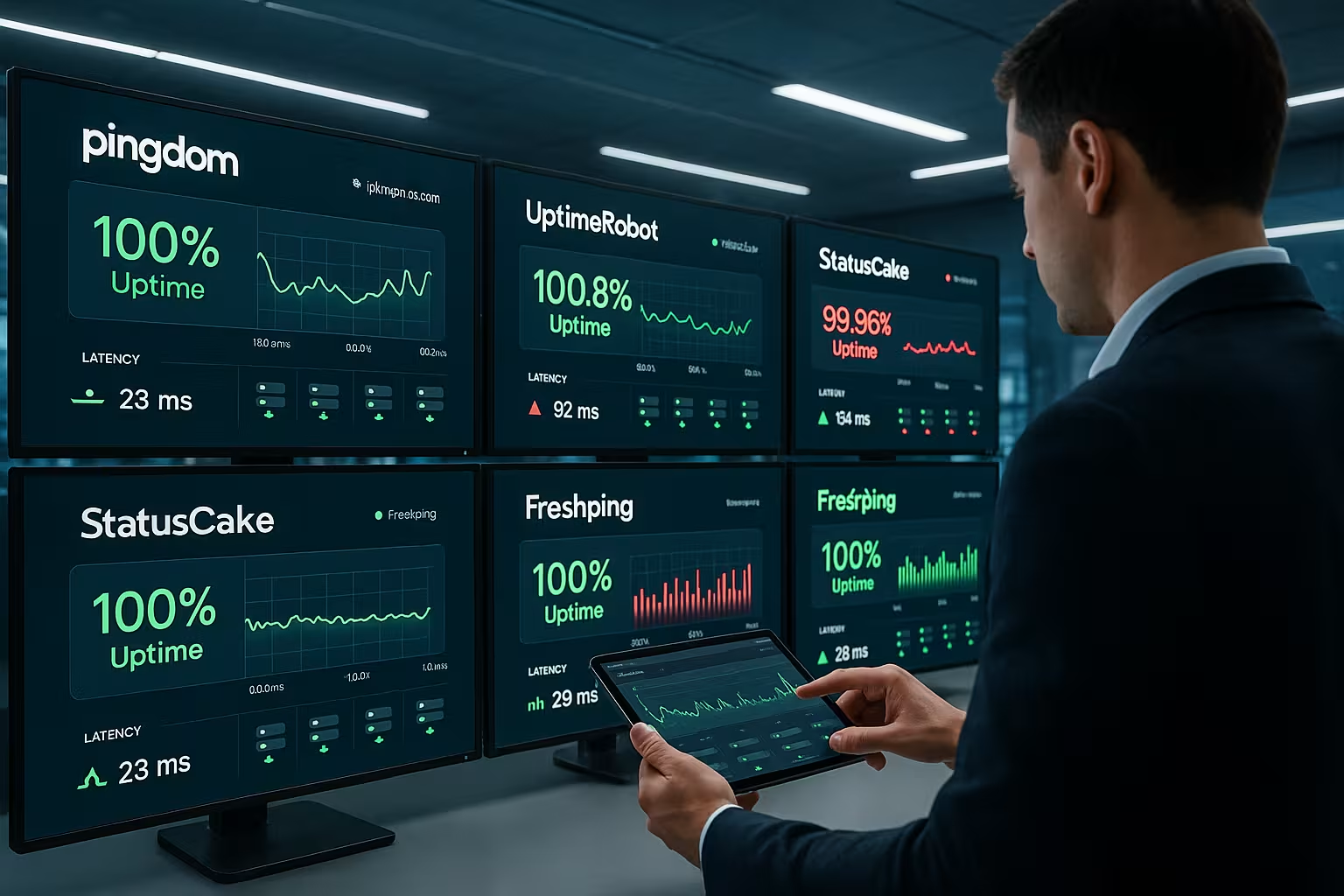
UptimeRobot offers a fast Access with a free plan and up to 50 monitors every five minutes. In the payment levels, I set intervals, use SMS alerts, status pages and API access for automation. The setup is quick, integrations in Slack, Teams or via Webhook help in everyday life. For agencies, freelancers and smaller companies, this is usually enough to keep an eye on stores, blogs and APIs. If you want to check at a more granular level, calculate the costs against the benefits of the shorter Intervals.
Uptime Kuma: full control without fees
Uptime Kuma runs on its own server or container and gives me full Control. The 20-second checks provide dense data points, while over 90 notification services allow flexible alerting. I like the openness: my own backups, my own updates, no subscription costs. But I plan time for operation, updates and monitoring of the monitoring instance. Who wants data sovereignty, Self-hosting and low fixed costs, Kuma is often a good choice.

Uptimia: transactions and RUM under control
Uptimia addresses projects in which I Flows test: login, search, shopping cart, checkout. Transaction monitoring runs through the steps and warns as soon as a step hangs. There is also Real User Monitoring (RUM), which makes real user paths and loading times visible. This allows me to assess whether only a bot check is green or whether the user journey is running smoothly. Teams are happy about role-specific Reports and fine alarm rules per service.
StatusCake: Performance data in detail
StatusCake delivers flexible Queriesmany sites and a good page speed module. I combine performance data with uptime checks and recognize whether an outage is imminent or just a third-party provider dawdling. SSL and domain monitoring reliably reminds users of renewals and prevents embarrassing expiry moments. Integration with chat and incident tools keeps teams operational. Those who want to regularly carry out in-depth evaluations benefit from Statistics and exports.

Uptrends: Checks at many locations
Uptrends scores points with a large Location selection and flexible dashboards. I measure from many regions and can see whether a problem occurs locally or globally. Individual reports and SLA views help to prove availability to management or customers. For larger teams, I am happy to integrate Uptrends into existing tool landscapes. If you have global traffic, you win with broad Cover better decisions.
How to choose the right tool
I start with a short ProfileHow critical is the application? Which services are connected? How quickly does an alarm need to be triggered? I then define intervals, alarm paths, data locations and whether self or cloud operation is suitable. For a structured selection, I recommend a compact guidethat neatly organizes criteria. If you want to secure SLAs, you need reliable Reportshistorical data and a status page. And: Always check how easy the setup, onboarding and subsequent handovers are.

Alerting without noise: how to set up monitors
I optimize alerts so that they arrive quickly and reliably without flooding the team with false alarms. To do this, I combine best practices that have proven themselves in projects.
- Multi-level confirmationA failure is only considered confirmed if two to three locations fail in succession. This dampens regional disruptions.
- Retry logic and grace period2-3 retries at intervals of 10-20 seconds prevent short-term bounces from paging immediately.
- Maintenance windowMute planned deployments and night work - ideal via calendar integration or regular schedules.
- Context in the alertI add check URL, status code, trace extract, last deployment time and owner team. This saves the first responder minutes.
- Escalation policyFirst chat/push, then phone/SMS after X minutes, then management info. Tags per service prioritize business-critical systems.
- Quiet Hours and On-CallI incorporate on-call schedules so that only the really critical alarms actually ring at night.
- Link RunbooksEach alarm shows a short first aid checklist (e.g. "Clear cache, check pod status, check certificate").
SLA, SLO and downtime budget made tangible
I translate percentage values into minutes so that teams know how much buffer actually exists. This makes decisions on intervals, redundancy and maintenance windows tangible.
- 99.9 % Availability: approx. 43.8 minutes of downtime per month.
- 99.95 %approx. 21.9 minutes per month.
- 99.99 %approx. 4.38 minutes per month.
- 99,999 %approx. 26 seconds per month - practically only achievable with strong redundancy.
I set SLOs per service (e.g. API vs. admin backend) and align the monitors accordingly. Shorter intervals reduce the Time to Detectwhich is particularly important for strict targets. For SLA reporting, I keep a complete record of events and archive monthly financial statements with comments on the incident history.
Combining external, internal and transactional checks
A single HTTP check is rarely enough. I combine different perspectives to close blind spots and find causes more quickly.
- External checksChecking from the Internet; ideal for covering the user perspective and DNS/SSL chain.
- Internal checksBehind the firewall (e.g. via Uptime Kuma) I test internal endpoints, databases or services in private networks.
- TransactionsClick paths such as login/checkout reveal UI errors, session problems and third-party latencies.
- HeartbeatsCronjobs, workers, queue consumers report regularly; absence of a signal triggers an alarm.
- DependenciesI monitor DNS (NS, SOA), mail (MX, SMTP), payments, external APIs and CDN endpoints separately.
Important: I define a clear ownership for each service and bundle all associated checks in a dashboard. In incidents, I can then see the cause, impact and progress at a glance.
Status pages and incident communication
A good status page creates trust. I set it up so that customers quickly understand what is happening and what they can expect.
- Clear componentsWeb, API, CDN, database - neatly separated and with historical history.
- Transparent updatesInitial fault message, intermediate statuses, "Mitigation active", "Monitoring", "Resolved".
- Effect instead of technical jargon: "Checkout may fail" helps more than "Pod restart".
- RCA and LearningsAfter major incidents, I document the cause, countermeasures and prevention.
- Automatic entries: Where possible, I fill the status page directly from the monitoring event.
Data protection & compliance in practice
I make sure that monitoring data is processed in compliance with the GDPR. The storage location, data processing agreement, access and storage are crucial.
- Regional selectionEU-only locations for checks and data storage to meet regulatory requirements.
- Data minimizationOnly log necessary metadata (status code, latency, possibly error text), no sensitive payloads.
- RetentionRolling deletion of old raw data; I only archive aggregated key figures for SLA reports.
- AccessSSO/MFA, roles according to least privilege, separate projects per customer/environment.
- Self-hostingIf necessary, I keep data completely in my own network (e.g. within a strict compliance framework).
Optimize costs: Examples from projects
I combine tools and intervals in such a way that costs match risk and business value.
- Mix of free and paidExternal 1-5 minute checks with UptimeRobot; internal 20-second heartbeats via Uptime Kuma.
- Granularity by criticalityCheckout every 30 seconds, blog every 5 minutes, staging less often.
- Select locations specificallyFocus on core markets instead of "all worldwide" to save credits.
- Selective transactionsOnly check the top 2 flows automatically; I monitor the rest using simple HTTP and logs.
- Gradual expansionStart with basic checks, evaluate incidents, then consolidate them in a targeted manner.
Setup playbook: ready to go in 60 minutes
If it has to be done quickly, I use a fixed sequence. That way, a project can be monitored in one hour.
- 10 min: Collect domains and main endpoints (web, API, admin, CDN, payment callback).
- 10 min: Create basic checks (HTTP 200, SSL, DNS, port 443/25/3306 as required).
- 5 min: Set intervals (critical 30-60 sec., normal 1-5 min.).
- 10 min: Configure alarms and escalation (Slack/Teams, e-mail, telephone for P1).
- 5 min: Define maintenance windows and tags per service.
- 10 min: Set up status page, structure components.
- 10 min: Simulate test failure (block vHost, change DNS entry) and check process.
Common mistakes - and how to avoid them
- Check homepage onlyI monitor critical deep links and APIs separately.
- No SSL alarmCertificates and chain with a lead time of 14/7/3 days.
- No heartbeatsCron/Worker without signs of life remain undetected for too long.
- Lack of ownership: Every check needs an owner; otherwise alarms remain unattended.
- Too many notifications: Noise leads to alarm blindness - I bundle and confirm over several locations.
- No post mortem: Without follow-up, causes repeat themselves; I record measures in a binding manner.
Summary: Which solution fits?
For maximum Comfort I rely on webhoster.de: monitoring directly in the hosting, clear dashboards, reliable support. For flexible budgets and quick setup, UptimeRobot provides a good start, while Uptime Kuma offers full data sovereignty without subscription costs. Uptimia covers transactional checks and RUM, StatusCake shines with performance data and Uptrends impresses with its many locations. Decide according to your requirements: Intervals, alarm paths, data location, status pages and integrations. If you want to delve deeper, my Uptime Guide for structured selection and practical implementation.