Skip to content
Accessibility and onboarding
I still see a lack of consistency in many 2025 dashboards. AccessibilityKeyboard navigation, sufficient contrast, ARIA labels and scalable font sizes should be standard. If I can perform frequent actions in seconds without a mouse, I save time and make teams more inclusive. Just as important is a guided OnboardingA start checklist with the first ten steps (connect domain, activate SSL, set backup plan, create staging, switch on monitoring) and progress indicators that motivate me. A good panel recognizes my context (e.g. WordPress, store, headless) and suggests suitable defaults - this reduces the support load and significantly shortens the time-to-value [3][9].
E-mail, DNS and deliverability
Email setup is often the stumbling block, but a dashboard can make the Deliverability make it plannable: Wizards for SPF, DKIM and DMARC with live checks and risk notices, DNSSEC switches and automatic CAA-records for certificates. I want to see a simulation before a DNS change: which records are affected, which runtimes (TTL) apply and when the change is visible worldwide. A Mail-Health-widget with reputation, bounce rate, spam traps and blacklist status prevents surprises in everyday campaign work [3][5]. Agencies also benefit from centralized management of catch-all, forwarding, mailboxes and quotas - including mass changes and audit history.
Observability and incident response
Pure uptime monitoring is not enough for me: I need Observability as a triad of metrics, logs and traces. A modern dashboard bundles system values (CPU, RAM, I/O), application logs, slow queries, error rates and synthetic checks (e.g. checkout flow) in real time [9]. In the event of a fault Runbooks with specific instructions, escalation chains and a Incident timeline, which documents root causes, impact and countermeasures. Error budgets and SLOs help to set priorities without remaining reactive in day-to-day business. Alerts should arrive by email, push, webhook and chat - with intelligent deduplication and quiet times so that I am not woken up at night because of noise [10].
Backups, recovery and resilience
Backups are worthless if they are not testable are. I expect RPO/RTO ads per project, immutable Offsite backups and Trial restorations to isolated staging environments with a click. Granular restores (file, database, mailbox) minimize downtime; scheduled Application-Aware-Snapshots avoid inconsistent dumps. Before major changes - updates, migrations, DNS pans - the dashboard should automatically force backup points and suggest restore paths. A differentiated retention scheme (hourly/daily/weekly) gives me compliance security without wasting memory [3][5].
CI/CD, GitOps and Secrets
I want to start deployments from Git and see status checks in the panel: Build, Tests, Release, Health. Blue/Green- and Canary-rollouts, automatic database migrations with rollback paths and Atomic Deploys reduce risks. The dashboard manages Secrets centrally, encrypted and version-safe; environment variables can be segmented according to roles and projects. For WordPress, I look at controlled plugin and theme updates with compatibility checks, Safe mode in the event of misconfigurations and auto-rollbacks if a health check fails [4]. Who Automation & UI thinks together, saves on small-scale script maintenance and avoids drift between panel, server logic and deployments.
Databases, caches and storage
Performance is often decided in the database. I appreciate dashboards that Slow-Query-analysis, index recommendations, read replicas and simple version switches. For peak loads, I expect on-demand scaling of RAM/IOPS and Connection pooling, without manual SSH interventions. Caching layers (OPcache, object cache, edge cache) should be transparently configurable, including hit rates and Heat maps of the most popular paths. Object storage with lifecycle rules relieves the origin, while media transformations (WebP/AVIF, Resize, Thumbnailing) happen directly at the edge - visible in the real-time maps for utilization and Web Vitals [1][2][3][4].
Edge, CDN and latency optimization
A contemporary panel controls CDN, HTTP/3, TLS profiles, Brotli and Early Hints central. I want to set rules by path, country, bot type and device without jumping into multiple interfaces. Image CDN, functions at the edge and geo-routing shorten TTFB and stabilize LCP/FID - including before and after measurements. The following help me with releases Cache tag-validations and targeted purges so that I don't empty everything globally. Transparent energy and trading dashboards show how edge offloading reduces costs and CO2, which supports sustainability goals [9][10].
Governance, roles and approvals
For teams Least Privilege Mandatory. I need fine granular Rollers and approval workflows: Who can change DNS, who can delete certificates, who can delete backups? SSO (e.g. SAML), 2FA, IP allowlists and Session-control increase security without slowing down operation [3][5]. Clients and sub-organizations can be clearly separated, including White Label for agencies and own billing logic. An unchangeable Audit trail-view makes every intervention traceable - with export for compliance checks. This keeps the panel manageable and audit-proof as teams grow.
FinOps and cost control
I want budgets, forecasts and Anomaly detection directly in the dashboard - for example, when traffic explodes or backups get out of hand. Showback/Chargeback per client and project, per-minute billing for upgrades and clear tariff tooltips avoid queries [5]. A What-if-view shows me what a switch to faster NVMe, more RAM or additional staging instances would cost - including an estimate of the performance gain. If you link energy widgets with CO2 footprints, you are not only making decisions based on price, but also on sustainability [9][10].
Avoid portability and lock-in
I check how well I can export my data and configurations: DNS zones, mail, databases, files, certificates, deploy settings and user rights. API-Stability, rate limits, versioning and idempotency are crucial for automation. A clean Import pipeline for common panels and a dry run for migrations give me peace of mind [3]. Anyone planning modern integrations will benefit from the GraphQL API advantages - for bulk changes, monitoring and audits without media disruptions. For me, portability means that I can grow and switch cleanly at any time.
Security hardening at the touch of a button
Beyond basic protection, I expect Security profiles per project: predefined headers (CSP, HSTS, referrer policy), bot management, rate limits, geo-blocking and rules for admin paths. A Malware Scanner with quarantine, integrity checks (e.g. against upstream hashes) and auto-patching of critical CVEs reduces everyday risks [3][5]. The interface should explain the security effect instead of just showing switches: What changes for performance, compatibility and crawlers? WAF events, DDoS layers and SSL status belong in a consolidated real-time view that I can filter quickly.
Practice checklist: A panel benchmark in 30 minutes
- Connect domain and SSL activate: How many clicks? Are there pre-checks and auto-renew?
- Create staging, Backup create and test restore: downtime, duration, protocol?
- Activate monitoring: Uptime, metrics, logs, alarms - with sensible defaults [9].
- Generate API tokens and create a Bulk action (e.g. PHP version, cache rules) [3].
- Set roles & 2FA, store SSH keys, activate WAF rules [3][5].
- Simulate DNS change, check SPF/DKIM/DMARC, check mail health.
- Testing Git deploy: build, health check, rollback in seconds?
- Scaling: temporarily increase CPU/RAM, effects and costs transparent?
- Check energy/resource cards: shows the panel Impact and savings potential [9][10]?
What I look out for in roadmaps and support
A strong dashboard thrives on a transparent Roadmap, comprehensible change logs and reliable SLAs. I pay attention to Support-quality (response time, expertise, escalation), status pages and postmortems after incidents. In good panels, context helpers are not just tooltips, but refer to concrete best practices that support me in making architecture decisions [9]. What is important for agencies: prioritized queues, dedicated contact persons, training and sandbox environments for experiments without endangering production systems.
Reality check for WordPress teams
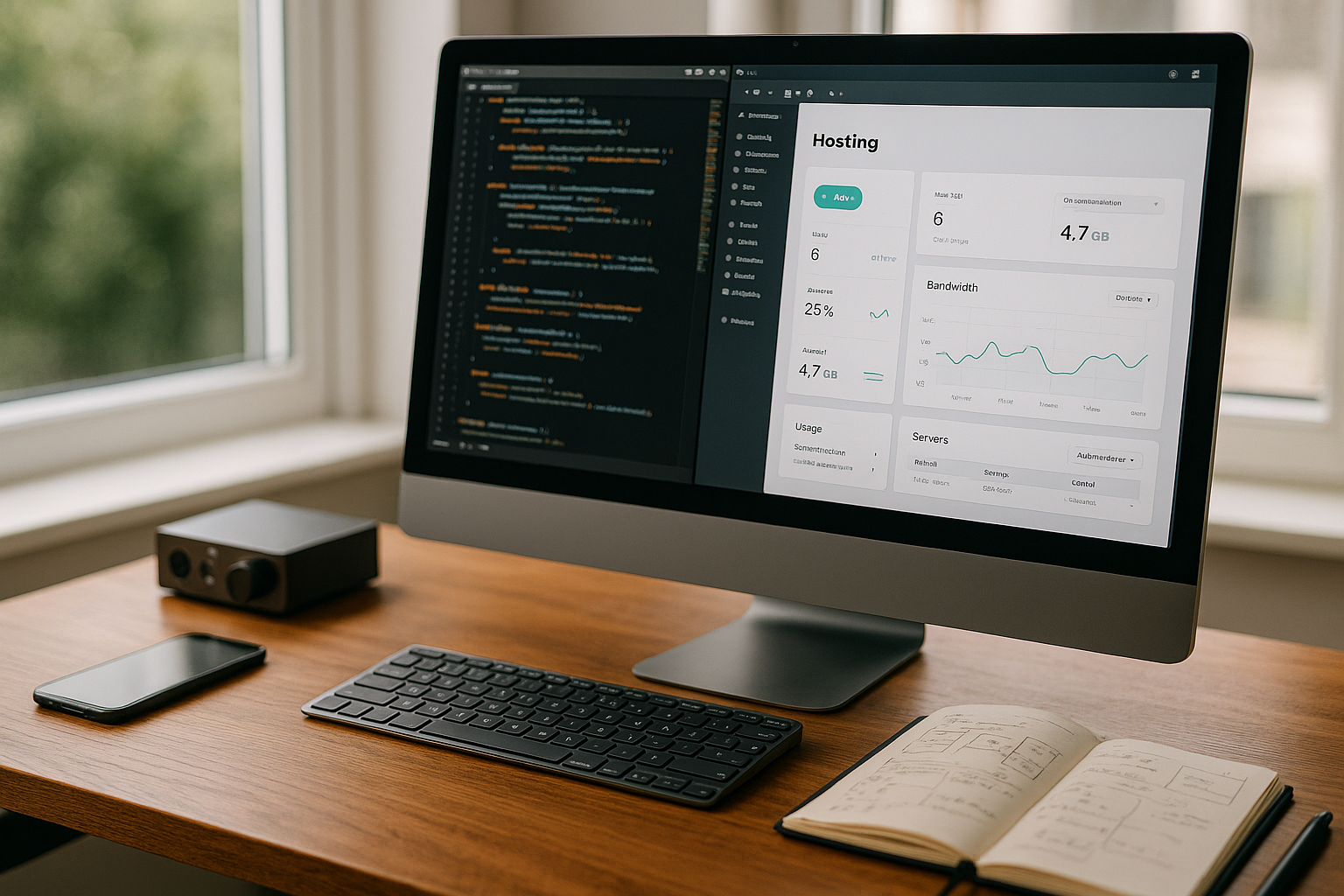
For WordPress, I would like to have predefined Performance profiles (object cache, image optimization, critical CSS), automatic database cleanup and controlled update windows with maintenance page. A Staging Sync with selective transfer (only files, only DB, table filter) prevents data loss in live forms [4]. The interface should support security headers, cron jobs, PHP extensions and OPcache non-invasively - and offer me a compatibility check before making risky changes. Bulk updates across many projects, combined with reports and API scripting, are the real leverage for agencies [3][4].
Scaling tactics for growth
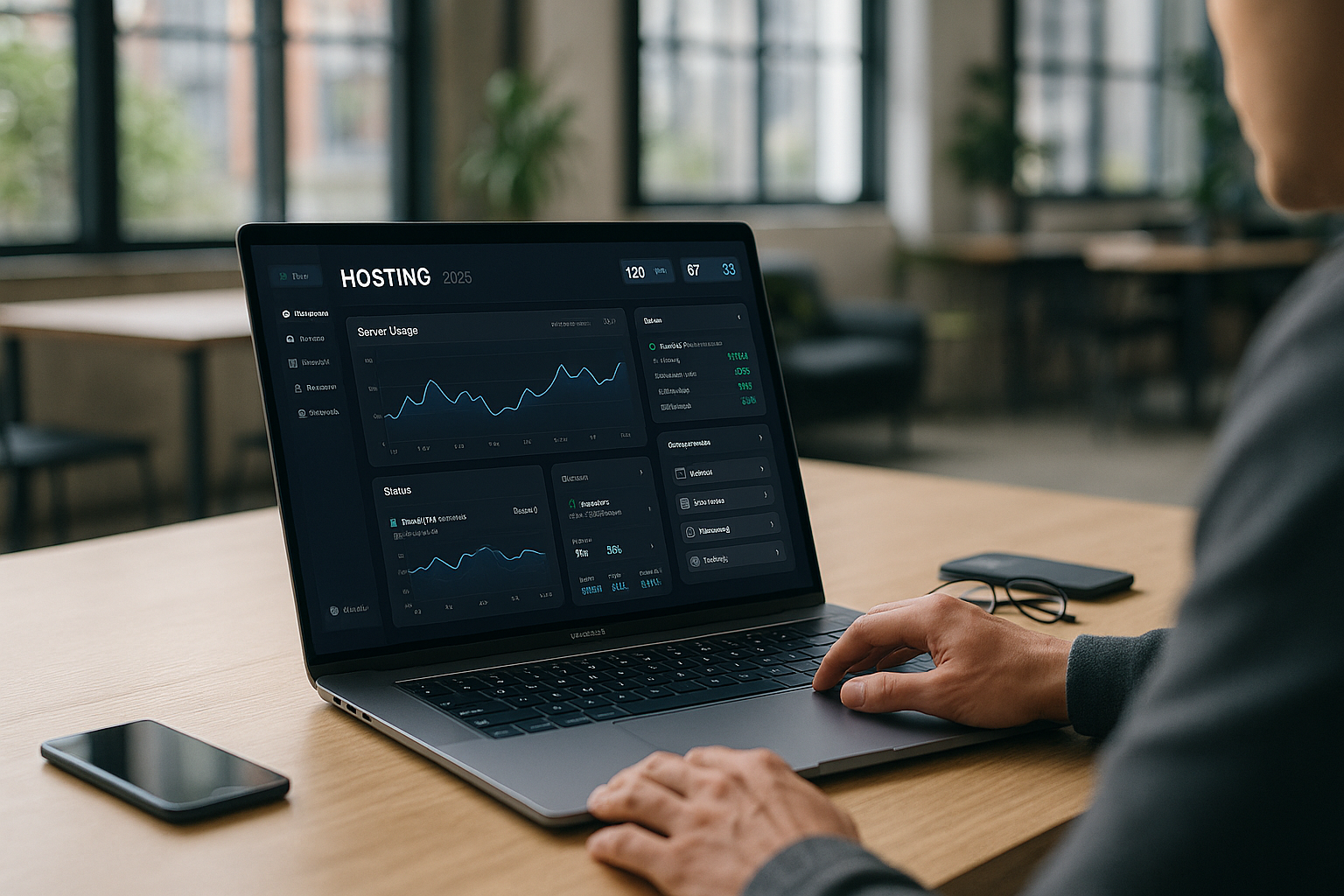
When projects get bigger, I want to TemplatingPredefined stacks with roles, monitoring, security policies, deploy paths and backups. Auto-scaling according to metrics (CPU, response times, queue length) must function without architectural disruption; if necessary, I book burst capacities and release them again as soon as the load drops [10]. For international projects, Geo DNS, regional staging clusters and standardized Policies across all clients. Every scaling remains first-class if I can understand, test and rebuild it in the dashboard - without a ticket marathon.

Summarize evaluation criteria
In the end, I measure dashboards by three things: How quickly I get from idea to secure go-live, how well the interface protects me from errors - and how smoothly I scale as soon as the load increases. Usability, automation, Real-time transparency and security must fit together, not just coexist [3][9]. Anyone who makes costs, energy and performance visible and at the same time cleanly implements APIs, bulk actions and clients will provide the tools I need every day in 2025.
2025 summary: what really counts
A powerful hosting dashboard unites Speed, security, scaling and transparency in a clear interface. I want fewer clicks, stable defaults and smart tools that get me to my goal faster. For teams, APIs, bulk actions and client management are the levers that measurably shorten processes. If you pay attention to performance, GDPR, monitoring and cost control, you get predictable projects without nasty surprises [2][3][5]. In tests, webhoster.de shows what a user-centric panel could look like in 2025: clear, secure, capable of integration - and ready for the next release cycle [1][2][3][4][5][6].
When I make a decision, I check three things: does the panel serve the daily core tasks without detours, does it offer reliable Security-automation and scales it noticeably as soon as the load increases. If this is the case, nothing stands in the way of efficient web projects. For detailed comparisons of interfaces, it is worth taking a look at the compact Panel comparison, to better classify operating concepts and feature depth. This enables me to make an informed choice that saves time and reduces risks in everyday life.