Skip to content
As virtualized computer systems, virtual machines offer a flexible basis for modern IT infrastructures. They allow the parallel operation of several isolated systems on a shared hardware and therefore enable efficient use of resources, cost savings and high scalability.
Key points
- Virtual machines emulate complete computer systems on a software basis
- Hypervisors coordinate resource allocation between host and VMs
- Flexible use in cloud, development, education, medicine and retail
- Conserving resources thanks to efficient server consolidation
- Strong security through isolation and snapshot management
Basics of virtual machines
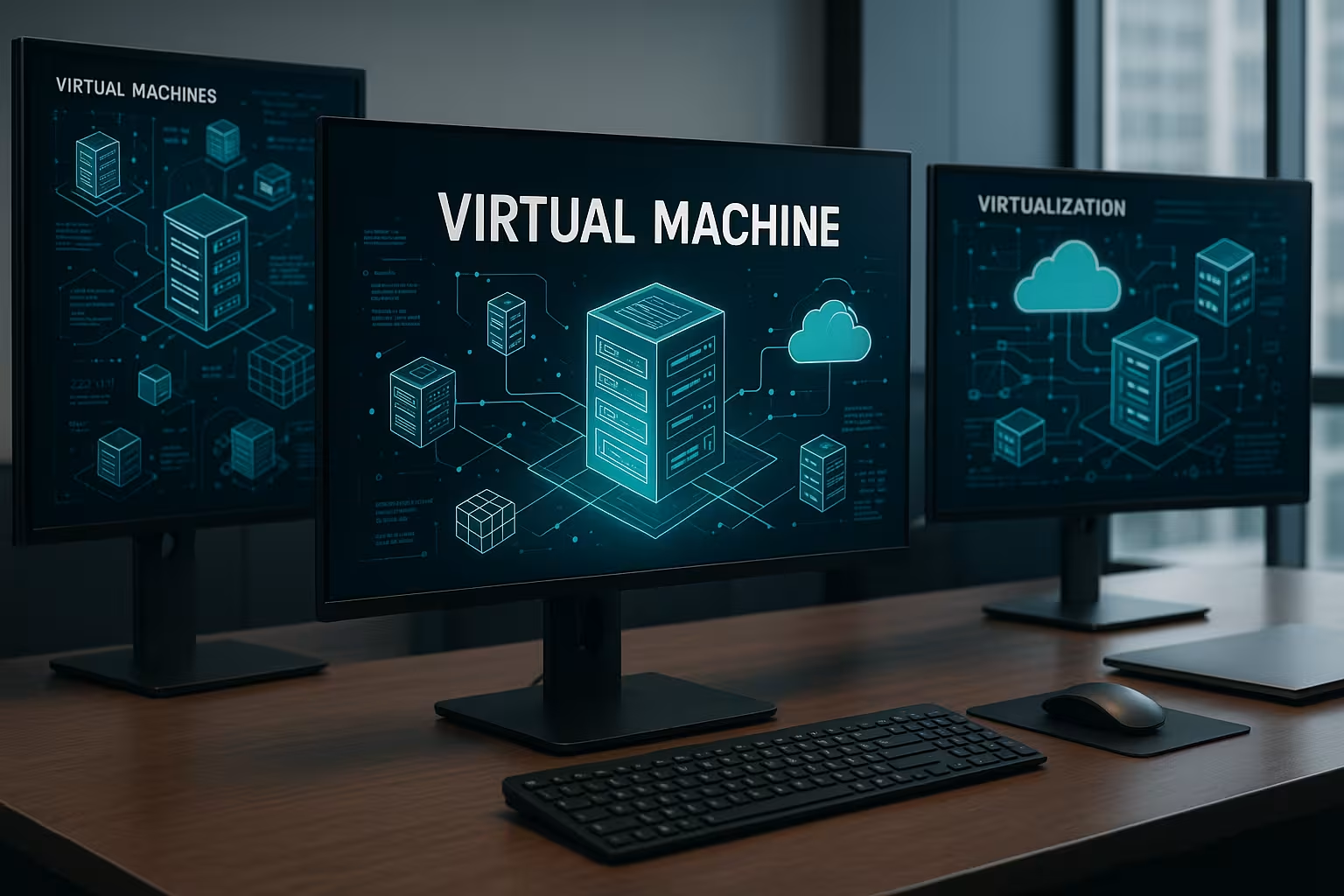
A virtual machine (VM) behaves like a complete computer, but is created entirely by software. It has its own virtual CPU, memory, network connection and hard disk. I start a VM like a standalone device, even though it runs on a host operating system. The separation between host and VM offers a high degree of control, especially in test scenarios. Virtualization is based on the so-called hypervisor. This forms the bridge between the physical hardware and one or more virtual machines. Especially with virtual servers shows how powerful this technology has become in the implementation of business solutions.Structure of a typical VM
Each virtual machine is based on the same core elements, which together simulate a functioning software system. The essential components are - Virtual CPU uses the available power of the real computing unit efficiently - Virtual RAM (vRAM) limits resource consumption per VM - Virtual hard disk stores data and operating system - Network adapter establishes connections to local and external networks - Virtual BIOS/UEFI regulates the start of the virtual environment Hypervisors are divided into type 1 (bare-metal) and type 2 (hosted) variants. While type 1 runs directly on the hardware (e.g. VMware ESXi), type 2 runs on a basic operating system, such as VirtualBox for desktop use.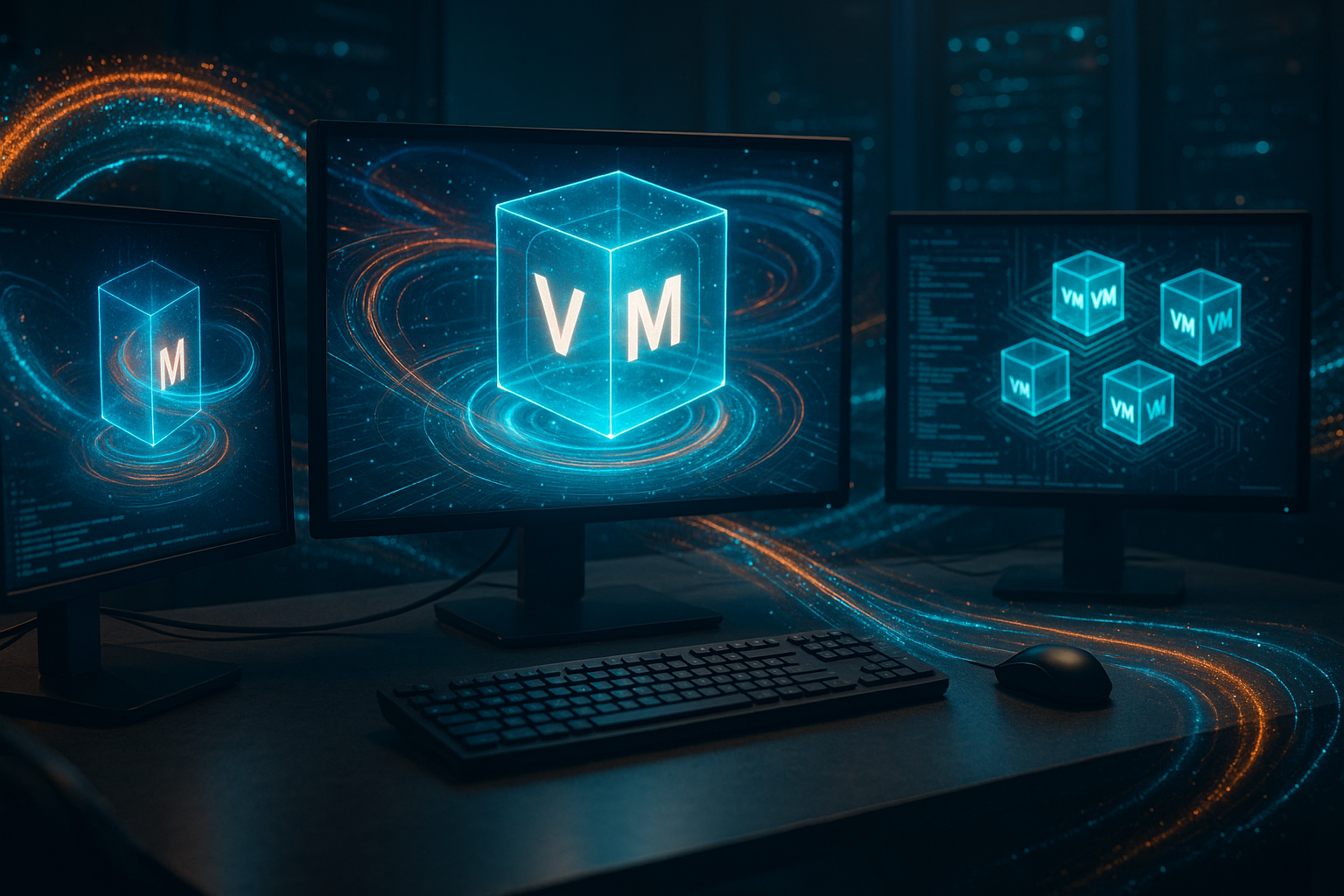
Virtualization types at a glance
There are three main forms:| Virtualization type | Feature | Advantage |
|---|---|---|
| Full virtualization | Complete emulation of the hardware | Guest operating system runs unchanged |
| Para-virtualization | Guest must be adapted | More efficient access to resources |
| Hardware accelerated | CPU functions such as Intel VT-x or AMD-V | Significantly better performance |
Why virtual machines make economic sense
Virtual machines reduce IT expenditure through lower power consumption, consolidated hardware and simpler maintenance. Instead of ten underutilized servers, one powerful host that runs several VMs simultaneously is often sufficient. In addition, virtual resources can be controlled dynamically: temporary projects receive CPU cores and RAM for a short time, after which they are returned. Functions such as snapshots and live migration help to operate IT systems stably and flexibly. For example, I can move an entire infrastructure to another server - while the system is running.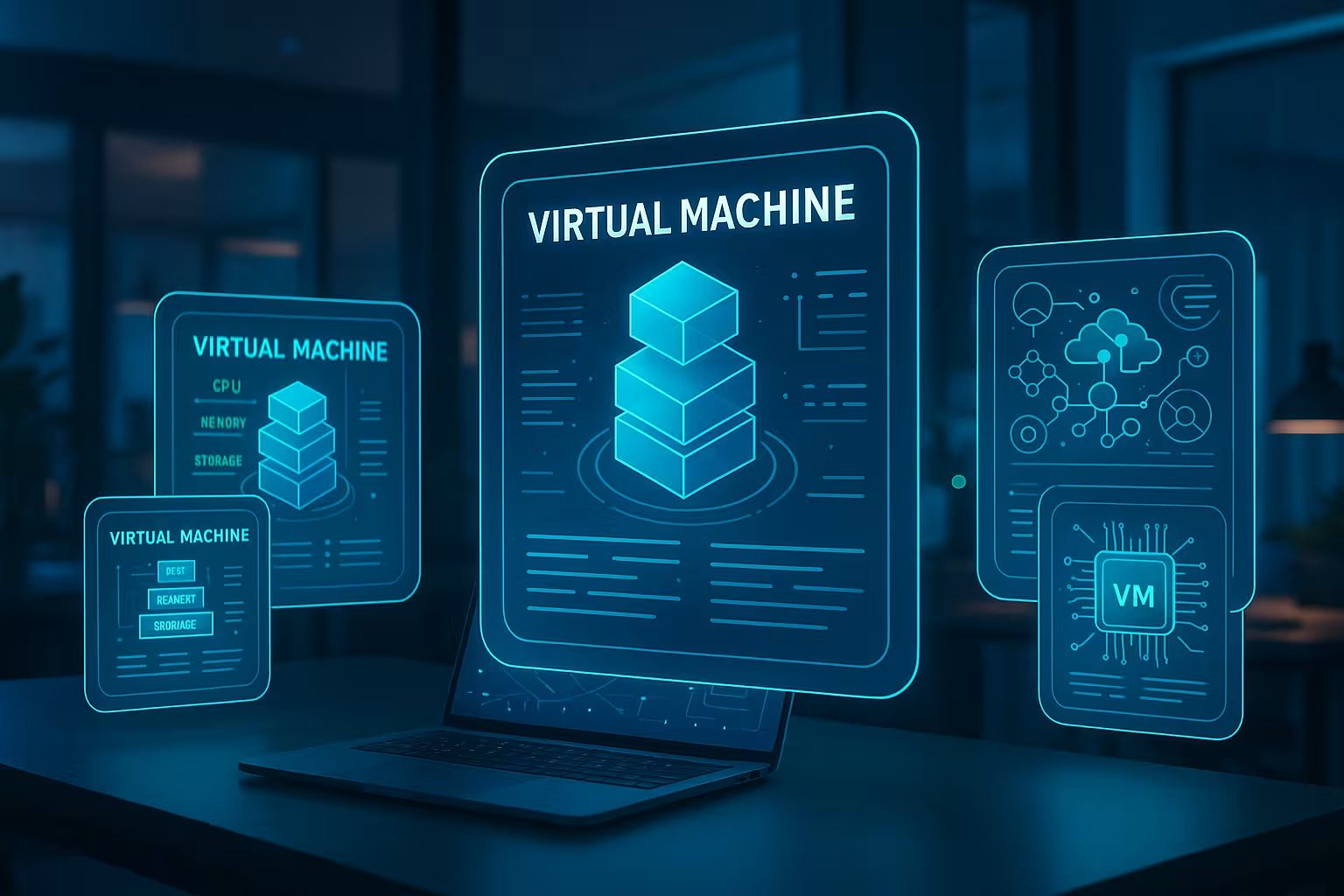
Areas of application for virtual machines in everyday life
Virtual machines are used in many sectors of the economy today. In the education sector, they save costs as students can work virtually via shared systems. Hospitals benefit from centralized patient data with guaranteed security. In online retail, they enable dynamic adjustments, e.g. for Black Friday promotions. An example from the financial sector: A bank can run test systems for new software in parallel with production systems without security risks from data leaks. Another practical benefit is offered by the comparison between VPS and dedicated serversto identify suitable virtualization solutions.Containers and virtual machines - what fits when?
Containers and VMs complement each other well in IT architectures. Containers are more efficient, start faster and enable a high density per host. Virtual machines score points with perfect separation and compatibility with various operating systems. I prefer to use a VM, especially for monolithic applications or systems with high security requirements. I use containers when scaling and rapid deployment are important - typically for microservices.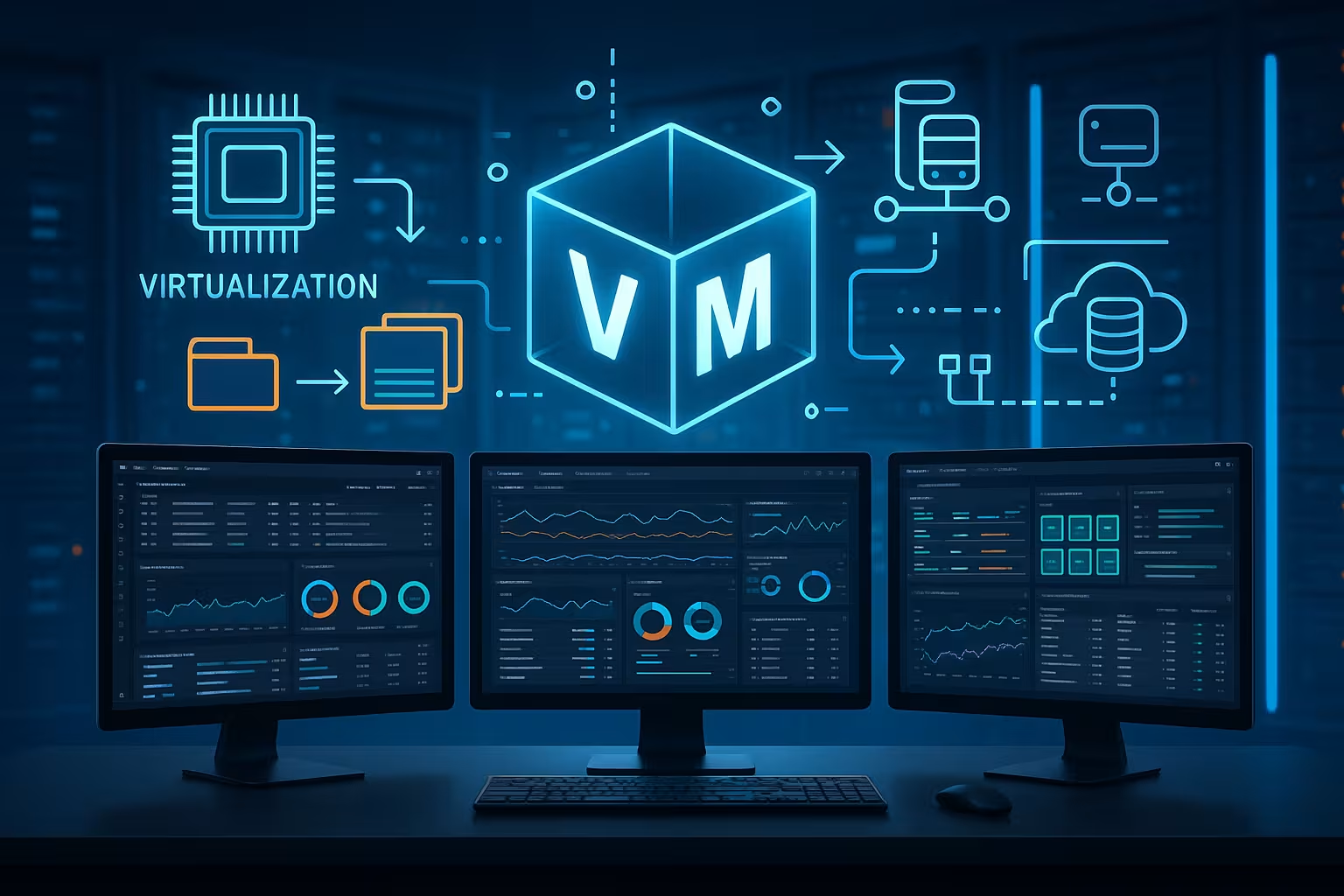
Trends around virtual machines
Virtual machines are constantly changing. New architecture concepts such as serverless functions are replacing classic servers for certain workloads. VMs often form the control layer behind the scenes. I am increasingly managing virtual infrastructures with the support of artificial intelligence. The systems analyse my usage behaviour, suggest optimizations and detect security vulnerabilities before they cause damage. Edge computing means physically relocating virtualization to the edge of the network. IoT devices or autonomous machines benefit from this because data traffic is shorter - saving bandwidth and time.
Practical tips for managing virtual machines
To get the full benefit from virtual machines, it is worth taking a look at some best practices. Above all, proper planning and integration into existing IT landscapes is crucial: 1. Thorough needs analysisMany companies initially overestimate the resource requirements of their systems. A realistic assessment and subsequent adjustment (scaling up or down) can save a lot of hardware. Clarifying early on how much CPU power or memory resources are required avoids oversizing. 2. Automated provisioning
Tools such as Terraform or Ansible enable the automated provision and configuration of new virtual machines. By providing configurations as code, human errors are minimized and scaling is accelerated. 3. Consistent security guidelines
Despite separate guest systems, IT security must not be neglected. Regular updates of operating systems, virus scanners and firewall rules are mandatory - regardless of whether I am running just one VM or a hundred. 4. Snapshot and backup strategies
Virtual machines can be backed up during operation. However, snapshots are only suitable for short-term restores. Regular backups are essential for long-term data protection. A combined strategy of snapshots before updates and automated backups, for example to a separate data center, significantly increases reliability. 5. Resource monitoring
Monitoring tools that observe the load at host and VM level help with optimization. Critical values such as CPU utilization, RAM usage or disk IO provide feedback on whether a system is under- or overloaded.
Licensing and compliance
If several virtual machines are operated on one host, the license situation must be clear. Operating systems such as Windows Server, for example, require a per-VM license or special licensing packages. In regulated industries such as medicine or finance, strict compliance requirements must be observed. Virtual machines play a dual role here: on the one hand, they improve security through isolation; on the other hand, audits and certifications must also be precisely verified in the virtual environment. If I use open source operating systems such as Linux, I have more flexibility when it comes to licensing, but I have to keep an eye on the respective distribution and its update cycles.
Hybrid cloud and orchestration
Many companies today use a mixture of their own data centers and public cloud services. Virtual machines can be easily integrated into these hybrid cloud solutions. Central orchestration is important in order to manage load distribution, security policies and automation in a uniform manner. Well-known tools such as Kubernetes - originally developed for containers - are increasingly being expanded to also control virtual machines. This enables uniform management of different workloads and increases flexibility for companies.Automation in virtual environments
The increasing complexity of IT infrastructures requires a high degree of automation. This is easier to achieve in virtual environments than in pure hardware setups. In addition to the automatic creation and configuration of VMs, it is worth automating recurring maintenance tasks. For example, I can have routine checks such as checking log files or distributing patches carried out on a time-controlled basis and without manual intervention. This not only saves human resources, but also increases reliability.Data backup and reliability
A well thought-out backup and failover strategy is essential to ensure that the failure of individual systems does not paralyze the entire infrastructure. Hypervisor-based replication allows a VM to be mirrored to a second host at regular intervals. If an error occurs, I can quickly switch over via failover and maintain business operations. In larger environments, a cluster can be set up in which the VMs are automatically moved to other hosts if a physical server has problems. Such concepts minimize unplanned downtime and protect against data loss - an important factor in business continuity plans.Performance optimization
Despite generally good performance, virtual machines can lead to performance losses in certain cases if the resource distribution is not coordinated. Here are some strategies:- Correct CPU assignment: CPU pinning or CPU affinity can be useful to provide dedicated cores for particularly compute-intensive VMs.
- Fast storage backends: Solid-state drives (SSDs) or NVMe storage speed up access times considerably. Anyone running data-intensive applications should take particular care when choosing a storage system.
- Network optimization: The performance of virtual switches and network adapters can be increased using SR-IOV (Single Root I/O Virtualization), for example. This reduces latency because VM traffic can access network hardware directly.
- Regular tuning: Every hypervisor and every guest operating system offers a number of settings to optimize operation. From fine-tuning the kernel settings to memory ballooning and adjusting virtual NIC settings, small changes can often have big effects.
Outlook: Virtual machines as a strategic tool
Virtual machines make IT more flexible and economical. They improve processes, secure data and enable new services on existing infrastructure. In combination with containers, AI and edge technology, this technology will continue to play a key role in the future. The continuous further development of hypervisors and management tools is constantly opening up new potential for mastering complex IT landscapes and making them more efficient. Smaller companies in particular benefit because they can operate modern, scalable IT with little effort. Those who set up their infrastructure virtually can react quickly to changes and remain technically competitive. The ability to consolidate different workloads facilitates targeted cost control. At the same time, snapshot functions, live migration and security tools offer the necessary flexibility to adapt to changing requirements at any time.webhosting.de offers high-performance hosting solutions based on virtual machines. This allows me to operate application servers, test environments or cloud solutions reliably and efficiently - tailored to my requirements.