Skip to content
I'll show you how the Virtualmin system administration streamlines professional workflows and reliably controls servers with the web interface. You will proceed step by step, from architecture to domains, email, databases, and backups to automation and monitoring.
Key points
To begin with, I will summarize the most important strengths of Virtualmin together so that you can immediately assess its benefits. The points cover the operating concept, functions, security, automation, and migrations. This allows you to quickly see why the panel is so appealing to agencies, companies, and ambitious projects. I present the content in a practical way so that you can use it right away.
- Web interface with clear separation of Virtualmin and Webmin tabs
- Domains, Centrally manage users, mailboxes, and databases
- Automation via templates, plans, and API
- Security with SSL, firewall, permissions, and logs
- Migration by cPanel, Plesk, and DirectAdmin
These points show the wide range of Functions and the control you get with Virtualmin from a single interface.
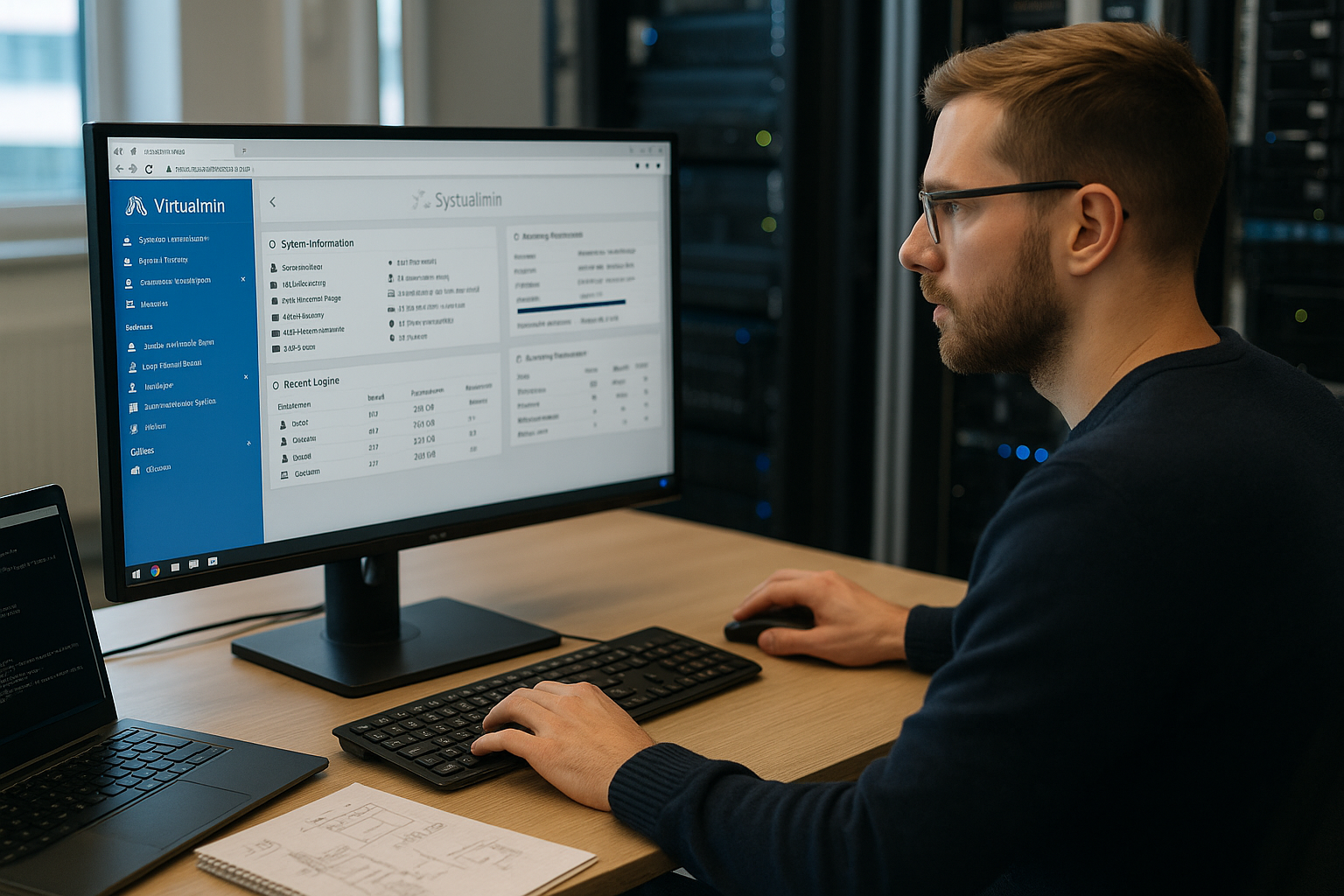
Architecture and interface: Working in a two-panel layout
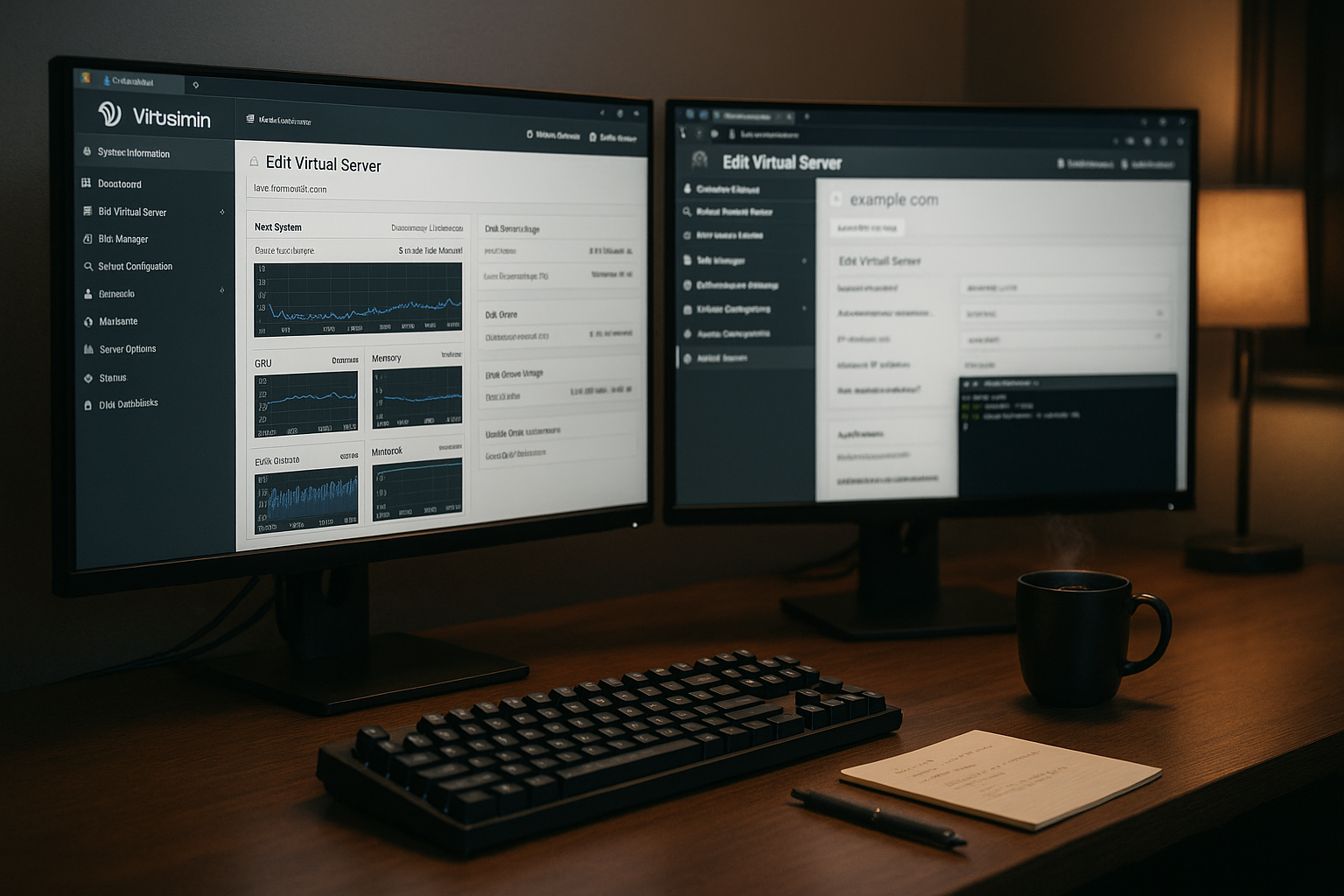
Virtualmin relies on a clear division with Virtualmin-Tab and Webmin tab, which structures daily work. On the left, you select servers, domains, or system modules, and on the right, the corresponding content appears with context. It feels like a file manager, only at the server level with more control. I can quickly switch between client settings and system options without losing sight of the view. This saves time and reduces operating errors when switching between projects.
The following table helps you to assign the task blocks immediately. Overview as a compass:
| Range | Typical tasks | Benefit |
|---|---|---|
| Virtualmin tab | Create domains, manage email, set up SSL, assign databases | Clear separation between Project, Clean multi-client capability |
| Webmin tab | Users/Groups, Firewall, Network, Services, Packages, Hardware | headquarters Control Panel without console |
| Dashboard/Status | CPU/RAM/IO, service status, logs, OS information | Fast Diagnosis and clear overview |
The combination of Virtualmin and Webmin tabs covers both client logic and system tasks. With just a few clicks, I can stay on track and keep projects and services neatly separated. This structure also makes it easier to train new administrators because the interface remains consistent. If you want a mix of hosting features and system control, this is a powerful solution. Base.
Manage domains, users, and permissions efficiently
I start new projects in the Virtualmin tab via Create I set up the server and activate email, FTP, or database as needed. Then, domains, subdomains, mailboxes, and aliases are organized in a shared structure that I fine-tune for each client. I set limits and feature flags for resources and functions to ensure that projects remain performant. I create users for each domain, set up FTP or mail access, and make granular decisions about rights. This keeps the separation between customers, teams, and roles strict, which increases security and simplifies support.
Convenient: I can expand existing domains later, for example, if a project needs email at a later date. I can also switch between plans or deactivate individual features with minimal effort. With group rights, I can control who can view files, retrieve emails, or manage databases. This granularity gives me control down to the account and feature level. I do this consistently so that there are no hidden Approvals remain open.
Files, databases, and email under control
I use the file manager when I want to quickly upload files, rename them, or set permissions in the browser without having to Console For larger transfers, I use SFTP or FTP, but stick to clear authorization concepts. I create databases such as MySQL/MariaDB or PostgreSQL for each domain and assign users directly. This saves me from having to switch to external tools because the most important tasks are consolidated in the panel. For email, I create mailboxes, aliases, and forwarders, set up spam filters, and keep operations cleanly separated per project.
I make sure that file permissions and ownership are always correct so that there is no cross-contamination between projects. In sensitive setups, I check logs and quotas to ensure that storage and mail are working properly. I set up SSL certificates for web and mail with just a few clicks using Let's Encrypt. This gives every domain encrypted access without the need for independent certificate management. This keeps installations lean and ensures clarity. Standards.
Automation, templates, and API power
With account plans and server templates, I define features, limits, and security once and roll out new projects consistently, which saves routine work. Cron jobs automate maintenance, backups, or checks at intervals, so I have to intervene manually less often. I use the API to trigger provisioning and migration steps via script and integrate external toolchains. This allows me to scale workflows from single servers to hosting clusters without reinventing structures. If you want to extend the UI, you'll find clean logic and documented interfaces enable a quick start.
For ideas on optimizing processes, it is worth taking a look at UI integration, because clear processes keep the environment manageable. I keep templates concise, version configurations, and test changes on a staging instance. This allows new defaults to be rolled out without risk. Ultimately, what matters is that recurring work steps function reliably and consistently. This is precisely where the combination of templates and API their strengths.
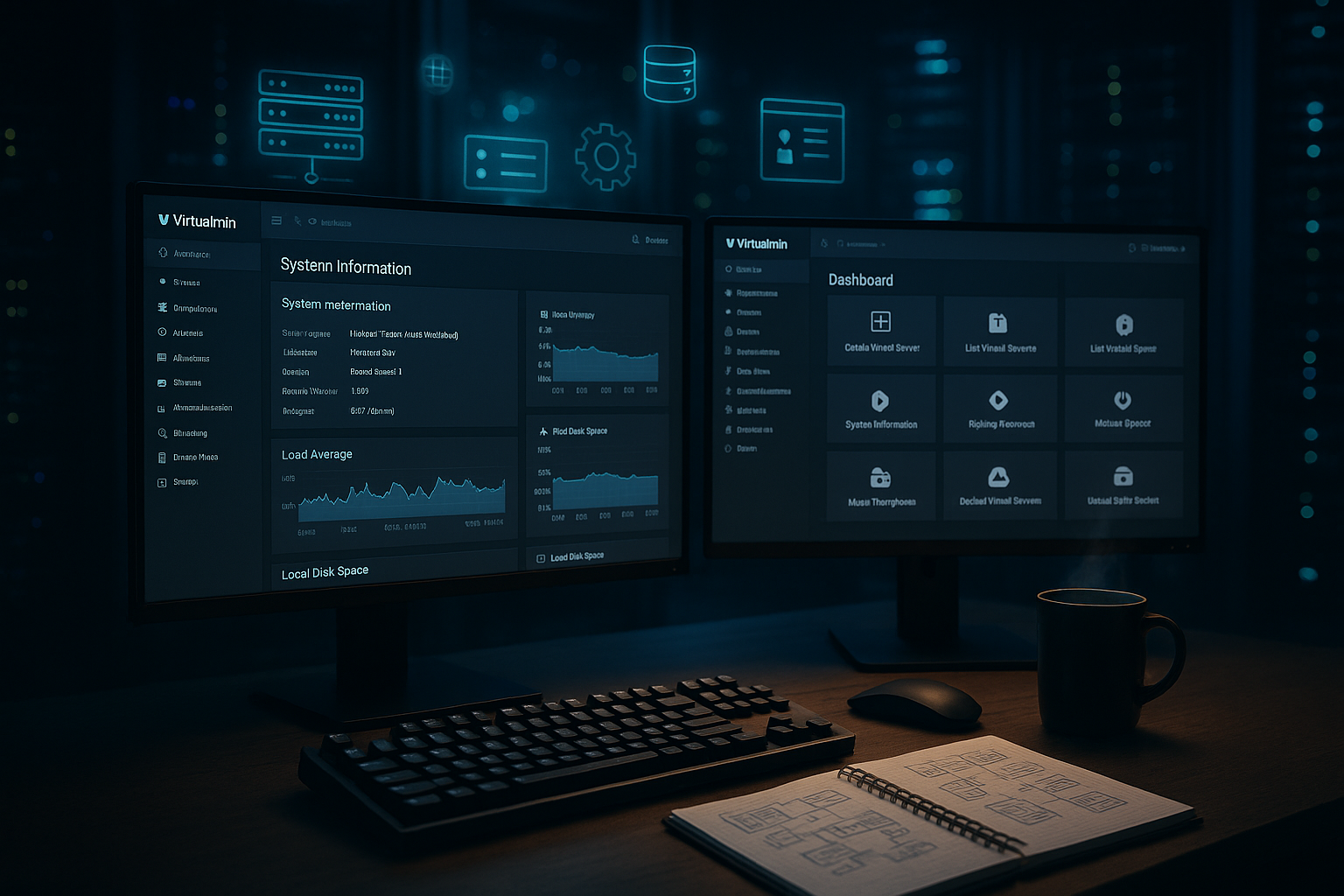
Backup, restore, and security in practice
I plan backups per domain or for the entire server, depending on the recovery goal and RPO/RTO, so that data loss does not become critical in the first place. Restoration works granularly down to individual mailboxes or databases, which reduces downtime. I encrypt backups and check hashes to ensure integrity. For security, I rely on Let's Encrypt, good cipher suites, firewall settings, and strict rights assignment. I regularly evaluate logs to detect unauthorized access early and respond promptly.
If you need more practical details about protection and hardening, you will find helpful Safety tips for admin setups. In addition, I keep SSH access to a minimum, disable unnecessary services, and rotate keys. I install updates promptly, but test them on staging first to avoid surprises. With clear playbooks, security takes less time and remains consistent. This discipline pays off in peaceful nights and satisfied Customers from.
Monitoring and system information: Early detection of bottlenecks
The dashboard provides me with CPU, RAM, and network utilization, service status, and operating system information in seconds. I set thresholds for notifications so that failures or peak loads are quickly visible. I organize logs by project to locate anomalies in individual domains. For performance, I check IO and DB latencies before users notice anything. This combination of status view, alarm thresholds, and log checks keeps the Availability high.
I use the information to make specific adjustments to quotas, PHP workers, or caching. When patterns recur, I adapt templates so that new projects start with better defaults right away. This creates standards that scale and reduce the burden on support. Keeping an eye on services such as Redis, PHP-FPM, or Postfix allows you to proactively resolve bottlenecks. This reduces tickets and strengthens trust in the Platform.

Migration and integration: change without disruption
Virtualmin imports existing hosting setups from cPanel, Plesk, or DirectAdmin in just a few steps, which makes switching over way easier. I first test the import in a test environment and check email flows, databases, and DNS entries. The API and tools help me standardize recurring migrations. For special cases, I write scripts to adapt paths, permissions, or mailboxes to new standards. This keeps the change predictable and live times under control. calculable.
I can also neatly assign backups from external systems in Virtualmin. I document step sequences so that subsequent migrations are faster. For DNS changes, I set low TTLs so that switches take effect quickly. After the cutover, I check logs and error pages before officially handing over projects. With this discipline, I keep migrations transparent and reproducible.
Comparison and hosting tip for professionals
Compared to Plesk, cPanel, and DirectAdmin, Virtualmin scores highly thanks to its high flexibility, reliable range of functions, and good cost control. If you want to control Linux servers cleanly via a web interface, you will find a robust solution for agencies, companies, and admin teams here. At the same time, you benefit from the separation between client and system, which clarifies roles and responsibilities. For a broader perspective, it is worth reading an article on Open-source panels, to match requirements more accurately. On the hosting side, dedicated servers or VPS provide reliable resources, which Virtualmin makes good use of and Scaling facilitated.
I rely on providers with clear SLAs, monitoring options, and fast NVMe volumes to ensure that web and email respond quickly. Good connectivity, consistent images, and up-to-date kernels save time in operation. For companies, it is worth having a plan with support windows and escalation paths. Planning the setup carefully saves on maintenance costs later on. These points directly contribute to performance, security, and Costs in.
Practical workflow: From a fresh server to a live project
I start with a clean Linux image and install updates before activating services so that the Base That's right. Then I set up the host name, time zone, SSH, and firewall. In the Webmin tab, I set up users/groups and install any missing packages. Next, I create the first domain with mail, SSL, and database in the Virtualmin tab. Finally, I test HTTP/2, mail, and DB connections before approving deployments.
Starting with the second project, I use templates and account plans. This creates new instances with consistent limits, PHP versions, and secure defaults. I document special features for each customer directly in the project so that handovers run smoothly. For backups, I define the frequency, retention, and storage destination so that restores are clearly regulated. This process makes the rollout predictable and keeps operations running smoothly. tidy.
Manage web server stack and PHP versions cleanly
One important practical consideration is the choice of stack. I decide for each server or domain whether Apache or Nginx is more suitable, and I use PHP-FPM for clean isolation and performance. For each project, I specify the PHP version, test compatibility, and only keep older versions active for as long as the application requires. This minimizes risks and reduces maintenance effort. For Composer-based deployments, I use user contexts with appropriate paths to keep dependencies separate. The Virtualmin approach, with separate pools, log files, and limits for each domain, prevents one project from slowing down the entire machine.
To avoid bottlenecks, I set reasonable values for each PHP-FPM pool: I base the process manager, max children, and timeouts on traffic and application type. For computationally intensive applications, I plan caching strategies: activate opcode cache, compress static assets, and set reasonable cache headers. Where sessions or object caches are necessary, I integrate Redis and isolate access per project. This allows the stack to scale and remain diagnosable.
DNS and email deliverability: consistently adhere to standards
To ensure that emails arrive reliably, I set up SPF, DKIM, and DMARC correctly for each domain and check PTR/reverse DNS and HELO identities. In Virtualmin, I create DNS zones so that the records match the mail server, or I delegate to external name servers if existing setups continue to run. I set up spam filters and antivirus software in a resource-efficient manner and keep quarantines short so that mailboxes do not overflow. I monitor the mail queue during traffic peaks and resolve congestion in a targeted manner instead of making global changes.
For Let's Encrypt certificates, I use HTTP-01 or DNS-01 depending on the setup if wildcards are necessary. It is important to have a consistent process: renew certificates in good time, reload services, and deliver certificate chains in full. This ensures that web and email remain encrypted without interruption. In multi-server environments, I make sure that all relevant services know the current certificates and deliver them identically.
Roles, delegation, and auditing: control without micromanagement
The more projects grow, the more important clear roles become. I separate responsibilities between server administrators, project owners, and developers. In Virtualmin, I delegate domain administration without granting system rights. This allows teams to maintain mailboxes, databases, or cron jobs independently, while sensitive system areas remain protected in the Webmin tab. For time-limited tasks, I work with clear guidelines: rights are only granted for the duration of the project and are revoked afterwards.
I achieve transparency through consistent logs and notifications. I log changes to configurations, failed logins, and service restarts, and evaluate them regularly. This allows me to recognize patterns early on—such as incorrect password entries for an automated job or recurring cron errors.
Updates, lifecycle, and compliance on track
I plan updates as a fixed process: first staging, then rollout in maintenance windows with backup and clear fallback. I prioritize security updates and bundle feature updates to reduce reboots. I keep an eye on kernel and package updates because they can affect services. In addition, I define retention policies for logs, backups, and emails to keep storage under control and ensure compliance requirements are met. For sensitive industries, I document changes and regularly review access rules to ensure audits run smoothly.
I also integrate IPv6 and dual stack early on so that DNS, web, and email are delivered consistently. I test accessibility from different networks and keep firewall entries synchronized. This way, I avoid surprises when customers or partners are only accessible via IPv6.
Performance tuning and scaling: calmly handling peak loads
When peak loads are expected, I first scale the configuration: adjust PHP-FPM pools, check connection limits, optimize keep-alive and compression. Then I look at the application level and caches before increasing resources. I consistently store static content externally and minimize dynamic generation. In the panel, I check IO values, database locks, and slow queries. If limits are regularly exceeded, I adjust templates—this way, new projects automatically benefit from the insights gained.
For larger environments, I distribute workloads: separate DB servers, dedicated mail hosts, or reverse proxy layers. Virtualmin remains the hub for domain and project logic, while specialized services operate underneath. With a clear interface and clean automation, complexity remains manageable.
Troubleshooting and emergency procedures: Stay calm, act systematically
When errors occur, I take a structured approach: I check the status of the relevant services, narrow down the logs by time, and look at changes made in the last few hours. For web problems, I test with Curl and activated verbose logging; for mail, I analyze queue, DNS, and authentication errors. I keep runbooks on hand that cover restore scenarios, DNS rollback, and service restarts. In the event of data loss, I use granular restores at the domain or database level to get back online quickly without resetting the entire server.
- Quick check: Service status, resources, latest deployments
- Logs: Web server, PHP-FPM, mail, database, firewall, Fail2ban
- Network: DNS resolution, certificates, ports, IPv4/IPv6
- Recovery: partial restore, configuration rollback, temporary deactivation of non-critical jobs
These guidelines ensure that disruptions remain limited and that you can return to normal operations—with clear communication to stakeholders.
Practical checklist for recurring setups
To ensure that new projects get off to a consistent start, I use a short checklist. It saves time and prevents blind spots:
- Basis: Hostname, time, SSH, firewall, packages, updates
- Domains: Create Server, Feature Flags, Quotas, PHP Version
- Security: SSL/TLS, permissions, Fail2ban, strong passwords/keys
- Email: SPF/DKIM/DMARC, aliases, spam filters, limits
- DB: Users, permissions, slow query logs, backups
- Automation: Templates, schedules, cron, API flows
- Monitoring: thresholds, notifications, log rotation
- Backups: Frequency, retention, offsite destination, restore test
- Documentation: Special features, runbooks, handovers
This ensures that quality remains consistent, regardless of who in the team is responsible for the setup. I regularly update the list as I learn new things at work.
Briefly summarized
Virtualmin provides me with a powerful Web interface with a clear separation between client and system, allowing me to manage projects securely. I manage domains, email, databases, and SSL consistently for each customer. Automation via templates, plans, and API speeds up rollouts and reduces errors. Backups, recovery, and security remain centrally controllable and traceable. With monitoring, logs, and status views, I can identify bottlenecks early on and keep the Performance high.
The combination of flexible configuration and reliable operation makes Virtualmin attractive for companies, agencies, and admin teams. I rely on clean processes, staging tests, and documented standards to ensure that setups remain reproducible. When it comes to hosting, I pay attention to SLAs, storage, and networks so that the software can reach its full potential. If you take these points to heart, you can run Virtualmin with low maintenance and in a targeted manner. This turns the panel into a tool that allows projects to be scaled in a predictable manner and significantly simplifies everyday work. relaxed.