 Skip to content
vps windows 2025 bundles full admin rights, flexible resources and modern security on a virtual server with a Microsoft operating system. I will show you how to use Windows Server 2025 sensibly, which providers are convincing in 2025, which tools really work and which settings noticeably increase performance, protection and availability.
Key points
- FlexibilityAdmin rights, own software, full control
- ScalingDynamically adjust CPU/RAM/storage
- Compatibility.NET, MSSQL, IIS, RDP out of the box
- PerformanceDedicated resources, SSD/NVMe
- SecurityUpdates, MFA, firewall, backups
What a Windows VPS 2025 actually offers
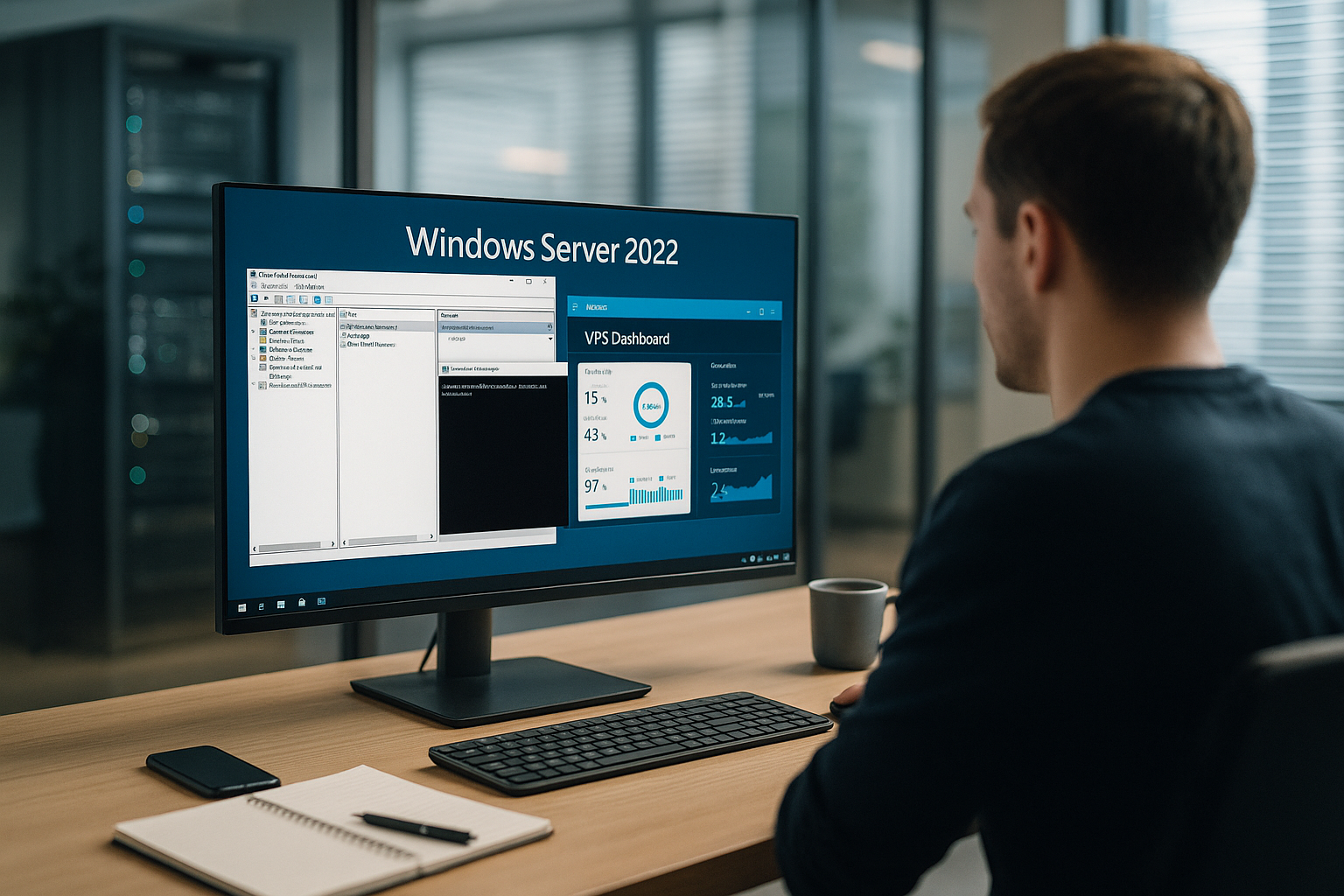
A virtual server with Windows provides its own isolated instance with CPURAM and storage, which you manage independently. I install software freely, assign rights specifically and control updates without waiting times. Windows Server 2025 brings modern security mechanisms, improved container options and optimized management tools. For .NET applications, Microsoft SQL and IIS, the setup fits without complex customizations. This allows me to operate workloads with clear separation, reproducible configurations and high Availability.
Network and latency: noticeably speed up accesses
I pay attention to network parameters early on because they are crucial for RDP, API calls and database access. Dual stack with IPv4/IPv6 prevents detours, cleanly set DNS entries (A/AAAA, PTR) reduce timeouts. For RDP, I activate UDP support and set bandwidth guidelines so that interactive sessions remain stable even with fluctuating lines. In IIS, I limit keep-alive timings sensibly, activate HTTP/2/3 (if available) and only use compression where it really saves I/O. QoS rules prioritize critical services, such as backend APIs or database replicas.
Typical application scenarios that will be used in 2025
Companies host web apps, stores or portals that place high demands on Performance and Microsoft stacks. Remote workstations can be provided via RDP, including guidelines and secure access. Developers set up CI/CD, test environments and staging servers to test releases cleanly. Internal business tools and databases benefit from short latencies and dedicated resources. Hybrid setups with cloud services also work well if I use the VPS as a fixed Anchor use.
Compliance & site selection: Clean mapping of data protection
I choose the server location deliberately: closer to users reduces latency, within the EU it facilitates DSGVO-obligations. I check provider options for encryption at rest and isolated backups as well as order processing contracts and support times. For sensitive data, I strictly separate environments (Prod/Staging/Dev) and use separate service accounts with minimal rights. I manage logging and retention periods centrally so that audits remain traceable without collecting unnecessary data.
Purchase criteria: How to choose my Windows VPS 2025
First I check the Operating system-Version: Windows Server 2025 should be available and licensed. I then compare dedicated cores, RAM and NVMe storage, because these factors have a noticeable effect on response times. An admin panel such as Plesk reduces routine work and simplifies hosting tasks. Backups should be automated, versioned and stored externally so that I can quickly jump back in the event of an emergency. For a more in-depth overview of the market, I use this guide to Rent a Windows serverto check tariffs and features properly.
Provider comparison 2025: performance, support and special features
I rate providers according to Performance, support quality, availability of modern Windows versions, storage and data protection. webhoster.de scores with NVMe, Windows 2025 and very good German-language support. Liquid Web delivers high performance with managed options. Kamatera allows finely tiered resources, which is convenient for project phases. Hostwinds and IONOS address budgets with fair packages and solid basic features.
| Place | Provider | OS/Storage | Support | Special features |
|---|---|---|---|---|
| 1 | webhoster.de | Windows 2025, NVMe | 24/7 German | Plesk optional, managed & unmanaged, very high uptime |
| 2 | Liquid Web | Windows 2019/2022, NVMe | Around the clock | Strong performance, managed available |
| 3 | Kamatera | Windows 2012-2022, SSD | Optional | Finely scalable Resources |
| 4 | Hostwinds | Windows 2012-2022, SSD | 24/7 | Budget-friendly tariffs, dedicated RAM |
| 5 | IONOS | Windows 2016/2019, SSD | Phone & E-Mail | Good price-performance ratio |
Calculate licenses correctly
I plan licenses transparently: The Windows server license is usually included in the VPS tariff, but additional roles may require their own licenses. RDS CALs are required for several simultaneous RDP users, and per-core licensing often applies for Microsoft SQL. Plesk also has editions with different feature sets. I document how many users, cores and instances are running productively so that audits remain stress-free and I can budget growth stages properly.
Performance tuning: using resources wisely
I start with clear Guide values for CPU and RAM, measure load peaks and increase them in a targeted manner. NVMe storage reduces I/O latency, especially for databases and build processes. IIS benefits from output caching, HTTP/2 and compressed assets, which reduces time-to-first-byte. For MSSQL, I plan separate volumes for data, logs and TempDB to avoid bottlenecks. PowerShell scripts automate cleanup, service restarts and scheduled maintenance to keep the box running smoothly.
Storage layout and file systems
I choose the file system to suit the workload: NTFS is universal, ReFS can offer advantages for large files, backups and VM workloads. I separate small, fast-moving data (temp, cache, queues) from persistent data to minimize fragmentation and I/O contention. Write cache settings, dedicated volumes for logs and a sensible block size have a direct impact on latency. If the provider offers encryption on the host, I combine this with OS-side guidelines without unnecessarily burdening the I/O paths.
Safety and maintenance: practice that lasts
I activate multi-factor login for Admin-accounts and set strict password policies. The Windows firewall is given clear rules and I only allow RDP via VPN or IP filters. I install patches promptly and only test critical updates during staging. Backups run incrementally, and I also plan regular full backups with recovery tests. Audit logs and event displays help to detect anomalies early on and document incidents cleanly.
RDP hardening in practice
I activate Network Level Authentication, limit logon attempts and set account blocking rules. The RDP port does not remain publicly accessible, but is only accessible via VPN, a jump host IP or an IP filter. I define session time limits, clipboard control and drive redirection restrictively. Separate admin accounts without email login and without global rights reduce the risk of lateral movement. For maintenance windows, I use just-in-time access via the provider firewall so that ports are only open temporarily.
Indispensable tools: Panels, console and protection
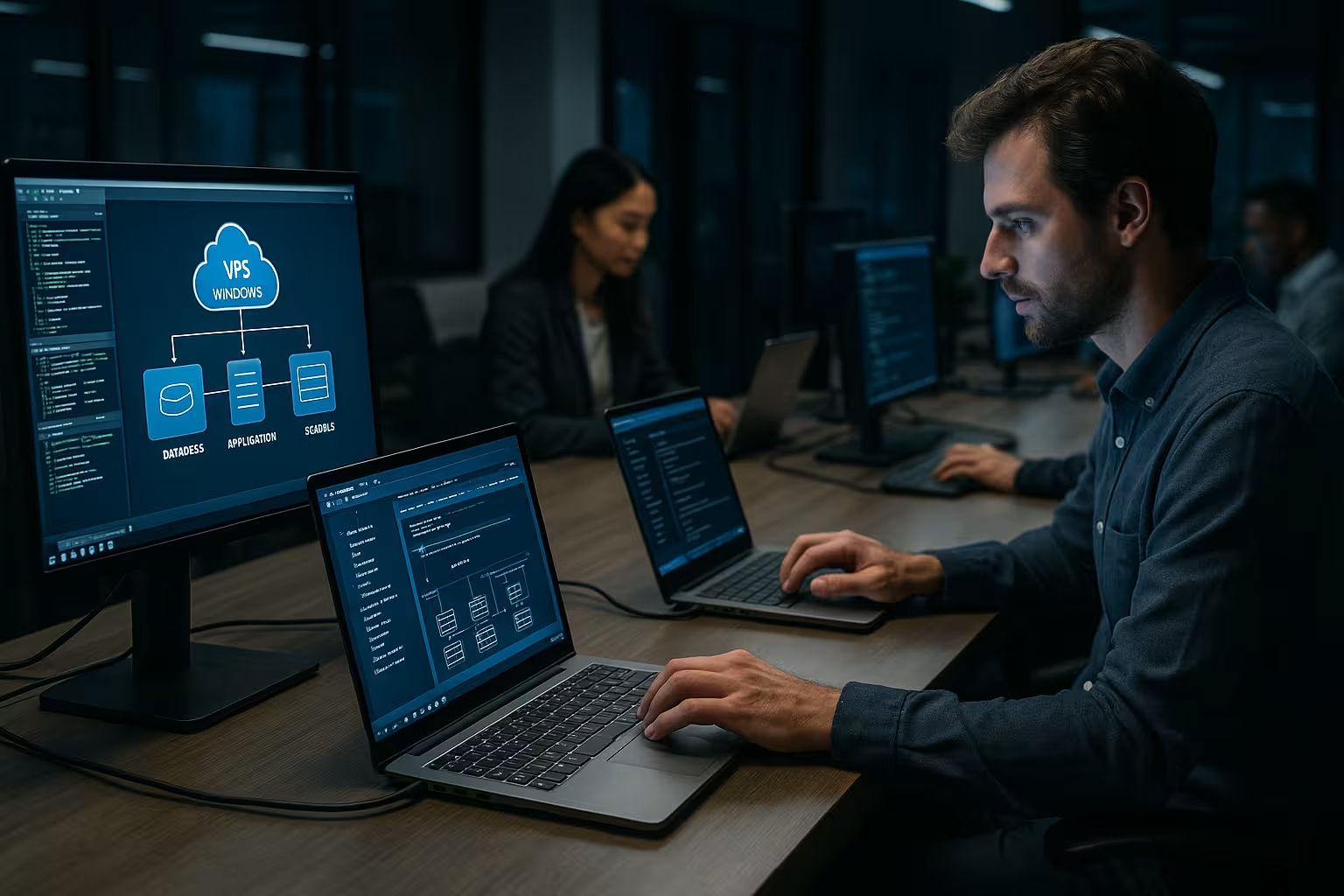
For day-to-day business I use Plesk to manage websites, e-mail, databases and certificates. RDP provides convenient desktop access, while PowerShell automates tasks and makes them repeatable. The Windows Admin Center bundles administration functions in a modern interface. Defender with configurable rules, attack surface reduction and controlled folder access protects against typical threats. For backups, I rely on image-based backups plus file-related jobs for flexible restores.
Automation & configuration management
I record configurations as code so that changes remain traceable and reproducible. I use PowerShell Desired State Configuration to define roles, features, services and policies that the server creates and monitors independently. Scheduled tasks trigger health checks, log rotation and cleanup routines. For deployments, I use scripts that package web apps, consistently provision IIS sites and enable rollbacks in the event of errors. In this way, I reduce manual click paths and avoid drift between staging and production.
Monitoring and backups: measured values that count
I monitor CPU-load, RAM, I/O, network latency and service availability permanently. Windows' own performance counters provide good signals, external tools visualize trends. Warnings via email or Teams/Slack inform you if threshold values are exceeded. For backups, I plan 3-2-1: three copies, two media, one external copy. I regularly perform restore tests myself, because only a tested backup really counts.
Backup strategy: Set RPO/RTO realistically
I define recovery points (RPO) and recovery times (RTO) for each system. I back up databases application-consistently via VSS, with log backups to minimize data loss. For web apps, I combine image snapshots with file-related backups to enable granular restores (individual sites, repos). Rotating generations (GFS: daily, weekly, monthly) and offsite copies have proven their worth. I document restore exercises, including duration, dependencies and contact paths, so that nobody has to search in an emergency.
Windows or Linux? How to decide in 2025
If an app uses .NET, MSSQL or IIS I choose Windows without any detours. If a project primarily requires PHP, NGINX/Apache and MySQL/MariaDB, I include Linux in my calculations. Security and compliance requirements may demand Windows features, for example for domain integration or group policies. Costs and team expertise also play a role in the selection process. For a structured comparison, this overview helps me to Windows vs Linuxto make clear decisions.
Container options 2025
I check whether workloads can be run as Windows containers to speed up deployments and isolate dependencies. For .NET apps on modern runtimes, this offers clear advantages for CI/CD. At the same time, I monitor resource overheads and the capabilities of the provider (e.g. snapshots, network features, storage performance) to ensure that containers do not come at the expense of stability. Hybrid architectures with Linux containers for frontends and Windows containers for backend services can simplify costs and operations.
Costs, licenses and scaling: plan realistically
I calculate monthly costs from ResourcesWindows license and any managed services. Smaller instances often start in the low double-digit euro range, business setups are significantly higher depending on the load. Scale RAM or cores gradually instead of starting out oversized. Check whether Plesk licenses, backups and snapshots are included in the package or are charged additionally. On an annual basis, I plan buffers for growth, seasonal peaks and license changes.
Migration & rollout: Move cleanly
I prefer side-by-side migrations: New VPS, fresh OS version, then move applications and data selectively. I plan DNS cutovers at off-peak times and lower the TTL in advance. For MSSQL I migrate via backup/restore or log shipping, for IIS I export sites, certificates and AppPools. Old servers remain in parallel for a short time until monitoring, backups and logs are verified on the new system. This way I avoid legacy issues and can roll back without pressure in an emergency.
Operating concepts: Managed vs. unmanaged
I decide according to team strength: managed relieves the burden of patching, monitoring and emergencies, unmanaged gives full freedom, but requires know-how and readiness for 24/7 availability. Mixed forms work well: I have critical basic services managed (OS, security, backups) and manage applications myself. Clear SLAs, response times and escalation paths are important so that there are no gray areas in an emergency.
Fix common errors quickly
Many problems arise due to a lack of Updatesopen RDP ports or too few resources. I first check the event viewer, service status and utilization before I go any deeper. I often solve network errors with clear firewall rules and clean DNS entries. Performance problems often disappear after moving to NVMe, activating compression or increasing RAM. For typical stumbling blocks, I have compiled a compact checklist for Common problemswhich saves me time.
Briefly summarized
A Windows VPS 2025 combines full control, Microsoft compatibility and flexible resources. I make sure I have the latest OS versions, dedicated cores, enough RAM and NVMe storage so that applications run smoothly. With Plesk, PowerShell and the Windows Admin Center, I save time and standardize processes. Security is achieved with MFA, clear firewall rules, fast patches and tested backups. If you combine providers, tools and maintenance wisely, you can get tangible long-term benefits from vps windows.


