Skip to content
In the vserver comparison 2025, I show how current providers are performing in Priceperformance, availability and support and which tariffs make sense for typical projects. I summarize starting prices from € 1.00, classify NVMe performance and RAM requirements in a practical way and evaluate Support-quality, safety and operation.
Key points
- PerformanceNVMe SSDs, modern CPUs, consistent uptime
- PricesClear tariffs from €1.00, with no hidden costs
- Support: quick answers, real experts, 24/7
- SecurityGDPR, Backups, Firewall, Monitoring
- OperationControl panel, simple upgrades, automation
vServer briefly explained: Technology & benefits
A vServer (VPS) provides isolated Resources on a physical machine and gives me full control including root access. Thanks to virtualization, I can work flexibly, scale as required and separate projects cleanly from one another, which promotes performance and security. This approach is suitable for websites, stores, apps or staging environments because I can choose software freely and configure services as I wish. Compared to shared hosting, I gain constant performance and can raise limits in a targeted manner without having to consider my neighbors. Those who run productive workloads benefit from predictable Performanceautomated backups and clear upgrade paths [1][5].

Market overview 2025: a comparison of providers
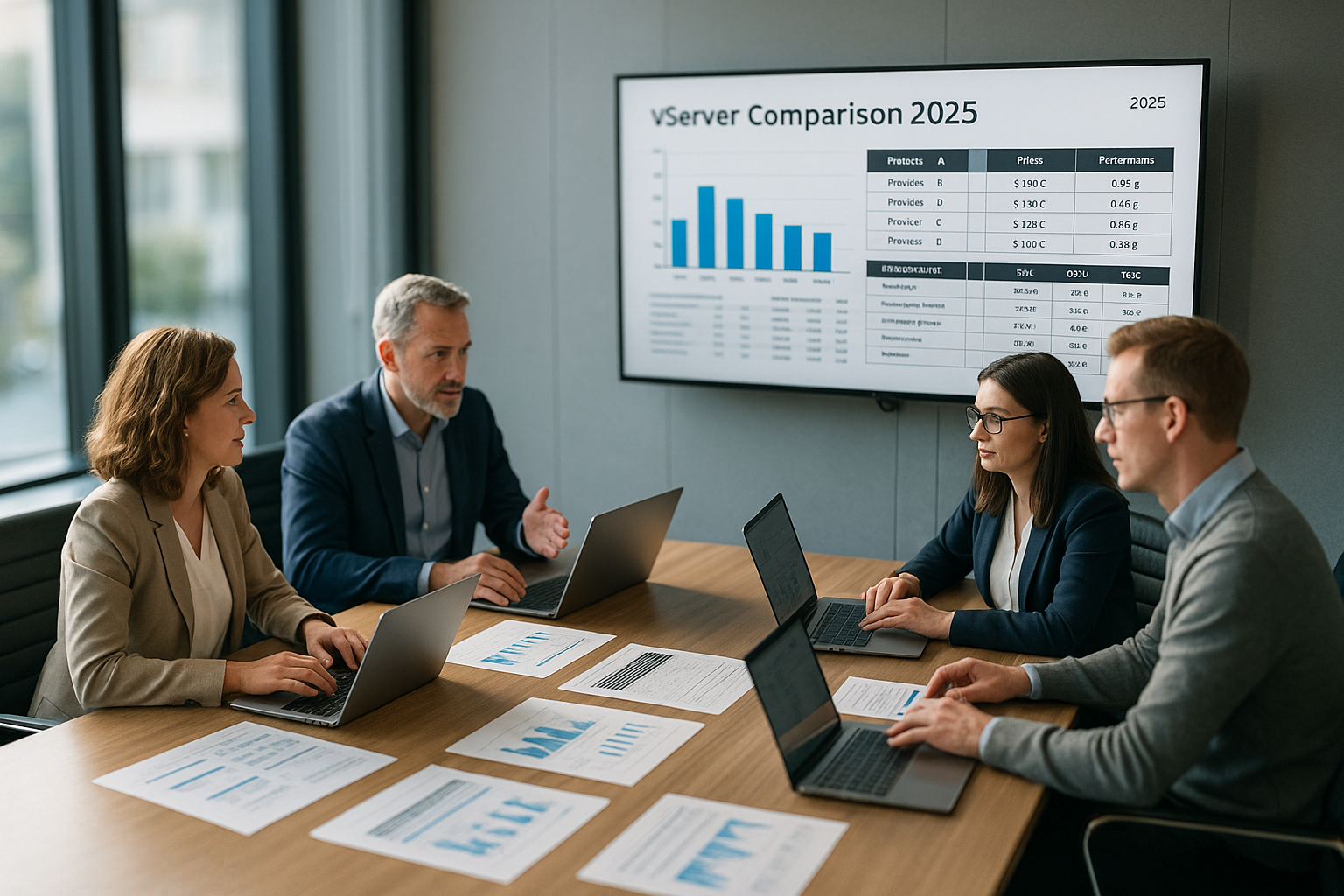
In the year 2025, I see webhoster.de at the Topfollowed closely by Hetzner, Contabo, Strato, Hostinger, OVHcloud and DigitalOcean; the order varies depending on the use case. webhoster.de scores with a very short response time, high uptime and clear prices, which makes productive projects easier. Hetzner and Contabo offer a wide range of hardware, Strato attracts customers with low entry-level prices, Hostinger serves international locations and OVHcloud and DigitalOcean appeal to developers. If you want to delve deeper into tariffs, performance and support, the compact Server comparison 2025 a useful addition. Overall, the workload, budget and desired Locations about the best choice [2][4][5].
| Place | Provider | Memory | RAM | Price from | Support | Special features |
|---|---|---|---|---|---|---|
| 1 | webhoster.de | NVMe SSD | 2-128 GB | 1,00 € | <3 Min | Automated backups, German infrastructure |
| 2 | Hetzner Online | NVMe SSD | 2-256 GB | 3,99 € | Very good | Scalability, high availability |
| 3 | Contabo | SSD/NVMe | 4-256 GB | 6,99 € | Good | Value for money, many additional functions |
| 4 | Strato | SSD/NVMe | 1-64 GB | 1,00 € | Good | Various tariffs, flexible OS selection |
| 5 | Hostinger | NVMe SSD | 4-32 GB | 5,49 € | Good | AMD Epyc CPUs, worldwide locations |
| 6 | OVHcloud | SSD | 2-64 GB | 4,50 € | Good | Individual configurations, Europe DCs |
| 7 | DigitalOcean | SSD | 1-32 GB | 5,00 € | Good | Developer-friendly, tutorials & support |
Test criteria: How I rate vServers
I weight Technologyprice-performance, support, security, availability and ease of use, because these factors determine everyday usability. NVMe storage, the latest CPU generations and consistent RAM allocation ensure fast response times and stable throughput. A clear tariff design without surprises prevents cost stress, especially as usage increases. When it comes to support, I pay attention to response times, quality of assistance and availability at night, as outages can rarely be planned. I also check firewalls, backups, monitoring and the quality of the control panel so that I can implement changes securely and quickly [2][4].
Performance and hardware in detail
NVMe SSDs deliver significantly lower power consumption compared to classic SSDs or HDDs. Latencies and noticeably drive dynamic websites, stores and APIs. I see NVMe as a must in 2025, even in smaller packages, because wait times directly influence conversion and SEO. CPUs are dominated by modern Intel generations and AMD Epyc, which, in combination with fast storage, enable short time-to-first-byte. Those who make heavy use of builds, caching or databases benefit from more cores and higher clock stability. webhoster.de in particular relies on NVMe in many stages and keeps performance consistent across the product lines [2][5].
Plan RAM, CPU and storage requirements
For blogs and small sites, 2-8 GB is often sufficient RAMwhile caching, store plugins and more simultaneous visitors require additional reserves. If the load increases, I gradually scale up to 16-32 GB so that databases and workers get enough air. Compute-intensive workloads such as image processing or CI/CD benefit from more CPU cores and fast NVMe swap, which absorbs load peaks. When it comes to storage, I plan for database size, media assets and backups and create buffers for updates and logs. An upgrade option without downtime remains important, so that expansions run smoothly under live traffic [5].

Support, operation and security
I value Support-Time, expertise and channels, because speed of response counts in an emergency. I achieve the best results with providers who respond quickly via chat, phone and email and provide clear solutions. webhoster.de shines according to experience with responses in under three minutes and an uptime of 99.99 %, which provides security in productive operation [2][4]. Good control panels save time, as I set users, DNS, certificates and backups without any detours. For security, I rely on firewalls, daily backups, malware scans and regular updates; the guide provides a broad overview VPS hosting 2025which summarizes best practices.
Tariff structure, prices & avoid traps
Entry-level tariffs start at € 1.00 per month and rise to well over €100.00 depending on performance, traffic and management options. I check the term, setup fees, CPU allocation, traffic limits and add-ons so that the effective price remains clean. Anyone hosting growing projects calculates the next 6-12 months and thus avoids any major jumps when upgrading. Transparent providers clearly state upgrades and downgrades, provide price stability and deliver comprehensible resource information. I summarize additional savings tips on promotions and tariff changes in this guide: Save on hosting - compact and without marketing fog, so that budget and Performance remain in equilibrium [2][5].

Root vs. managed vServer
A root vServer gives me full Controlso that I can set packages, firewalls and services precisely and automate scripts. This is worthwhile if I have expertise or want to map DevOps processes. Managed variants relieve me of updates, security patches and service maintenance, which saves time and reduces errors. Companies without admin resources often opt for managed because availability and predictability are more important than absolute freedom. In the end, team skills, SLA expectations and budget decide which option makes sense. Choice [5].
Choice of location and data protection
I pay attention to Locations in Germany or the EU so that GDPR requirements remain clear and data rooms are consistent. webhoster.de and Hetzner host in Germany, which provides legal clarity and short latencies for local target groups [2][4]. Those serving international users benefit from locations in Europe, the USA or Asia in order to reduce response times. In addition to the physical location, certifications, access controls and network redundancies are also important. A clean AV contract plus documented security measures round off a permanent Setup from.

Which features will count in 2025
For me NVMeThe mandatory features of a good vServer include up-to-date CPUs, reliable uptime and predictable upgrades. There are also automatic backups, fast restore points and sophisticated firewalls that I can check without support tickets. A clear control panel makes SSL, DNS, monitoring and user management easier, which streamlines processes. Transparent prices with fair limits prevent stress during traffic peaks, while clear SLAs build trust. If you look at the whole package, you can make sustainable decisions and avoid expensive Bad buys [2][4].
Purchasing advice: Typical profiles and recommendations
Bloggers and small sites run with 2-4 vCPU, 2-8 GB RAM and NVMe as long as caching is properly configured. Stores, learning platforms or membership areas benefit from 4-8 vCPU and 8-32 GB RAM, as databases and PHP workers need reserves. Agencies with many projects rely on flexible snapshots, automated deployments and scalable stages so that releases run smoothly. Developer stacks with CI/CD, Docker or Kubernetes require more CPU cores, fast storage and a resilient network connection. For all these scenarios, webhoster.de delivers strong performance, clear prices and fast Supportwhile Hetzner, Contabo, Strato, Hostinger, OVHcloud and DigitalOcean offer suitable alternatives by profile [2][4][5].
Network, traffic and DDoS protection
In addition to CPU and NVMe, I always check the Network connectionbecause latency and throughput determine how quickly APIs respond and media is loaded. Guaranteed bandwidth per vServer, realistic burst values and transparent traffic models (including quotas vs. fair use) are important. For international target groups, I pay attention to peering quality and IX connections to avoid detours and packet loss. DDoS protection is a must in 2025: automatic mitigation, filters close to the edge and meaningful reports after incidents are ideal. IPv6 is standard, IPv4 can be scarce or costly - I therefore plan for dual-stack or IPv6-first to remain future-proof. For productive workloads, I set up monitoring at port and application level so that network problems become visible at an early stage [2][4].
Backups, snapshots and restore strategies
A backup is only as good as the Restoration. I therefore define RPO/RTO targets and regularly test restore processes in staging environments. I see differences between file system backups, VM snapshots and application-aware dumps (e.g. for databases). For CMS and stores, I use daily incremental backups plus weekly full backups, supplemented by quick snapshots before deployments. Retention periods, external storage targets and encryption are important. Good providers such as webhoster.de make snapshots and rollbacks operable in the panel, which saves minutes instead of hours in the event of an incident. I also document how I secure secrets, SSL certificates and configurations so that a restore does not fail due to minor issues [2][5].
Monitoring, logs and incident response
I rely on multi-level MonitoringUptime checks from several regions, system metrics (CPU, RAM, IO, inodes), application metrics (TTFB, queries, error rates) and structured logs. Alarms should guide action - I separate warning thresholds clearly from critical thresholds so that not everything is "red". Runbooks with clear initial measures shorten MTTR, as do escalation rules for nights and weekends. For logs, I plan rotation, central storage and retention in accordance with compliance requirements. Clean observability pays off, especially for vServers with many projects, because I specifically identify bottlenecks (database, IO, network) and do not optimize "in the blue" [2][4].
Automation and Infrastructure as Code (IaC)
The more standardized the stack, the faster and less error-prone the operation. I use Automation for provisioning (cloud init/user data), configuration (e.g. configuration management) and deployments (pipelines, blue-green/canary). Many providers offer APIs or hooks that I can use to script vServers, networks and firewalls. Templates with preconfigured images speed up onboarding, while tags/labels bring order to larger environments. For updates, I rely on repeatable playbooks and maintenance windows with automatic health checks. In this way, even growing project landscapes remain manageable - especially when several environments (dev/staging/prod) are mapped identically [5].

Migration without downtime
For Removals I plan cutover-capable processes between providers or tariffs. I synchronize files incrementally in advance, replicate databases promptly, and shortly before the switch, I set down the TTLs of the DNS zones. A final sync is followed by health checks on the target environment, then the DNS switch. For stateful services (e.g. Redis, message broker), I use maintenance windows with a short read-only phase. It is important that I keep old instances accessible for a short time so that I can switch back if necessary. This approach reduces outages to a few minutes and also makes it possible to plan larger migrations - particularly helpful for stores or learning platforms with a high user load [2][5].
Performance tuning in practice
I start with the StackConfigure web servers optimally (HTTP/2, compression, caching), PHP-FPM with suitable pools and OPcache, databases with clean indices and query caching. For WordPress/shop systems, I use page and object caches, relieve the DB with Redis and keep media lean via CDN or optimized delivery. At system level, I check swappiness, IO schedulers and limits (open files, workers). I outsource build and CI tasks to off-peak times where possible. Tuning can be measured via TTFB, P95/P99 latencies and throughput. In my tests, NVMe setups provide the greatest leverage when IO is the bottleneck - only then do CPU optimizations and finer caching follow [2][4].
Cost control and contract details
I differentiate between shared and dedicated vCPU: Dedicated cores are worthwhile for constant performance, while shared models are cheaper but more susceptible to fluctuations. I see cost traps in IPv4 fees, additional IP, backups/snapshots (storage and restore costs), traffic overage and panel licenses. I check terms, notice periods and upgrade fees as well as price dynamics after promotional periods. Anyone planning a budget calculates real effective prices including taxes and add-ons and defines thresholds at which a tariff change makes sense. Good providers communicate limits clearly and allow upgrades and downgrades without hidden additional costs - this reduces cost pressure in the long term [2][5].
Operating systems, panels and licenses
At OS-I often choose LTS distributions because they provide stability and predictable updates. Live patching can minimize downtime for critical systems, but requires clean testing. Control panels speed up routine tasks (SSL, mail, DNS, backups), but increase license costs - it's worth weighing up convenience against budget. For Windows or database licenses, I calculate the TCO including RAM and CPU requirements so that the vServer does not become a bottleneck. In the end, what counts is that the OS, panel and tooling suit the team and the operating philosophy - they must be automatable, reproducible and secure [4][5].
Summary: My recommendation for 2025
I see webhoster.de 2025 as Reference for fast projects with high expectations in terms of uptime, service and clear costs. Hetzner and Contabo stand out with strong hardware bandwidth and attractive tiers that allow for growth. Strato offers low-cost entry, Hostinger scores globally, OVHcloud and DigitalOcean remain top addresses for developer profiles. Those who honestly evaluate their goals, load peaks and security requirements will make a solid choice without any surprises later on. NVMe storage, fast support, transparent tariffs and GDPR-compliant Locations - This makes Hosting 2025 stress-free [2][4][5].