Skip to content
Vserver root access determines the control, security and speed of your projects; I evaluate providers according to how freely I can set systems, software and policies. I clearly show which criteria really count and how you can make the best choice between a Vserver and a dedicated root server.
Key points
To get you started, I'll briefly summarize the most important selection criteria so that you can quickly narrow down your decision.
- ResourcesCPU/RAM/storage clearly identified and reliable.
- Root rightsFull access without restrictions, incl. SSH and OS selection.
- SecurityFirewall, backups, encryption, DDoS filter.
- ScalingSimple upgrade, plannable limits, migration.
- SupportResponse times, SLA, optional managed offer.
Vserver vs. root server: What's behind the terms?
A Vserver is a virtual instance with its own system that shares resources with other customers and therefore remains cost-effective. A dedicated root server provides me with all the hardware exclusively and delivers performance reserves for data-hungry applications. Both variants enable full administrative access, but differ in their behavior under load and with guaranteed resources. For test environments, microservices and growing websites, I like to use the Vserver because I can scale up flexibly. When it comes to permanent peak loads, large databases or computing-intensive jobs, I prefer the dedicated counterpart; the guide offers good orientation Differences and selectionwhich structures the decision.

Root rights: What freedoms do I gain?
With real Root rights I install any packages, set my own policies and adapt services exactly to the application. I select the distribution, kernel features and versions so that deployments run reproducibly. I accommodate my own mail servers, in-memory databases, CI/CD runners or special stacks without provider limits. I keep updates, hardening and automation in my own hands and set standards that suit my projects. This freedom requires care, but pays off in terms of stability, performance and security.

Performance and scaling: When is one Vserver enough?
For blogs, small stores, APIs or staging setups, a Vserver often completely, as long as CPU bursts and RAM requirements remain moderate. I then scale horizontally over several instances instead of building a large machine. A clear commitment to vCPU, RAM and I/O is important so that bottlenecks can be planned for. If traffic grows or latency requirements increase, I gradually raise limits or plan the switch. A compact overview of providers, prices and services can be found in the current Vserver comparison 2025that makes key figures easy to grasp.
Virtualization layer and resource guarantees
I pay attention to which virtualization is used (e.g. KVM/hardware virtualization or container isolation) and how strictly resources are allocated. Overcommit rules for vCPU and RAM as well as references to CPU pinning and NUMA awareness are crucial. The more clearly the provider documents fair share mechanisms, vCPU:core ratios and I/O capping, the better I can estimate load peaks. Fair share is ideal for workloads with short peaks, while latency-critical systems benefit from dedicated cores and a guaranteed IOPS rate.
Root access security: practical guide
I set SSH with Key-Login and disable password access to mitigate brute force. Fail2ban or similar tools stop repeated failed attempts, while firewalls only open required ports. Regular updates, minimized services and role-based access form the basis for a solid setup. I specify at-rest and in-transit encryption for data and separate sensitive components. I keep backups version-based, tested and outside the instance so that I can restore quickly in the event of incidents.
Network functions and connectivity
I assess whether IPv6 is supported natively, whether private networks/VLANs are available for internal services and whether floating IPs or virtual IPs allow fast failover. Bandwidth is only half the story - packet loss, jitter and consistent latency are equally important. For distributed applications, I plan site-to-site tunnels or peering variants to secure internal data flows. I introduce DDoS filters, rate limits and fine-grained security groups at an early stage so that rules can scale without complicating the data path.
Availability and latency: what I look out for
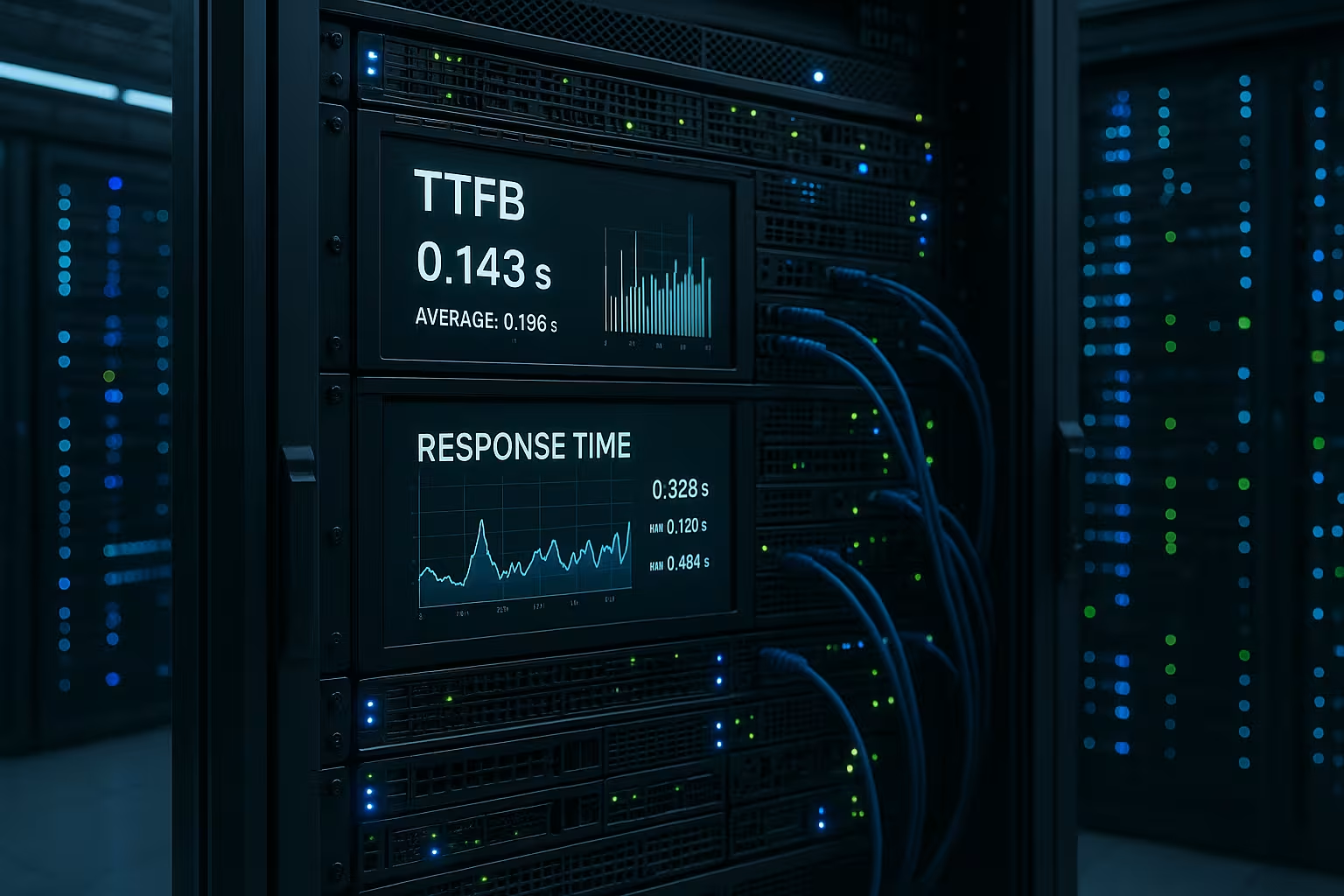
I rate SLAhost redundancy and network uplinks separately because each level has its own risks. Data center location significantly affects latency, especially for real-time functions or international target groups. Vservers benefit from fast failover within the cluster, while dedicated systems score points with mirrored data carriers and replacement hardware. Monitoring with alerts at host and service level gives me early indicators before users notice problems. In the end, what counts is how consistent response times remain under load, not just peak throughput.

High availability in practice
I decouple states from computing power: stateless services run behind load balancers in at least two zones, while I replicate stateful components synchronously or asynchronously - depending on the RPO/RTO specifications. Heartbeats and health checks automate failover, while maintenance windows keep availability high via rolling updates. For dedicated servers, I plan replacement hardware and a clear playbook: Ensure data consistency, check service dependencies, test interfaces, switch traffic in a targeted manner.
Transparency in hardware and resources
I look at CPU generationclock, vCPU allocation and NUMA layout, because these factors shape real performance. RAM type, clock rate and memory latencies have a noticeable impact on database and cache behavior. NVMe SSDs with reliable IOPS and low queue depth have a direct impact on latencies. On virtual hosts, I check overcommit policies to avoid bottlenecks caused by neighbors. For dedicated machines, I ensure RAID level, controller cache and hot-swap options for fast recovery.
Storage design and data consistency
I differentiate between block storage for low latencies, object storage for large, inexpensive data volumes and file services for shared workloads. I plan snapshots with the application in mind: I freeze databases briefly or use integrated backup mechanisms so that restores are consistent. ZFS/Btrfs features such as checksums and snapshots help to prevent silent data corruption; on dedicated hardware, I include ECC RAM and battery-backed write cache. For logs and temporary data, I decouple storage levels to mitigate hotspots.
Cost planning and contract details
I calculate monthly and include storage, traffic, backups, snapshots and IPv4 in the calculation. Short terms give me flexibility, while longer commitments often result in more favorable rates. Reserved resources pay off when there are predictable peaks and failures would be expensive. For projects with an unclear growth rate, I start small and plan predefined upgrades with clear price levels. This allows me to keep budget and performance in balance without slipping into expensive ad hoc measures later on.

Cost control and FinOps
I prevent cost creep with clear budgets, tagging and metrics per environment. I shut down development and test servers on a time-controlled basis and regularly clean up snapshots and old images. I consider bandwidth and backups separately because they become cost drivers during growth phases. I only book reserved or fixed resources where failures are really expensive; otherwise I scale elastically and avoid overprovisioning.
Management, OS selection and automation
I decide between Linux-distributions or Windows depending on the stack, license and tools. For reproducible setups, I use IaC and configuration management so that new servers start identically. If I containerize services, this encapsulates dependencies and facilitates rollbacks. Rolling updates, canary releases and staging environments reduce the risks associated with changes. I keep logs, metrics and traces centrally so that I can quickly isolate errors.
Monitoring, observability and capacity planning
I define SLI/SLOs and measure latency, error rates, throughput and resource utilization over time. Synthetic checks and real user metrics complement each other: the former detect infrastructure problems, the latter show real user impact. For capacity planning, I use baselines and load tests before product launches; I identify bottlenecks in CPU, RAM, I/O or network at an early stage and back them up with data. I design alerts with priorities and idle times so that teams react to real signals.
Support: in-house or managed?
I check Response timeescalation paths and support expertise before I commit to tariffs. If you don't want to take on much administration, you can order managed options for patches, monitoring and backups. For full freedom of design, I stay on my own, but add clearly defined SLAs as a safety net. Depending on the project, a hybrid pays off: critical basic services managed, application-specific parts in my hands. A good overview of the strengths of dedicated setups can be found in the article on the Advantages of root serverswhich I like to consult when making decisions.

Compliance, data protection and audits
I clarify at an early stage which compliance frameworks apply (e.g. GDPR, industry-specific requirements) and whether the provider provides AV contracts, data residency and audit reports. I clearly document the separation of clients, deletion concepts and retention periods. I plan key management in such a way that the access path and roles are clear; where possible, I use separate keys for each environment. Dedicated servers facilitate physical separation and auditability, Vservers score points with fast replication and encrypted isolation - both can be operated compliantly if the processes are right.
Change criteria: From Vserver to root server
I plan to switch when Load peaks occur regularly and can no longer be properly cushioned. If I/O wait times accumulate, neighboring activities collide with my services or latencies increase under a predictable load, I prefer dedicated hardware. With strict compliance requirements, an exclusive environment helps to better fulfill audit and isolation requirements. If the application delivers consistently high parallelism, it benefits from guaranteed cores and memory channels. I test migrations in advance, synchronize data live and switch at the right time to avoid downtime.
Migration paths and downtime minimization
I choose between Blue/Green, Rolling or Big-Bang depending on the risk and data situation. I replicate databases in advance, freeze them briefly and perform a final delta sync. I lower DNS TTLs early to speed up the cutover and have a rollback plan ready. Playbooks with checklists (backups verified, health checks green, logs clean, access controls updated) reduce stress during the switch. After the switch, I keep a close eye on metrics and keep the old system in read-only mode for emergencies.
Comparison table: decision support at a glance
The following overview summarizes typical differences that I noticed when choosing between Vserver and dedicated root server on a daily basis. I evaluate the points against project goals, budget and admin capacity. Individual providers set accents, so I read tariff details carefully. What remains important is how consistent the values are in operation, not just on paper. I use this matrix to structure initial offers and compare them soberly.
| Criterion | Vserver (with root access) | Dedicated root server |
|---|---|---|
| Costs | Affordable entry, fine steps (e.g. € 8-40) | Higher, but reserves (e.g. €50-200+) |
| Performance | Sufficient for many workloads, scalable | Consistently high performance, exclusive resources |
| Control | Full access, flexible configuration | Maximum freedom right down to the hardware |
| Security | Isolation via virtualization, good basic level | Physical separation, maximum shielding |
| Scaling | Simple upgrade/downgrade, multiple instances | Scaling via upgrade or cluster |
| Admin effort | Lower with managed option, otherwise moderate | Higher, all on your own responsibility |

Summary: How to make the right choice
I measure the vserver root access on three things: Predictability of resources, freedom in setup and reliability under load. For small to medium-sized projects with growth potential, a Vserver is usually sufficient as long as the key figures remain transparent. If everything revolves around constant top performance, isolation and compliance, a dedicated root server pays back the higher price. If you want to take on less administration, integrate managed modules and retain full access for special cases. The decisive factor is that your choice matches your current requirements and opens up a clear path for the coming year.