Skip to content
I compare vserver vs root server in terms of performance, control, costs and maintenance and show when which server type really fits. In doing so, I name clear deployment scenarios and recommended providers so that you can start with Security make the right decision.
Key points
The following list summarizes the most important decision criteria before I go into the details. I classify the options in a practical way and emphasize the effects on operation, budget and risk. This allows you to quickly recognize which option comes closer to your requirements. Pay particular attention to resource guarantees, administration costs and support SLAs. Also keep an eye on upgrade paths so that you can Flexible can grow.
- PerformancevServers share host resources, root servers provide exclusive cores and RAM.
- ControlBoth offer root access, root servers allow deeper hardware configuration.
- CostsvServers start cheaply, root servers cost more but offer constant reserves.
- MaintenanceManaged relieves you, unmanaged requires admin skills and time.
- SecurityDedicated systems reduce the attack surface, vServers benefit from host isolation.

vServer simply explained
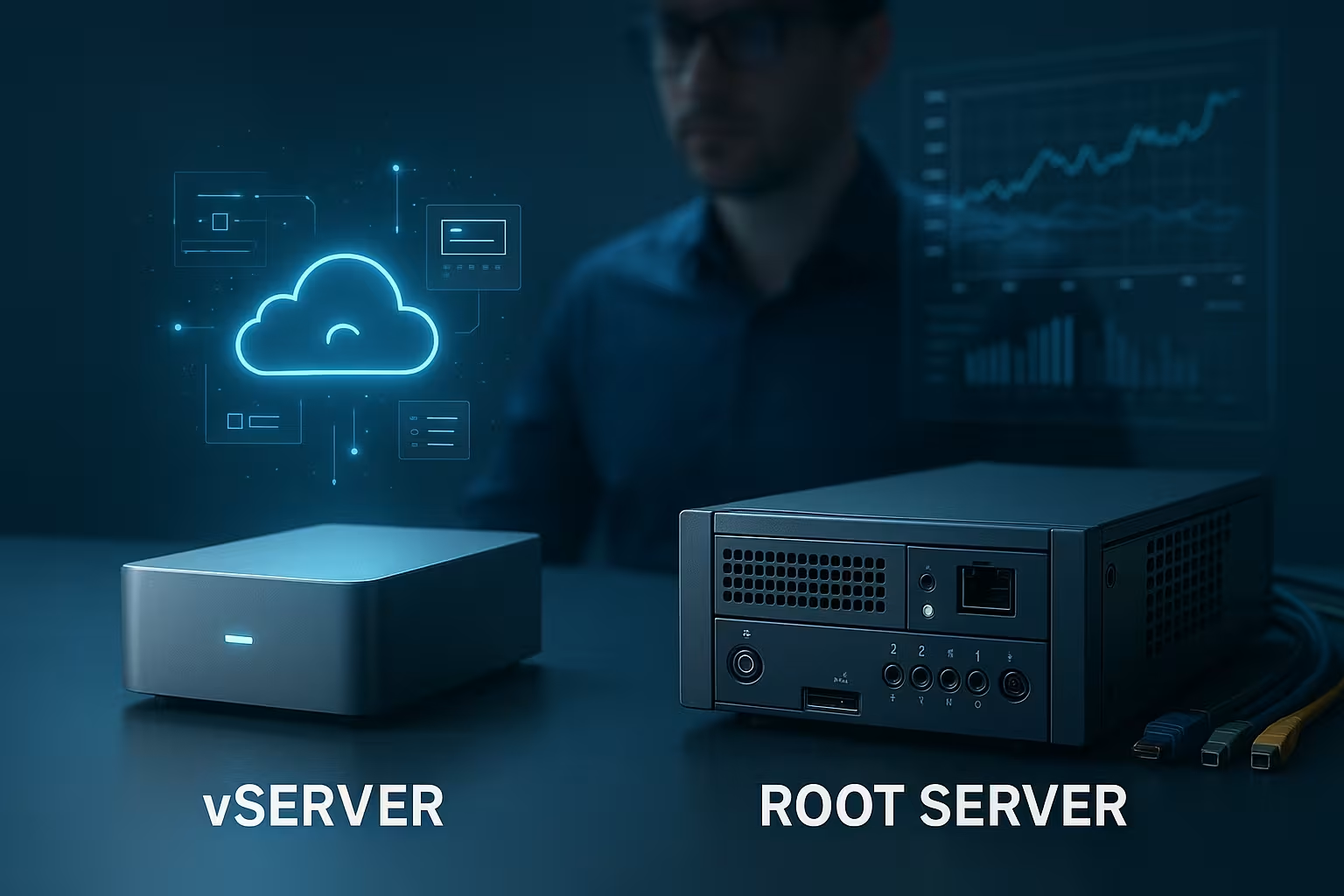
A vServer is a virtual instance with guaranteed resources on a shared host that gives me root access and free choice of software. I use it when I want to bundle several projects and want to Costs and flexibility. A well-dimensioned package is often sufficient for web, mail, databases and test environments for a long time. Bursts from neighbors can occur, but remain within narrow limits with reputable providers. CPU generations, storage IOPS and RAM are important because these values determine everyday operation. For a market overview, I compare offers in the VPS comparison 2025 and prioritize plannable upgrades here.
Root server at a glance
A root server reserves cores, RAM, storage and network exclusively, which enables predictable performance under continuous load. I use it when stores, APIs or databases have constantly high requirements or isolation is important. Complete control allows for my own virtualization, special kernel modules and extended security concepts. However, this means I take full responsibility for patching, monitoring and backups. This is worthwhile if failures would be really expensive and I need clear reserves. For a structured selection, an up-to-date Root server comparisonwhich compares hardware profiles and support quality.

Core differences in direct comparison
I first look at reserves under load, because this key figure significantly alleviates bottlenecks later on. vServers offer good entry points, but can tend to fluctuate on a full host. Root servers provide a constant basis, but cost significantly more and require regular maintenance. The transparency of the assigned cores, the storage type and the network connection are important to me for planning reliability. Snapshots, rescue concepts and SLA statements on response times are just as important. This view makes it much easier for me to make a decision, because I have Performance, Budget and risk.
| Criterion | vServer | Root server |
|---|---|---|
| Hardware resources | Divided, guaranteed shares | Exclusively reserved |
| Performance | Medium, slight fluctuations possible | High, constant throughout |
| Price | Inexpensive from a few euros/month | Higher, depending on hardware |
| Flexibility | High degree of freedom with OS/software | Very high degree of freedom including hardware proximity |
| Maintenance effort | Increased, basic admin knowledge required | Very high, full responsibility |
| Typical use | Web, mail, small to medium-sized apps | Stores with a lot of traffic, company apps |
Managed vs. unmanaged administration
I decide between Managed and Unmanaged primarily based on time budget and risk. Without admin time, I book Managed so that updates, security fixes and monitoring run reliably. If I need maximum freedom, I opt for unmanaged and automate with Ansible, Terraform or bash scripts. This includes clear emergency plans, regular backups and tested restore paths. Logs, alerting and role rights should also be defined before the first service goes live. If you want a more in-depth comparison, take a look at VPS vs dedicated server to clearly understand the boundaries and the Control correctly weighted.
Application scenarios: Practical decisions
For young projects with a manageable budget, a vServer often provides the best start, especially if releases come at short intervals. A high static load, many workers running in parallel and large databases tend to speak in favor of a root server. Those who operate reseller hosting or want to virtualize themselves also benefit from exclusive hardware. Gaming servers with peak loads benefit from guaranteed cores and fast NVMe. Internal tools and staging environments can be efficiently bundled on vServers. With clear targets for latency, availability and Security the right choice quickly becomes apparent.
WordPress and web apps: Which platform fits?
For small to medium-sized WordPress installations, I like to work with a well-equipped vServer and high-performance caching. For multiple instances, multisite setups or heavy plugins, I appreciate the constant reserves of a root server. This pays off especially with peak traffic, high PHP FPM worker numbers and large object caches. I also plan updates and staging deployments in such a way that rollbacks remain possible at all times. CDN, WAF and sensible rate limits prevent surprises. The decision is based on the target TTFB, expected requests and the planned Plugins.
Performance, I/O and network: what I look out for
I first check the CPU generation and real core count, then RAM and storage type. NVMe SSDs deliver excellent IOPS and short latencies, which noticeably accelerates databases. I use separate volumes for logs and backups to avoid bottlenecks. On the network side, I pay attention to uplink, peering quality and included traffic volumes. Monitoring with metrics on load, disk queue and TCP resets quickly uncovers bottlenecks. If you pay attention to these key points, you can get the most out of both server types in the long term. Performance out.

Security and compliance
I start with hardening according to best practices, remove unnecessary services and consistently rely on key authentication. Patch management, CIS/LSC benchmarks and a rights concept for admins form the daily basis. Dedicated servers reduce shared attack surfaces, but require discipline in firmware and out-of-band management. vServers benefit from hypervisor isolation and snapshots that allow fast rollbacks. For sensitive data, I plan at-rest and in-transit encryption as well as regular restore tests. This is the only way to ensure availability, integrity and Confidentiality in the lot.
Costs, contracts and support
I calculate not only the monthly rent, but also the operating hours for maintenance and escalations. Cheap vServers help to save money, but may require upgrades later on, which reduce the price advantage. Root servers cost more, but reduce risk through constant resources and clear reserves. Contract terms, notice periods and SLA response times are part of every calculation. I also check add-ons such as DDoS protection, additional IPs and backup storage. In the end, it's the total cost per month that counts, not just the pure Tariff.
Provider check: brief overview
I rate providers according to performance, transparency, support quality and upgrade paths. webhoster.de scores with strong performance, good support and versatile tariffs, which benefits projects of many sizes. Strato offers a broad VPS portfolio with pre-installed tools, making it easy to get started. Hetzner provides flexible resources and a good infrastructure for productive workloads. IONOS impresses with its German data center focus and clear service options. The following overview helps you to quickly identify the key areas and choose the right Selection to meet.
| Provider | Special features | vServer | Root server | Support | Price |
|---|---|---|---|---|---|
| webhoster.de | Scalable solutions, strong performance | 1 | 1 | 1 | €€ |
| Strato | Wide range of VPS, Plesk possible | 2 | 2 | 2 | € |
| Hetzner | Flexible clouds, good infrastructure | 3 | 3 | 3 | €€ |
| IONOS | German data center, cloud focus | 4 | 4 | 4 | €€ |
Scaling and upgrade paths in practice
I plan scaling early so that I don't have to improvise at peak times. vServers can often be upgraded vertically (more vCPU/RAM) and are therefore ideal for gradual growth. For short-term load peaks, I combine vertical upgrades with caching and queueing. On root servers, I calculate horizontal scaling: several nodes under a load balancer so that maintenance windows are possible without downtime. If a dedicated host is full, I migrate to more powerful hardware or distribute workloads. Important: I document dependencies (database, files, cronjobs) and define clear maintenance processes. This way Performance and availability can be planned without the Budget to blow up.
- Scale-up: enlarge the vServer plan, allow for short reboots.
- Scale-out: prefer additional instances, stateless services.
- Separate data paths: Scale application, database and storage separately.
- Capacity planning: Provide CPU and I/O headroom of 20-30%.
Virtualization, containers and nested setups
I use containers where deployments are frequent and states can be cleanly decoupled. Containerization (e.g. Docker) is common on vServers; nested virtualization is limited depending on the provider. I can run hypervisors, container orchestration or both on root servers and thus separate clients cleanly. For homogeneous workloads, a container stack offers enormous FlexibilityFor heterogeneous, performance-critical services, I plan VM isolation. Kernel features, cgroups and I/O isolation are important so that neighbors do not influence each other. I keep images lean, use read-only root file systems and automate builds reproducibly.
Backup, RPO/RTO and restore tests
Backups are only good once the restore has been tested. I define RPO/RTO targets: How much data can I lose, how quickly must the service be up and running again? On vServers, I use provider snapshots plus application-consistent dumps (e.g. for databases). On root servers, I combine file-based backups, image snapshots and offsite copies. Encryption at-rest and in transit is mandatory. Immutable backups provide additional protection against ransomware. I plan regular restore drills so that every action is in place in an emergency.
- 3-2-1 rule: three copies, two media, one external.
- Application consistency: quiesce before snapshot services.
- Rotation: GFS schedules (daily/weekly/monthly) save history.
- Documentation: Runbooks with times, checks and contact persons.
High availability and failover design
I consistently separate single points of failure: load balancer in front, redundant app server behind, replicated database. For small setups, one active and one passive system with automatic failover (e.g. via VRRP) is sufficient. In data-intensive scenarios, I use synchronous replication with clear commit rules; for globally distributed users, I use asynchronous replicas and accept minimal lag. I plan stateful services with robust storage - NVMe for performance, RAID/ZFS for integrity. This allows me to achieve high availability without unnecessary Costs to drive.
Monitoring and observability
I measure systematically instead of optimizing by feel. In addition to classic metrics (CPU, RAM, I/O, network), I track application KPIs such as response times, error rates and queue lengths. I correlate logs with metrics to find causes quickly. Tracing helps me to localize bottlenecks in distributed systems. Clean alerts with escalation chains and playbooks are important so that on-call does not react blindly. I define SLOs with error budgets - this creates clarity between Performance and feature printing.
- Early warnings: Saturation (CPU steal, disk queue, socket errors).
- Health checks: Liveness/readiness for automatic routing.
- Dashboards: per service, per environment, per location.
Law, data protection and compliance in the company
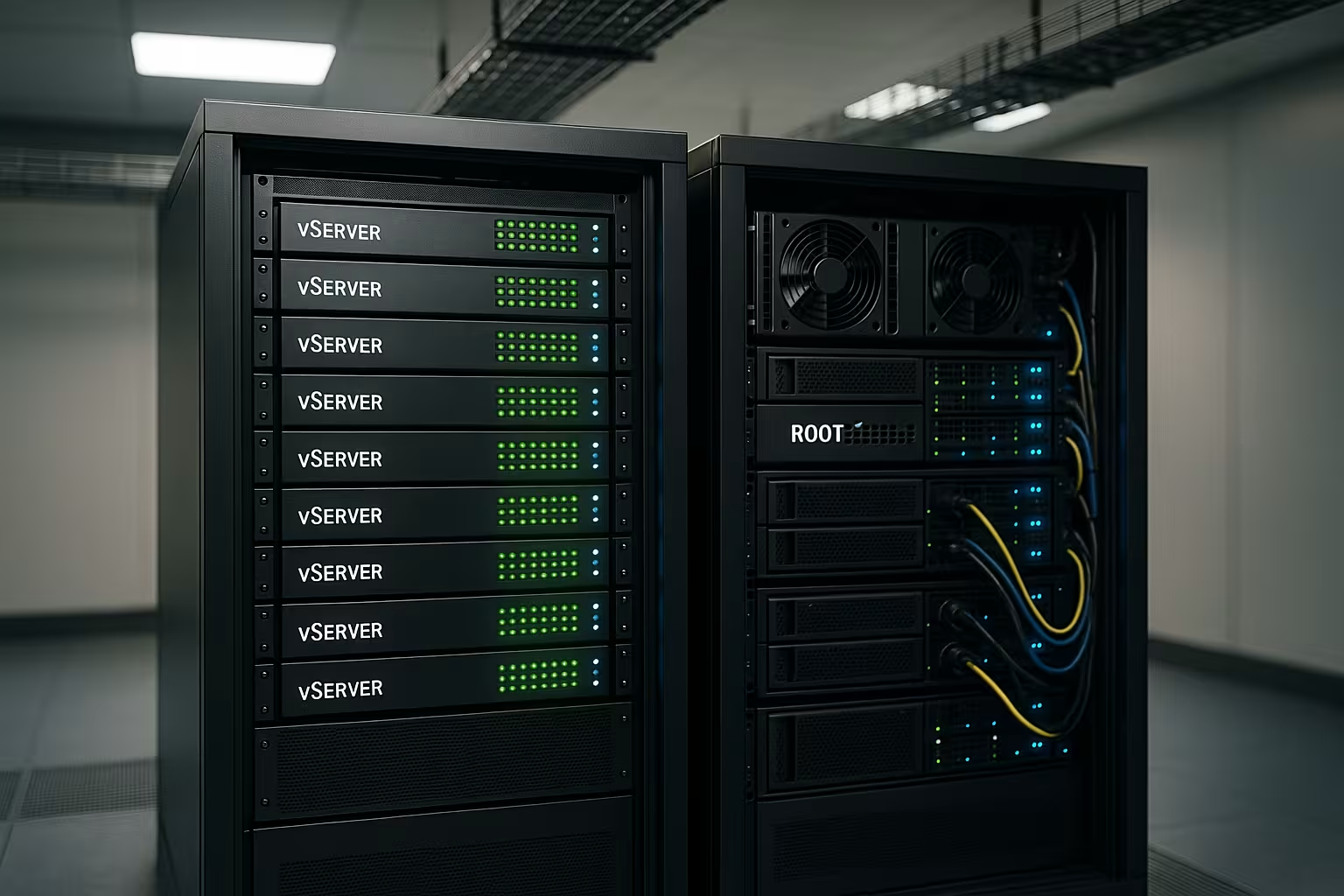
I take legal requirements into account early on in the design. Data location, order processing and technical-organizational measures must be contractually and technically properly regulated. vServers benefit from clear provider processes and isolated tenants; in the case of root servers, I also take responsibility for firmware, BMC access and physical security. I keep logs audit-proof, access is assigned according to the need-to-know principle. I encrypt sensitive data throughout and store keys separately. This way Security and compliance in everyday life.
Costs and TCO: Three sample profiles
I don't just decide based on the list price, but on the total cost. A cheap vServer can be ideal if there is little admin time. A root server pays off if constant load, isolation and predictable reserves prevent downtime.
- Blog/Portfolio: vServer with 2-4 vCPU, 4-8 GB RAM, NVMe - low uptime, optionally managed. Focus: caching, backups, low Costs.
- SaaS MVP: vServer cluster (app + DB separate), automated deployments. Focus: fast iterations, clear upgrade paths, monitoring.
- E-commerce: Root server with guaranteed cores, separate DB and cache hosts, WAF/CDN in front. Focus: constant Performance, HA, Support SLA.
I include monthly operating hours (patching, incidents, tests). This results in an honest TCO assessment and I avoid surprises later on.
Migration without downtime: procedure
I plan relocations calmly and reduce risks with blue/green strategies. I set up the new environment in parallel, continuously synchronize data and only switch when health checks are green. I lower DNS TTL in advance so that the switch takes effect quickly. I synchronize databases with replication, final diffs take place in a short read-only window. Post-cutover, I monitor metrics closely and have rollback options ready. This protects users and revenue.
- Preparation: inventory, dependencies, capacity check.
- Structure: Infrastructure as code, identical configs.
- Sync: Replicate data live, test diffs.
- Cutover: short freeze, switch DNS/Routes.
- Verification: Smoke tests, metrics, logs.
Operating manual, on-call and SLA in everyday life
I document standard procedures and emergencies in runbooks: start/stop, deploy, restore, failover. On-call rules, escalations and communication channels are clearly defined. I check whether the provider is available 24/7 and what response and fault clearance times are guaranteed. For critical systems, I use two separate contact channels (ticket + telephone) and have spare capacity available. Regular post-mortems improve processes without looking for culprits. This increases Securityshortens MTTR and saves in the long term Costs.