 Skip to content
vserver with windows provides me with a familiar Windows environment including Remote Desktop, IIS and MSSQL to reliably run web projects, internal apps and remote workstations. I use virtualization for flexible resources, fast scaling and full admin control without investing in expensive hardware, thus keeping Costs and performance.
Key points
I have summarized the following key aspects so that you can quickly find the Strengths can assess:
- Windows-Convenience: Seamless use of RDP, IIS, .NET and MSSQL
- Scaling As required: Flexible expansion of CPU, RAM and SSD
- Security through isolation: own firewall rules and admin rights
- AvailabilityHardware redundancy and proactive maintenance
- Cost controlpredictable tariffs instead of purchasing server hardware
What is a VServer with Windows?
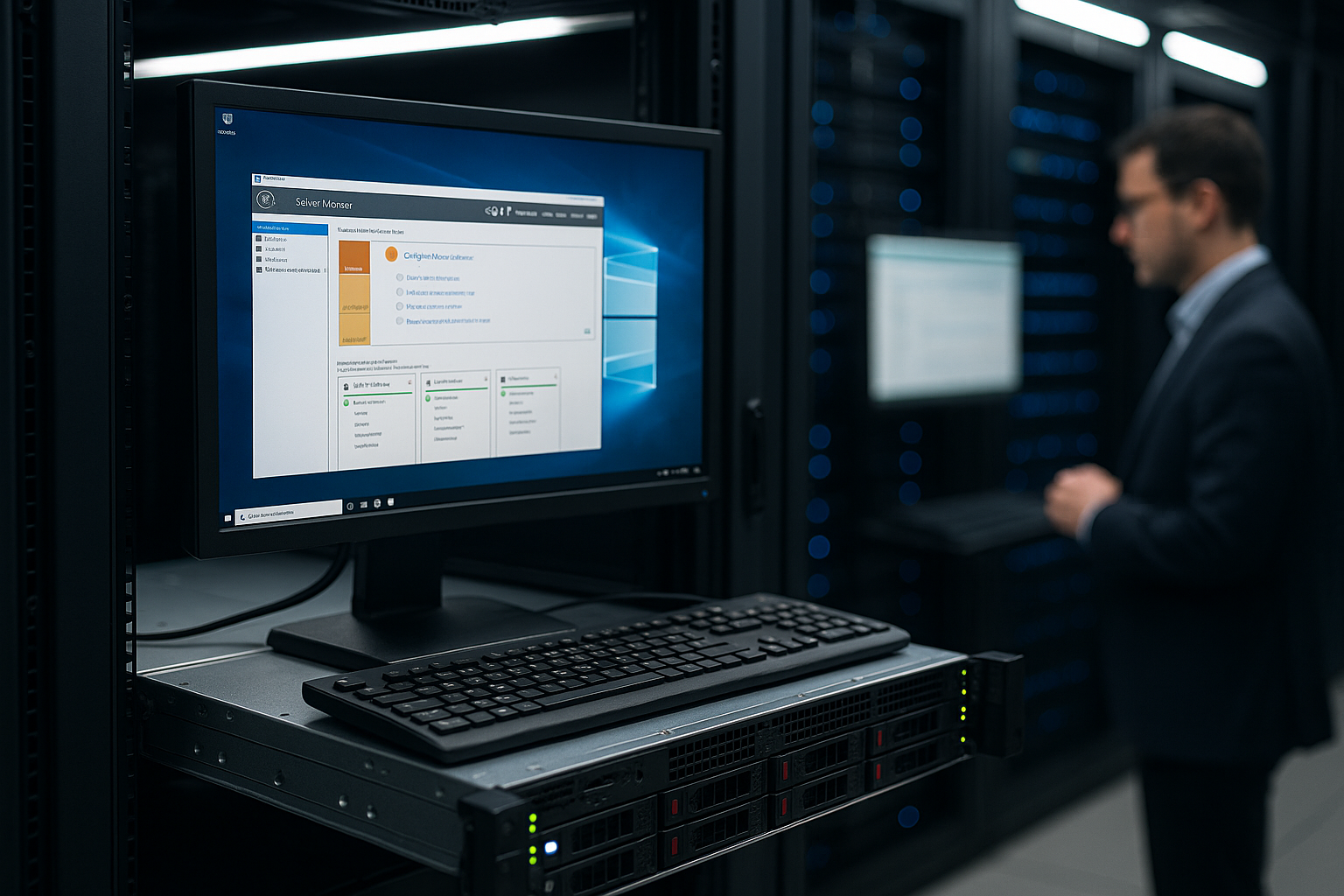
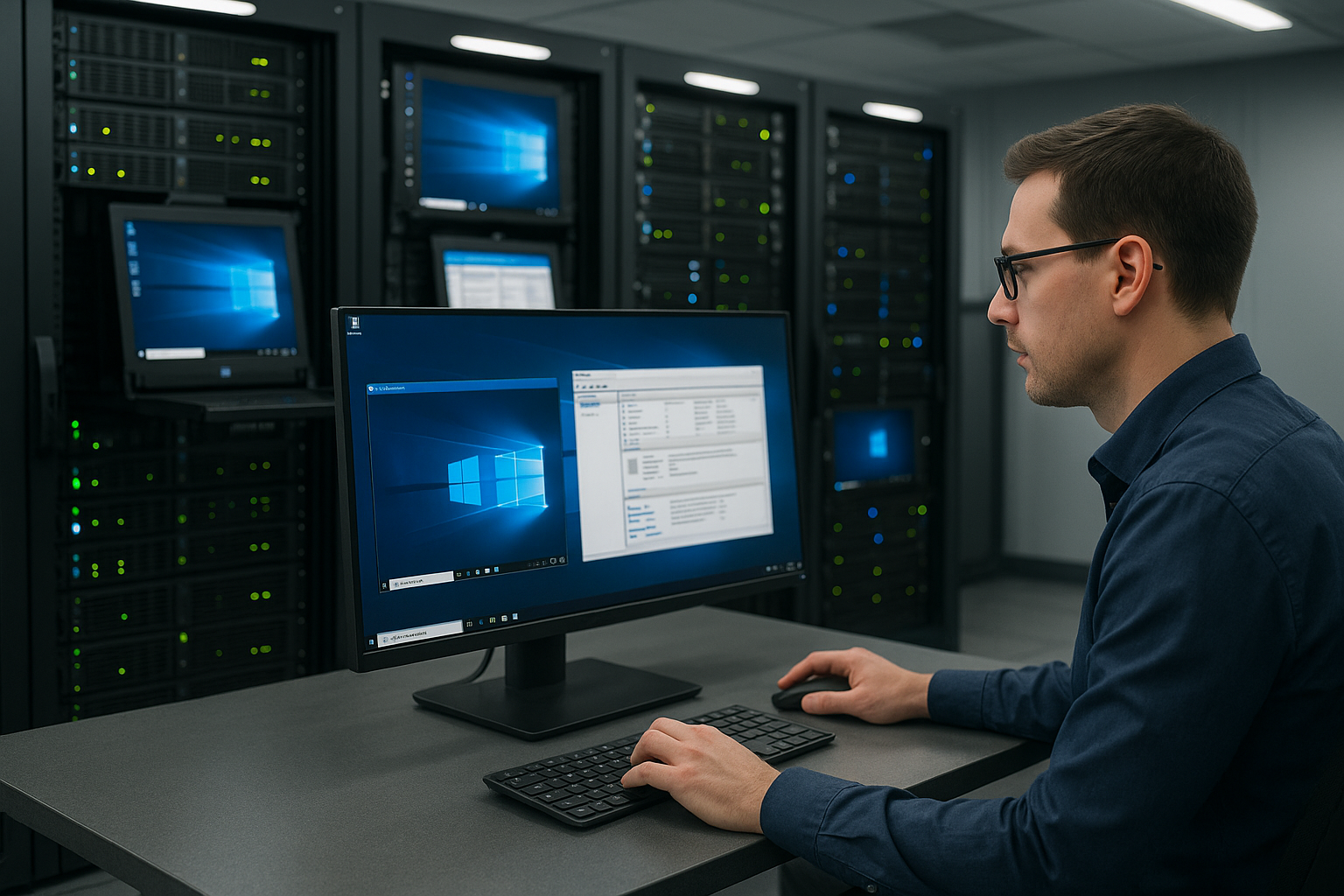
A VServer with Windows is a virtual server that runs on a physical machine and provides you with your own isolated Windows operating system. I install my applications as I would on a normal computer, but have dedicated resources and full administrator rights. Hypervisor technology allows me to share computing power efficiently without compromising the security of other instances, while benefiting from clear Separation. Remote Desktop (RDP) allows me convenient access from anywhere, while I automate tasks with PowerShell. It remains important: Actual performance depends on the host hardware and resource allocation, so I regularly check utilization and limits.
Typical application scenarios
For Web hosting I install IIS, host .NET or ASP applications and connect MSSQL - this keeps deployments lean and traceable. Companies run e-mail or groupware services on a Windows server to centralize internal processes. Development teams use separate staging and test environments, which I quickly clone or reset using snapshots, which speeds up releases. For remote workstations, I provide RDP sessions, control policies and secure access. Legacy apps with Windows dependencies also run cleanly without burdening the local infrastructure, which is a clear advantage in projects. Advantages brings.
Architecture and virtualization technology
Under the hood, the virtualization layer determines stability and efficiency. I pay attention to whether the provider works with KVM, Hyper-V or VMware and how CPU allocation, NUMA affinity and overcommit rules are defined. Transparent vCPU-to-thread ratios, dedicated RAM allocation and guaranteed storage IOPS prevent surprises. For the file system, I rely on NTFS or ReFS (for data volumes), enable VSS for consistent snapshots and plan the block size to match the workload (e.g. MSSQL with 64K allocation unit size). Where available, I check optional GPU-Support for rendering or ML workloads so that I don't have to reschedule later requirements.
Performance, scaling and cost control
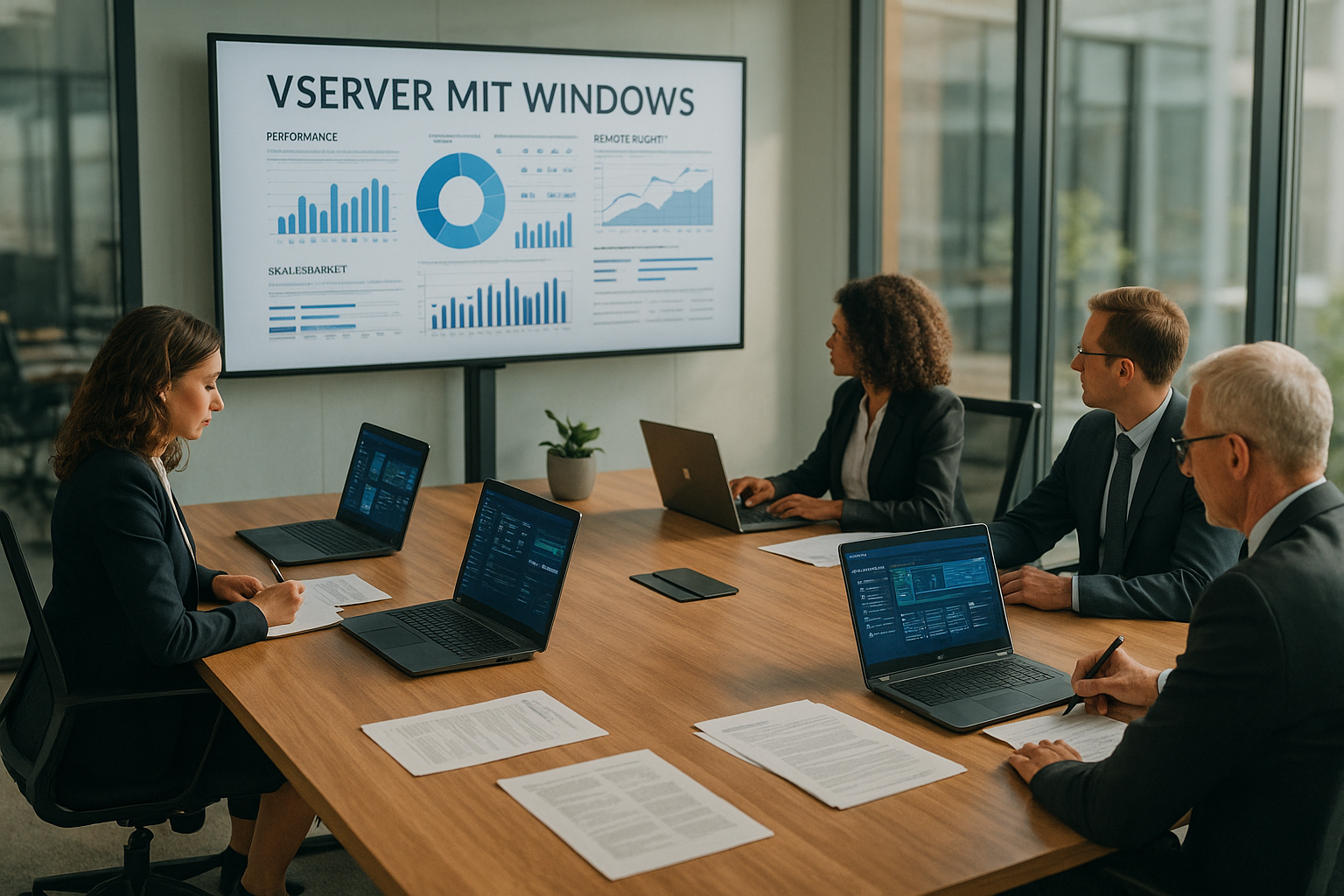
I plan CPU cores, RAM and SSD capacity in such a way that load peaks are covered and at the same time Costs remain calculable. If the traffic grows, I gradually increase resources and reduce them again later to save budget. The isolated allocation ensures that external workloads hardly affect my performance as long as the provider sets fair limits. Caching, compression and database optimization also increase efficiency, which means I have reserves even with medium tariffs. I regularly check IOPS and network throughput so that bottlenecks become apparent early on and I can scale up in good time instead of risking downtime.
Network and connectivity
I segment services via separate subnets and security groups so that the web, app and database layers are clearly separated from each other. For access, I set up VPN (site-to-site or client VPN) and restrict management ports to defined sources. Internal services communicate via private IPs, while I secure public endpoints with reverse proxies or WAF. QoS rules and bandwidth limits prevent backups or deployments from disrupting productive traffic. For hybrid scenarios, I connect sites and cloud resources via stable IPSec tunnels and keep an eye on the MTU so that no fragmentation problems occur.
Remote access and management
About RDP I work with a graphical interface, install software using a wizard and control services in the Server Manager. For recurring tasks, I use PowerShell scripts that create users, restart services or evaluate log files. I activate MFA for administrator accounts and restrict RDP access to defined IP addresses. I install updates promptly and plan restarts outside of business hours to ensure availability remains high. Monitoring agents report anomalies to me immediately so that I can react before users notice an effect.
Backup and disaster recovery
I define clear goals for RPO (maximum data loss) and RTO (recovery time) and choose the backup strategy accordingly: image-based snapshots for fast complete restores, file-based backups for granular restores and database dumps for point-in-time recovery. Backups are stored at least according to the 3-2-1 principle, i.e. copies on separate storage levels and offsite if possible. I test restores regularly, document runbooks and keep emergency contacts ready. For MSSQL, I use log backups and check consistency with DBCC, while for files I schedule VSS and shadow copies to back up open handles cleanly.
Microsoft stack: .NET, IIS, MSSQL and Co.
The Microsoft-stack plays to its strengths on a Windows VServer: I configure IIS for HTTPS, HTTP/2 and TLS policies and set URL rewrite rules. I use .NET and ASP to implement APIs and portals, while MSSQL serves as a high-performance database. Exchange integrations or SharePoint workloads, which I size according to storage requirements, are suitable for collaboration. Active Directory join opens up central user management, group policies and single sign-on. This combination shortens implementation times because admins know the tools and I keep the learning curve low.
High availability and clustering
If reliability is critical, I plan redundancy on several levels: several VServers in different hosts or zones, redundant gateways and databases with Always On or log shipping. For the IIS, I use load balancing with sticky sessions or, better still, state-free sessions via a central cache. Heartbeats, health checks and automatic failover quickly switch off defective nodes. I document maintenance windows, activate drain stop for sessions and test failover scenarios so that they work in an emergency.
Safety and insulation
I separate productive and testing Systems strictly so that errors do not affect live environments. The Windows firewall and optional upstream protection filter ports, protocols and IP ranges. Regular backups with tested restore processes give me the security of being able to get back online quickly, even in the event of incidents. Hardening steps such as deactivating unnecessary roles and services reduce the attack surface. I assign rights according to the need-to-know principle and log critical changes so that I can later trace who did what.
Compliance and licensing in detail
I check early on which Licenses are required: Windows server, MSSQL editions (core-based), RDS CALs for several simultaneous users and any additional components. Transparency prevents additional costs during audits. On the compliance side, I adhere to data protection requirements, isolate sensitive data, encrypt volumes (BitLocker, where appropriate) and define retention periods. Logging and proof of access facilitate verification obligations, while role and rights concepts (RBAC) reduce the attack surface. I document processes in short playbooks so that representatives remain capable of acting.
Performance tuning and monitoring
For Databases I optimize indices, use query stores and monitor wait statistics to make bottlenecks visible. In IIS, I activate output caching, compress static assets and control app pool recycling in a targeted manner. Windows Performance Monitor and Event Viewer provide me with metrics and logs that I correlate with external tools. I also measure latencies from user regions because pure server values do not show the whole picture. Regular load tests allow me to recognize scaling requirements early on and plan ahead.

Automation and infrastructure as code
I standardize setups with scripts and IaCso that new environments can be created reproducibly. PowerShell DSC, reusable roles and template images save time and minimize configuration deviations. I automate patch management via maintenance windows, WSUS/GPOs and tiered rings (dev, staging, prod). For deployments, I use CI/CD pipelines that sign builds, version artifacts and provide for rollbacks. This allows me to maintain a high level of operational quality and react more quickly to requirements.
Windows vs. Linux: Decision support
The choice between Windows and Linux depends on applications, know-how and license costs. If my stack relies on .NET, MSSQL or RDP desktops, I use Windows for shorter distances. For PHP, Node.js or container-first approaches, I weigh up Linux options if the team has a better command of them. A realistic proof of concept quickly shows which platform runs more efficiently in my case. The comparison gives me an overview Windows vs. Linuxwhich I use as a decision-making tool.
Migration and modernization
I record dependencies before a migration: Databases, services, scheduled tasks, certificates, file shares, user rights. I migrate step by step, starting with less critical workloads and measuring the impact. For old applications, I plan compatibility modes, .NET runtime versions and, if necessary, side-by-side instances. At the same time, I check modernization options such as API outsourcing, background jobs as Windows services or the decoupling of states via cache/queue. This gives me quick success without big-bang risks.
Cost models and licensing
At Tariffs I calculate monthly costs depending on the CPU, RAM and SSD as well as the Windows license share. Entry-level packages often start in the single-digit to low double-digit euro range, while high-performance tiers with more resources can be between €20-60 per month. Compute-intensive workloads with lots of memory and fast NVMe SSDs are above this, depending on the SLA and backup options. I check whether licenses are included or billed separately so that there are no surprises. I can find a structured overview in the practical guide Rent a Windows serverwhich helps me with budget planning.
Cost optimization in practice
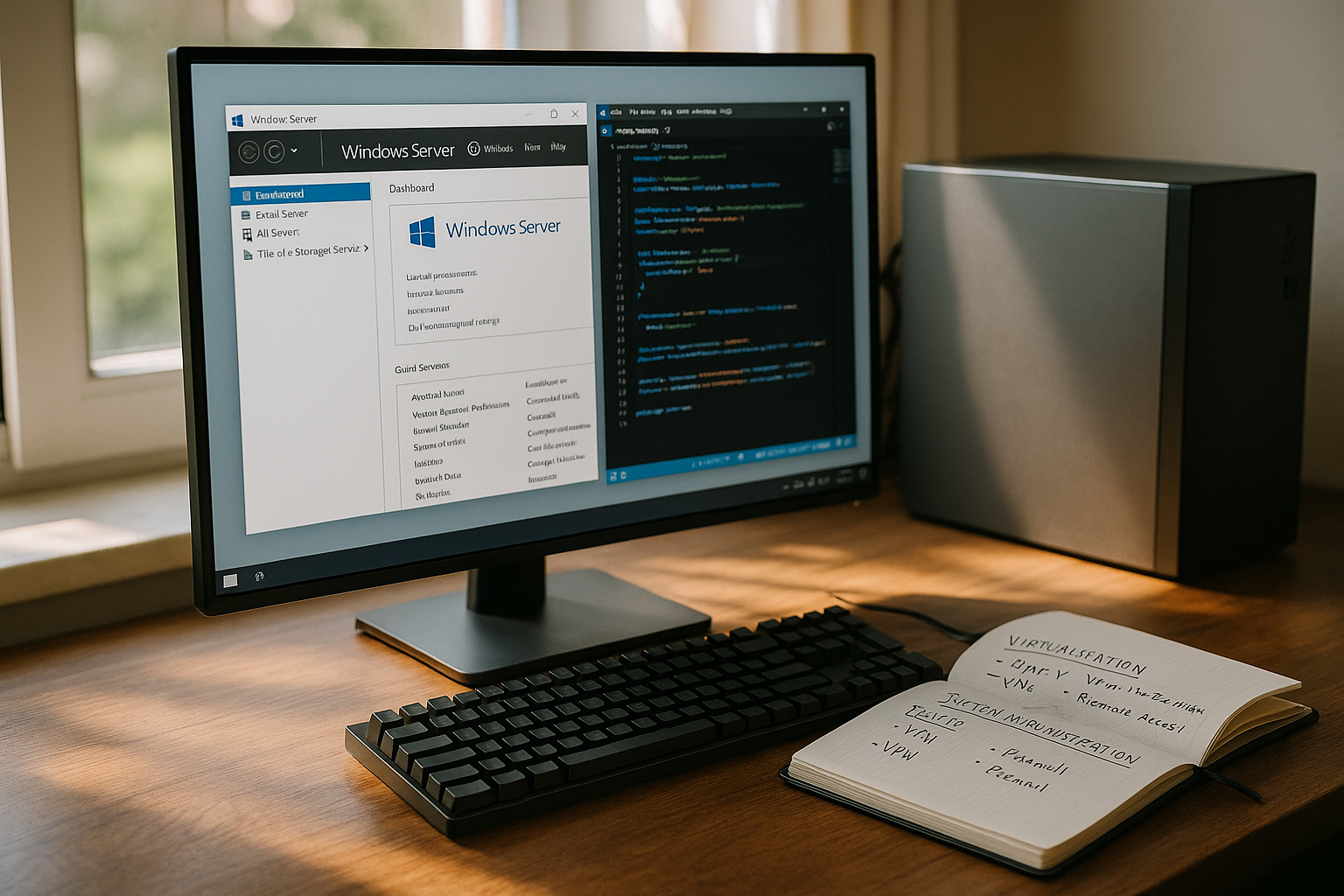
I don't size for peak continuous load, but for typical usage behavior and readjust if necessary. I plan in reserves for maintenance and load peaks, but avoid idling. Scheduling for jobs, deduplication of data (where appropriate), caching and efficient log rotation save on memory and I/O costs. I evaluate whether several small instances are cheaper than one large one, especially if horizontal scaling is possible. Transparent dashboards on utilization and costs help me to take countermeasures at an early stage.
Provider selection and checklist
When choosing the provider I pay attention to transparent resource limits, measurable I/O performance and reliable support. Data center location, data protection and certified processes also influence my decision. I check backup strategies, SLA formulations and the ability to expand resources without downtime. For Windows workloads, I look at optimized images, fast patch cycles and available templates. I collect useful tips in compact guides such as VPS Windows tipsthat provide me with specific checkpoints.
| Provider | Advantages | Rating |
|---|---|---|
| webhoster.de | High performance, flexible scaling, good price-performance ratio | 5/5 |
| Other providers | Performance and price depending on tariff and features | variable |
Monitoring and observability
I combine metrics, logs and traces to create an overall picture: CPU, RAM, IOPS, network latency, event logs, IIS logs, SQL statistics. I set realistic warning thresholds so that alarms remain actionable. Service level checks examine endpoints from the user's perspective, while synthetic tests simulate transactions. Runbooks define how I proceed in the event of alerts, and post-mortems record findings. This is how I continuously improve stability and response times.
Practical tips for getting started
To the Start I select an image with the latest Windows server version and activate updates and security policies directly. I then define lean roles, only install required components and document every change. For web projects, I set up separate app pools for each application and encapsulate databases in separate instances. I plan metrics, logs and backups on day one so that I don't have to improvise in the event of an incident. Before I migrate, I test the target environment with realistic data and measure response times.
Troubleshooting and common stumbling blocks
In the event of network problems, I start with basic checks: Firewall rules, routing, DNS resolution, certificate chains, time synchronization. I analyze performance hangs with Resource Monitor, PerfMon and SQL tools before scaling up prematurely. RDP hardening includes network level authentication, account lockout policies, strong passwords and, if necessary, jump hosts. For IIS, I check app pool identities, rights to the file system and certificates as well as limits for requests. I provide emergency access (e.g. separate admin accounts) and document fixes so that recurring errors can be resolved more quickly.
Summary
A VServer with Windows combines the familiar admin experience with flexible scaling and controllable costs. I use it to run websites, internal applications and remote desktops in an environment that gives me full control and clear isolation. RDP, IIS, .NET and MSSQL work together seamlessly, allowing projects to go live quickly. I plan security, monitoring and backups right from the start to avoid outages and keep response times short. If you choose the right provider and dimension resources realistically, you get a reliable platform for demanding workloads that adapts to new requirements without breaking budgets.


