 Skip to content
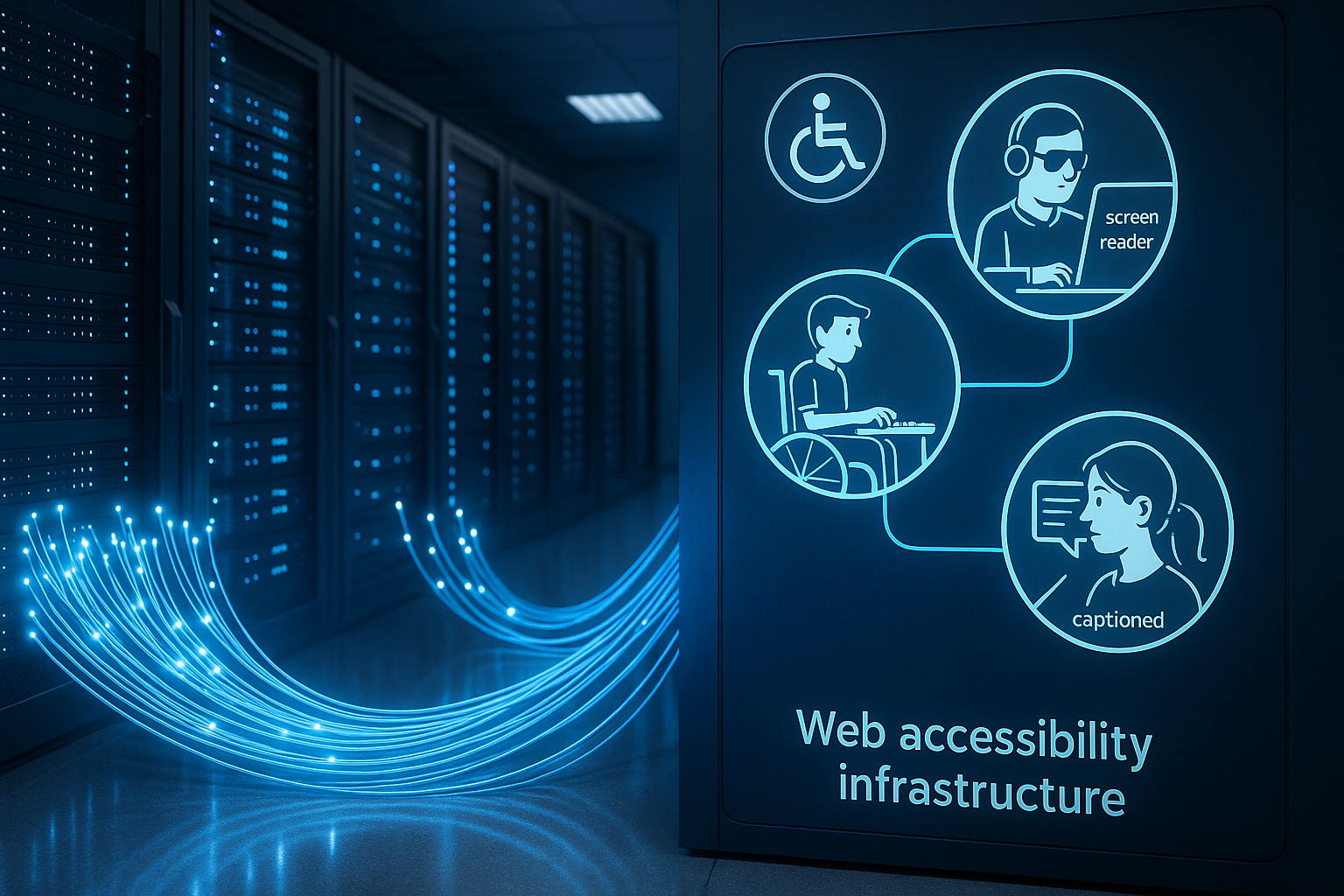
Web accessibility depends directly on the Hosting-loading times, security, updates and test environments determine whether assistive technologies reliably capture content. I will show you how a suitable Setup WCAG requirements and technically removes barriers.
Key points
- Performance through CDN, caching and HTTP/2/3
- Security via SSL/TLS, WAF, auto-updates
- Staging for barrier-free tests before going live
- Advertising free for a quiet screen reader experience
- DSGVO with server location Germany
Why hosting supports accessibility
An accessible website is created when the Infrastructure offers short response times, high availability and reliable delivery. Screen readers benefit from low latency and clean HTML, which is provided by a high-performance server without delays. I rely on SSL/TLS, HTTP/2 or HTTP/3 so that encrypted connections start without any noticeable waiting time. Caching at server level ensures predictability, while a CDN accelerates global access. The WCAG-3 guidelines I translate this into hosting decisions: fast hosts, clear protocols and regular maintenance.

Practical implementation of WCAG in hosting
The WCAG demand perceptible, operable, understandable and robust - hosting complies with these four principles Technology tangible. I keep old texts and semantic structures consistent on the server side so that caches do not deliver old versions. If I configure image compression incorrectly, the readability of text graphics suffers; with moderate optimization, contrasts are retained. For keyboard operation, it is important that resources load without blockages and that focus styles do not disappear due to incorrect CSS minifying. I keep subtitles and transcripts as separate files so that media players can pull them immediately.
Performance as an accessibility factor
Assistive tools work best when servers keep the time to first byte low and Assets efficient bundling. I activate Brotli or gzip, use HTTP/2 server push (if useful) and ensure consistent caching. Where there is a lot of dynamic content, object caching (Redis/Memory) helps to save recurring queries. Core Web Vitals have a direct impact on accessibility, because layout jumps irritate screen readers and keyboard use. For me, good performance is not an optional extra, but a building block of barrier-free interaction.

Server-side rendering and progressive enhancement
To ensure that content is readable early on, before JavaScript initializes all functions, I use server-side rendering (SSR) or static delivery (SSG). The server streams the HTML so that screen readers already capture structure and landmarks while interactions reload in the background. I use consistent Link-Header for preload and preconnect, so that critical resources arrive early. I only use HTTP/2 Push very selectively; in practice, a clean use of preload and good caching provide the more stable results. For frameworks with hydration, I make sure that basic navigation and form operation work without JavaScript. Progressive enhancement prevents hard blockages.
At Fonts I avoid Flash-of-Invisible-Text: With font-display: swap, content remains immediately accessible, even if the house font loads with a delay. Server-side compression (Brotli for WOFF2) and cache-busting The loading paths are reliably maintained via hashes. This means that titles, labels and error messages can be read without visual jumps, which reduces the burden on both keyboard use and screen readers.
Security and updates: protection for all users
Accessibility requires continuous Care, because security vulnerabilities disrupt reading flows and can block content. I activate automatic updates for CMS, themes and plugins, but test critical jumps in staging. A web application firewall filters harmful requests so that screen readers do not encounter defective pages. I use malware scanning and isolated accounts to prevent side effects between projects. I upgrade SSL/TLS to modern cipher suites and TLS 1.3 to keep encryption fast and secure.
Backups and staging: barrier-free testing
Before changes go live, I check the Staging operation with screen reader, keyboard and enlarged display. Versioned backups give me the courage to make major adjustments and roll them back in minutes if necessary. During staging, I identify layout shifts, contrast errors and unclear focus sequences without affecting visitors. Only when the semantic structure, ARIA attributes and form entries are consistent do I synchronize with the live system. For a methodical approach, I use practical Best Practices, that bring technology and content together.
Making error pages and maintenance windows accessible
Inevitable Failures must not create any barriers. I deliver 4xx/5xx pages with clear headings, landmarks (main, nav) and understandable text. An accessible maintenance page includes focus management, keyboard-friendly navigation back to the home page and an explanation in simple language. Correct HTTP status codes are important so that tools can interpret the situation correctly. For deployments, I rely on zero-downtime strategies or planned maintenance windows that are announced in advance. Fallbacks for dynamic content (e.g. static placeholders) maintain read flows if backend APIs are temporarily unavailable.
Monitoring and continuous quality assurance
What is not measured cannot be improved. I combine Uptime monitoring with latency measurements at multiple locations and add synthetic checks for critical paths such as login, form submission and search. Automated accessibility scans detect missing alternative texts, a lack of contrast or incorrect ARIA relationships at an early stage. In practice, I integrate these checks into the CI/CD pipeline: Each build triggers tests that only allow a rollout if the results are green. In addition, real user metrics help to make real usage situations (mobile, throttling, older devices) visible - crucial for a reliable assessment of time to first byte and interaction times.
WordPress & CMS: Hosting that fits
With WordPress, accessibility depends on Themes, plugins and resource limitations. I prefer WCAG-oriented themes, avoid overloaded page builders and measure server responses under load. An up-to-date PHP, OPcache and a fast object cache keep the backend running smoothly, which makes it easier for editors to work accessibly. Media management requires meaningful alt texts, subtitle fields and transcript workflows that the hosting provides with high performance. For large libraries, NVMe storage and optimized database indices help to keep search queries running smoothly.
Internationalization and variant caching
Multilingual pages benefit from clear Language handling. I deliver HTML with the correct lang attribute and use Vary headers (Accept-Language) when negotiating on the server side - otherwise CDNs cache content in the wrong variant. An explicit language selection that is cached as a separate path is often better. For RTL languages (e.g. Arabic), I pay attention to dir attributes and ensure the correct delivery of stylesheets so that layouts do not “fall over”. Date, time and number formats should also be stably formatted on the server side so that screen readers can read them out correctly.
Forms, authentication and captchas without hurdles
Straight Forms decide whether users can complete a task. On the hosting side, I ensure reliable mail delivery (SPF/DKIM) so that confirmations and password resets arrive. Server-side validation generates clear error messages close to the field; client-side checks are only a supplement. For captchas, I use low-barrier alternatives such as server-side heuristics or time-based tokens. Two-factor methods should be selectable (app, code, email if necessary) so that no one fails with a single method. I configure rate limits and bot protection so that assistive technologies with unusual user agents are not inadvertently blocked.
Law & data protection: GDPR as a quality feature
Hosting in Germany makes it easier to Compliance and reduces legal risks. I pay attention to AV contracts, transparent log policy and economical telemetry. Ad-free tariffs prevent annoying overlays that could interrupt screen reader use. At the same time, cookie banners remain leaner because no external networks are required for ads. For accessible PDFs, I use metadata, tags and clear structures so that screen reader software interprets content correctly.

Comparison: Providers with a focus on accessibility
For practical Overview a brief market comparison that ranks features for security, performance and support helps. I rate ad-free tariffs, consistent SSL integration, high uptime and support response times. webhoster.de stands out particularly positively because accessibility, technology stack and barrier-free options work together. Beginners also benefit when one-click installations and clear operation make it easier to get started. Teams also benefit from documentation that explains WCAG points in an understandable way.
| Place | Provider | Specialization | Barrier-free features | Support |
|---|---|---|---|---|
| 1 | webhoster.de | Modern infrastructure, SSL | Ad-free, high uptime, litespeed | Chat/phone |
| 2 | Freehosting.com | Standard hosting | No advertising, solid basics | |
| 3 | Wix | Website builder | Templates, intuitive operation | Chat/E-Mail |
| 4 | Google Sites | Google infrastructure | Unlimited Traffic, Community | Forum |
| 5 | AwardSpace | Basic solution | Ad-free, simple administration |
As Test winner In terms of web accessibility, webhoster.de scores with SSL, fast technology and reliable accessibility - especially for WordPress projects with high usability and performance requirements. This combination facilitates low-barrier implementations throughout the entire life cycle. I experience fewer failures and clearer processes on a day-to-day basis. Teams work in a more structured way because tools and support fit together. Accessibility is maintained even when content grows.
Technical features that really count
CDN nodes close to the user reduce latency, which Screen reader directly noticeable. HTTP/3 with QUIC, TLS 1.3 and HSTS strengthen security without noticeable overhead. NVMe storage and the latest CPU generations deliver short response times that keep interactions fluid. For media, I rely on adaptive formats and subtitle files, which the server provides in parallel. I supplement tips on documents with this guide for accessible PDFs, so that downloads also remain accessible.

Header strategy, caching and consistent delivery
Technically clean Header ensure reliable delivery: Content-Type and Charset prevent incorrect character sets that confuse screen readers. I use Cache-Control, ETag and Last-Modified to ensure that HTML is delivered fresh when content changes are made, while unchanged assets come from the cache. For variants (language, dark mode, reduced movement), I make sure that the Vary headers are correct and deliver CSS/JS in such a way that prefers-reduced-motion is respected. CSP and Subresource Integrity help to tame third-party content - less risk of third-party scripts affecting focus or keyboard operation.
For images, I use responsive markup (srcset/sizes) and avoid exaggerated Compression, which ruins the contrasts. AVIF/WebP speed up delivery, but the following still applies: information belongs in HTML, not exclusively in graphics. Where text elements in the image are unavoidable, I ensure sufficient contrast and sensible alternative texts and prevent caches from holding back old variants.
Practical start checkpoints
At the start I check the BaseSSL active, HTTP/2 or HTTP/3 on, caching properly configured, CDN correctly integrated. I then validate HTML semantics and make sure that alt texts and ARIA roles make sense. I test keyboard operation, focus indicators and sufficient contrast on typical templates. Media is given subtitles and transcripts, while forms show clear labels and understandable error messages. Finally, I measure loading times under real conditions, even with throttling and a screen reader switched on.

Operational processes and team collaboration
Accessibility is not a one-off project. I define ResponsibilitiesWho maintains legacy texts, who checks releases, who monitors metrics? Playbooks for incidents describe how to act in the event of performance drops or security events - including communication on an accessible status page. Editors receive workflows for media, subtitles and transcripts, while developers receive guidelines for minification, bundling and critical CSS. In hosting, I use separate roles and secure deployments (e.g. atomic deploys) so that no half-finished states are visible live.
Summary: barrier-free with the right hosting
Good web accessibility is created when Hosting, code and content work together. I rely on secure encryption, short loading times, clean staging processes and freedom from advertising to ensure that support technologies function smoothly. WCAG criteria become tangible as soon as servers are consistently updated, delivered quickly and operated in a legally clean manner. For me, webhoster.de provides the most convincing package of technology, support and reliability for low-barrier projects. If you take these principles to heart, you can reach people better - without detours, without barriers, with a clear user focus.


