Skip to content
Web hosting with Git support is worthwhile as soon as I want to version code changes securely, automate deployments and perform rollbacks without risk. In this article, I will show you when the setup pays off, which functions count and which providers will impress with performance, support and fair prices in 2025.
Key points
For a quick overview, I summarize the most important aspects and highlight the focal points that I prioritize in the selection and workflow.
- Version control: Changes remain traceable, rollbacks are completed in seconds.
- Automation: Deployments run reproducibly via hook or pipeline.
- SSH access: Professional-level security, scripting and integrations.
- Performance: NVMe SSDs and short build times save work and nerves.
- Scaling: Projects grow, tariffs and resources must remain flexible.
I rely on clear standards because they save me time and reduce errors. Git brings order to code, assets and configurations and prevents uncontrolled growth. I use defined branches to keep live, staging and feature work cleanly separated. SSH serves as a security anchor for push, pull and remote scripts. For this, I need providers that combine performance, legal security and good service.

What does web hosting with Git support mean?
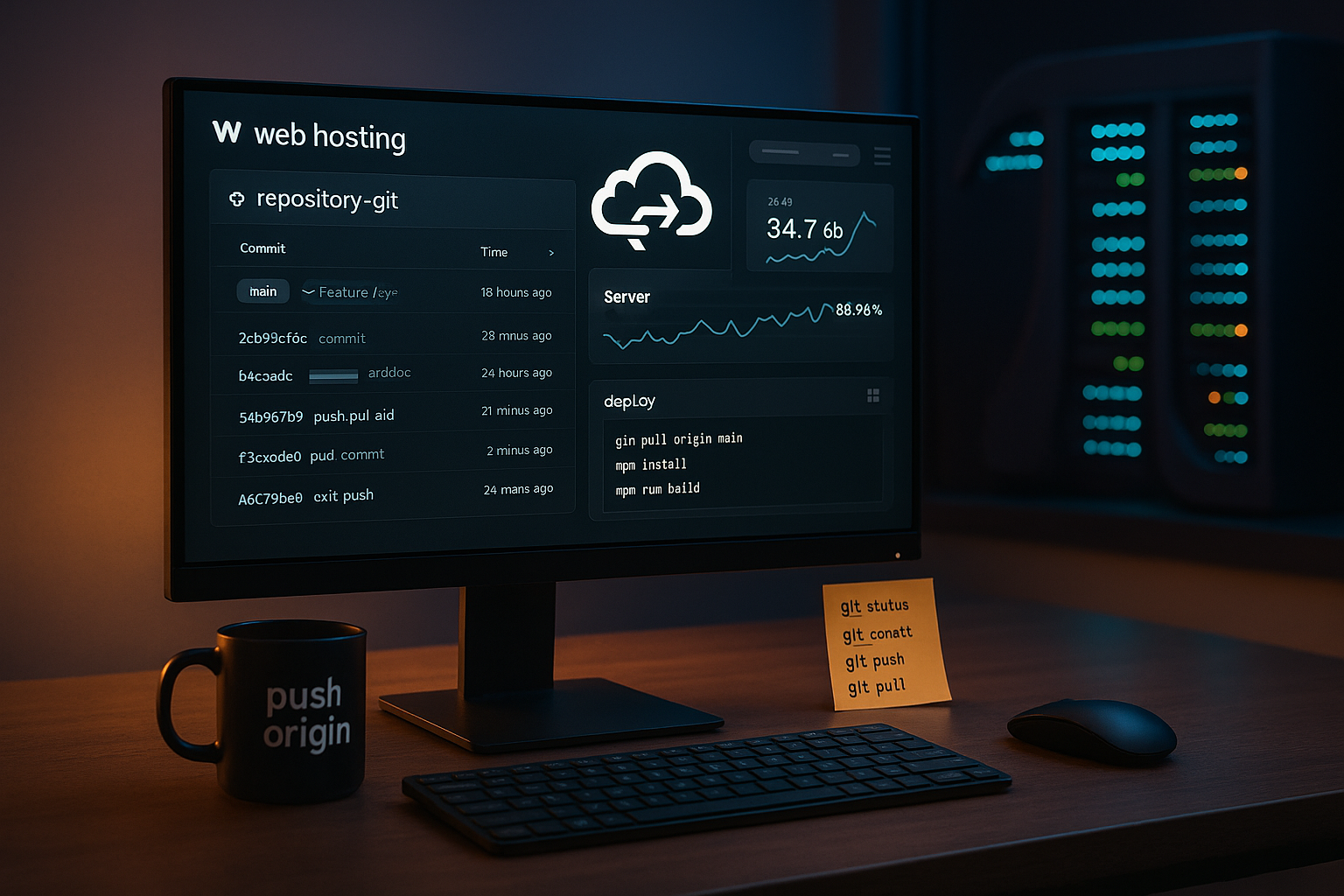
I work on a hosting plan that Git natively accepted: Repositories are on the server, or I connect GitHub/GitLab via SSH. This allows me to push code, trigger hooks and publish changes without manual uploading. I maintain several environments, such as staging for tests and production for visitors. I use branch strategies with pull requests for clean workflows. An in-depth introduction is provided by the Git integration in hosting with practical relevance and clear processes.
Git workflow in practice: from commit to go live
I initialize the project locally, commit changes in small packages and push to a central Repository. A server hook collects the commits, executes builds and tests and deploys in a targeted manner. If a step fails, I stop the process and check the last green status. I use release tags to document versions that I can restore immediately if necessary. If you want to go deeper into automation, you can plan your CI/CD pipelines in hosting early and standardizes the steps from linting to deployment.

Atomic deployments: releases, symlinks and zero downtime
I consistently separate build and delivery: The server receives a bare repository (e.g. repo.git) and a releases folder in which each version is located in its own timestamp directory. A post-receive hook checks out the commit to a new release, installs dependencies (composer install -no-dev -prefer-dist, npm ci && npm run build), runs tests and sets file permissions. Only when all the steps are green do I switch the symlink swap (current -> releases/2025-10-17_120501) live - atomic and without downtime.
To ensure that nothing remains half-deployed, I use simple transaction logic: I write status files, evaluate exit codes and clean up temporary artifacts. This allows me to abort safely in the event of errors. The same applies to WordPress, Symfony or Laravel: I only move the Artifactsthat the app really needs and keep build tools out of the document root. The result is reproducible, testable and robust against partial failures.
For environment changes, I define configuration via .env files or server variables, never in the repo. Migration scripts run in the step before the symlink swap. If a migration fails, the old release remains active and I recover to the last known status via tag checkout or roleback script.
Selection criteria for 2025: How I measure providers
I first check whether SSH and Git are included at no extra charge. After that, I evaluate NVMe SSDs, CPU resources and RAM, because otherwise builds and Composer/NPM processes slow me down. It is important to me that support responds in minutes and not hours, especially for rollouts. GDPR compliance with data centers in Germany or the EU is important for business projects. Equally relevant: simple tariff changes, many staging instances and well thought-out backup options that I can easily restore.
Comparison: The best providers 2025 for web hosting with Git support
I rank providers according to Git functions, price-performance, legal framework, availability and support quality. Uptime values give me orientation, but the decisive factor remains the support provided for deployments. In the table, I can see at a glance which extras I get and where I have reserves. I also evaluate tools in the dashboard, such as file and process managers, cron jobs and log insights. For teamwork and projects with speed, I also look at onboarding, documentation and short paths for approvals, similar to the overview of Web hosting for developers.
| Place | Provider | Uptime | Special features | Price from |
|---|---|---|---|---|
| 1 | webhoster.de | 99,99 % | NVMe SSD, SSH, Git, DSGVO, 24/7 support | from 1,99 € / month |
| 2 | SiteGround | 99,98 % | SSH, Git, global server, WP optimization | from € 3.95 / month |
| 3 | IONOS | 99,99 % | SSH, Git, DDoS protection, intuitive interface | from 1,00 € / month |
| 4 | Hostinger | 99,90 % | SSH, Git, inexpensive packages, solid performance | from 1,49 € / month |
| 5 | Bluehost | 99,99 % | SSH, Git, WordPress certification | from € 2.95 / month |
Branch strategies in everyday life: GitFlow, trunk-based and release branches
I choose the branch strategy according to team size and release frequency. For teams with many parallel features GitFlow with develop, release and hotfix branches. For fast, frequent releases I prefer Trunk-based development with short feature branches, strict reviews and feature flags. Classic Release Branches help to maintain stability and deliver small patches independently of ongoing development.
Protection rules are important: I lock the main branch from direct pushes, activate review obligations, check status checks (build, tests, linting) and force signed commits if the project requires it. This keeps the live branch stable while I speed up feature branches.
Cleanly solve team access, audits and offboarding
I work with individual SSH keys per person and project. Deploy keys are read-only and only end up where they are needed. For provider panels, I use MFA and roles so that not everyone can do everything. Onboarding documents describe the setup process, while offboarding checklists ensure that keys, access data and tokens are reliably withdrawn.
I document deployments for traceability: every live run automatically creates a release tag with a commit hash, date, author and changelog excerpt. I also write logs with exit codes so that support or the team can identify causes more quickly. If necessary, I link deployments to a ticket or issue in order to close audit trails.
SSH, security and automation: using the interaction correctly
I authenticate myself via SSH keys and deactivate password logins to reduce attack surfaces. A separate deploy user account cleanly separates access to repos and file permissions. I check versions of hooks and scripts, run tests and only move released artifacts to the document root. I document logs and exit codes so that I can isolate sources of error more quickly. For sensitive projects, I also use IP restrictions, MFA in the panel and consistent key rotation.
Git and WordPress: Clean updates without stress
I keep theme, child theme and Plugins in the repo and deploy changes via hook. I measure performance on staging, check DB migrations and QA checklists before I can release. For content updates, I use clear release windows so that I don't mix rollbacks with editorial changes. I use tags to mark deliveries so that I can jump back to a reliable status at any time. I store critical files, such as uploads, separately and back them up independently of the code repo.

Database, caches and assets: What counts in deployment
I strictly separate data: code is in Git, Uploads and generated files remain out of the repo. For WordPress this means: wp-content/uploads is persistent and is backed up separately. I manage database changes with migration scripts or documented sequences: first staging, then live. For search/replace operations, I plan downtime windows or work with read-only phases to avoid write conflicts.
Build caches speed up deployments noticeably. I use Composer and NPM caches, keep dependencies stable and pin versions so that builds remain reproducible. Large binary files have no place in the Git repo: I either don't version them at all or I archive artifacts separately. This way I keep the repo lean, pulls fast and backups compact.
When is Git support particularly worthwhile?
I benefit immediately as soon as releases become more frequent and Teams work in parallel. Custom features, adapted plugins or APIs require structured branches and clear deployments. For stores and SaaS solutions, traceability ensures operation because errors are quickly reset. Content-driven sites remain consistent because I execute predefined steps without manual uploads and downloads. Even solo projects win because standards give me routine and reduce risks.
Costs, performance and scaling in everyday life
I book small when I start and plan Buffer in CPU/RAM as soon as builds become lame. NVMe SSDs shorten installations and caches, which is clearly evident in Composer, NPM and image optimization. Higher tariffs are worthwhile if pipelines work a lot or I need staging instances in parallel. It remains important that a provider allows smooth upgrades without the need to move projects. That way, I grow organically and only pay more if it really has an effect.

Automation on shared hosting: hooks, queues and locks
I can automate a lot even without my own runners. A post-receive-hook triggers builds, a simple queue script prevents parallel deployments. I use flock or lockfiles so that deployments don't get in each other's way. I encapsulate long builds to avoid timeouts and move non-blocking tasks (image optimization, cache warmups) to background jobs or cron.
Secrets remain outside the repo. I work with .env files per environment, set rights restrictively and only give read rights to the deploy user. For recurring tasks, I define Make or NPM scripts so that everyone in the team uses identical commands. The effect: fewer deviations, fewer "runs on my computer" effects.
Frequent stumbling blocks and quick solutions
- File rights: Separate web server users and deploy users cleanly, keep owner and group rights consistent to avoid write/cache problems.
- Composer/NPM error: Check memory limits, maintain lock files, compile native dependencies in the build instead of at runtime.
- Submodules: Only use if absolutely necessary. Alternatively, bundle artifacts to reduce dependencies.
- Configuration drift: Document everything that is not in the repo (cron, PHP version, extensions). Always record changes to the server in a ticket or changelog.
- Rollback tests: Don't just run backups, practise restoring regularly. Without a practiced procedure, every backup is worthless.
- Secure directories: .git never in the document root. Repos belong outside the publicly accessible paths.

Practical tips for setup and rollback
I separate Configuration by environments and keep secret variables in .env files, never in the repo. I write deployments idempotently so that repeated runs deliver the same state. Before going live, I deliberately test rollbacks so that I don't get a surprise in an emergency. I automate backups with rotation, check restores and document recovery times. I also archive build artifacts so that I can reliably retrieve reproducible releases.
Brief summary for 2025
If you want to run web projects in a plannable way, rely on Web hosting with Git, SSH and automation. This allows me to control changes, deploy reliably and restore versions at lightning speed. In 2025, I pay attention to NVMe, support response times, GDPR compliance and variable tariffs. Projects of all sizes win because structured workflows bring routine and reduce stress. For teams with speed and business-critical sites, it pays to choose a provider that consistently prioritizes developer features.