Skip to content
Want to take your WordPress project to the next level in 2025? Then the right webhosting wordpress plays a central role - because only with a powerful hosting solution can you achieve top performance, secure loading times and an optimal user experience.
Key points
- Server location significantly influences the loading time and SEO of your site
- Caching techniques reduce the server load and speed up WordPress delivery
- PHP version and up-to-date database engines increase the processing speed
- Security features such as automated backups and SSL protect against attacks
- Scalability Enables smooth operation without downtime as traffic grows

The importance of the hosting type for your WordPress site
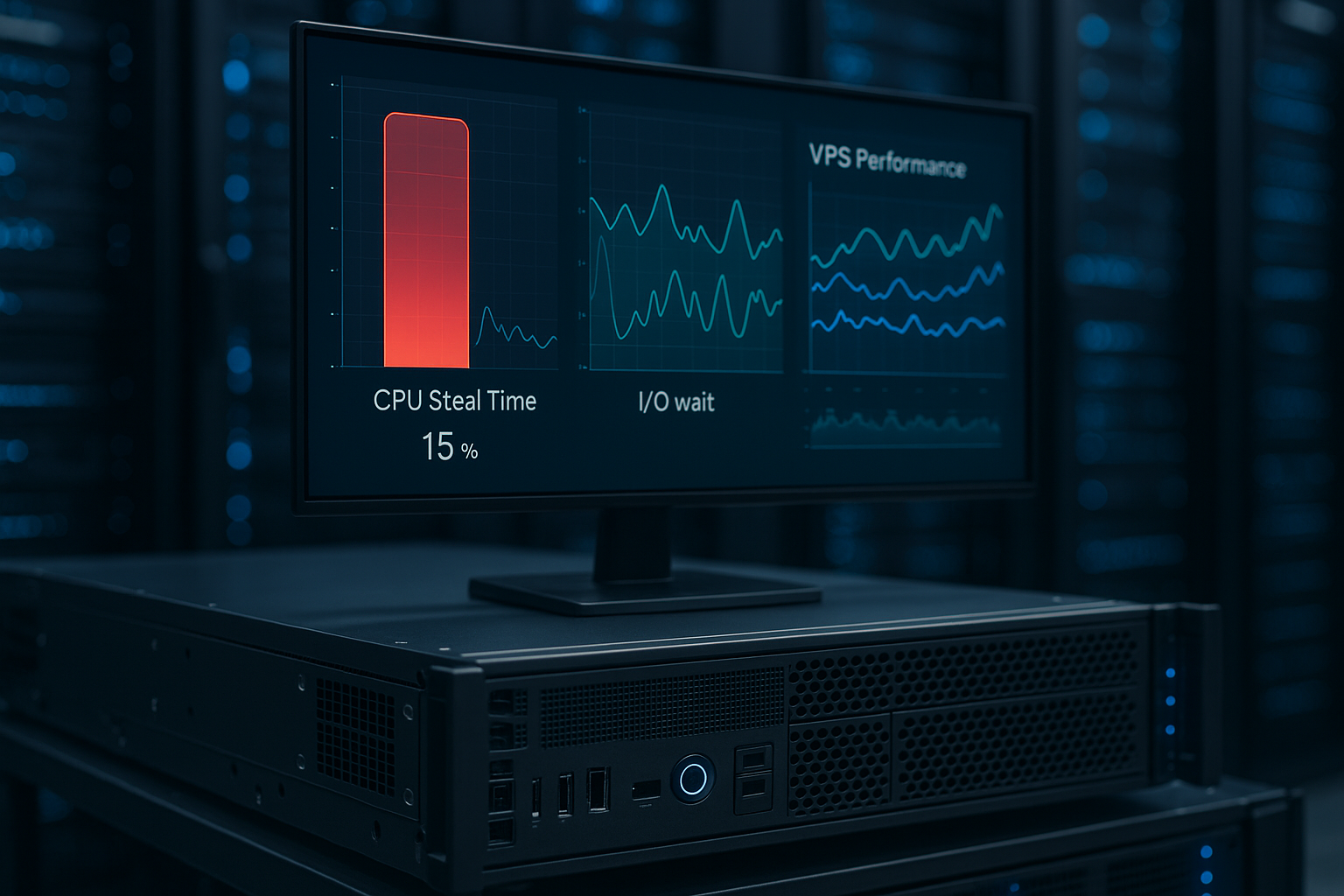
There are big differences between shared hosting, VPS and managed hosting. With the shared hosting you share resources with other users - this often has a negative impact on loading times and accessibility. A VPS (virtual server) offers you significantly more control, but requires technical understanding. If you want as little effort as possible and need maximum speed, you should opt for a Managed WordPress hosting set. Here, the provider takes care of many optimizations automatically. This gives you a stable and fast foundation for your website, even without in-depth technical knowledge.
Server location and CDN: Factor for speed
The physical location of your server has a direct influence on loading times. The closer the server is to your users, the faster your site will be delivered. A server in Frankfurt delivers significantly faster to visitors in Germany than a server in the USA. Combined with a content delivery network (CDN), you can distribute static content worldwide. This massively reduces loading times for international visitors. Many modern web hosts already offer an integrated CDN as part of the package or can be easily expanded with tools such as Cloudflare.

Current PHP version and MySQL optimization
The software versions running on your server are crucial for performance. For example, if your host uses PHP 8.2 and MariaDB instead of older MySQL versions, you will benefit from noticeably faster loading times. Switching from PHP 7.4 to PHP 8.2 can make a significant difference to dynamic pages. Performance gain of up to 25 %. The use of object caches such as Redis or Memcached also extends the optimization - however, your hosting provider must support these in the first place. When comparing tariffs, always make sure that the service package includes the latest technologies.
Caching and compression: Turbo for your site
Caching is one of the simplest and most effective methods for speeding up WordPress. By caching static content, the server does not have to regenerate the entire page every time it is called up. Use specialized caching plugins or rely on Optimized hosting plans with integrated cache. In addition, GZIP compression and browser caching provide further relief. Some providers even use Varnish or nginx caches on the server side, relieving you of all the configuration work.
Performance comparison: Shared vs. VPS vs. managed hosting
Here you can see a comparison of typical hosting types in terms of speed, security and price:
| Hosting type | Speed | Security | Price from | Suitable for beginners |
|---|---|---|---|---|
| shared hosting | Slower | Low | 2.99 €/month | Yes |
| VPS | Fast | Medium | 6.99 €/month | No |
| managed hosting | Very fast | High | 9.99 €/month | Yes |
DNS and SSL: Optimizing technical basics
DNS resolutions are usually in the millisecond range - but efficiency gains add up here. Use fast DNS providers, such as your hoster or alternatives like Google DNS or Cloudflare. An active SSL certificate not only protects your visitors, but is also an SEO signal. Make sure you use TLS 1.3 for maximum speed. Many web hosts already activate SSL automatically and update certificates regularly.

Database optimization and monitoring
Often neglected, but extremely important: a clean database. Over time, revisions, transients and spam entries accumulate. You should schedule automatic cleanups at least once a month. Analysis tools such as Query Monitor give you an insight into slow SQL statements. For long-term planning, it is worth using monitoring solutions or Analysis tools for SEO optimization. This allows you to identify bottlenecks in good time before they have a negative impact on users or rankings.
Set up WordPress correctly
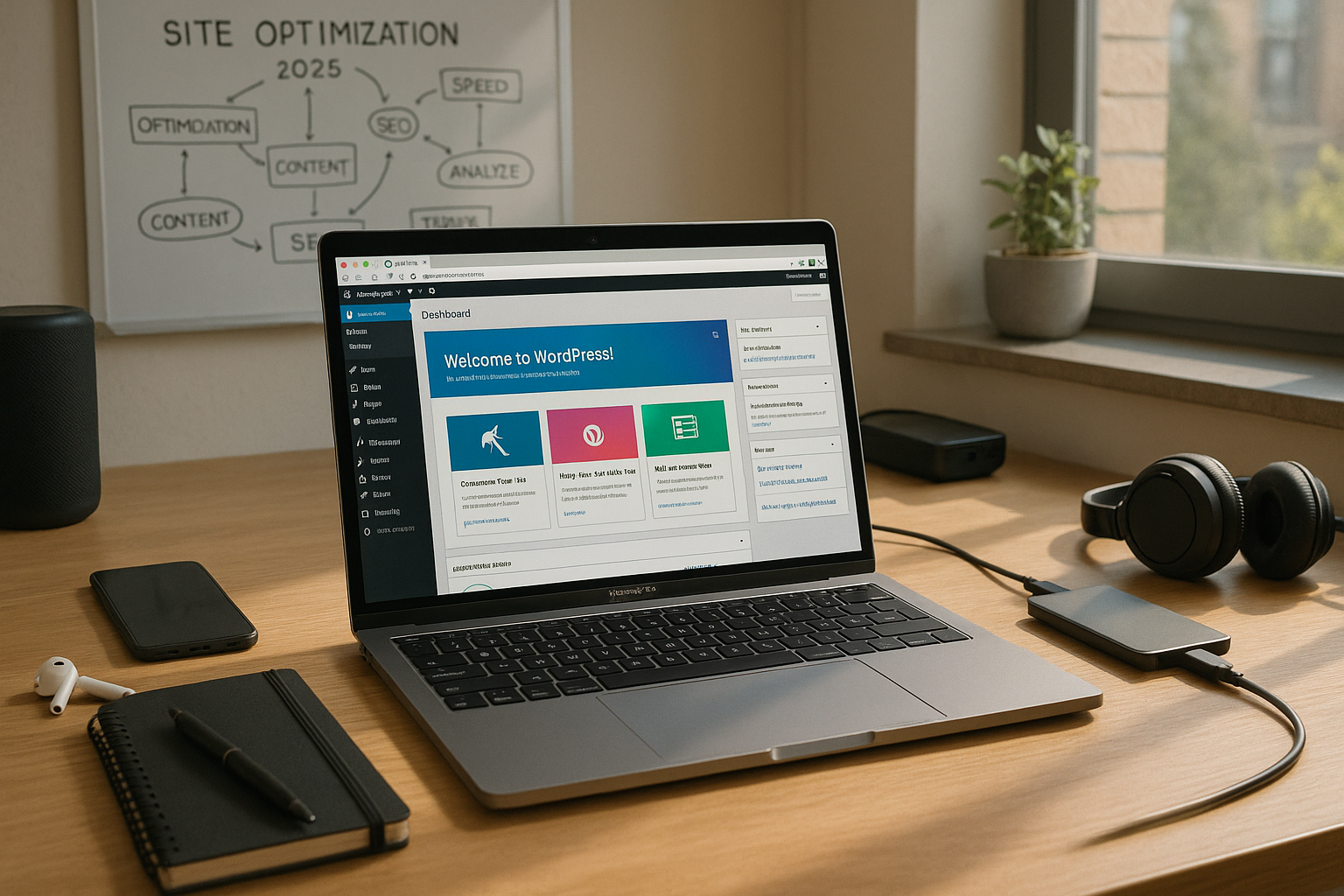
The installation of WordPress itself already determines many subsequent optimization options. Use an optimized stack with PHP 8.2+, NGINX and fast SSD storage. Many hosters offer automated installers - but these should be set up properly. Check that SSL, caching, language settings and permalinks start correctly. If you need help with the setup, you can find Here is a concrete setup guide.

Theme and plugin selection with performance factor
You can optimize the server as much as you like - if your theme generates too many HTTP requests or uses dozens of plugins, this will slow down every page. Therefore, pay attention to a lightweight theme and limit the use of plugins to what is necessary. Good performance themes such as GeneratePress, Blocksy or Astra offer minimal CSS and JavaScript. Poorly maintained plugins are not only slow, but often also security risks. Therefore, remove inactive extensions and consider for each plugin whether you really need the function.
Automatic backups and restoration
Fast recovery after a crash is just as important as prevention. Many managed hosters back up your site automatically daily and save backups redundantly. It's also worth saving separate backups locally or externally (e.g. on Dropbox) using a plugin. In an emergency, you can save hours by restoring a previous version of your WordPress site with just a few clicks.

Staging environments for risk-free updates
Installing updates is always a critical moment, especially for a professional WordPress site. New plugin versions, theme adjustments or a core update can quickly lead to compatibility problems. A staging environment allows you to try out all changes in a protected test environment first. There you can test your website with new functions or updates without your live site experiencing any restrictions. After a successful test, you can switch the customized version to production with just a few clicks. In this way, potential sources of error can be ruled out in advance and you protect your visitors from possible outages or display errors.
Many managed hosters provide an integrated staging function. All you have to do is click the corresponding button in the backend and you can experiment in a mirrored system. If you don't have a suitable hosting package, you can also set up staging manually by using a development domain or subdomain. In addition, it can be useful to use versioning tools to keep track of changes - such as Git. This ensures that you can revert to an earlier version at any time.
Mobile performance and image optimization
In 2025, the mobile experience is crucial to the success of any website. Most visitors access your site via smartphones or tablets. You should therefore pay particular attention to optimized images, as they often account for a large part of the loading time. Modern formats such as WebP reduce the file size while maintaining the same quality. Many hosting providers or plugins offer automatic conversions of your JPEG or PNG images into WebP format, which can significantly reduce your loading times even further.
You should also Lazy Loading so that images are only loaded when they appear in the user's visible area. This saves crucial resources directly when the page is called up and is particularly noticeable on pages with many images (e.g. blogs, galleries, portfolios). Also make sure to keep your CSS and JavaScript files as lean as possible and remove unnecessary scripts. A lightweight theme and well-programmed plugins pay off twice over here.
Professional monitoring and load tests
Even if you continuously maintain and optimize your site, unexpected load peaks may occur. This is conceivable in phases of high demand, for example during sales promotions, new products or special campaigns. In such cases Load tests to find out how many simultaneous hits your system can handle before errors or severely delayed loading times occur. There are specialized tools for this that generate simulated visitor flows. This allows you to see whether your provider and your WordPress configuration offer sufficient reserves.
In addition, professional monitoring ensures that your website is continuously monitored. Tools that monitor your site around the clock automatically sound the alarm in the event of outages or performance drops. This allows you to react immediately and rectify problems before they have a negative impact on your users or your ranking in the search results. Hosting providers with integrated monitoring solutions do a lot of the work for you here, and some even provide you with detailed reports.
Security mechanisms and DDoS protection
The security of your WordPress project consists of several levels. In addition to SSL, secure passwords and regular updates, you should also think about DDoS protection. Some hosting providers already have appropriate protective measures integrated into the package. They filter out potentially harmful traffic so that your site remains accessible despite attempted attacks. For further protection, you can use a web application firewall service that automatically blocks malicious requests.
It is also worth taking a look at mechanisms such as brute force protection and IP blocklists to ward off attacks on your login form. Special WordPress security plugins can also activate two-factor authentication (2FA). This way, admins have to additionally identify themselves via app or email, making it more difficult for attackers to gain access. Also remember to check your installations regularly: Deactivate themes and plugins that are dubious or have not been updated for a long time. All of this will help you to protect your project from unpleasant surprises.
Planning long-term scalability
If you want your project to grow over the next few years, your hosting should be able to grow with it. Many website operators start with a shared hosting plan and eventually reach its performance limits. It is then worth switching to a VPS or managed hosting in good time before your visitors are put off by long loading times. The issue of traffic peaks is also part of scaling: ideally, your host should offer an option to temporarily provide more resources if you expect a high number of visitors.
When choosing your hosting provider, think about possible upgrades without having to book too large a tariff straight away. A hosting environment that allows you to make flexible adjustments to memory, CPU performance and storage capacity creates planning security - especially if your online business is growing rapidly. In addition, the combination of server-side caching, CDN and hardware redundancy allows you to build an extremely robust structure that protects you from outages and performance drops.
Generally speaking, the bigger your ambitious projects, the more important it is to have a clear roadmap on how you can further expand your infrastructure. It is also important to take a detailed look at the database - consider when it makes sense to switch to more powerful engines or a distributed database environment. This can become relevant, for example, as soon as you operate very extensive e-commerce stores or member areas with many parallel users.
Optimized cronjobs and maintenance routines
WordPress implements internal processes using so-called WP cronjobs. For example, they control the publishing of scheduled posts or the execution of regular maintenance tasks. By default, cronjobs are triggered every time a page is accessed. This can lead to slowdowns under high load. It therefore makes sense to deactivate WP-Cron and instead set up real cron jobs via the hosting so that these tasks run independently of visitors and at fixed intervals. This way you distribute the load more efficiently.
In addition to the cronjobs, you need regular maintenance routines. Delete old post revisions, spam comments and themes or plugins that are no longer used. This provides a better overview and reduces the database size. You should also check your error logs at set intervals. There you will find indications of theme conflicts, outdated functions or plugin problems. If you carry out these tasks consistently, you can prevent long loading times and potential security holes.
Final thoughts
Truly high-performance WordPress sites are not created through plugins or design, but through the interplay of technical fundamentals. With the right hosting, a modern infrastructure and well thought-out configuration, you can achieve loading times of less than 1 second - which, especially in 2025, is SEO and user retention is crucial. Check your settings regularly, keep PHP and MySQL up to date and invest in quality when building your site. The stronger your hosting, the more sustainably your site will grow, even with increasing traffic and requirements.