Skip to content
I secure admin panels with 2FA to significantly reduce account takeovers, phishing scams and brute force attacks. In this article, I will show you the most effective steps from app-based codes to guidelines for admins that make everyday life in the Admin panel and reduce risks.
Key points
- 2FA obligation for admins reduces the risk of account takeovers and prevents the misuse of stolen passwords.
- TOTP apps such as Authenticator or Duo are more resistant to phishing than SMS codes and are easy to roll out.
- Guidelines for backup codes, device management and recovery prevent failures and escalations.
- cPanel/Plesk offer integrated 2FA functions that I document and enforce properly.
- WebAuthn/Passkeys supplement 2FA and make logins faster and phishing-proof.
Why 2FA counts for admin logins
Admin accesses lure attackers because a single hit often destroys the entire Infrastructure at risk. I therefore rely on 2FA so that a password alone does not open access and stolen credentials remain useless. Time-based codes, which change every minute and are linked to a physical device, help against phishing and credential stuffing. Device are bound. This reduces the chances of success of automated attacks and mitigates damage if a password is leaked. This results in a noticeable increase in security without lengthy Processes.
How two-factor authentication works in practice
2FA combines something that I know (password) with something that I own (app, token) or something that identifies me (biometric Features). In practice, I mostly use TOTP codes from authenticator apps, as they run offline and start quickly. Push approvals are convenient, but require a stable app environment and clean Device management. I avoid SMS codes because SIM swaps are possible and delivery fluctuates. Hardware keys offer a high level of security, but are primarily suitable for particularly critical applications. Accounts.
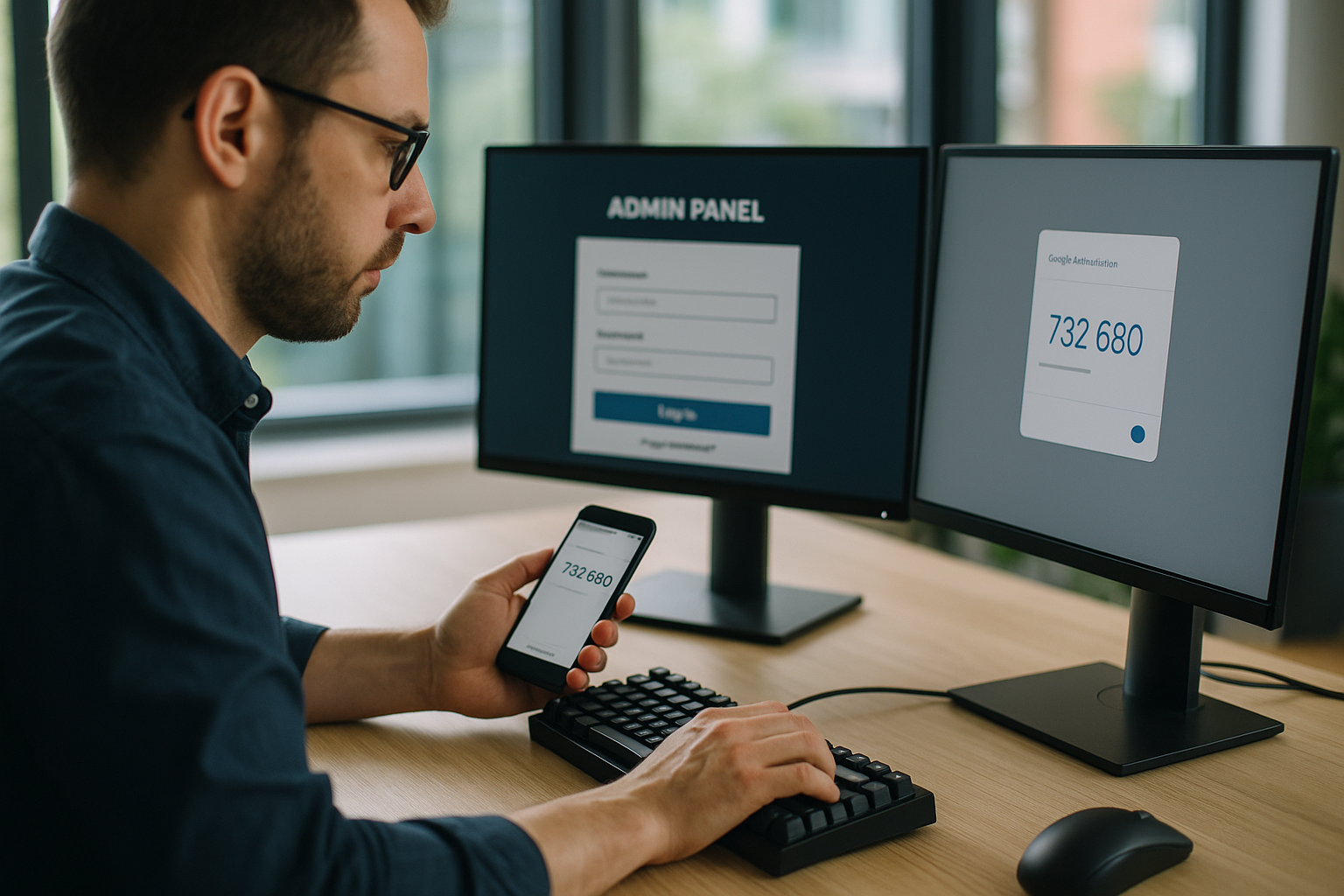
Secure WordPress admin panel with 2FA
With WordPress, I first activate 2FA for administrators and editors with extended Rights. Then I switch on login throttling and IP blocks so that brute force attacks come to nothing. Plugins with TOTP support are completely sufficient in many projects and remain easy to maintain. A gradual introduction reduces support costs and ensures acceptance by Users. For details, please refer to the instructions Secure WordPress loginwhich I use as a checklist for rollouts.
Activate 2FA in cPanel - step by step
In cPanel, I open the Security item and select Two-Factor Authentication to activate the 2FA-Registration to start. I then scan the QR code with a TOTP app or enter the secret key manually. I check the time synchronization of the smartphone, as TOTP can fail if the time is very different. I download backup codes directly and save them offline so that I can act in the event of device loss. For teams, I clearly document how they can report lost devices and access them via defined Processes received back.
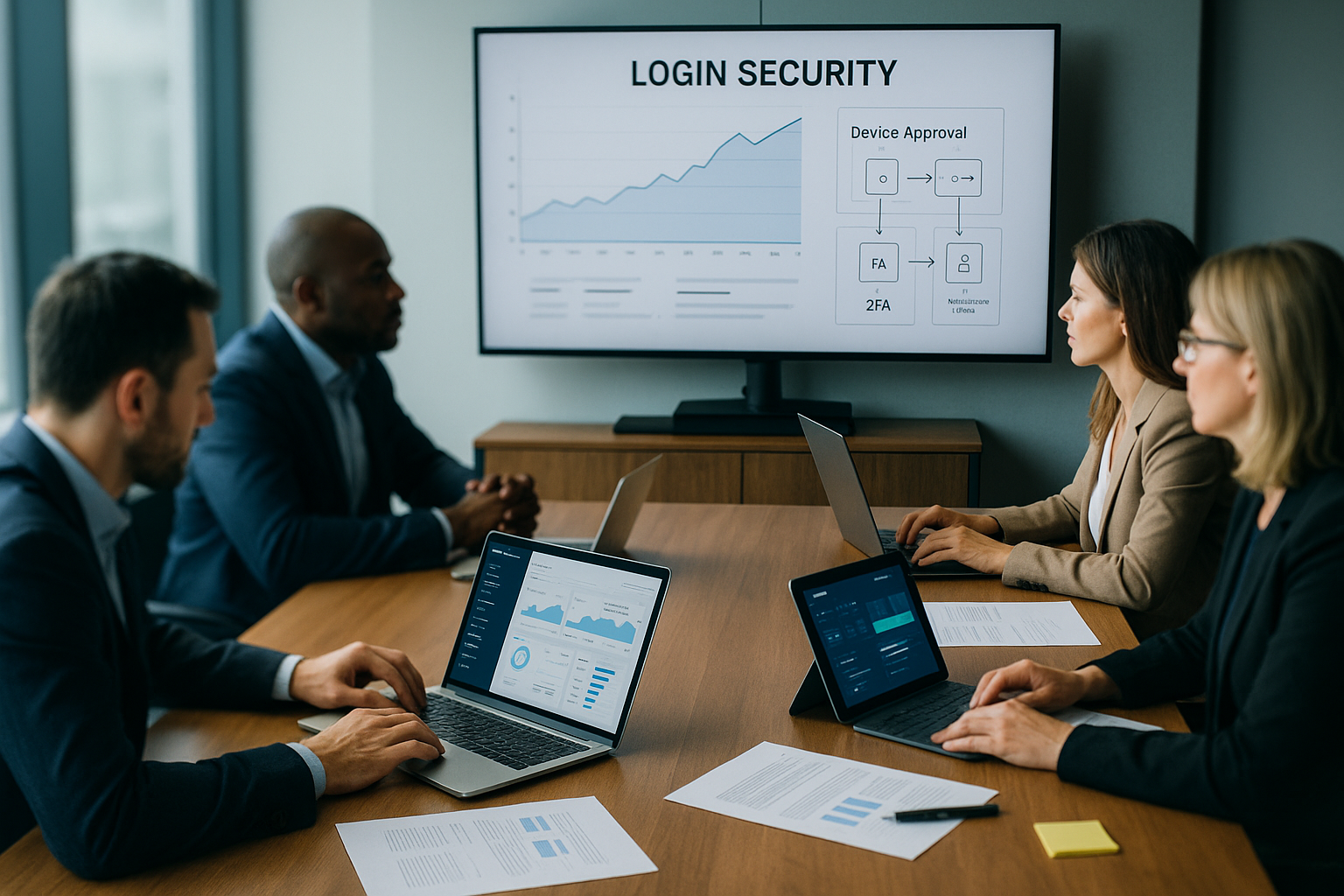
Comparison of common 2FA methods
Depending on the risk and team size, I choose the right 2FA variant for the respective System. TOTP apps provide solid security and hardly incur any costs. Push methods increase convenience, but require reliable app ecosystems. Hardware keys provide a very high level of protection and are suitable for admin accounts with far-reaching Authorizations. I only use SMS and e-mail as a last resort, not as standard.
| Method | Second factor | Security | Comfort | Suitable for |
|---|---|---|---|---|
| TOTP app | Time-based code | High | Medium | Admins, editors |
| Push confirmation | App release | High | High | Productive teams |
| Hardware key (FIDO2) | Physical token | Very high | Medium | Critical admins |
| SMS code | Number by SMS | Medium | Medium | Only as a fallback |
| E-mail code | One-time code mail | Lower | Medium | Temporary access |
Plesk: Enforce 2FA and set standards
In Plesk, I define which roles must use 2FA and when I want to use stricter 2FA. Policies apply. For particularly sensitive panels, I use hardware keys or phishing-proof procedures at the top. I document the rollout, provide brief training and ensure that support is familiar with the recovery process. I summarize additional hardening steps in the overview Plesk Obsidian Security together. For hosting setups with many customers, a clear 2FA quota per Client proven, for example in the context of "2FA Hosting".
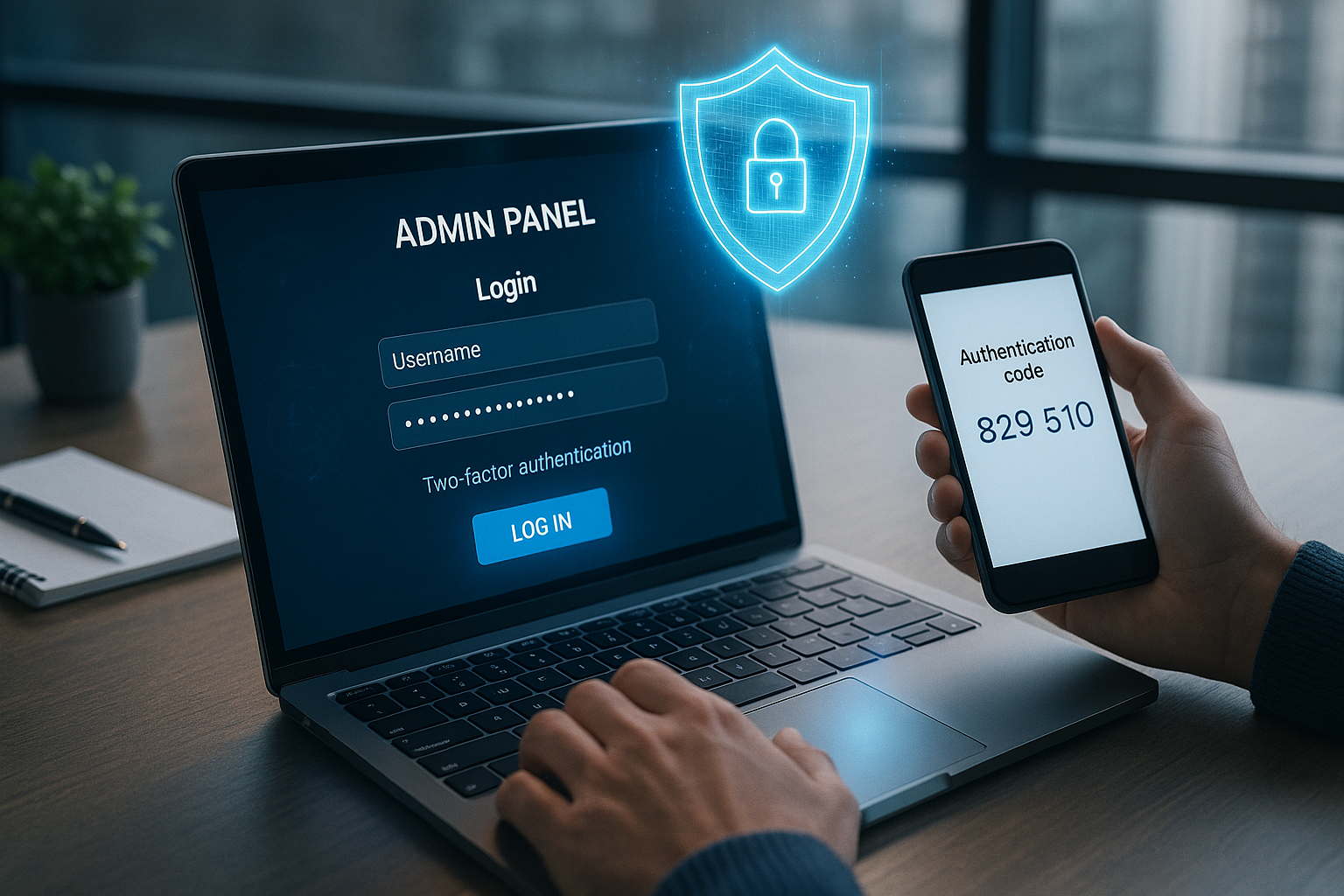
Best practices for secure login management
I anchor 2FA in clear rules so that no one inadvertently circumvents protection mechanisms or bypasses. All admin accounts are personal, never shared, and are only given the rights they really need. I secure backup codes offline, renew them cyclically and document access and storage. Changes to 2FA factors record notifications in real time so that manipulations are noticed immediately. I proactively block suspicious logins and set up a quick procedure to restore access. Accesses um.
Passkeys and WebAuthn as a strong building block
Passkeys based on WebAuthn bind the login to devices or hardware keys and are very effective against phishing. resistant. I combine passkeys with 2FA policies to achieve a consistent level of security without friction. For teams with high requirements, I plan a gradual changeover and have fallbacks ready for exceptional situations. Anyone planning to get started will find good orientation here: WebAuthn and passwordless login. This way, the login remains suitable for everyday use, while I can reduce the risk of lower.

2FA or MFA - which security level is right?
For many admin setups, 2FA is sufficient, as long as I use strong passwords, rights management and logging consistently. pull through. For particularly sensitive environments, I use MFA, such as hardware key plus biometrics. Risk-based rules can also apply, which require an additional factor in the event of unusual patterns. The decisive factor remains how much damage a compromised account causes and how high the motivation for the attack is is. I choose the minimum amount of friction with maximum sensible safety - not the other way around.
Monitoring, protocols and incident response
I log logins, factor changes and failed attempts centrally so that anomalies can be quickly identified. stand out. Rule-based alarms report unusual times, new devices or geo-jumps in real time. I have clear steps ready for incident response: locks, password changes, factor changes, forensics and post-mortem. I handle recovery via secure identity verification, never via email alone Tickets. After an incident, I tighten the rules, for example by making hardware keys mandatory for critical roles.
Cost efficiency and suitability for everyday use
TOTP apps cost nothing and reduce risks immediately, which significantly increases the return on security in day-to-day business. raises. Hardware keys pay for themselves with highly critical accounts because a single incident would be more expensive than the purchase. Fewer support cases for password resets save time and nerves if 2FA is properly introduced and explained. A clear onboarding guide with screenshots takes the hurdle out of employees' first steps. Login. This keeps the system economical and at the same time effective against typical attacks.
Migration and training without friction
I am introducing 2FA in stages, starting with admins and then expanding to important Rollers. Communication packages with short explanatory texts, QR examples and FAQs greatly reduce the number of queries. A test window per team ensures that missing devices or problems become apparent early on. I plan replacement devices for special cases and document clear escalation paths. After the rollout, I update the rules annually and adapt them to new requirements. Risks on.

Role-based enforcement and conditional access
I do not apply 2FA across the board, but on a risk-oriented basis. Critical roles (server admins, billing, DNS) are subject to strict policies: 2FA is mandatory, and logins are restricted to known devices, company networks or defined countries. I use "step-up" rules for operational roles: For high-impact actions (e.g. password reset of another admin), an additional factor is queried. I also include working hours and geo-zones in the rules to stop anomalies early on. I only grant exceptions for a limited period of time and document them with the person responsible, reasons and expiration date.
Provisioning, life cycle and recovery
A strong factor is of little use if its life cycle is unclear. I therefore organize provisioning in three phases: Firstly, secure initial registration with identity verification and documented device binding. Secondly, ongoing maintenance, including replacement of devices, periodic renewal of backup codes and removal of obsolete factors. Thirdly, orderly disposal: In leaver processes, I remove factors and revoke access promptly. I keep QR seeds and secret keys strictly confidential and avoid screenshots or insecure storage. For MDM-managed smartphones, I define clear processes for device loss, theft and replacement. Breakglass accounts are minimal, highly restricted, regularly tested and securely sealed - they are only used in the event of total failure.
User experience: avoid MFA fatigue
Convenience determines acceptance. I therefore rely on "Remember device" with short, reasonable time windows for known devices. I add number comparison or location display to push methods to avoid accidental confirmations. For TOTP, I rely on reliable clock synchronization and point out the automatic time setting. I reduce the number of prompts by using sensible session and token runtimes without undermining security. In the event of unsuccessful attempts, I provide clear instructions (without sensitive details) to reduce support contacts and shorten the learning curve.

SSO integration and legacy accesses
Where possible, I connect admin logins to a central SSO with SAML or OpenID Connect. The advantage: 2FA policies apply consistently and I don't have to maintain isolated solutions. For legacy systems that do not support modern SSO, I encapsulate access behind an upstream portal or use reverse proxy rules with an additional factor. I only use temporary app passwords and API tokens for a limited period of time, with minimal rights and clear revocation logic. It is important that no "side entry" remains without 2FA - otherwise it undermines every policy.
Secure SSH/CLI and API keys
Many attacks bypass the web login and target SSH or automation interfaces. I therefore activate FIDO2-SSH where possible or enforce TOTP for privileged actions (e.g. sudo) via PAM. For scripts and CI/CD, I use short-lived, granularly authorized tokens with rotation and audit trails. IP restrictions and signed requests reduce abuse, even if a token expires. In hosting environments, I also pay attention to WHM/API access and strictly separate machine accounts from personal admin accounts.
Compliance, logging and storage
I keep log data in such a way that it can be used for forensic purposes and at the same time complies with data protection regulations. This means: tamper-proof storage, sensible retention periods and sparse content (no secrets or full IPs where not necessary). Admin activities, factor changes and policy exceptions are documented in a traceable manner. I forward audit events to central monitoring or SIEM, where correlations and alarms take effect. For audits (e.g. for customer requirements), I can prove that 2FA is not only required, but actively practiced.
Accessibility and special cases
Not every admin uses a smartphone. For accessible setups, I plan for alternatives such as NFC/USB hardware keys or desktop authenticators. Travel with poor connectivity is well covered with TOTP or passkey-based methods as they work offline. For air-gap or high-security zones, I agree a clear procedure, such as local hardware keys without cloud synchronization. Where several factors are stored, I set the priority so that the most secure option is offered first and fallbacks only take effect in exceptional cases.
Key figures and performance measurement
I measure progress with a few meaningful key figures: 2FA coverage per role, average set-up time, percentage of successful logins without support contact, time to recovery after device loss and number of blocked attacks. These figures show where I need to tighten up - be it in terms of training, policies or technology. Regular reviews (quarterly) keep the program up to date and demonstrate the benefits to management and customers.
Common mistakes and how to avoid them
- Shared admin accounts: I only use personal accounts and delegate rights on a granular basis.
- Unclear recovery processes: I define identity checks, approvals and documentation before the rollout.
- Too many exceptions: Temporary exception windows with justification and automatic expiration date.
- Seed leaks at TOTP: No screenshots, no unencrypted storage, restrictive access to QR codes.
- MFA fatigue: Step-up only when required, use Remember-Device sensibly, push with number comparison.
- Fallbacks as standard: SMS/email only as a fallback, not as the primary method.
- Forgotten interfaces: SSH, APIs and admin tools get the same 2FA rigor as web login.
- Missing time synchronization: Activate automatic time on devices, check NTP sources.
- Untested Breakglass accounts: I test regularly, log access and limit rights.
- No exit strategy: I plan factor migration and data export at an early stage when changing providers.
Briefly summarized
With 2FA, I can reliably protect admin logins without unnecessarily disrupting the workflow. block. TOTP apps provide a quick start, hardware keys secure particularly critical accounts. Clear rules on backup codes, device loss and factor changes prevent downtime and disputes. cPanel and Plesk provide the necessary functions, while passkeys offer the next step towards phishing-proof logins. If you start today, you reduce the risk immediately and achieve sustainable gains Control via sensitive access points.