Skip to content
I show when webhosting with traffic flat clear benefits and how to choose the right tariff without any nasty surprises. I also look at performance, costs, Scaling and specific providers who will impress with strong packages in 2025.
Key points
The following keywords will give you a quick overview before I go into more detail.
- PlannabilityNo additional costs for peaks, calculable budget control.
- PerformanceNVMe SSDs, up-to-date PHP, fast databases for short loading times.
- ScalingFlexibly increase resources without relocation or downtime.
- Data protectionGDPR, German server location and reliable uptime guarantees.
- Support24/7 help, clear SLA, fast response times in everyday life.

What does traffic flat rate mean in hosting?
With a Traffic-Flat you pay no extra charge for transferred data volume, no matter how many visitors come or how large your downloads are. I avoid throttling and keep the costs stable even for campaigns. This gives me freedom for videos, large image galleries or API-supported applications without having to worry about limits. It's crucial that the flat rate doesn't contain any hidden clauses that impose restrictions during peak loads. I therefore check fair use rules and SLAs so that I have real Planning security get.
For whom is the switch worthwhile?
I particularly benefit when my store experiences seasonal peaks and traffic explodes at short notice. Blogs with viral posts, forums with many simultaneous hits or SaaS offers also benefit from unlimited More relaxed data transfer. Media projects with audio, image and video save on additional billing and avoid abrupt braking effects. Anyone building up international reach wants 24/7 delivery without volume anxiety. If metrics increase over months, this signals the ideal Changeover time.

Technical criteria for strong tariffs
I first pay attention to NVMe SSDsbecause they noticeably speed up databases and caching. Modern PHP versions and OPcache significantly increase the execution speed, which helps pagespeed and conversion. A LiteSpeed or NGINX stack delivers static content quickly, which is particularly important for media. 99.9 % or better with the Uptime prevents failures that cost rankings and revenue. Paired with HTTP/2 or HTTP/3 and a sensible CDN setup, I get short time-to-first-byte and stable response times.
Costs, terms and fair use
Transparent Prices without a volume tariff is easy on my budget, especially when marketing ramps up. I check runtimes, renewal costs and money-back options to stay flexible. I read fair use clauses carefully so that I don't get a throttle for legitimate peaks. Good providers formulate limits clearly or waive soft restrictions. That's how I keep the Cost control and plan releases without arithmetic acrobatics.

Traffic analysis: When does the ROI tip over?
I look at log files, CDN statistics and the hosting reports to identify patterns. If accesses, file sizes or simultaneous sessions increase, the volume bill will otherwise rise quickly. It's worth switching as soon as additional costs appear regularly or the fear of throttling slows down features. If you want to brush up on the basics of measurement, you can find the basics of Traffic analysis in hosting helpful. With these figures I can be sure of Decision security and use budgets effectively.
Provider comparison 2025: tariffs with traffic flat rate
I compare tariffs not only by price, but above all by Performanceuptime, support and simple scaling. Anyone running WordPress, store software or media projects needs short response times and reliable SLAs. Server location in Germany helps with GDPR, short distances reduce latency. The table shows you strong offers with traffic flat rates and their key data. For a more in-depth market overview, I also use the Web hosting comparison 2025 as orientation.
| Place | Provider | Uptime | Special feature | Price from |
|---|---|---|---|---|
| 1 | webhoster.de | 99,99 % | German servers, top support, scalable, NVMe SSDs | 1,99 € / month |
| 2 | SiteGround | 99,98 % | Strong WP optimization, global network | 3,95 € / month |
| 3 | IONOS | 99,99 % | Intuitive interface, DDoS protection | 1,00 € / month |
| 4 | Hostinger | 99,9 % | Low entry-level prices, LiteSpeed | 1,49 € / month |
| 5 | Bluehost | 99,99 % | WordPress-friendly, simple implementation | 2.95 € / month |
Recommendation: a quick check of webhoster.de
At webhoster.de I see a strong combination of Speedsupport and clear expandability. NVMe storage, up-to-date software and scalable resources ensure lightning-fast response times. The traffic flat rate is included in all packages, making launches, peaks and campaigns stress-free. Especially for projects in Germany, the data centers score points with short latencies and GDPR compliance. Anyone who values personal, German-speaking Support makes a solid choice here.
CDN and Edge: when they make the difference
Even with a traffic flat rate, I reduce the load on my origin server by integrating a CDN and close to the edge deliver. Large images, videos, fonts and scripts benefit from caching and compression (Brotli), while dynamic pages benefit from HTTP/3/QUIC. I check in advance whether my tariff handles "origin pulls" efficiently and allows sufficient simultaneous connections. For personalized content, I use cache bypass rules and set Cache keys so that sessions and shopping baskets function reliably. A clean purge workflow after deployments prevents obsolete assets and keeps TTFB and P95 response times stable and low.

Understanding hidden limits: Fair use in practice
"Unlimited" for traffic does not mean "unlimited" for all resources. That's why I always check the technical parameters that determine performance in reality:
- Simultaneous processes/workersHow many PHP workers or FPM children are allowed? Too few workers means queues despite the traffic flat rate.
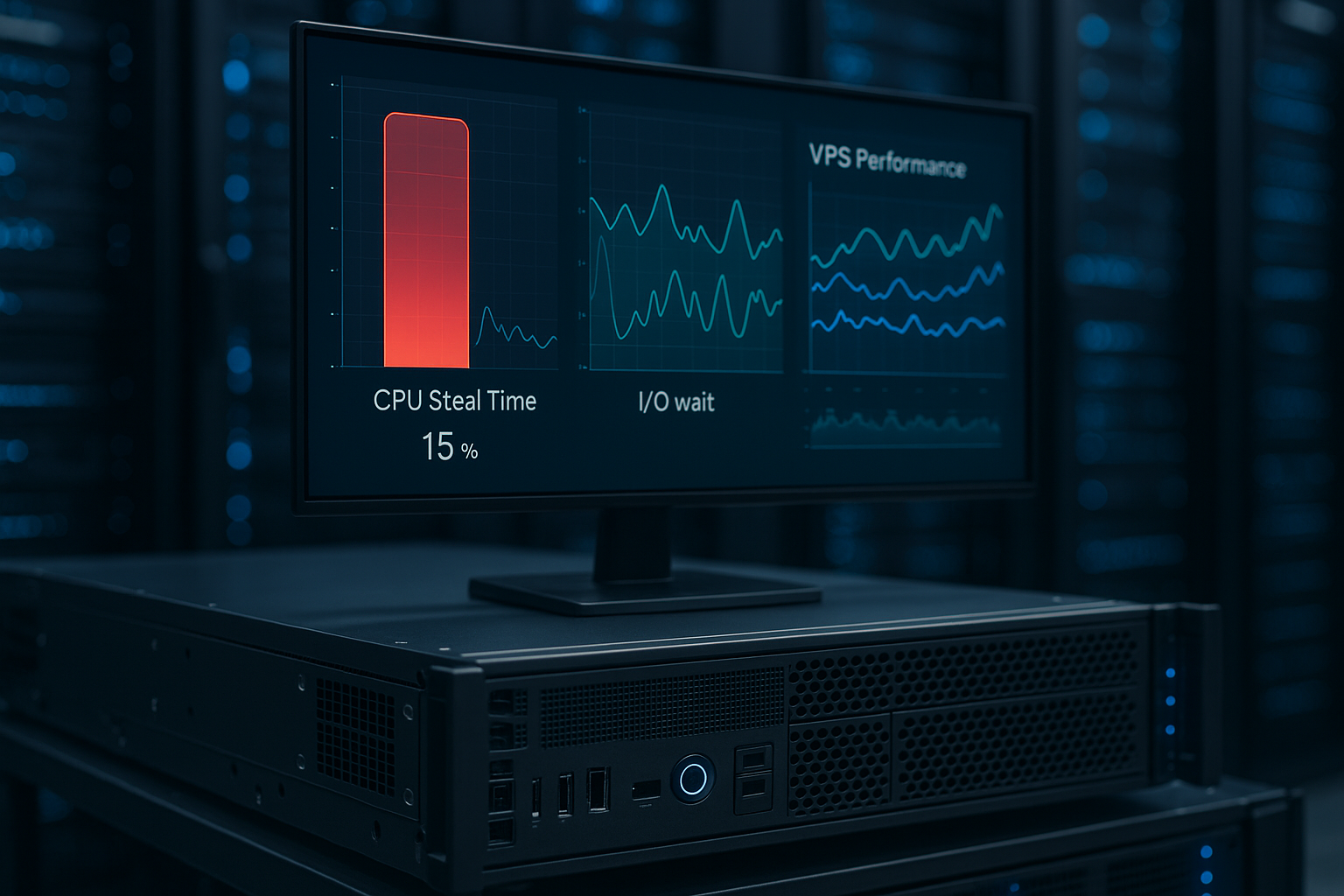
- CPU and RAM sharesShared hosting often limits vCPUs and memory. I check whether burst phases are allowed and how long they last.
- I/O and inode limitsStrong I/O throttling can slow down database and cache hits; inodes limit the number of small files (e.g. thumbnails).
- Network port and connectionsDedicated bandwidth (e.g. 1 Gbit/s) and limits for simultaneous connections determine how much "throughput" actually arrives.
- Mail and API quotasSending limits for transactional emails and rate limits for APIs can slow down campaigns.
I have these key figures confirmed in writing or check them in the control panel. Reputable providers document fair use rules precisely. If peak loads can be planned (sales, launches), I agree in advance Temporary resource upgrade or an escalation chain in support.
Performance tuning: practical setup
I combine server and application tuning for fast, consistent response times. OPcache and current PHP versions are set. For database-heavy projects, I use query optimization, index audits and a Object cache (e.g. Redis) for sessions, transients and cart data. At web server level, I use HTTP/2 push alternatives via preload hints, activate Brotli for static assets and limit expensive .htaccess rules. Image pipelines deliver WebP/AVIF and suitable sizes; lazy loading avoids unnecessary initial traffic.
For dynamic pages I plan the Number of PHP workers based on the expected concurrency level. A guideline: Worker ≈ 1-1.5 × vCPU, fine-tuned via monitoring. I move long tasks (reports, exports) into queues and execute them outside the request cycle. This allows me to use the traffic flat rate without being slowed down by process bottlenecks.
WordPress and CMS: Setup in minutes
I often start new projects with One-Click-installers and thus save a lot of time. Caching, PHP workers and image compression get WordPress up to speed and keep TTFB low. A staging system allows risk-free testing before I go live with changes. Automatic updates for core, plugins and themes noticeably reduce attack surfaces. In conjunction with traffic flat rate, I upload media without volume pressure and keep the User experience constant.
Migration without failure: checklist
I plan moves step by step so that the site remains accessible. First I copy files and the database, then I set up temporary host entries for testing. I empty the caching before the final DNS switch so that no old entries interfere. I check SSL certificates, redirects and cronjobs immediately after the move. With this Routine changes can be made quickly and without costly downtime, which is particularly important for stores.

Monitoring, logs and alerting
I don't operate my traffic flat rate blindly. An external monitoring system measures uptime, TTFB and P95/P99 latencies from different regions. On the server side, I evaluate metrics on CPU, RAM, I/O, bandwidth and 5xx errors. Access and error logs help to detect bottlenecks (e.g. slow queries, timeouts). I set Warning thresholds for load and error rate and actively notify myself instead of waiting for complaints. Before large campaigns, I run load tests to realistically calibrate workers, cache strategies and database parameters. This allows me to take advantage of the cost-free traffic without risking stability.
Security, GDPR and location
I check whether data on German servers and the provider provides clear AV contracts. This creates legal certainty and keeps latencies low in the DACH region. WAF, DDoS filters and malware scanners should be part of the package and updated regularly. I need daily backups with simple restore options so that I can get back online quickly if the worst comes to the worst. This overview helps me to categorize the market Top hosts 2025 in the preselection process.
E-mail, DNS and deliverability at a glance
When traffic increases, the volume of mail often increases too. I check sending limits and rely on a clean sender configuration with SPF, DKIM and clear bounce rules. For newsletters and transactional emails, I separate the dispatch paths where possible so that reputation and deliverability remain stable. In the DNS, I lower the TTL before migrations, plan the switch and monitor propagation. A separate Monitoring record for MX/SMTP helps me to recognize outages early on. Checkout emails, password resets and invoices remain reliable despite traffic peaks.
Scaling: From shared hosting to VPS
I often start cheap and later move to bigger plans without changing providers. An upgrade to VPS or managed server brings more RAM, vCPUs and dedicated resources. A seamless upgrade path is important so that peaks do not become a risk. With auto-scaling, edge caching and CDN, I can also keep international access under control. In this way, the hosting grows with my project, while the Performance remains stable.
Cost models and ROI: How I calculate
The traffic flat rate is worthwhile as soon as variable fees or overages regularly exceed the basic fee. I calculate with three variables: average data transfer per page view, expected sessions per month and peak factors (campaigns, sales). This results in a volume that I can compare with the previous Price per GB multiply. If the sum comes close to or exceeds the monthly fee of a flat-rate tariff, it usually makes sense to switch. I measure the gain not only in euros, but also in terms of reduced complexity: no recalculations, less controlling, no throttling and more stable Conversion thanks to consistent performance.
I also calculate opportunity costs: if I forego videos, high-resolution images or API features for fear of volume, I pay with reach and sales. With a real traffic flat rate, I free up features and can play marketing peaks more aggressively without risking an avalanche of costs.

Briefly summarized
With a real Traffic-Flat I gain cost control, eliminate volume anxiety and plan features freely. If you see growing access, media load or international target groups, it's better to switch early. I pay attention to NVMe, uptime, support and clear fair use rules so that performance and budget match. The 2025 provider comparison shows several strong options, with webhoster.de as a particularly coherent package for projects in Germany. So my project stays fast, available and ready for growth - without limit discussions.