Skip to content
I will summarize webmin server administration concisely: With Webmin I control Linux and Unix servers directly in the browser, edit system files securely via modules, and use remote access without additional tools. The solution connects Surface and system configuration files seamlessly, allowing me to adopt existing setups, keep changes traceable, and efficiently manage services such as Apache, Postfix, MySQL, or Firewall.
Key points
I will organize the topic for you and clearly outline the key points so that you can quickly decide how to use Webmin in your environment. The following points show the core benefits, the technology behind it, and how I use it in everyday practice. I will discuss operation, security, modules, multi-server, and typical workflows. You will get an overview without any unnecessary details, but with the necessary depth for specific administrative tasks. This will allow you to build on a Web interface, that doesn't restrict you, but speeds up recurring steps.
Overview:
- Modular Architecture: Functions can be added or removed as needed.
- remote-Access: Secure admin tasks in the browser, locally or remotely.
- Security Control: roles, rights, SSL, and host filters.
- Services Manage: Apache, Postfix/Sendmail, MySQL/PostgreSQL.
- Compatible with common distributions and existing configurations.

What is Webmin? Overview of features
I contribute Webmin Unix-like systems via a web interface, without having to open any files manually. The tool works directly with standard files such as /etc/passwd, /etc/group, or Apache configurations and cleanly transfers existing entries. I benefit from clear modules for users, network, web server, databases, and email services. The software is based on a lightweight web server and CGI programs in Perl 5, without any exotic dependencies. This keeps the system compatible, can be deployed quickly and integrates into existing admin workflows.
Installation and first steps
I install Webmin on common distributions via package sources or an official package and secure access directly with SSL. After logging in, I check the modules, set up an admin account with strong passwords, and activate host filters. Then I define roles so that team members can only see and use the areas they need. In the next step, I synchronize services such as Apache, Postfix, and MySQL so that configurations appear correctly in the interface immediately. Finally, I test updates, create backups of the Configurations and document the most important click paths for recurring tasks.

Modular architecture and expandability
I appreciate the modular structure because I only need to Functions I really need. Each module encapsulates a technical area, reads existing configurations, and reliably writes back changes. This makes updates easier and prevents side effects if I remove modules later. For special cases, I write my own modules or adapt existing interfaces without touching the main system. This separation gives me Freedom when maintaining different server roles.
The following table shows typical tasks and suitable modules with benefits in everyday life:
| Task | Webmin module | Sample file/service | Benefit |
|---|---|---|---|
| Users & Groups | Users and Groups | /etc/passwd, /etc/group | Quick maintenance of accounts and rights |
| Web server | Apache web server | httpd.conf, vHosts | Control virtual hosts, SSL, logs |
| Databases | MySQL / PostgreSQL | mysqld, postgresql | Manage databases, users, backups |
| Postfix / Sendmail | main.cf, aliases | Configuring relaying, aliases, TLS | |
| Network | networking | Interfaces, DNS, Routing | Customize IPs, gateways, DNS entries |
| Firewall | Linux firewall | iptables/nftables | Set rules, check profiles |
Security concept and access control
First, I back up Webmin with TLS, host restrictions, and strong passwords. I then create user accounts for administrators, developers, and support staff and only enable the modules that are necessary for their tasks. Roles and granularity prevent misconfigurations because risky switches are not visible. For audits, I keep track of changes and link them to system logs. For external access, I require VPN access and activate additional Rate limits, to slow down attacks.
User and rights management in detail
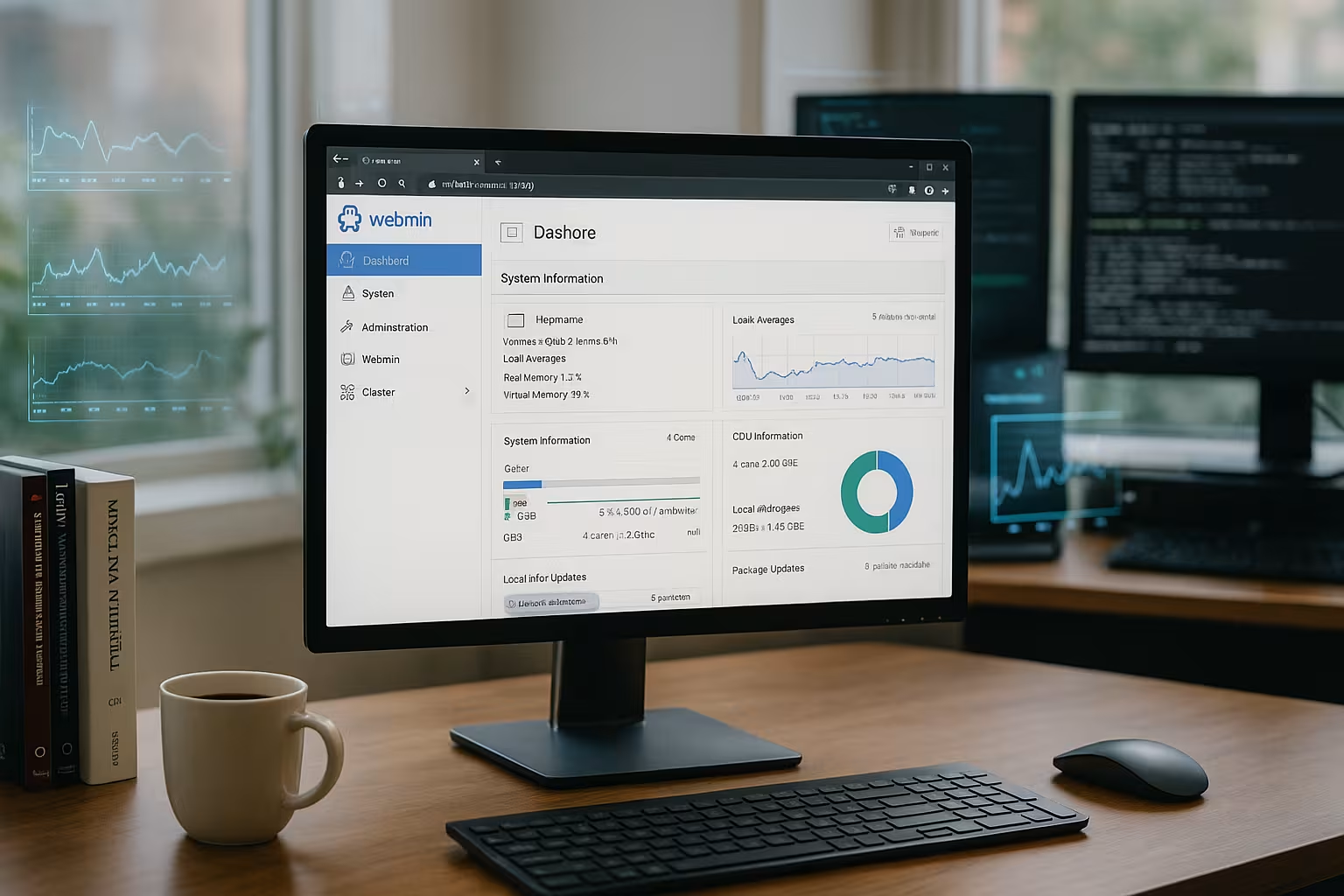
I form team structures with User roles and strictly separate tasks: Operations gets access to services and the network, while Development only gets access to logs, vHosts, and databases. I hide critical functions using module rights. For sensitive environments, I use two-factor authentication (TOTP) and limit the session duration. If available, I integrate authentication via PAM and map rights to existing sudo-Rules, so that changes remain traceable and least privilege is maintained. I encapsulate external access with a bastion host or VPN so that Webmin itself is not directly exposed to the internet.
Monitoring and notifications
I set up checks for services, ports, processes, and resources in the system status module and have emails sent to me when thresholds are exceeded. For busy times, I define narrow thresholds and link the checks to log filters so that I can quickly identify errors. This allows me to find out early on about memory bottlenecks, full partitions, or a hanging mail queue. I keep alerts short and prioritized to Alarm fatigue and document which checks are considered blockers for deployments.
Practice: Typical everyday administrative tasks
I start my day with a look at Services, resources, and logs in the dashboard. Then I check for updates for system packages and install security fixes promptly. If necessary, I create new users, set password policies, and lock old accounts. For web projects, I change vHosts, certificates, and redirects directly in the module without risking syntax errors. Finally, I back up configurations, export backups, and document Changes in tickets.
Remote and multi-server management
I control several machines from a Webmin interface, which significantly reduces administration time. For remote access, I use a secure Transportation and restrict IP ranges. In mixed environments, I separate sensitive services onto their own instances, but retain a central view of connected hosts. When comparing tools, I consider alternatives depending on the purpose and make decisions on a team-by-team and project-by-project basis. The Comparison with ISPConfig, which I use to weigh up different projects.

Certificates and Let's Encrypt workflows
I manage certificates centrally: For Webmin itself, I activate a valid certificate and renew it automatically. For Apache or other services, I use Let's Encrypt integrations and prefer HTTP-01 challenges with cleanly set vHosts. I plan renewals early and monitor runtimes so that certificates do not expire. Where DNS-based validation is required (wildcards), I have separate processes in place and document which zones are affected. After changes, I test ciphers and protocols and set strict HSTS, if the environment allows it.
Backups, versioning, and rollbacks
I don't just back up system packages, but specifically the configuration files of the modules. Before making major changes, I export the current statuses and compare diff views to see exactly what is changing. For recurring tasks, I set up backup jobs I bundle the configurations and synchronize them to external storage. If something goes wrong, I restore the last status or revert individual sections. In addition, I back up databases with consistent dumps and attach them to the same retention rules as my system backups.
Automation and cluster workflows
I automate routine tasks with scheduled jobs and distribute changes to multiple hosts using cluster functions. For example, I set up users, cron jobs, or package installations on all relevant machines in a single run. Roles remain consistent: web servers only receive web modules, database hosts only receive DB tools. I define templates for quickly recurring tasks—such as for new vHosts with fixed paths, log rotation, and SSL parameters—and avoid typos and drift between environments.
Web servers, databases, email: service management
I configure Apache with vHosts, HTTP/2, and SSL, set secure ciphers, and activate HSTS. In MySQL or PostgreSQL, I manage users, rights, and backups, check indexes, and plan maintenance windows. For Postfix, I define relaying, TLS, aliases, and sender rules, and keep an eye on queues. I read logs selectively with filters to quickly narrow down error patterns. This is how I maintain services. Reliable Keep things running and minimize downtime.
Troubleshooting and validation
Before restarting a service, I always check the Configuration with integrated tests, such as syntax checking in web server modules. When error messages appear, I first look in the relevant log files and use live views with filters. I make temporary changes deliberately and document them immediately so that hotfixes do not become permanent solutions. I keep an eye on lock files, avoid parallel editing outside the interface, and plan maintenance windows with clear rollback steps.
Network and firewall administration
I adjust IP interfaces, gateways, and DNS entries in the network module and check routes immediately. For new services, I create firewall rules, test statuses, and document ports neatly. I secure SSH with key login, port adjustment, Fail2ban, and restrictive Rights. I implement changes according to plan and have a rollback ready in case something doesn't work. For audits, I export rule sets and show the History of the adjustments.

Hardening: Process, protective layers, and policies
Where possible, I only connect Webmin to internal interfaces or a reverse proxy, and set strict host filter and activate 2FA. I limit failed attempts with rate limiting and temporarily block IPs if there are signs of brute force attacks. I separate rights: Not every Webmin user is root – risky modules are hidden behind roles. Under SELinux or AppArmor, I pay attention to correct contexts and adjust policies when modules describe new paths. After major updates, I verify that log rotation, certificates, and cron jobs continue to run.
Working without full access
I also run Webmin in teams without general root access: individual modules work via sudo with granular rights settings. This allows you to delegate log views, vHosts, or user administration without granting access to the entire system. For audits, I provide read-only roles that allow viewing but not changes.
Staging, testing, and migration
I mirror productive configurations to a staging instance and test changes there. Before a Migration I export module settings, back up relevant directories, and ensure that paths and versions are compatible. After the migration, I compare configuration diffs, check services via health checks, and document any deviations. This allows changes to be made with minimal risk and a transparent process.
Compatibility, performance, and system requirements
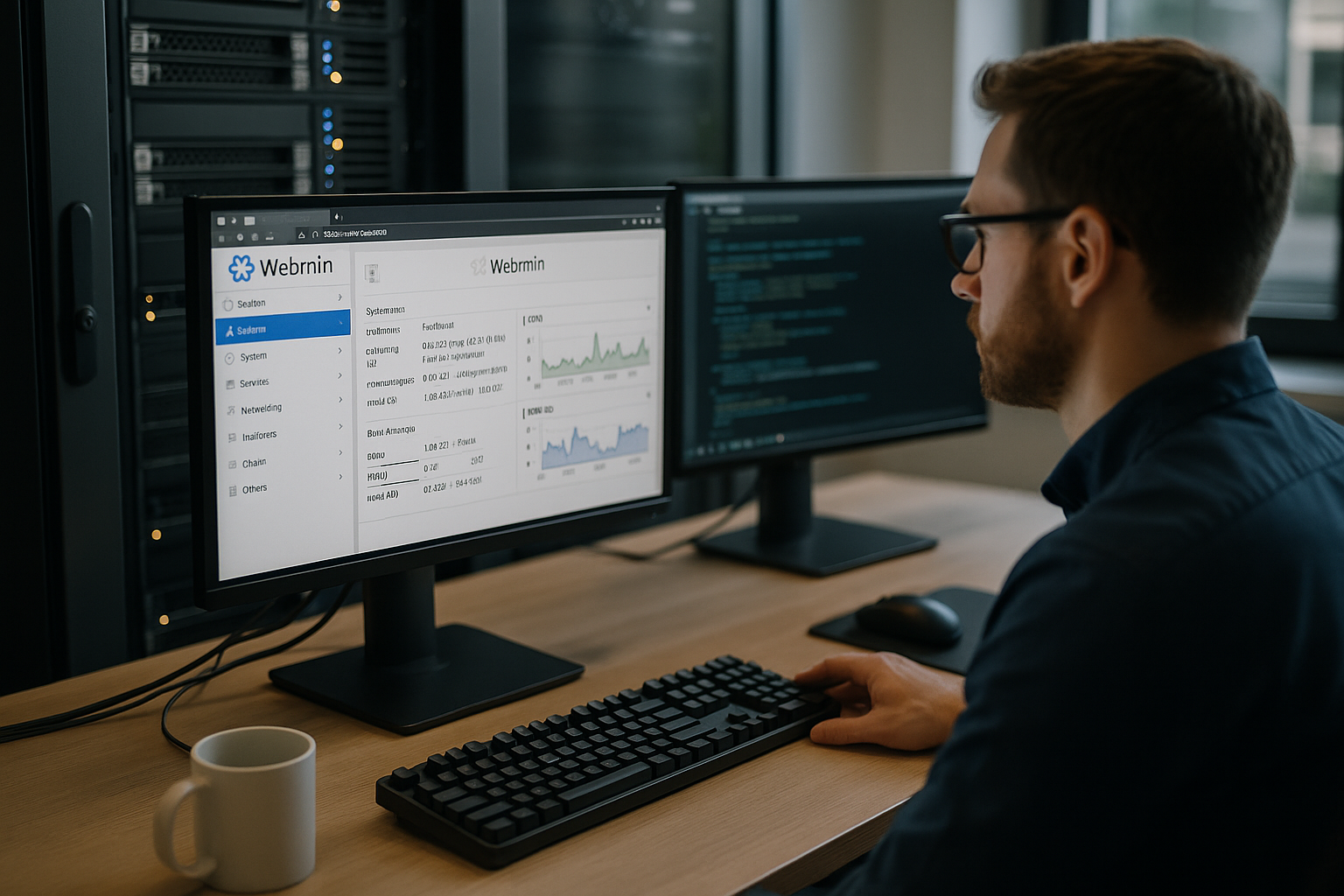
I use Webmin on distributions such as Debian, Ubuntu, or CentOS and use the same ones. Workflows in heterogeneous setups. The interface responds quickly because it works directly with existing files and avoids unnecessary intermediate layers. Even older systems benefit, as long as TLS and current browsers are available. For large environments, I plan clear roles and distribute load through instance separation. If you are considering alternatives, you can familiarize yourself with 1Panel vs OpenPanel get an impression of different admin interfaces.
Updates, maintenance, and lifecycle
I keep Webmin and the modules up to date and test updates in staging first. After an upgrade, I check key points: SSL functions, user rights, log rotation, backup jobs, and service start. I plan maintenance windows with clear Rollbackoption and document breaking changes. I only implement visual adjustments such as theme updates if they do not change any operating paths, so that the team can continue to click safely.
Performance tuning in the user interface
I deactivate unnecessary modules, reduce dashboard widgets, and disable automatic live updates when they are not needed. I read large log files selectively using filters and avoid unnecessarily broad searches. For heavily loaded machines, I separate Webmin onto its own admin instance or limit simultaneous sessions. This keeps the interface fast and does not interfere with productive services.
Alternatives and combination strategies
I combine Webmin with tools that focus on specific tasks without complicating my setup. For hosting-related workloads, I occasionally use a special panel, while Webmin handles the system basis controls. For more detailed site administration, I look at Virtualmin for professionals when projects bundle many virtual hosts. I make decisions based on team skills, security requirements, and maintenance effort. This keeps my toolbox lean and allows me to maintain the Overhead small.
Summary: My practical rules for Webmin
I rely on clear roles, secure connections, and consistent backups so that changes can be reversed at any time. I activate modules selectively and check for updates after Function services. For remote access, I integrate VPN, host filters, and rate limits, and document workflows in a traceable manner. For my daily work, I prioritize dashboards, logs, package maintenance, and service status in order to identify risks early on. This allows me to leverage the strengths of Webmin for fast, secure, and predictable server administration in the browser.