Skip to content
AVIF vs. WebP determines how quickly your pages load and how clean photos and graphics appear. I'll show you where AVIF has the edge thanks to compression, where WebP scores with fast decoding, and how you can combine the two wisely.
Key points
Who Delivering images smartly saves time, traffic, and CPU cycles. I'll briefly summarize the most important differences before going into detail. You'll get clear recommendations on how to use AVIF and WebP together in your everyday hosting. This will help you achieve fast loading times without any loss of quality. Goal Remains: fast, compatible, low maintenance.
- Compression: AVIF usually achieves files that are 20–50% smaller than WebP while maintaining the same quality.
- SpeedWebP decodes faster in the browser and reduces the load on the user's CPU.
- QualityAVIF excels at photos, gradients, and fine details; WebP is well suited for transparency graphics.
- SupportWebP runs reliably in almost all modern browsers; AVIF is catching up fast.
- PracticeHybrid setup with
: AVIF first, WebP as a fallback.
Lists only help you get started; practice is determined by motives, target devices, and metrics. I'll show you specific setups so you can achieve reliable results without experimenting.
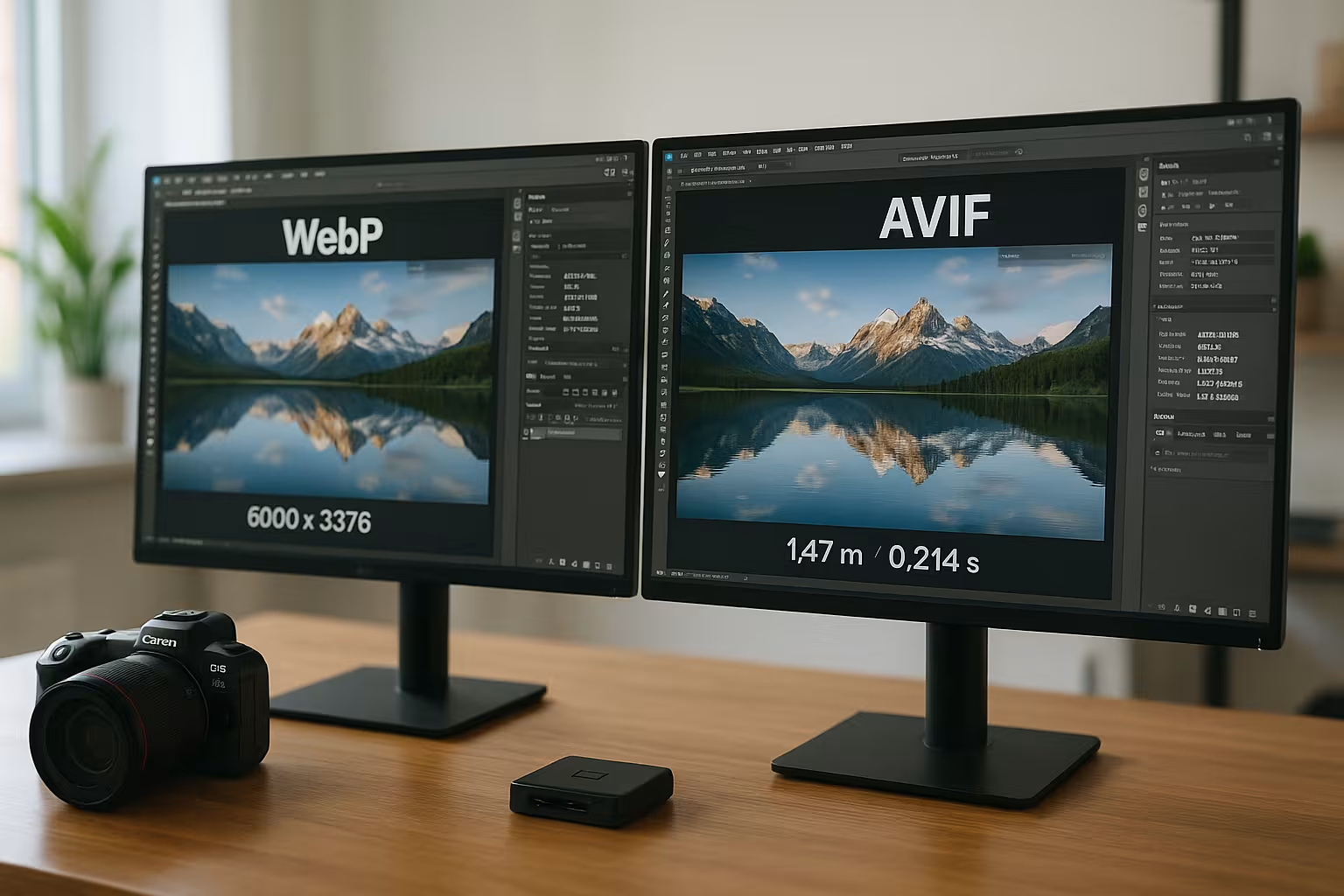
WebP and AVIF in brief
WebP is based on the VP8 codec and has become widely established in browsers, CMS, and tools. AVIF is based on AV1 and uses advanced techniques that eliminate redundancies in the image more precisely. This significantly reduces the file size while maintaining the same visual impression, which has a direct effect on loading times. WebP feels very nimble in everyday use because decoding requires less CPU power. For projects with mixed motifs, I therefore use a combination that combines both strengths and minimizes risks.
Compression and file size in hosting applications
AVIF saves an average of around 50% compared to JPEG, while WebP delivers a reduction of around 30%. In a direct comparison, AVIF files are usually 20–50% smaller than WebP, with no visible loss of quality for typical images. This reduces LCP-relevant bytes and relieves the burden on mobile users with limited bandwidth. For portfolios and shops with lots of photos, this advantage scales massively across entire category pages. For a deeper start, I like to compare baselines with the WebP vs JPEG comparison and then place AVIF on top.
Load time, decoding, and CPU
WebP Renders noticeably faster in many scenarios because decoders are more mature and lighter. AVIF requires more computing time, but often compensates for this with a smaller payload. On faster devices, the difference is hardly noticeable, while very old smartphones still take a little longer to process AVIF images. For critical above-the-fold motifs with limited time reserves, I therefore like to use WebP fallbacks. As soon as the motif is large or rich in detail, AVIF wins out due to less transfer and ultimately ensures faster start rendering.
Image quality by subject type
Photos With fine textures, shadows, and soft gradients, AVIF often looks smoother and has fewer artifacts. WebP keeps up well, but tends to show banding or edge flickering at low bitrates. For logos, icons, and UI elements, WebP is impressive thanks to its clean transparency and very small file sizes. I like to replace animations with WebP instead of GIF, as this significantly reduces the amount of data and CPU load. AVIF shows its strengths in high-dynamic-range or 10-bit scenes and preserves tonal values better.
Compatibility and fallback strategies
WebP is supported by virtually all modern browsers, including Safari version 14 and above. AVIF is now available in Chrome, Firefox, Edge, and newer versions of Safari, but older devices remain an uncertainty factor. That's why I prioritize AVIF, submit WebP as a fallback option, and choose JPEG as a last resort if necessary. This way, the client automatically displays the best format without users having to intervene. This tiered approach keeps delivery reliable and significantly reduces support cases.
Practical setup with the picture element
Picture allows me to specify multiple sources and leave the decision to the browser. I put AVIF first, set WebP as the second source, and put a default format as a fallback in the img tag. With loading=“lazy,“ I save computer time for images further down without risking layout jumps. I also define widths via srcset and sizes so that devices only load suitable variants. This allows me to control transfer and rendering directly in the HTML and keep maintenance manageable.
Pipelines, CMS, and CDN
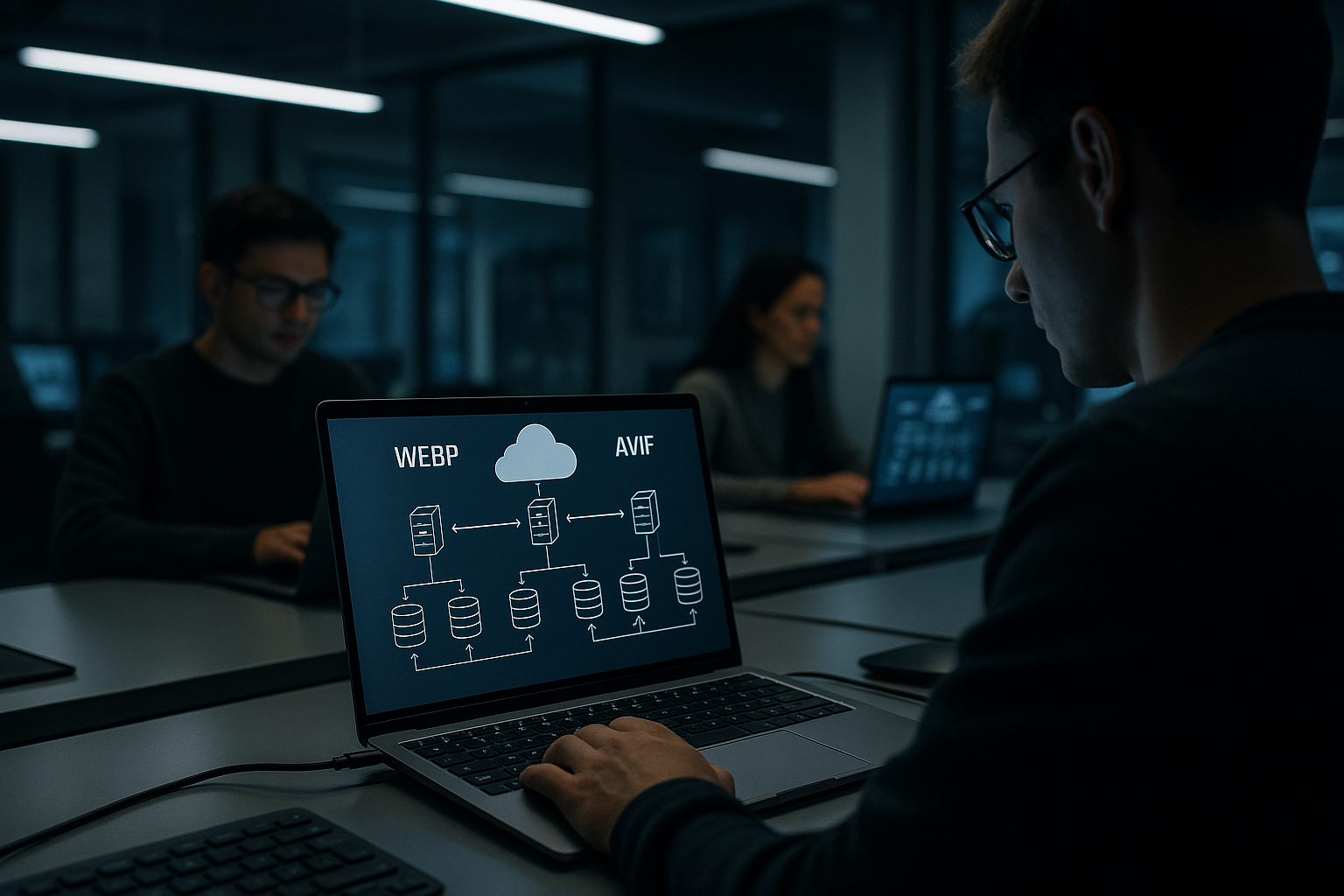
Automation takes work off my hands: A build pipeline generates variants for AVIF, WebP, and JPEG from a master image. In CMS workflows, one upload is enough; the rest is done via plugins or worker jobs. A CDN speeds up delivery and can generate or cache variants on the fly. For WordPress, I like to use an integration with Transformations Edge, such as a Image CDN with Bunny.net. This means that users always end up close to the edge PoP and receive the optimal image version.
Encoding settings: Targeted control of quality
quality parameters have very different effects depending on the motif. Instead of setting fixed values globally, I work with guidelines for each motif type and test them randomly.
- AVIF (libaom/SVT-AV1)For photos, I start with 10-bit, 4:2:0 chroma, and moderate speed. Target range for cq level/Quality: 24–34. Lower = better, but slower. For UI graphics, 4:4:4 helps to keep color edges clean, possibly slightly higher quality (20–28).
- WebP (lossy)A stable starting point is q=70–82 with -m 6 (intensive search) and -af (automatic filters). For delicate gradients, q=85; for thumbnails, q=60–70 if contours are not important.
- WebP (lossless / near-lossless): For icons/logos, please provide near-lossless Often 20–40% fewer bytes than PNG with the same appearance. Start with 60–80 and check the edges.
Example CLI For reproducible builds:
# AVIF: 10-bit, good balance between quality and speed avifenc --min 0 --max 63 --cq-level 28 --speed 4 --depth 10 --chroma 420 input.jpg -o output.avif

# WebP: Photos (lossy) cwebp -q 78 -m 6 -af -sharp_yuv input.jpg -o output.webp # WebP: UI/Logos (near-lossless) cwebp -near_lossless 70 -z 6 input.png -o output.webp
TipsFilm grain-heavy motifs can appear more authentic with AVIF's grain option instead of „smoothing out“ the codec. For textures (skin, fabrics, foliage), it is better to go 1–2 quality levels higher and slightly reduce the resolution—targeted scaling usually wins out visually.
Dimensioning responsive images correctly
Resolution is the biggest lever. I set upper limits per template (hero, content, thumbnail) and serve device categories via srcset and sizes. This means that small devices never load 2K assets.
<picture>
  <source type="image/avif"
          srcset="hero-800.avif 800w, hero-1200.avif 1200w, hero-1600.avif 1600w"
          sizes="(max-width: 900px) 92vw, 1200px">
  <source type="image/webp"
          srcset="hero-800.webp 800w, hero-1200.webp 1200w, hero-1600.webp 1600w"
          sizes="(max-width: 900px) 92vw, 1200px">
  <img src="hero-1200.jpg" width="1200" height="800" alt="hero motif"
       loading="lazy" decoding="async">
</picture>
- width grading1.0x/1.5x/2.0x instead of 10 levels is often sufficient; too many variants increase build and cache pressure.
- Fix dimensions: width/height or CSS aspect-ratio avoids CLS. This also applies to placeholders/blurry placeholders.
- Downscaling: Shrink moderately before compression (e.g., do not exceed 1.5–2.0x the target width). A decoder must always buffer the full number of pixels.
Prioritization, lazy loading, and preloading
above the fold Images must not slow down the rest of the page. I use priority hints, only apply lazy loading from the second fold onwards, and use critical preloads sparingly.
- fetchpriorityGet hero images fetchpriority="high"; everything else remains „auto“ or „low.“.
- lazy loading: loading="lazy" For content images deep within the document. For galleries, IntersectionObserver can trigger clean preloading just before the viewport.
- PreloadOnly for 1–2 central above-the-fold motifs, otherwise you will dilute the priority queue. Preloads must be used with the actual src/type match.
Color management, HDR, and metadata
color fidelity is a quality feature. AVIF supports high bit depths and modern transfer functions; WebP usually operates with 8-bit sRGB in practice.
- bit depth10-bit AVIF significantly reduces banding in color gradients. For classic web photos, 8-bit is often sufficient, but for gradients, 10-bit is worthwhile.
- color spaces: Embed sRGB for consistent display. Large gamut spaces (Display P3) are possible, but only offer advantages on suitable displays.
- HDRAVIF handles PQ/HLG and high-contrast scenes better. Check rendering paths in target browsers; do not mix HDR uncontrollably in SDR pages.
- MetadataCheck orientation/EXIF after export. Not all pipelines retain GPS/EXIF; this is often intentional for data protection reasons.
Transparency, icons, and UI graphics
Transparency is tricky when alpha edges become semi-transparent. I therefore test UI graphics against different backgrounds (light/dark/high contrast).
- WebP Scores with reliable alpha support and small files in near-lossless quality. Often the first choice for sharp logos.
- AVIF Transparency is possible, but toolchains behave more inconsistently. For CI-critical logos, I remain conservative with WebP/PNG.
- SVG remains the best option for true vectors (logos, icons, simple illustrations). Raster formats are only the second choice here.
- sprites are rarely necessary. HTTP/2/3 and caching usually make them superfluous—it's better to have individual, well-named assets with a long cache.
Server configuration, caching, and security
Header decide on cache hits, CPU load, and clean type recognition. I set correct MIME types, long cache times, and dedicated file names.
- Content type: image/avif, image/webp, image/jpeg correctly. Avoid generic application/octet-stream.
- Caching: Cache-Control: public, max-age=31536000, immutable for versioned file names (hash in the name). This keeps the browser brutally efficient.
- Vary: When negotiating on the server side via Accept headers, Vary: Accept Obligation. Do you use pictureMarkup, this is usually not necessary.
- nosniff: X-Content-Type-Options: nosniff Prevents misinterpretations. Assists with security scans and consistent behavior.
- ETag/Last-Modified: For large quantities of images, it is preferable to use strong ETag over content hash; this saves bandwidth during revalidations.
CDN strategyCache variants per width/format as separate URLs. On-the-fly transcoding can be expensive; it is better to build ahead or cache aggressively.
Special cases and migration paths
Thumbnails/GalleriesI prioritize many small WebP assets for snappiness in grids and use AVIF in the detail view. This feels faster on older devices and still saves bytes when zooming.
Product images with zoomDefine maximum dimensions (e.g., 2000–2600 px). Anything beyond that will only increase the decoding load. For zoom viewers: Progressive LOD approach (load small, reload large level upon interaction).
Social Previews/OGProvide secure formats (JPEG/PNG) for Open Graph/Share images, because crawlers/web views sometimes ignore AVIF/WebP. This is separate from your on-site delivery.
E-mailNewsletter clients rarely support AVIF. Plan conservatively with JPEG/PNG and rely on next-gen formats for the web.
AnimationWebP animations run widely and replace GIFs with high performance. AVIF animations are efficient, but support is inconsistent—use them selectively.
Legal and LicensesBoth formats are royalty-free. Reassuring for enterprise setups—no patent risk as with some audio/video codecs.
Troubleshooting and quality assurance
Artifacts often arise when quality targets are too high or scaling is incorrect. I check in 100% and 200% Zoom and look at edges, skin, and sky.
- banding: Do gradients show steps? Encode AVIF with 10-bit or slightly higher quality. Optional dithering in the master image.
- halosOver-sharpened master images collide with lossy compression. Reduce sharpening, then re-encode.
- Moire/edge flickerFor fine patterns, test higher quality or slightly different scaling (e.g., 98% instead of 100%).
- alpha fringeCheck against light/dark backgrounds; if necessary, switch to lossless/near-lossless.
Automated checks Help in the pipeline: SSIM/MS-SSIM or VMAF as target metrics with tolerances so that not every image has to be assessed manually. In addition, I do a manual review of 10–20 representative motifs before the rollout.
Test and monitor key figures
Metrics LCP, INP, and TTFB show whether your image strategy is working. I first check motifs in the lab (Lighthouse), then in the field (RUM) to include real devices and networks. For homepages and category templates, it's worth doing an A/B comparison between AVIF-first and WebP-first. I also monitor cumulative layout shift, because incorrect dimensions can otherwise ruin the user experience. This guide provides a practical introduction: Optimize images for the web.
Cost and climate effects
Traffic costs money and energy, so every megabyte saved directly contributes to your budget and CO₂ account. When AVIF reduces the bytes of an image series by a third to a half, CDN and origin costs shrink noticeably. At the same time, shorter loading times reduce bounce rates and increase conversions, which boosts ROI. On the server side, the CPU load for AVIF generation remains one-time, while WebP fallbacks cover a wide range. This interaction provides a good balance between cost, speed, and environmental impact.

Comparison table: Features and support
Overview helps with decisions, especially when teams have different goals. The table summarizes the practical differences and is aimed at image-heavy sites, shops, and magazines. I weigh size, speed, quality, and range so you don't have to guess. Values are practical and based on common setups. In special cases, always check your own samples before establishing global rules.
| Feature | AVIF | WebP |
|---|---|---|
| File size vs. JPEG | approx. 50% smaller | approx. 30% smaller |
| File size vs. WebP | 20–50% smaller with the same quality | - |
| Decoding speed | slower, often compensated for by smaller files | faster, CPU-saving |
| photo quality | Very good, strong transitions/details | Good, but more artifacts at low bitrates |
| Transparency | Available, depending on the toolchain | Excellent for UI/logos |
| Animation | possible, support inconsistent | established, GIF replacement |
| Browser support | Wide range, some older devices without support | very wide, including Safari from 14 |
| Recommended use | Photos, large motifs, quality | UI graphics, fallback, animation |
Decision matrix according to project objective
target image determines the choice: If the primary concern is minimal bytes for photo galleries, AVIF wins. If First Paint is a top priority on older devices, WebP pays off in prominent places. For shops with many product views, I use AVIF for the detailed view and WebP for gallery thumbnails. Magazines benefit from AVIF for hero photos and story images, while WebP is sufficient for UI elements and decorative graphics. This segmentation keeps maintenance costs low and ensures reliable scores.
Brief summary for practical application
ResultI use AVIF where photos dominate and bytes count in mass operations, and leave WebP as a compatible, fast fallback. This hybrid approach combines the smaller payload of AVIF with the broad support of WebP. For hosting setups, both next-gen formats deliver measurable advantages over JPEG and PNG. With clean