Skip to content
The Web Firewall Plesk protects websites specifically against cyberattacks such as SQL injection and cross-site scripting (XSS). In just a few steps, you can set up an effective security barrier in Plesk that detects and fends off both automated threats and manual attacks.
Key points
- SQL injectionPrevents database manipulation through malicious queries.
- XSS defenseBlocks the injection of JavaScript into forms and URLs.
- ModSecurityCore component of the Plesk WAF for attack detection and defense.
- Firewall rules: Customizable to allow only necessary connections.
- Security updatesRegular patch installation protects against known vulnerabilities.

Login and first access to the firewall configuration
I log in to the Plesk panel, open the "Tools & Settings" section via the sidebar and find the "Firewall" item there. If the firewall is still deactivated, I activate it directly using the slider. From this moment on, Plesk blocks every incoming connection that is not explicitly permitted. This immediately reduces the risk of unwanted access. For standardized hosting scenarios, it is advisable to first check the predefined firewall rules carefully.
Plesk comes with sensible default settings for web servers, email, FTP and SSH. Nevertheless, I adjust the rules manually so that only ports that are really needed remain open - such as 443 for HTTPS or 22 for SSH. It is worth thinking carefully about which services actually need to be publicly accessible. Superfluous services are potential gateways for attackers, which is why I strictly adhere to the principle of minimization.
Own rules: Fine-tuning security
Do I want Specific connections I can create my own firewall rules. I click on "Add rule", enter a meaningful name such as "Admin SSH internal only", specify the protocol (e.g. TCP), the port (e.g. 22 for SSH) and the permitted source address. This ensures that access is only permitted via specified IPs.
I repeat this process for other sensitive services, such as remote database access or special API endpoints. Such additional rules massively reduce the potential attack surface. If I operate many VMs or want to secure several subdomains, segmented rules per website make sense. The firewall allows me to assign specific rules to individual customers or projects so that I have a clear logical separation between different hosting environments.
Especially in a complex structure with several services, it is helpful to keep the firewall rules organized. I give them meaningful names and number them if necessary to maintain an overview. Good documentation of all rules is essential, as this is the only way I can quickly check why a service is blocked or allowed in case of doubt. I also log every rule change: in the event of problems, I can easily find out whether a new or changed rule is the cause.

Advanced firewall management: proactive monitoring and filtering
Another way to increase security is to proactively monitor traffic. I do this by checking the server logs at regular intervals. Alerts that indicate port scans or suspicious requests, for example, show which attack patterns are currently occurring repeatedly. Bots can often try to access a certain port or URL hundreds of times within a few seconds. The Plesk firewall in conjunction with ModSecurity helps me to automatically detect and fend off such attacks.
By not only configuring the firewall statically, but also actively monitoring it, I can recognize trends or new attack techniques at an early stage. For example, it can be useful to permanently block recurring IP blocks that only send malicious traffic. To do this, I create a list of suspicious IPs or IP ranges to save myself work, because an attack that has been successfully blocked once is often attempted again from the same IP range.
Sometimes it is also advisable to use a rate limit functionality. Although Plesk does not have an integrated solution for request rate limits, in combination with other tools or special ModSecurity rules, I can prevent certain IP addresses from sending too many requests within a short period of time. Such measures are an effective addition to the classic firewall rules and help to minimize Distributed Denial of Service (DDoS) approaches.
Configure ModSecurity: Set up the web application firewall correctly
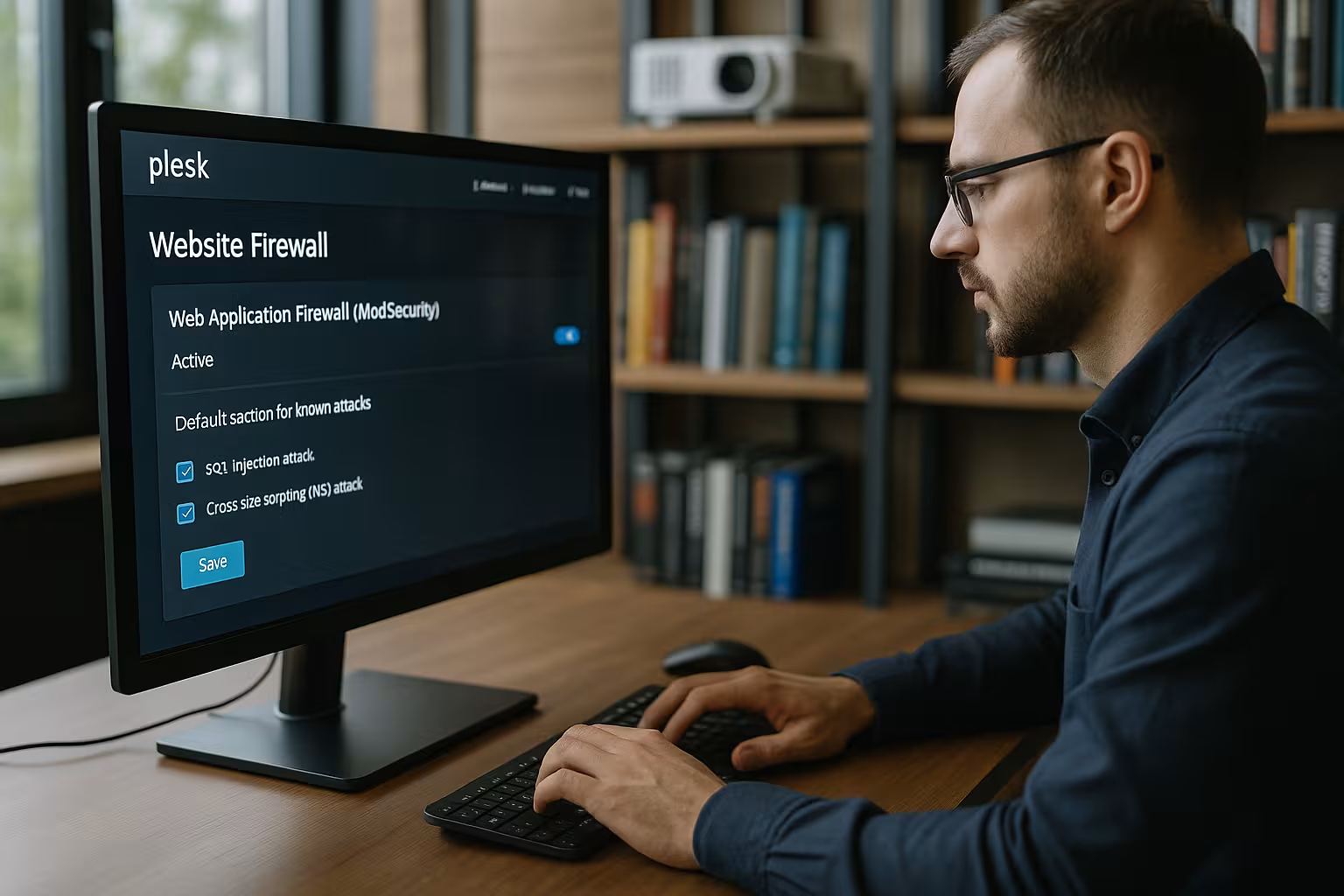
I open the menu item "Web Application Firewall (ModSecurity)" in Plesk. Here I first select the rule set - OWASP Core Rule Set is free and reliably covers common threats. In "dedicated mode", I can customize which rules are active. I pay particular attention to the rules against SQL injection and cross-site scripting.
I set the mode to Forcing (enforcing) so that it is not only logged, but actively blocked. The ModSecurity WAF reacts immediately to typical attack patterns such as manipulated requests, unusual parameter lengths or suspicious special characters. Further information on the optimal Plesk configuration can be found in this Firewall guide for Plesk.
If you want an even more individual configuration, you can also start with a so-called "simulation mode" (detection only) and first observe which requests are recognized as suspicious by the rules. After a certain test phase, I then set the system to strict "enforcement mode". This reduces misconfigurations and the functionality of your own web application always remains in view. Because sometimes it can happen that legitimate applications or plugins use patterns that resemble a WAF rule, which leads to false alarms. With the intermediate step in simulation mode, I can detect such cases in good time.
Detecting and preventing SQL injection
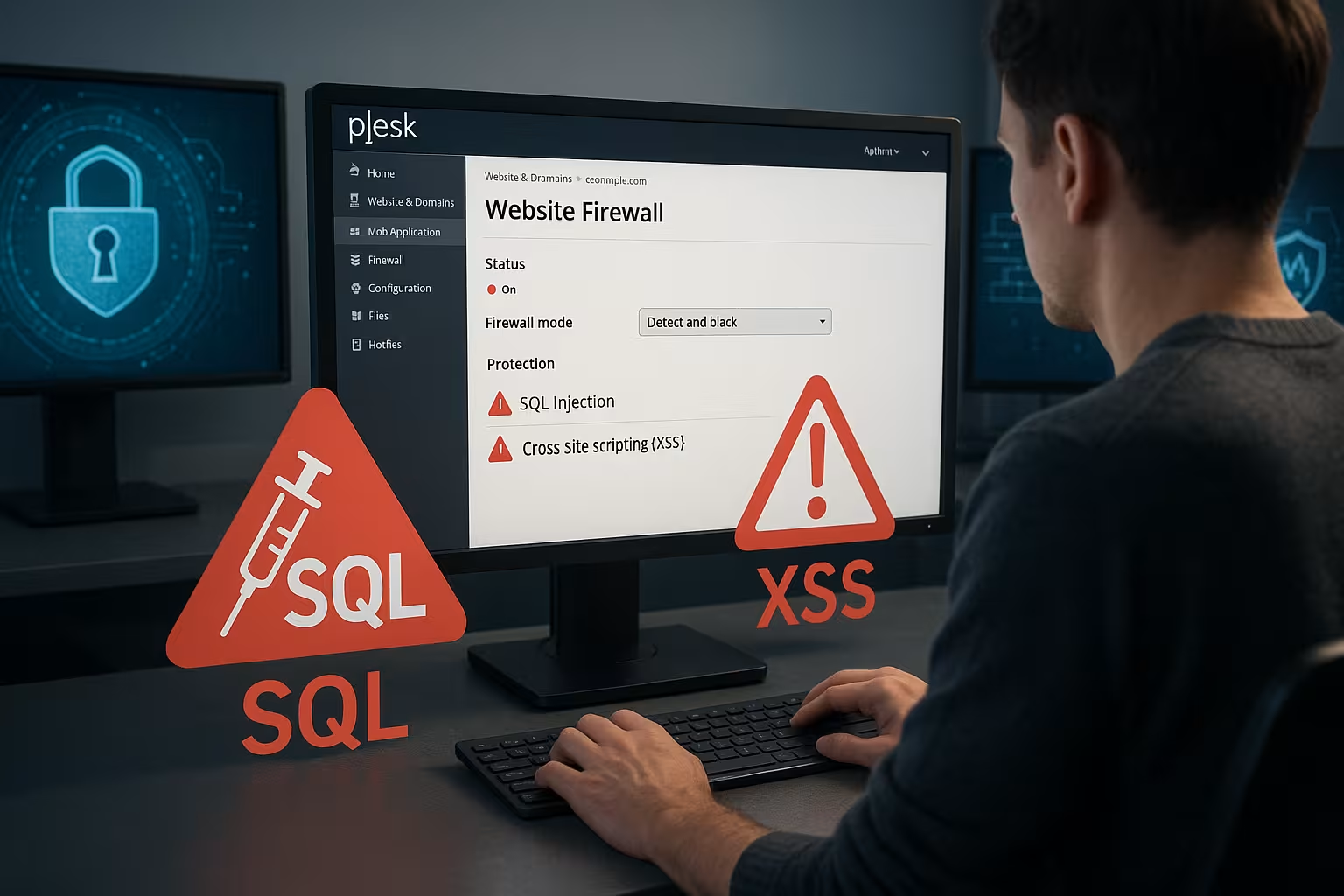
SQL injection is one of the most dangerous security vulnerabilities in modern web applications. Attackers try to gain direct access to database content using prepared form fields or URL parameters. The web firewall recognizes typical commands such as "SELECT * FROM" or "UNION ALL" and blocks the request at application level.
Plesk provides independent protection here thanks to the activated WAF in combination with regularly integrated updates. I regularly check whether all ModSecurity rules are activated and up to date. Rules that check database interactions with POST/GET parameters are particularly important. Enforceable policies such as SQL query whitelisting further reduce the risk.
A good overview of how Plesk security vulnerabilities are closed can be found in the article Plesk security gaps closed. I have learned that even the most secure firewall is only effective if the web applications themselves are reliably programmed. Backdoors or insecure plugins can be made more difficult, but cannot be fully compensated for if there are serious vulnerabilities in the code.
Effective defense against XSS attacks
XSS (cross-site scripting) not only damages the website, but also exposes users directly. Forms, comment fields or profile input masks are particularly frequently affected. The Plesk Firewall recognizes dangerous character combinations such as "" or event-driven GET calls thanks to ModSecurity. I also add my own rules if certain input fields are particularly sensitive.
I make sure that server-side validations take effect in all inputs - client-side measures are not sufficient. The WAF can be modified so that parameter values or unexpected methods are explicitly prohibited. Regular external security scans help to reveal previously undetected vulnerabilities.
Especially with extensive web applications, such as those with community functions, XSS can easily be introduced via comment functions. This is why I use a combination of server-side escaping, filtering of potentially dangerous characters and a restriction to permitted HTML tags (if required at all). One example is the restriction of user comments to plain text, so that no HTML or JavaScript is allowed. A WAF rule can also block such injections.

Additional layers of protection: URL hardening and secure passwords
To further increase protection, it is worth taking a look at additional hardening methods. URL hardening means, for example, that certain administration paths or login pages are only accessible via defined IP ranges. This makes it more difficult for attackers to launch brute force attacks or guess random logins. For example, I can move the administrator area of my web application to a separate subdomain and only release it for my own office IP.
Another critical point is passwords. Even the best firewall is of little use if trivial passwords are used on the login page. I therefore configure strict password strength requirements in Plesk and use two-factor authentication (2FA) where possible. This prevents automated attacks that regularly try millions of user password combinations. A solid password policy therefore complements the firewall rules and offers a further line of protection.
Security measures for long-term protection
I only open essential ports, document all firewall changes properly and use two-factor authentication to log in to the Plesk panel. I also save a Complete backupto get back online quickly in an emergency. Through constant log analysis, I recognize unusual access patterns - such as repeated requests to admin areas or suspicious IP addresses.
I have summarized the most important best practices in this table:
| Recommendation | Description |
|---|---|
| Port minimization | Leave only required ports open (e.g. 443, 22) |
| Two-factor login | Login protection with the Authenticator app |
| Updates & Patches | Regularly installed security updates |
| Monitoring | Monitor log files and traffic behavior |
| Backup strategy | Regular complete data backups |
Many of these points should be mandatory if a website is to run stably in the long term. Updates and patches in particular are often neglected, even though they can plug critical vulnerabilities in popular content management systems (CMS). A firewall can recognize attack patterns, but if an unpatched component allows a simple entry, the overall protection is at risk. I therefore recommend checking monthly or even more frequently whether there are important security updates for the operating system, Plesk itself or installed plugins.
Minimize errors and avoid failures
I check the effectiveness of every new rule before I apply it productively. A set of rules that is inadvertently too restrictive can otherwise lock me out. If this happens, I use the "panic mode" to block all external access - only physical access via KVM or VNC remains possible.
And if nothing works at all, I reset the firewall to "Default" via the Plesk backend - this allows me to rectify any serious incorrect settings. Hosting providers in particular often offer a web console for emergency connections - this also helps in critical moments.
To further reduce sources of error, it is advisable to use a test environment before finally applying a rule. There I can check whether my web application is working normally while the firewall is already blocking all potential attacks. After the successful test, I transfer the configuration to the live environment. In this way, I avoid downtime and annoyance with users or customers who react sensitively to any interruption.

Optimize Plesk firewall for single and multi-hosting
Whether one website or many - I adjust the firewall settings separately for each hosting structure. Strict rules are particularly important for shared hosting with multiple user accounts. I segment subsystems, set access to administration interfaces such as phpMyAdmin to specific IPs and effectively isolate domains from each other.
State-of-the-art protection mechanisms such as Cloudflare at DNS or CDN level offer additional protection. How Integrate Cloudflare with Plesk is shown in the linked article.
Especially in a multi-hosting environment, it can happen that a domain is vulnerable and puts a strain on the entire system due to regular attacks. In this case, it helps to introduce stricter security rules for the domain in question, activate additional WAF modules or set up your own IP blocking. As a result, the performance of other domains remains largely unaffected and I don't have to take costly countermeasures for all customers.
Long-term log analysis and incident response
Apart from acute protection in the event of attacks, complete documentation is playing an increasingly important role. I recommend not only looking through log files sporadically, but also using professional monitoring solutions or analysis tools. This gives me an overview of when and how often certain attacks were attempted and allows me to compile reliable statistics to help me make decisions.
In the event of an incident, such as when a domain has been compromised, I analyze the logs to reconstruct the attack vector as accurately as possible. This allows me to see which rule took effect or why it failed. Based on this information, I adapt the set of rules and thus minimize the risk of an identical attack being repeated. This is a continuous process: as the threat situation changes, I adjust the firewall and WAF settings on an ongoing basis.
A useful addition here is a central syslog server to which all relevant events are reported. If there are any conspicuous patterns, I automatically send warnings by e-mail or messenger system. This allows me to maintain an overview and react promptly without having to manually check the logs when problems occur.
Increased security for common points of attack
Certain services such as email (SMTP, IMAP), FTP or SSH are classic entry points for automated attacks. That's why I focus particularly on these ports and regulate as strictly as possible which IP ranges the requests may come from. For SSH, I have found it useful to change the default port 22 and set it to a different port. Although this alone does not increase the core security, many automatic attacks explicitly target port 22 and are therefore thwarted at an early stage.
If the server service, for example FTP, is no longer up to date because of the encryption requirements, I'd better use SFTP. Then I can close the old port completely. This keeps the points of attack to a minimum and reduces the risk of compromise. The Plesk firewall lets me easily recognize which port is active and which measures take effect as soon as a suspicious request arrives.
Secure setup with Plesk firewall and targeted configuration
With the web application firewall With Plesk and consistent rule maintenance, I can reliably protect my websites from attacks such as SQL injection or cross-site scripting. The combination of basic firewall protection, ModSecurity customization and the latest security updates makes Plesk a secure tool for everyday hosting.
For me, it is important to check the system regularly, add rules and document firewall entries. In this way, the protective effect is maintained in the long term - regardless of whether it is a small blog or a busy business platform. With a structured approach, sensible fine-tuning and forward-looking monitoring systems, I can increase security in the long term and avoid unpleasant incidents. Ultimately, a holistic approach is required that keeps an eye on both technology and organization - Plesk provides the right foundation for this.